


 United States of America
 MSFS Scenery
Disney World Airport (KDWS)
The Disney World airport/STOLport (also known as the Lake Buena Vista airport…
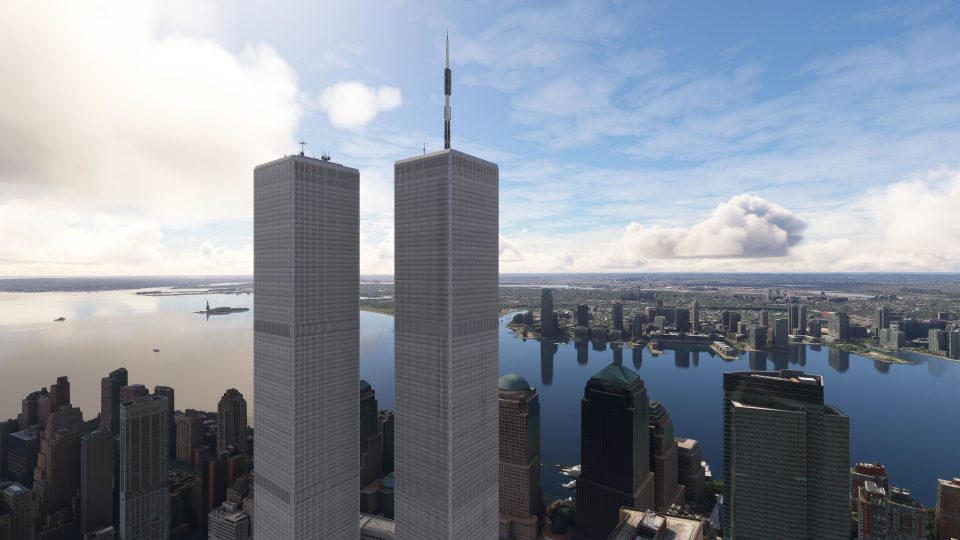
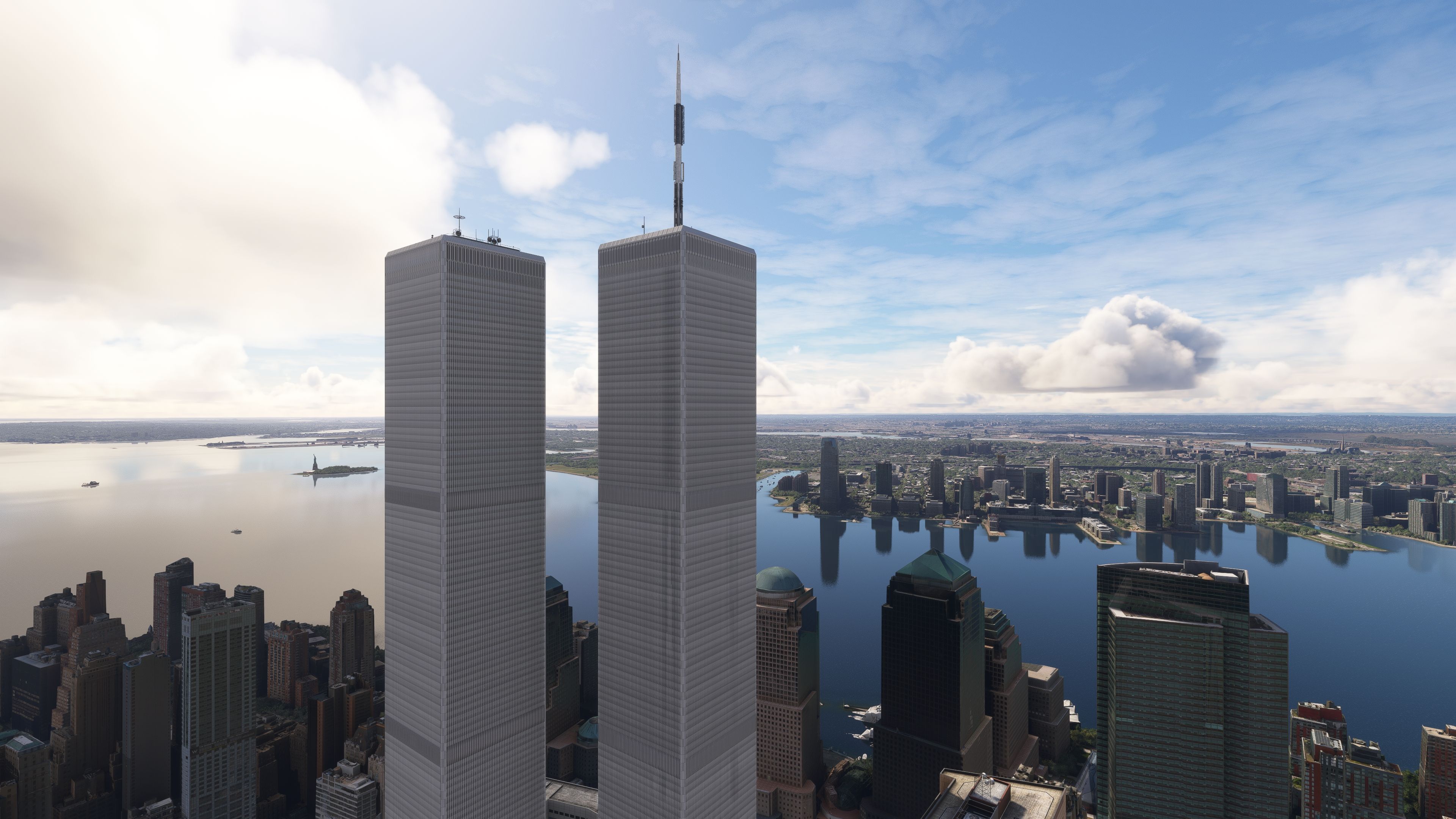
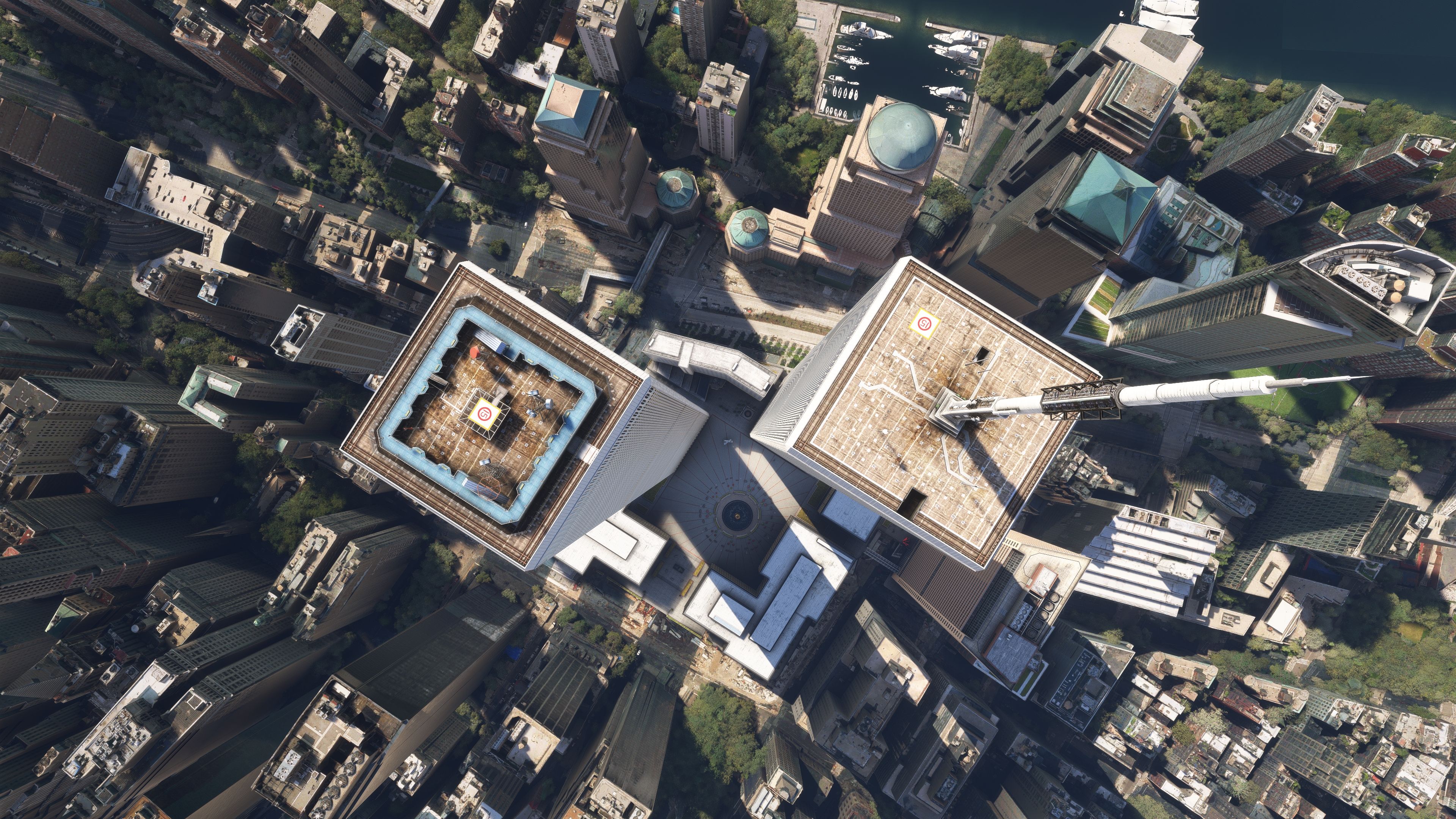
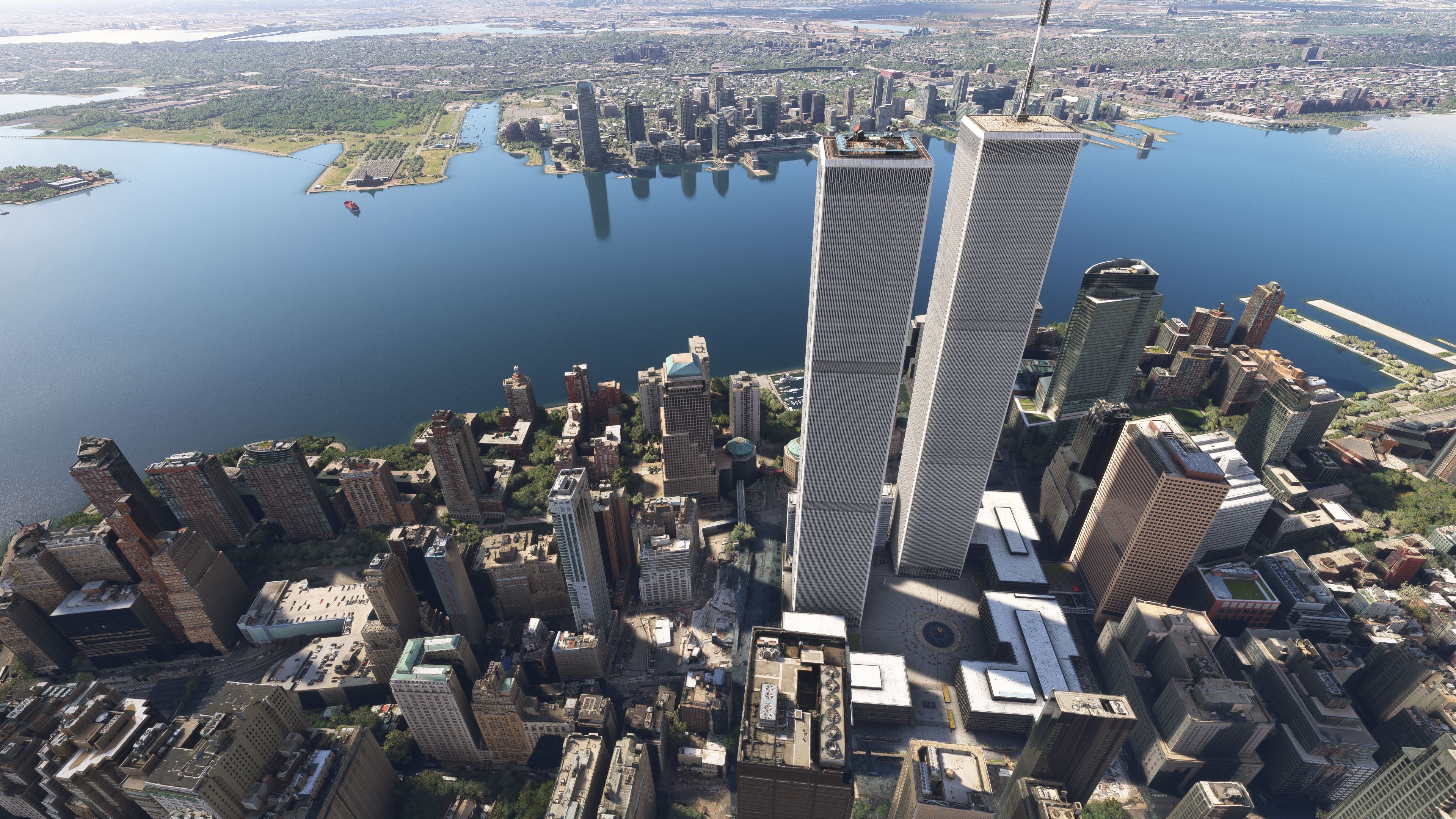
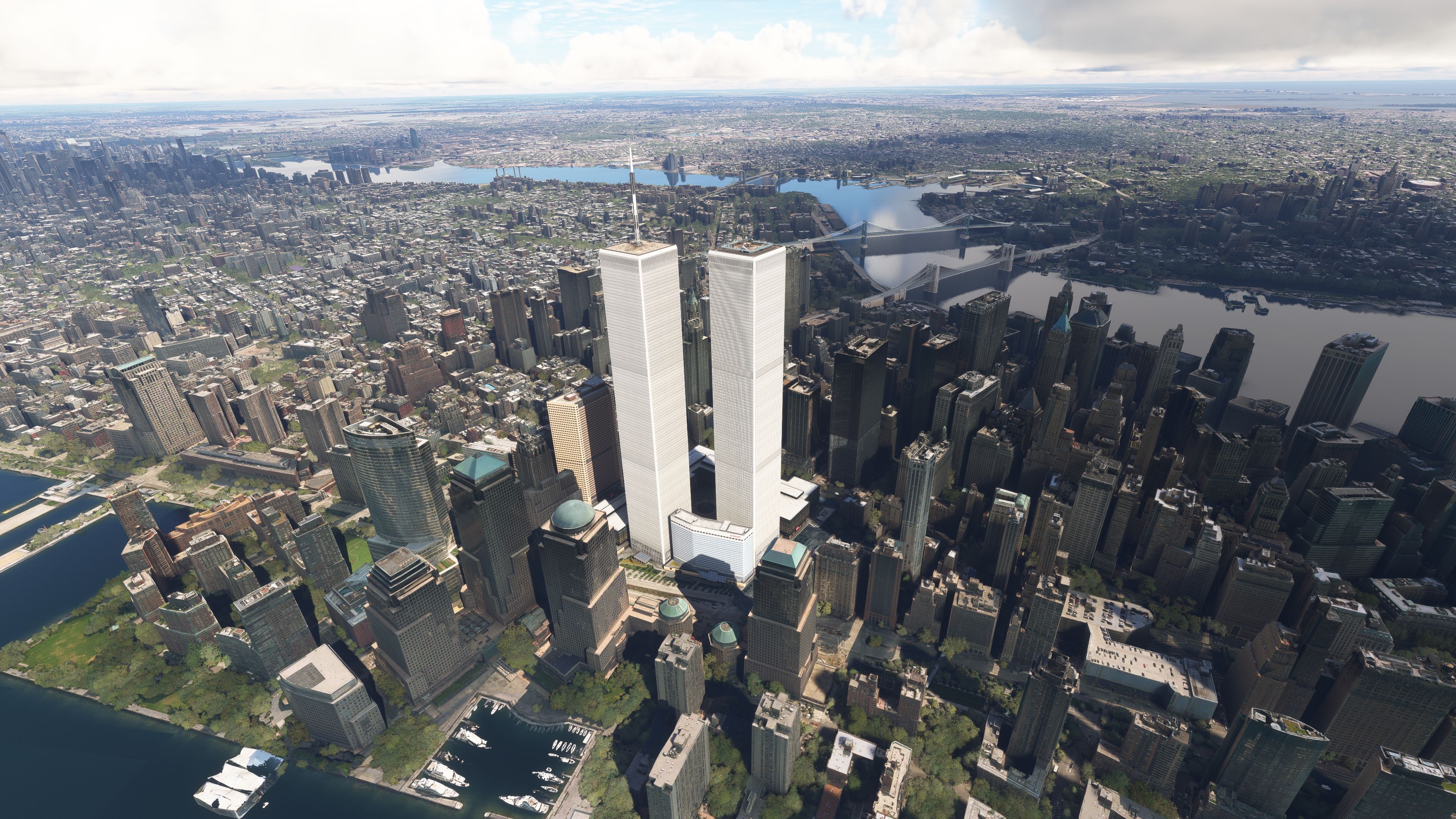
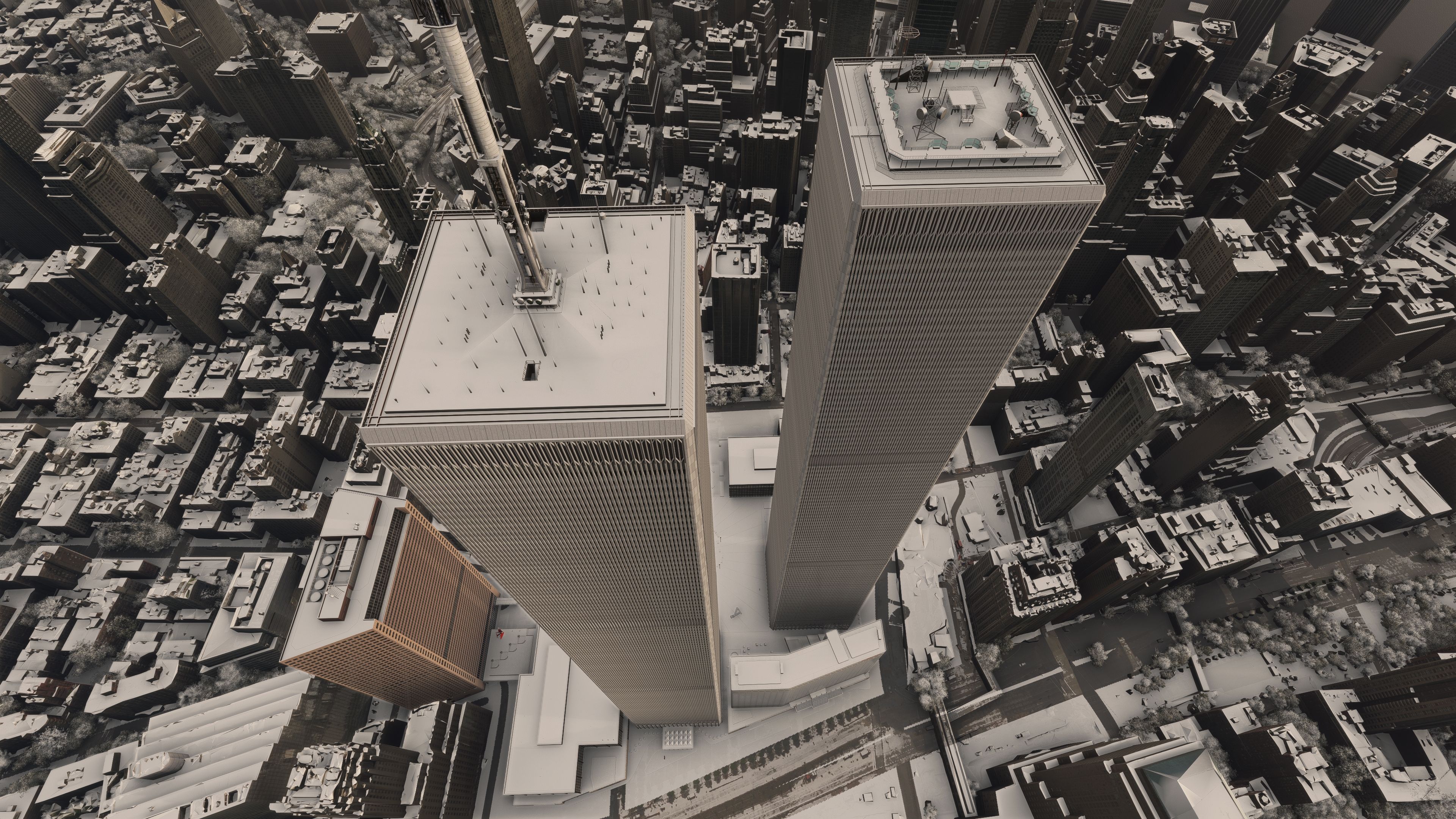
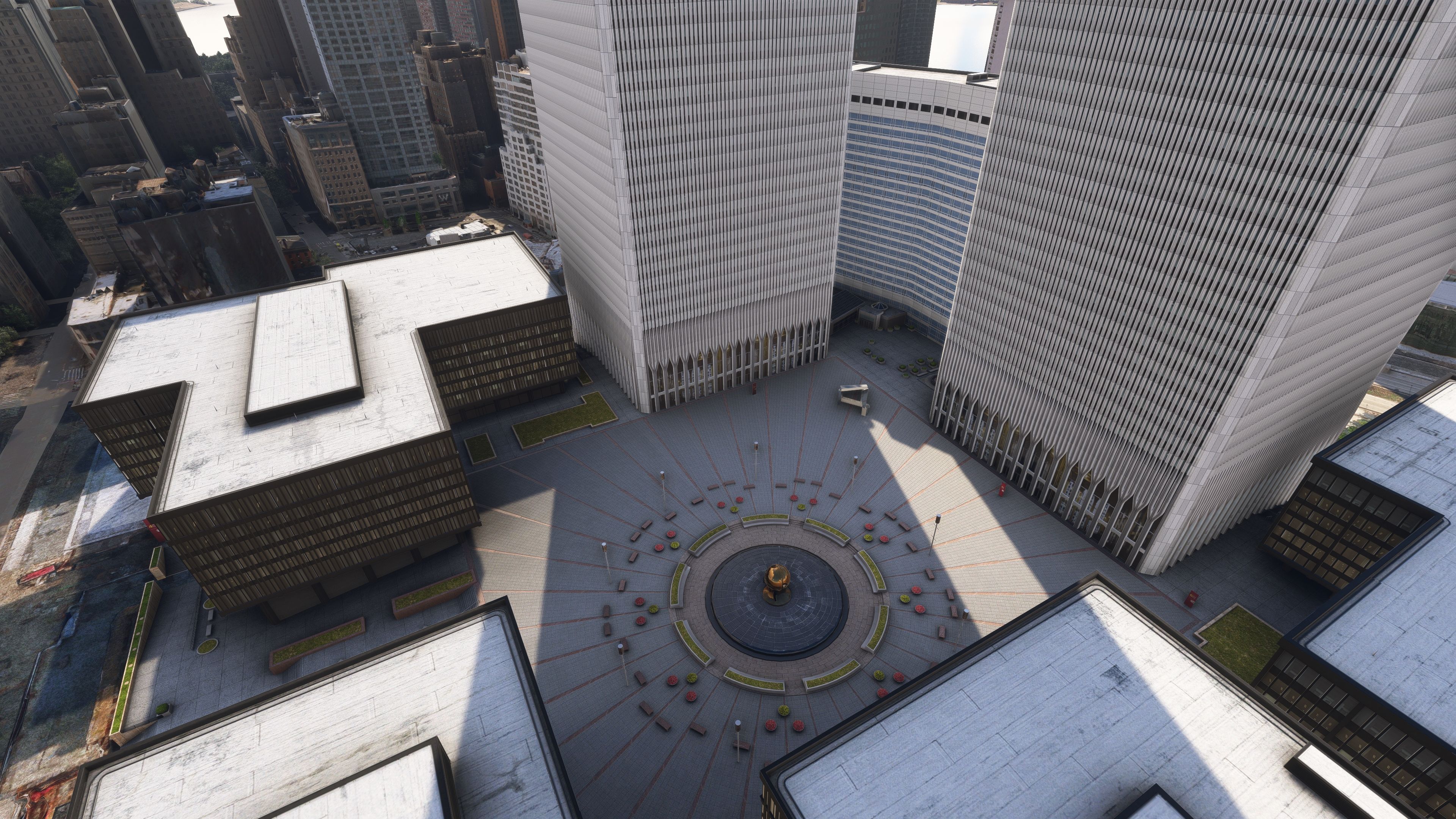
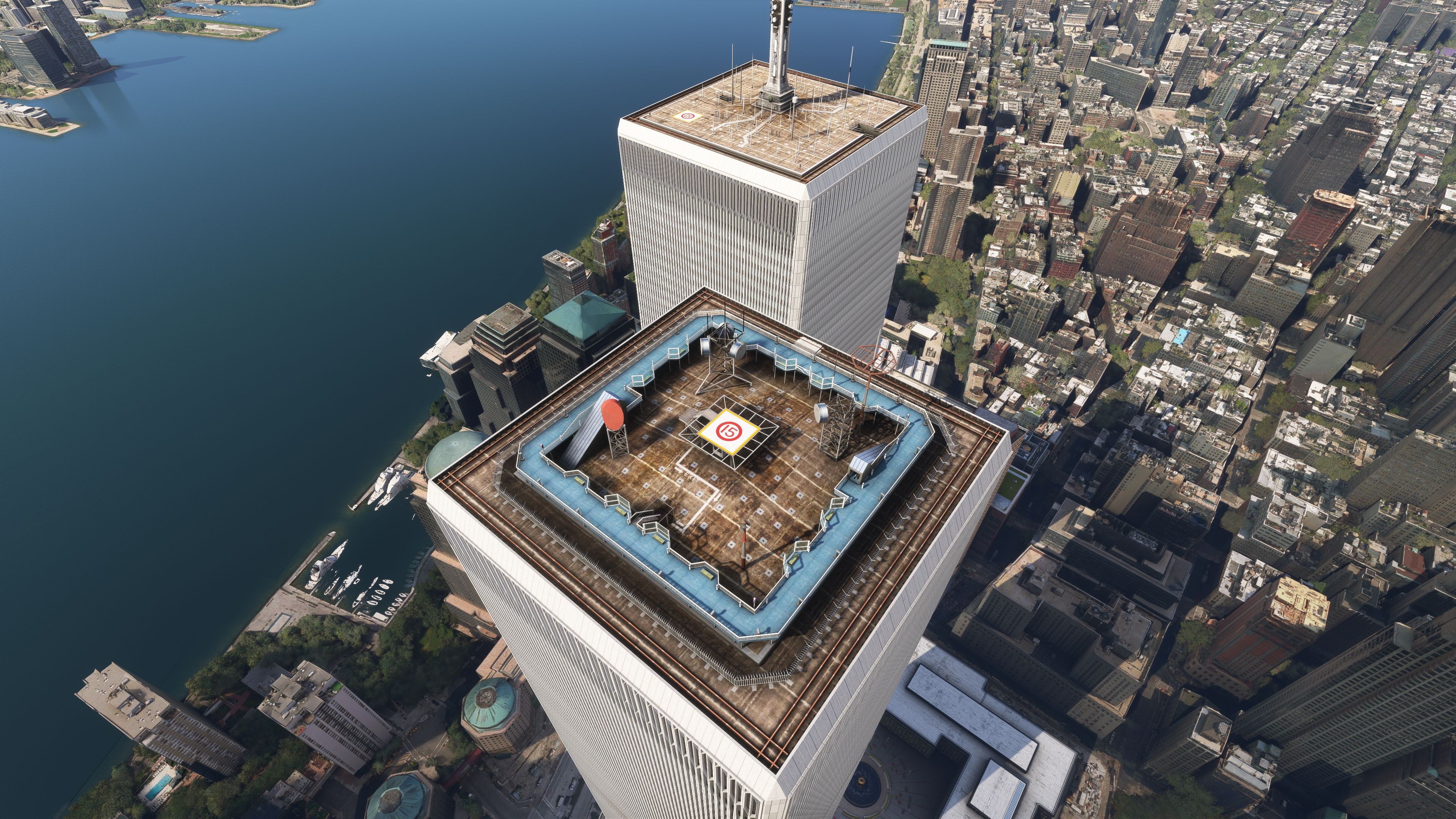
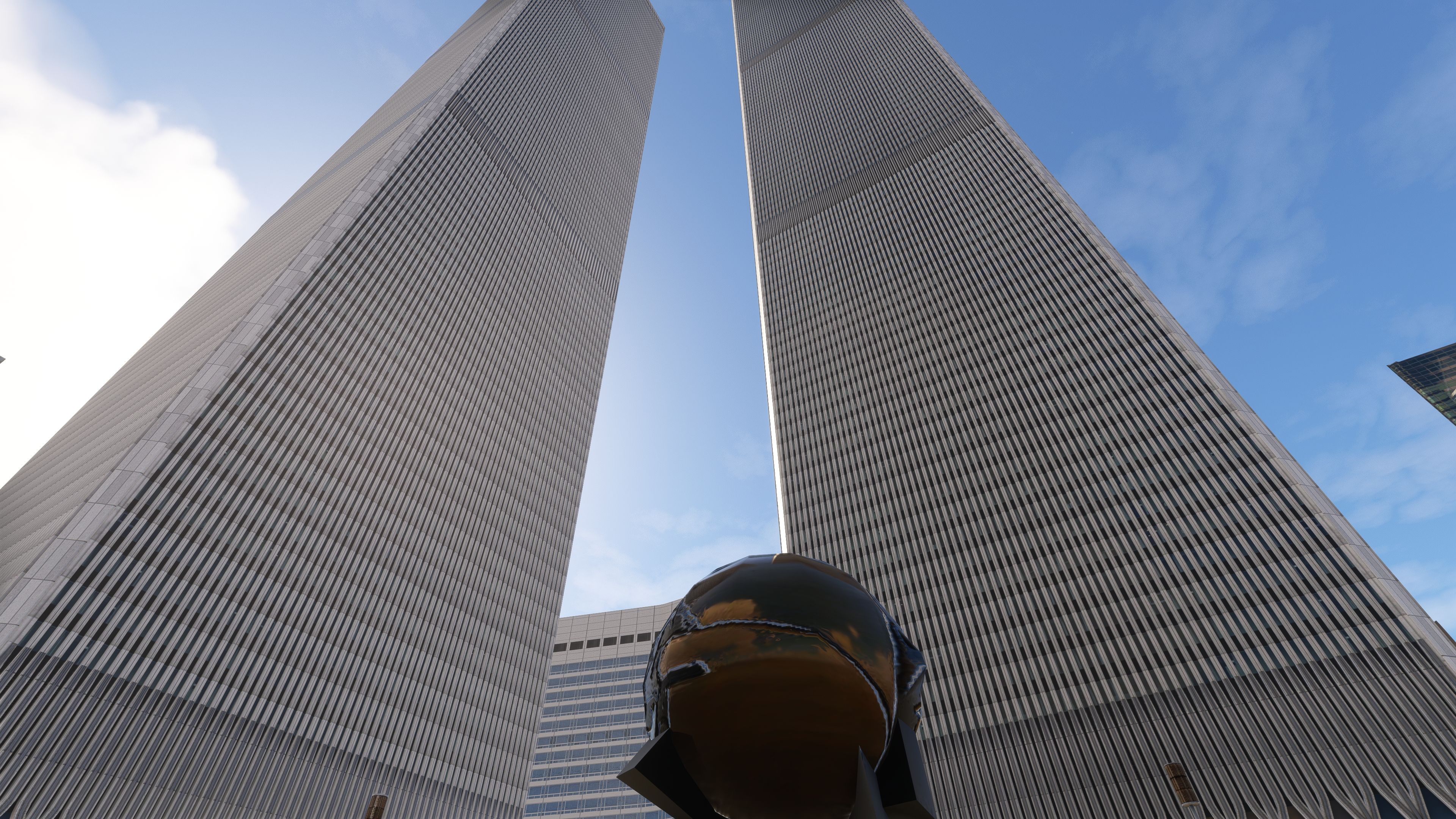
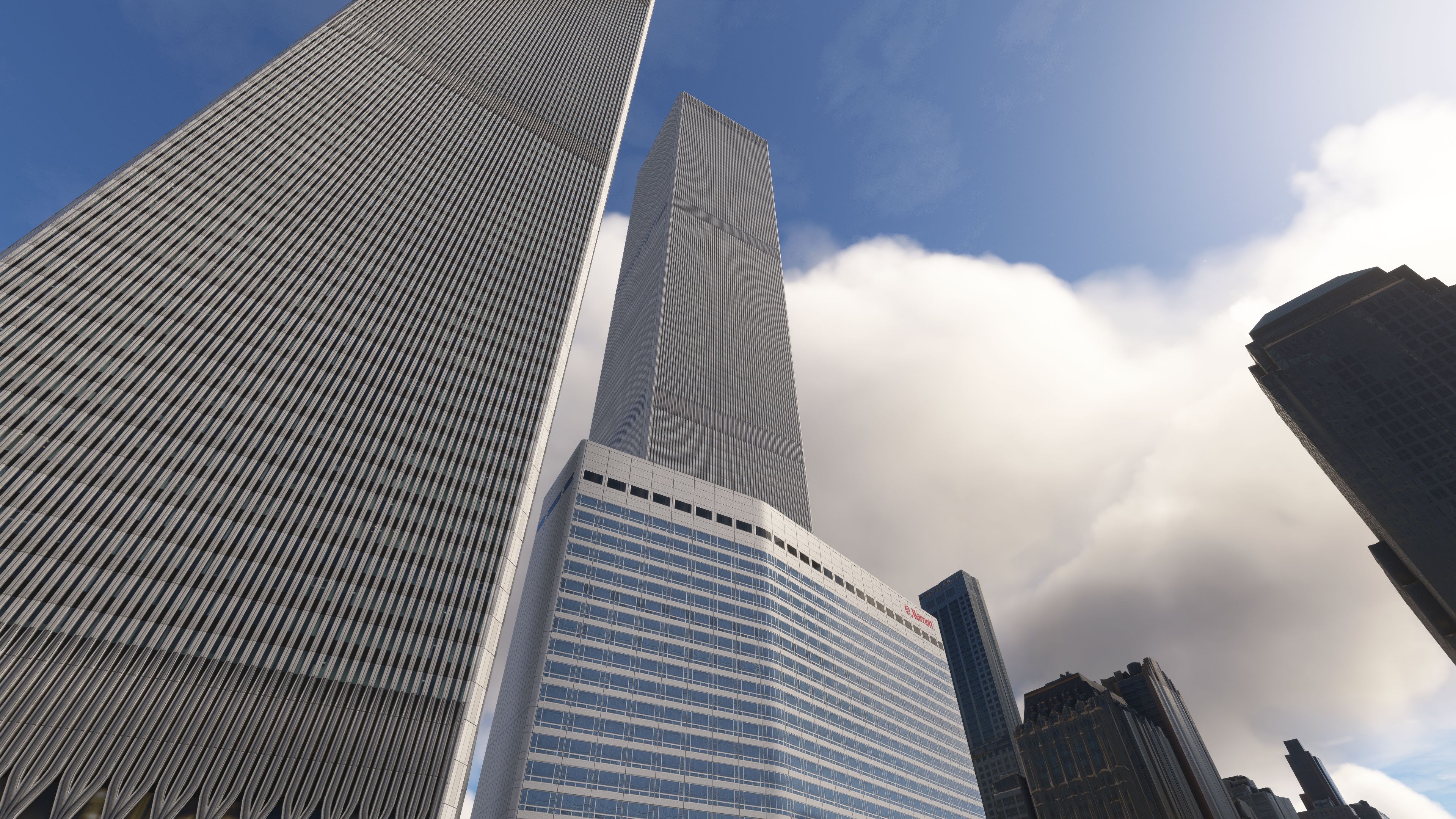
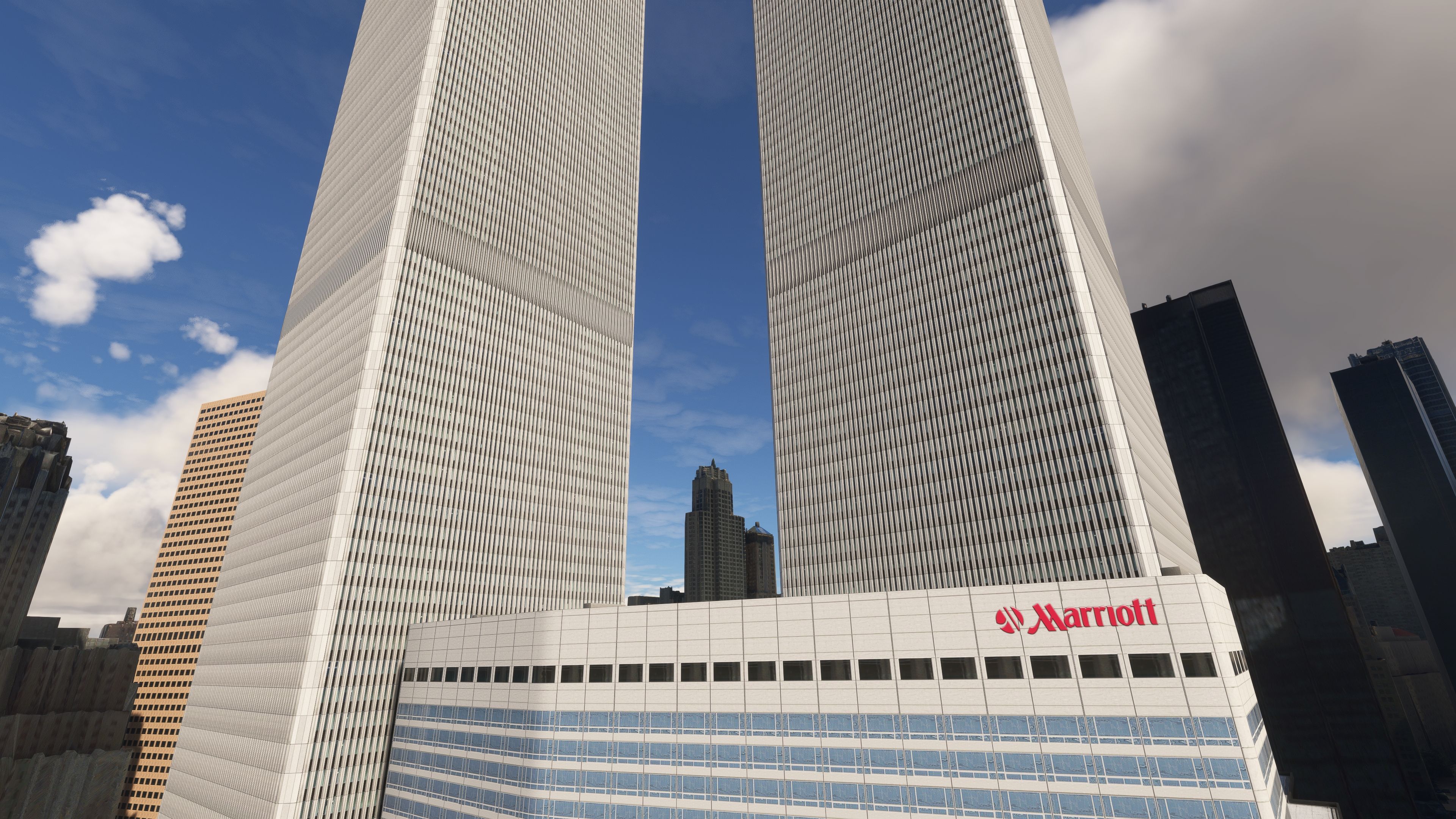
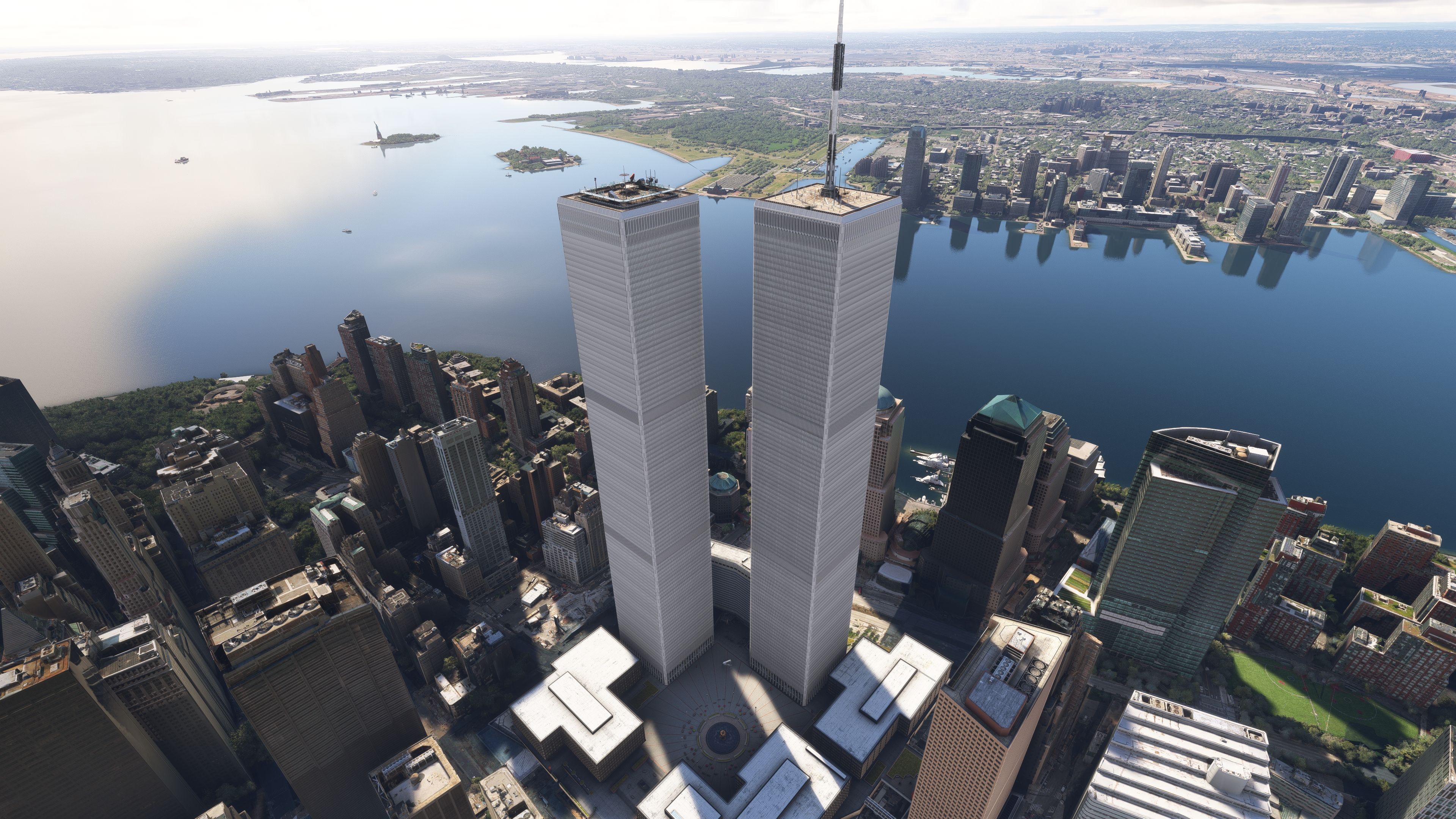
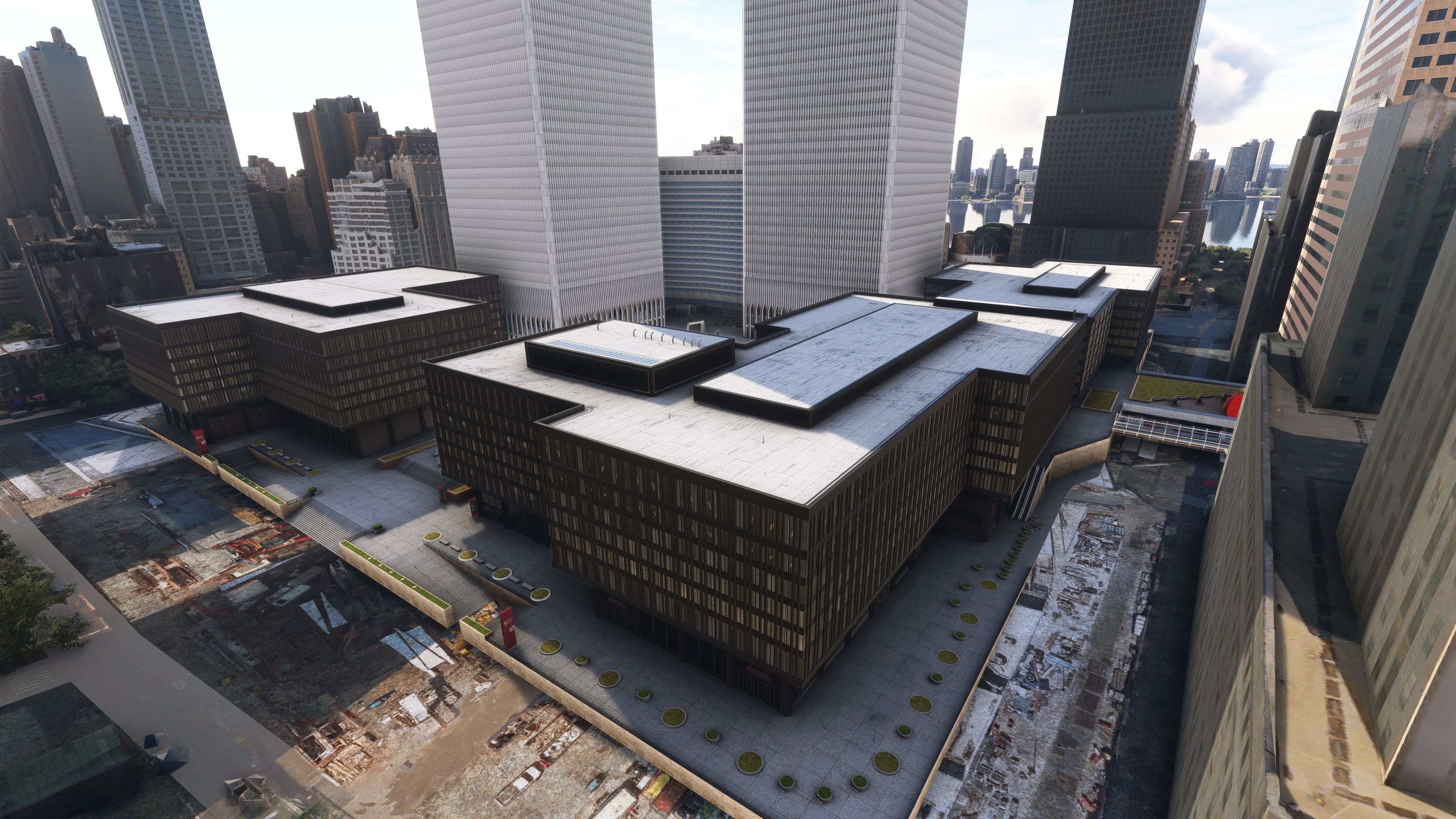
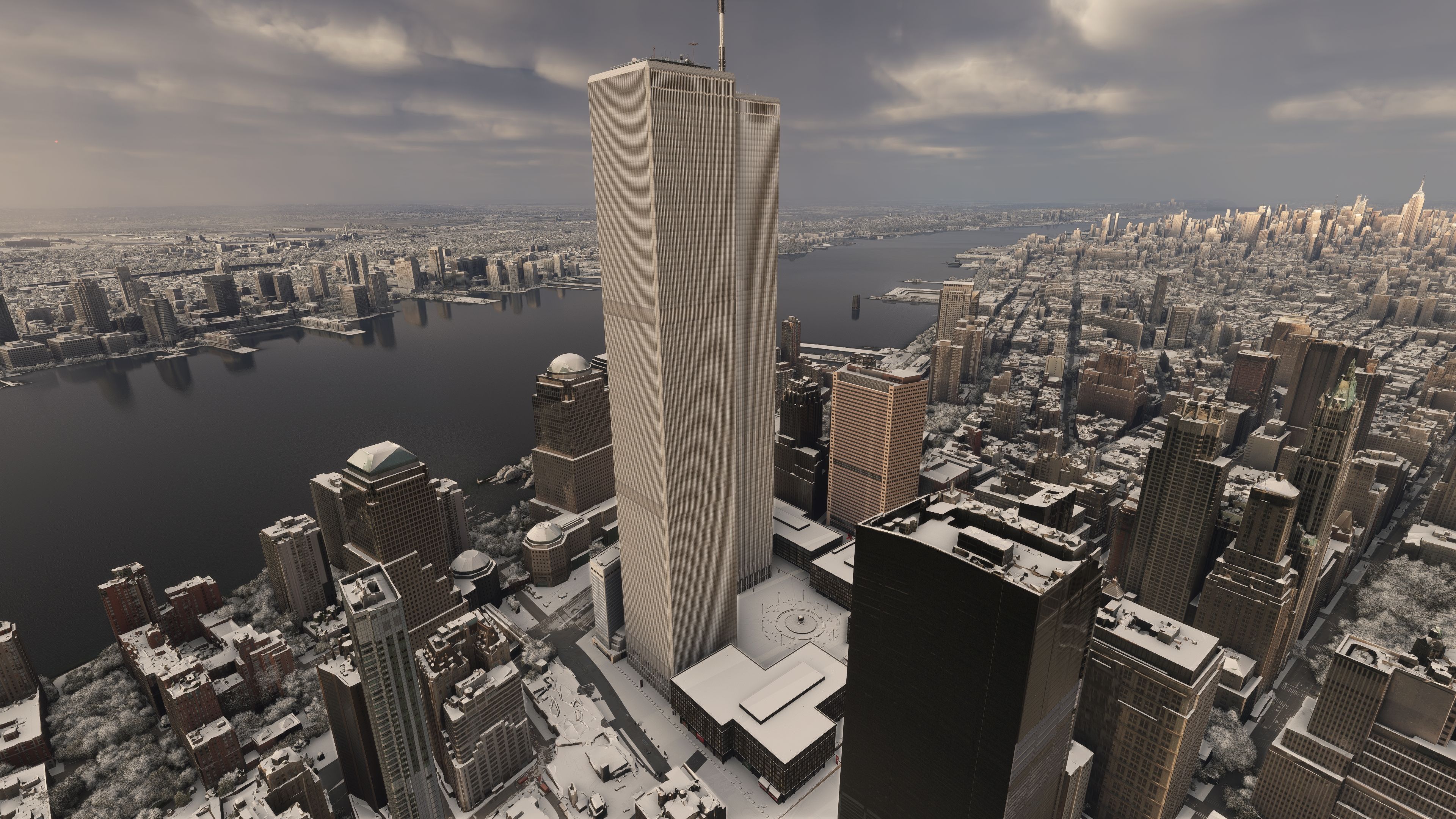
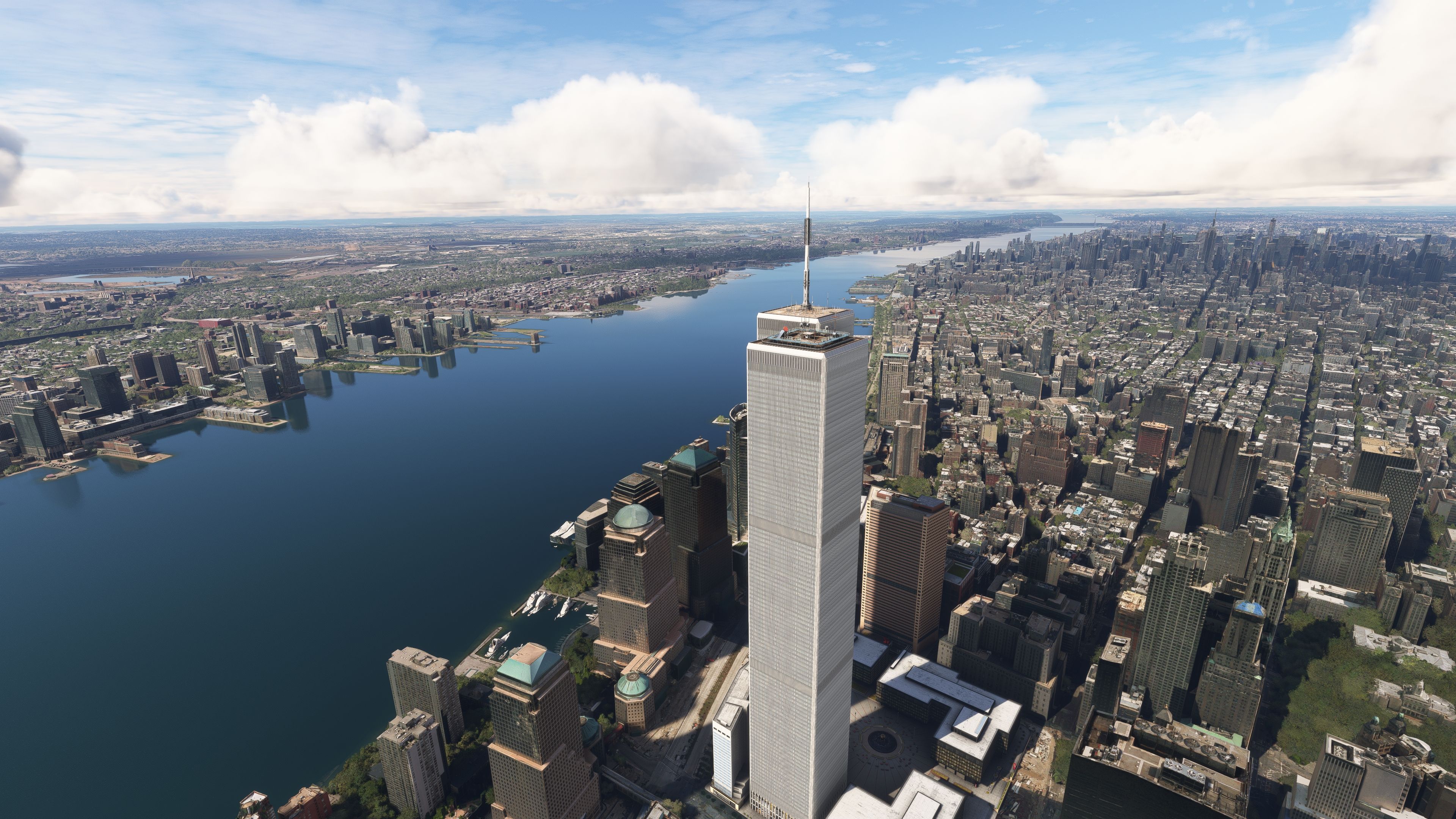
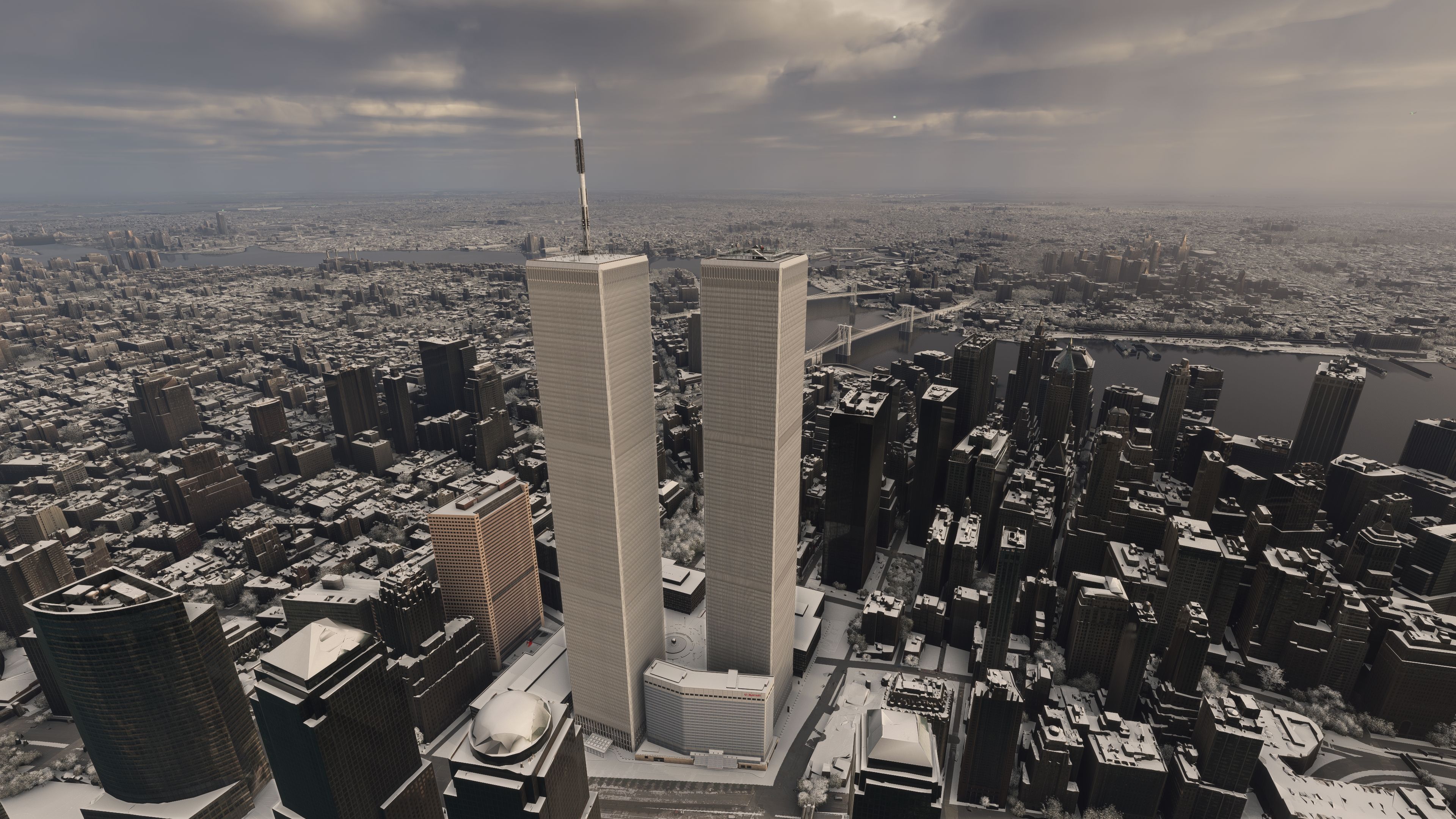
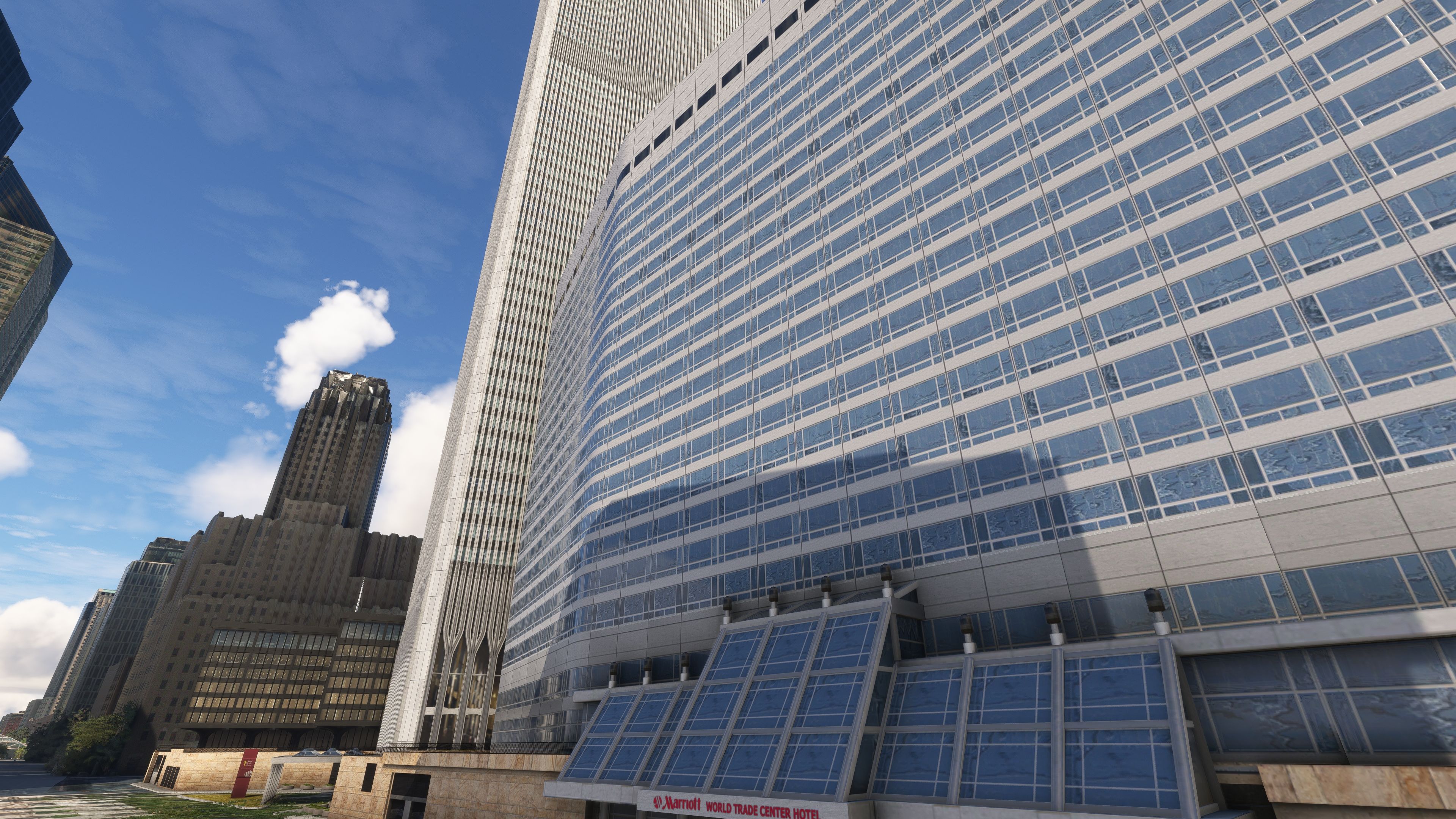
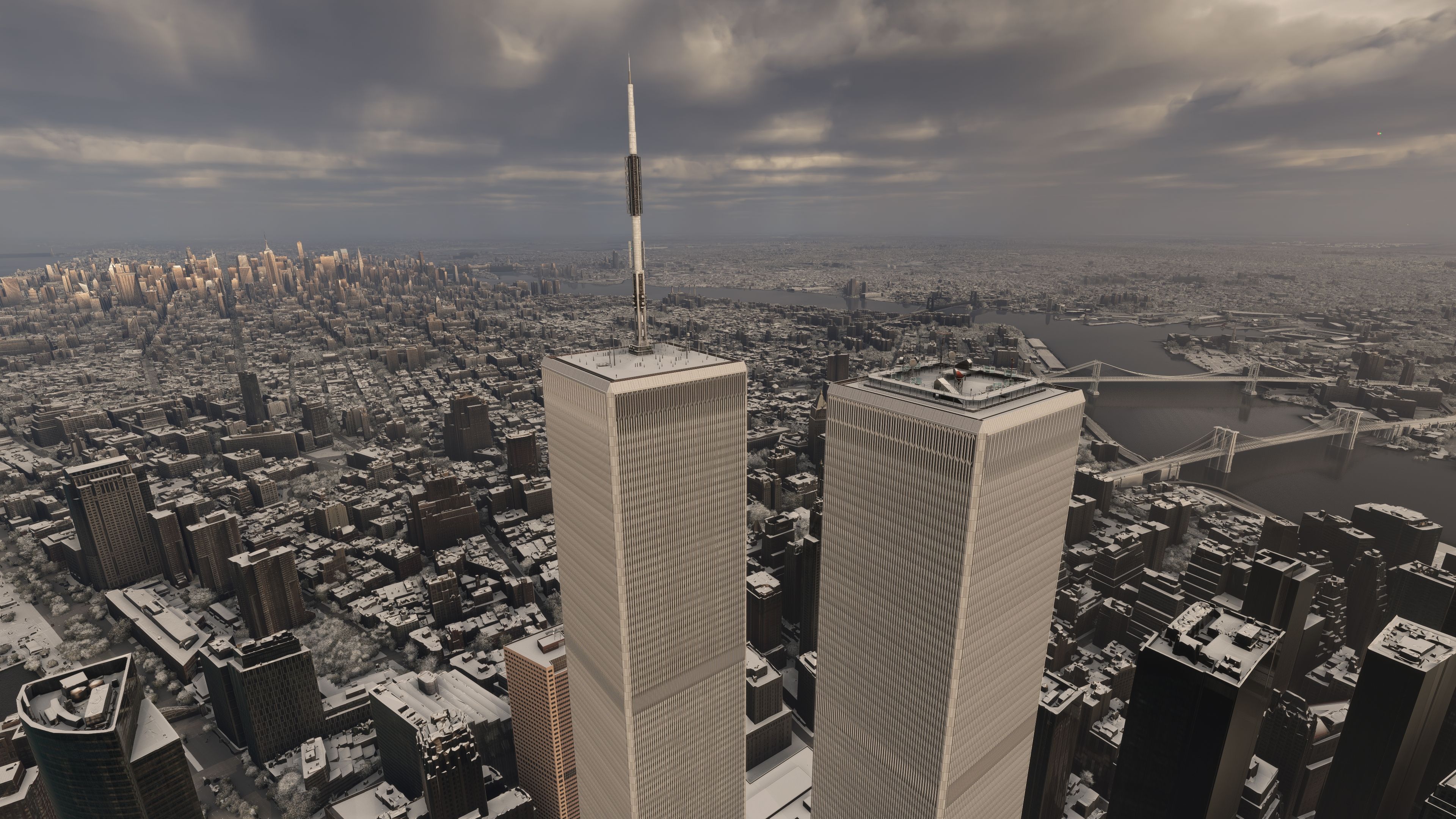
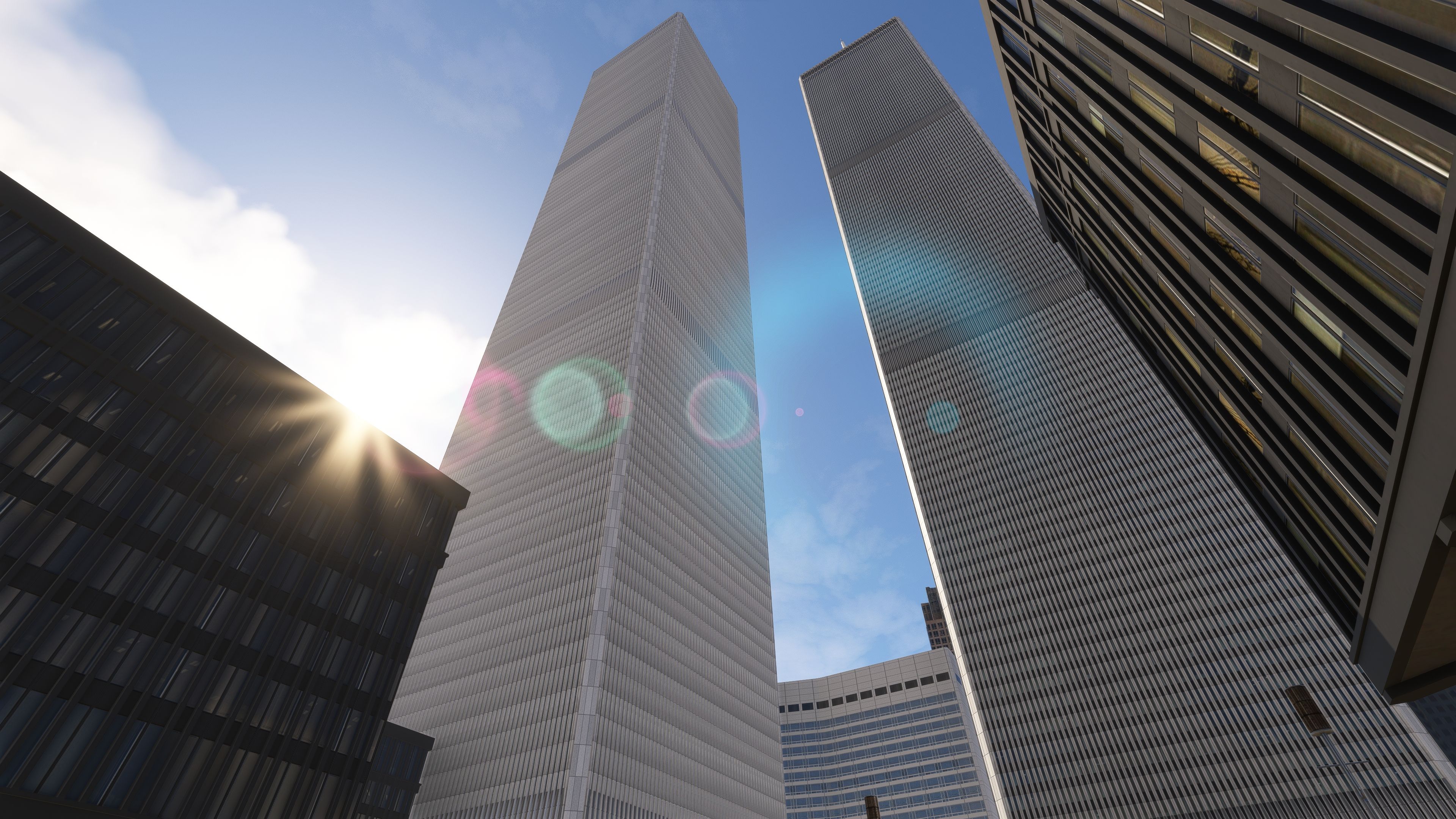
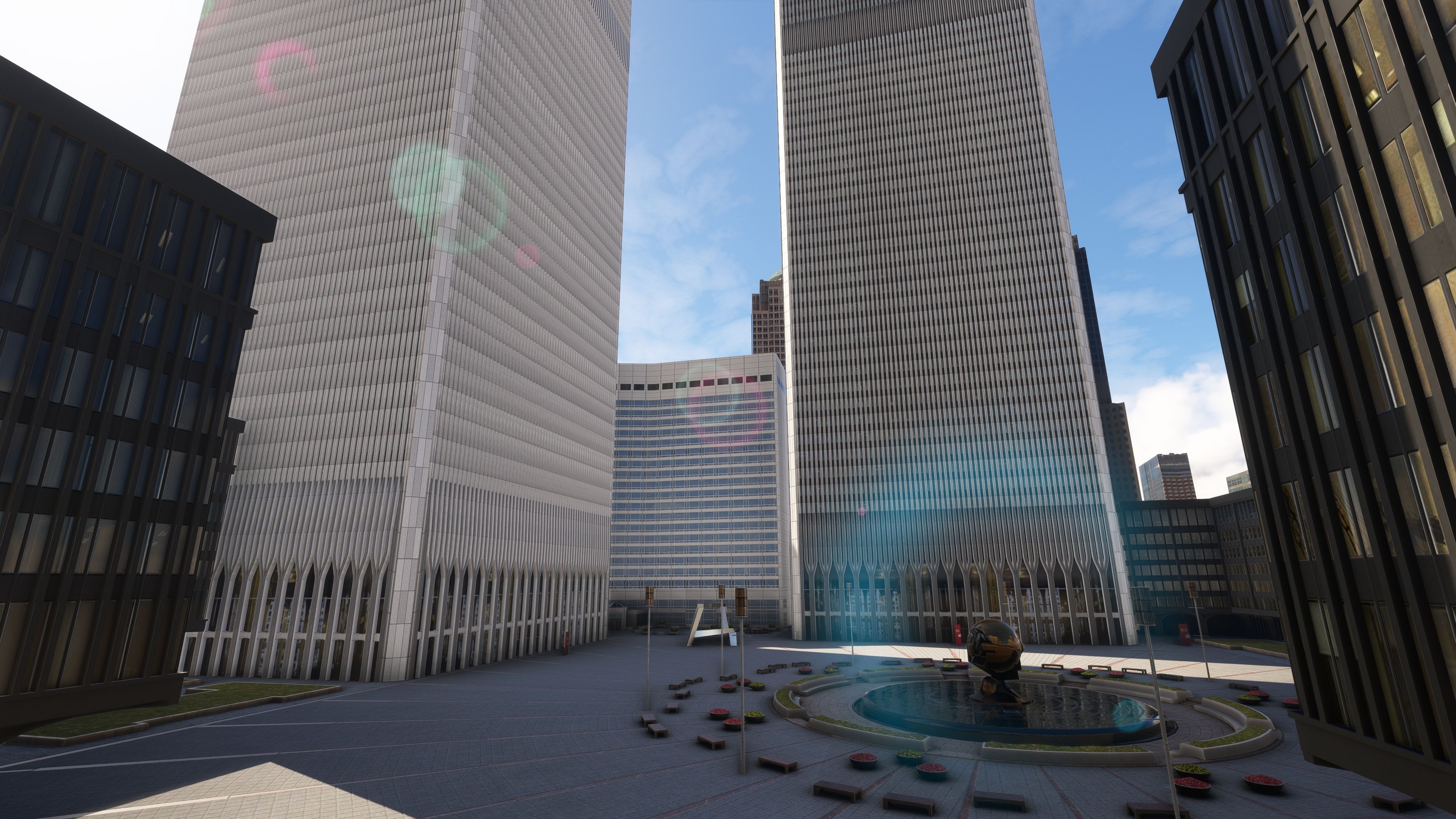
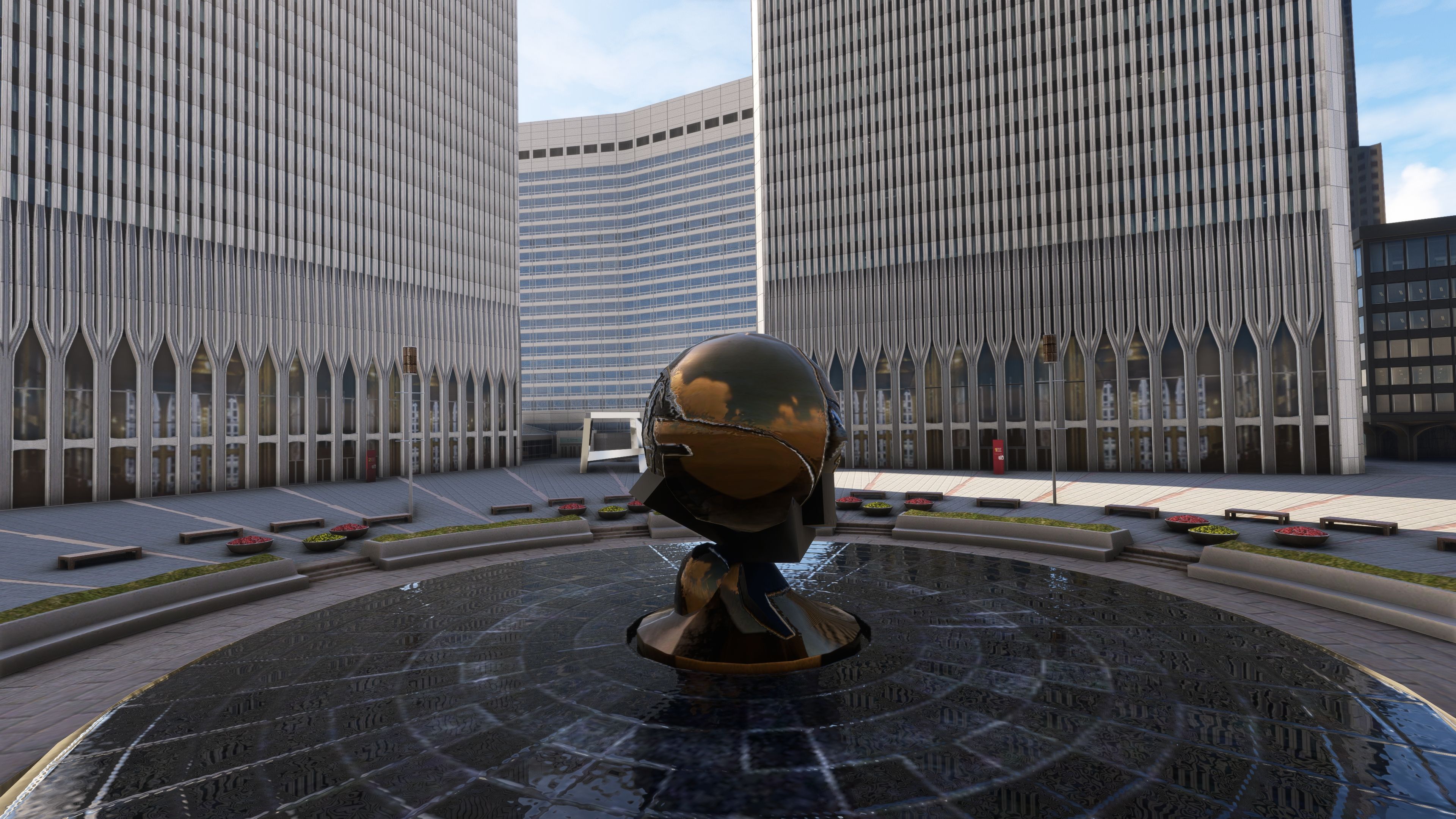
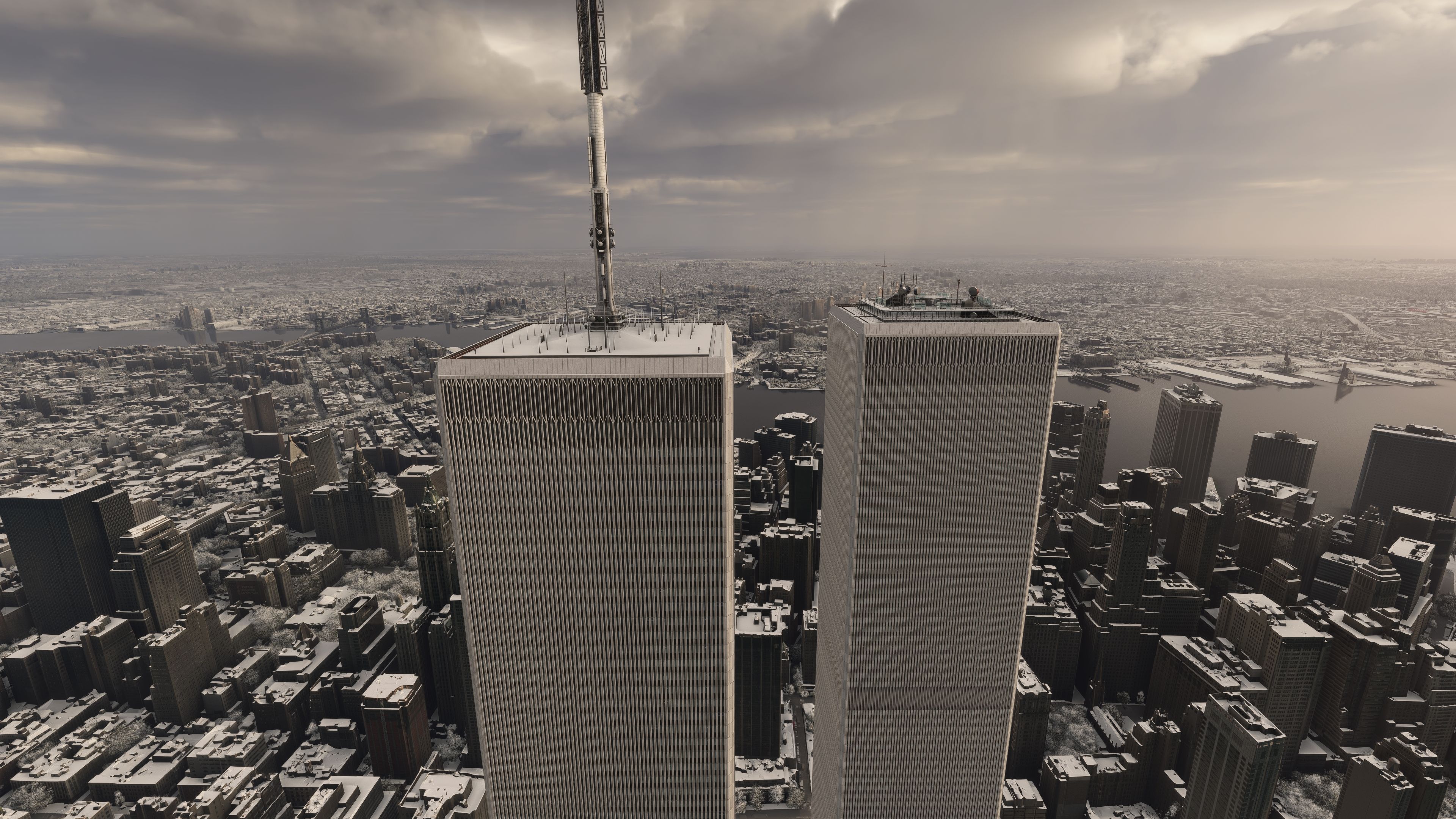
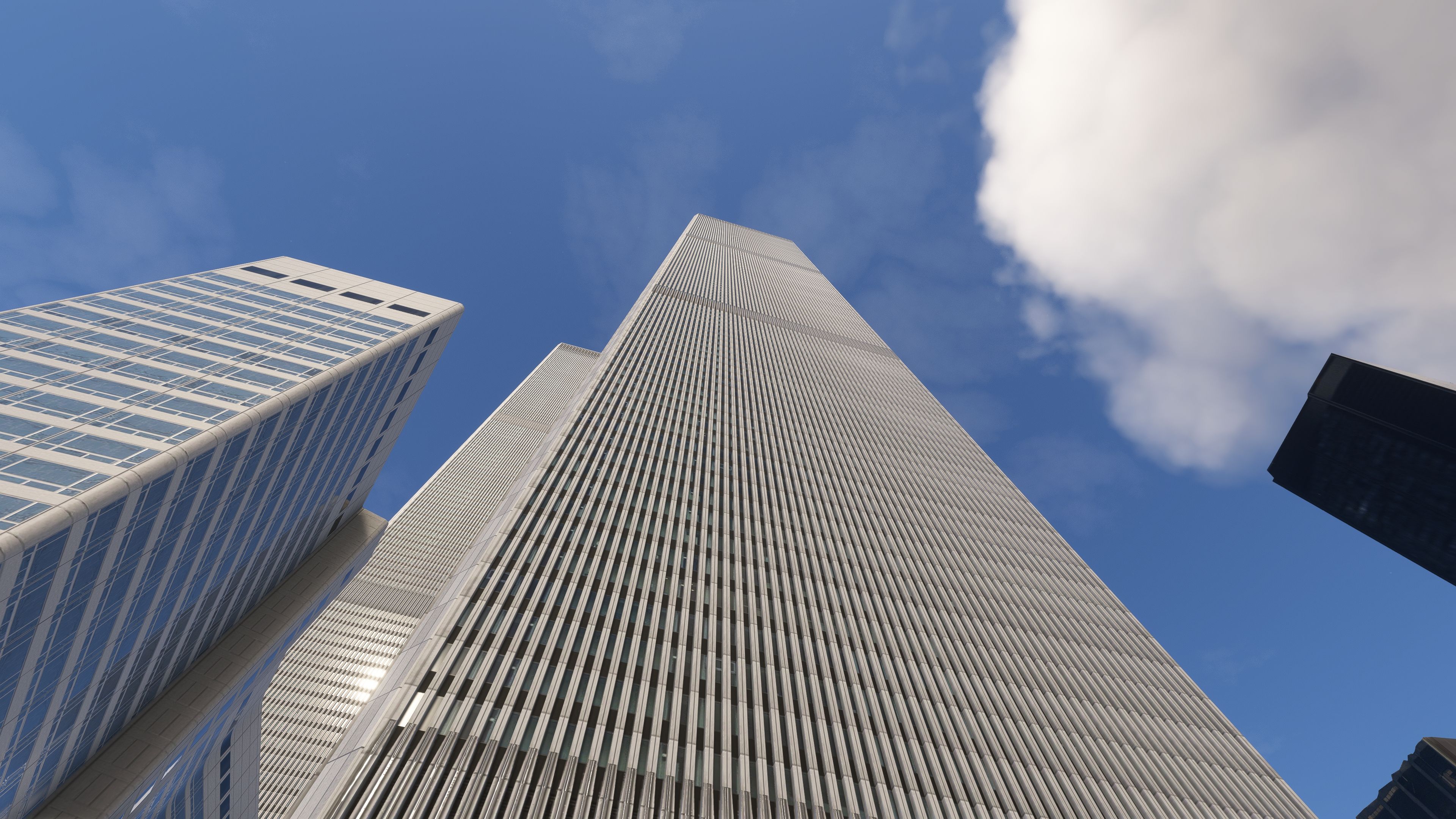
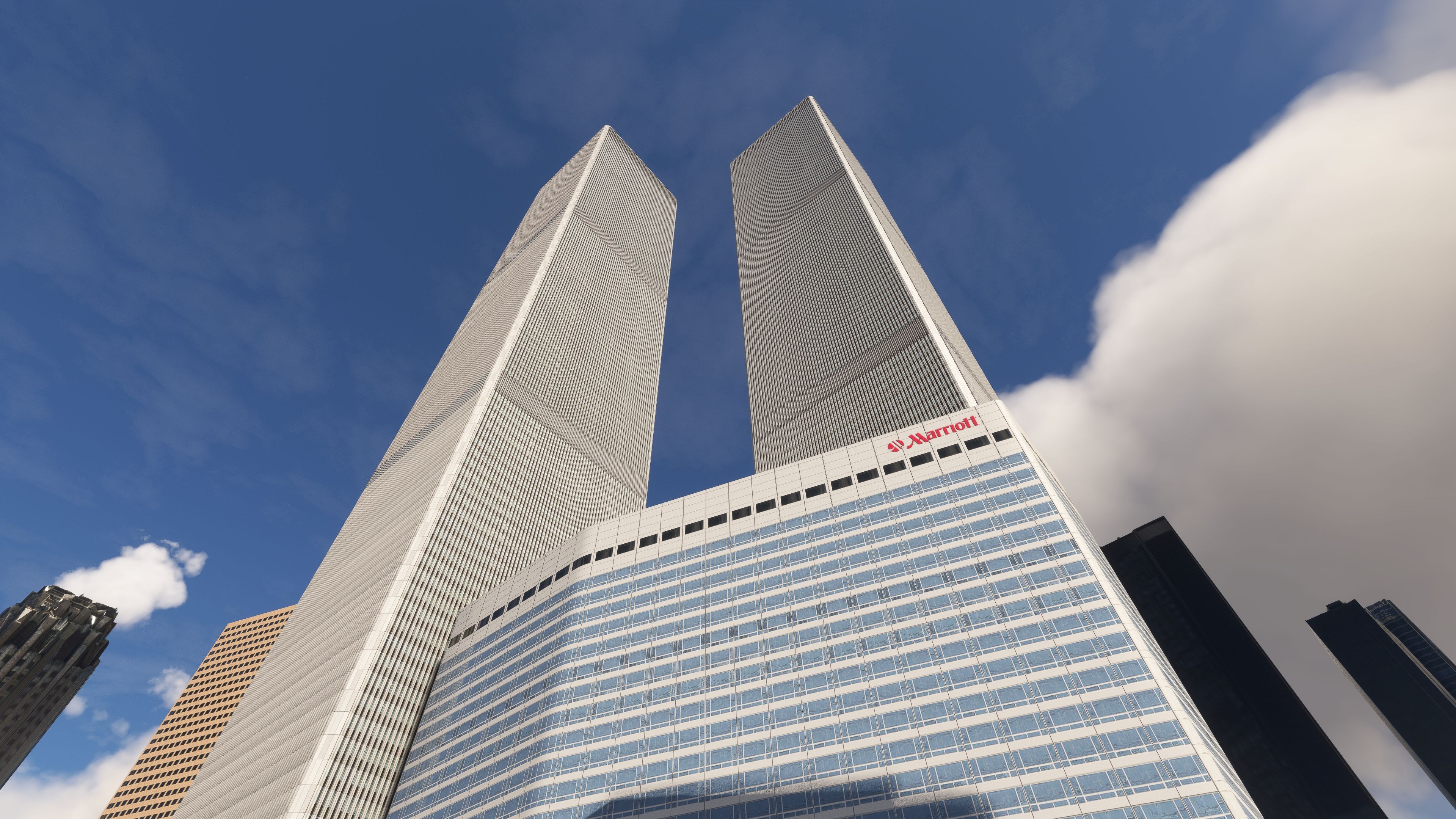
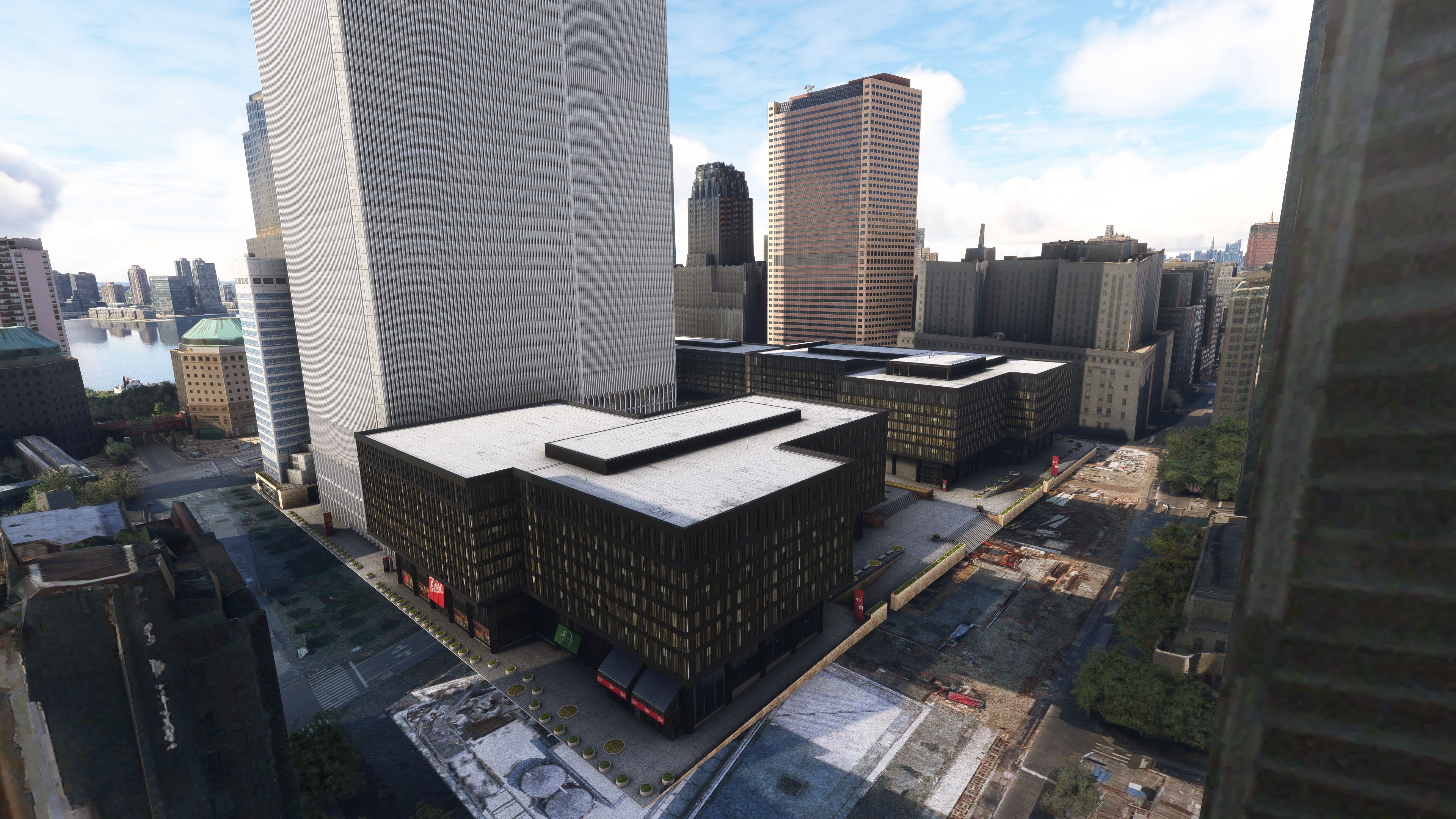
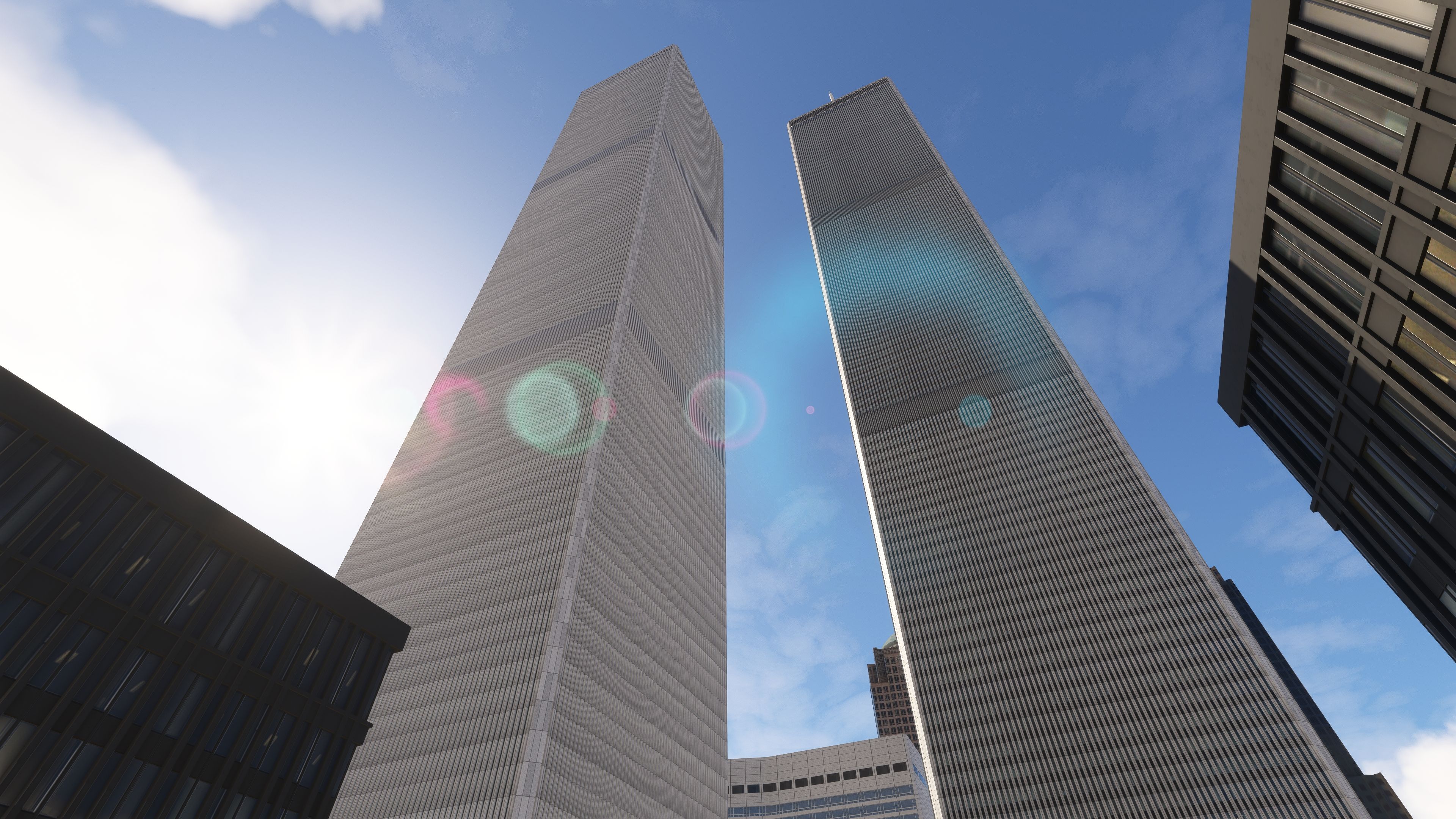
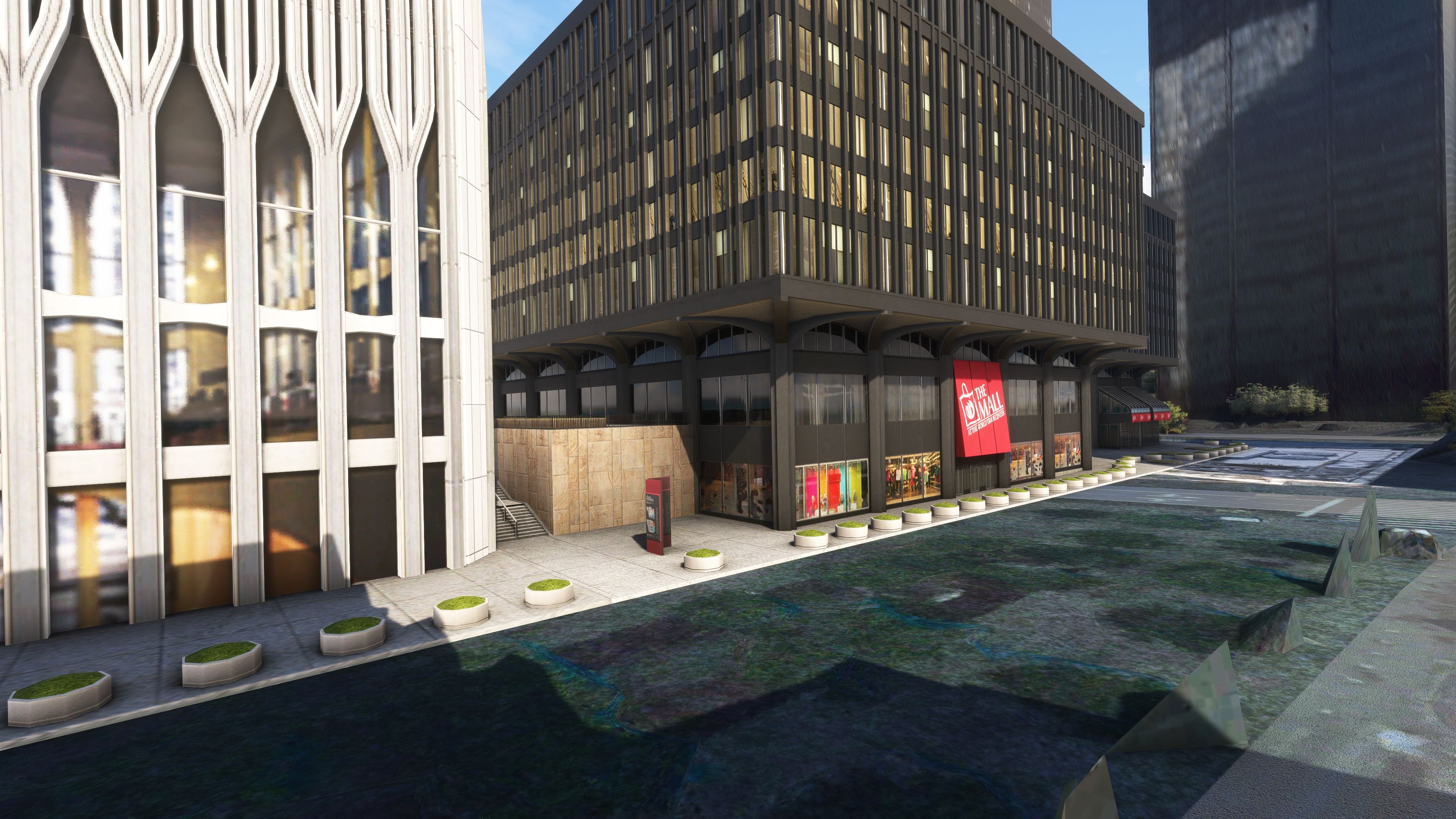
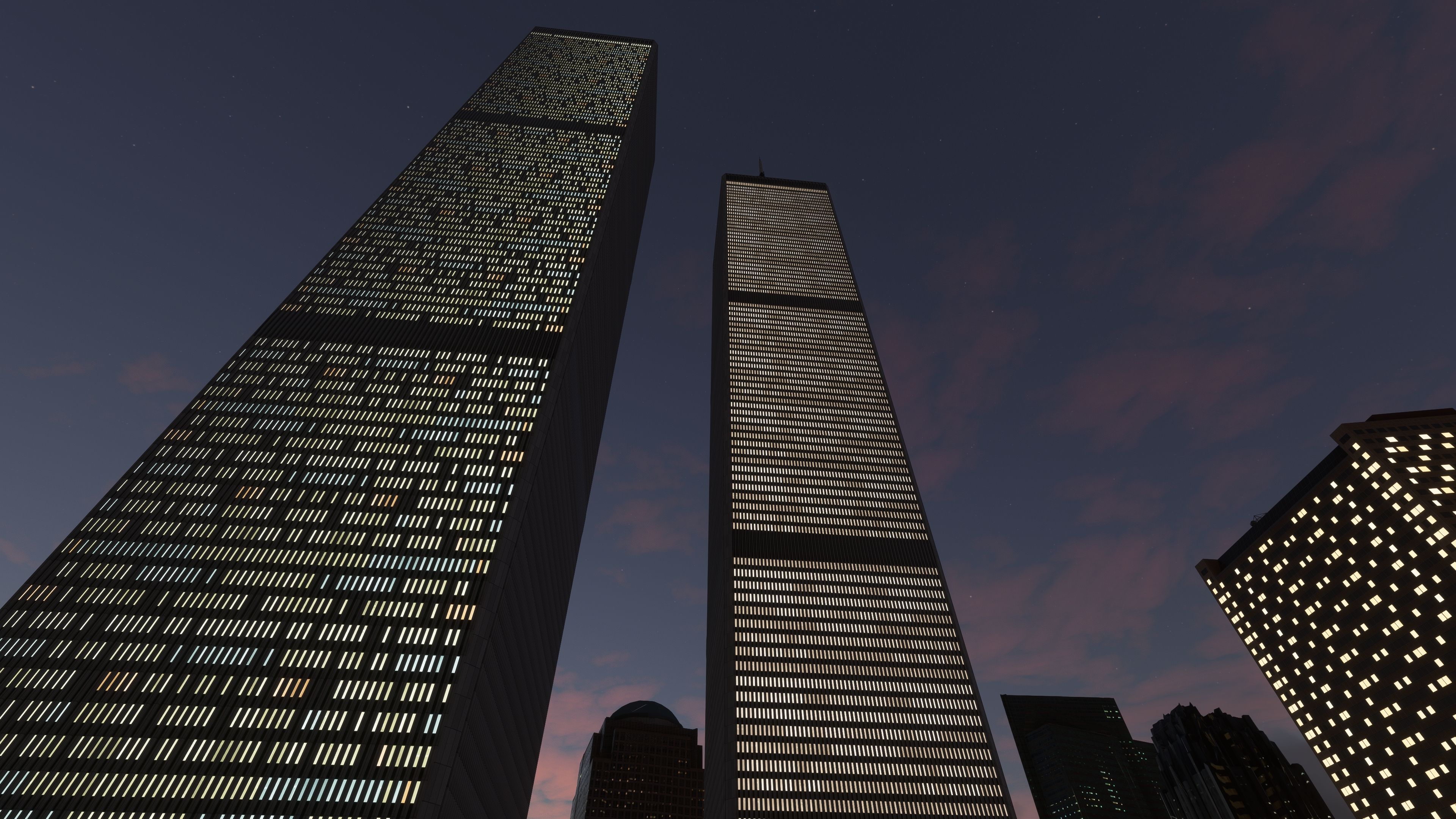
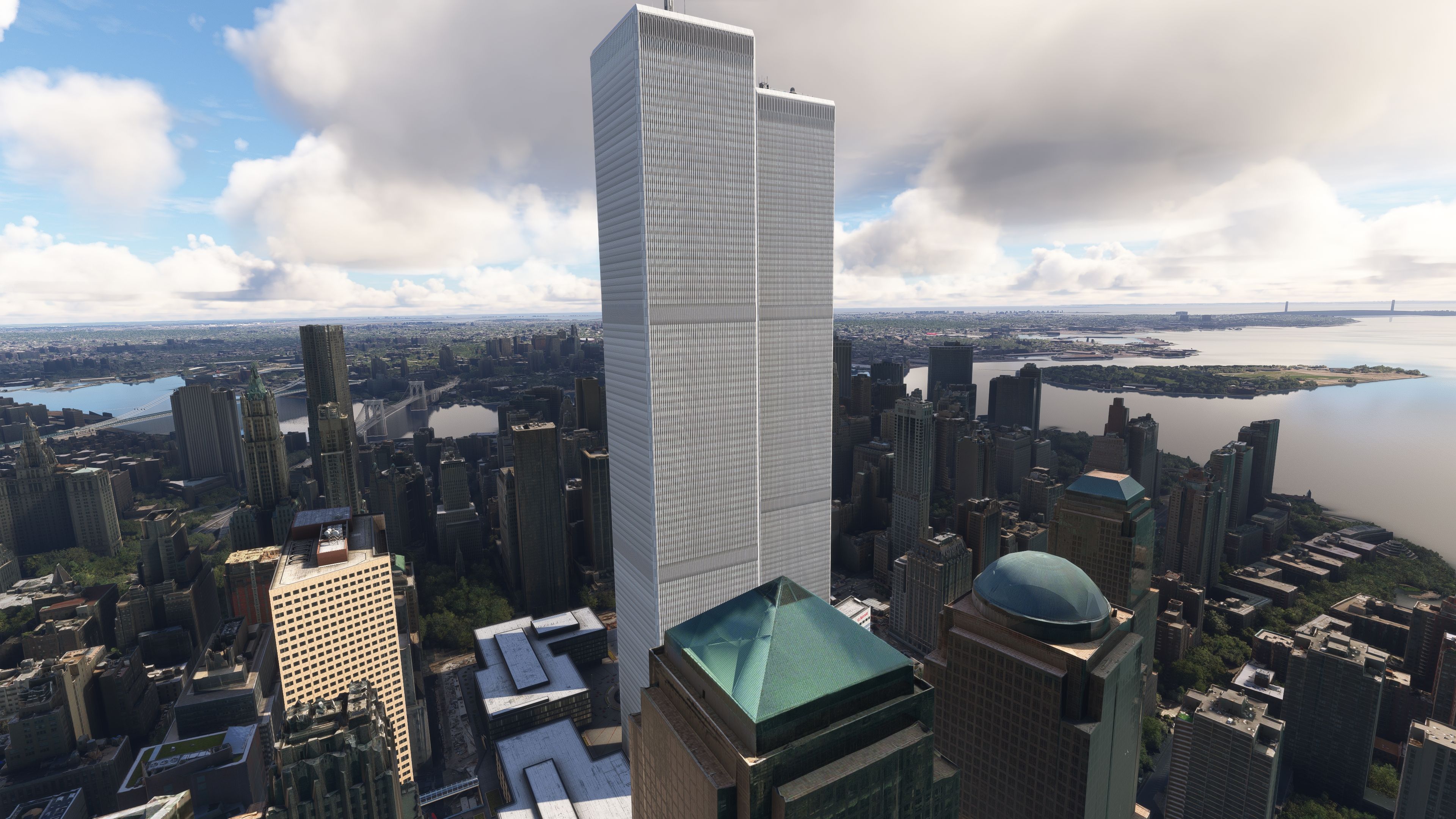
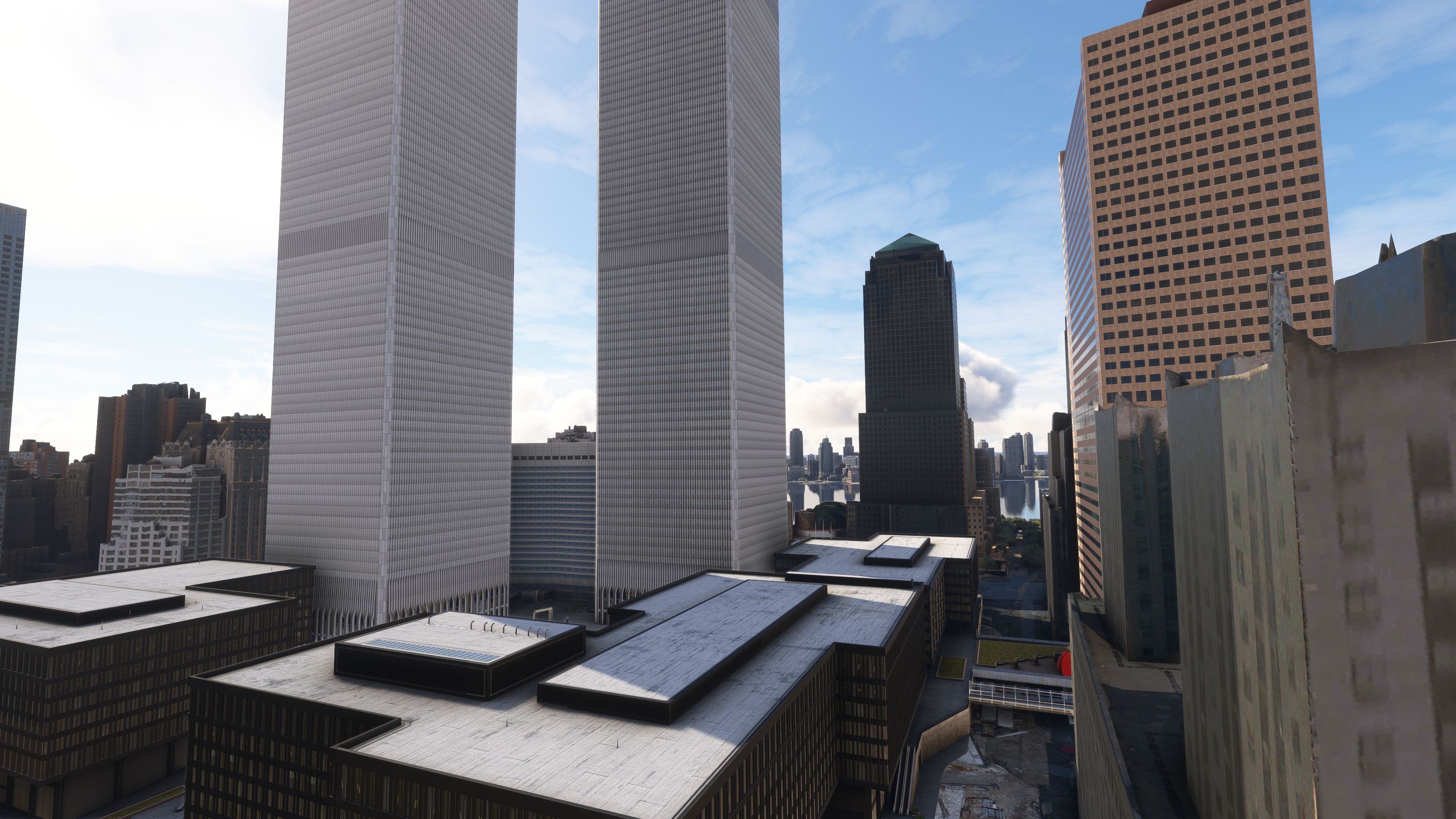
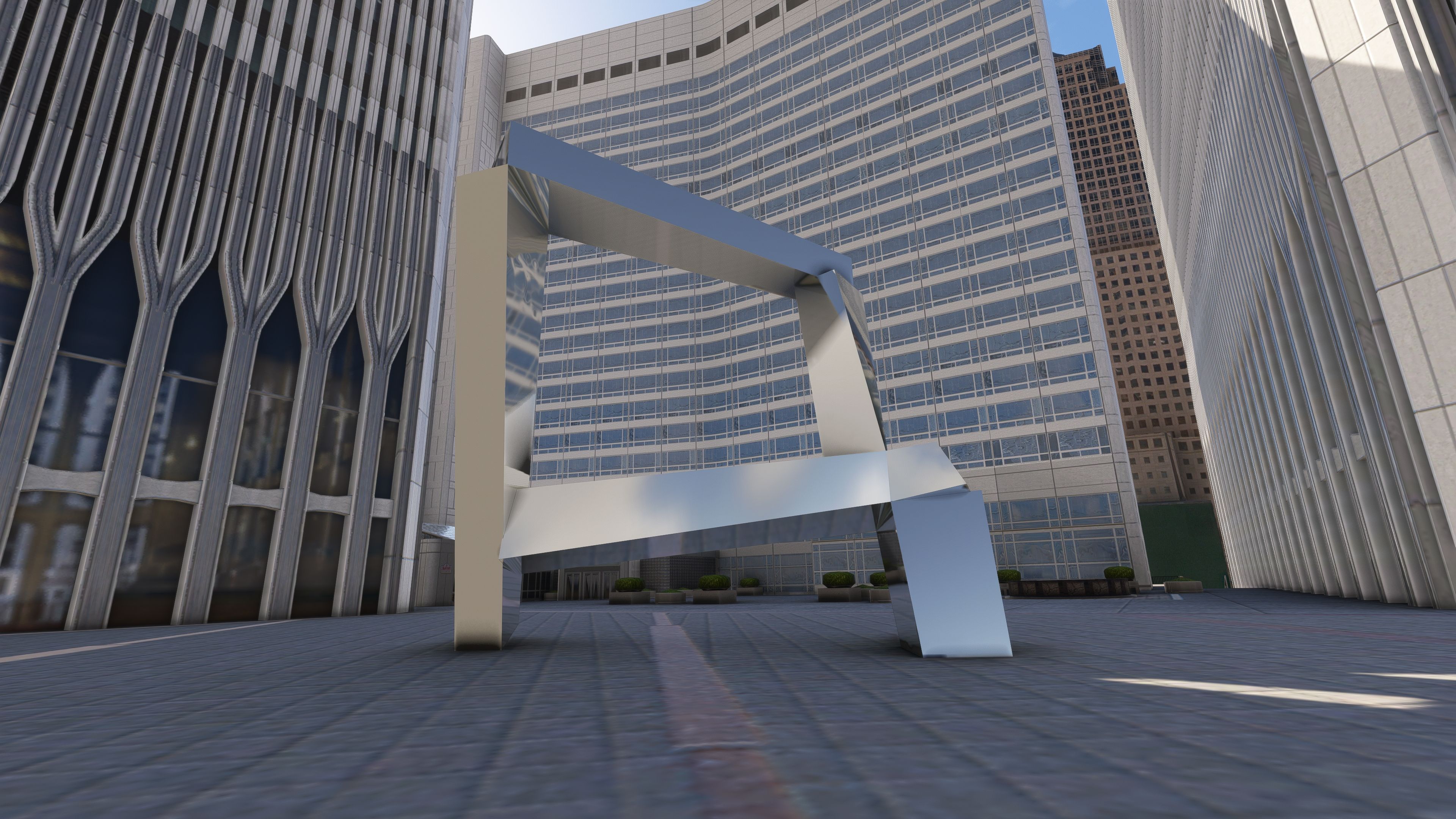
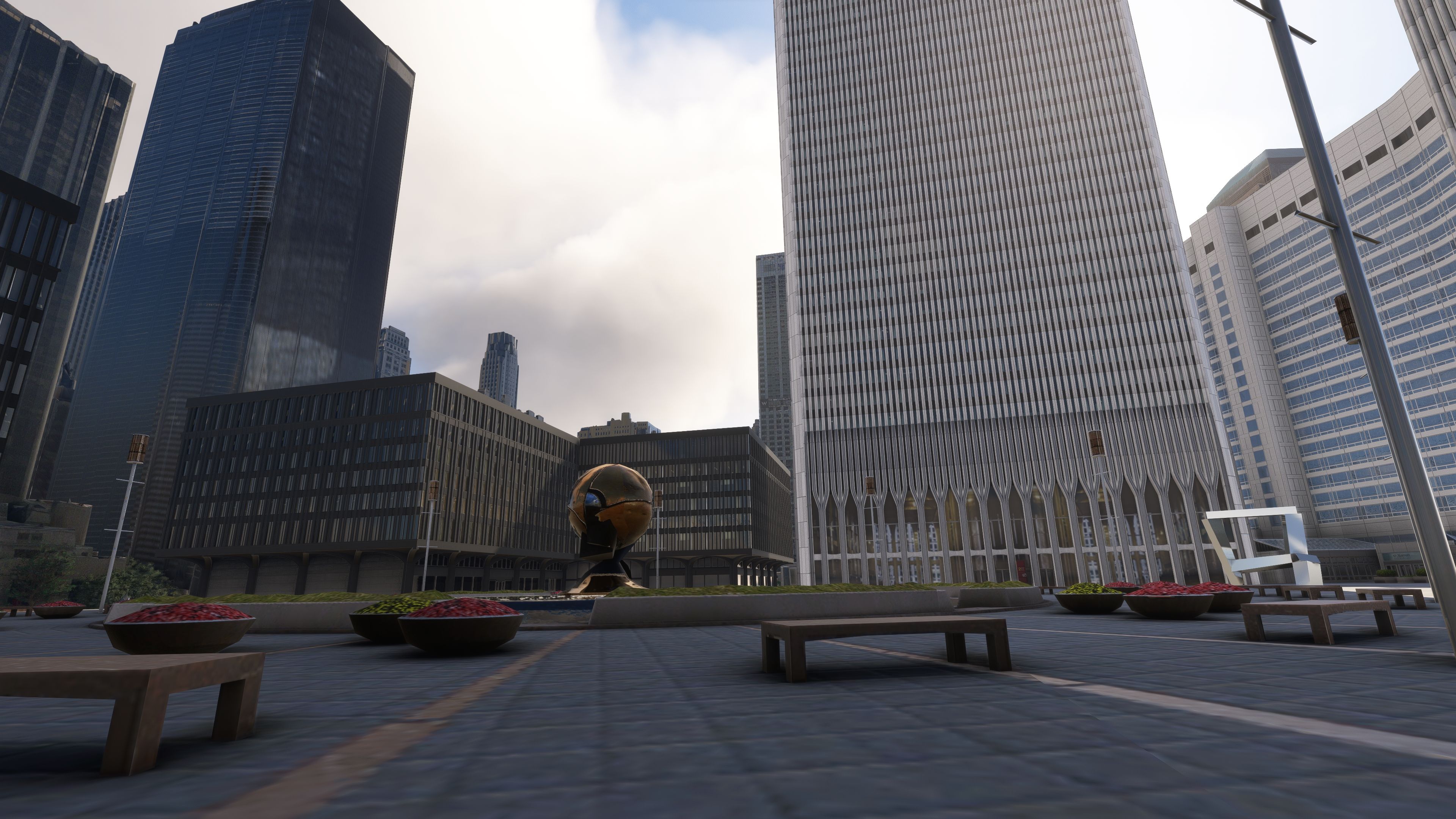
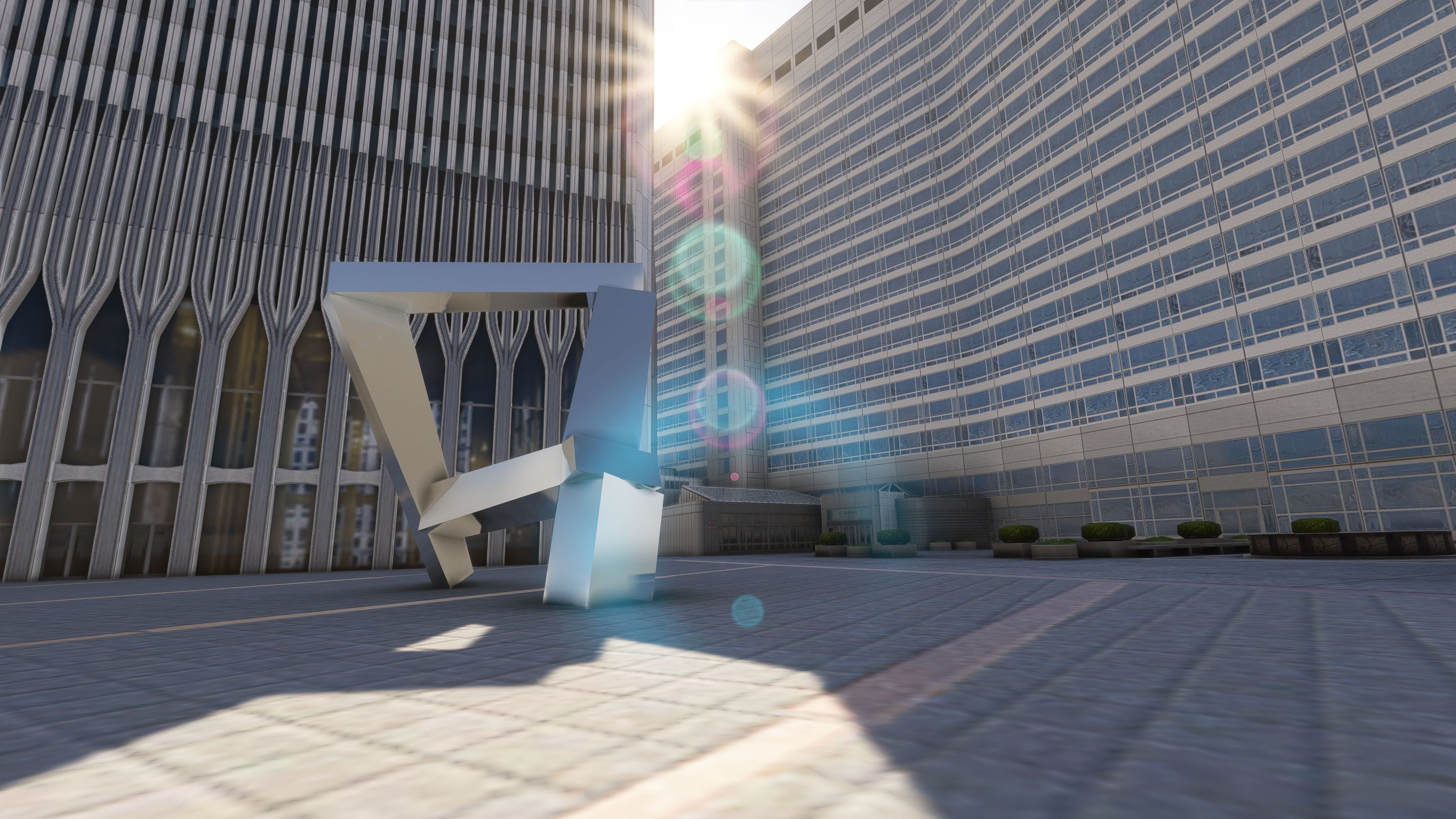
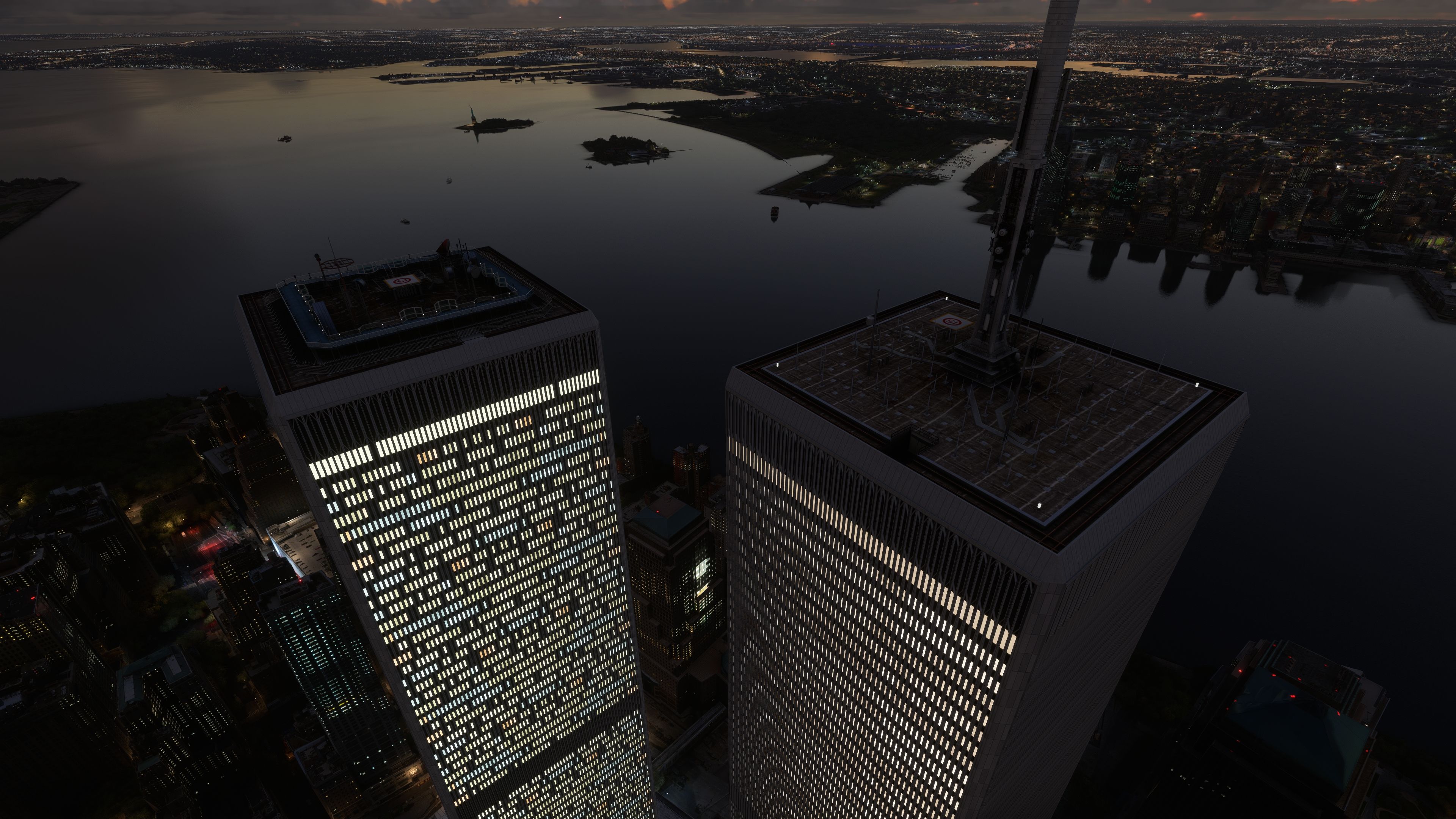
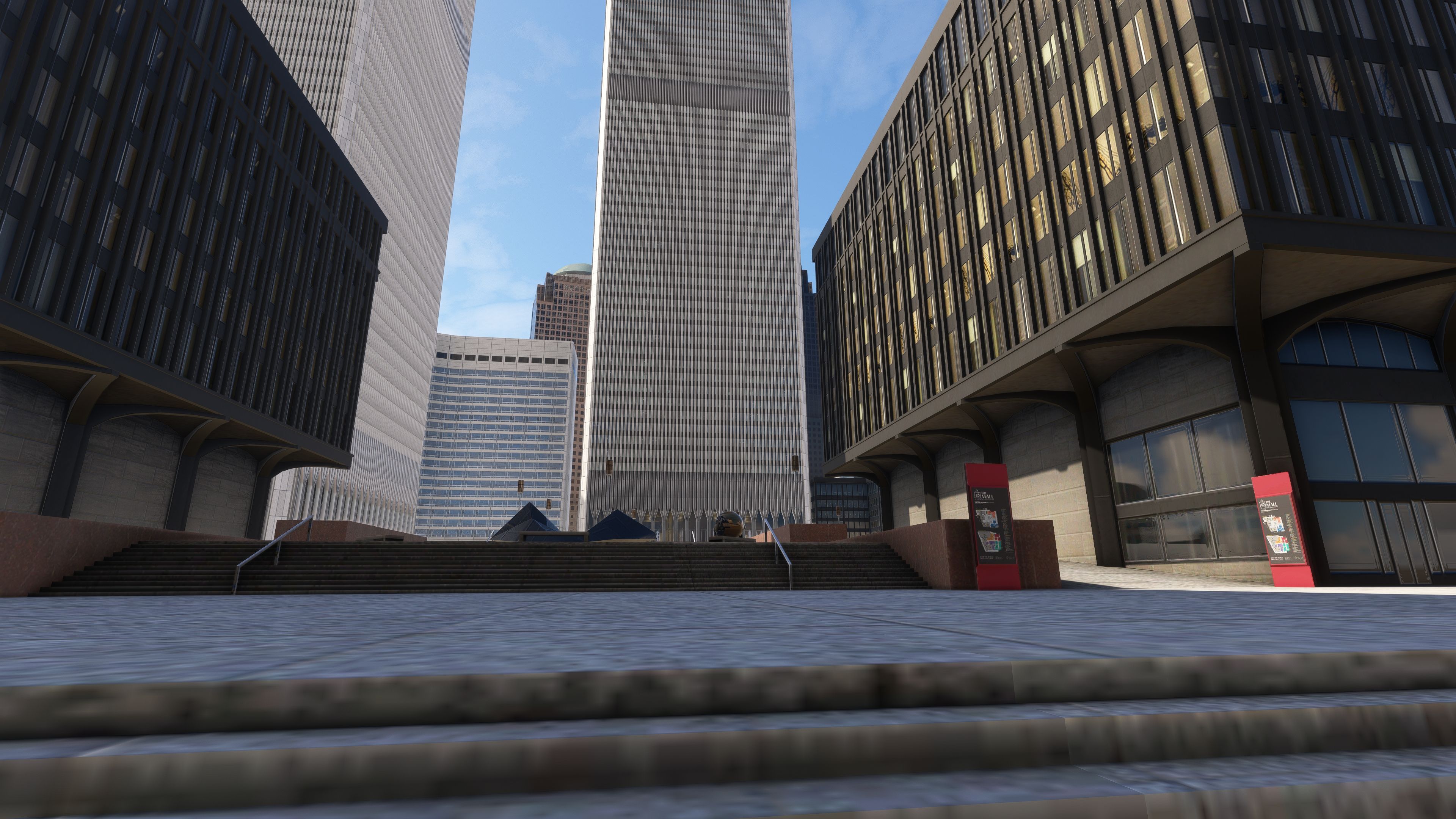
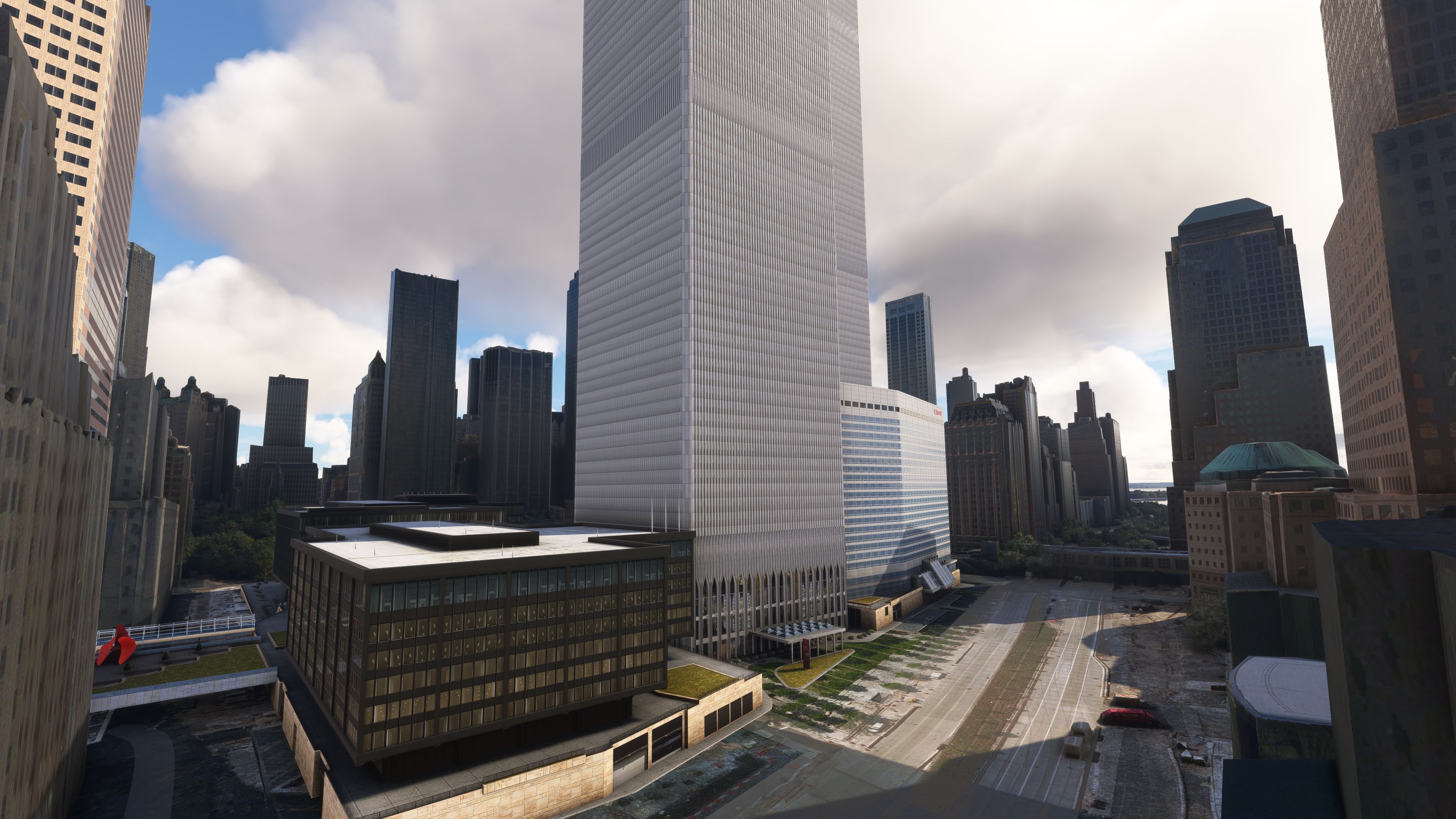
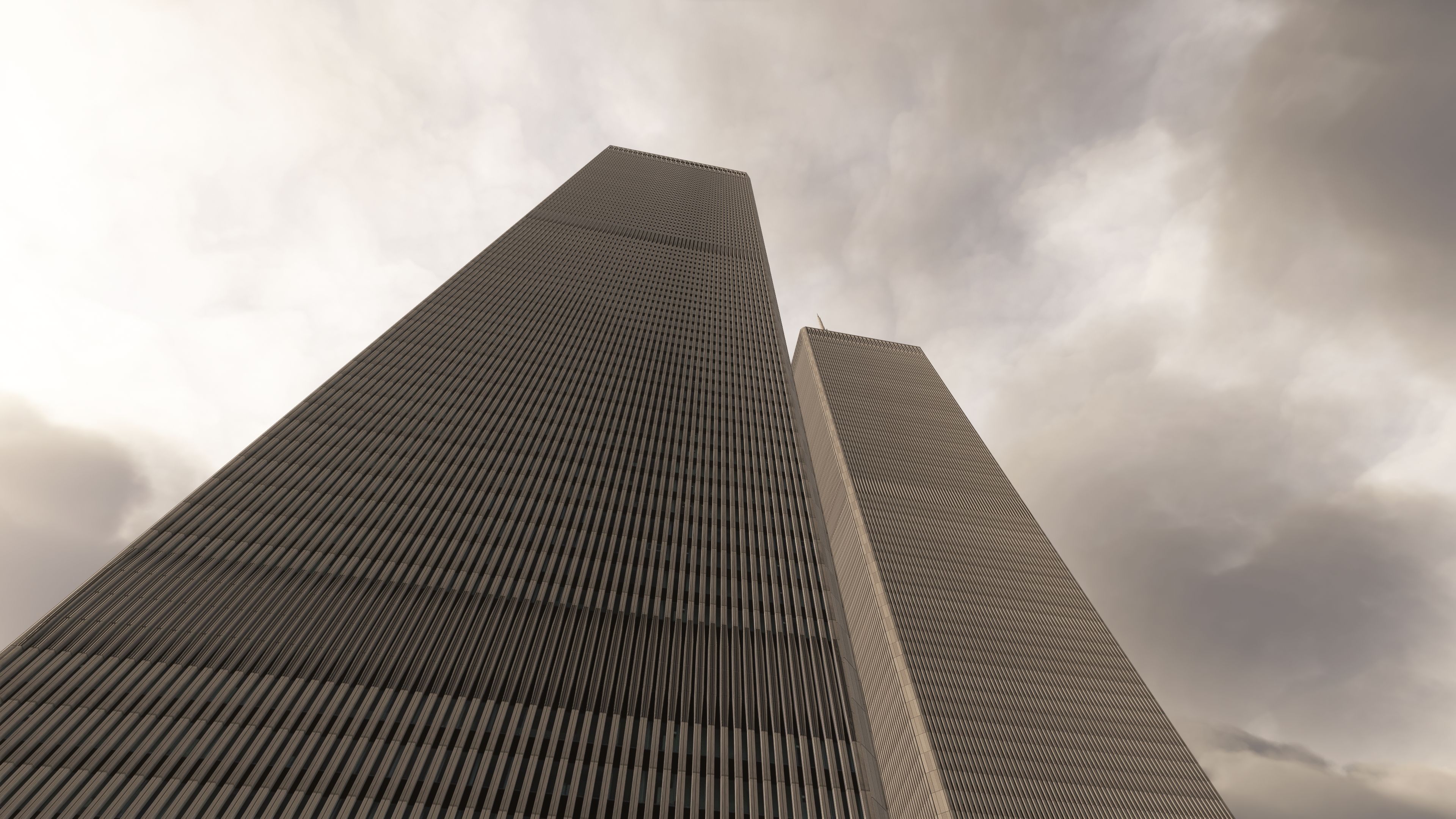
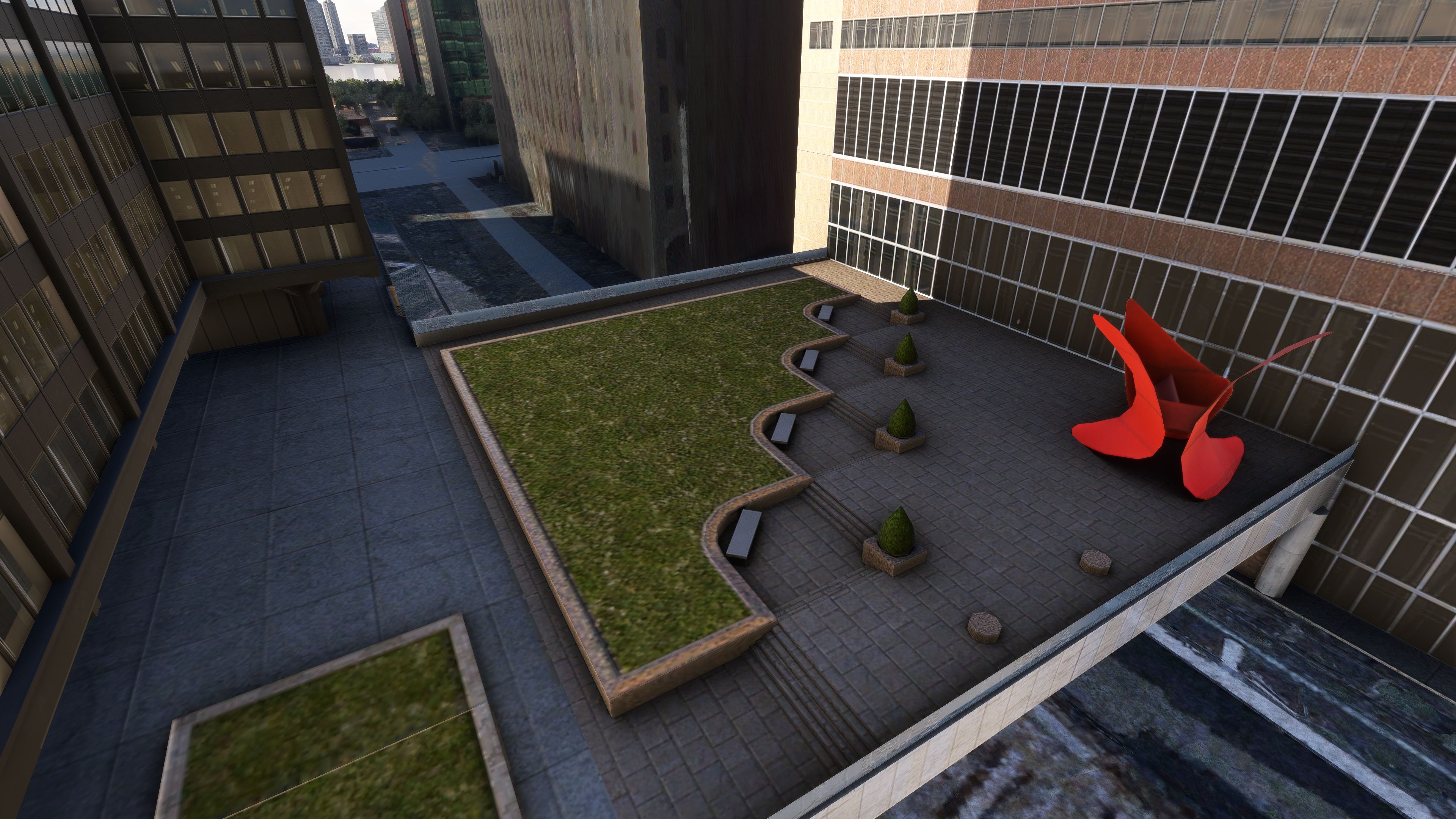
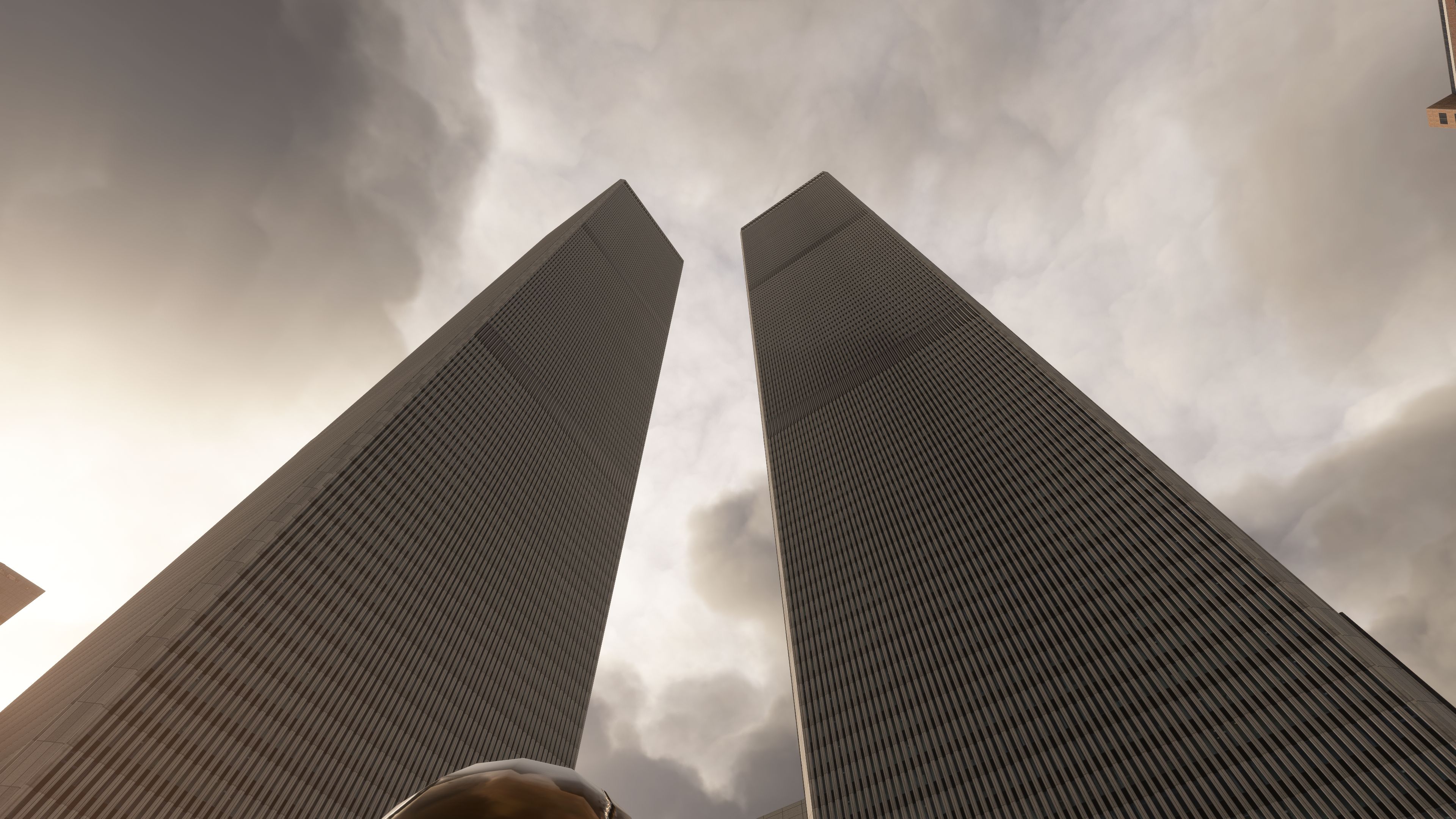
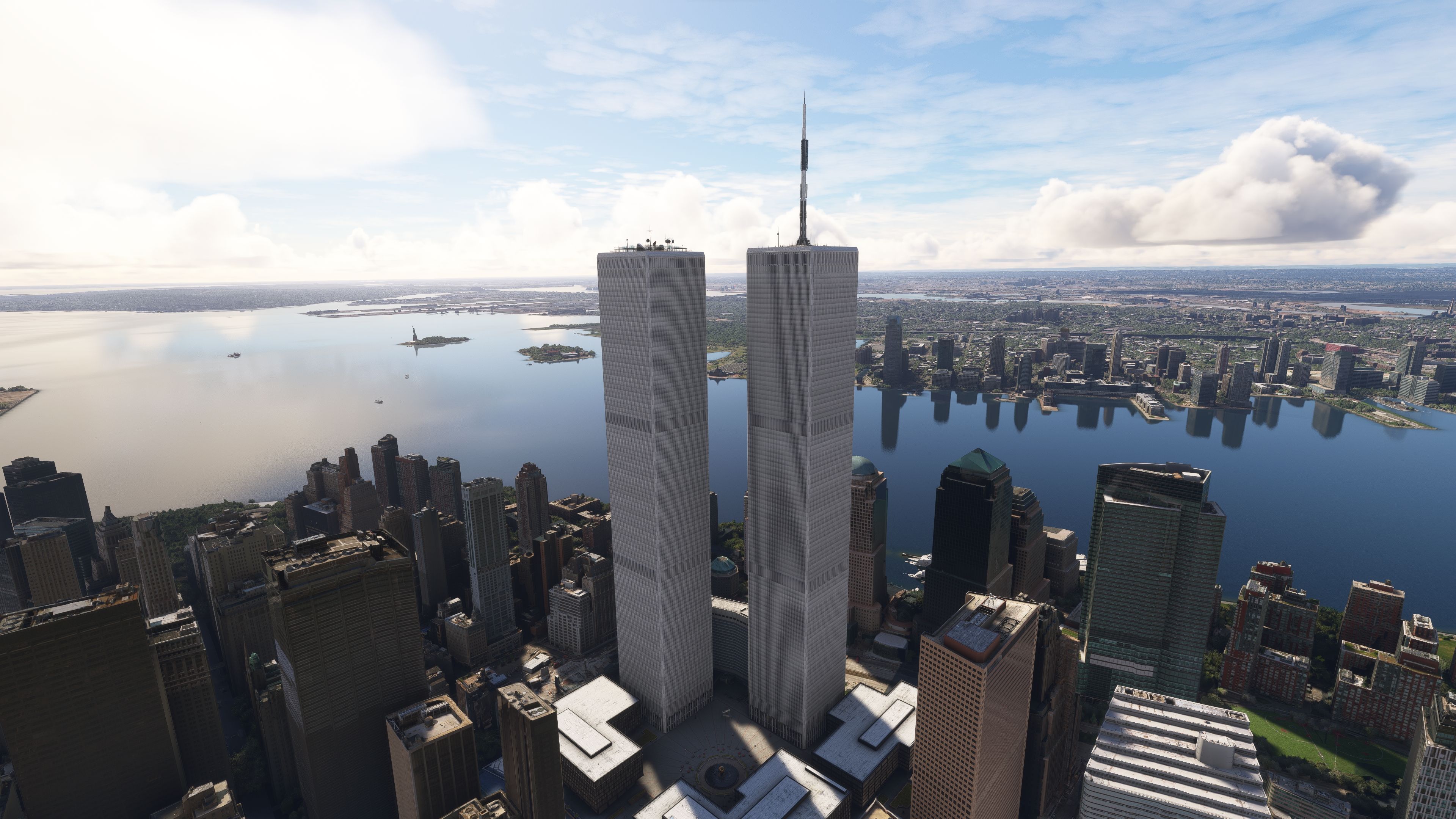
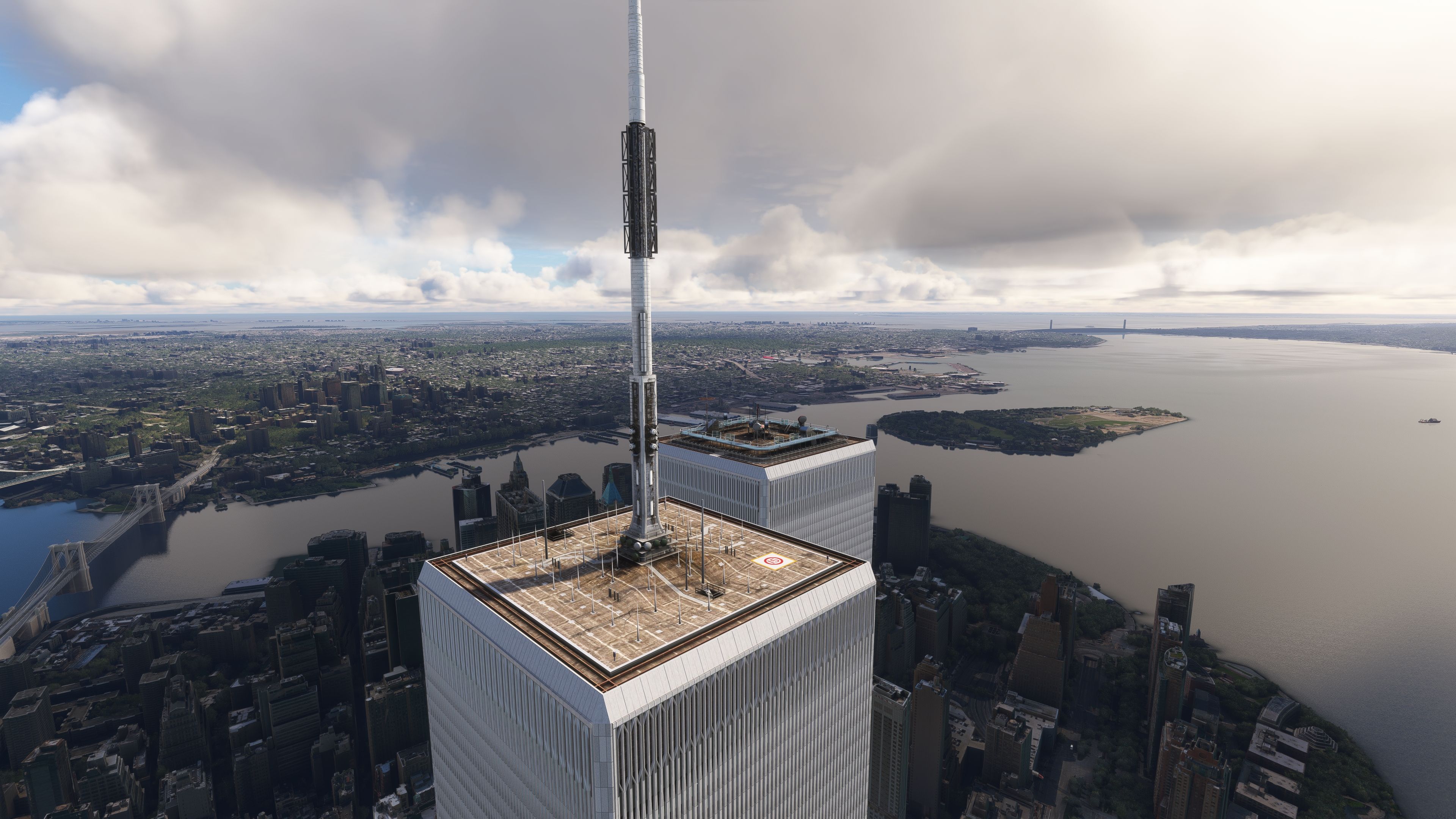
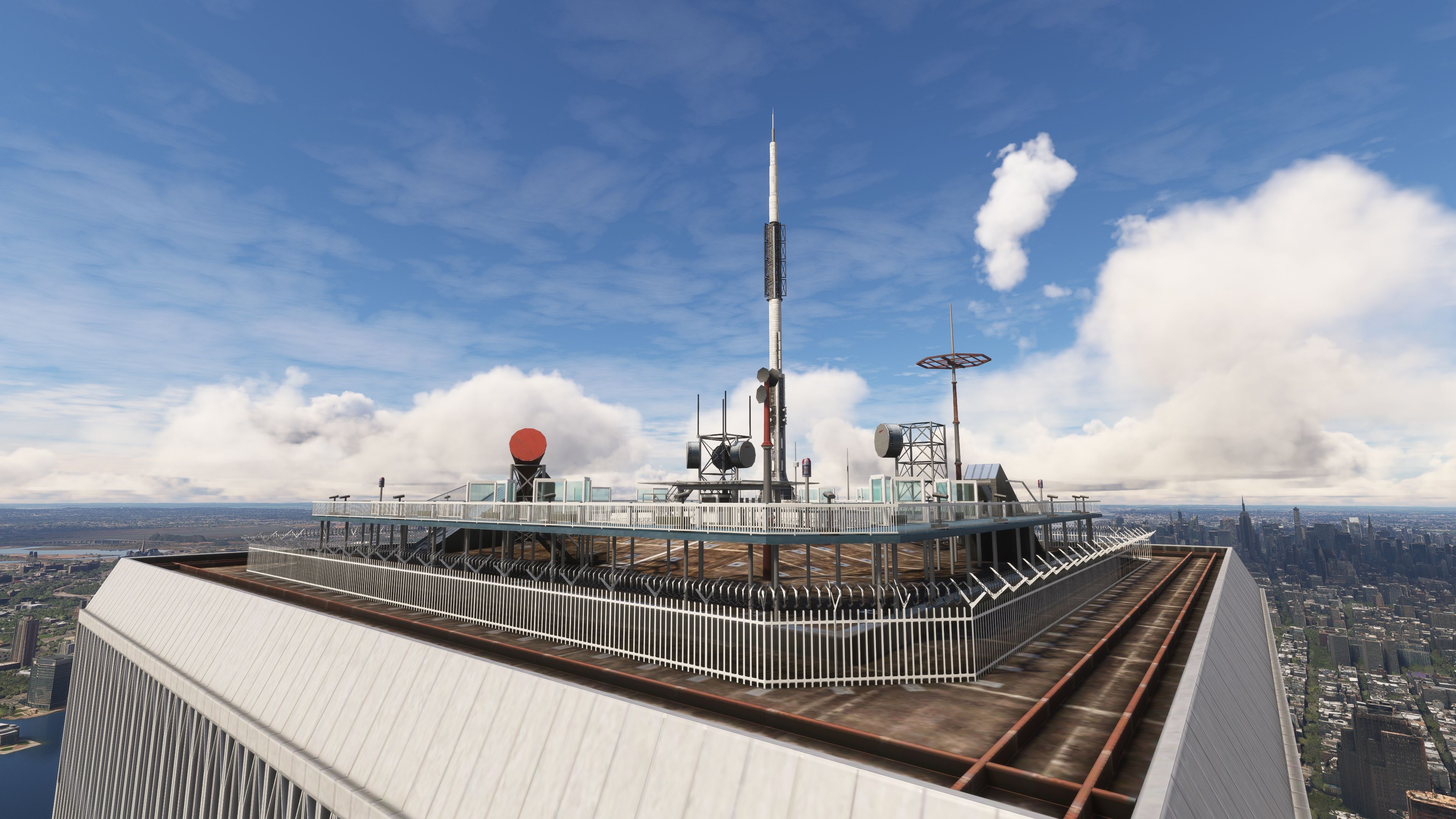
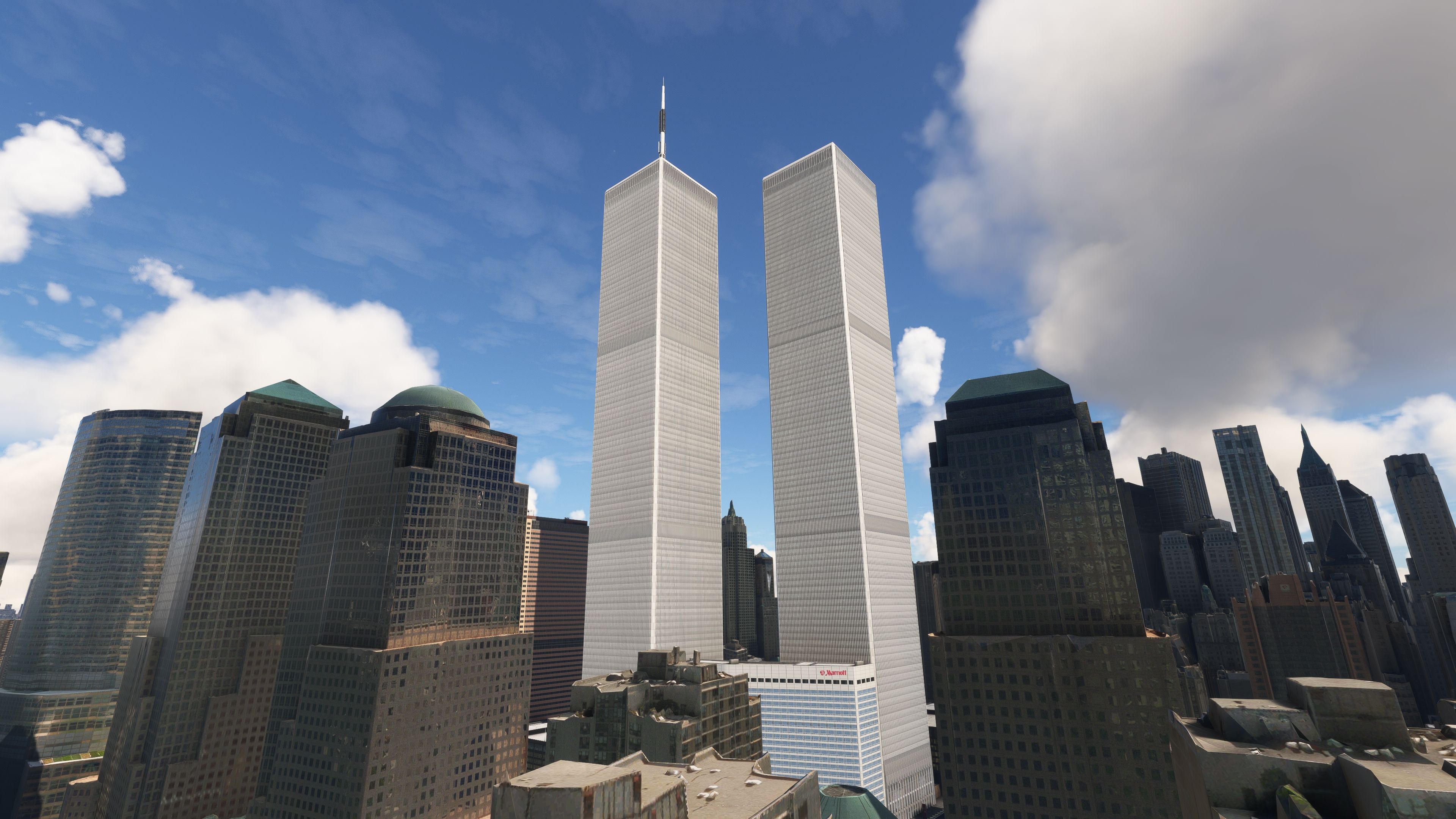
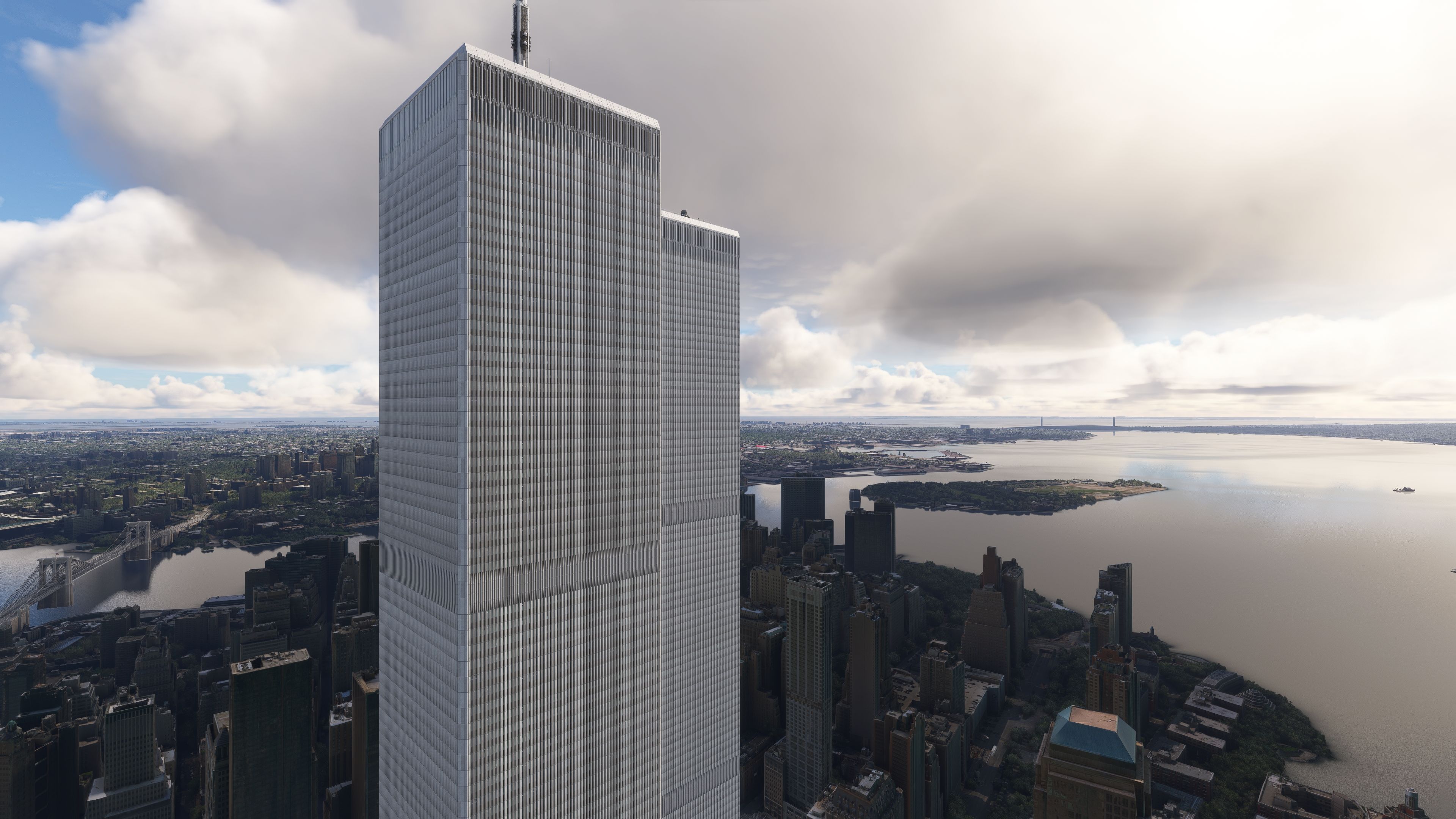
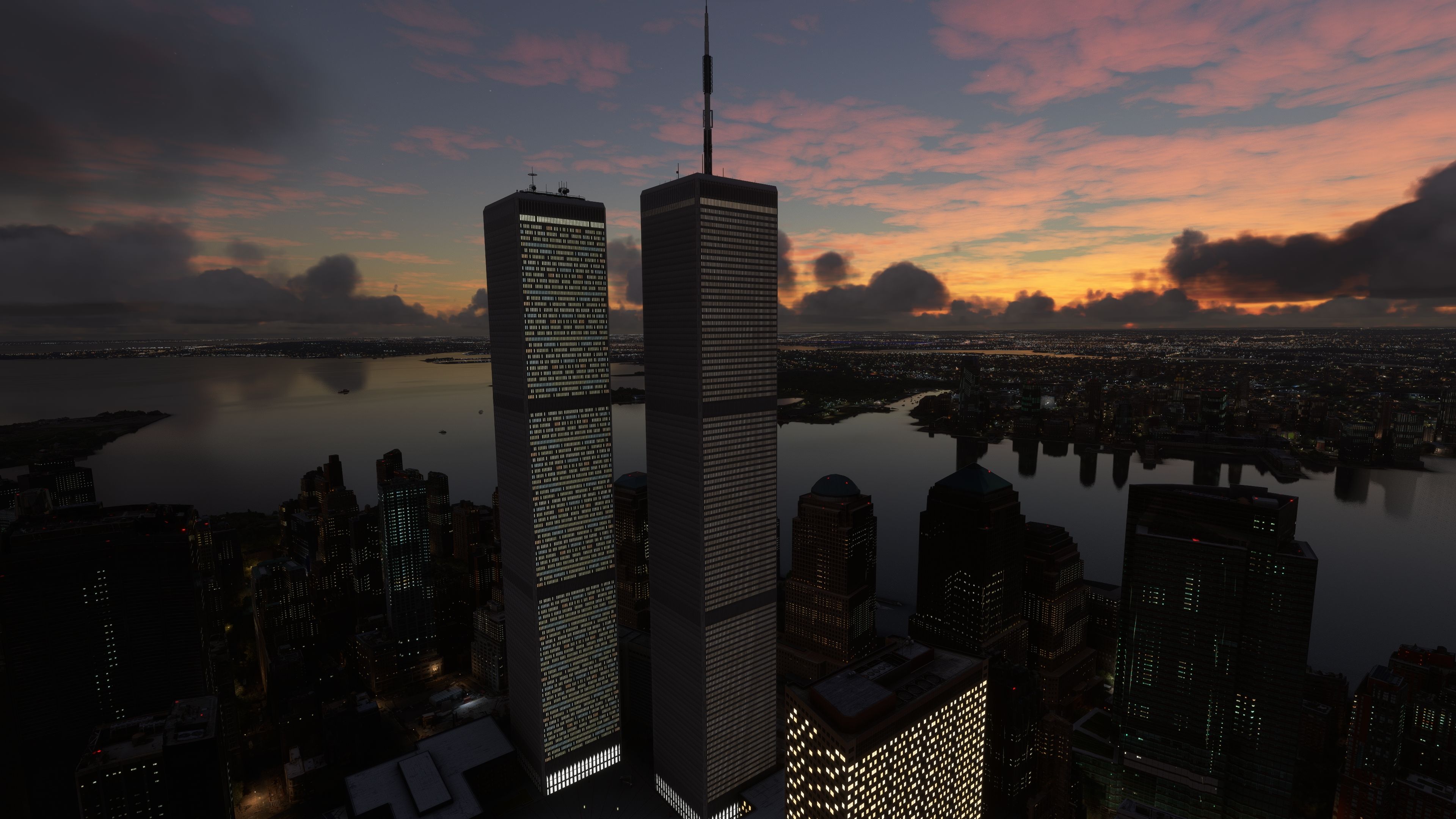
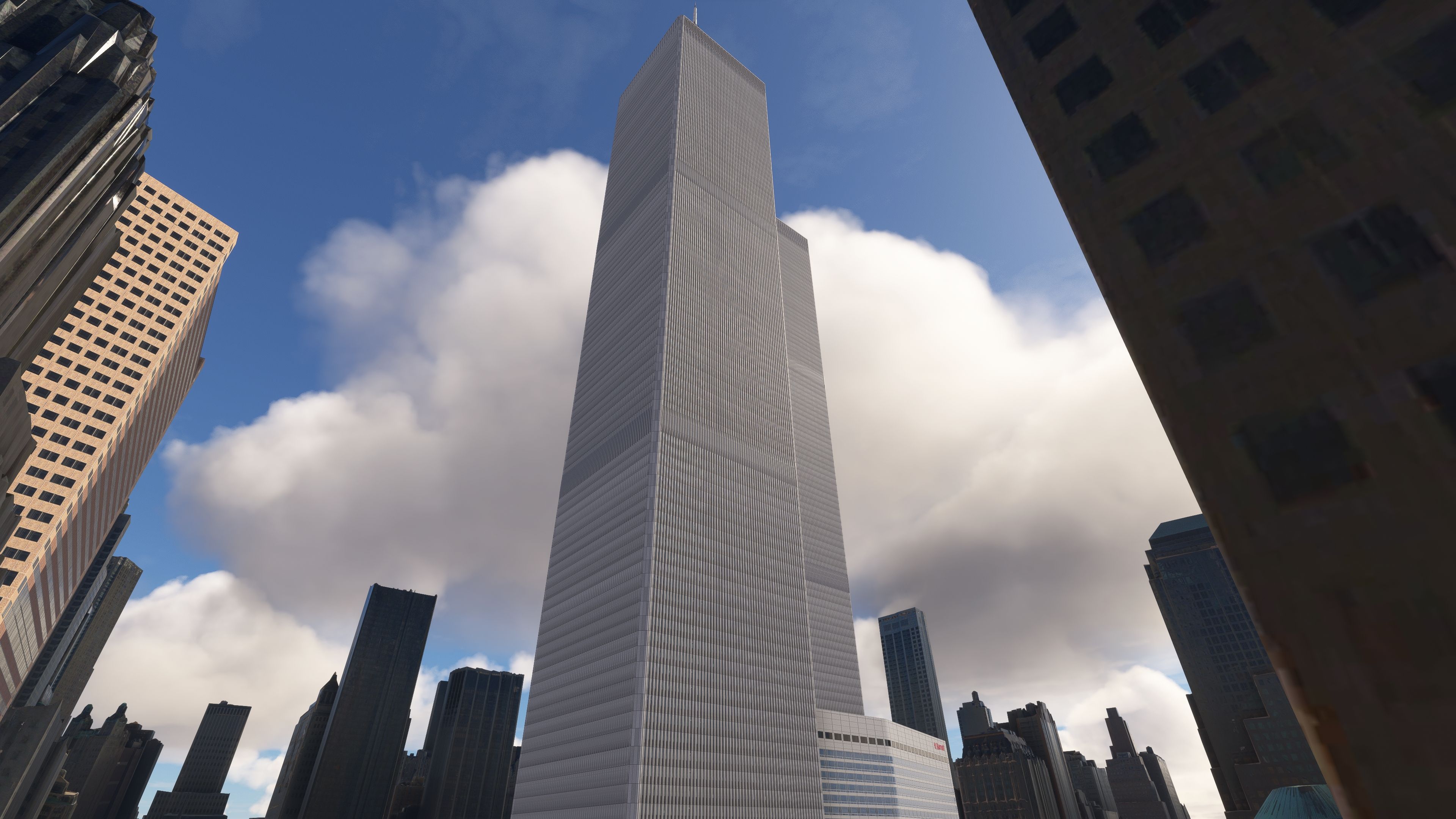
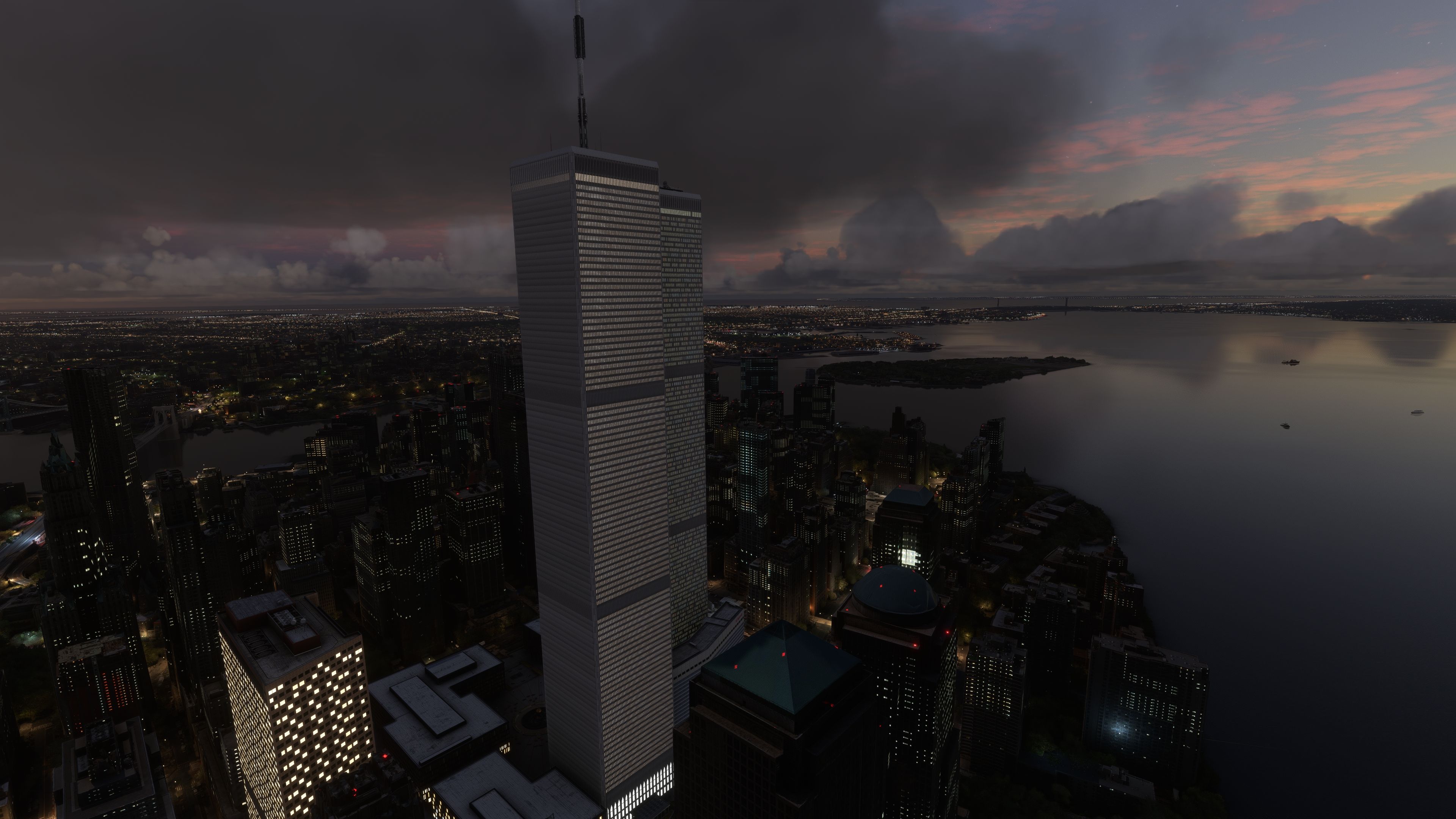
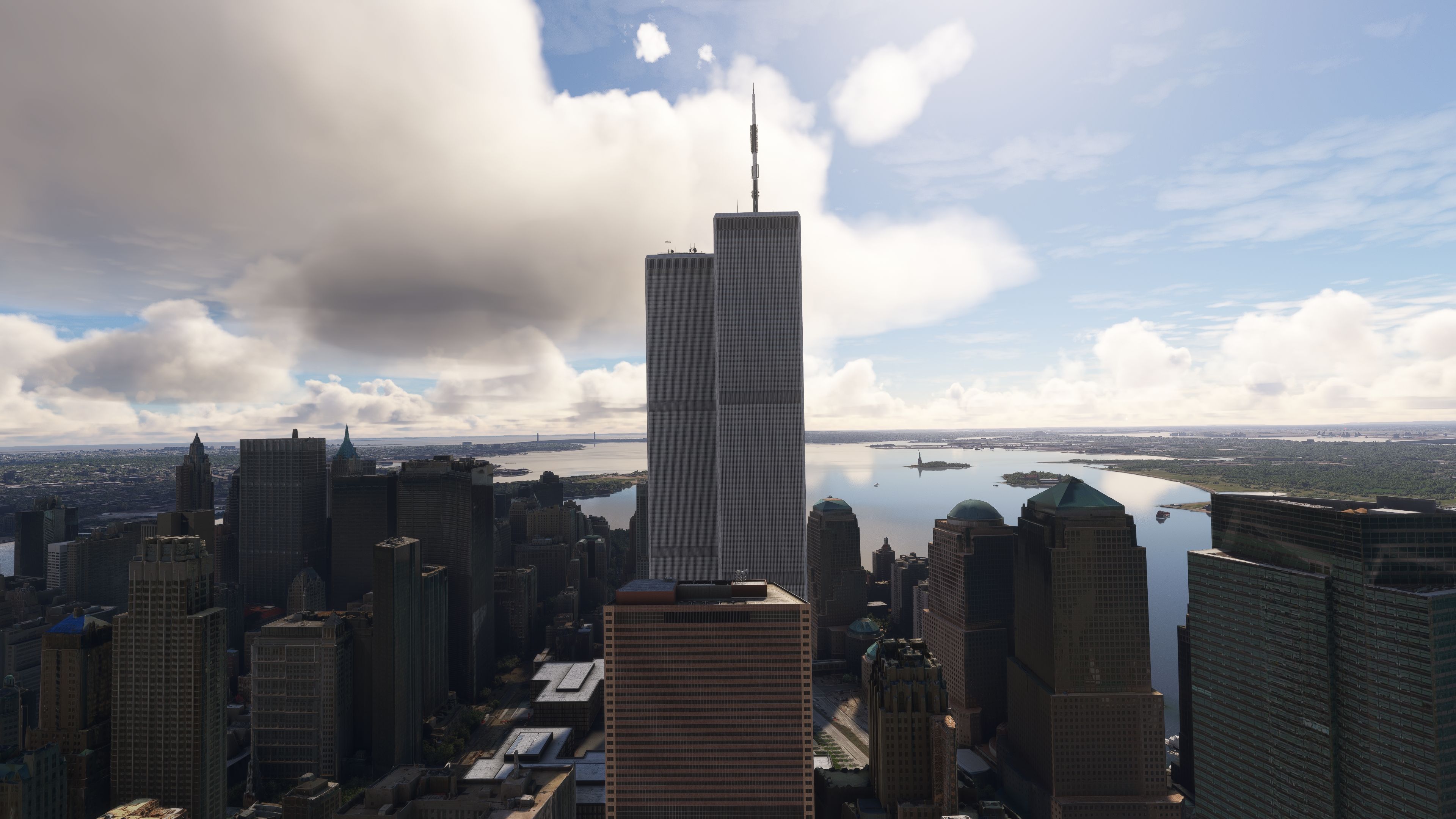
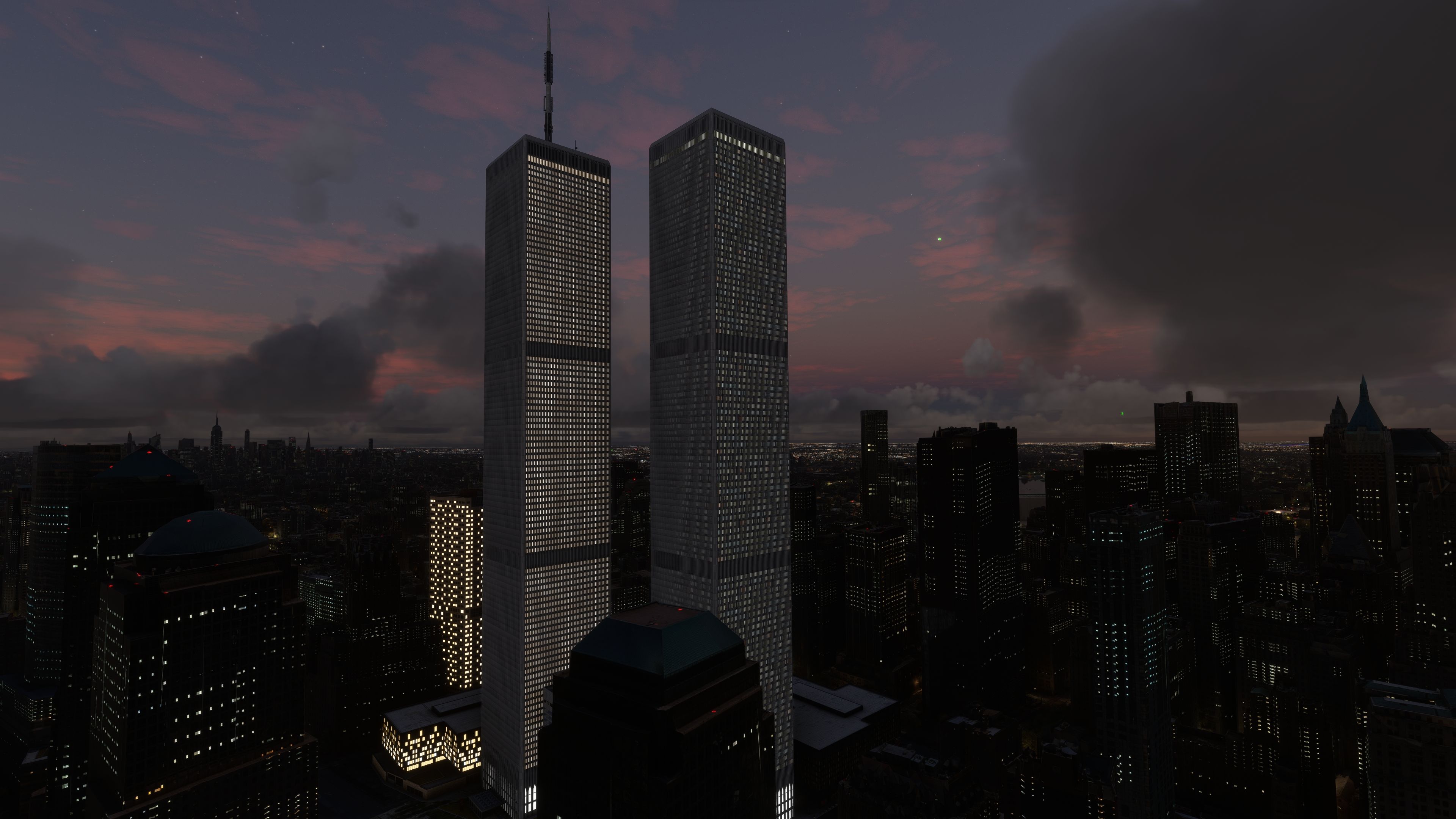
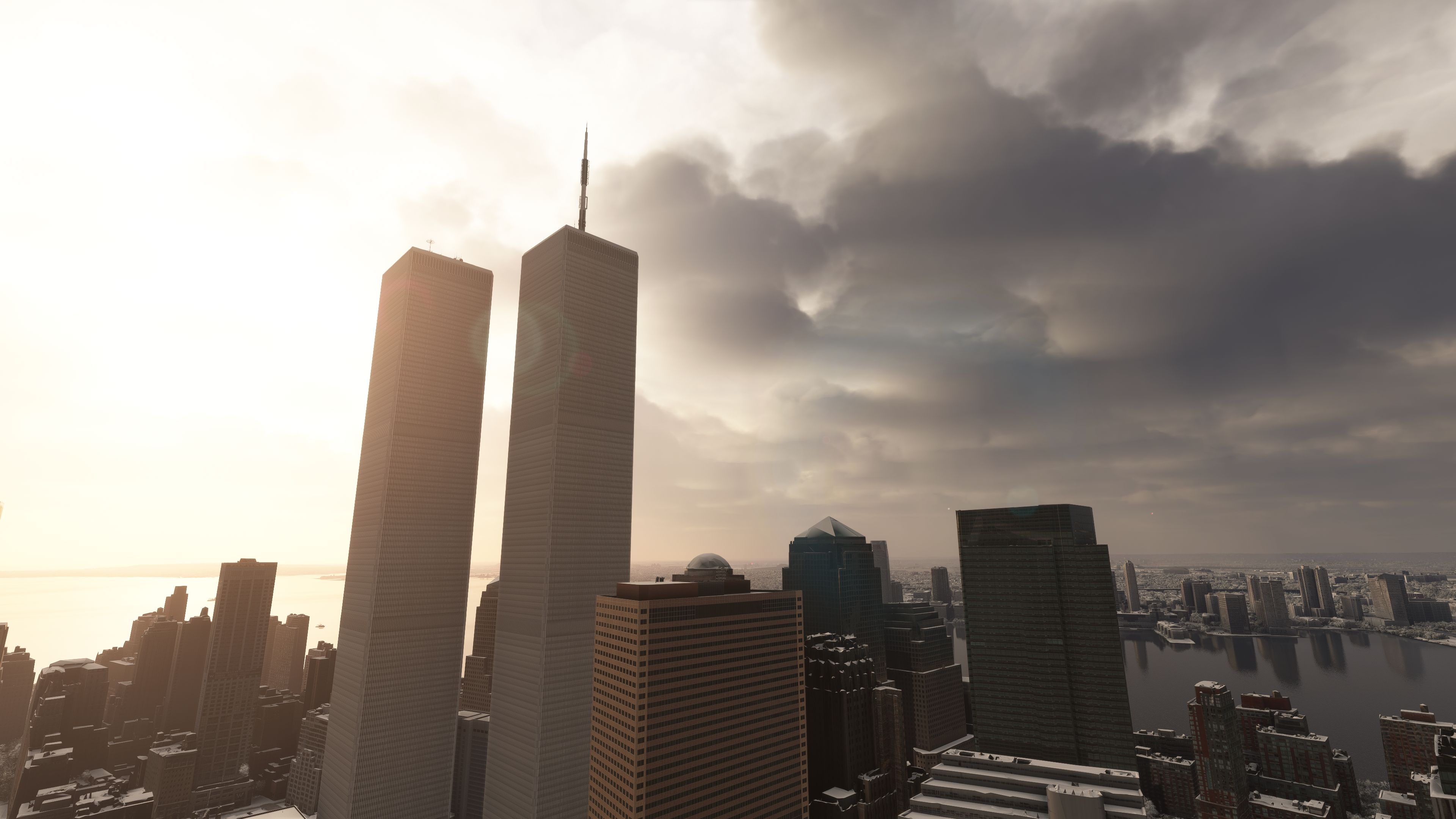
The original World Trade Center complex returns to the Manhattan skyline with a full 3D recreation of all seven buildings for Microsoft Flight Simulator. High-resolution textures with COMP material mapping, custom night lighting, and landable Twin Towers helipads add realism, while careful optimization keeps performance smooth from street level to cruise altitude.

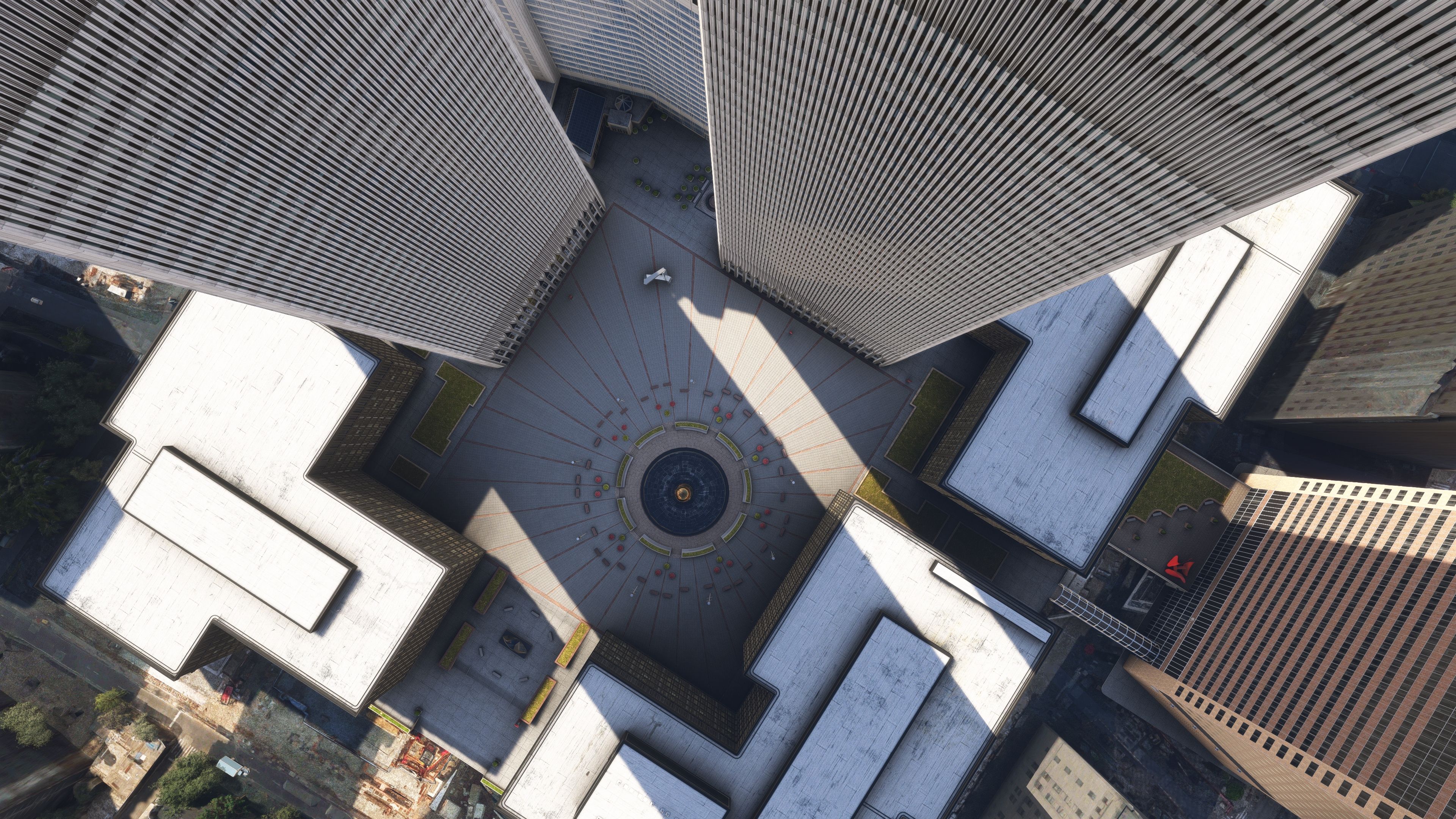
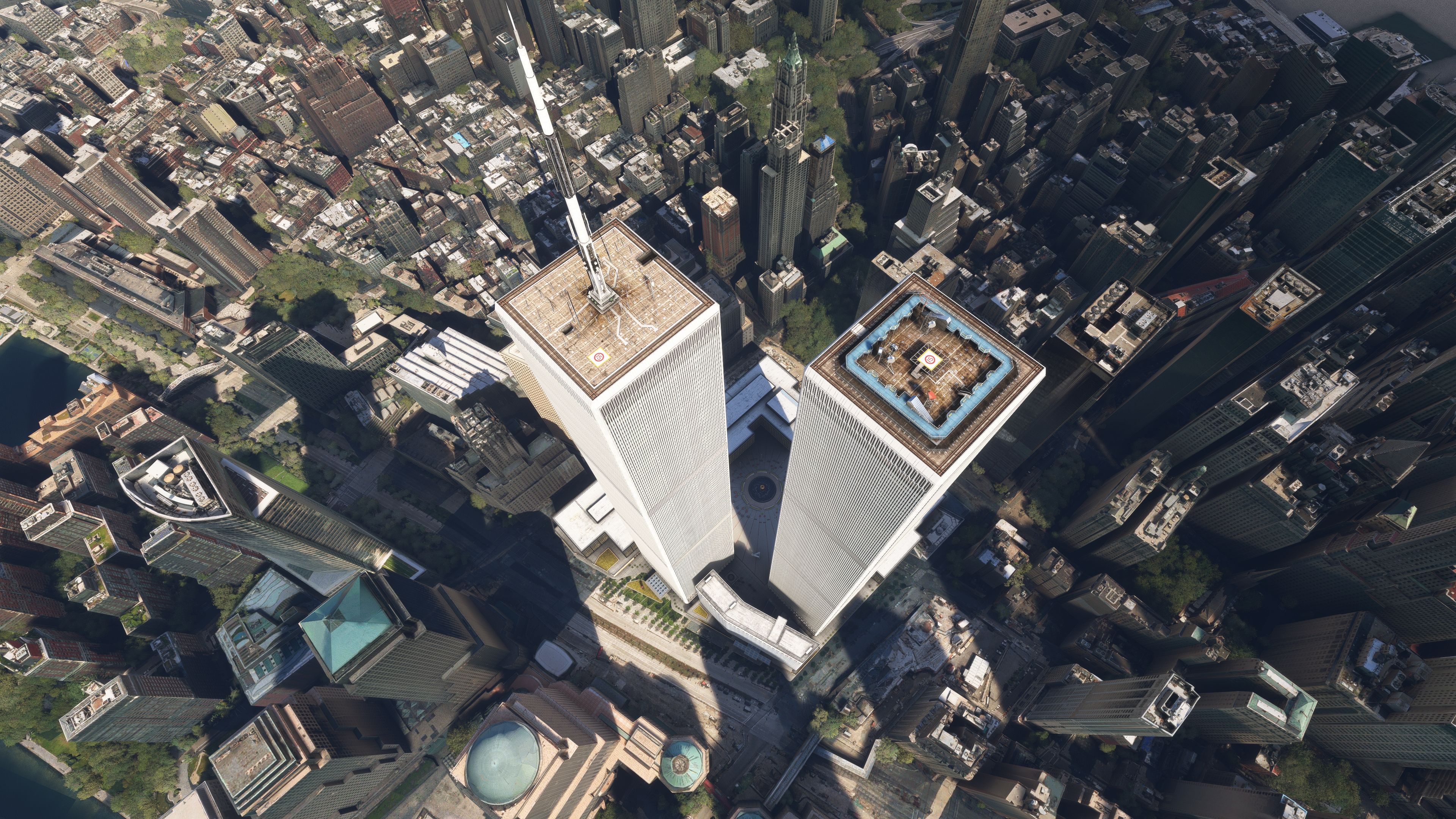
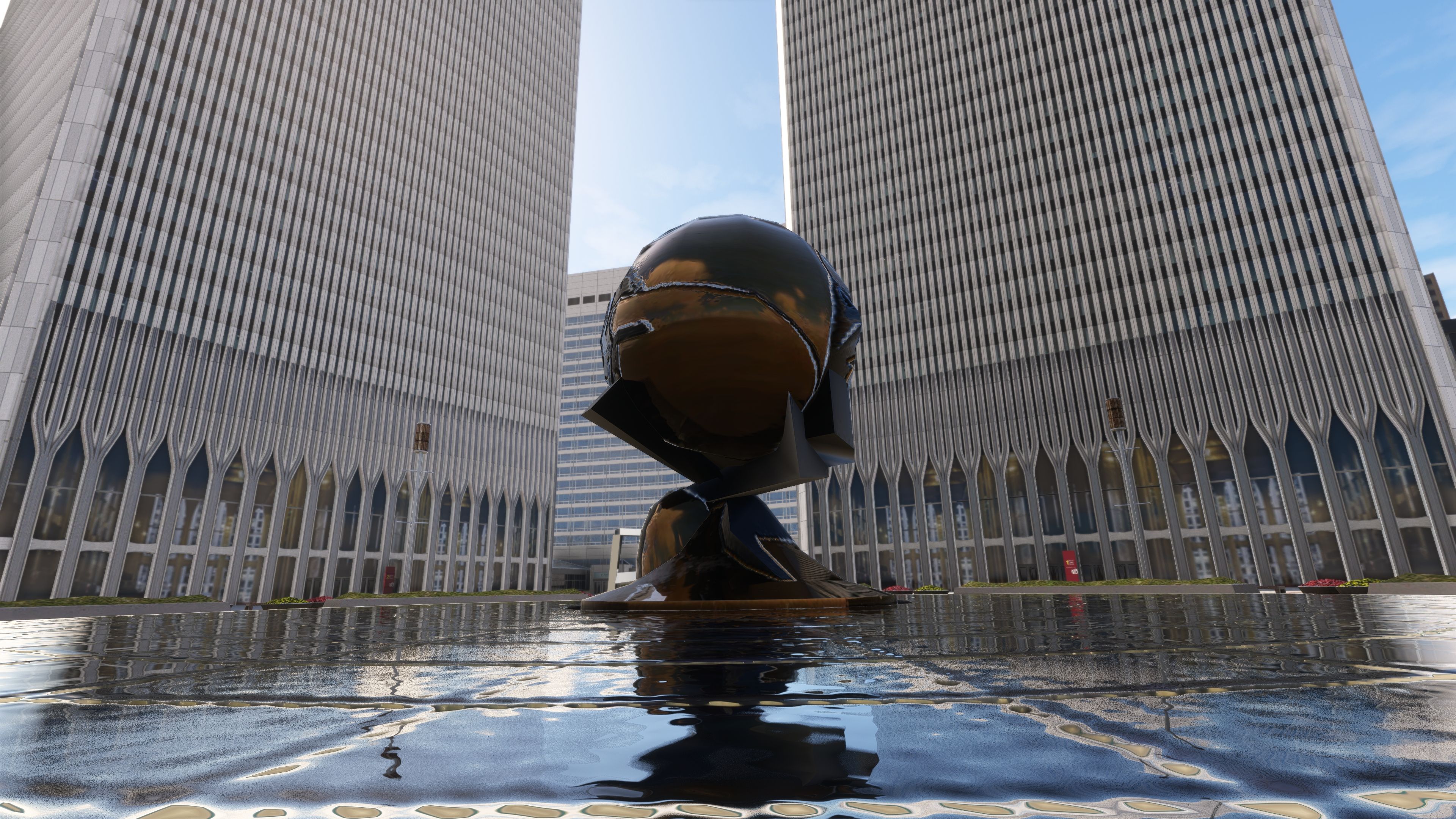
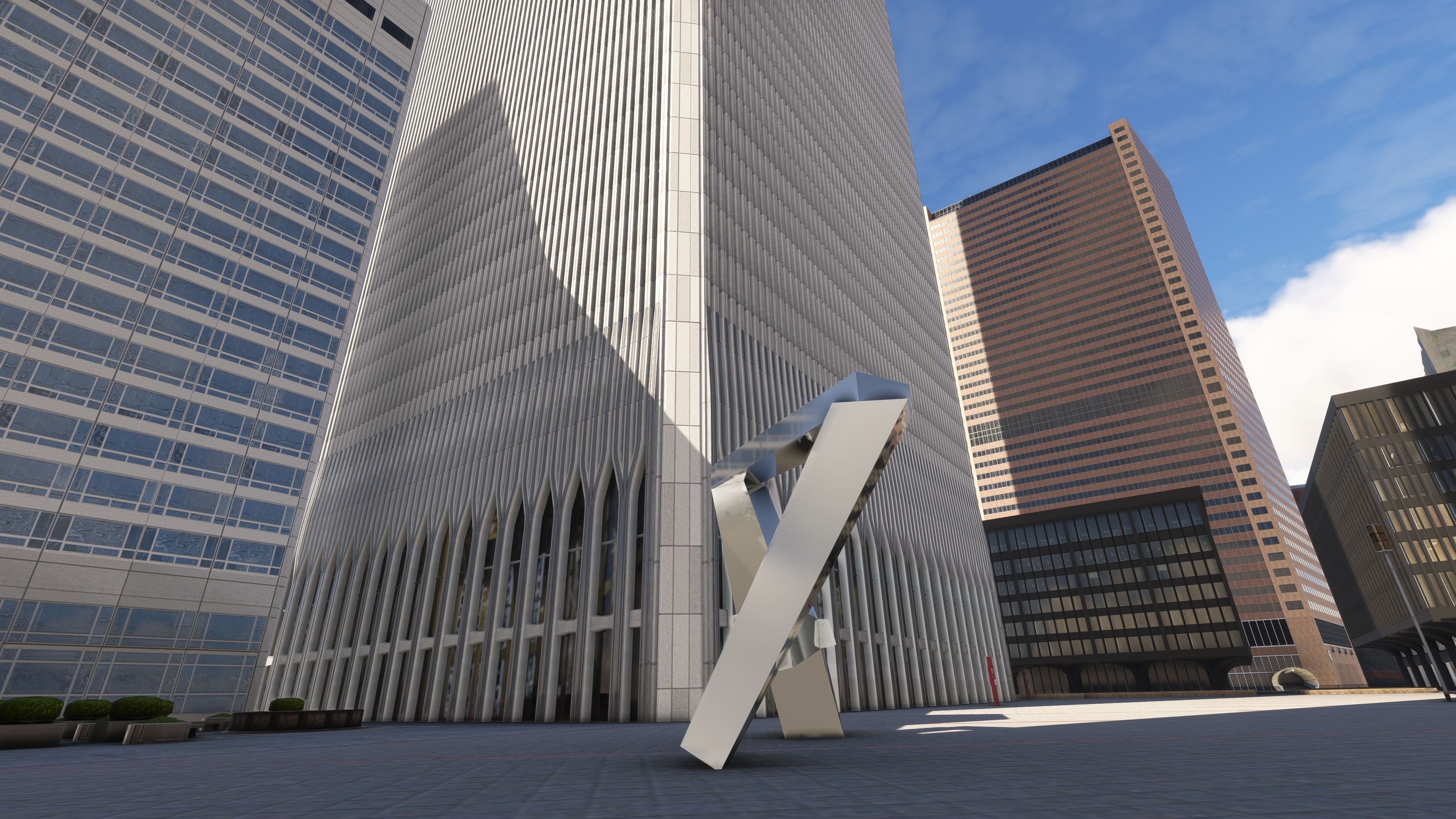
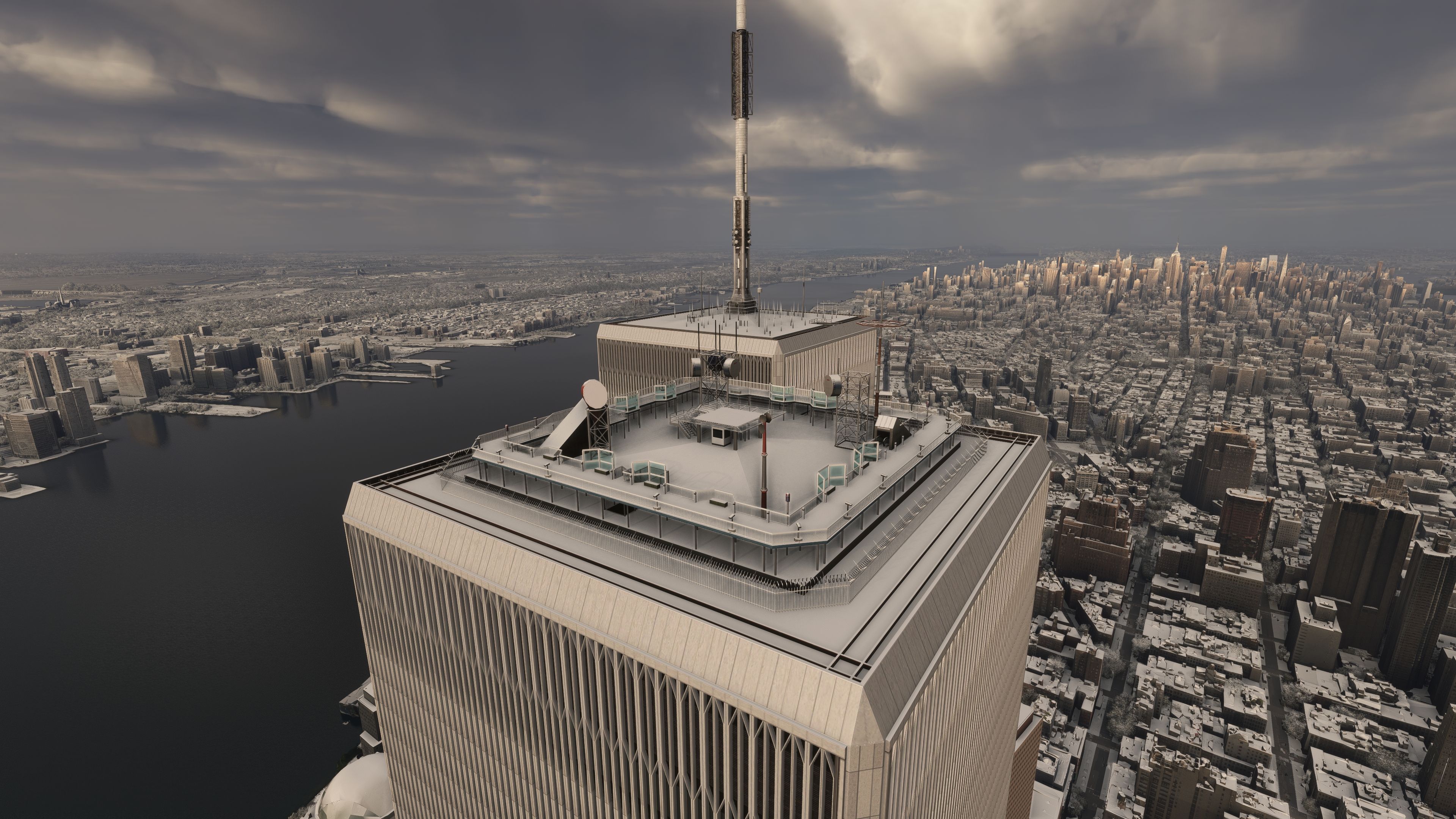
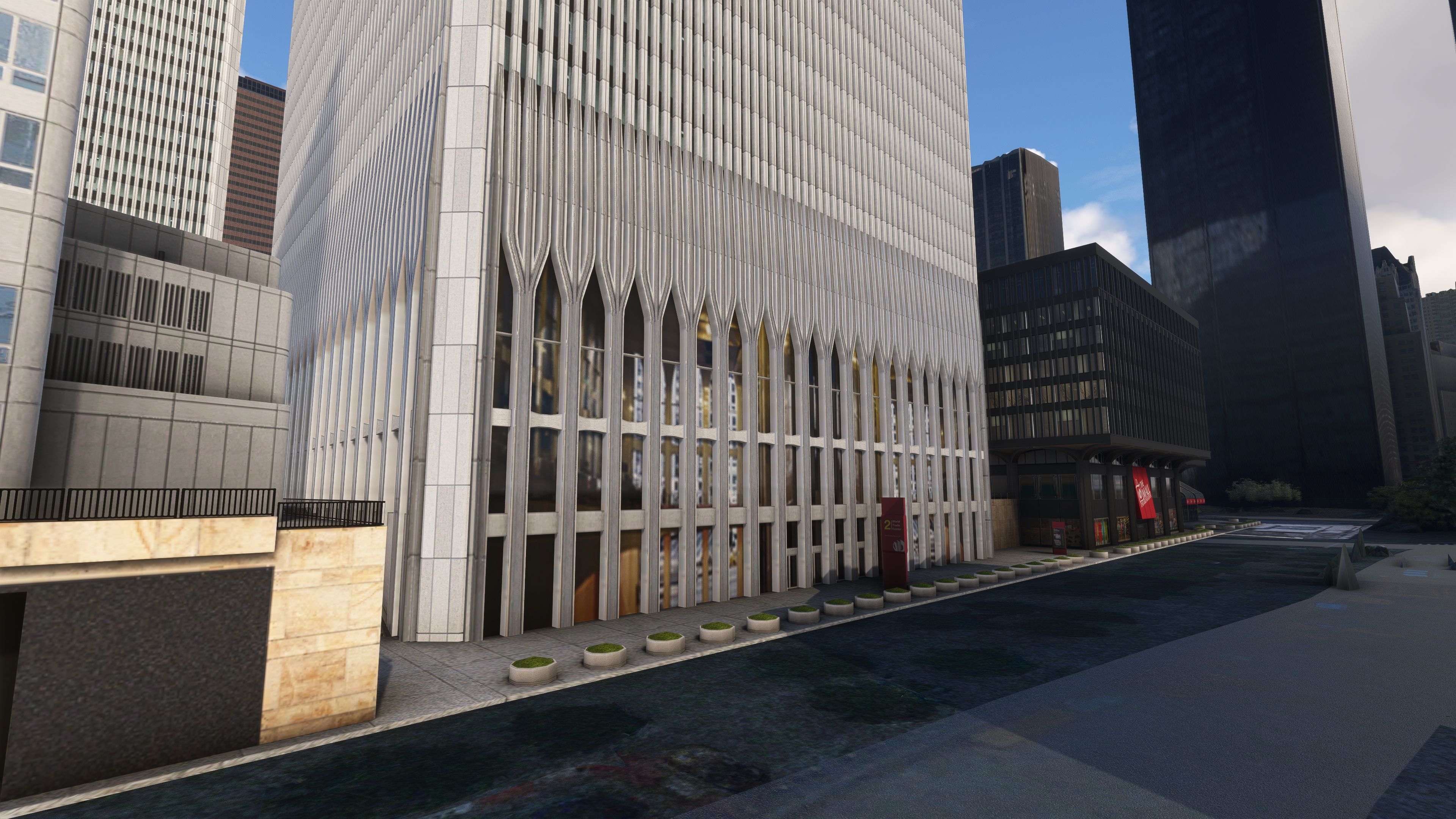
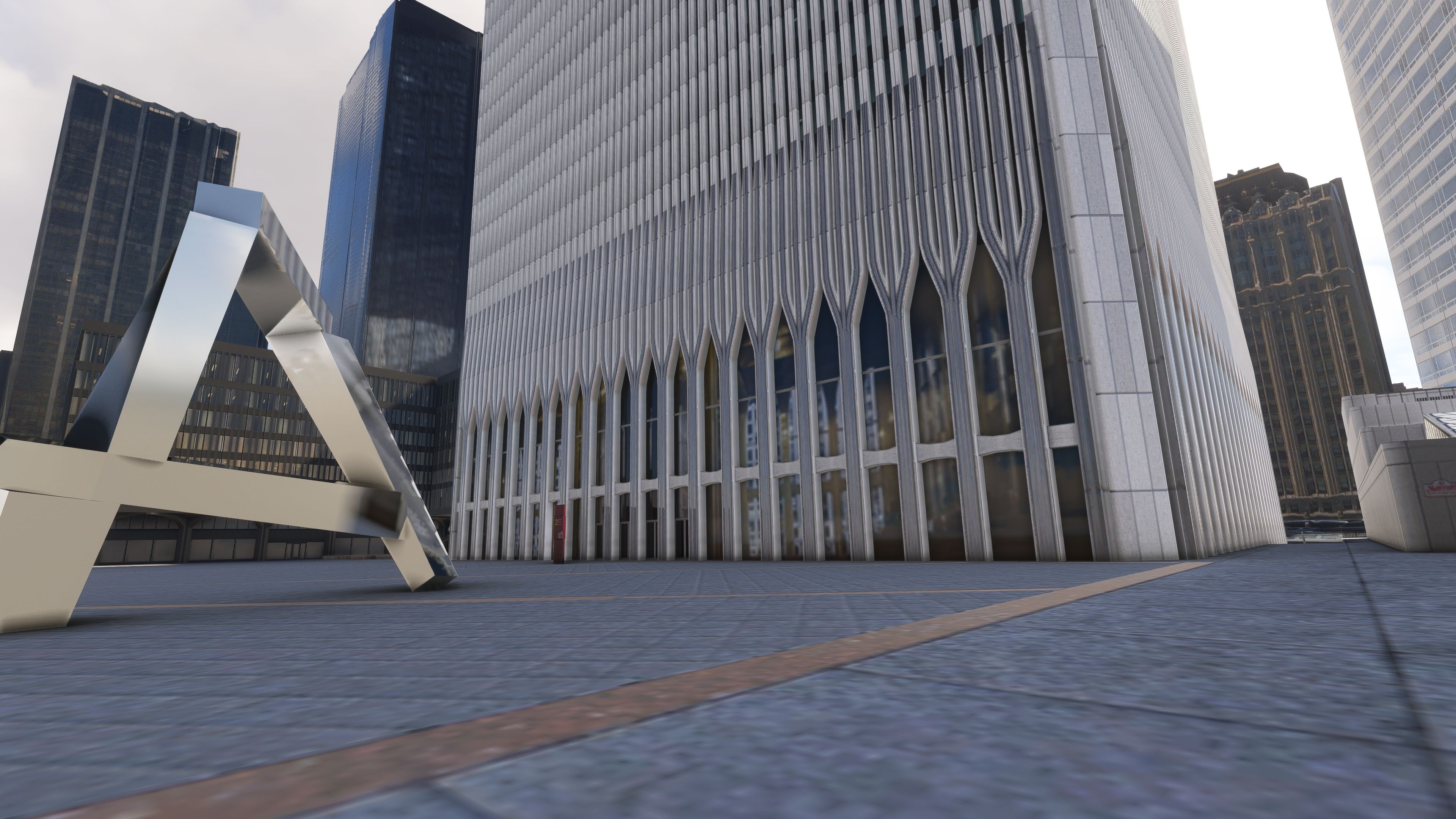
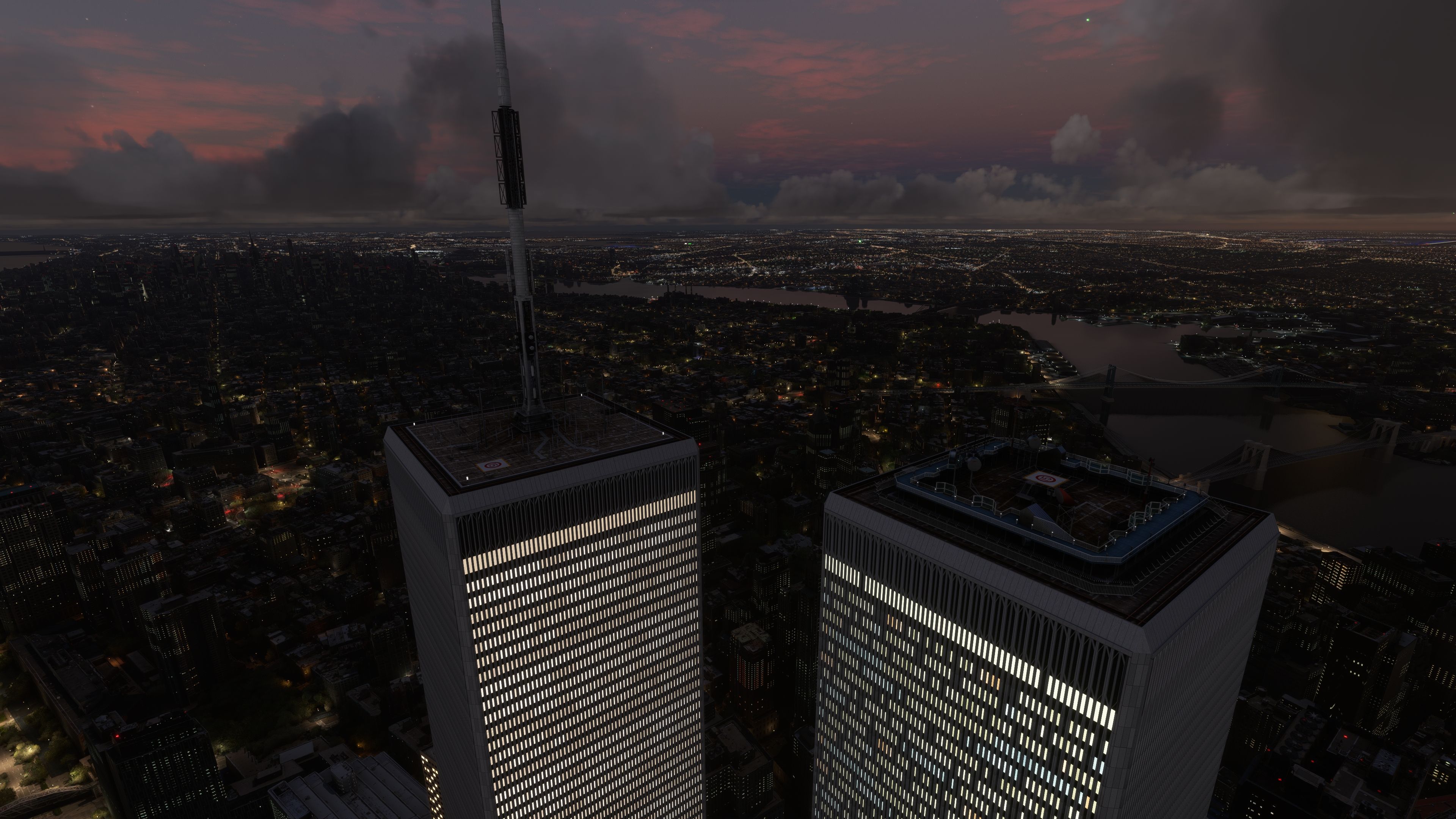
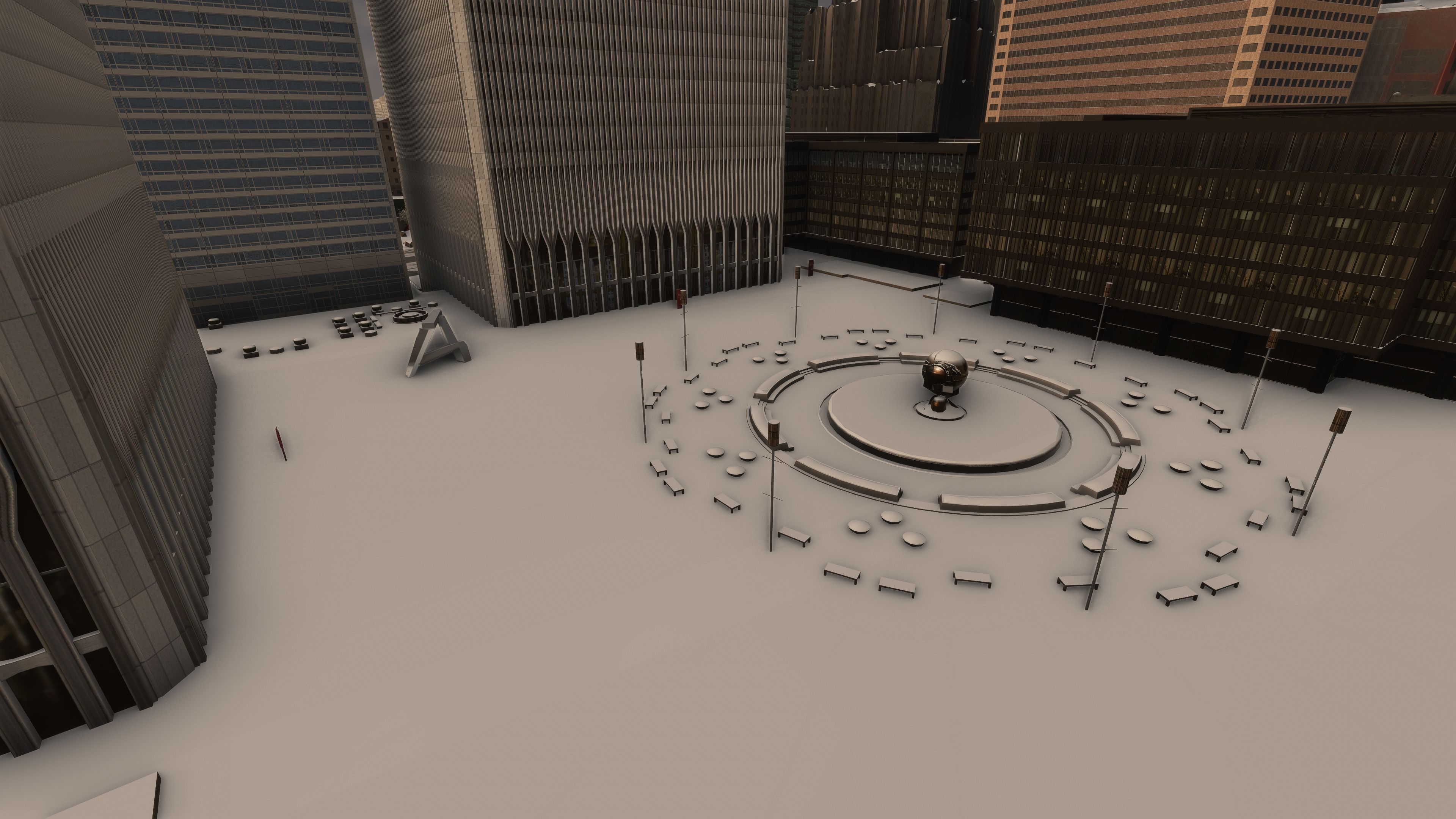
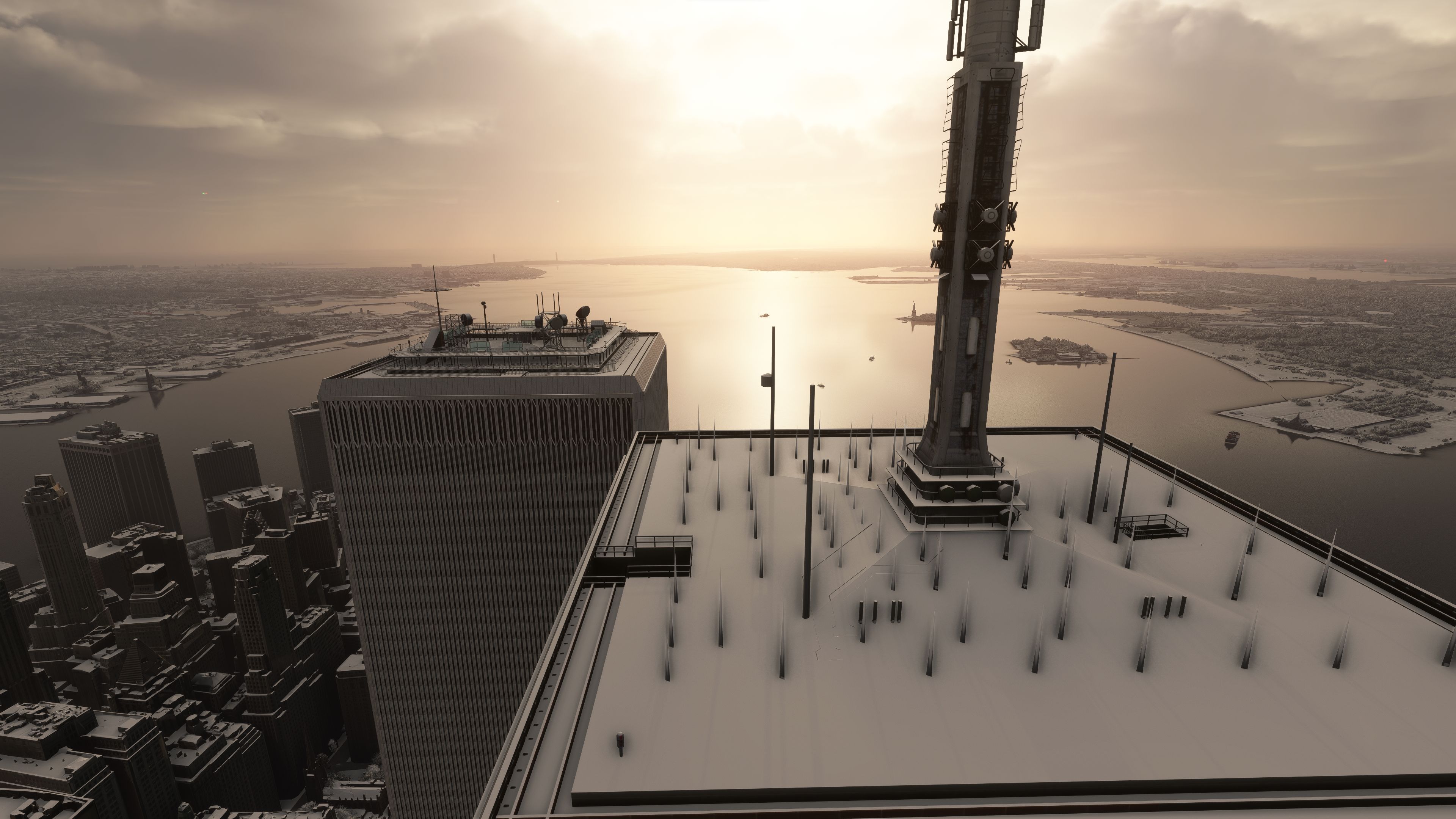
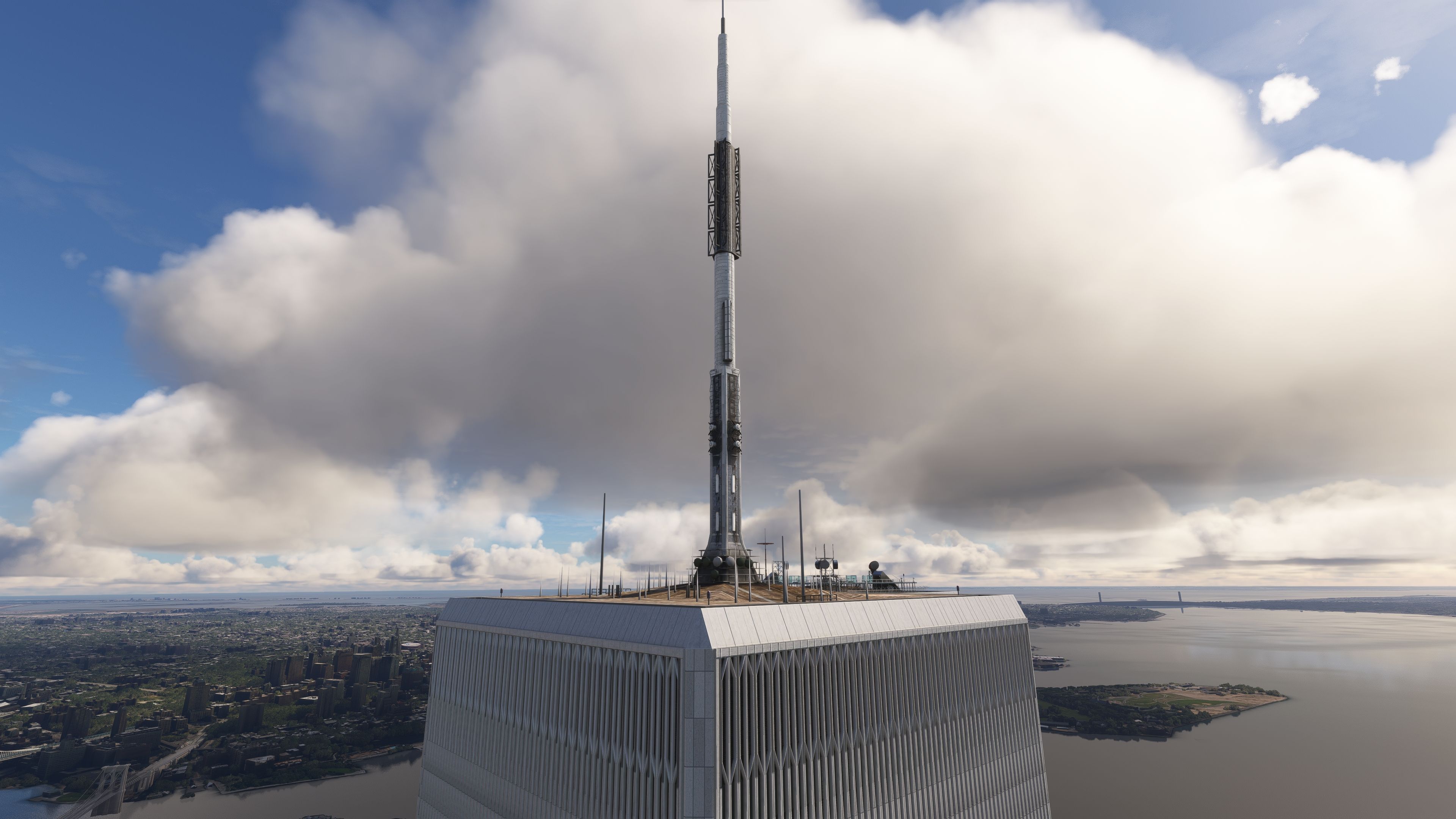
This faithfully crafted scenery add-on brings the entire original World Trade Center complex (1966-2001) back to life within Microsoft Flight Simulator. Each structure is recreated with advanced 3D modeling, complete with accurate COMP textures for realistic reflections and metallic highlights. Having tested this myself, the towering buildings blend seamlessly into the Manhattan skyline, and the functional helipads deliver a thrilling challenge for helicopter pilots hovering in such a dense urban environment. Thanks to optimized performance, the extra detail doesn’t significantly impact frame rates, even in low-level flight.
From the subtle night lighting that illuminates windows and plazas, to the rich historical context that resonates as you approach Lower Manhattan, this mod offers both visual immersion and a respectful nod to the past. As someone with decades in the PC flight simulation industry, I’ve rarely seen a project integrate so effectively while maintaining performance. It feels genuinely rewarding to navigate these iconic landmarks once again, and I look forward to any future refinements that further enhance the realism and atmosphere of this unique scenery.
Enhance your Microsoft Flight Simulator experience by introducing the original World Trade Center complex into the New York skyline. This mod faithfully recreates all seven buildings of the historic complex, offering a detailed and immersive environment for virtual pilots navigating the skies over Manhattan.
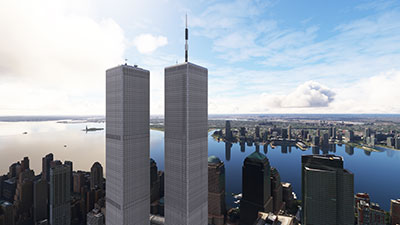
This add-on employs advanced texturing techniques, including COMP textures—a method that combines multiple texture maps into a single file to control material properties like shine and reflectivity. This results in more realistic window reflections and metallic surfaces, such as the statues around the plaza.
The helipads atop both towers are fully functional, allowing sim pilots to perform challenging landings in a dense urban environment. The mod also includes custom night textures, although it's noted that emissive textures and some lighting elements are still under development.
"arkid77-scenery-world-trade-center".Community directory.This mod provides an opportunity to explore New York City's past architectural landscape within the flight simulator. By reintroducing the original World Trade Center complex, pilots can appreciate the historical significance and navigate using landmarks that defined the city's skyline for decades.
Despite the high level of detail, the mod is optimized to ensure minimal impact on system performance. Users can expect smooth frame rates even when flying close to the complex or viewing it from afar.
The original 3D model was created by BoldlyBuilding. Significant enhancements have been made to adapt it for Microsoft Flight Simulator, including texture improvements and the addition of functional helipads.
Development is ongoing, with plans to finalize emissive textures and complete the lighting setup. Users are encouraged to check for updates that will further enhance the visual experience.
When using this mod, please approach the content with respect for its historical context. The intention is to provide a realistic simulation environment without making light of past events.
By installing the MSFS Twin Towers Mod, you enrich your flight simulation experience with a piece of history. Navigate the airspace over Manhattan with an authentic representation of the original World Trade Center complex, complete with detailed models and textures that bring the iconic structures back to life.
Free for all simmers · 413.61 MB · Scanned clean Oct 2026
Download speed: Free tier is capped at 2 Mbps (this file takes approximately 29 mins at the cap). PRO members download at full line speed.
%LOCALAPPDATA%\Packages\Microsoft.FlightSimulator_8wekyb3d8bbwe\LocalCache\Packages\Community\. Steam version: %APPDATA%\Microsoft Flight Simulator\Packages\Community\. Tip: enable Developer Mode in MSFS to see your exact Community folder path.readme.txt or README file. It tells you exactly where files go, what dependencies are needed, and any quirks specific to this add-on.Use these coordinates to fly directly to this location once the mod is installed.
40.71166700,-74.01250000
Paste these coordinates into the Microsoft Flight Simulator search bar when planning a flight, or into the Developer Mode Teleport window, to fly directly to this location.
Only PRO members can place votes.
More MSFS add-ons hand-picked based on this download.
MSFS Scenery
The Disney World airport/STOLport (also known as the Lake Buena Vista airport…
 MSFS Scenery
A large freeware scenery add-on pack put together by the developer who goes b…
 MSFS Scenery
A quick rework of several Swiss cities and landmarks such as the Matterhorn u…
 MSFS Scenery
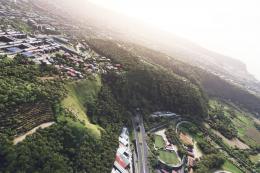
This pack by the developer who simply goes by the name of Chris brings the me…
 MSFS Scenery
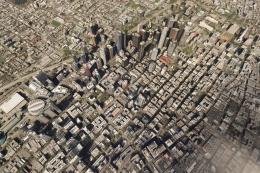
Enhance your Microsoft Flight Simulator experience with the Downtown Los Ange…
 MSFS Scenery
A new, easy-to-install, and accurate replacement of the default Paris photore…
 MSFS Scenery
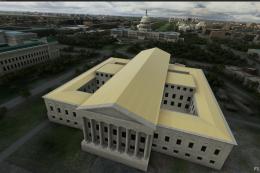
A massive freeware pack created by the developer Srinivasman containing over …
 MSFS Scenery
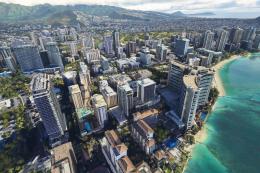
This is a complete replacement scenery pack covering the entire city of Honol…
Read what other simmers think, or add your own.

You know what you can do with it. It sounds fun and I will try it.
It is sad though because about 3000 people died and only 20 survived it all in one day of America.