


 Canada
  MSFS Scenery
Grand Canyon National Park Airport (KGCN)
This mod developed by JustOkayPilot brings Grand Canyon National Park Airport…
Greater Sudbury Airport (CYSB) comes alive with custom hangars, a true-to-life terminal, refined ground markings, animated doors, and improved parking, including interior hangar start positions for added immersion. Built for Microsoft Flight Simulator, the scenery also features local visual cues like the Big Nickel and iconic smokestacks for confident VFR navigation.
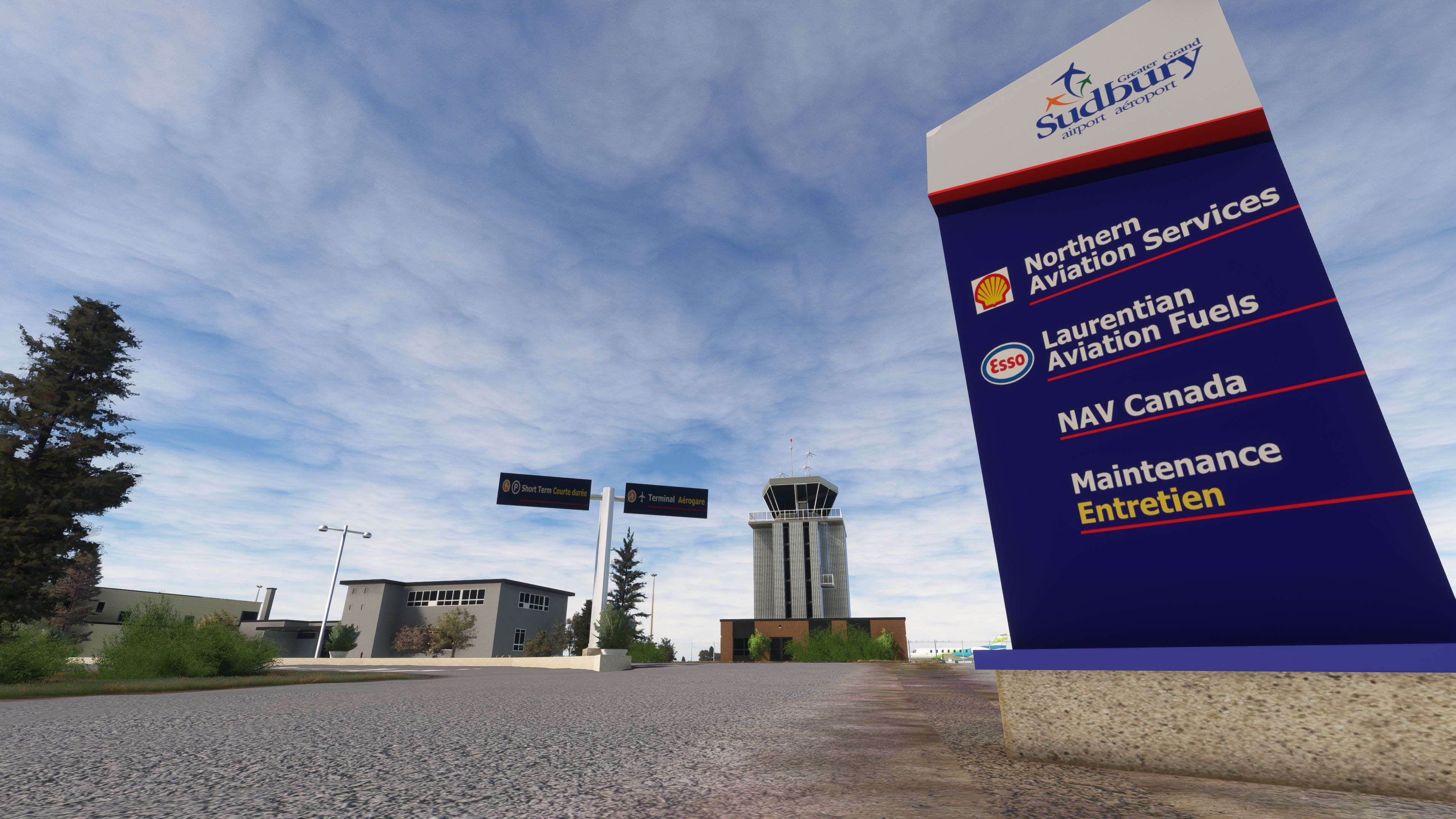
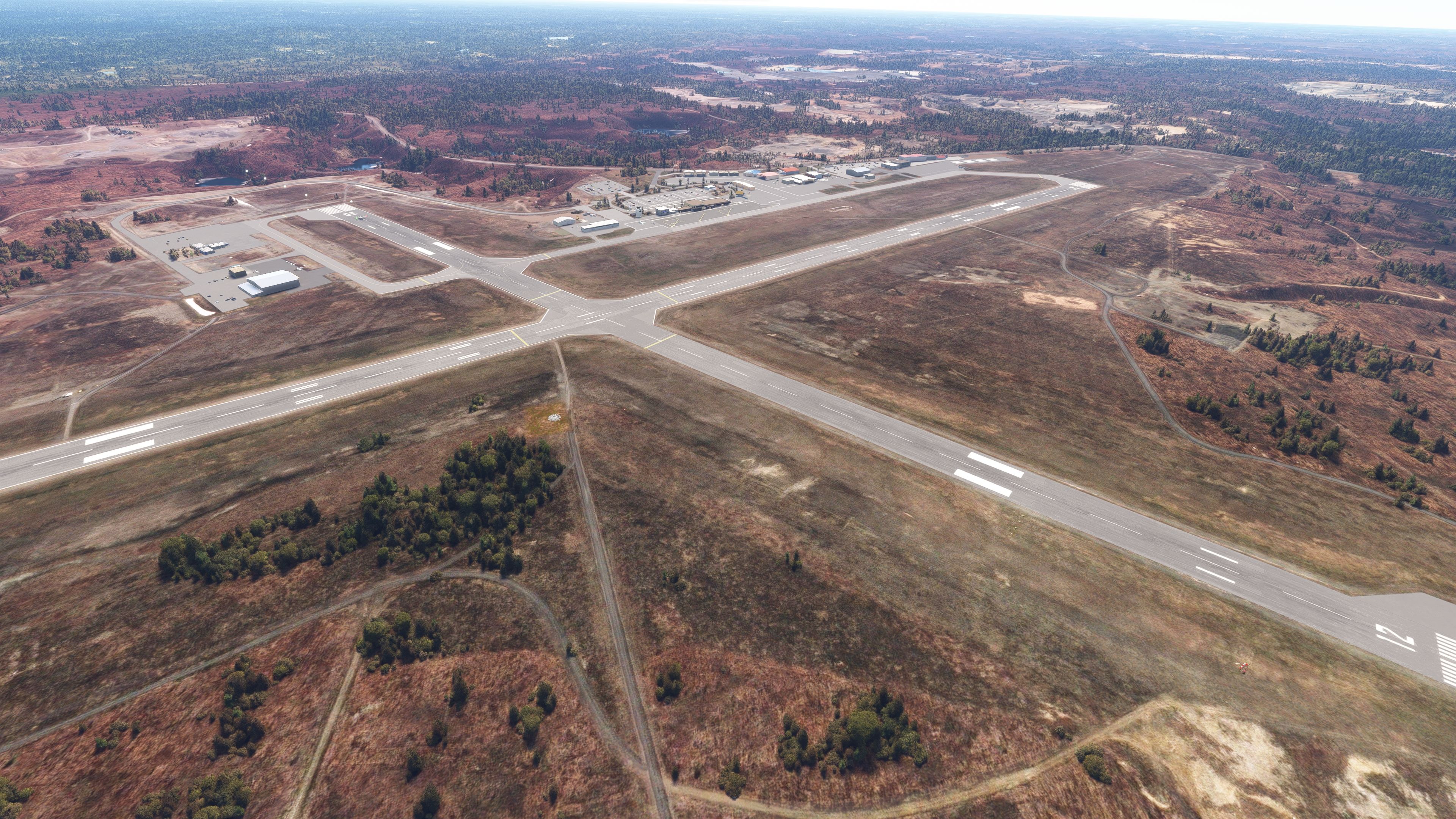
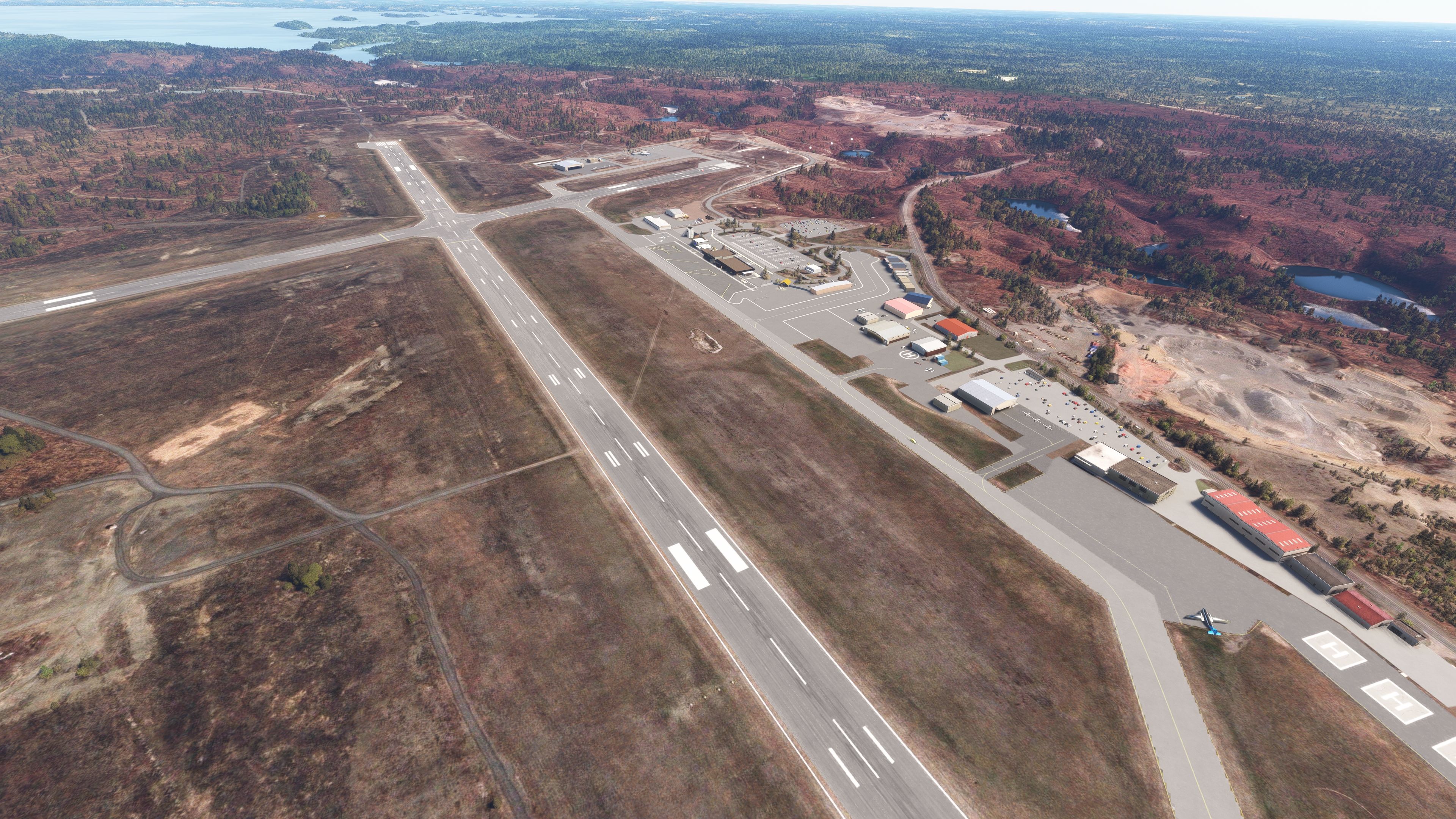
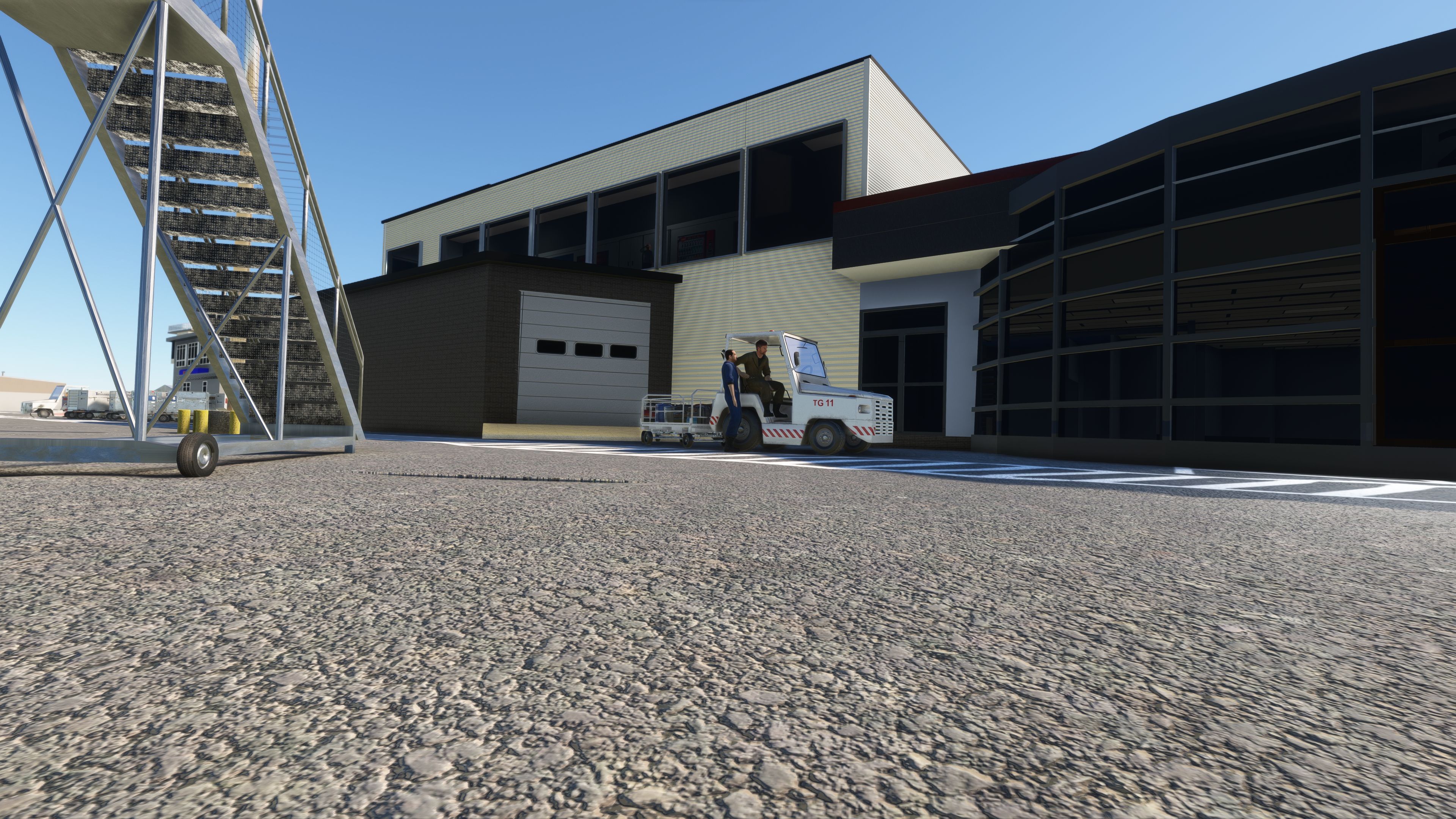
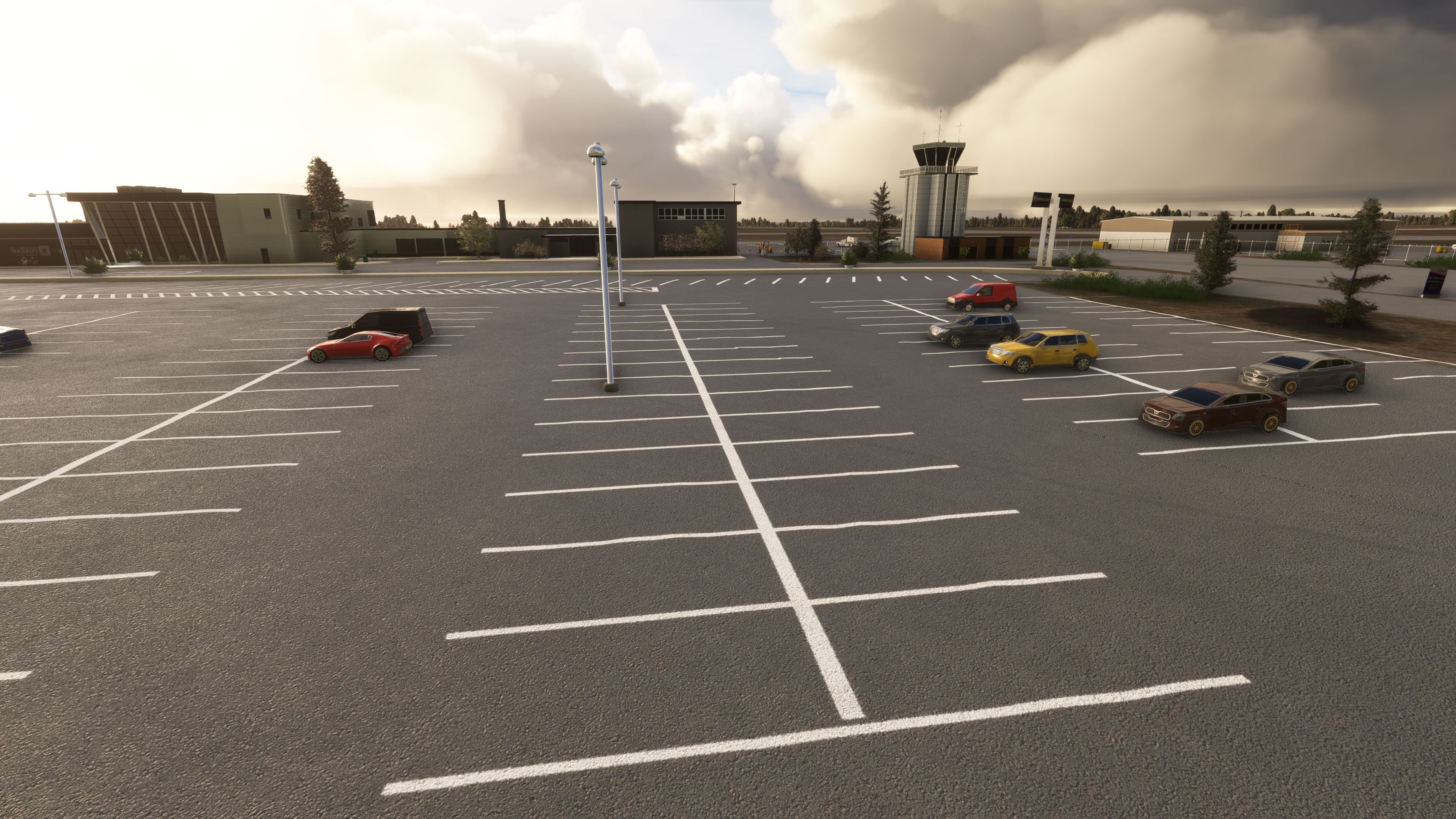
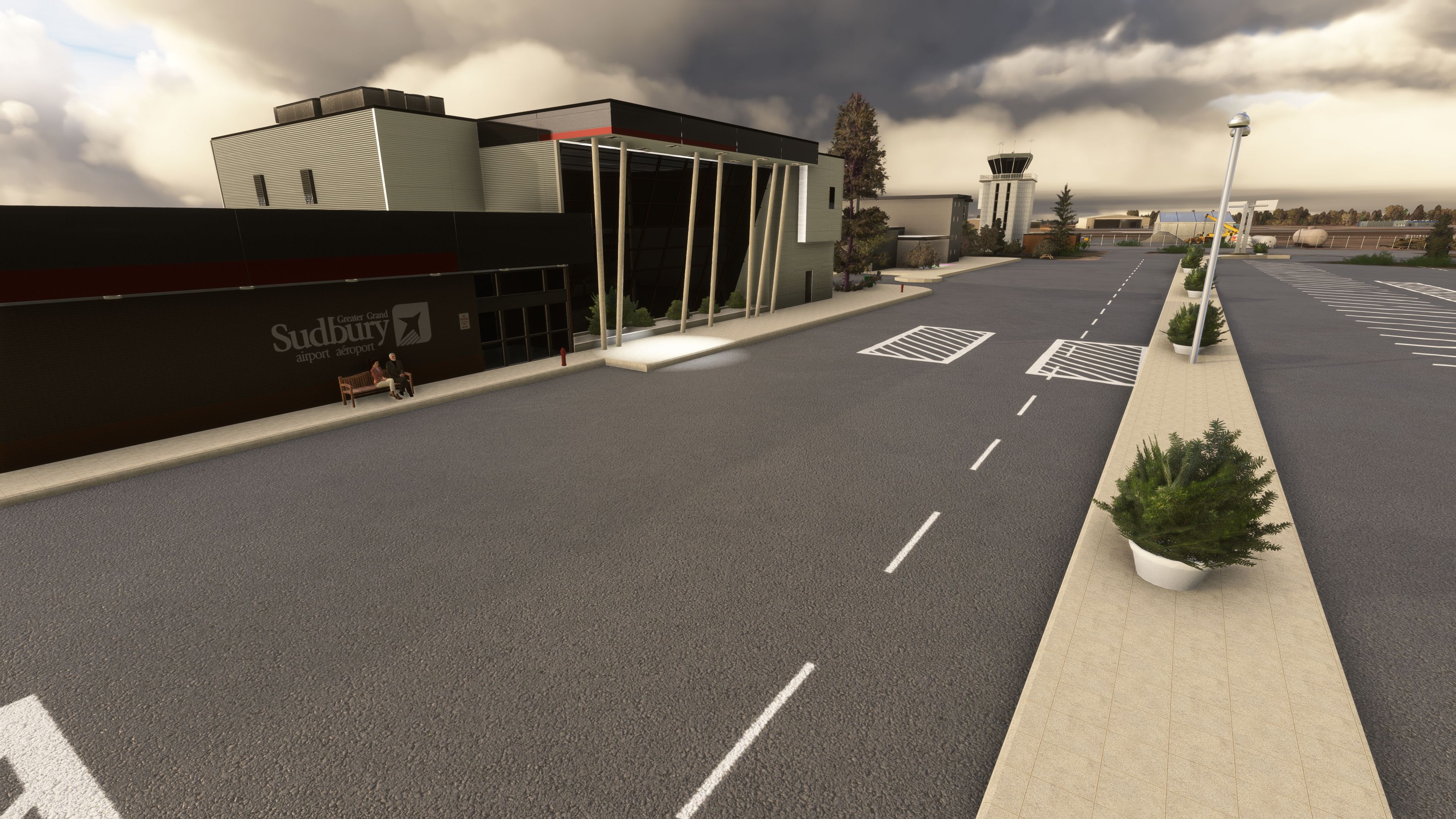
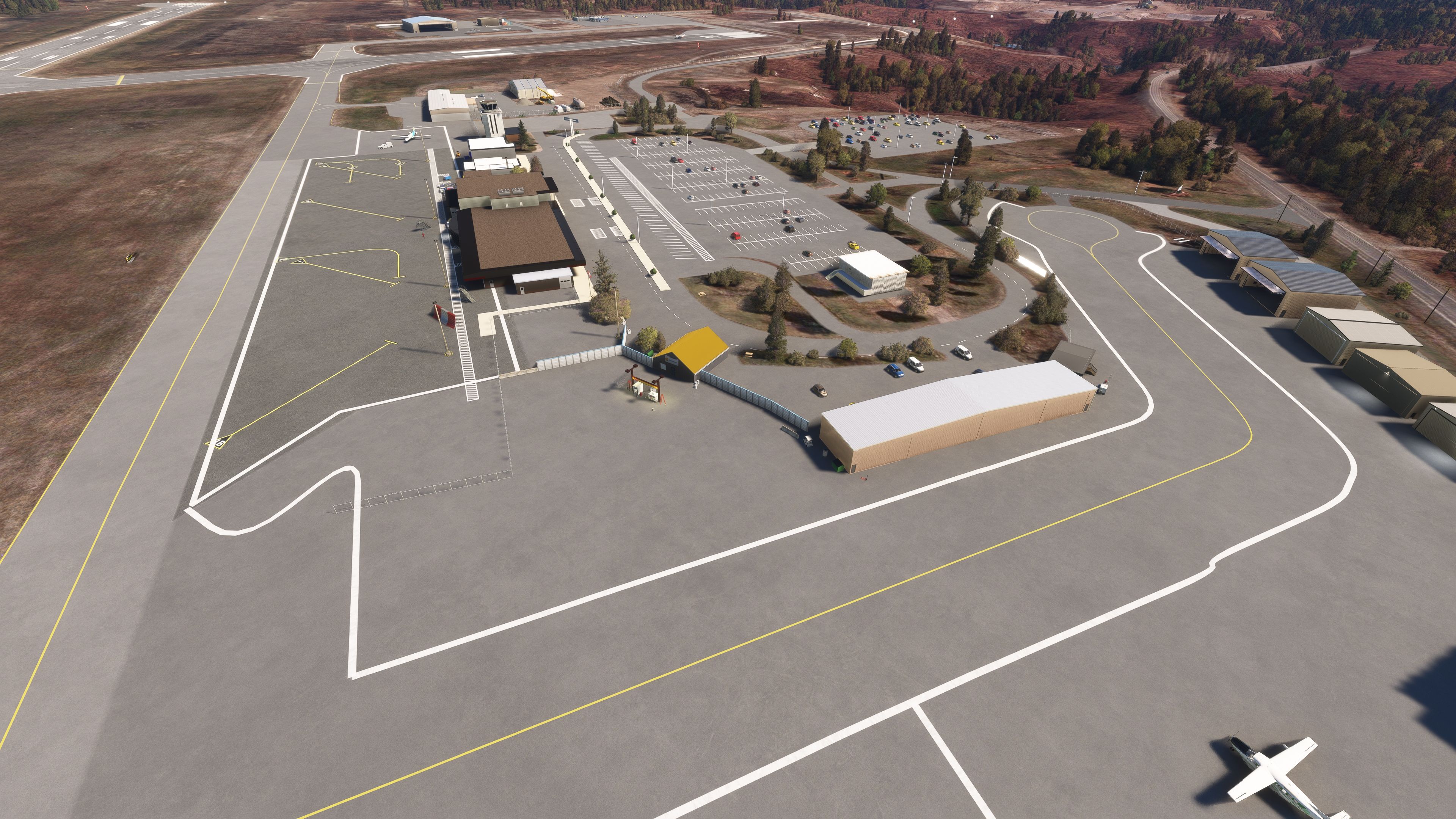
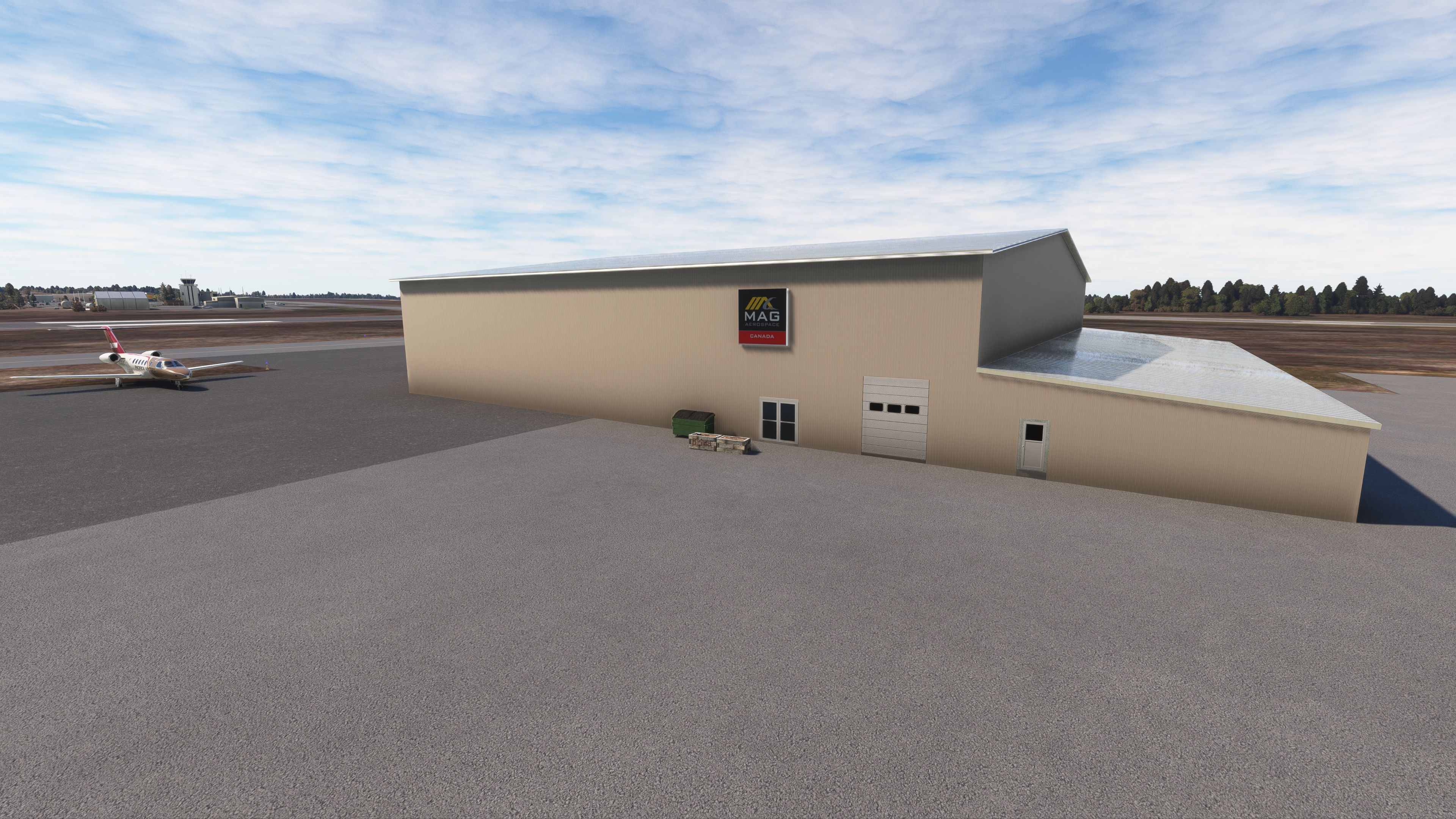
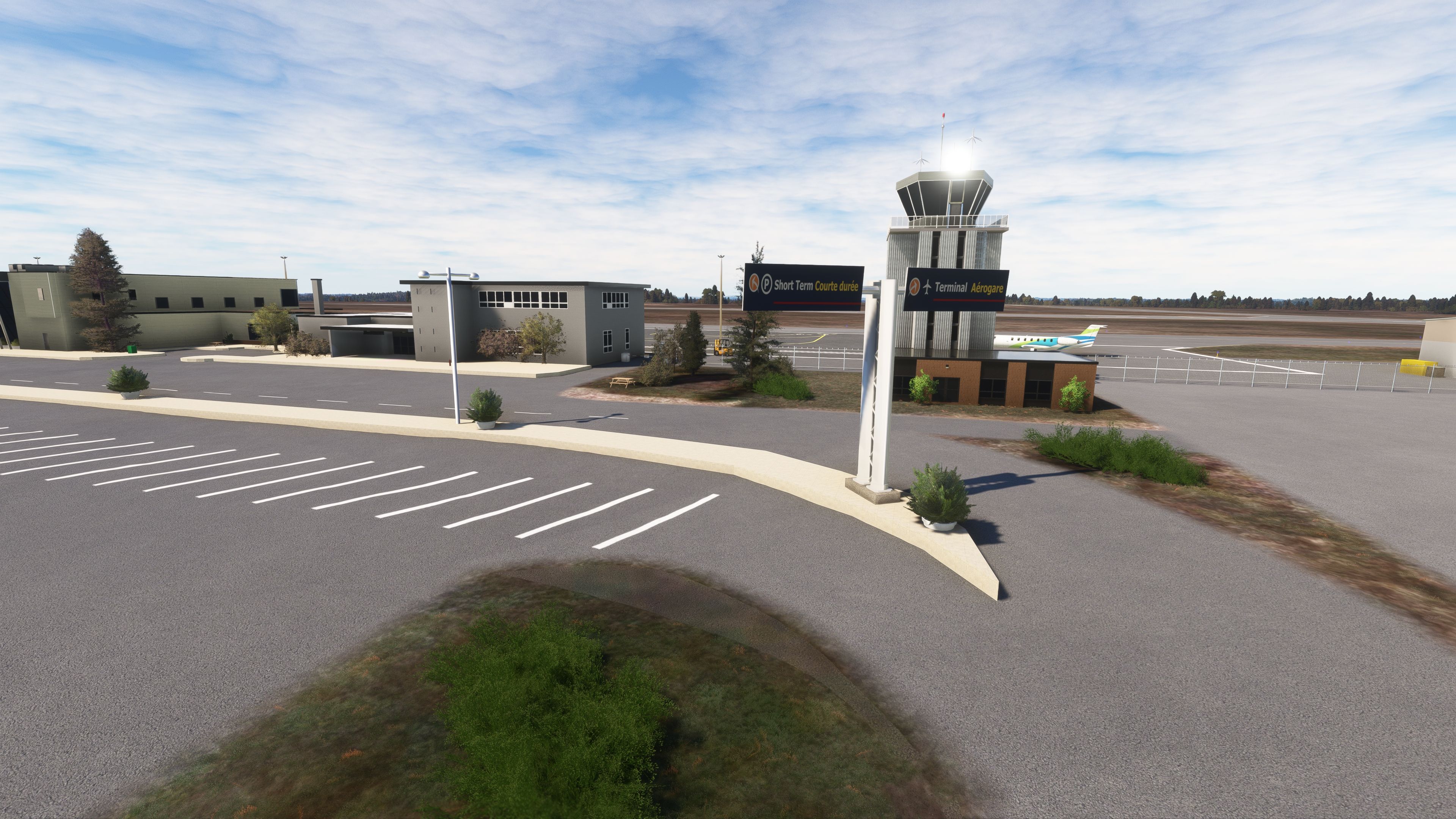
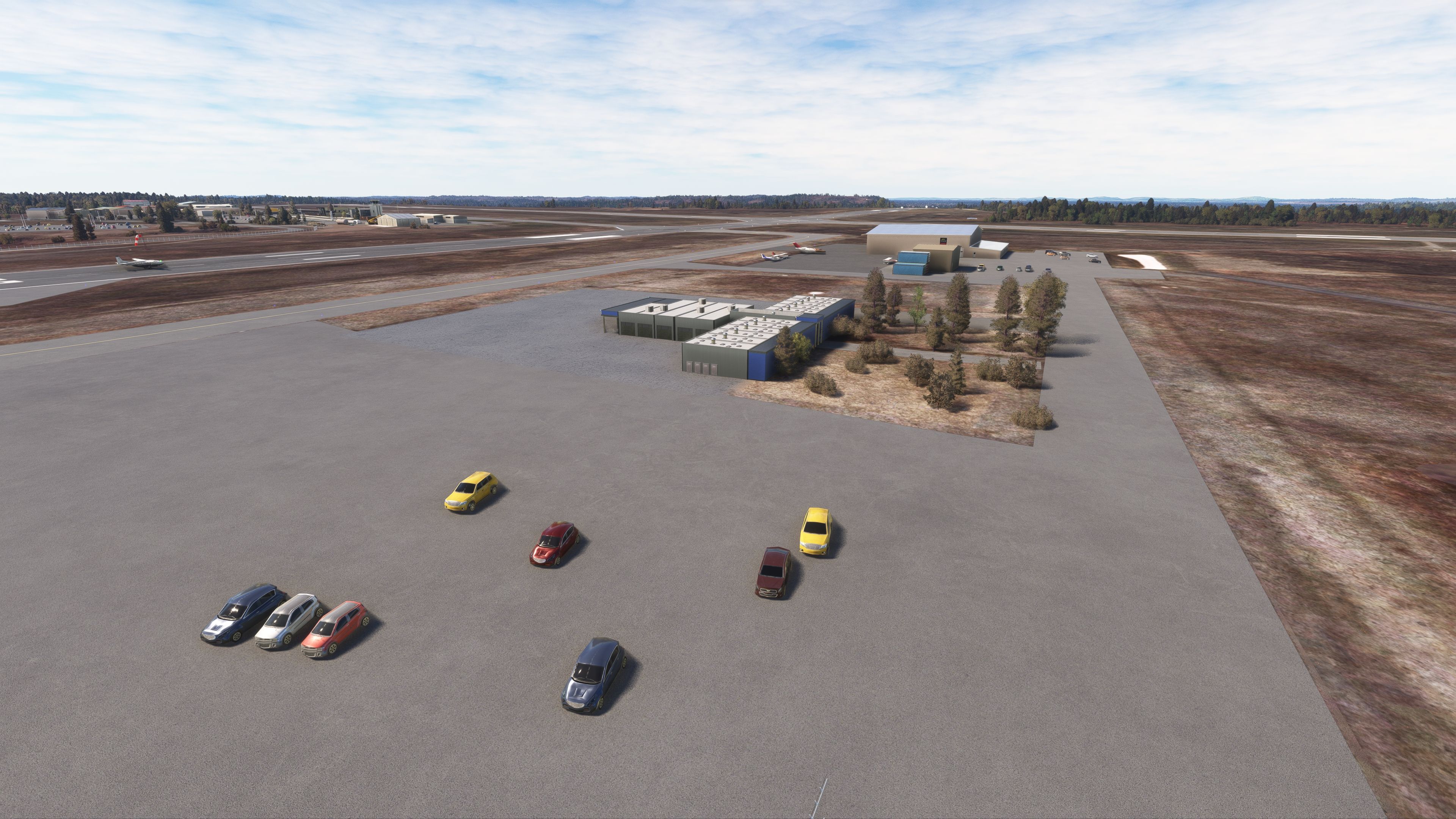
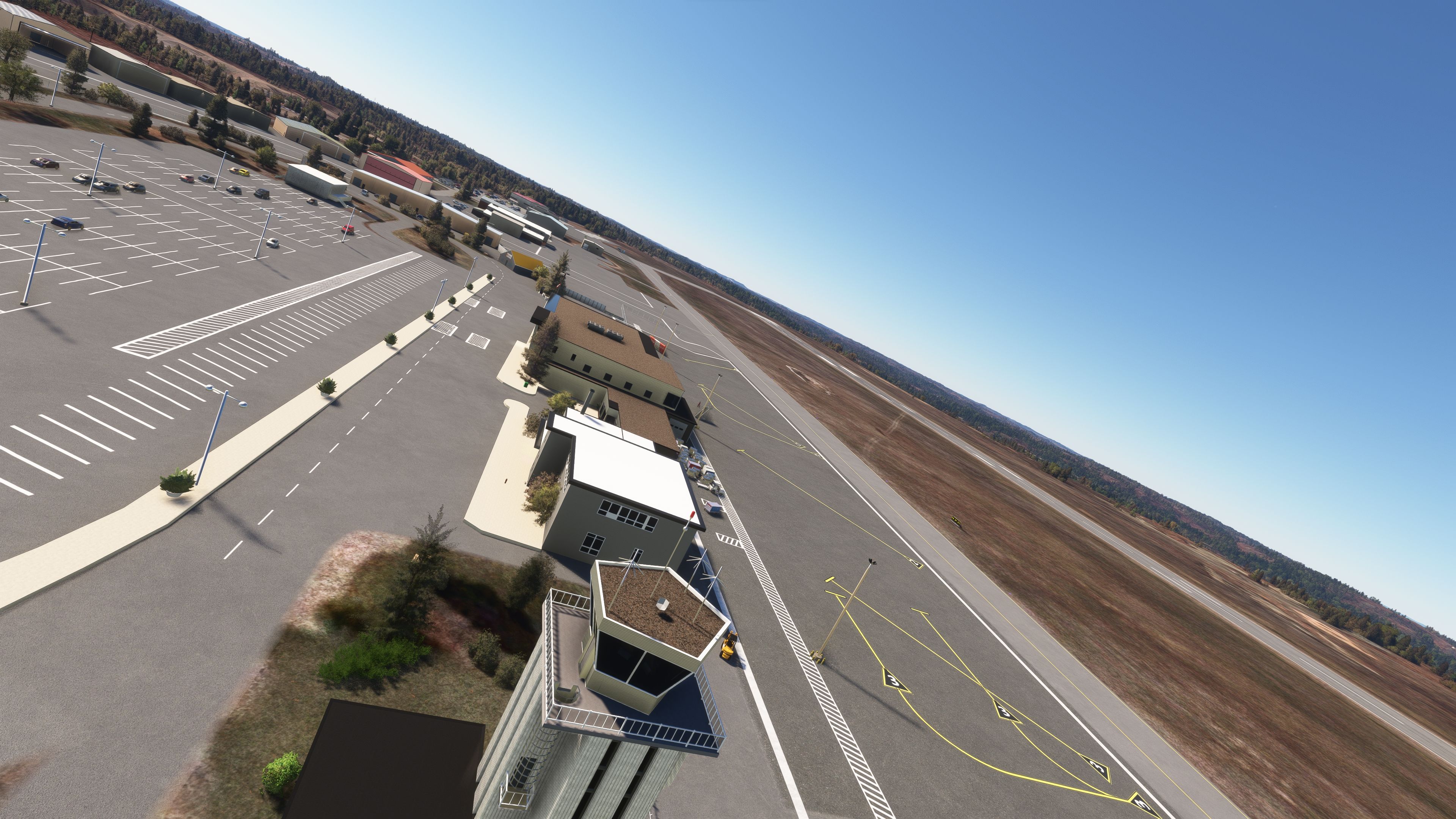
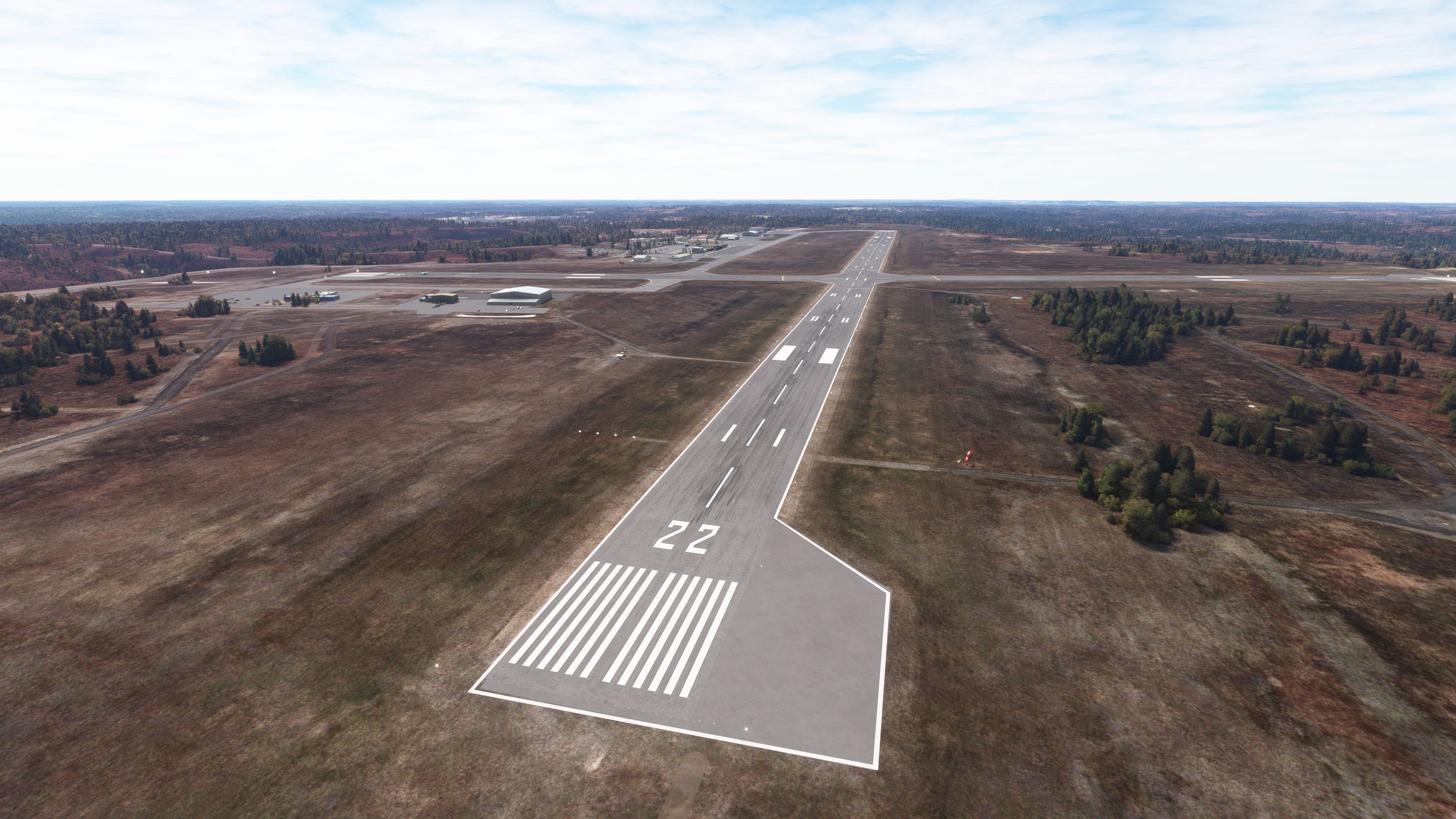
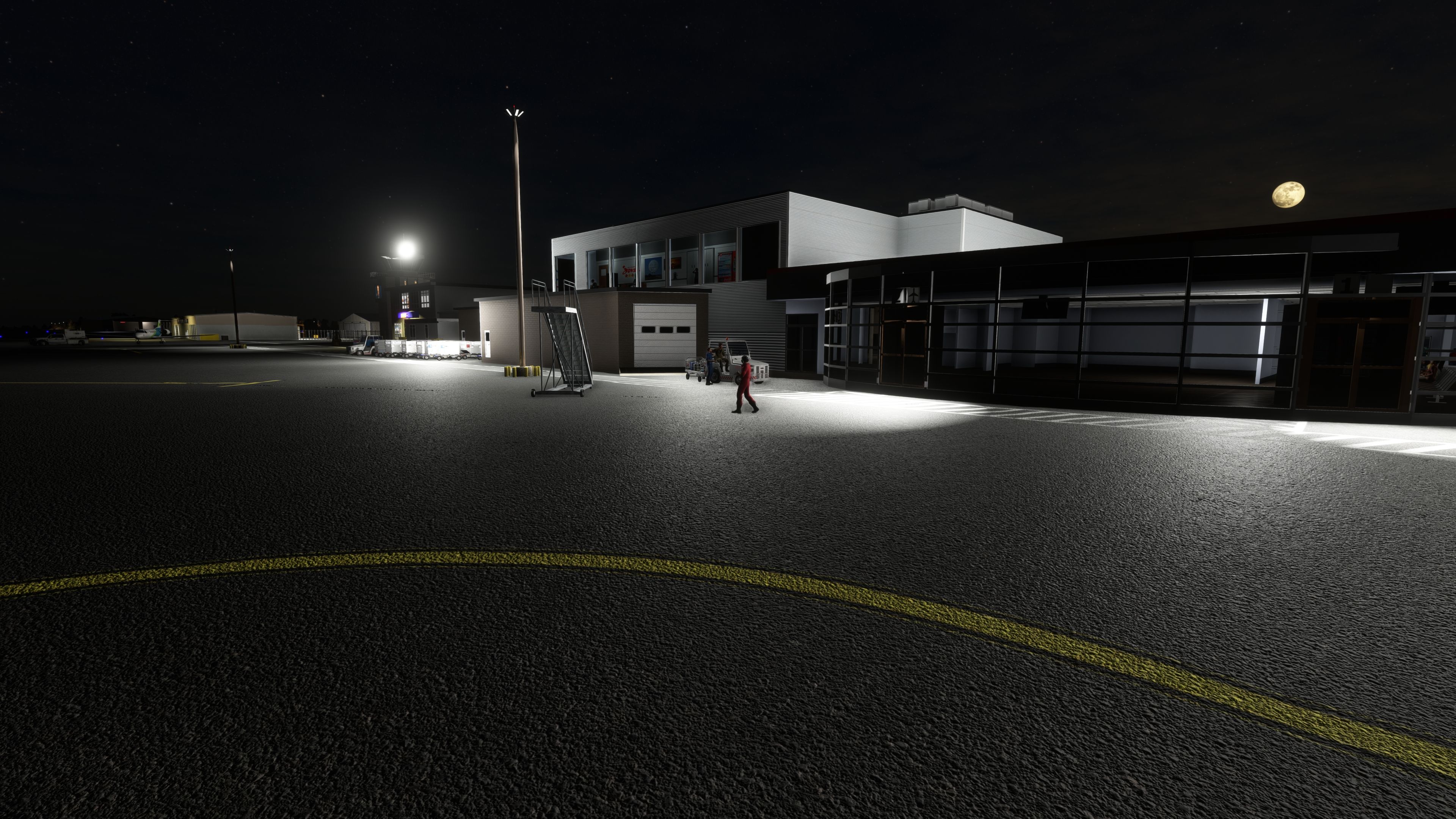
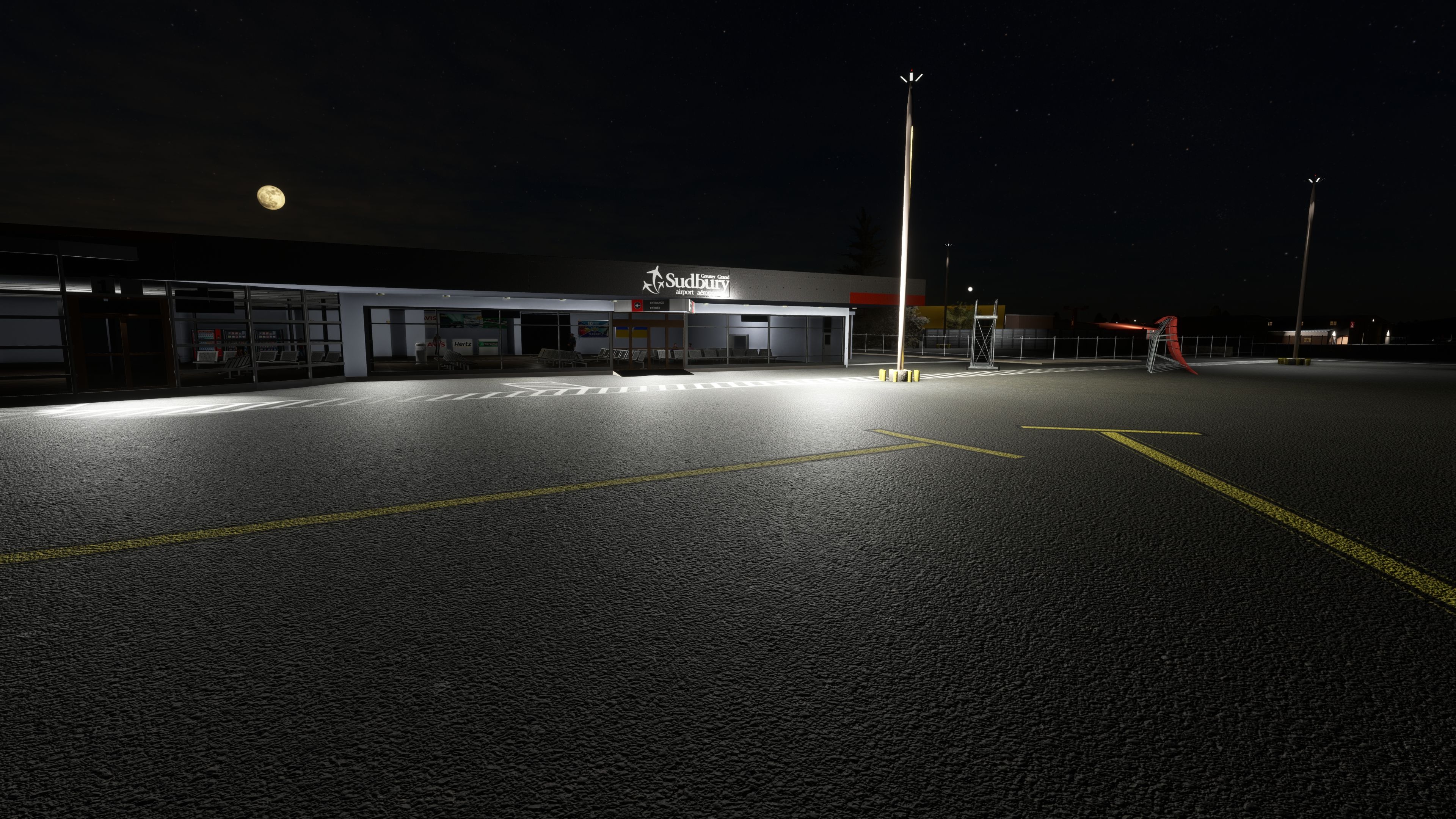
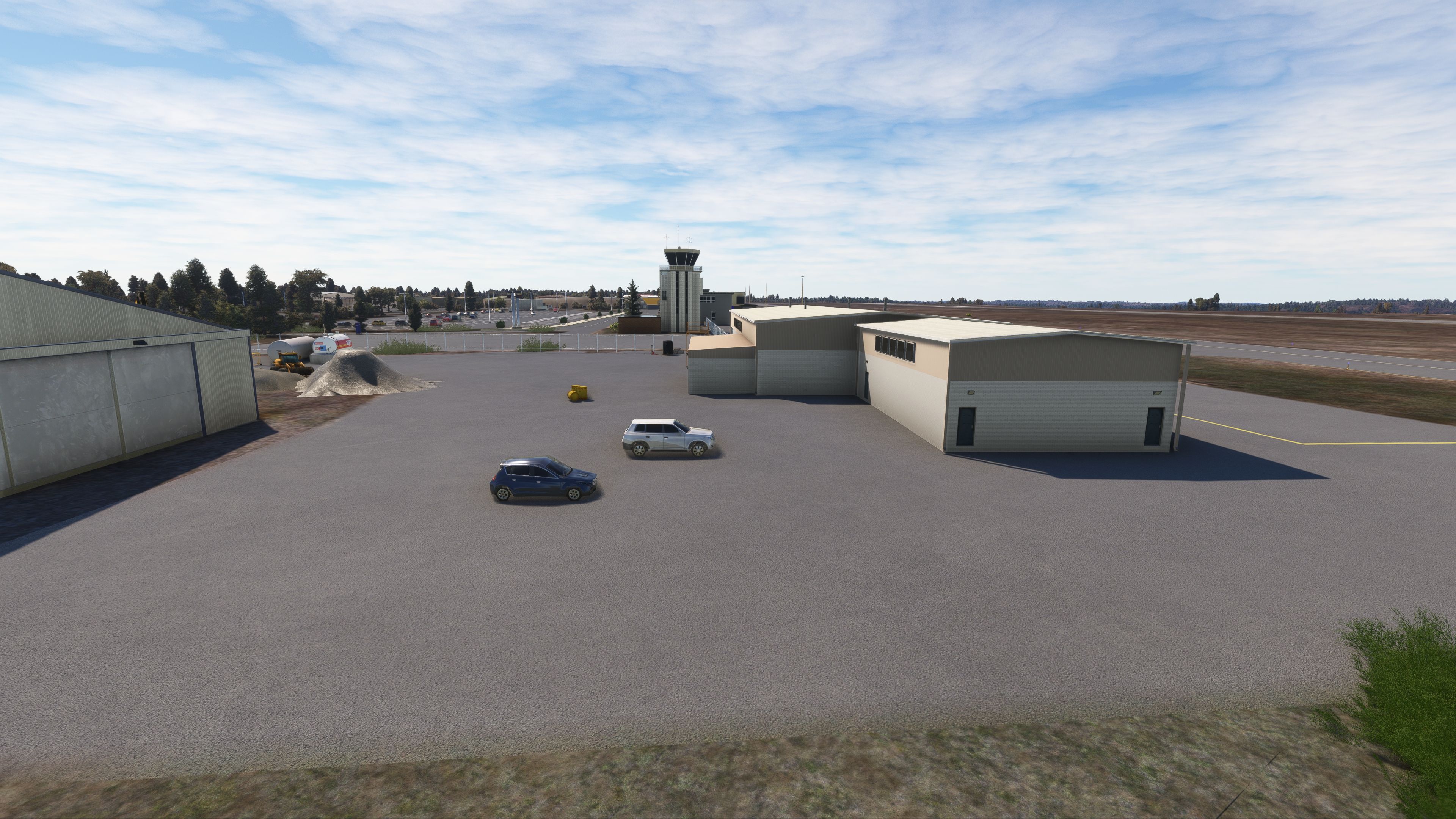
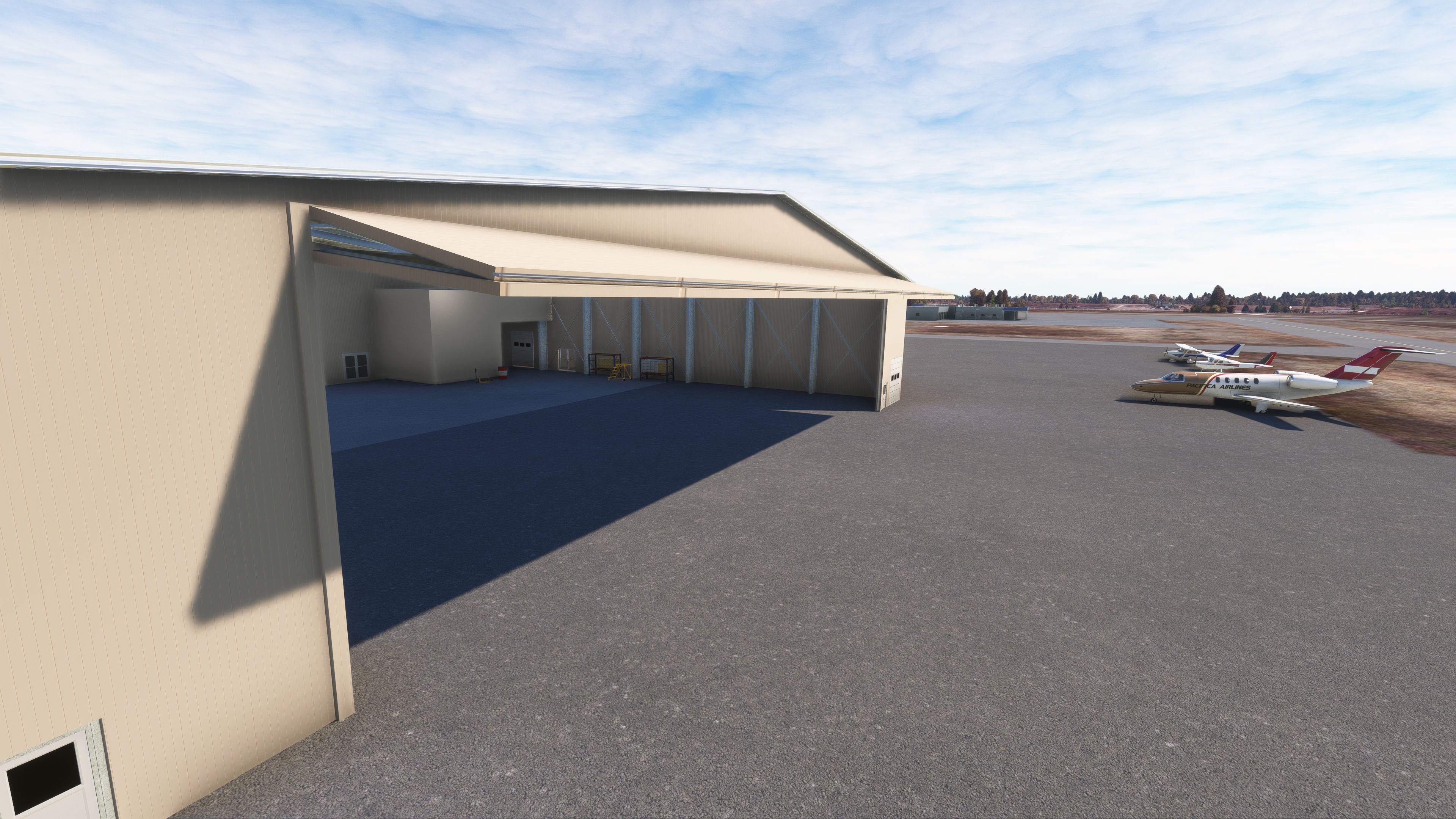
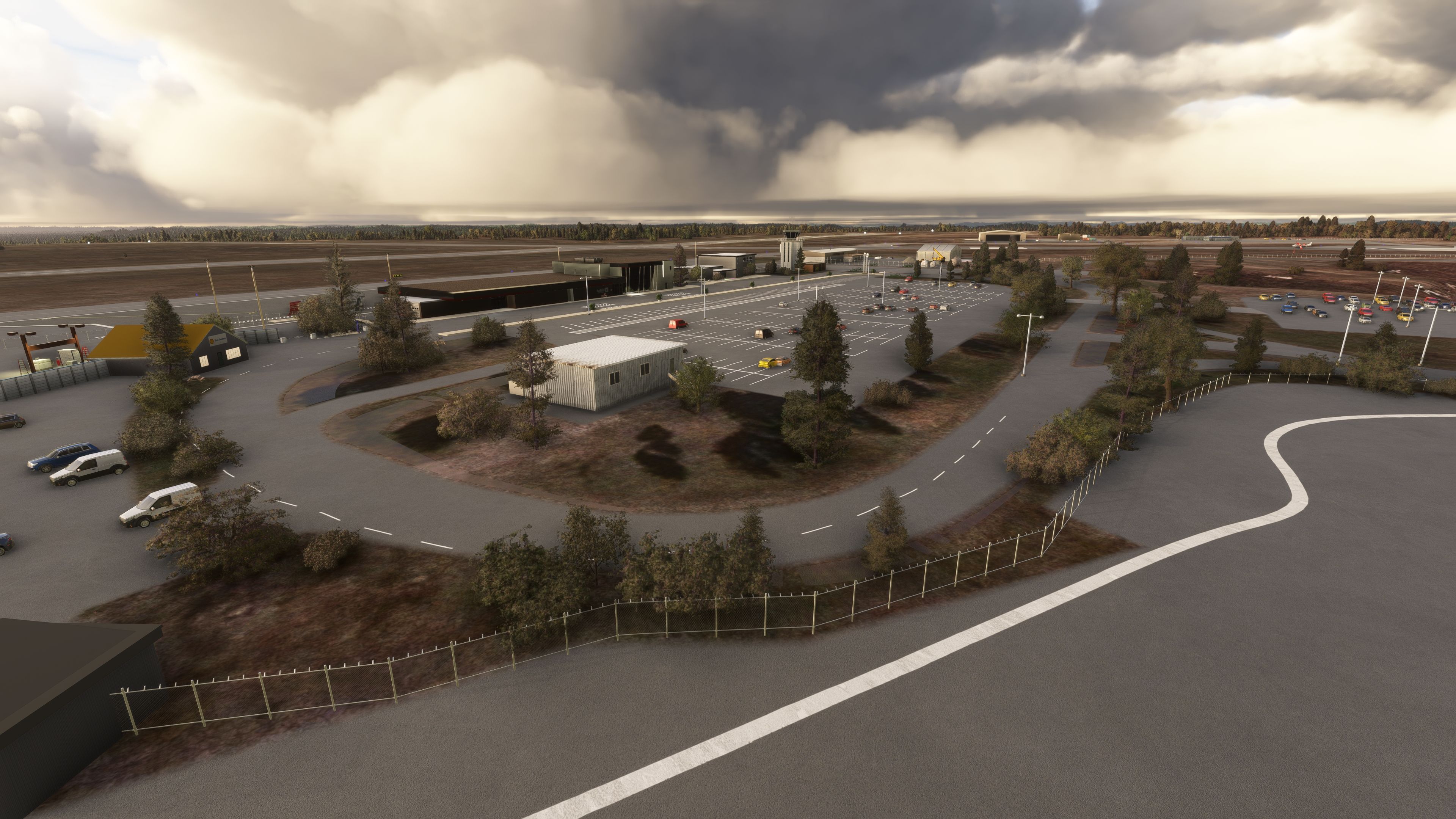
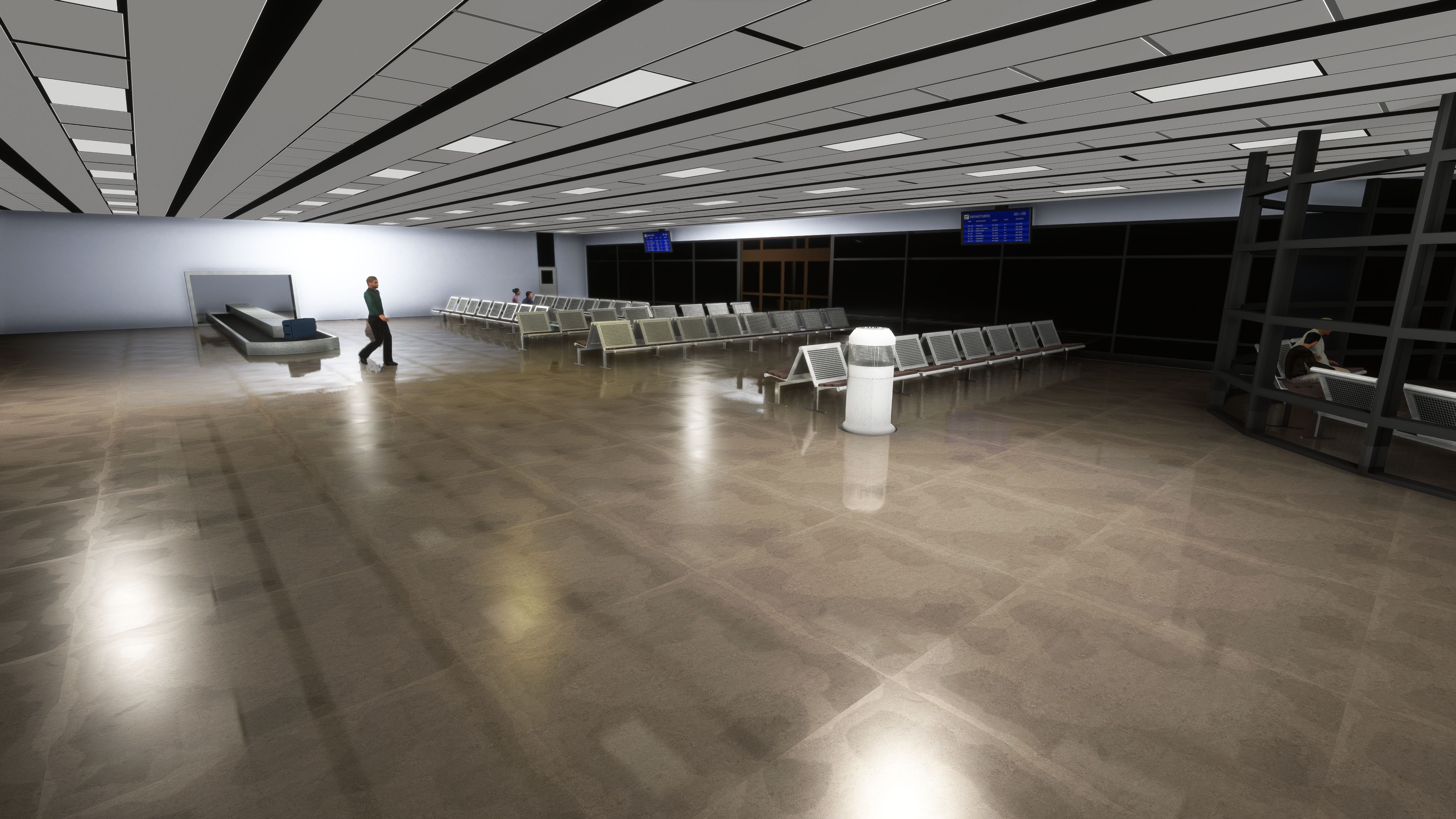
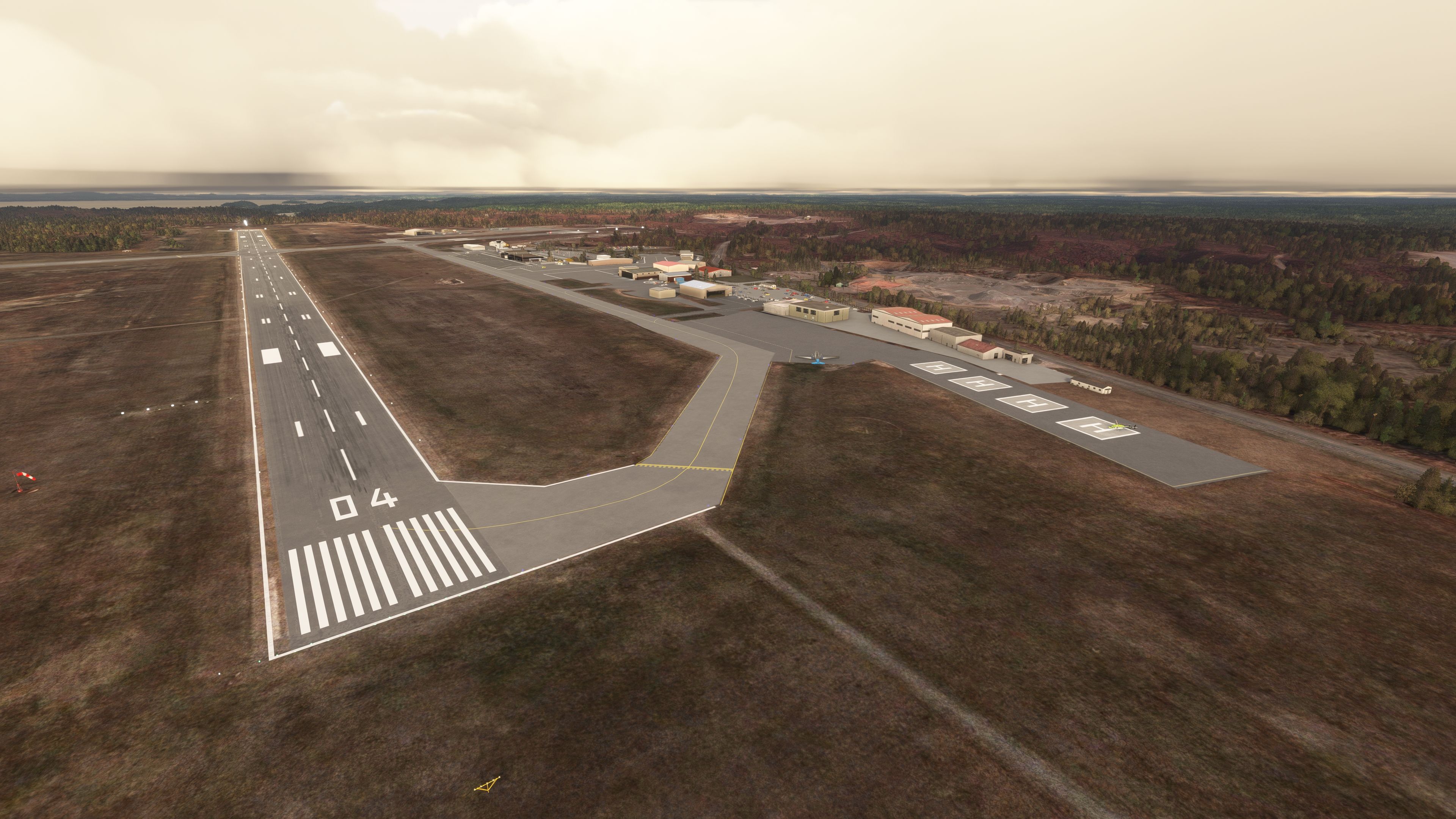
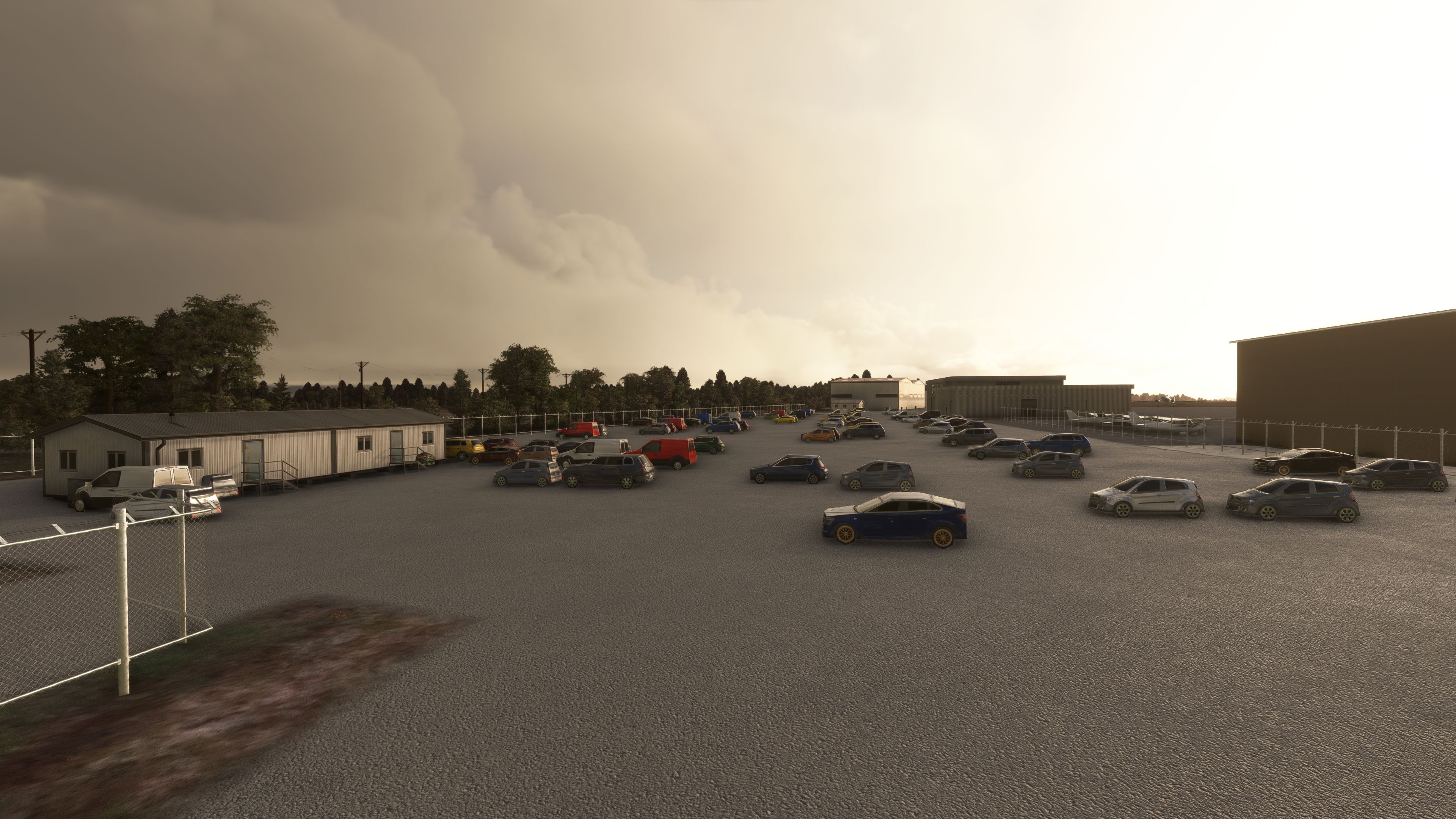
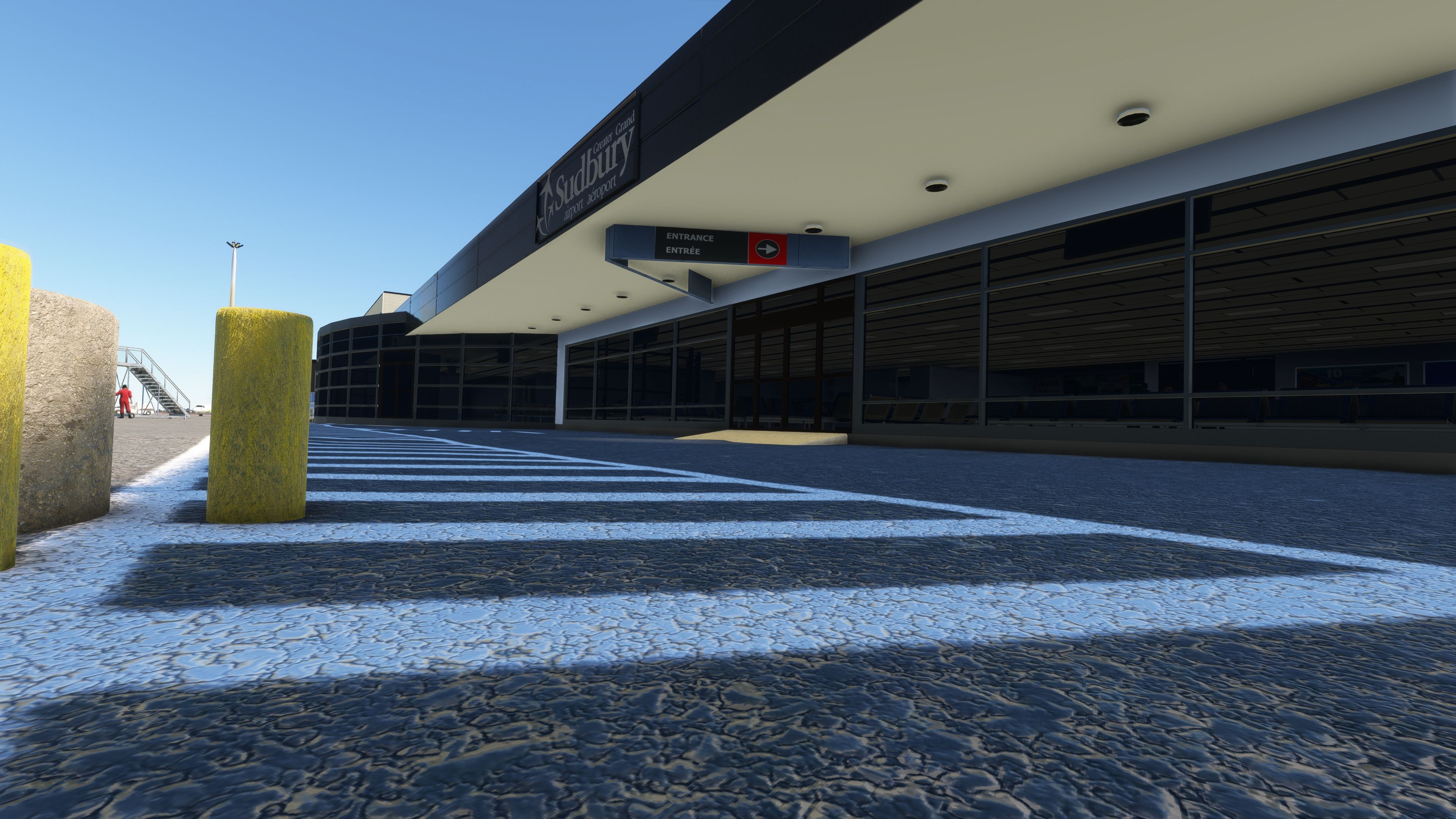
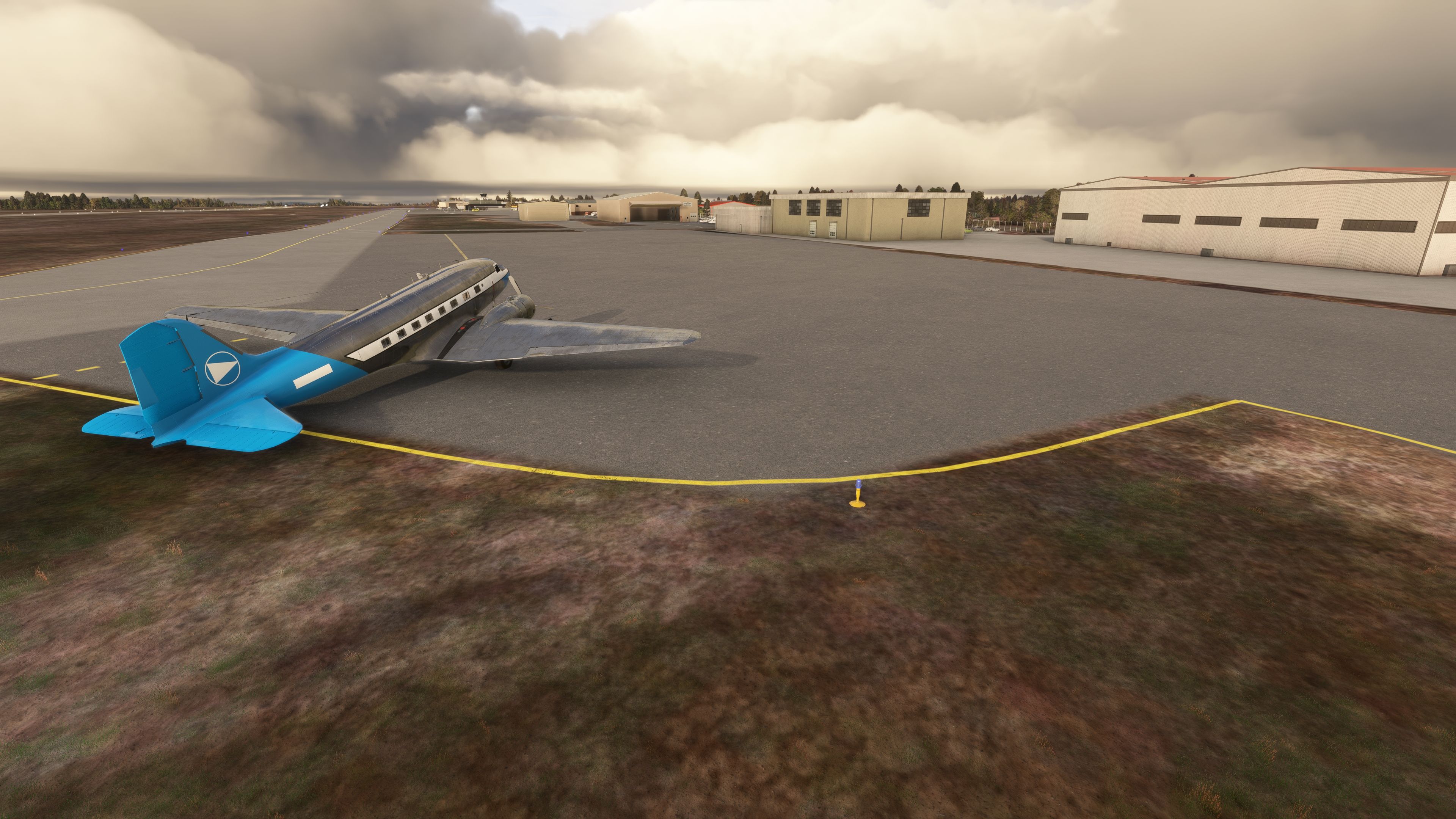
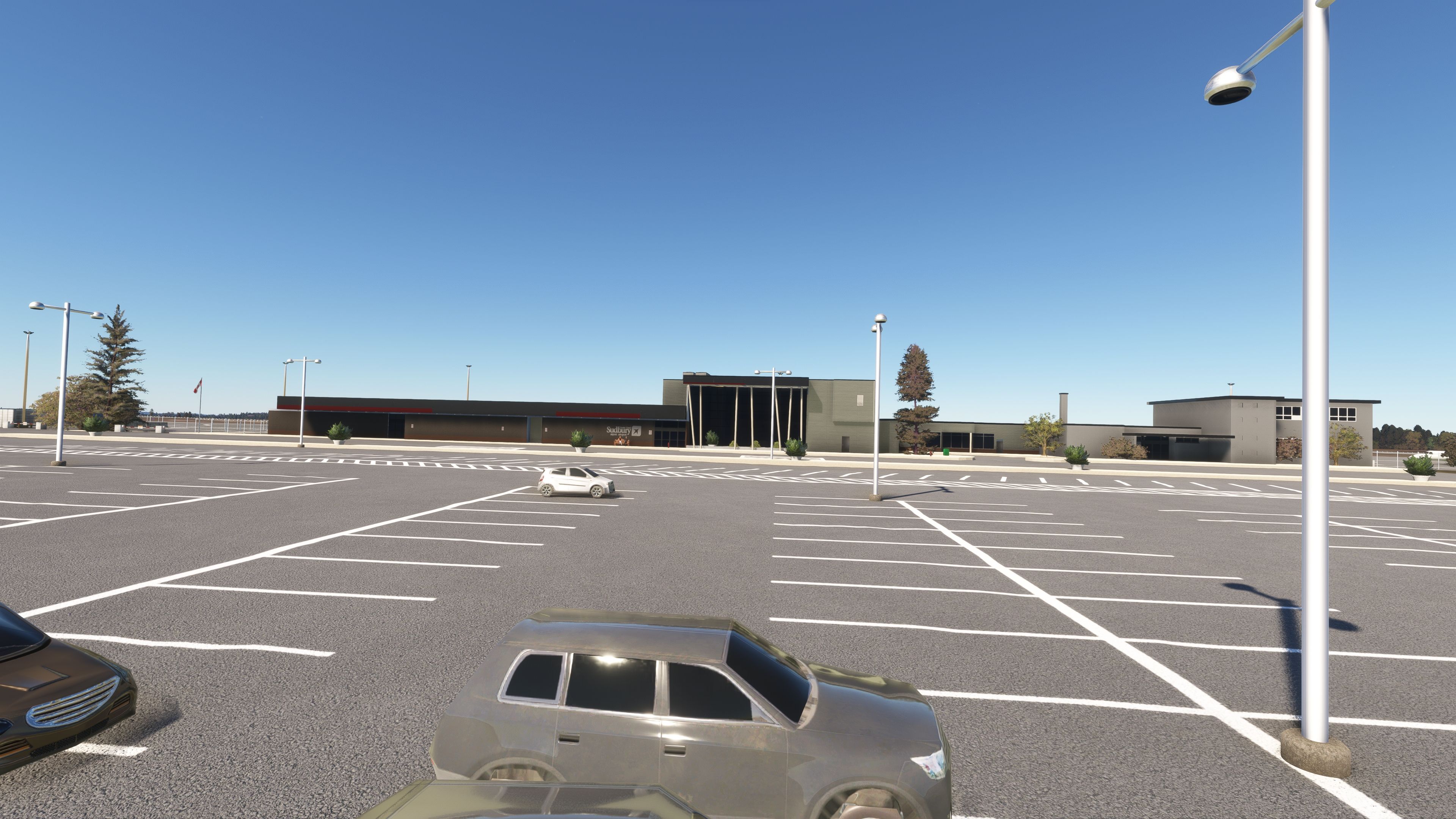
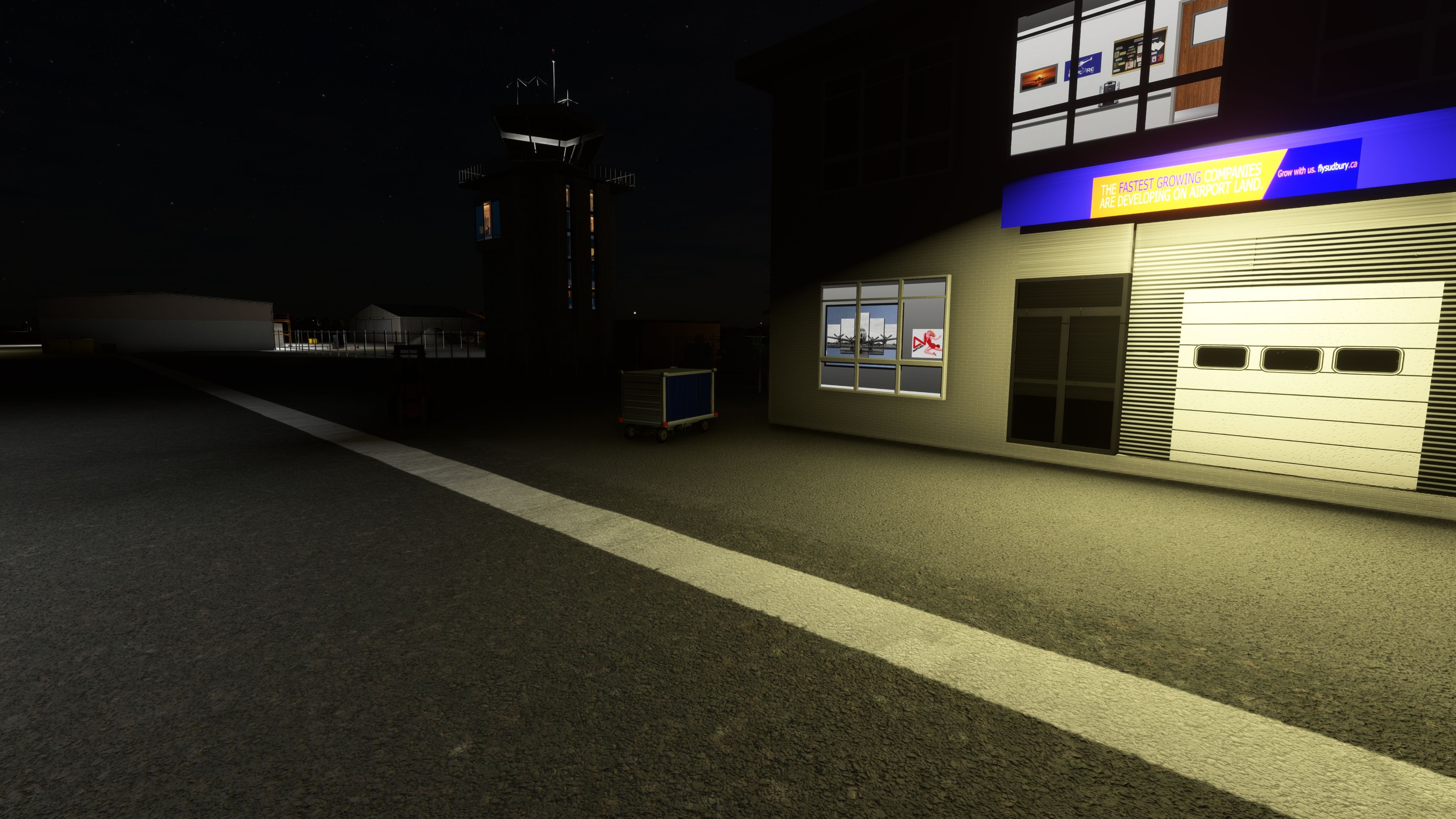
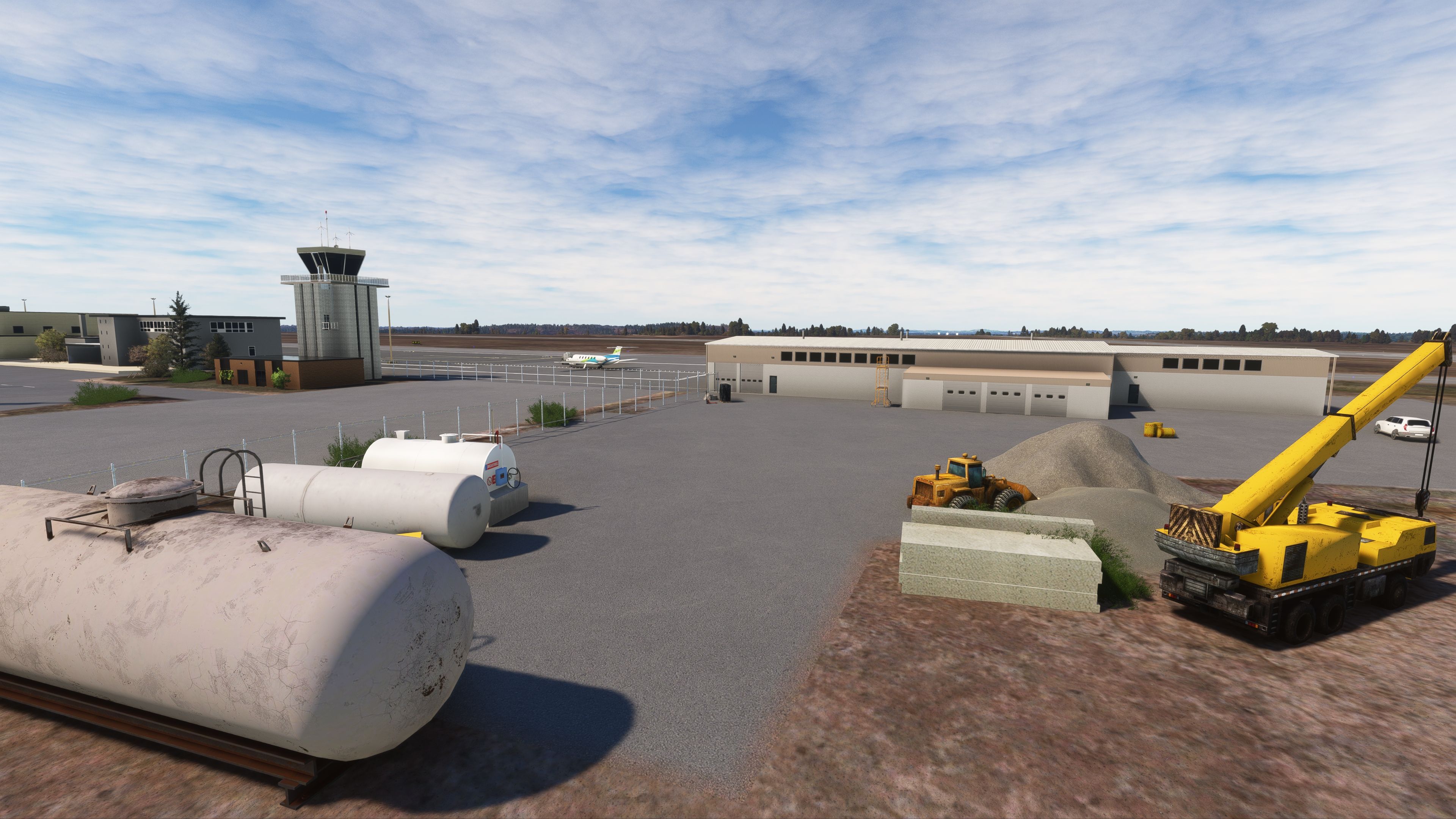
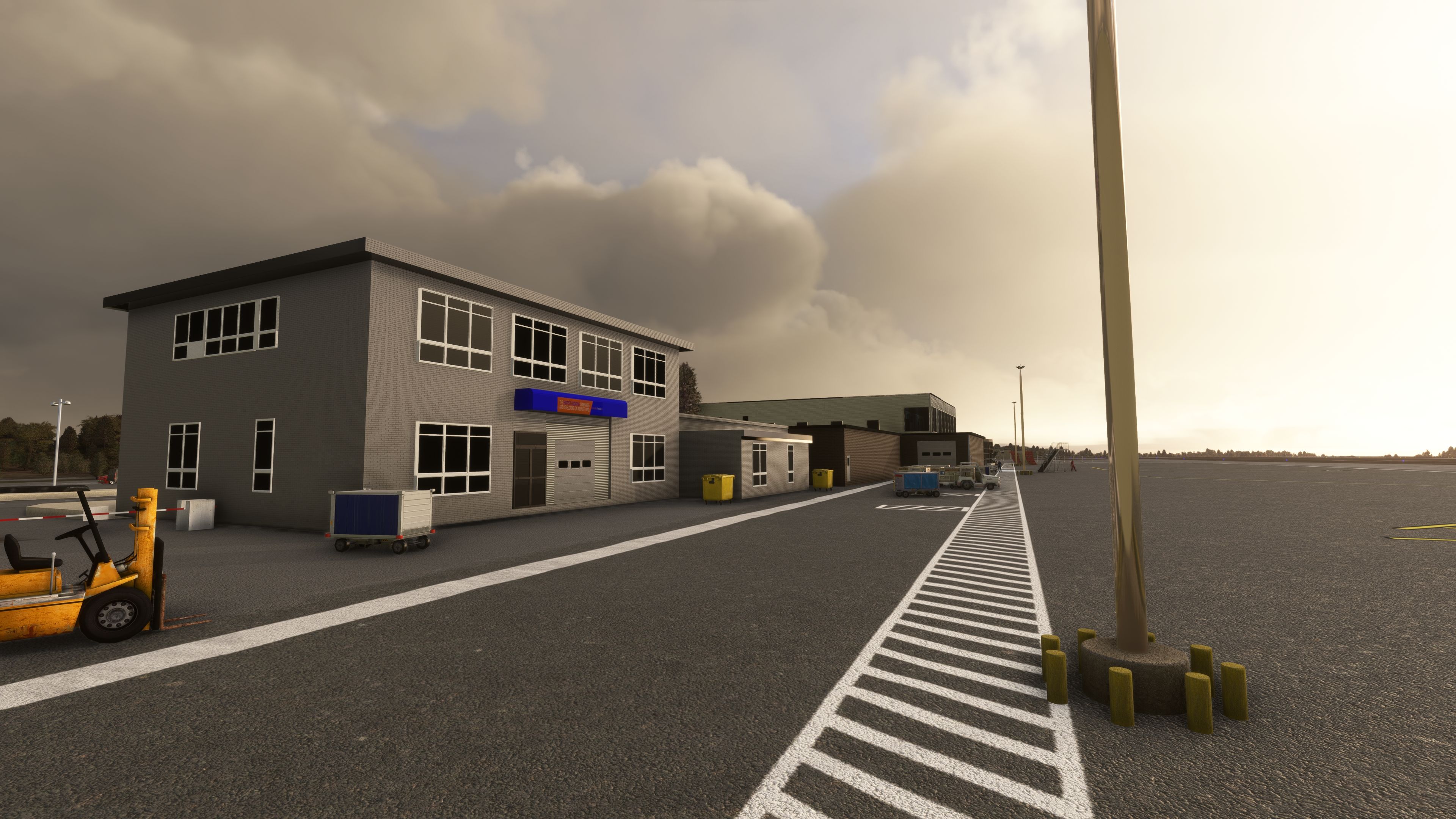
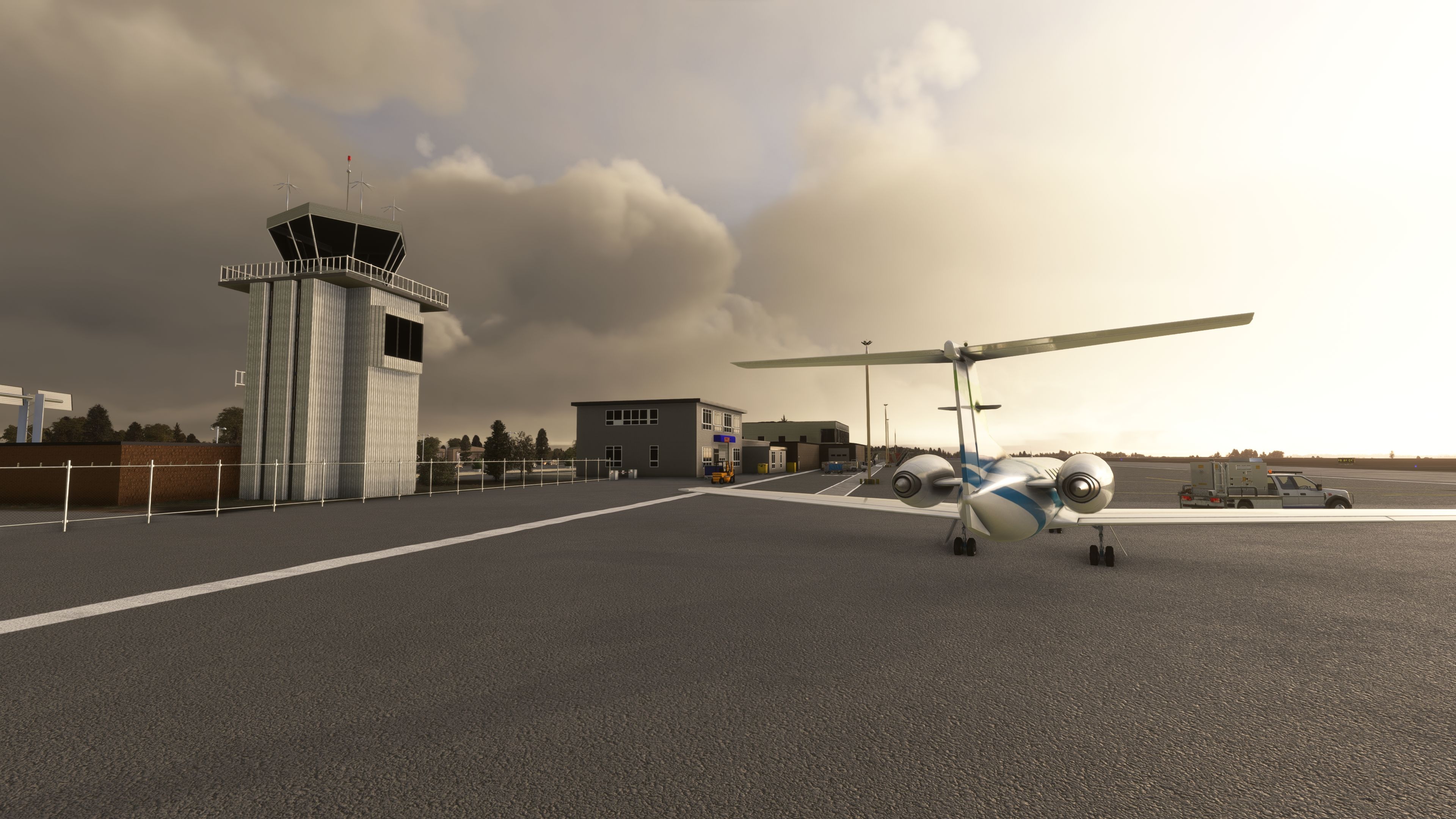
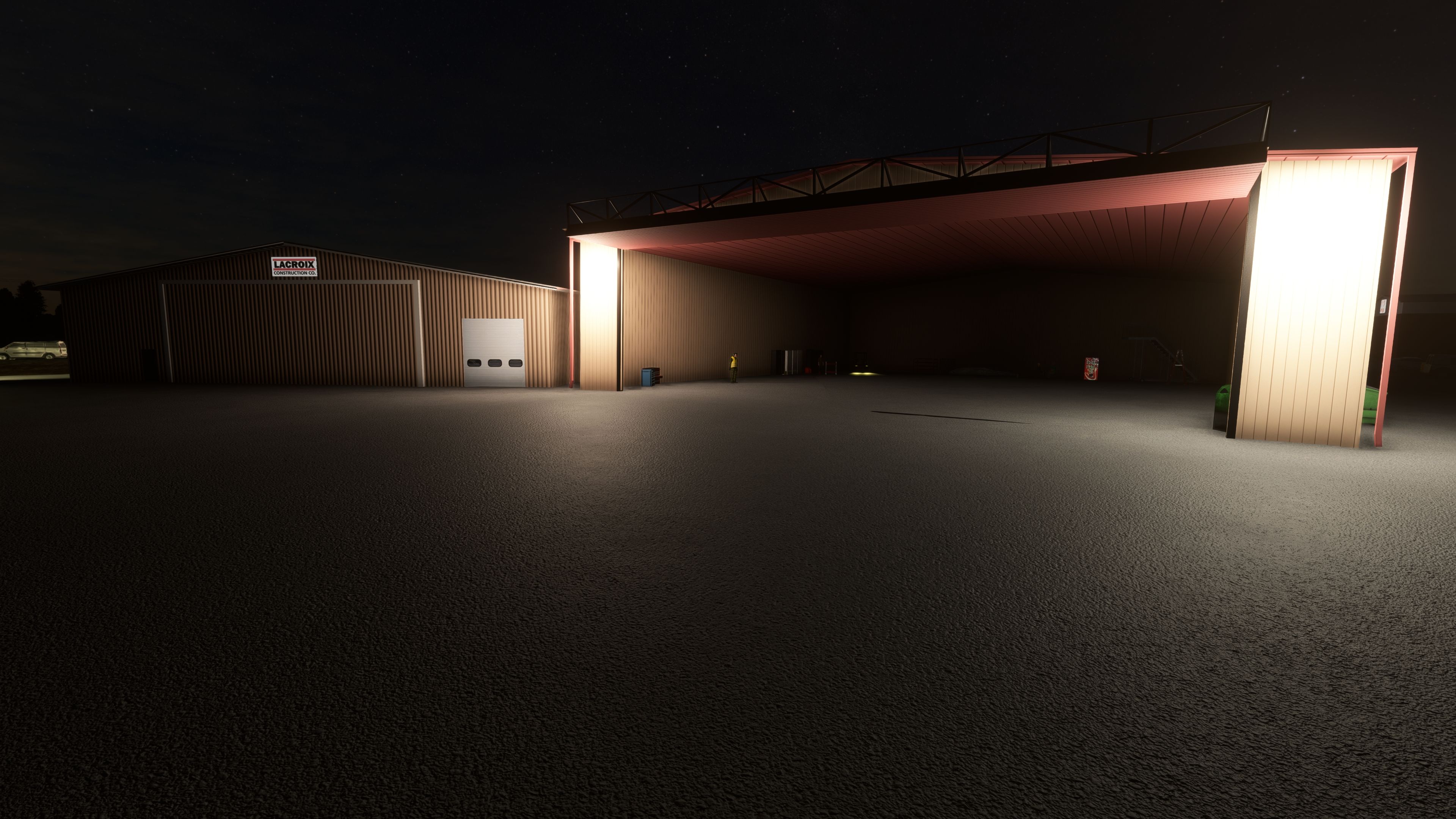
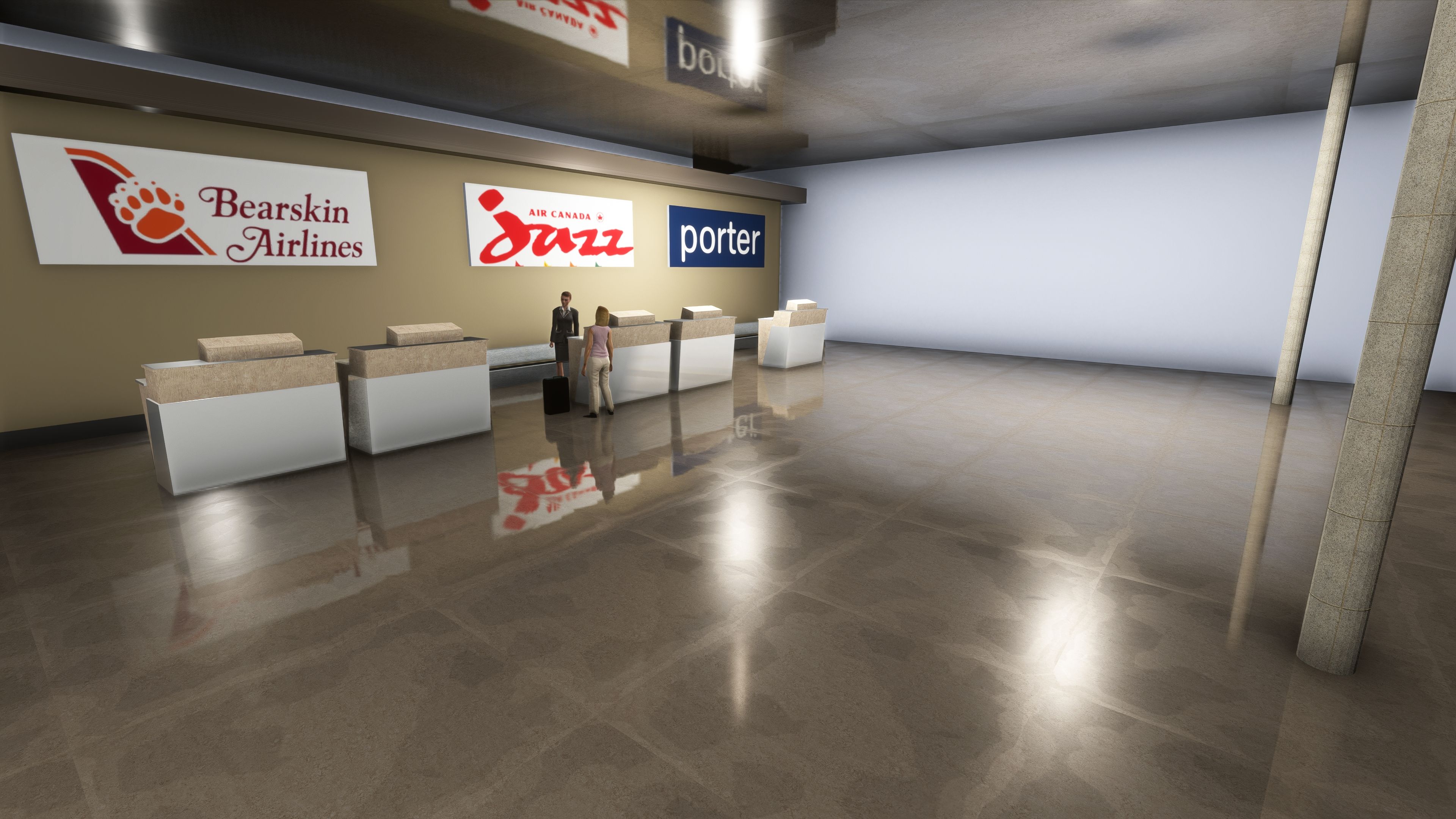
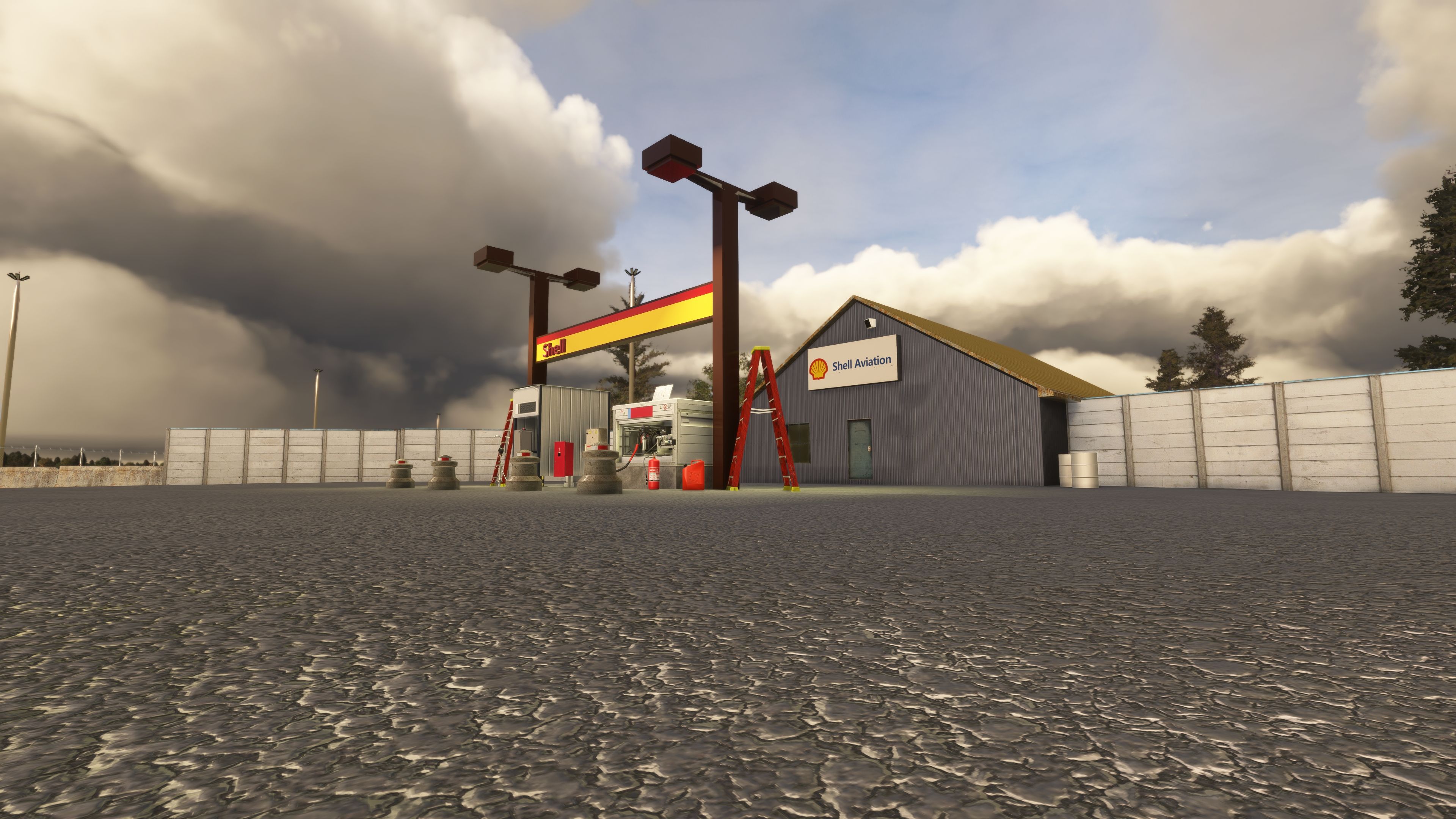
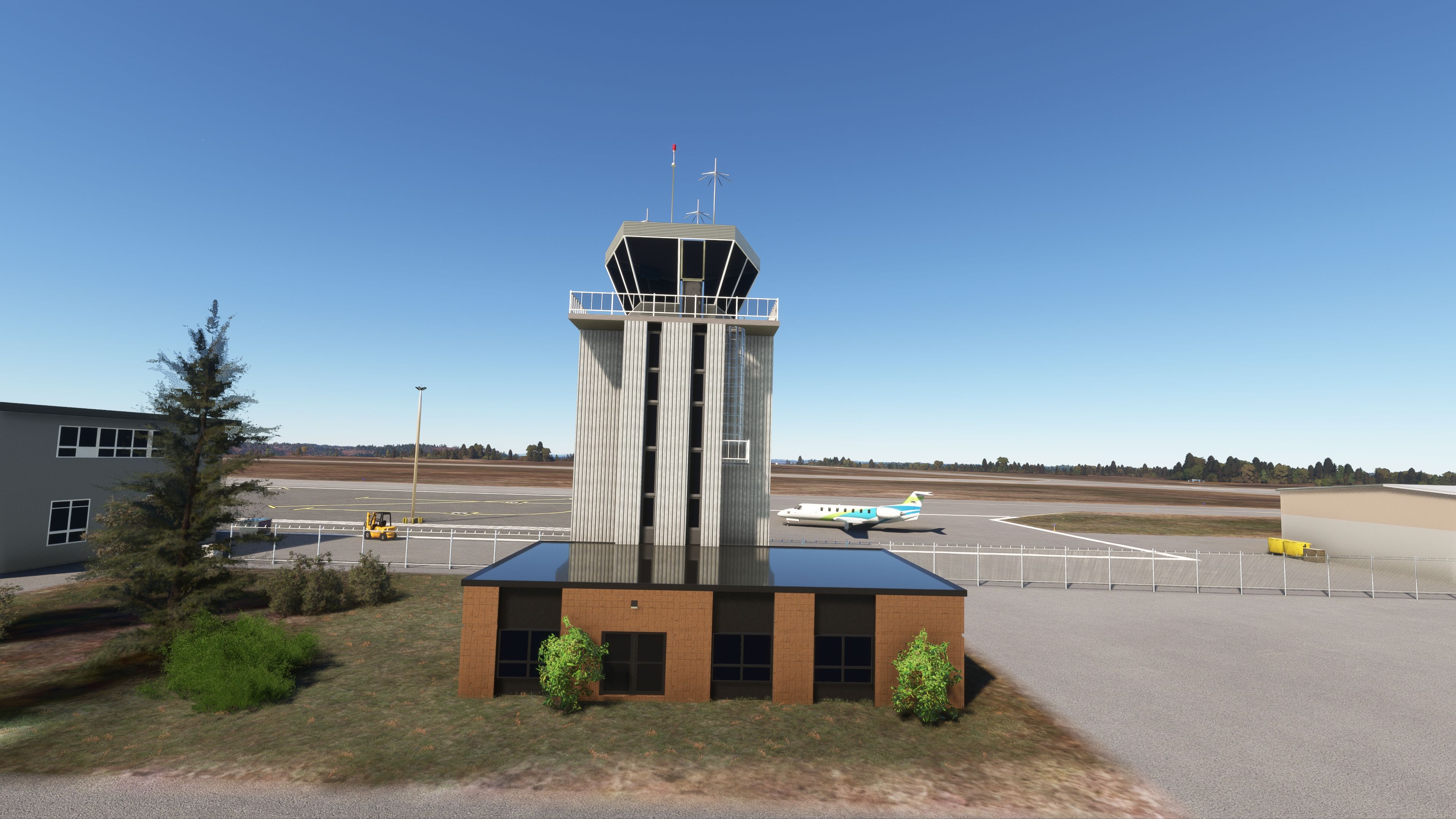
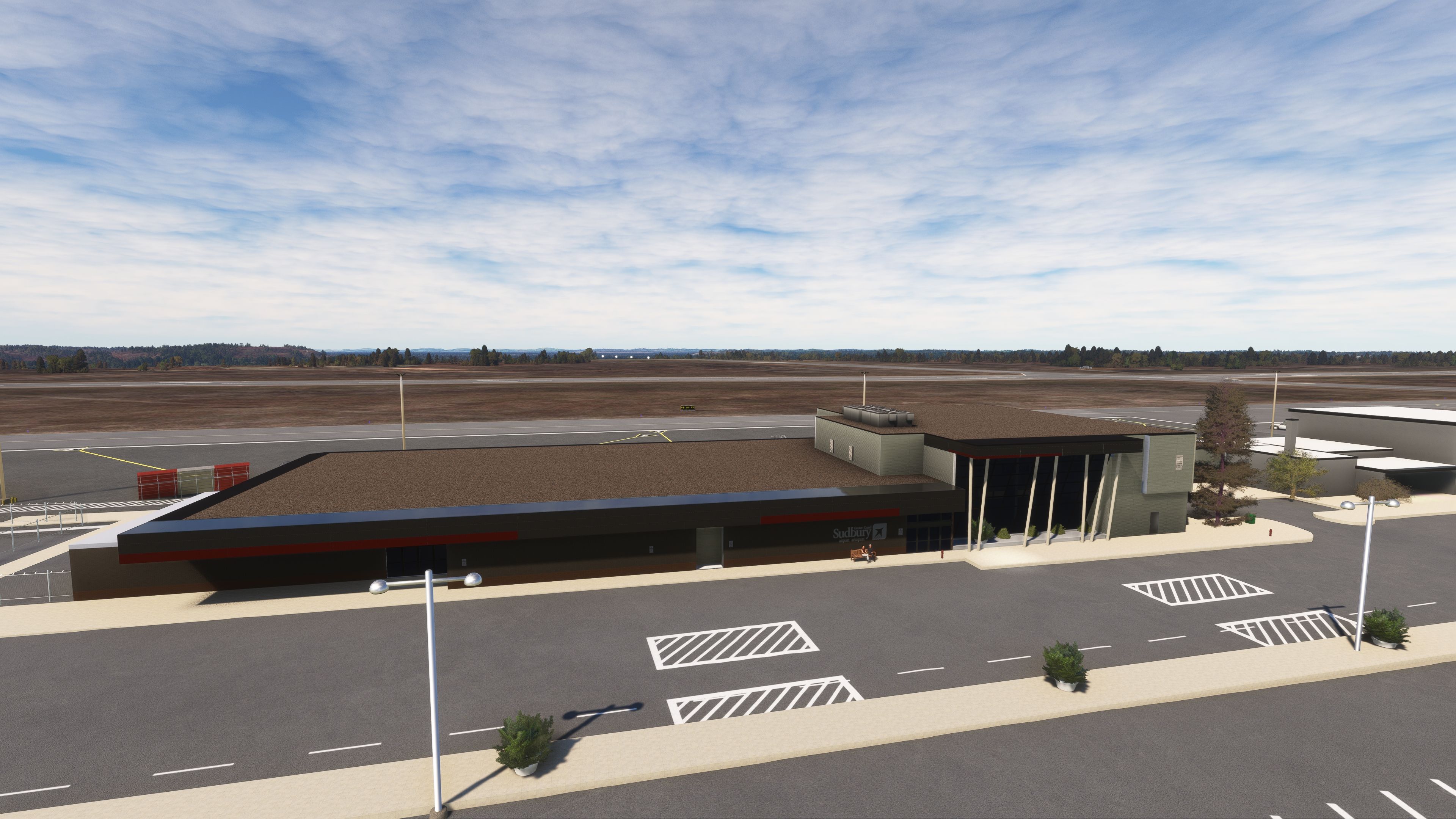
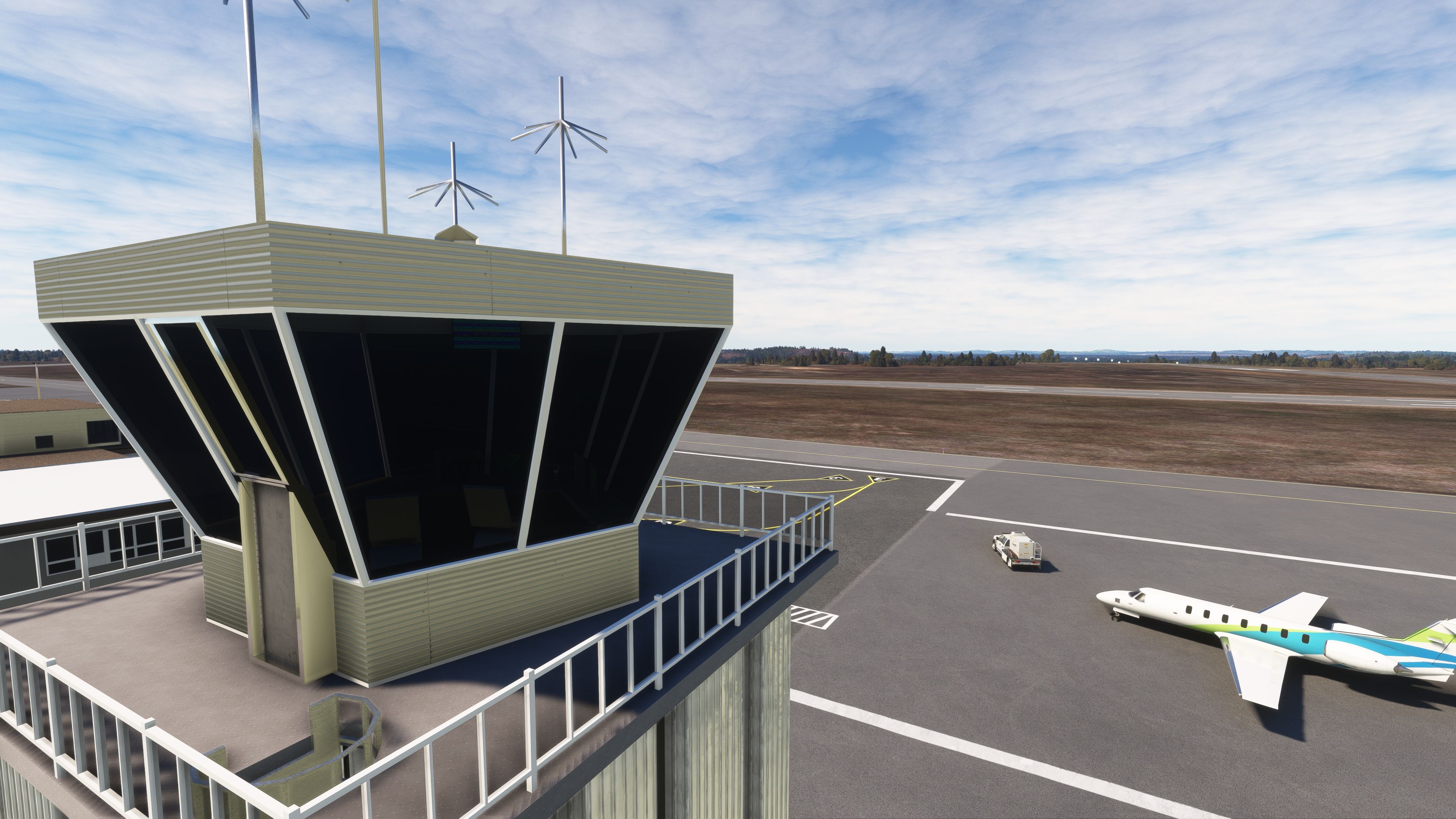
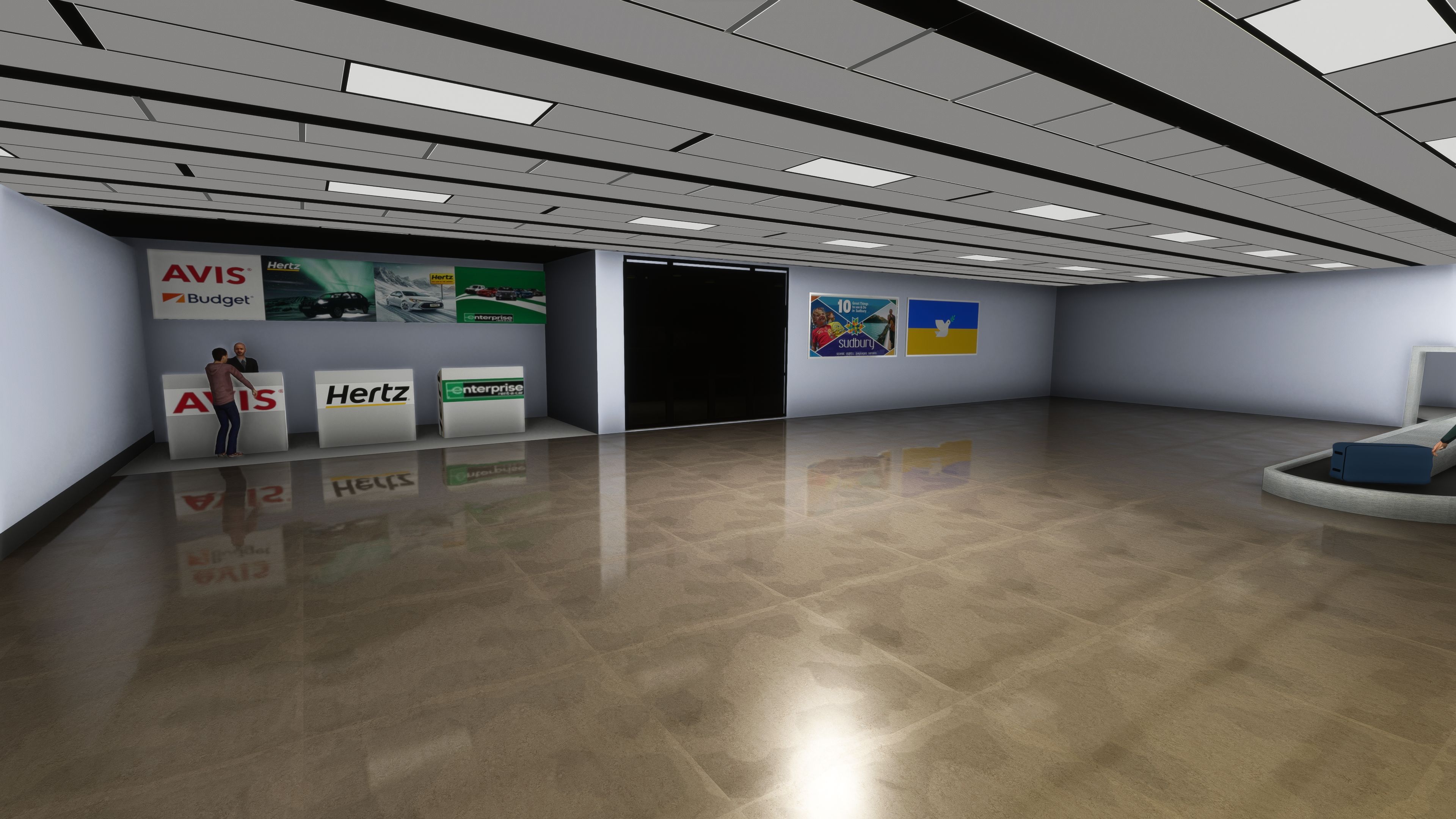
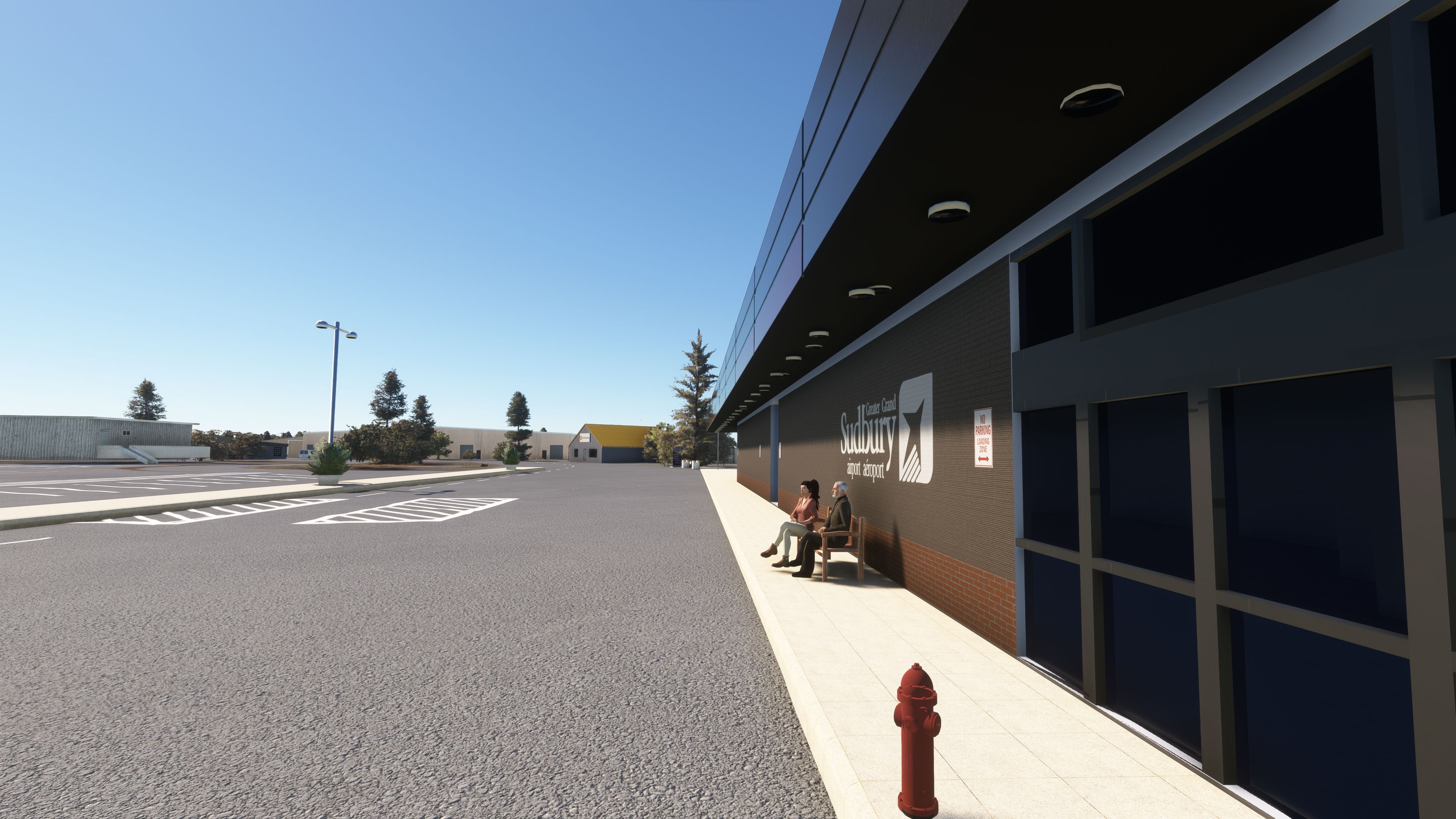
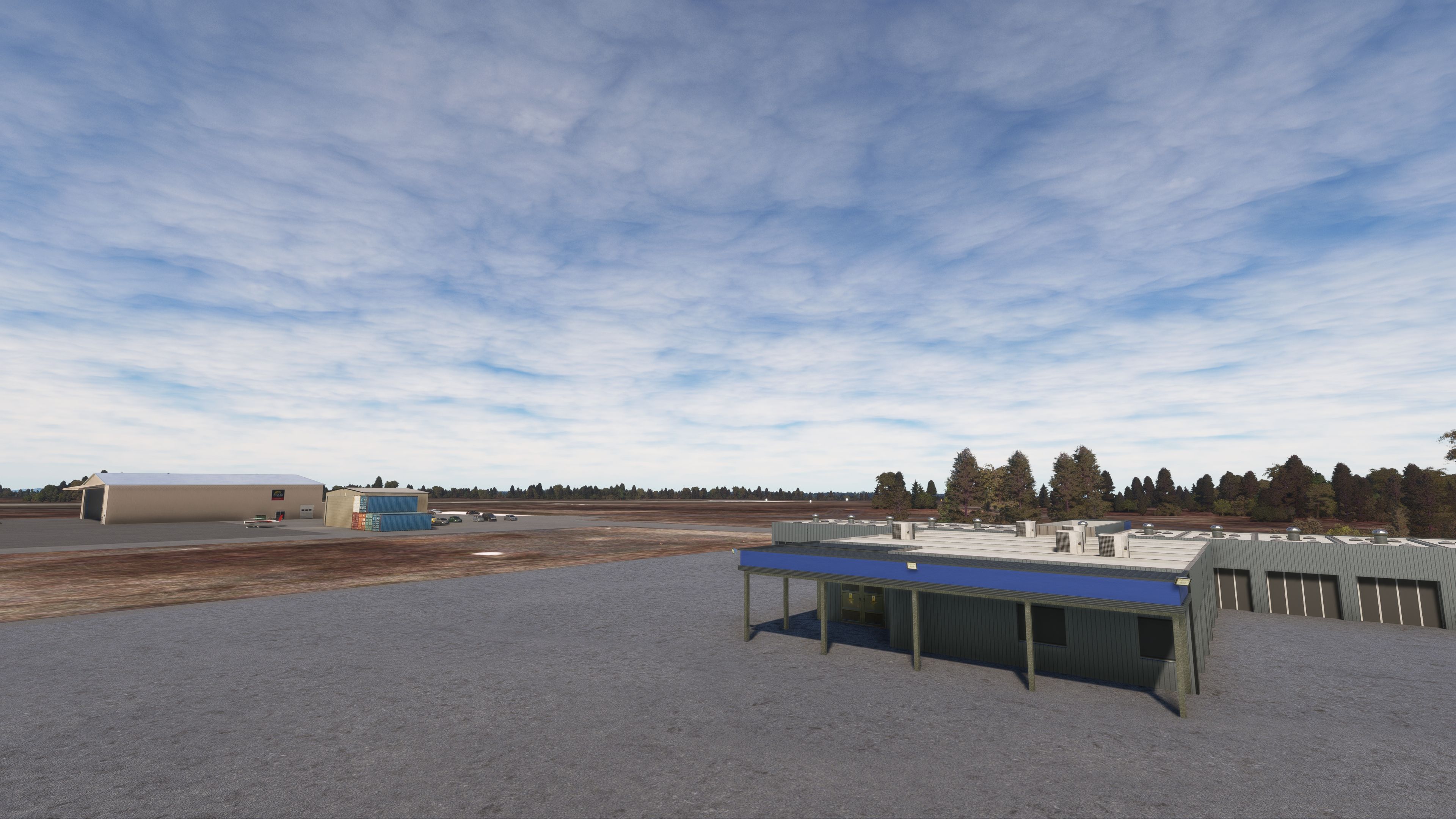
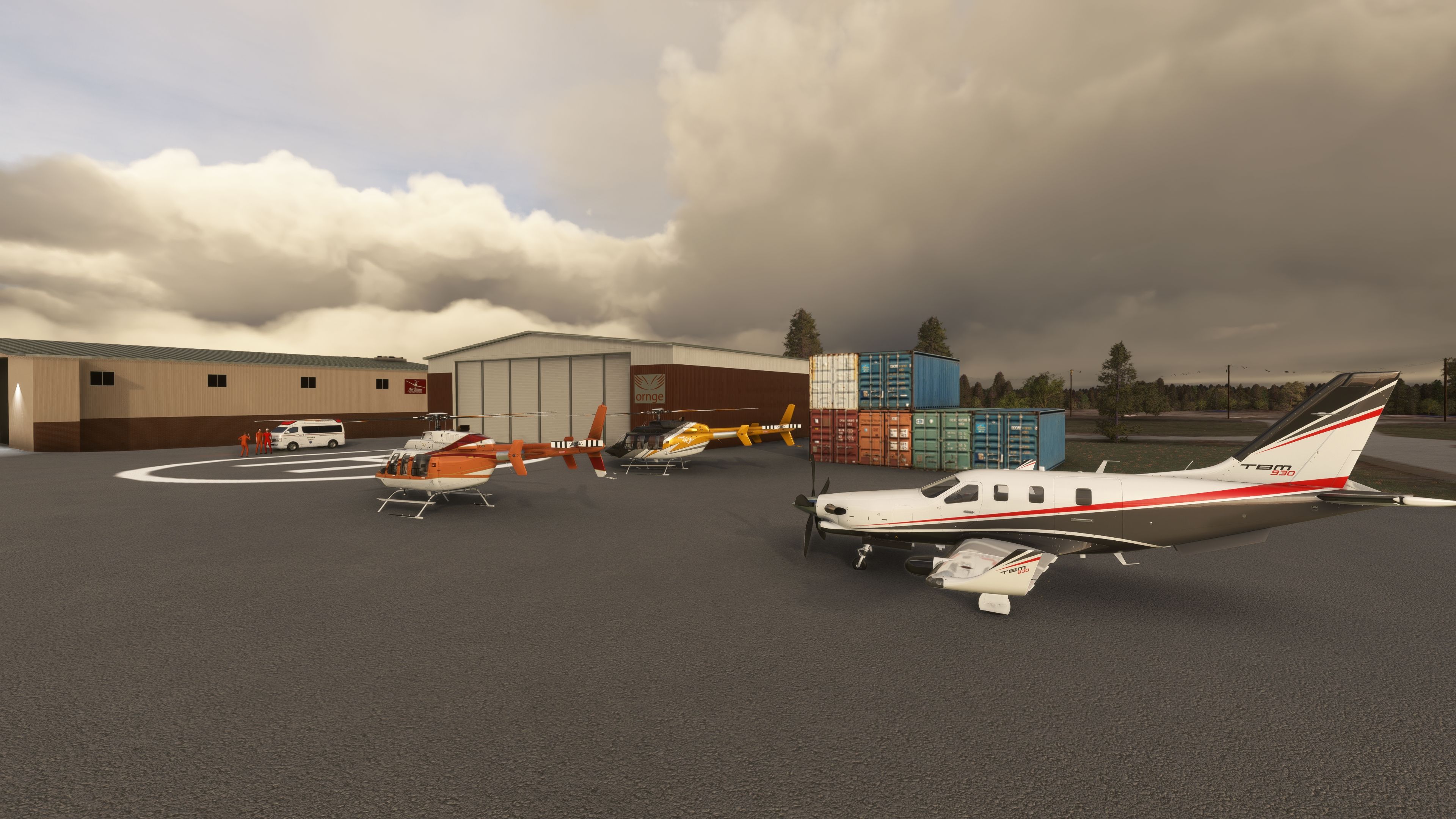
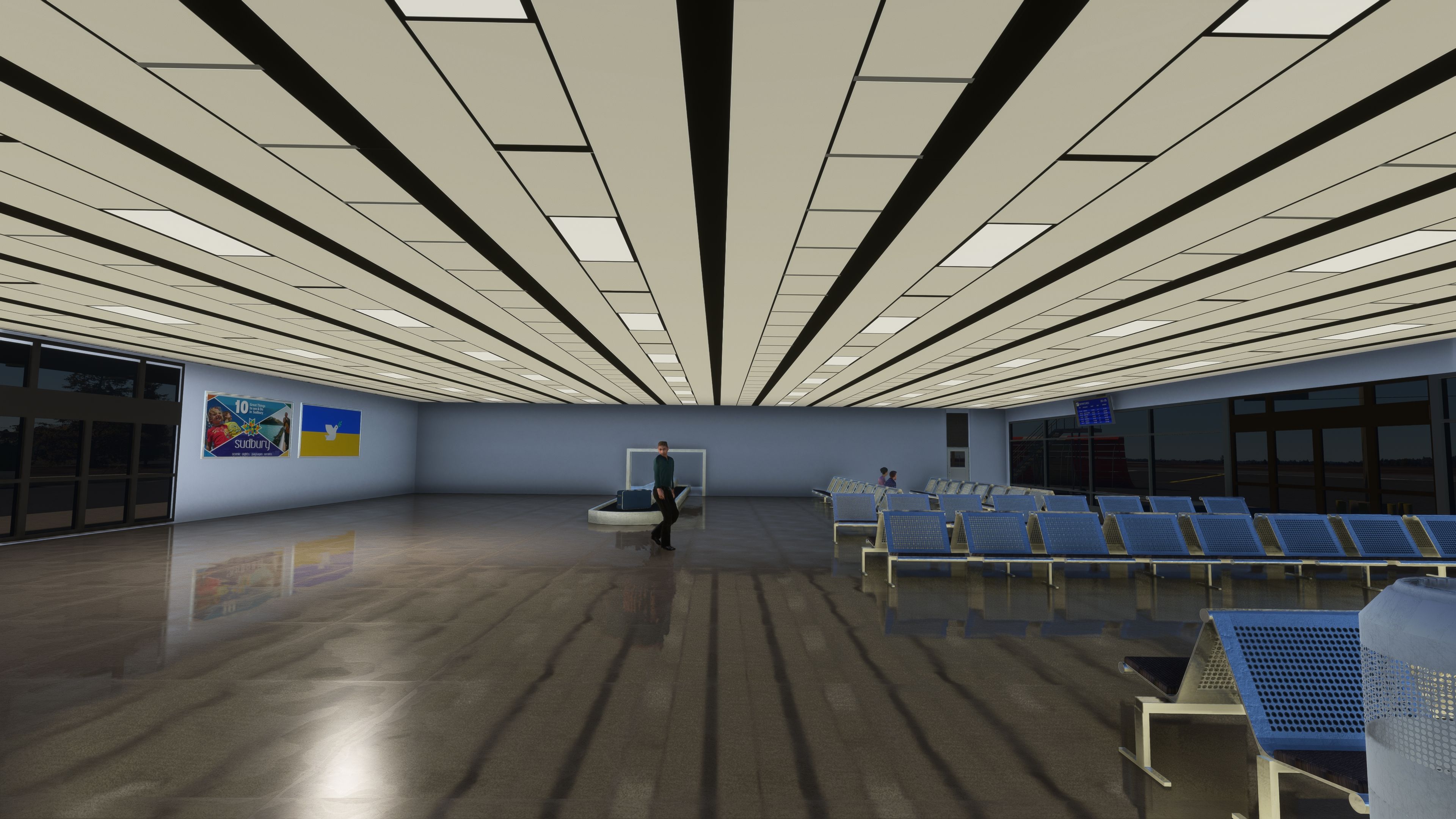
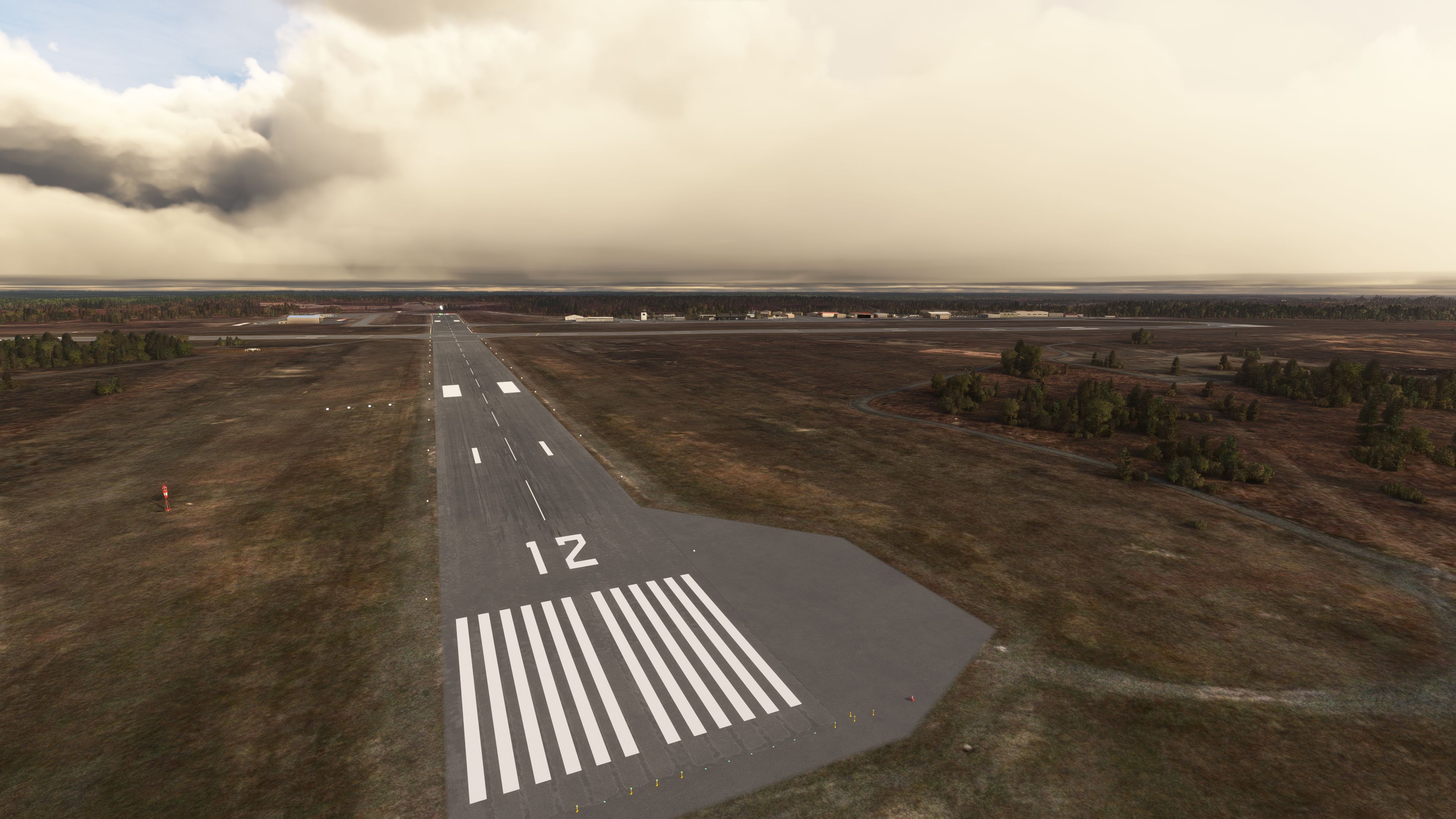
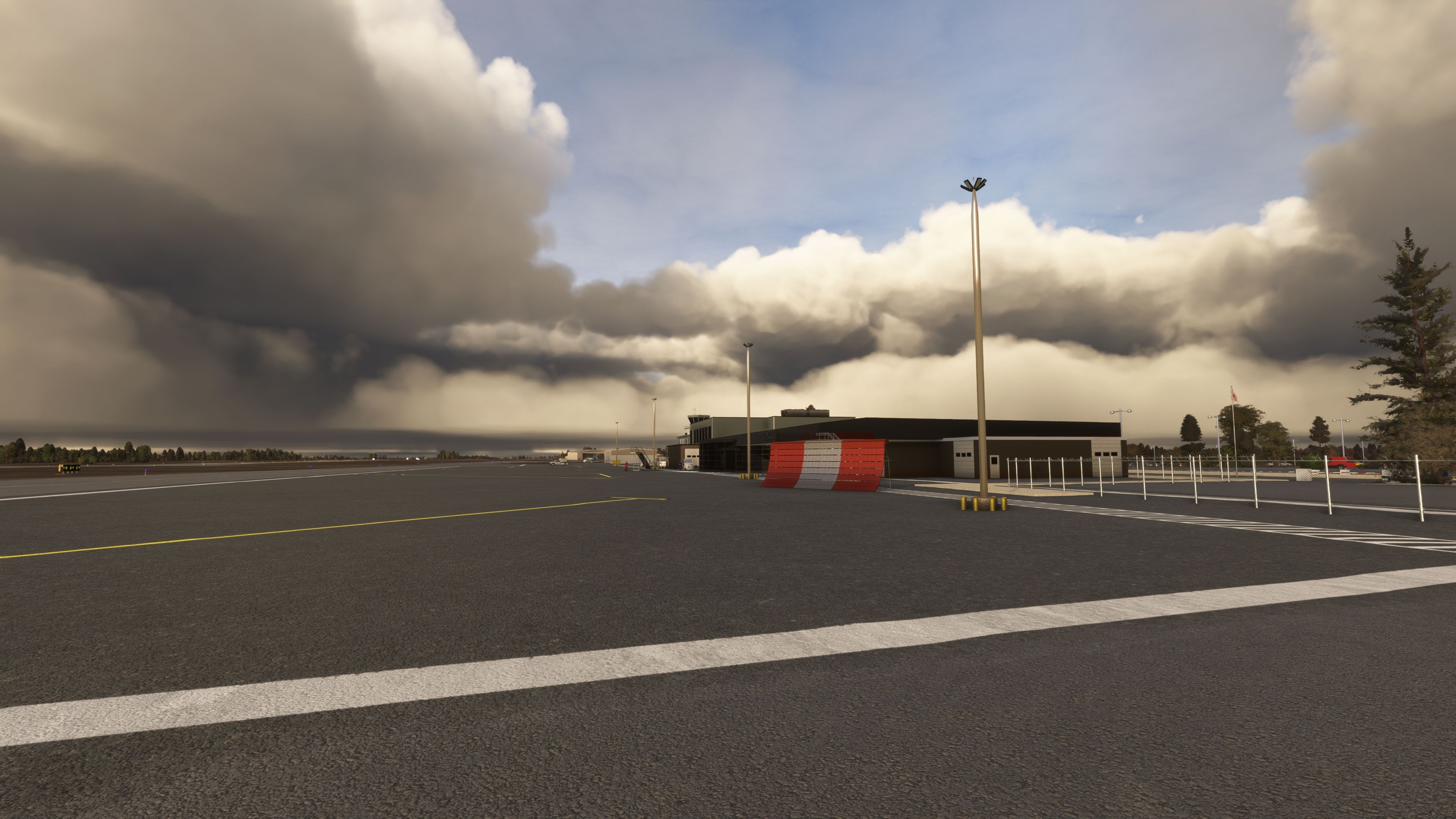
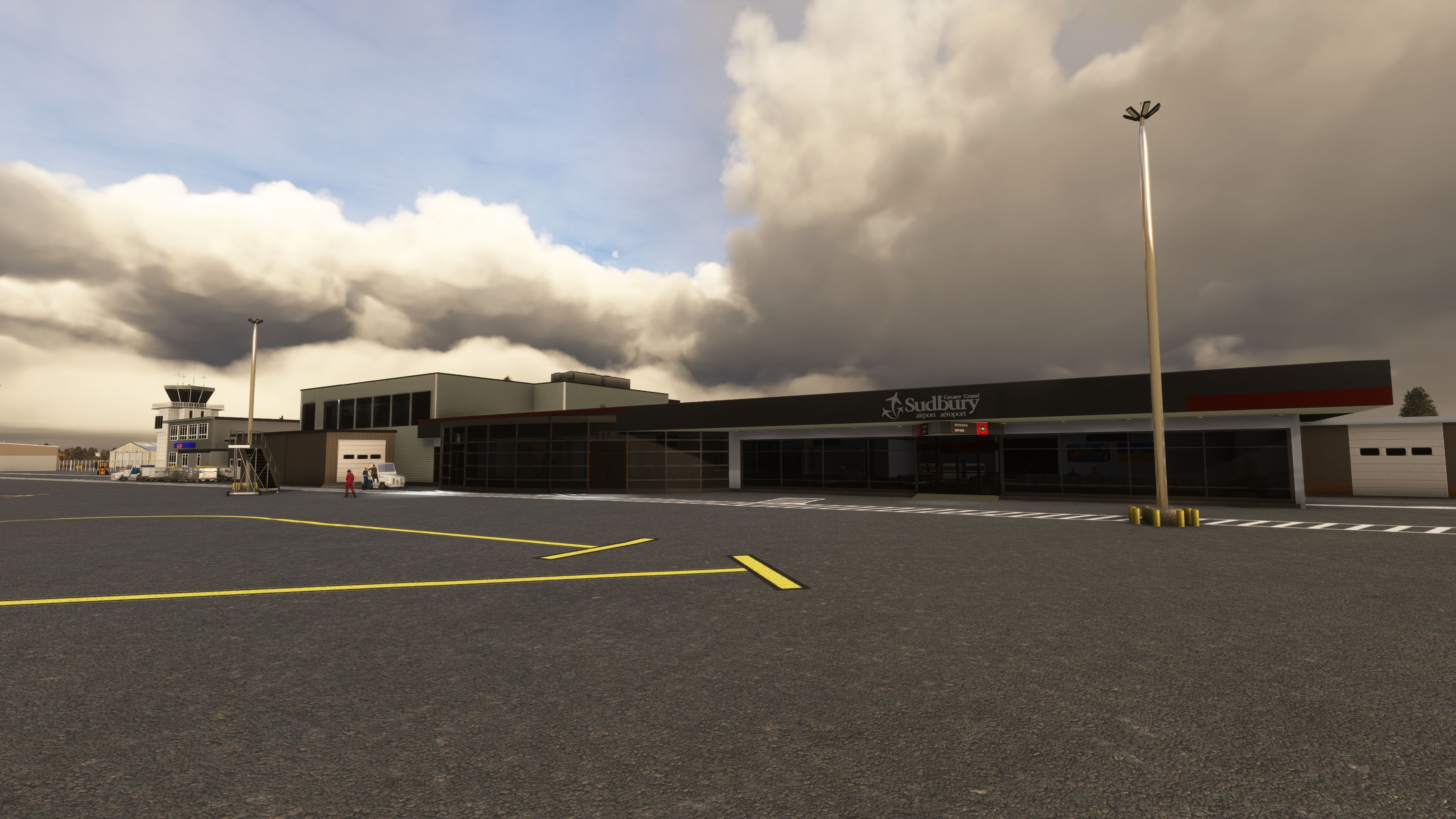
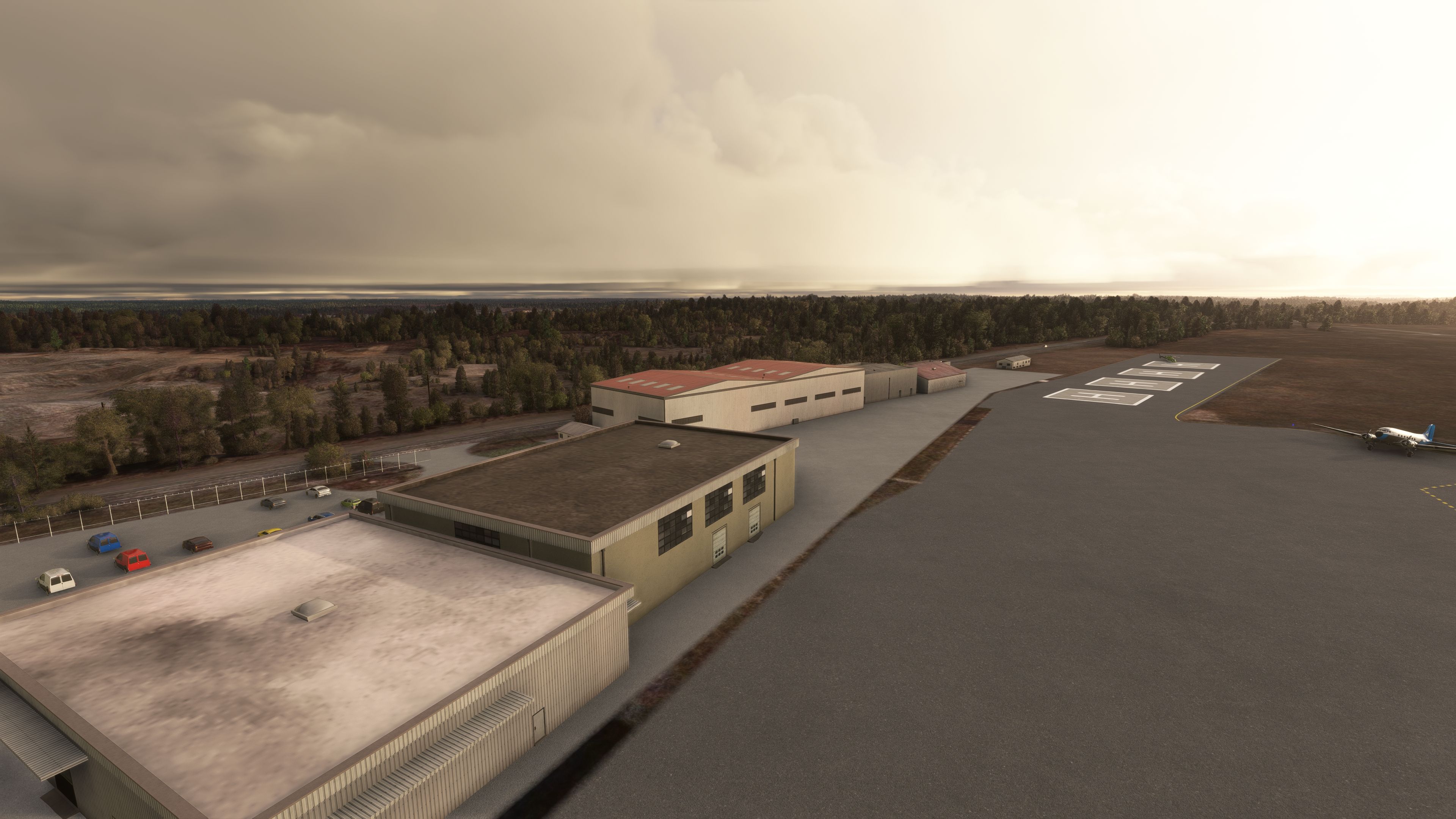
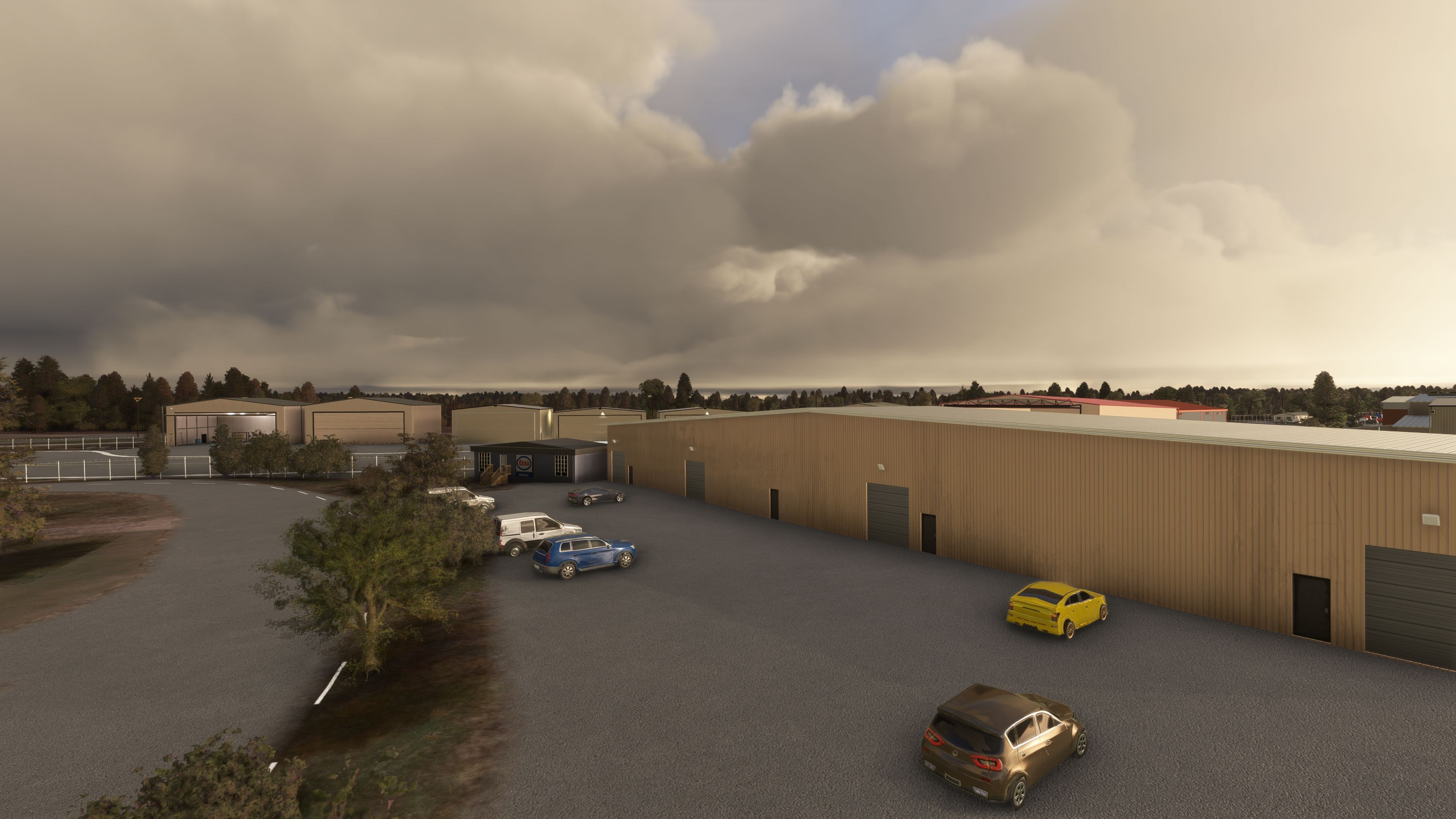
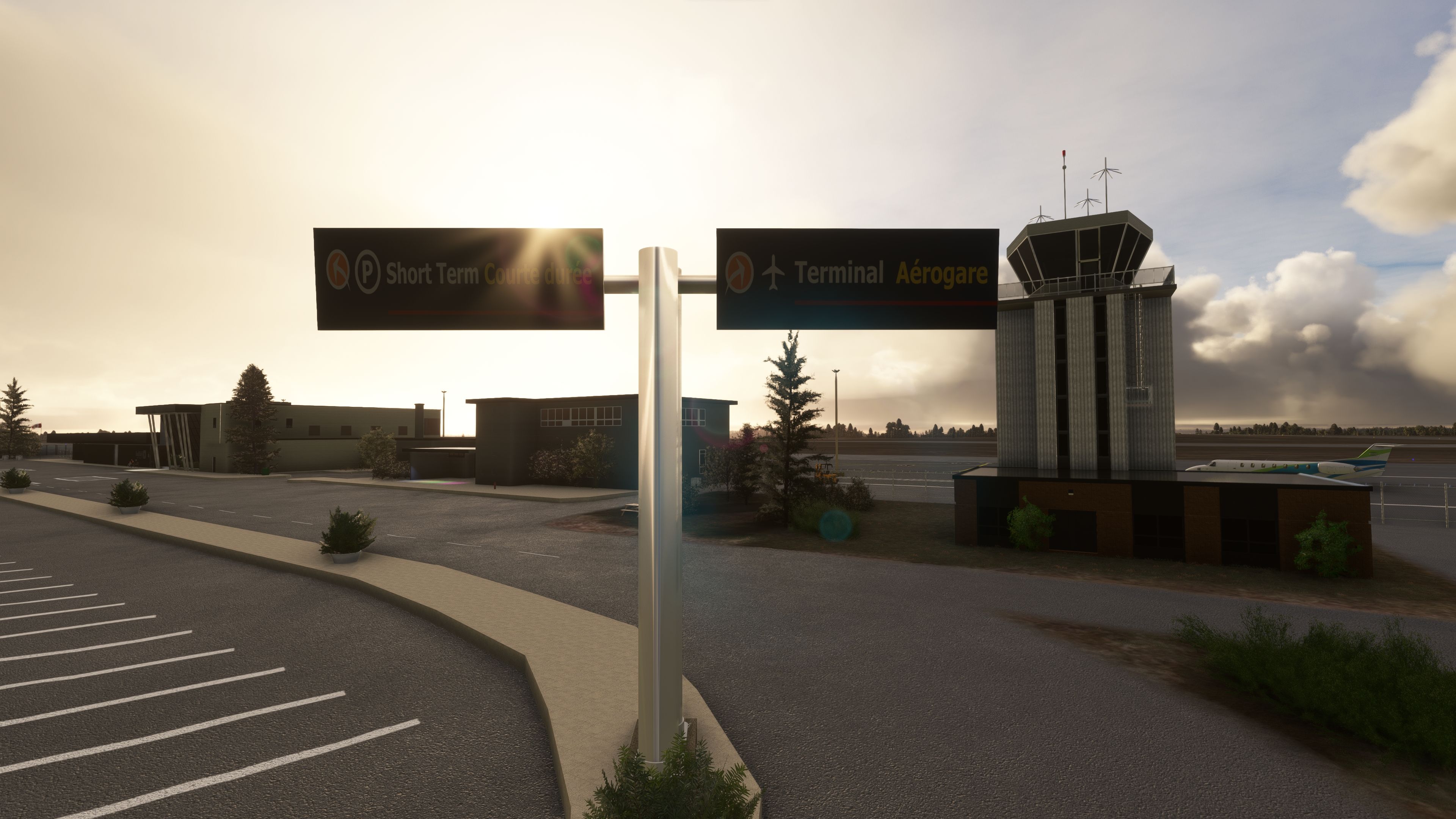
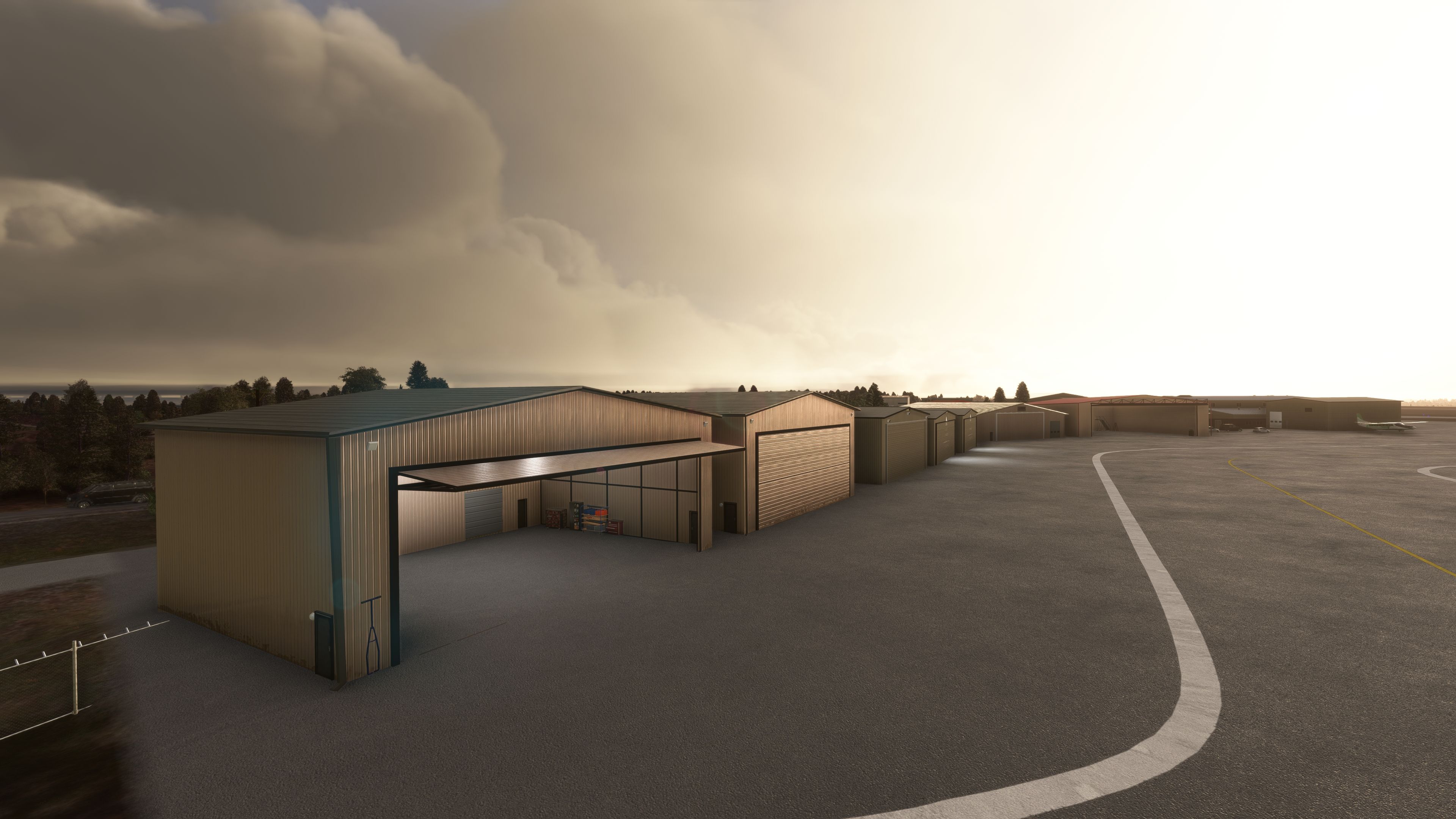
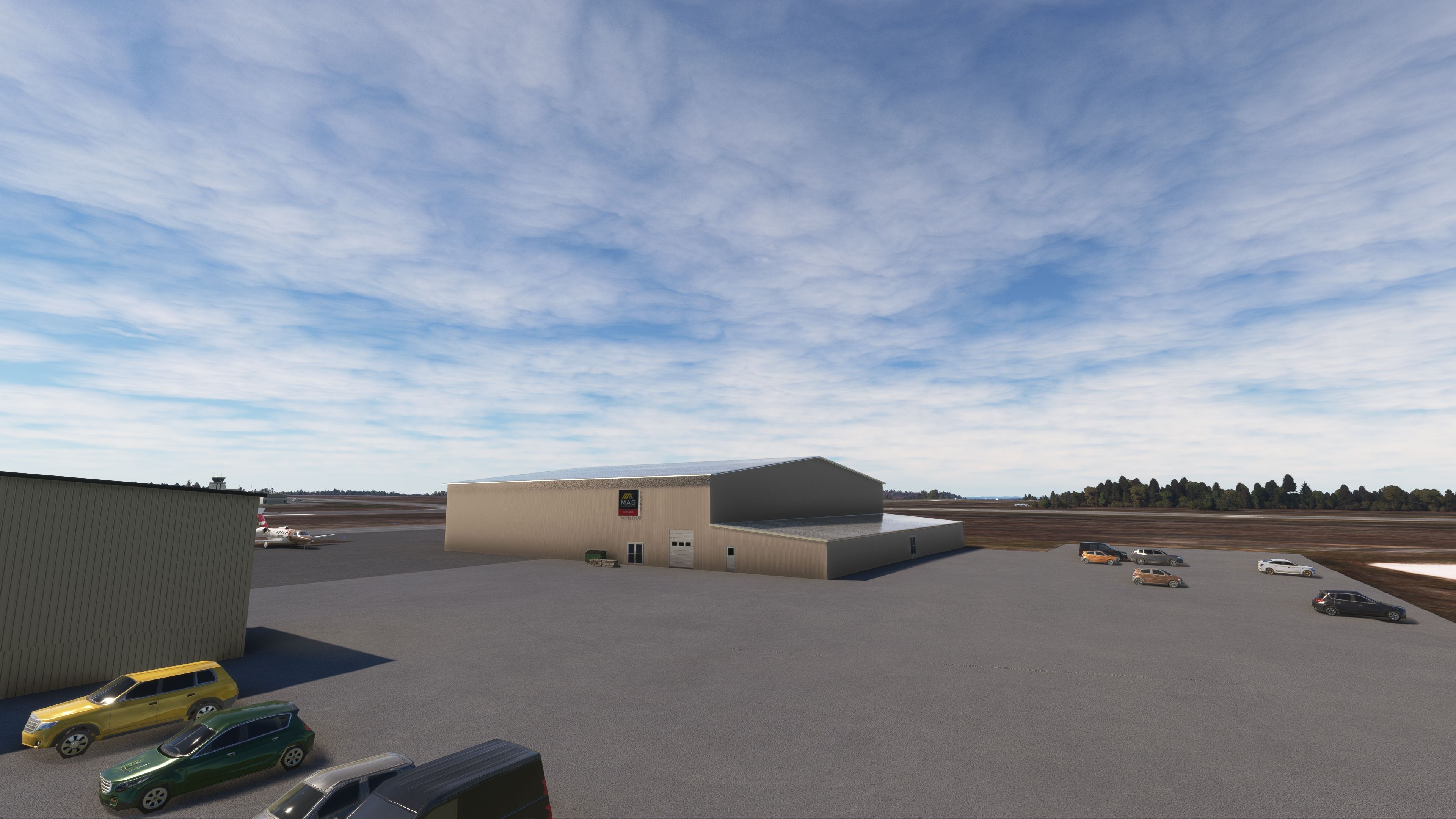
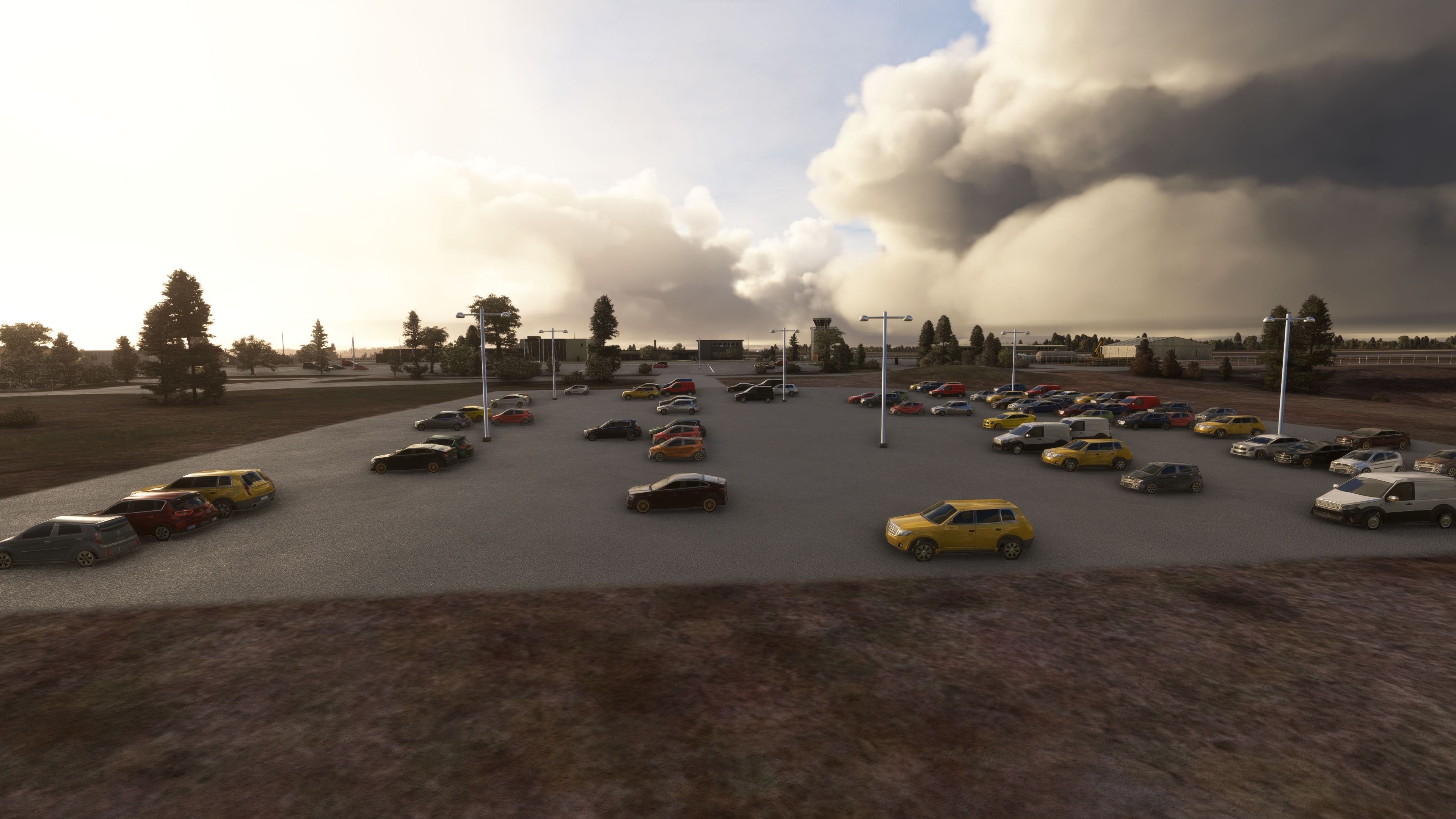
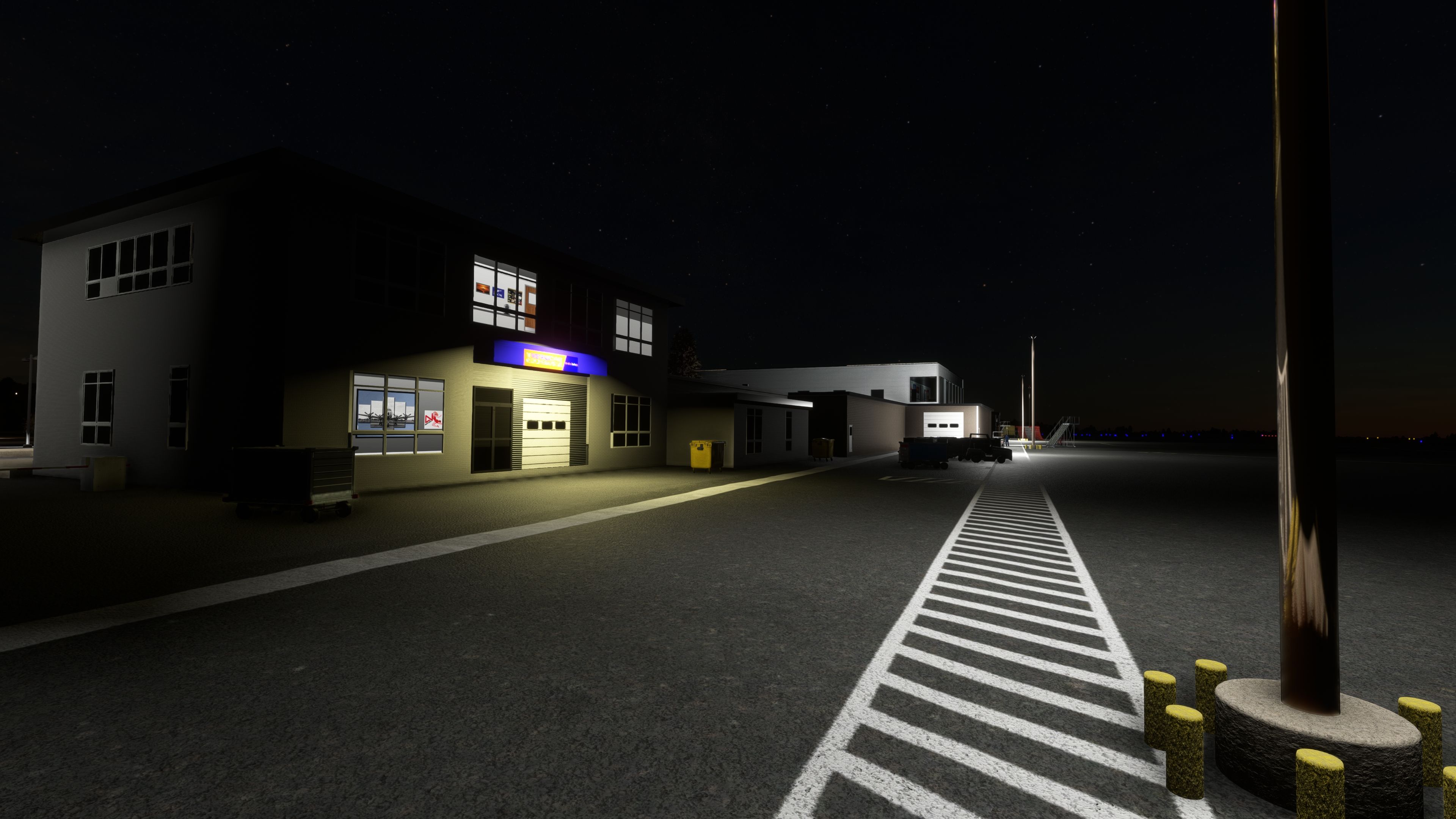
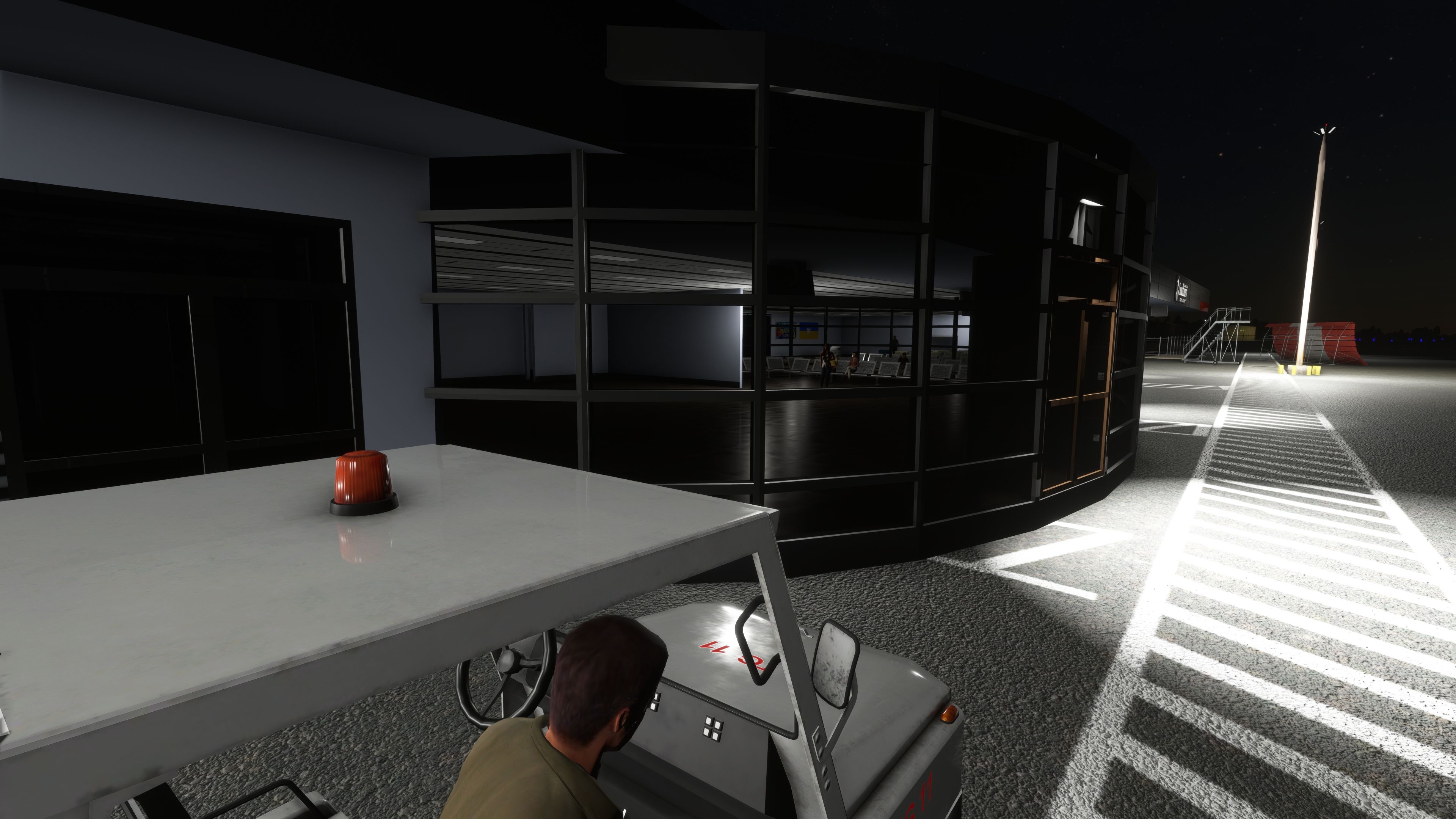
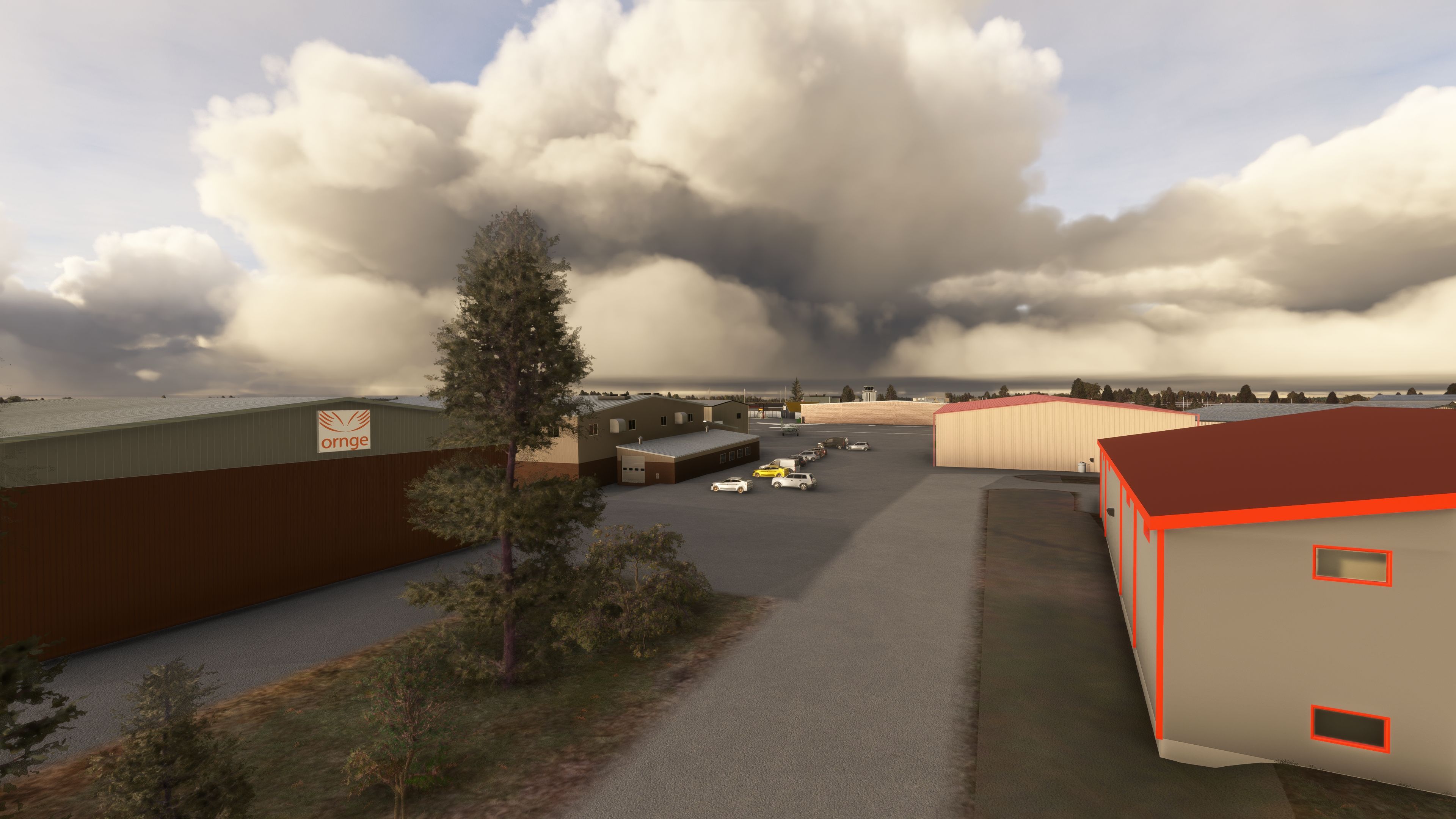
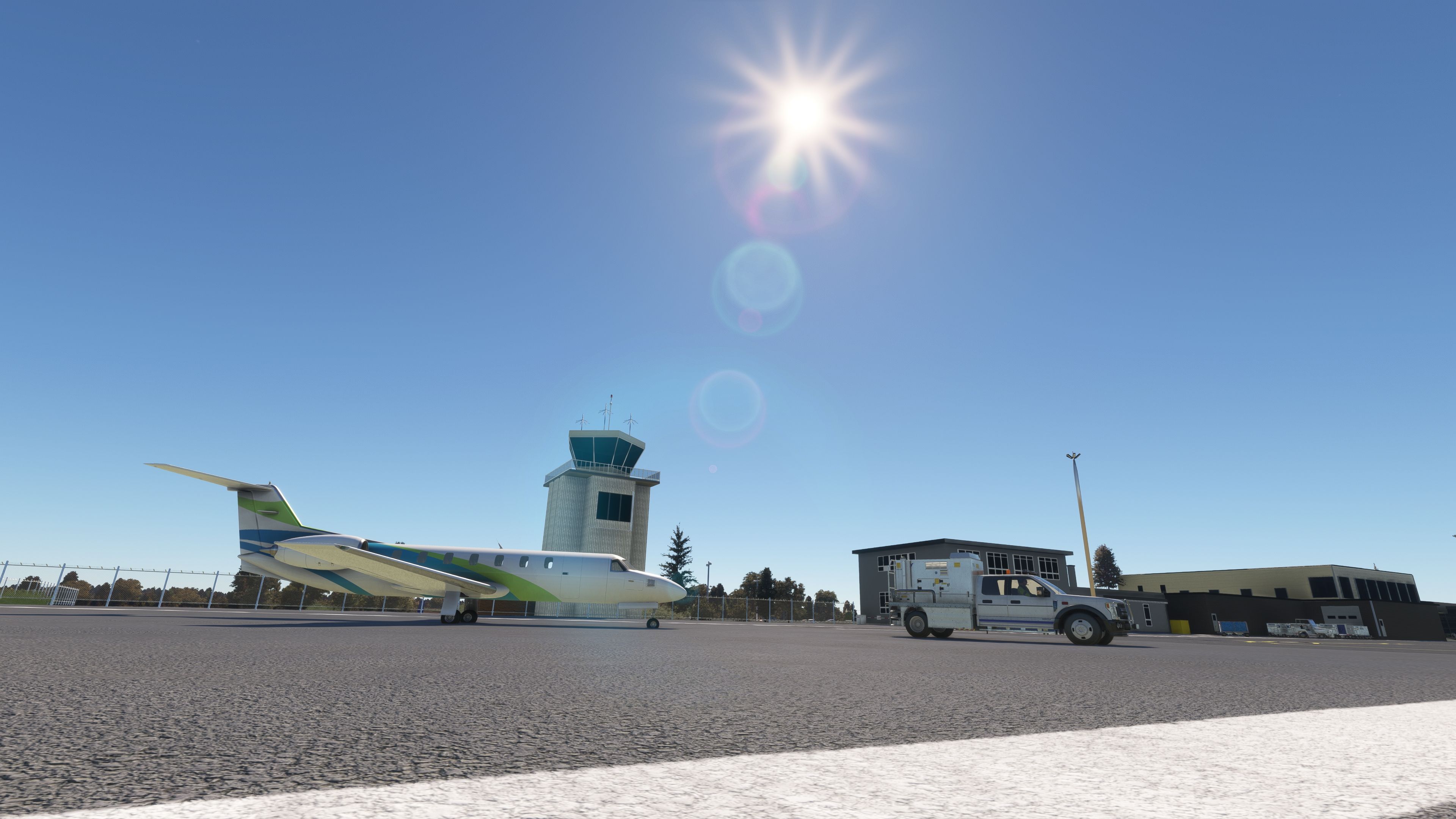
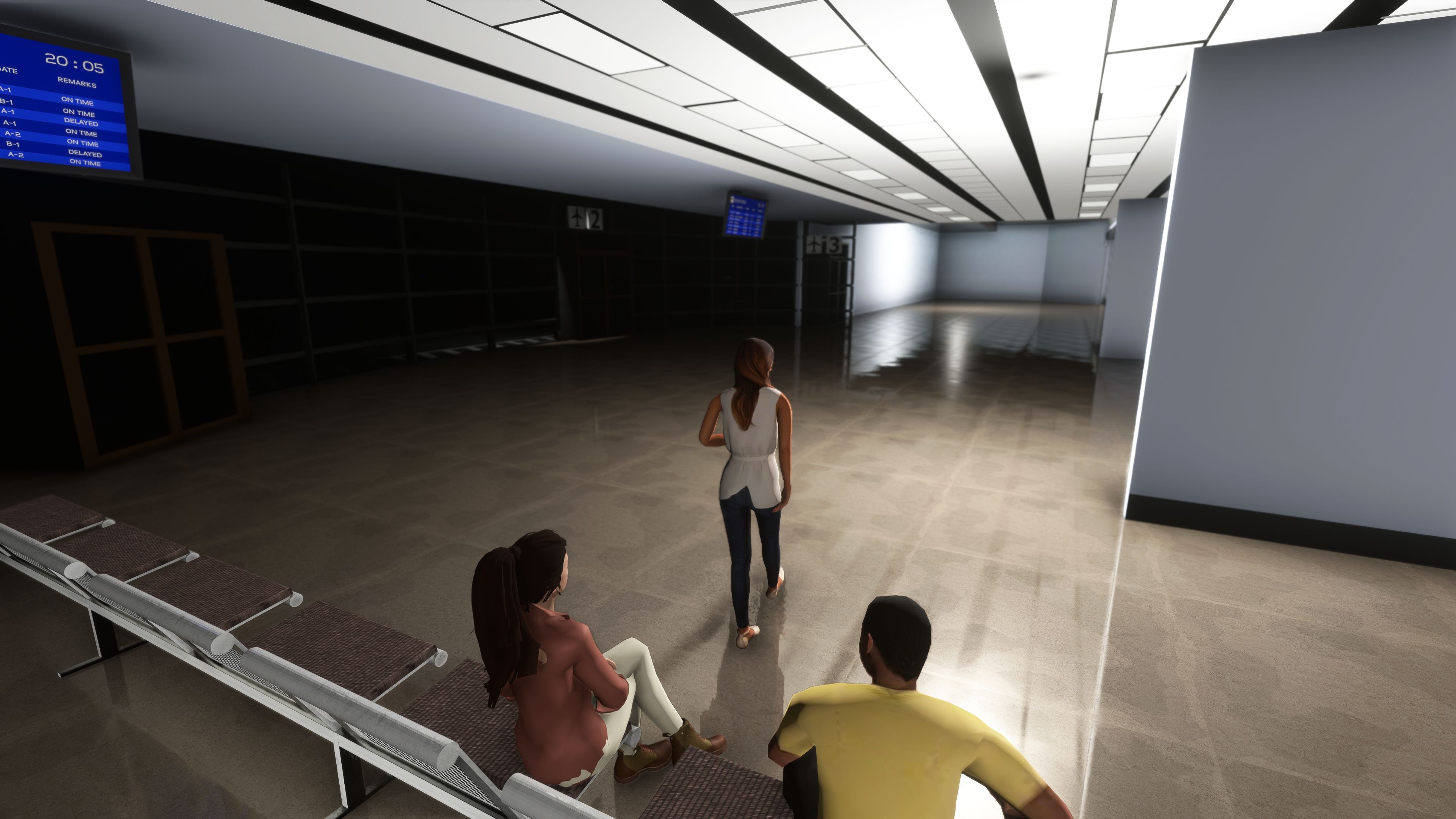
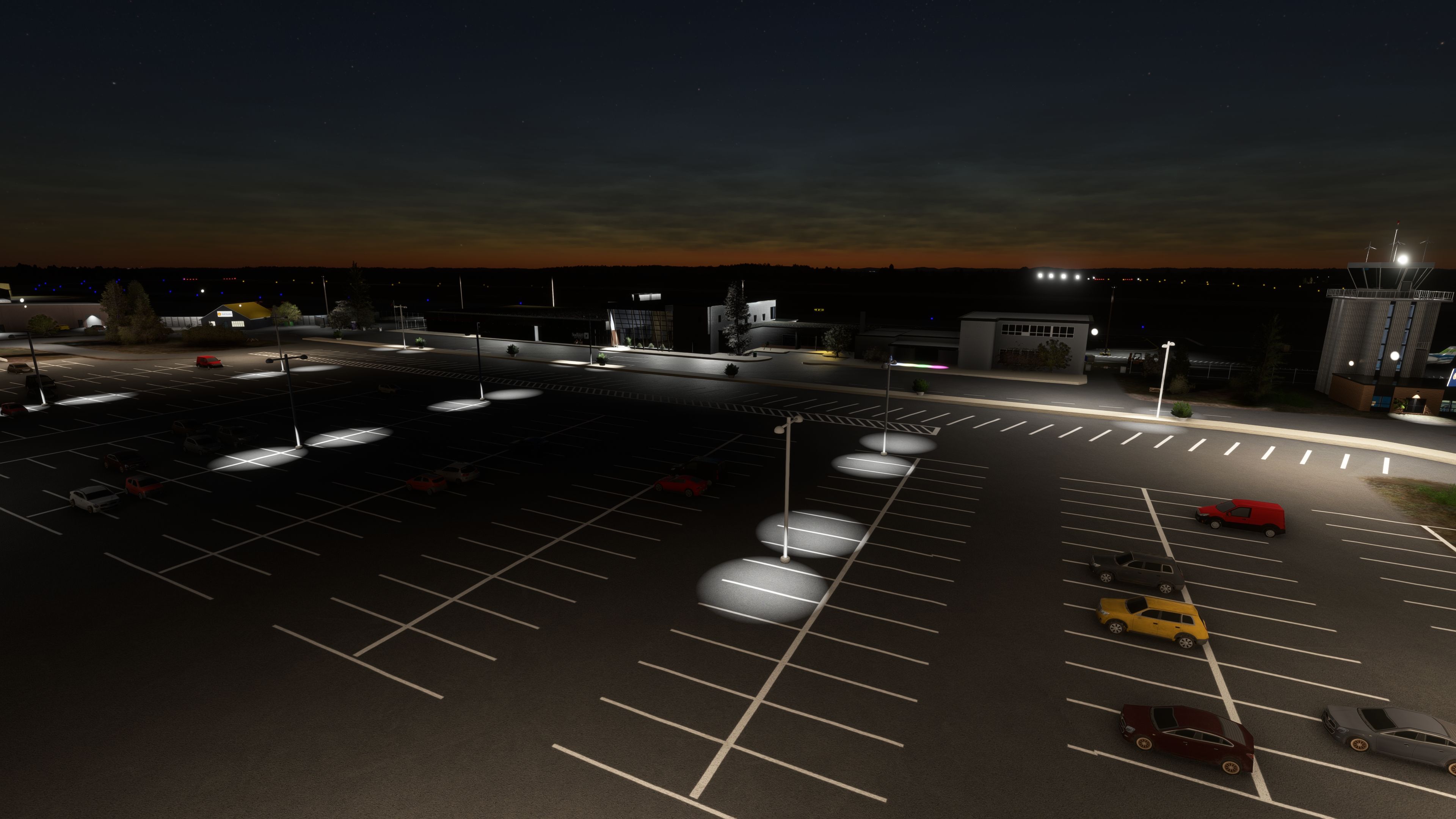
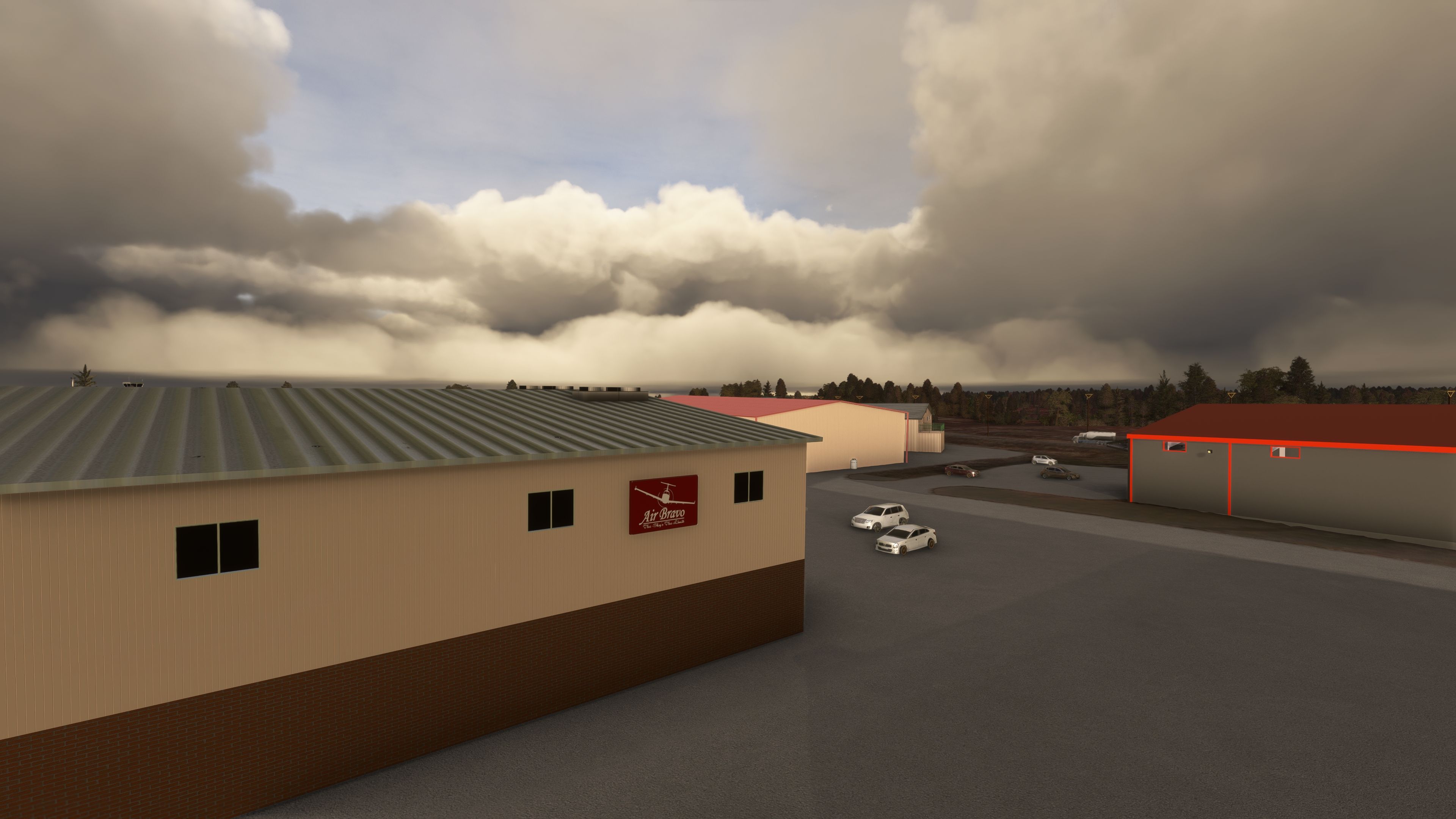
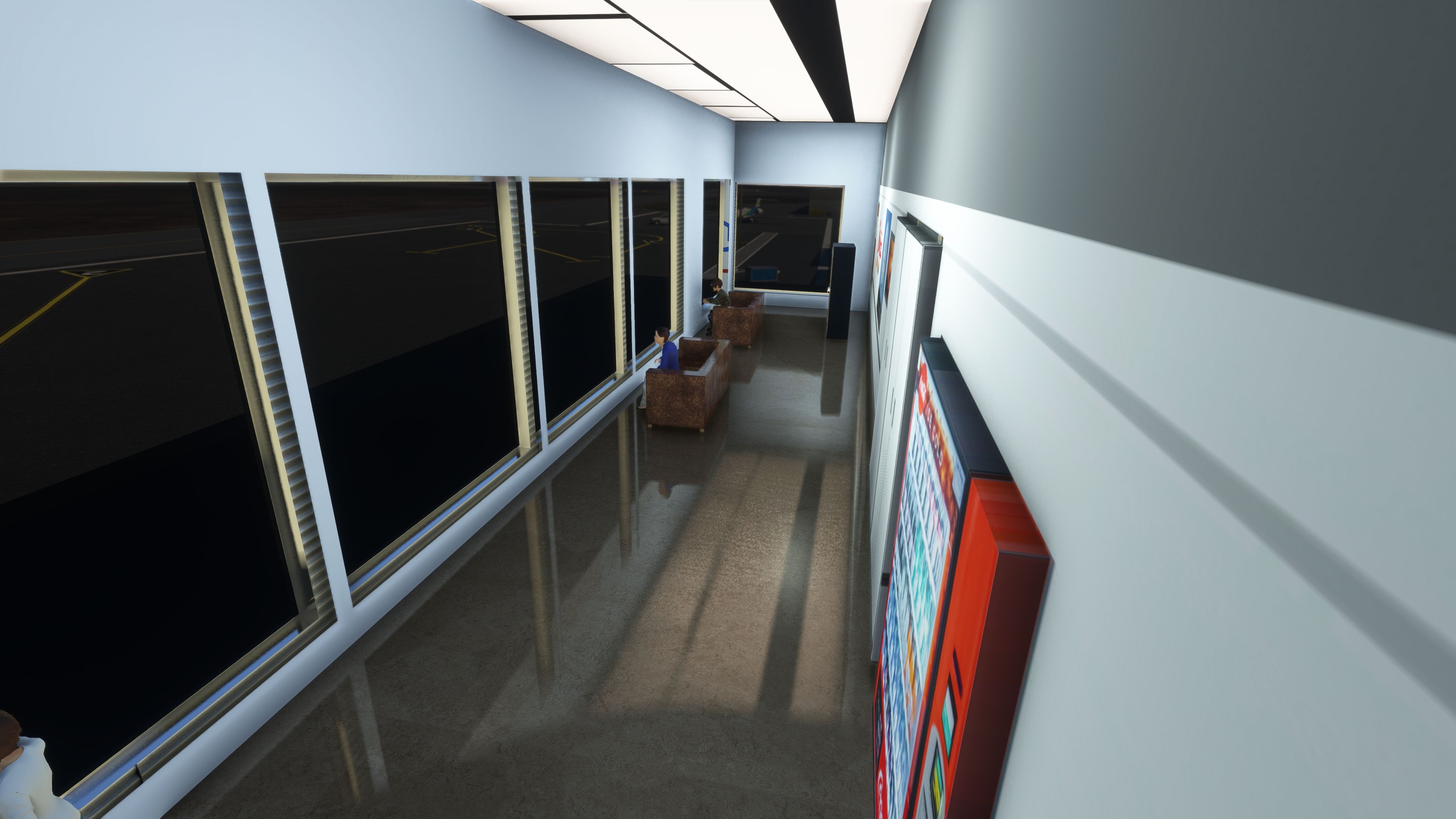
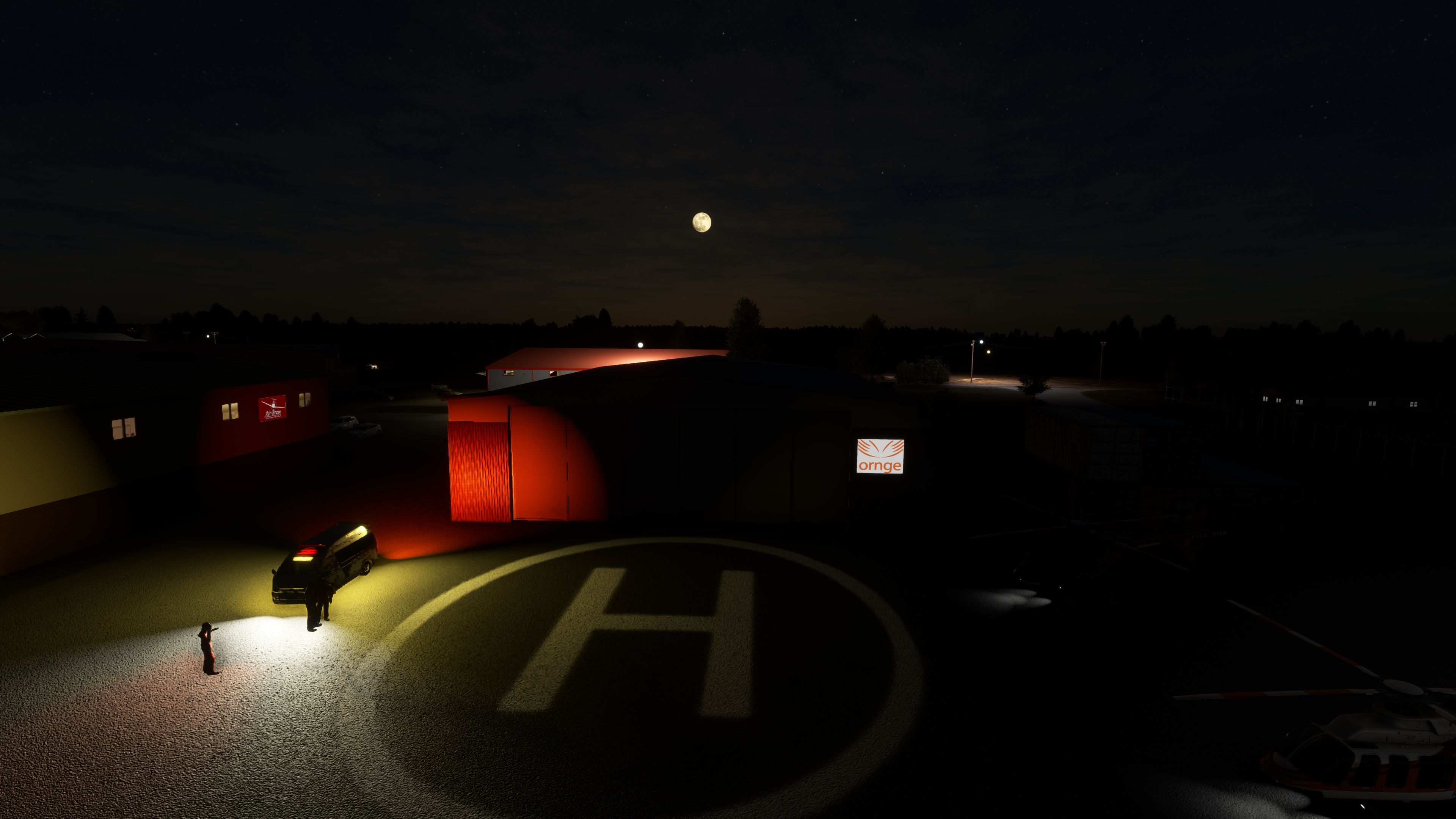
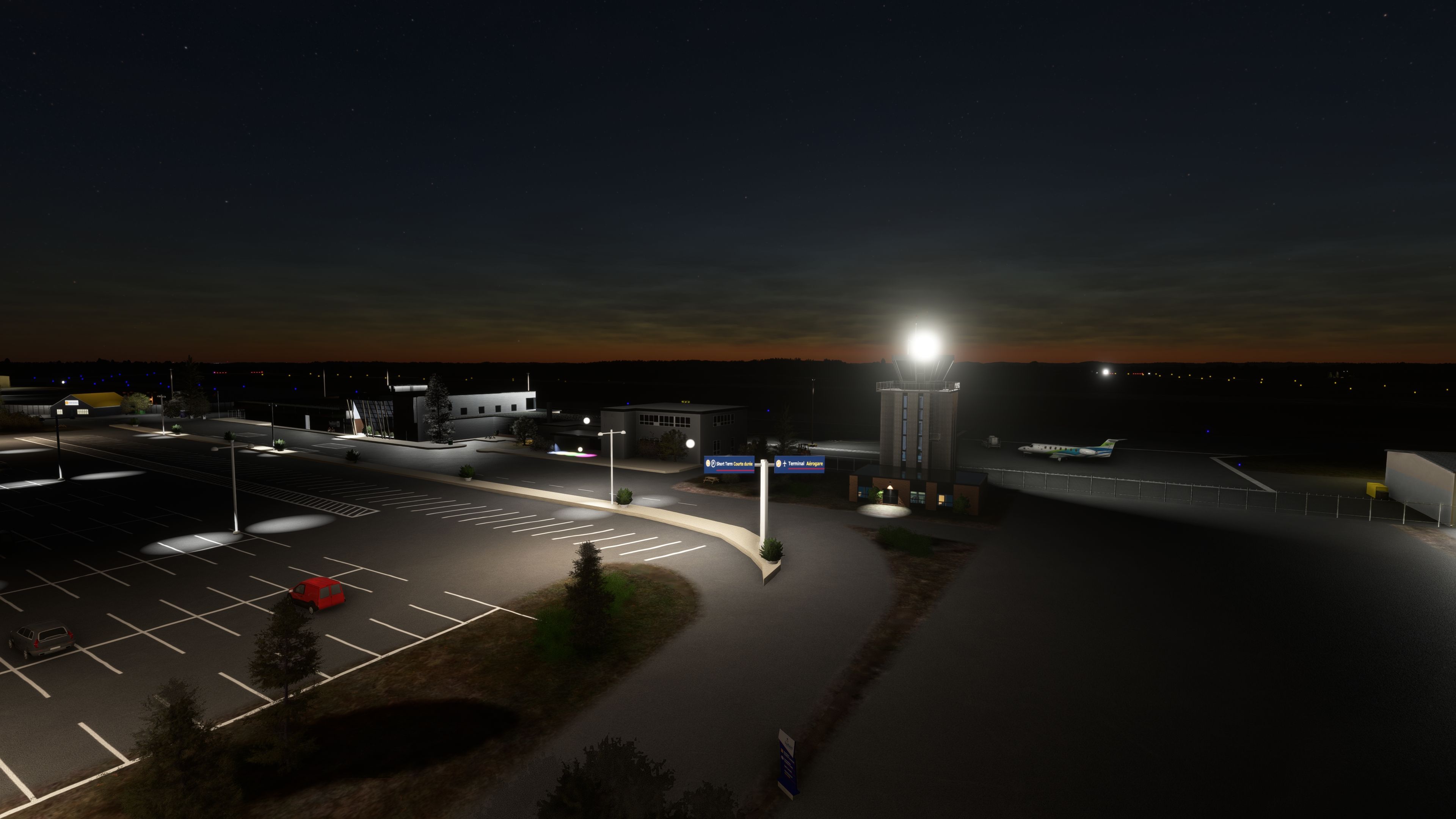
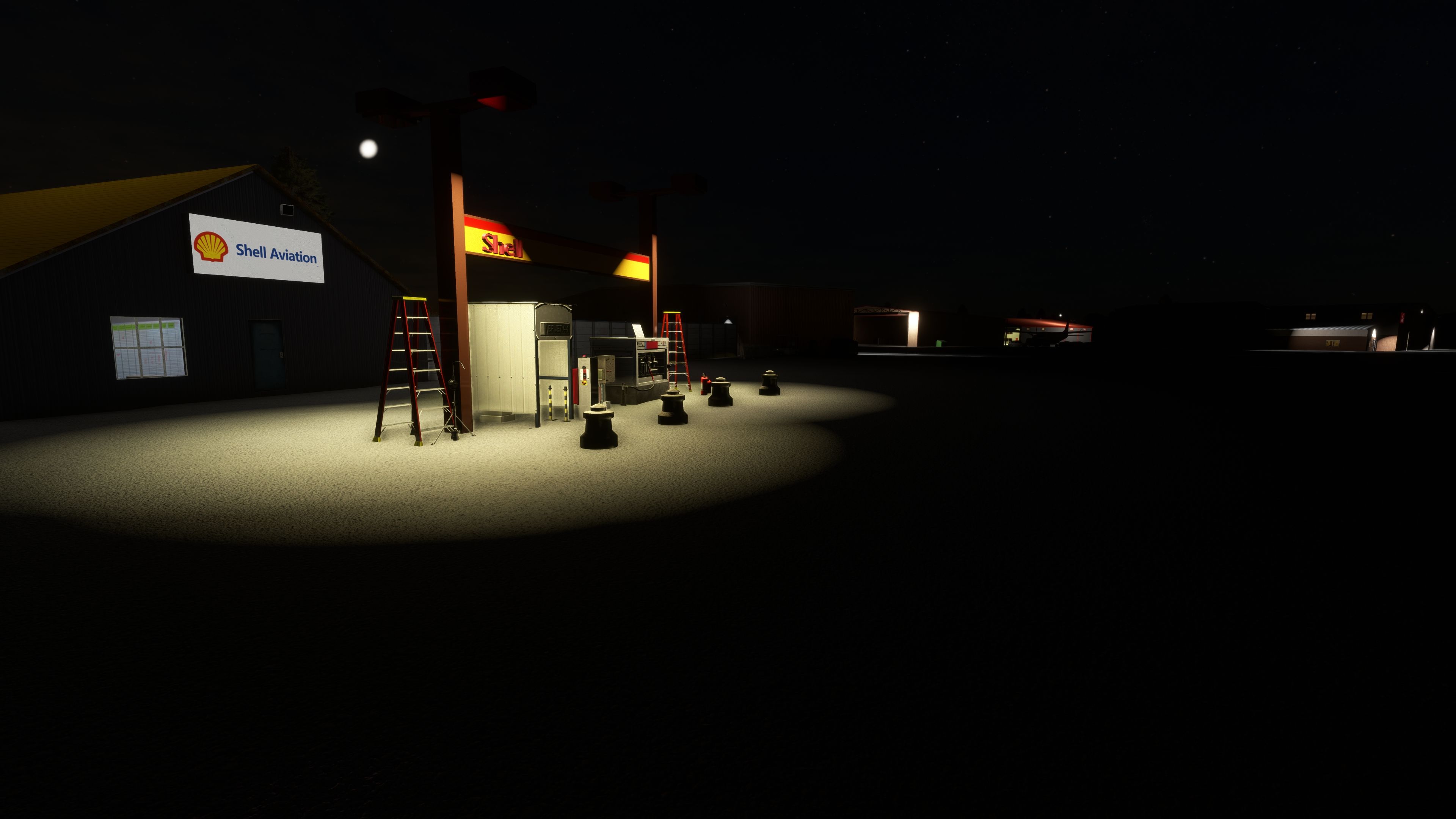
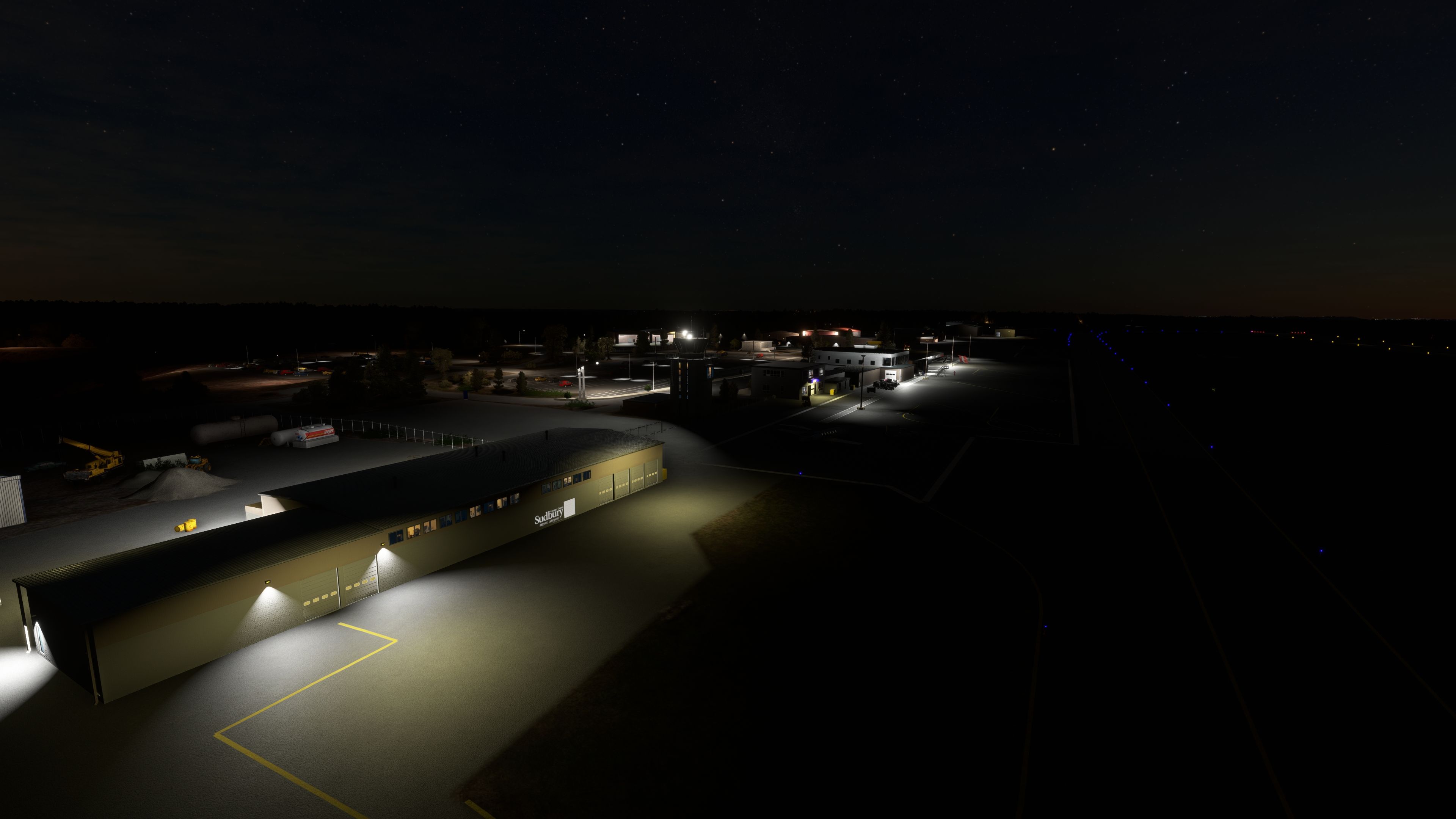
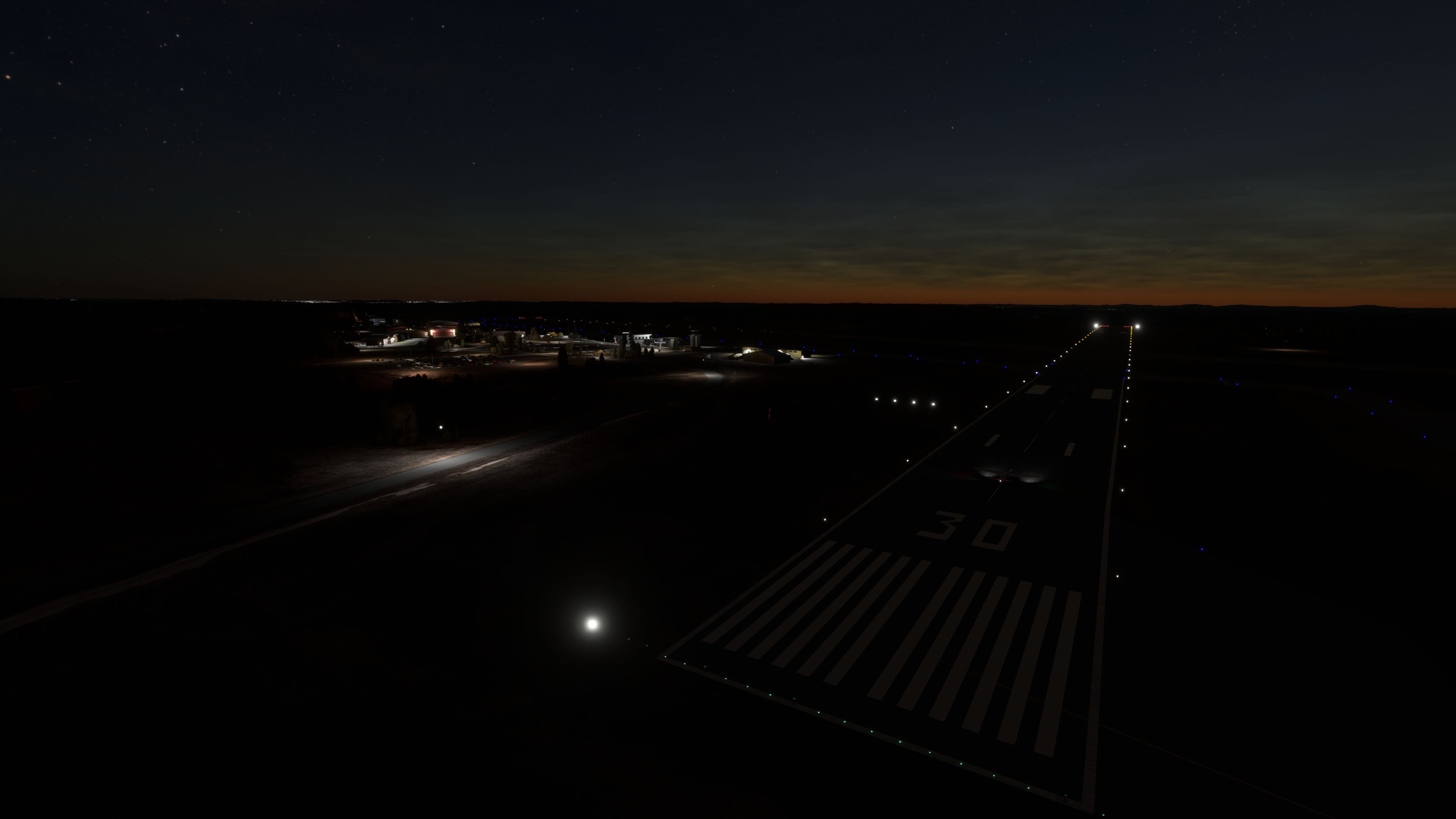

Enhance your MSFS 2020 adventures with the Greater Sudbury Airport (CYSB) mod, which artfully showcases Northern Ontario’s industrial heritage. Having flown many simulated hours here myself, I’ve seen how its custom hangars, realistic terminal, and immersive interior parking starts create an authentic setting—from the animated doors to the meticulously placed vegetation and perimeter fencing.
In version 2.1, the addition of iconic regional landmarks, such as the Big Nickel and towering smokestacks, further anchors you in the heart of Sudbury’s landscape. Ground markings, beacon adjustments, and careful attention to detail deepen navigational realism, while the airport’s role along the TransCanada Highway truly underscores its importance for regional travel. This robust add-on is a must-have for anyone seeking a more dynamic route into the Canadian Shield.
Explore the robust and industrially rich landscape of Greater Sudbury with the latest scenery mod for Microsoft Flight Simulator 2020. This detailed add-on enhances the Greater Sudbury Airport (CYSB), situated in Northern Ontario, Canada, transforming it into a vital hub for virtual pilots.
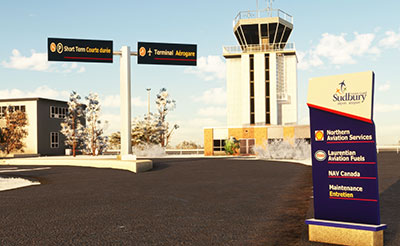 Key Features
The add-on pays special homage to Sudbury’s iconic landmarks such as the "Big Nickel" and the towering smokestacks of the Inco nickel refining company. These features are not only pivotal to the region's identity but also serve as key visual cues within the simulated flight environment.
Greater Sudbury Airport, a pivotal axis for regional travel, supports several airlines, including Bearskin Airlines. Its strategic location several hours north of Toronto along the TransCanada Highway positions it as a crucial gateway for accessing the Canadian Shield and the northern expanse.
The MSFS Greater Sudbury Airport scenery is compatible with Microsoft Flight Simulator 2020. Installation is straightforward, though due to the comprehensive nature of the scenery files, a patient download is recommended to ensure all textures and elements are properly implemented.
Simply extract the archive and copy the airport-cysb-sudbury folder into your MSFS Community folder.
This scenery version has evolved to 2.1, with each update bringing refined details and fixes to enhance your flight simulation experience. Regular patches and extensions have focused on both aesthetic and functional aspects of the airport to provide an ever-improving virtual representation.s
Free for all simmers · 570.04 MB · Scanned clean Oct 2026
Download speed: Free tier is capped at 2 Mbps (this file takes approximately 40 mins at the cap). PRO members download at full line speed.
%LOCALAPPDATA%\Packages\Microsoft.FlightSimulator_8wekyb3d8bbwe\LocalCache\Packages\Community\. Steam version: %APPDATA%\Microsoft Flight Simulator\Packages\Community\. Tip: enable Developer Mode in MSFS to see your exact Community folder path.readme.txt or README file. It tells you exactly where files go, what dependencies are needed, and any quirks specific to this add-on.Use these coordinates to fly directly to this location once the mod is installed.
46.62500000,-80.79888900
Paste these coordinates into the Microsoft Flight Simulator search bar when planning a flight, or into the Developer Mode Teleport window, to fly directly to this location.
Only PRO members can place votes.
More MSFS add-ons hand-picked based on this download.
MSFS Scenery
This mod developed by JustOkayPilot brings Grand Canyon National Park Airport…
 MSFS Scenery
Sandane Airport (ENSD) is located on the beautiful west coast of Norway and i…
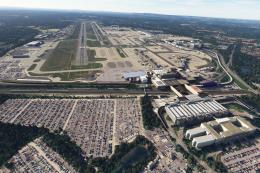 MSFS Scenery
Enhance your flight simulation experience with this mod for Microsoft Flight …
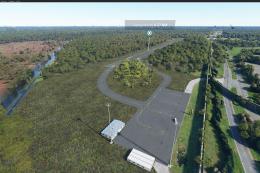 MSFS Scenery
The Disney World airport/STOLport (also known as the Lake Buena Vista airport…
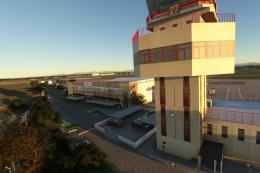 MSFS Scenery
Enhance your flight simulation experience with a detailed rendition of Madrid…
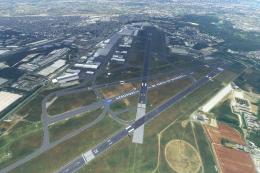 MSFS Scenery
A complete and extensive replacement freeware scenery package for Paris–Le Bo…
 MSFS Scenery
A highly detailed rendition of Gainesville Regional Airport (KGNV), Florida (…
 MSFS Scenery
A rendition of George T. Lewis Airport for Microsoft Flight Simulator (MSFS) …
Read what other simmers think, or add your own.

Great scenery! There’s another one out there I had; it gave me bad textures. Yours works perfectly in MSFS 2024.