

 MSFS Military Aircraft
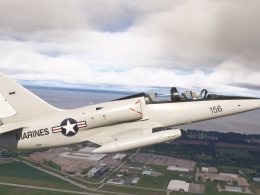
Aero Vodochody L-39 NX139TJ Marines Livery
This freeware Aero Vodochody L-39 repaint brings the Marines-marked NX139TJ s…
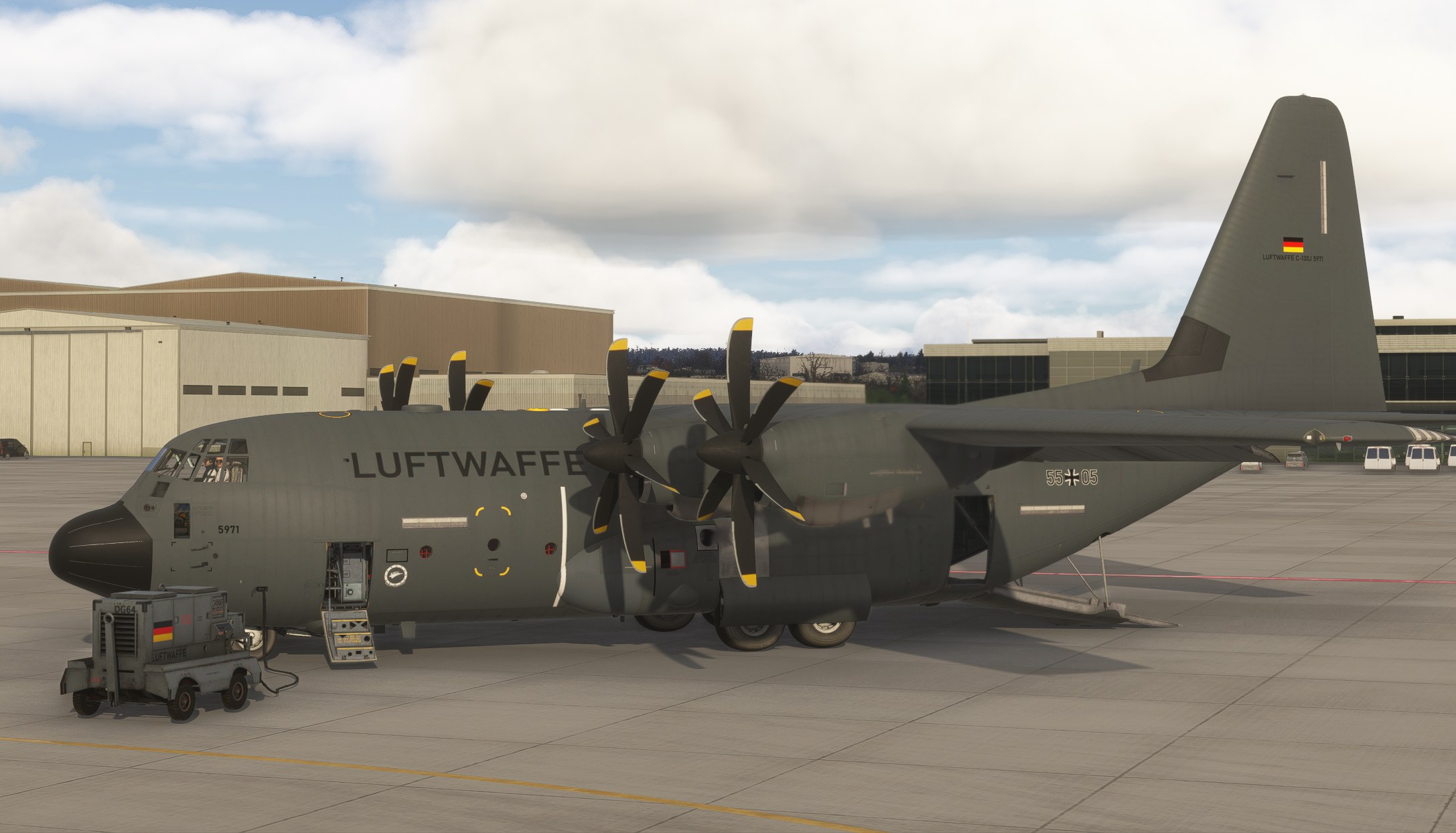
Luftwaffe 5971 brings German military markings and a matching ground power unit to Microsoft Flight Simulator 2024, representing the Hercules fleet serving with the joint French-German transport squadron at Évreux. The repaint closely follows the real aircraft’s paint scheme and requires the short-body Blackbird Dirty 30 C-130J Hercules.
 Rate
 By Crispy136
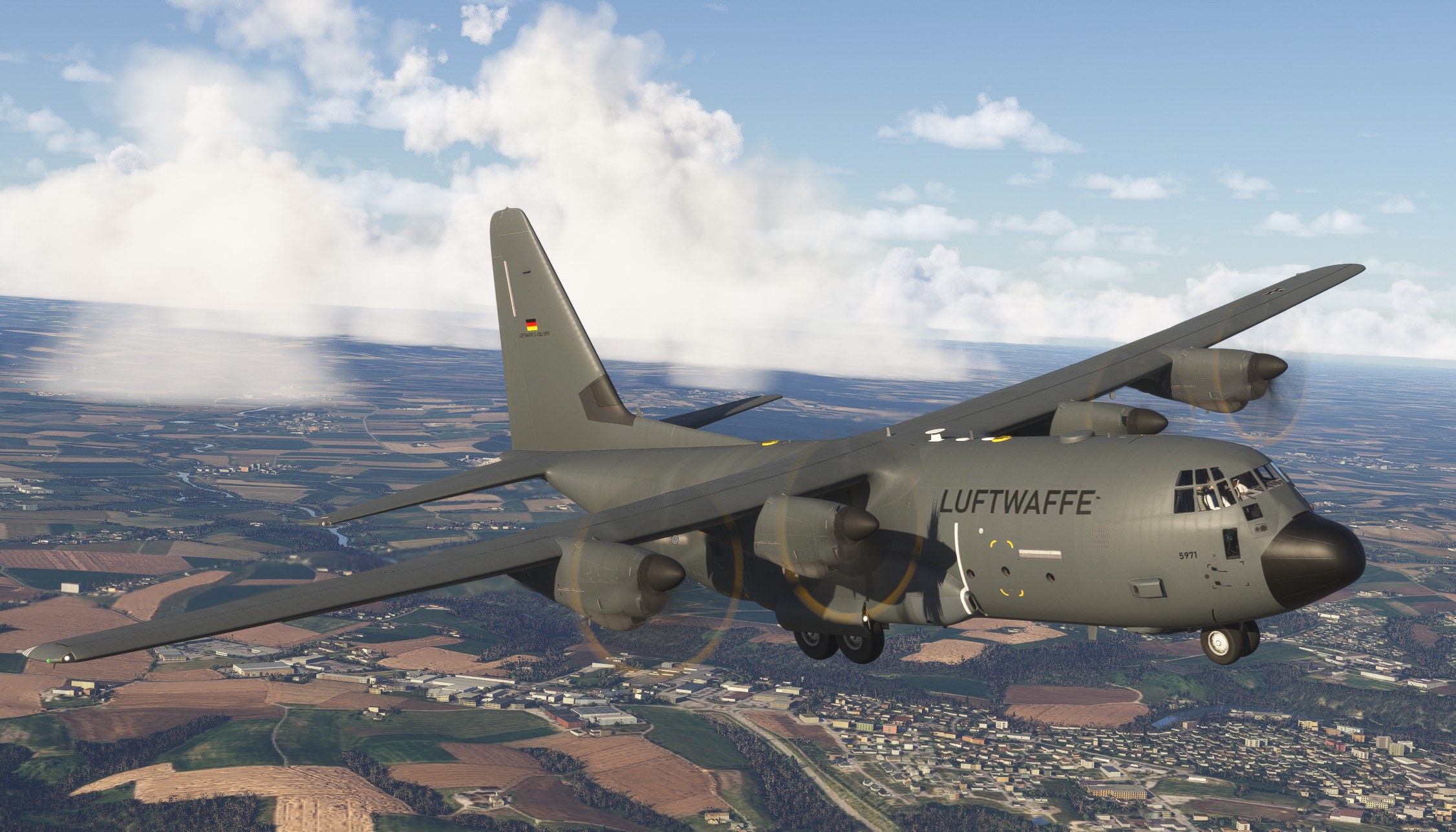
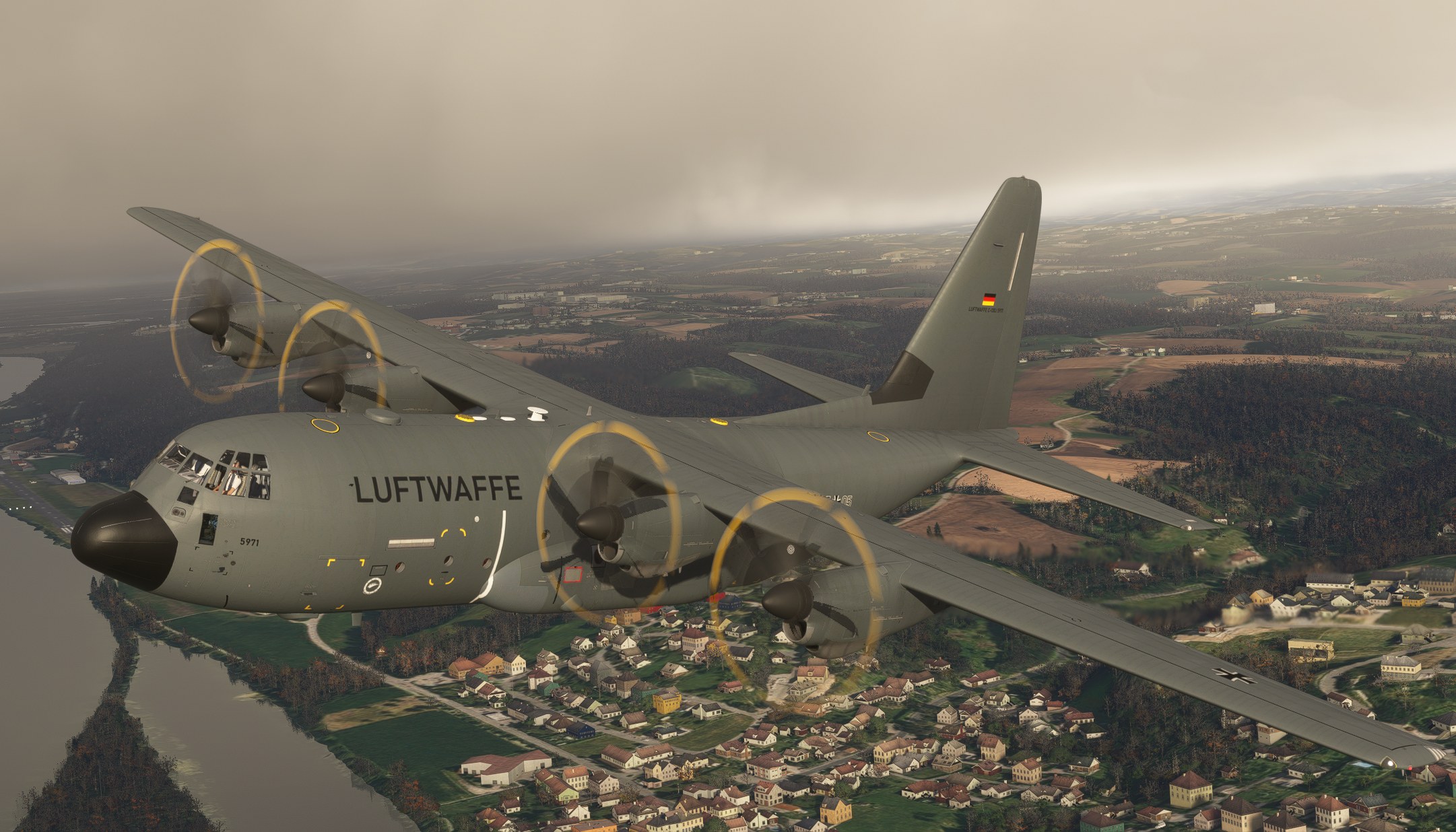
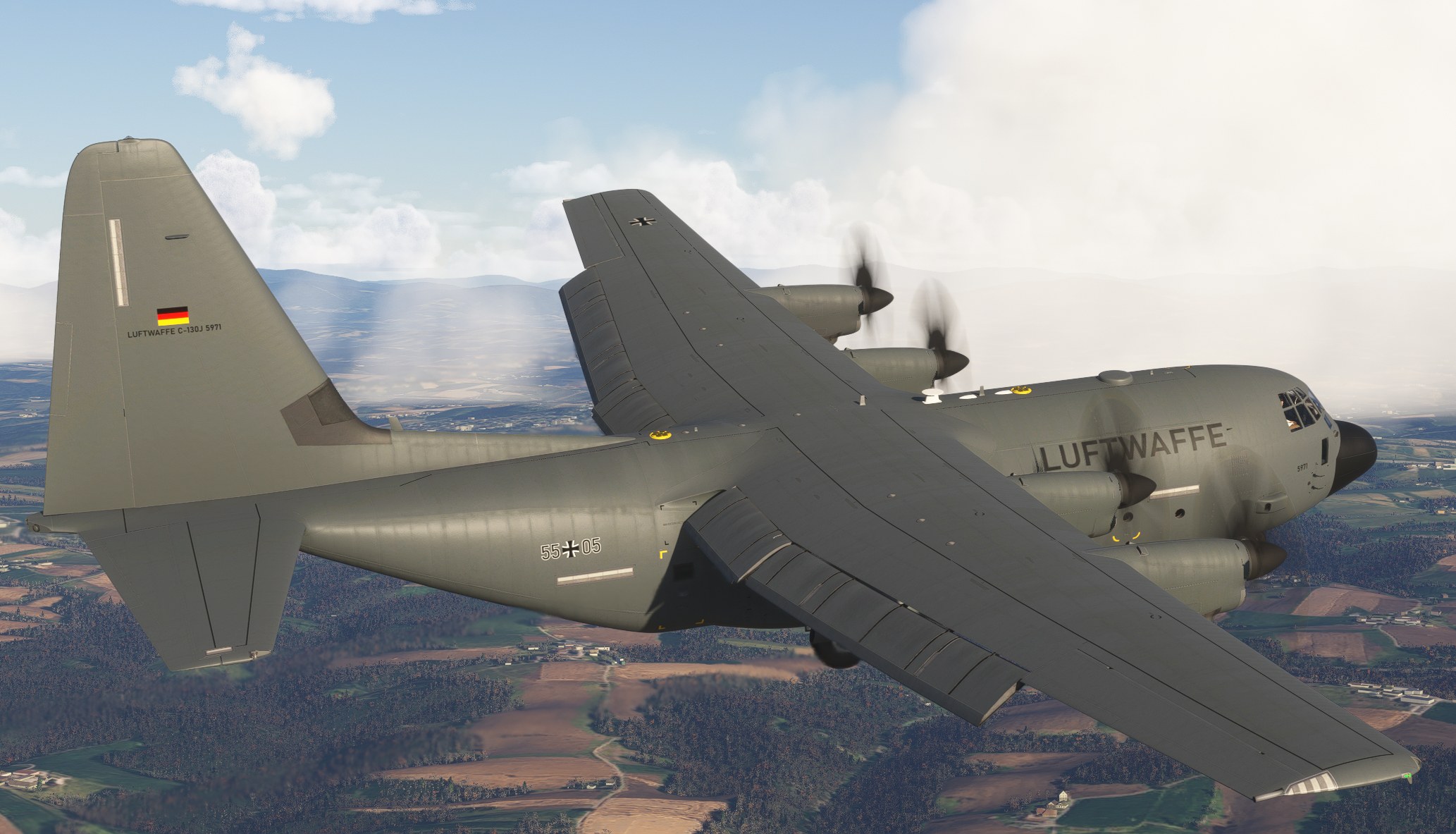

I’d recommend this to Hercules pilots who like their military repaints understated. The appeal for me is the attention given to an everyday transport scheme, without needing special-event artwork to make it worth choosing. It’s a paint job I’d happily keep using for routine cargo flights.
With the aircraft parked, I moved the external camera toward the nose; the black Luftwaffe titles read clearly against the gray, and the branded power unit looked right beside it. That ground equipment earns its place. I appreciate having the operator’s identity extend to something I’ll see before departure, not just the aircraft.
Crispy136 has painted Luftwaffe 5971 for the short-body Milviz (Blackbird) Dirty 30 C130J Hercules in Microsoft Flight Simulator 2024. Made in response to a community request, the package covers one aircraft and includes a Luftwaffe-branded ground power unit. It requires the separately purchased payware aircraft.
The paintwork follows the real Luftwaffe livery as closely as the simulator’s 3D model allows. Germany operates its Hercules fleet as part of the joint French-German transport squadron at Évreux in France.
The base aircraft is not included. You must own and have installed the Milviz (Blackbird) Dirty 30 C130J Hercules for the livery to appear. This repaint supports MSFS 2024 only.
For troubleshooting and additional notes, refer to Readme_Me_1st.pdf included in the download. Crispy136 can be reached by personal message on Fly Away Simulation.
These repaints are provided free of change and are not to be repurposed for inclusion with any commercial package or uploaded to any site without my permission. The use of the downloaded repaints is done at your own discretion and risk and with agreement that you will be solely responsible for any damage to your computer system or loss of data that results from such activities.
Free for all simmers · 116.2 MB · Scanned clean Nov 2026
Download speed: Free tier is capped at 2 Mbps (this file takes approximately 8 mins at the cap). PRO members download at full line speed.
Initial release.
%LOCALAPPDATA%\Packages\Microsoft.FlightSimulator_8wekyb3d8bbwe\LocalCache\Packages\Community\. Steam version: %APPDATA%\Microsoft Flight Simulator\Packages\Community\. Tip: enable Developer Mode in MSFS to see your exact Community folder path.readme.txt or README file. It tells you exactly where files go, what dependencies are needed, and any quirks specific to this add-on.I have been creating liveries for MSFS since MSFS 2020 was first released. I cover a wide range of aircraft rather than just the big jets.
Are you Crispy136? Sign in to Fly Away Creators for download stats, comment replies and updates. Make add-ons? Publish them here.
Only PRO members can place votes.
More MSFS add-ons hand-picked based on this download.
MSFS Military Aircraft
This freeware Aero Vodochody L-39 repaint brings the Marines-marked NX139TJ s…
 FSX Military Aircraft
Lockheed Martin C-130J-30. The C-130J is the newest version of the Hercules a…
 FSX Military Aircraft
Canadian Lockheed CC-130J Hercules. Updated textures for Canada's first CC-13…
 FSX Military Aircraft
RNoAF Lockheed C-130J "Frigg". The Norwegian Air Force operated until the spr…
 FSX Military Aircraft
This is a repaint of the 146th Airlift Wing of the California Air National Gu…
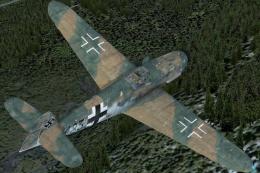 FSX Historic & Vintage Aircraft
Textures only for the payware Flight Replicas BF 109-k4 with dirty camouflage…
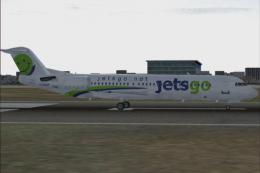 FS2004 Civil Jet Aircraft
This repaint pack adds uniquely weathered exterior artwork for the Fokker 100…
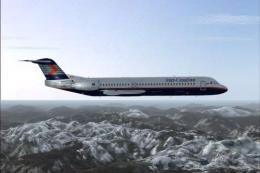 FS2004 Civil Jet Aircraft
This repaint offers detailed Inter-Canadian Airlines markings designed for th…
Be the first to leave a comment on this download.
Be the first to share your thoughts on this download.