

 FS2004 Civil Jet Aircraft
Hainan Airlines Boeing 737-800 NG B-2158
Experience the Hainan Airlines Boeing 737-800 NG (B-2158) in FS2004 with a hi…
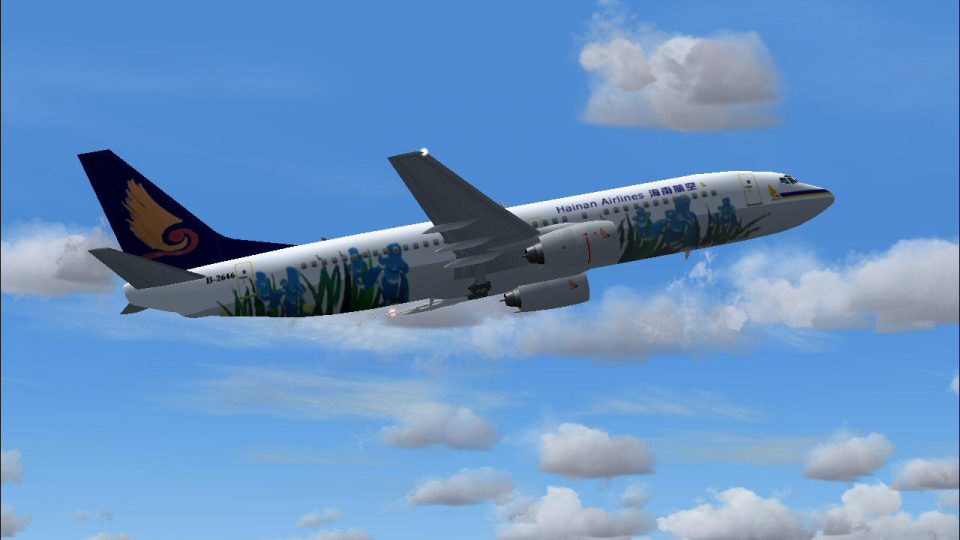
Hainan Airlines Boeing 737-800 B-2646 brings a clean, airline-accurate look to the Next Generation twinjet with crisp 32-bit reflective textures, ready for busy AI schedules or hands-on flying. Built for Microsoft Flight Simulator 2004, it includes the default panel and sounds for a straightforward, authentic experience.
 Rate
Rate
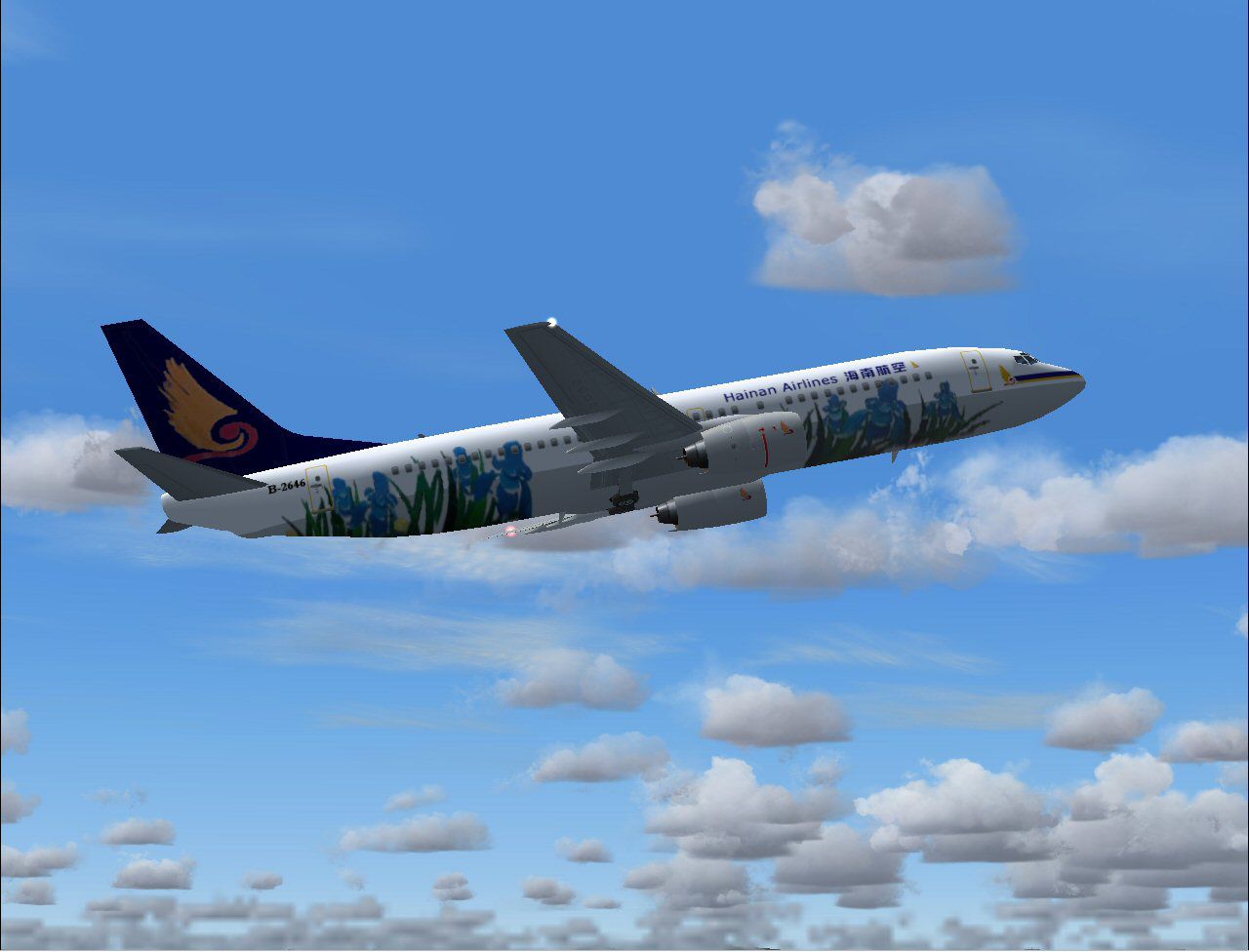
This freeware add-on introduces a detailed Hainan Airlines Boeing 737-800 (registration B-2646) to Microsoft Flight Simulator 2004. It features crisp 32-bit reflective textures along with default panel and sounds. This package serves as an AI aircraft but can also be flown manually.
The Boeing 737-800 belongs to the Next Generation series, designed for short and medium-haul routes. Airlines worldwide rely on this variant for its efficiency and reliable performance. Hainan Airlines, headquartered in China, operates numerous 737-800s under various registrations, including B-2646.
This repaint makes use of reflective surfaces for enhanced realism (displays shine and light reflections). The default FS2004 sounds and cockpit panel simplify setup. The primary model and base paint reflect the meticulous work of Tsutomu Urakawa. The custom Hainan Airlines livery was created by Mike Pearson.
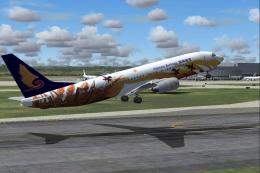
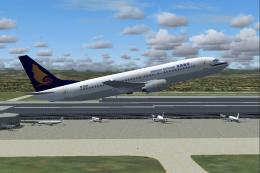
Close-up view of the Hainan Airlines Boeing 737-800 in flight.
Place the resulting folders from the download into your main FS2004 aircraft directory. Ensure the aircraft configuration file references both the included textures and model. Check for any readme instructions before starting the simulation. Once installed, the aircraft appears in your aircraft selection menu under Hainan Airlines.
Authored by Tsutomu Urakawa (aircraft/base textures) and Mike Pearson (Hainan Airlines repaint). Enjoy a faithful recreation of B-2646 during your next FS2004 session.
Free for all simmers · 685.8 KB · Scanned clean Oct 2026
Download speed: Free tier is capped at 0.5 Mbps. PRO members download at full line speed.
FS9\Aircraft\, FS9\Addon Scenery\, FS9\Gauges\, or FS9\Effects\.readme.txt or README file. It tells you exactly where files go, what dependencies are needed, and any quirks specific to this add-on.The archive hain2646.zip has 20 files and directories contained within it.
This list displays the first 500 files in the package. If the package has more, you will need to download it to view them.
| Filename/Directory | File Date | File Size |
|---|---|---|
| aircraft.cfg | 04.26.04 | 13.67 kB |
| Boeing 737-800.air | 10.19.02 | 8.62 kB |
| fsp b738 hainan b2646 small.gif | 04.25.04 | 9.00 kB |
| fsp b738 hainan b2646.jpg | 04.25.04 | 99.44 kB |
| model | 04.25.04 | 0 B |
| model.cfg | 12.09.02 | 31 B |
| t_u_b737-800.mdl | 12.09.02 | 243.23 kB |
| panel | 04.25.04 | 0 B |
| panel.cfg | 04.25.04 | 41 B |
| sound | 04.25.04 | 0 B |
| sound.cfg | 04.23.04 | 40 B |
| texture.hainan | 04.26.04 | 0 B |
| b-2646 | 04.25.04 | 0 B |
| t_u_b738_l.bmp | 04.23.04 | 4.00 MB |
| t_u_b738_t.bmp | 04.25.04 | 4.00 MB |
| Thumbs.db | 04.25.04 | 12.50 kB |
| Thumbs.db | 04.26.04 | 8.00 kB |
| tu b738 hainan b2646 readme.txt | 04.26.04 | 327 B |
| flyawaysimulation.txt | 10.29.13 | 959 B |
| Go to Fly Away Simulation.url | 01.22.16 | 52 B |
Only PRO members can place votes.
More FS2004 add-ons hand-picked based on this download.
FS2004 Civil Jet Aircraft
Experience the Hainan Airlines Boeing 737-800 NG (B-2158) in FS2004 with a hi…
 FS2004 Civil Jet Aircraft
This freeware package introduces a detailed rendition of a Hainan Airlines Bo…
 FS2004 Civil Jet Aircraft
This freeware release showcases a detailed Hainan Airlines Boeing 737-800 (B-…
 FS2004 Civil Jet Aircraft
This complete pack offers a meticulously repainted Boeing 737-800 in Hainan A…
 FS2004 Civil Jet Aircraft
This comprehensive freeware release brings Hainan Airlines’ Boeing 737-800, r…
 FS2004 Civil Jet Aircraft
Repainted with 32-bit reflective textures; complete aircraft pack with defaul…
 FS2004 Civil Jet Aircraft
This is a repaint of OK-TVC, one of the Boeing 737-800 leased from Travel Ser…
 FS2004 Civil Jet Aircraft
Copa Airlines Boeing 737-800 with winglets. Features the latest reflections i…
Be the first to leave a comment on this download.
Be the first to share your thoughts on this download.