

 FS2004 Civil Jet Aircraft
Gulf Air Lockheed L-1011 Tri-Star "Golden Falcon"
Model by Rey Lopez, FD by Gunter Kirschstein, panel by Marco Spada, sound by …
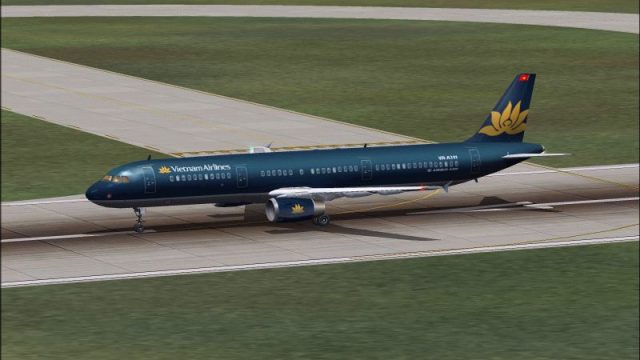
Vietnam Airlines’ Airbus A321 “Golden Lotus” livery brings the carrier’s modern yellow-flower branding to the Phoenix Simulation Software A321 fleet in FS2004, with crisp fuselage titles and tail artwork suited to both taxiway and cruise views. It requires the PSS A321 base model and complements realistic airline operations with appropriate ATC identity details.
 Rate
Rate
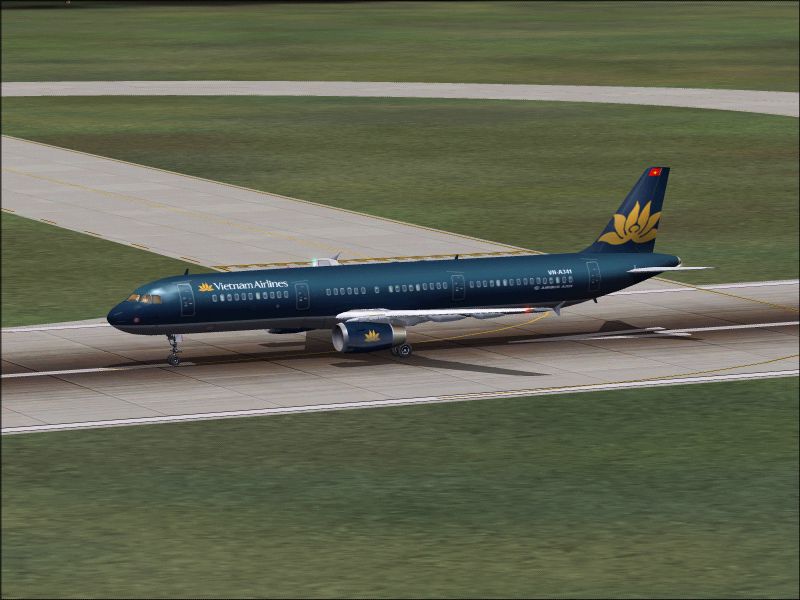
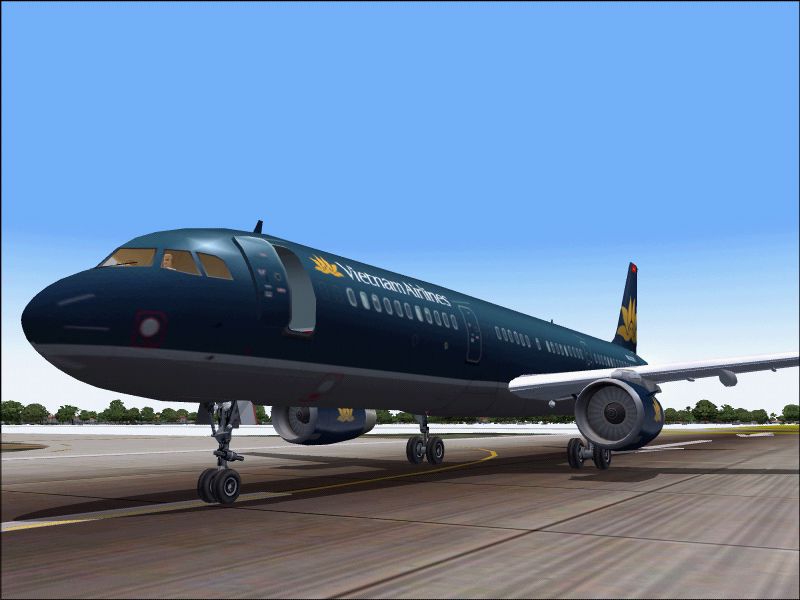
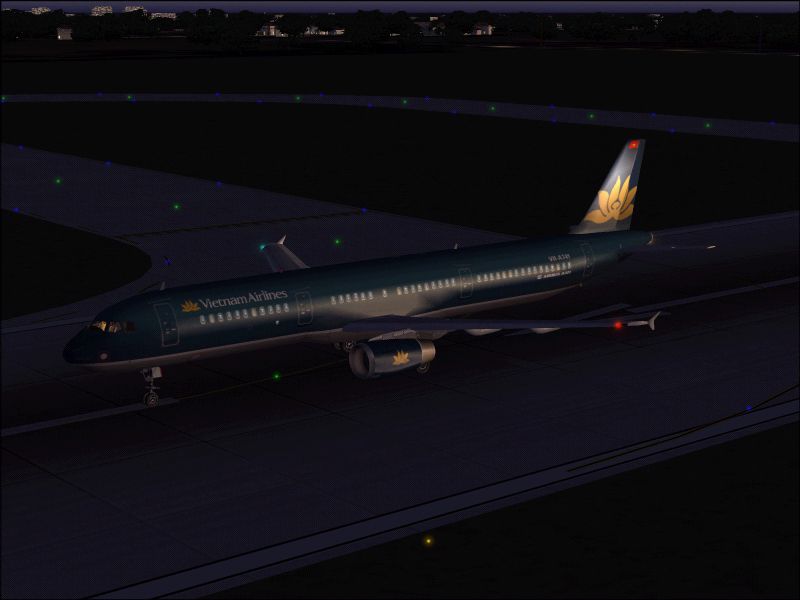
"Golden Lotus". A repaint of Vietnam Airlines' new lively "Golden Lotus" for Phoenix Simulation Software A321 . Vietnam airlines will buy three new A321s and the first will be received on July 2004. By Hai Dang Pham Lam.
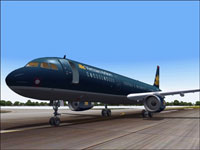
Screenshot of Vietnam Airlines Airbus A321 on runway.
Copy the text below and paste to Aircraft folder/aircraft.cfg . Replace "XX" to number Ex : [flightsim.1], [flightsim.2] ...
[fltsim.XX]

	title=PSS A321 IAE Vietnam Airlines

	ui_variation=PSS A321 IAE Vietnam Airlines

	sim=A321v

	ui_type=A321v

	sound=IAE

	model=IAE

	texture=vna

	atc_airline=Vietnam Airlines

	panel=

	checklists=

	atc_id=AB321

	atc_flight_number=VN458

	atc_heavy=0

	ui_manufacturer=Airbus

	visual_damage=1

	description=Designed to compete with the Boeing 737 and McDonnell Douglas MD-80, The A319/320/321 were Airbus' first entry in the narrow-body market. Although the aircraft borrows some features from the larger A300 and A310, it is essentially a new design equipped with many state-of-the-art engineering innovations. For example, The A319/320/321 were the first commercial jetliners with a full fly-by-wire control system. Other advanced features include widespread use of composite materials to reduce weight, sophisticated avionics including a gust-alleviation system allowing a smoother ride, advanced cockpit warning systems, and high-technology engines to reduce noise and fuel consumption.
Free for all simmers · 2.07 MB · Scanned clean Oct 2026
Download speed: Free tier is capped at 0.5 Mbps. PRO members download at full line speed.
FS9\Aircraft\, FS9\Addon Scenery\, FS9\Gauges\, or FS9\Effects\.readme.txt or README file. It tells you exactly where files go, what dependencies are needed, and any quirks specific to this add-on.The archive a321vna.zip has 11 files and directories contained within it.
This list displays the first 500 files in the package. If the package has more, you will need to download it to view them.
| Filename/Directory | File Date | File Size |
|---|---|---|
| a321_5.jpg | 06.23.04 | 365.52 kB |
| a321_6.jpg | 06.23.04 | 267.40 kB |
| a321_7.jpg | 06.23.04 | 319.29 kB |
| readme.txt | 06.23.04 | 1.33 kB |
| a321_V_l.bmp | 03.07.02 | 4.00 MB |
| a321_V_t.bmp | 06.23.04 | 4.00 MB |
| PSS_A321v_vna.inf | 06.23.04 | 82 B |
| Wing_l.bmp | 03.08.02 | 4.00 MB |
| Wing_t.bmp | 02.11.02 | 4.00 MB |
| flyawaysimulation.txt | 10.29.13 | 959 B |
| Go to Fly Away Simulation.url | 01.22.16 | 52 B |
Only PRO members can place votes.
More FS2004 add-ons hand-picked based on this download.
FS2004 Civil Jet Aircraft
Model by Rey Lopez, FD by Gunter Kirschstein, panel by Marco Spada, sound by …
 FS2004 Civil Jet Aircraft
The following download is compatible with Flight Simulator 2004. This downloa…
 FS2004 Civil Jet Aircraft
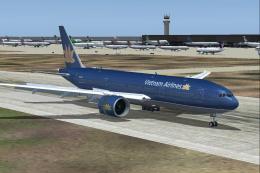
Boeing 777-2Q8ER (GE engines) in 'Golden Lotus' livery, registration VN-A143.…
 FS2004 Civil Jet Aircraft
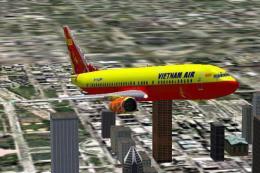
Textures only. Its carry the flag of South Viet Nam. Painted by Truong Nguyen
 FS2004 Civil Jet Aircraft
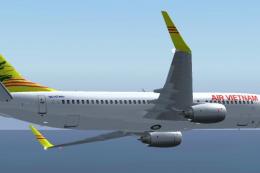
When Hanoi fell to the New Republic of Viet Nam ATW brought Air Vietnam back …
 FS2004 Civil Jet Aircraft
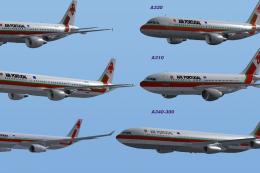
This complete Airbus A321-211 CFM freeware package represents TAP Air Portuga…
 FS2004 Civil Jet Aircraft
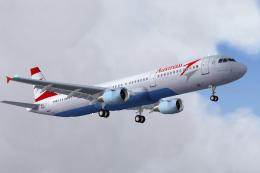
This freeware package offers a meticulously crafted Airbus A321 that carries …
 FS2004 Civil Jet Aircraft
For use with IF322SPR. Fixes the logo on the tail. By Gerain Remy. Screenshot…
Be the first to leave a comment on this download.
Be the first to share your thoughts on this download.