


 United States of America

 MSFS Scenery
Gainesville Regional Airport (KGNV)
A highly detailed rendition of Gainesville Regional Airport (KGNV), Florida (…
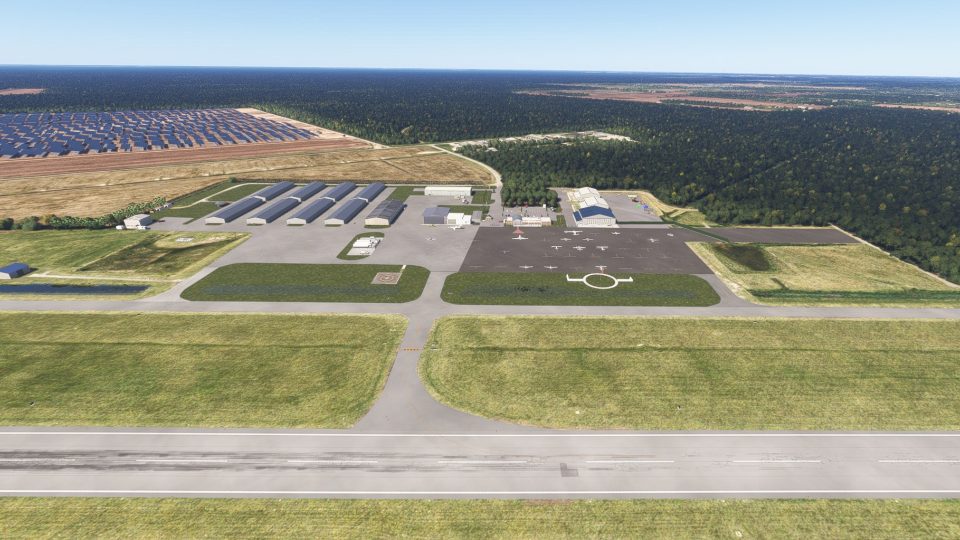
Chesapeake Regional Airport (KCPK) scenery updates the airfield’s layout and features in Microsoft Flight Simulator 2024 to better reflect its real-world setting in Chesapeake, Virginia. South of Norfolk in the Hampton Roads region, the airport provides a base for general aviation flights toward the Virginia coast and across the nearby North Carolina border.
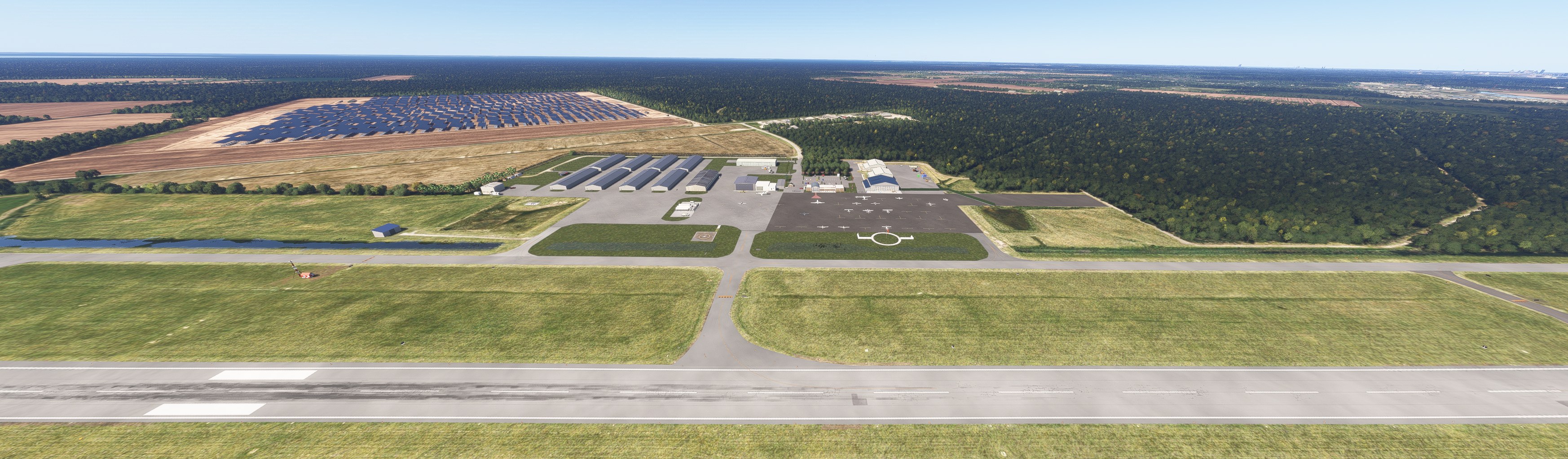
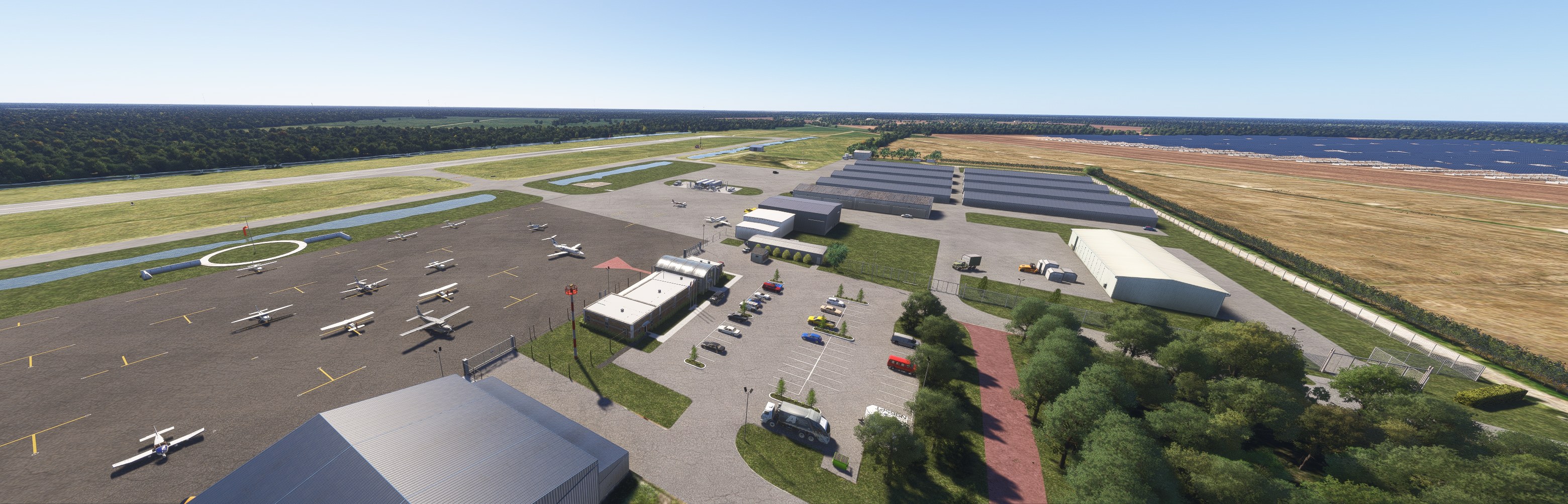
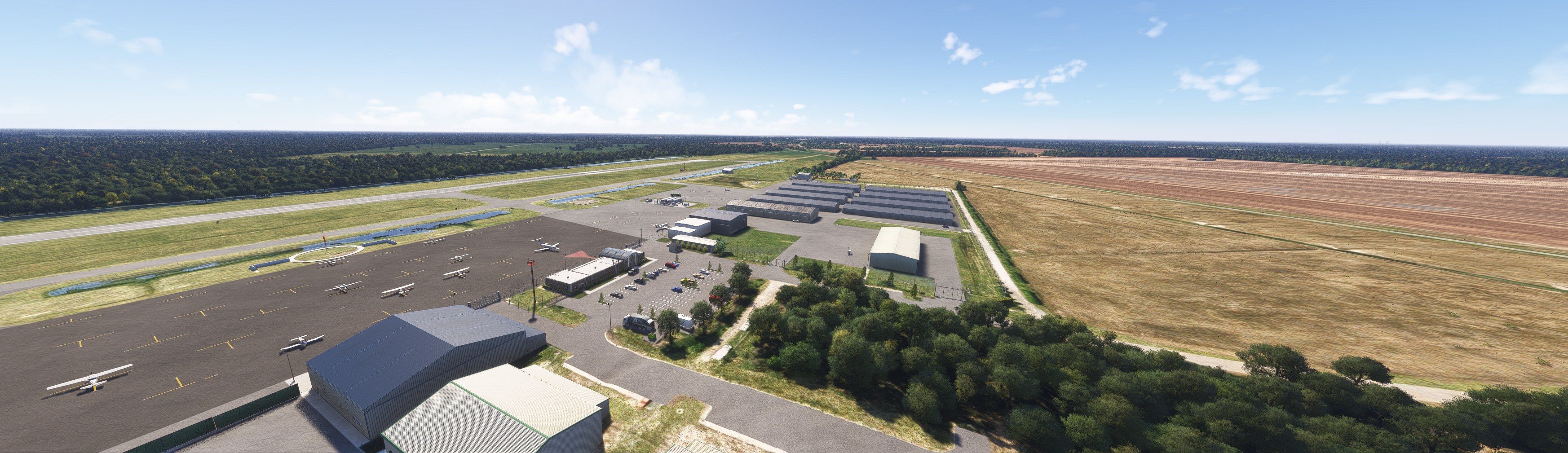
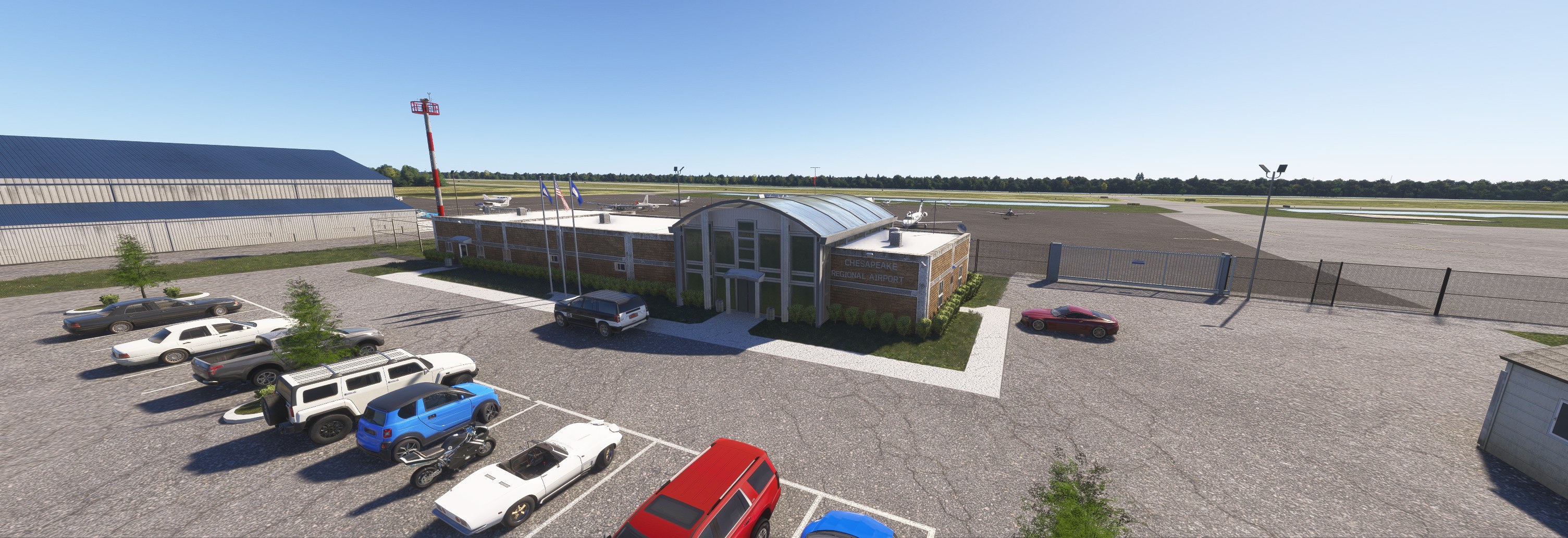
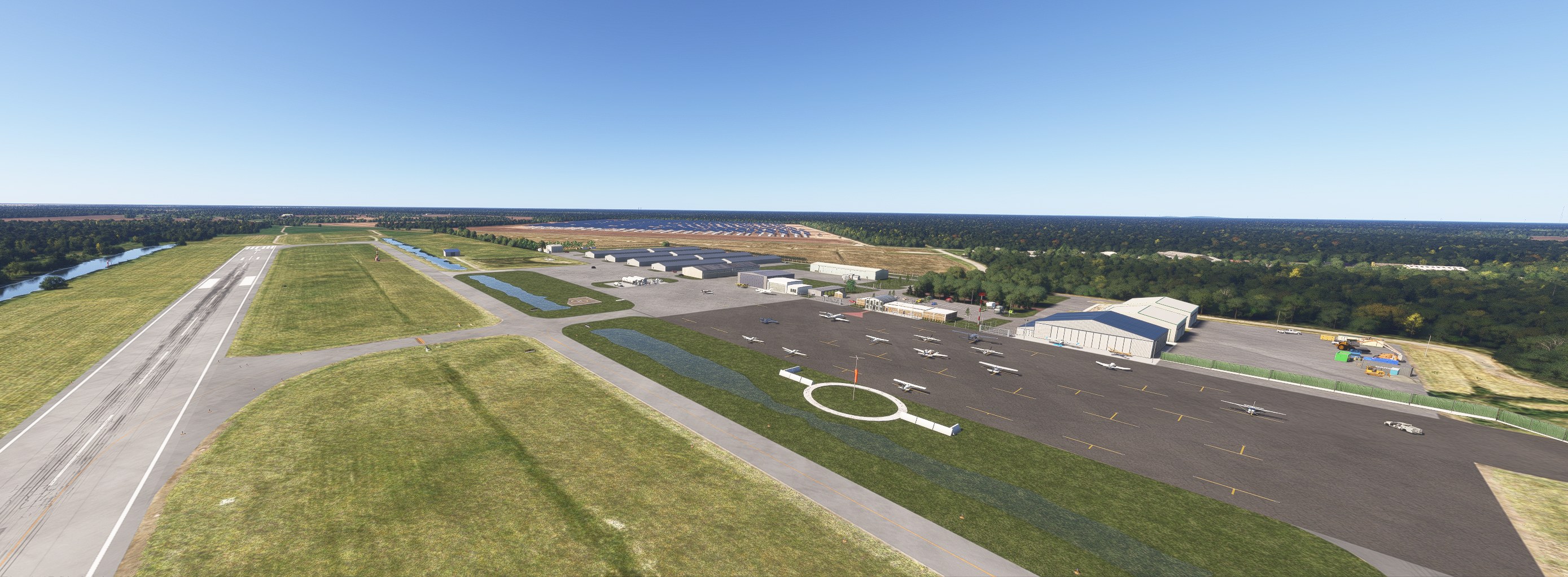

The terminal area gives me a reason to replace stock KCPK. An airport this size benefits from a recognizable front door, and that’s where this scenery earns my attention.
Moving the exterior camera around the terminal, I liked the curved roof above the entrance and the brick frontage. Simple architecture, given proper attention.
Benny's Flight Sim Stuff updates Chesapeake Regional Airport (KCPK) in Chesapeake, Virginia, for Microsoft Flight Simulator 2024. The scenery aims to reflect the airport's real-world layout and features, with detailed improvements for pilots interested in regional and general aviation operations.
KCPK sits south of Norfolk in the Hampton Roads region. Its location makes it a useful starting point for light-aircraft flights toward the Virginia coast or across the nearby North Carolina border.
Free for all simmers · 41.47 KB · Scanned clean Nov 2026
Download speed: Free tier is capped at 2 Mbps. PRO members download at full line speed.
Initial release.
%LOCALAPPDATA%\Packages\Microsoft.FlightSimulator_8wekyb3d8bbwe\LocalCache\Packages\Community\. Steam version: %APPDATA%\Microsoft Flight Simulator\Packages\Community\. Tip: enable Developer Mode in MSFS to see your exact Community folder path.readme.txt or README file. It tells you exactly where files go, what dependencies are needed, and any quirks specific to this add-on.Use these coordinates to fly directly to this location once the mod is installed.
36.66560000,-76.32070000
Paste these coordinates into the Microsoft Flight Simulator search bar when planning a flight, or into the Developer Mode Teleport window, to fly directly to this location.
Private Pilot since 1987. Experimental Aircraft Builder. Lover of all things aviation. I recently taught myself to create sceneries and such on my sim and at my age it ain't easy!
Are you Benny's Flight Sim Stuff? Sign in to Fly Away Creators for download stats, comment replies and updates. Make add-ons? Publish them here.
Only PRO members can place votes.
More MSFS add-ons hand-picked based on this download.
MSFS Scenery
A highly detailed rendition of Gainesville Regional Airport (KGNV), Florida (…
 MSFS Scenery
This is a complete replacement scenery mod of the default (and lacking) Guthr…
 MSFS Scenery
Benny's Flight Sim Stuff depicts Currituck County Regional Airport (KONX) for…
 MSFS Scenery
Benny's Flight Sim Stuff models the All Veterans Memorial at Pratt Regional A…
 MSFS Scenery
This mod developed by JustOkayPilot brings Grand Canyon National Park Airport…
 MSFS Scenery
Sandane Airport (ENSD) is located on the beautiful west coast of Norway and i…
 MSFS Scenery
Enhance your flight simulation experience with this mod for Microsoft Flight …
 MSFS Scenery
The Disney World airport/STOLport (also known as the Lake Buena Vista airport…
Be the first to leave a comment on this download.
Be the first to share your thoughts on this download.