

 FS2004 Civil Jet Aircraft
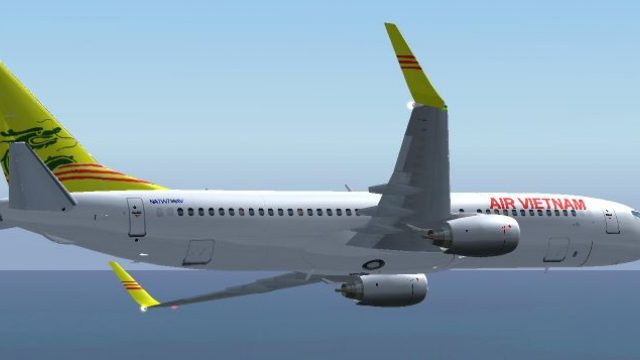
FS2004/FS2002 B737_400 (default) repaint fiction scheme Vietnam Air
Textures only. Its carry the flag of South Viet Nam. Painted by Truong Nguyen
Air Vietnam Boeing 737-800 textures recreate an alternate-history national carrier scheme with crisp exterior detailing and a cohesive livery style for authentic regional operations in FS2004. Requires the Kitty Hawk Studios 737-800 Winglet model, and includes aircraft configuration entries to integrate the repaint cleanly into the simulator’s aircraft selection.
 Rate
Rate
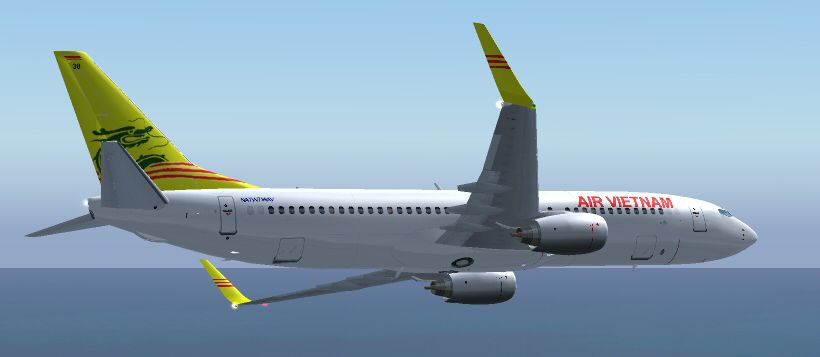
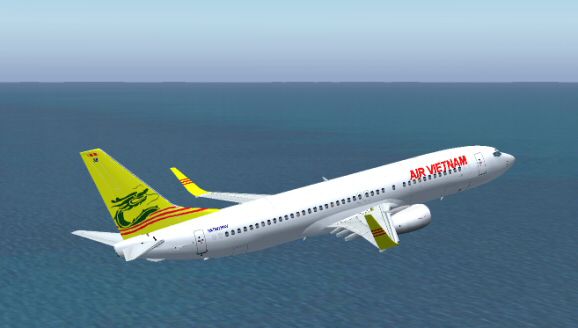
When Hanoi fell to the New Republic of Viet Nam ATW brought Air Vietnam back as the national carrier, replacing Vietnam Airlines. Textures only, requires 737-800 Winglet FS2004 model. Original design by Kitty Hawk Studios, Repainted by Louis Weiss.
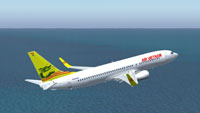
Screenshot of Air Vietnam Boeing 737-800 in flight.
Copy all into your default FS2004 directory example c:\fs2004\aircraft\
You will need to copy textures to an Kittyhawk Studios 737-800 with Winglets model and insert the new config for Air Vietnam into your Aircraft.cfg file.
If you want the AI versions and timetables (after the fall of Vietnam Airlines, just replace all Vietnam Airlines routes with this jet and the 767/777 will be replaced by the upcoming Air Vietnam 767-400ER's).
Free for all simmers · 842.03 KB · Scanned clean Oct 2026
Download speed: Free tier is capped at 0.5 Mbps. PRO members download at full line speed.
FS9\Aircraft\, FS9\Addon Scenery\, FS9\Gauges\, or FS9\Effects\.readme.txt or README file. It tells you exactly where files go, what dependencies are needed, and any quirks specific to this add-on.The archive avn737.zip has 18 files and directories contained within it.
This list displays the first 500 files in the package. If the package has more, you will need to download it to view them.
| Filename/Directory | File Date | File Size |
|---|---|---|
| FILE_ID.DIZ | 11.16.04 | 407 B |
| readme.txt | 11.16.04 | 579 B |
| avn.jpg | 11.16.04 | 106.17 kB |
| 737_B_L.BMP | 03.23.04 | 256.07 kB |
| 737_B_T.BMP | 10.16.04 | 1.00 MB |
| 737INTERIOR_L.bmp | 03.17.04 | 256.07 kB |
| 737INTERIOR_T.BMP | 12.31.03 | 1.00 MB |
| 738_FUSE_L.BMP | 03.23.04 | 256.07 kB |
| 738_FUSE_T.BMP | 09.09.04 | 1.00 MB |
| ENGINES_L.BMP | 03.17.04 | 256.07 kB |
| ENGINES_T.BMP | 09.09.04 | 1.00 MB |
| WINGLET_l.bmp | 05.30.04 | 16.07 kB |
| WINGLET_T.BMP | 09.09.04 | 256.07 kB |
| WINGS_L.bmp | 03.17.04 | 256.07 kB |
| WINGS_T.BMP | 03.17.04 | 1.00 MB |
| an2.jpg | 11.16.04 | 92.57 kB |
| flyawaysimulation.txt | 10.29.13 | 959 B |
| Go to Fly Away Simulation.url | 01.22.16 | 52 B |
Only PRO members can place votes.
More FS2004 add-ons hand-picked based on this download.
FS2004 Civil Jet Aircraft
Textures only. Its carry the flag of South Viet Nam. Painted by Truong Nguyen
 FS2004 Civil Jet Aircraft
The following download is compatible with Flight Simulator 2004. This downloa…
 FS2004 Civil Jet Aircraft
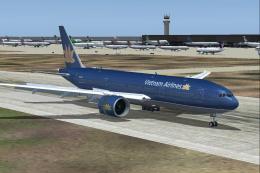
Boeing 777-2Q8ER (GE engines) in 'Golden Lotus' livery, registration VN-A143.…
 FS2004 Civil Jet Aircraft
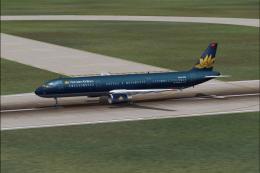
"Golden Lotus". A repaint of Vietnam Airlines' new lively "Golden Lotus" for …
 FS2004 Civil Jet Aircraft
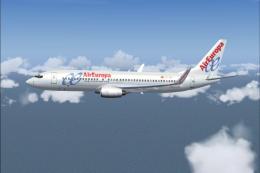
Model by Kittyhawk Studios. Screenshot of Air Europa Boeing 737-800 in flight…
 FS2004 Civil Jet Aircraft
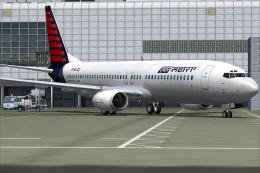
A repaint of the ffx 737-800 in the Air Sahara livery. The airline operates d…
 FS2004 Civil Jet Aircraft
Kittyhawk Productions presents the all new 737-800 in regular and winglet mod…
 FS2004 Civil Jet Aircraft
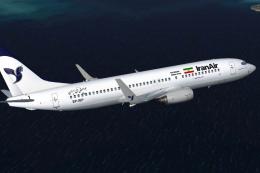
Boeing 737-800 (with winglets). A fictional repaint of the Kittyhawk Producti…
Be the first to leave a comment on this download.
Be the first to share your thoughts on this download.