


 United States of America

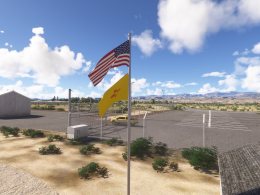 MSFS Scenery
Espanola Airport E14 New Mexico
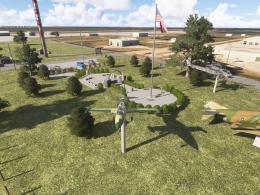
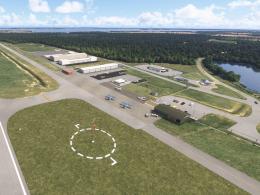
Benny's Flight Sim Stuff replaces the default E14 airport in Microsoft Flight…
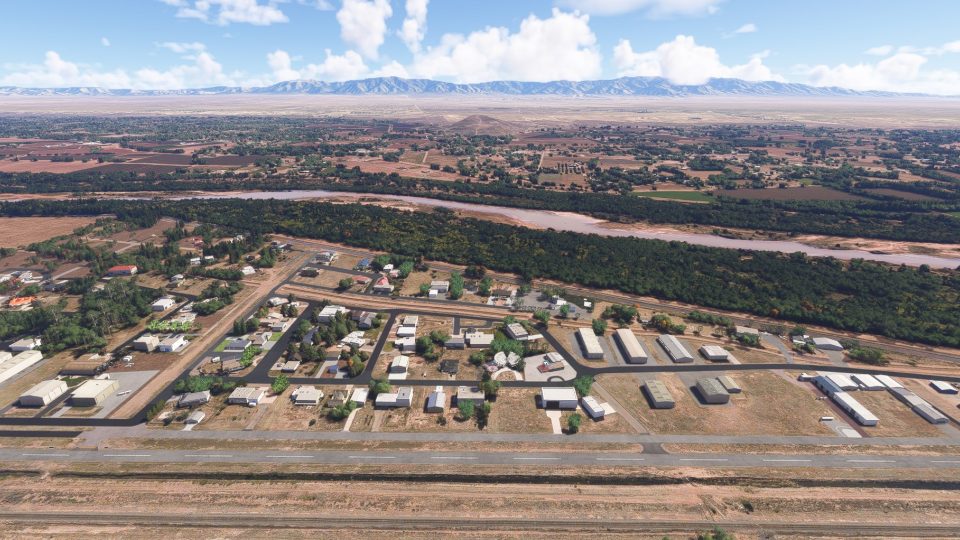
Mid Valley Airpark (E98) scenery recreates the public-use airport in Los Lunas, New Mexico, south of Albuquerque in the Rio Grande valley, for Microsoft Flight Simulator 2024. Runway 18–36 measures 4,380 feet long and 37 feet wide at a field elevation of 4,836 feet MSL, providing a distinctive setting for general aviation flying.
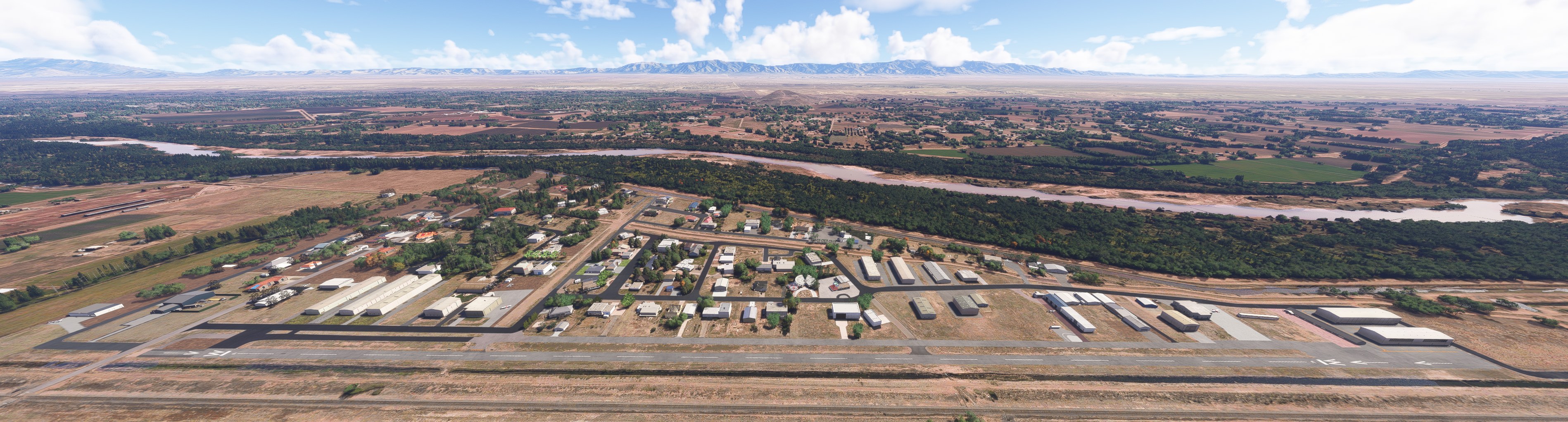
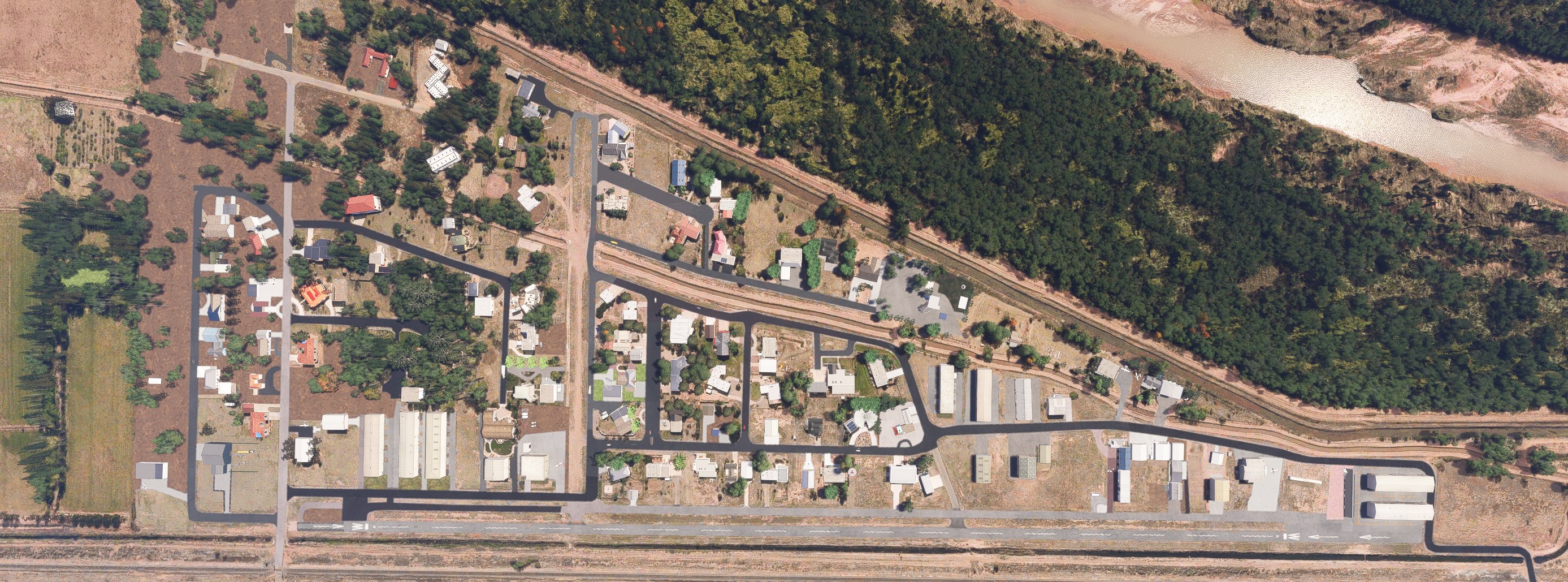
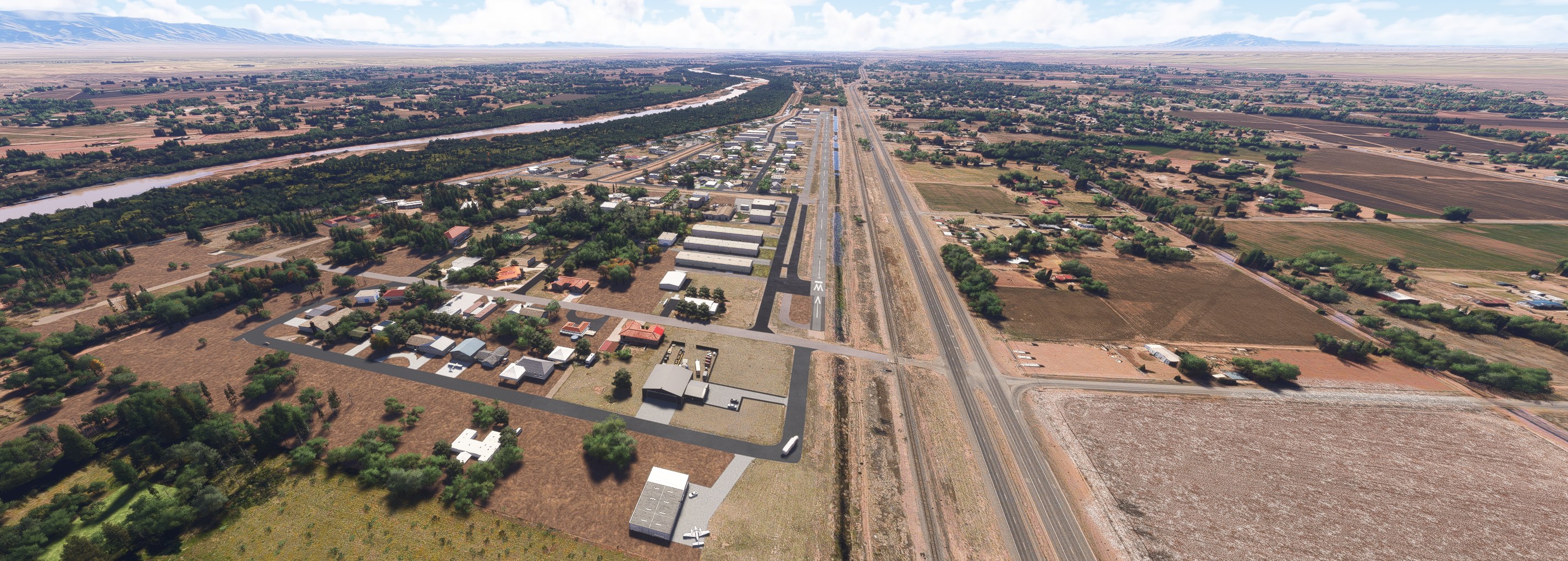
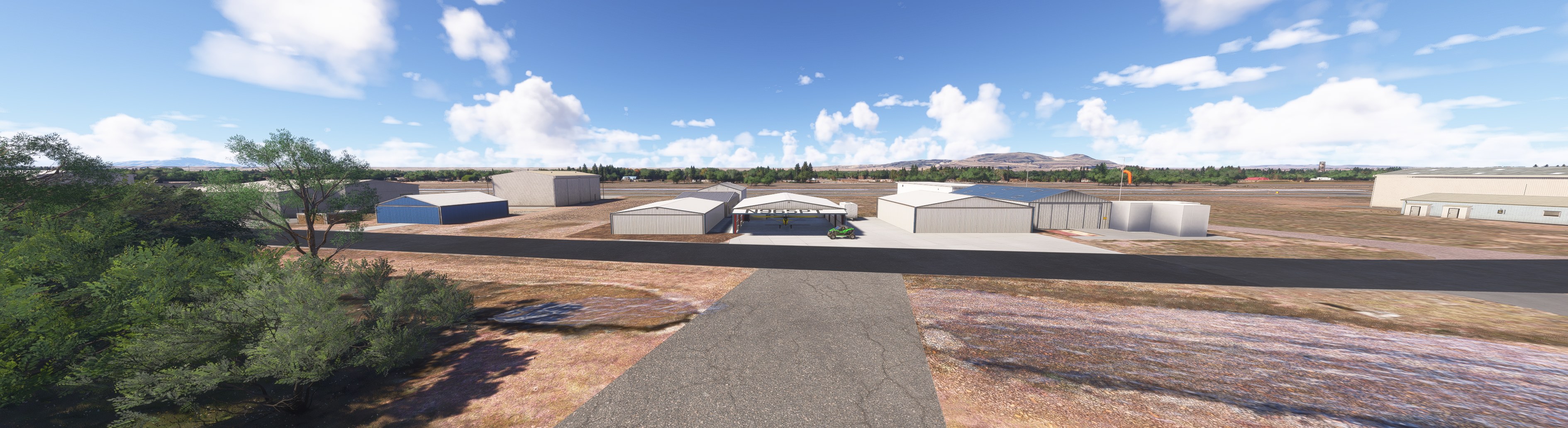
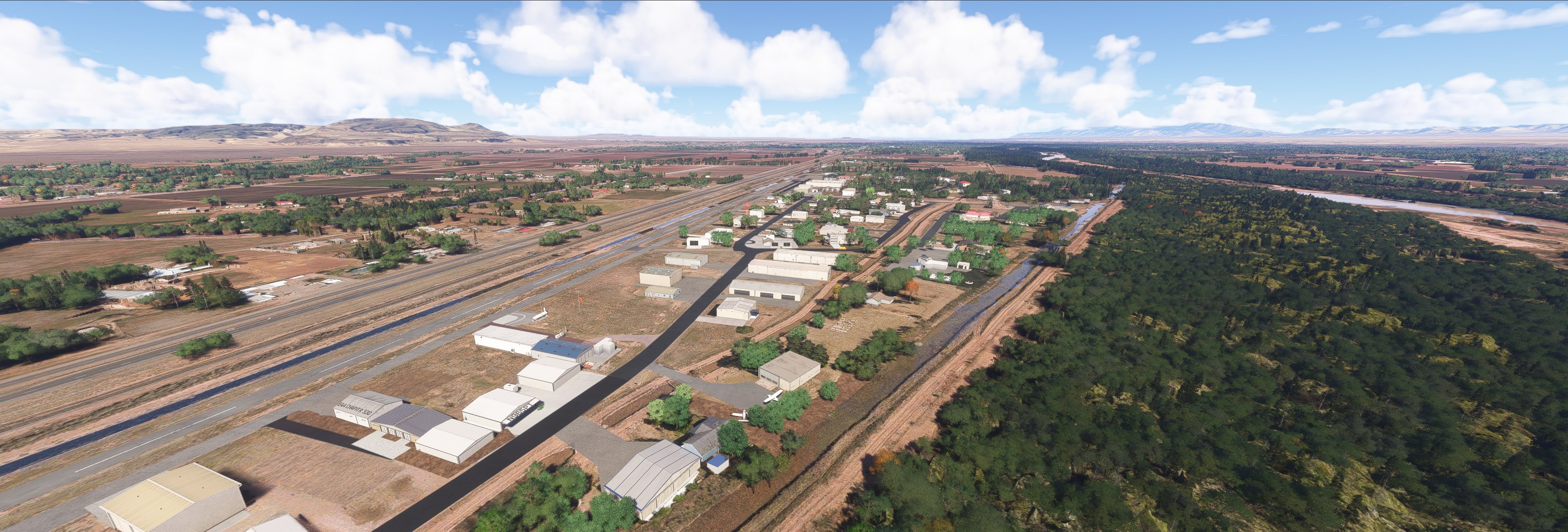
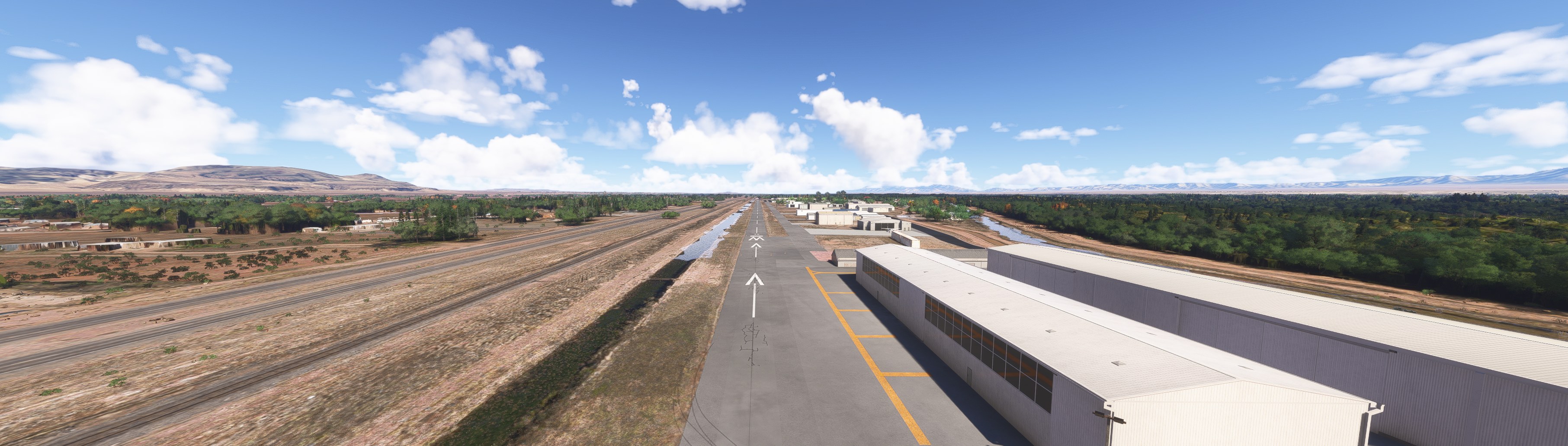

Would E98 feel like an airpark rather than just a place to land? That was my question before flying here, and I came away wanting to base an airplane here. Taxiing past the hangars, I liked the varied rooflines and the homes tucked among the airport buildings. That arrangement gives an ordinary taxi back some personality.
I'd use this for circuits with a little discipline about aircraft weight and afternoon temperatures. Density altitude deserves attention here; a casual local flight still needs a performance check. The scenery's appeal to me is that combination of domestic surroundings and consequential flying. You'll need MSFS 2024—this release is exclusive to it.
Benny's Flight Sim Stuff recreates Mid Valley Airpark (E98) in Los Lunas, New Mexico, exclusively for Microsoft Flight Simulator 2024. The airport sits south of Albuquerque in the Rio Grande valley and has been open to public use since 1970.
Runway 18-36 has published dimensions of 4,380 feet long by just 37 feet wide. Field elevation is 4,836 feet MSL, so leave room in your performance calculations for density altitude on hot New Mexico afternoons.
Free for all simmers · 48.65 KB · Scanned clean Nov 2026
Download speed: Free tier is capped at 2 Mbps. PRO members download at full line speed.
Initial release.
%LOCALAPPDATA%\Packages\Microsoft.FlightSimulator_8wekyb3d8bbwe\LocalCache\Packages\Community\. Steam version: %APPDATA%\Microsoft Flight Simulator\Packages\Community\. Tip: enable Developer Mode in MSFS to see your exact Community folder path.readme.txt or README file. It tells you exactly where files go, what dependencies are needed, and any quirks specific to this add-on.Use these coordinates to fly directly to this location once the mod is installed.
34.75980000,-106.74530000
Paste these coordinates into the Microsoft Flight Simulator search bar when planning a flight, or into the Developer Mode Teleport window, to fly directly to this location.
Private Pilot since 1987. Experimental Aircraft Builder. Lover of all things aviation. I recently taught myself to create sceneries and such on my sim and at my age it ain't easy!
Are you Benny's Flight Sim Stuff? Sign in to Fly Away Creators for download stats, comment replies and updates. Make add-ons? Publish them here.
Only PRO members can place votes.
More MSFS add-ons hand-picked based on this download.
MSFS Scenery
Benny's Flight Sim Stuff replaces the default E14 airport in Microsoft Flight…
 MSFS Scenery
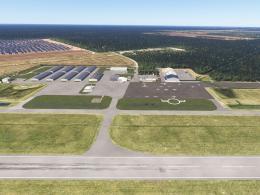
Enhance your Microsoft Flight Simulator experience with the Downtown Los Ange…
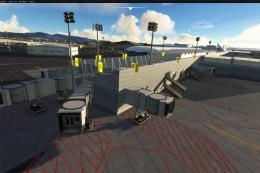 MSFS Scenery
Immerse yourself in the vibrant and dynamic environment of Mexico City Intern…
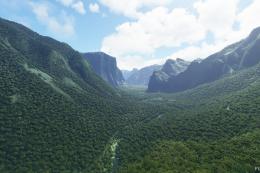 MSFS Scenery
A fun pack featuring new ground textures, rock texture upgrades, and general …
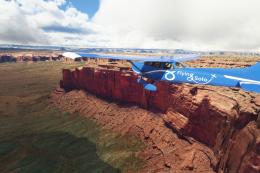 MSFS Scenery
A complete freeware package covering the famous Monument Valley, USA, and bri…
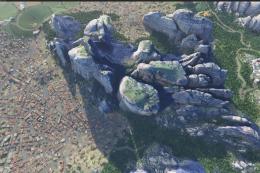 MSFS Scenery
A replacement and fix for the Meteora region and valleys, central Greece in M…
 MSFS Scenery
A complete scenery mod featuring Simogu Airstrip (AYQM) in Papua New Guinea b…
 MSFS Scenery
A fun and exciting scenery mod bringing Owena Airstrip (AYWW) in Papua New Gu…
Be the first to leave a comment on this download.
Be the first to share your thoughts on this download.