

 FS2004 Propeller Aircraft
Buffalo Airways C-46 Commando C-GTXW
Repaint for Calclassic's Curtiss CW-20 (C46) "Commando", depicting the Buffal…
Buffalo Airways’ Curtiss C-46 Commando C-FAVO repaint captures the aircraft’s current “Ice Pilots NWT” look for FS2004, featuring updated tail registration, underwing markings, company titles, cargo door frame detailing, and glossy ice shield panels. Includes texture files only and requires the CalClassic Curtiss CW-20 Commando base pack.
 Rate
Rate
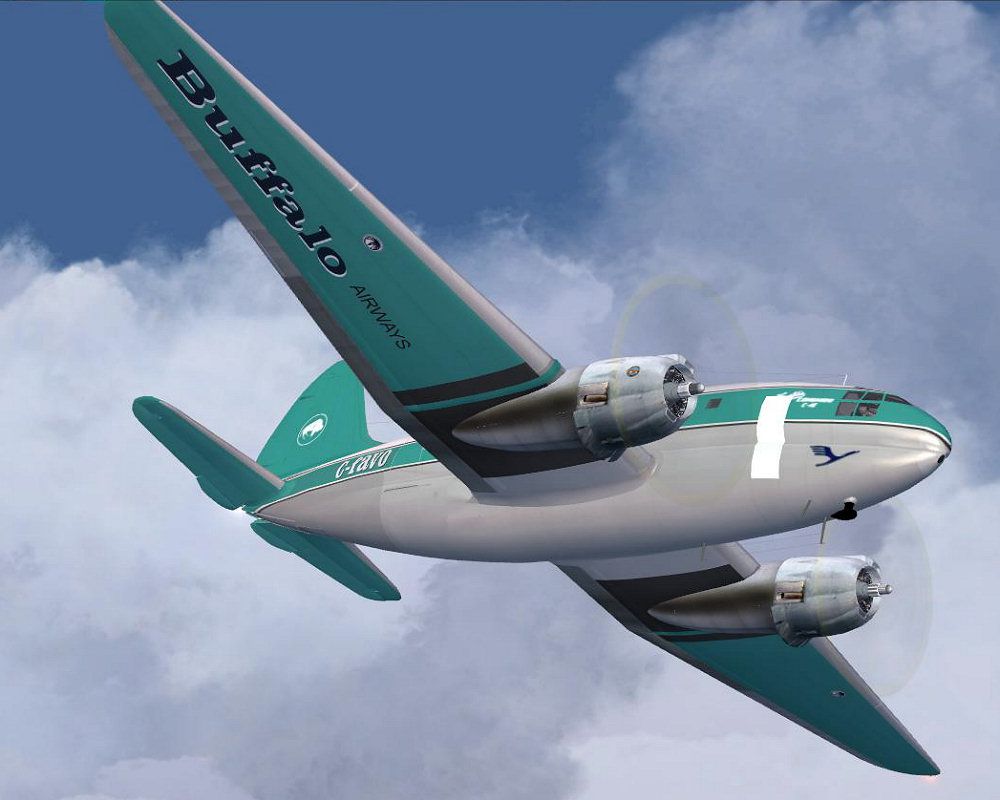
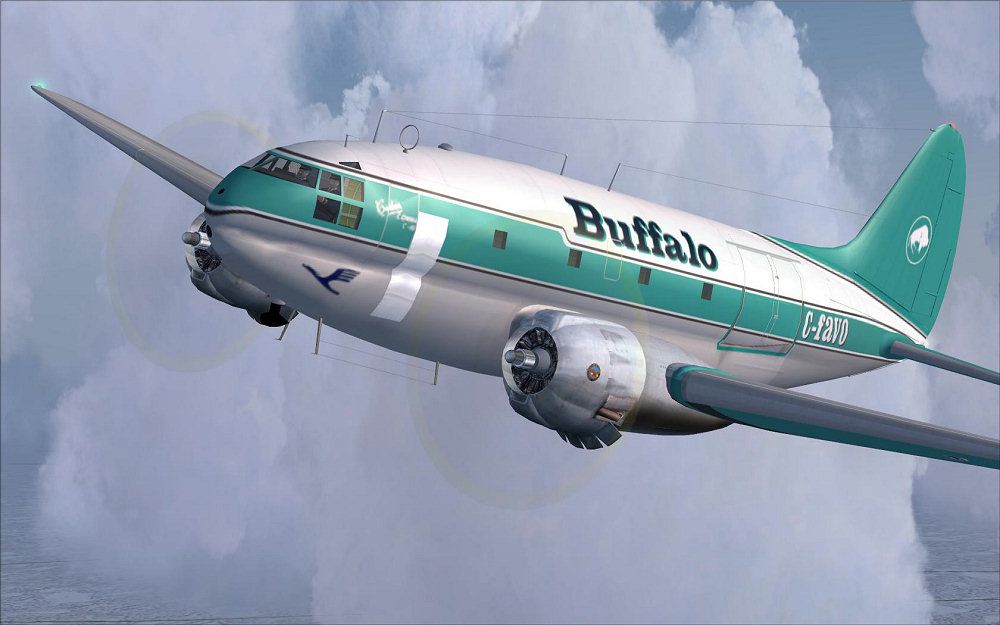
Repaint for Calclassic's Curtiss CW-20 (C-46) "Commando", depicting the Buffalo Airways C-FAVO in her current appearance. Compared to the earlier repaint by Manuele Villa (46GA_BUF.ZIP), C-FAVO looks a little different now, as seen on the TV show "Ice Pilots NWT". Completely new repaint from scratch to get her today's appearance. Major differences to the former outfit are: registration letters on the tail section, underwing paint and company lettering, cargo door frame paint, new shiny ice shield panels. These are texture files only. Prior installation Curtiss CW-20 Commando base pack is required. By Markus Hellwig.
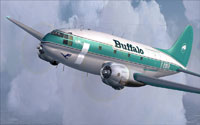
Screenshot of Buffalo Airways C-46 Commando in flight.
"Buffalo Airways is a family run charter and scheduled airline based in Hay River, Northwest Territories, Canada. It was established in 1970 by Joe McBryan (also known as Buffalo Joe) and operates scheduled passenger services and cargo and passenger charter services, as well as firefighting and fuel services. Its main base is Hay River Airport (CYHY) and two other bases at Yellowknife Airport (CYZF) and Red Deer Regional Airport (CYQF)."
[fltsim.XX]

title=C46A BUFFALO C-FAVO2009

sim=C46A

model=

panel=

sound=

texture=buffalo_favo2009

kb_checklists=

kb_reference=c46_ref

ui_manufacturer=Curtiss

ui_type=C-46A Commando

ui_variation=Buffalo C-FAVO (2009)

atc_airline=Buffalo

atc_flight_number=

atc_id=C-FAVO

atc_heavy=0

atc_parking_types =CARGO,RAMP

description=BUFFALO's C-FAVO in her 2009 appearance. Repaint by Markus Hellwig.
Free for all simmers · 3.5 MB · Scanned clean Oct 2026
Download speed: Free tier is capped at 0.5 Mbps. PRO members download at full line speed.
This file is a repaint — the package below is the base model it paints onto. Install it first, or the textures will have nothing to load onto.
FS9\Aircraft\, FS9\Addon Scenery\, FS9\Gauges\, or FS9\Effects\.readme.txt or README file. It tells you exactly where files go, what dependencies are needed, and any quirks specific to this add-on.The archive buffalo_favo.zip has 28 files and directories contained within it.
This list displays the first 500 files in the package. If the package has more, you will need to download it to view them.
| Filename/Directory | File Date | File Size |
|---|---|---|
| texture.buffalo_favo2009 | 05.27.10 | 0 B |
| $vc_panel01.bmp | 02.07.07 | 3.00 MB |
| c46_cockpit.bmp | 12.28.05 | 1.00 MB |
| c46_cockpit_L.bmp | 02.09.07 | 1.00 MB |
| c46_cockpit_t.bmp | 02.13.04 | 1.00 MB |
| c46_fuselage_L.bmp | 02.16.07 | 1.00 MB |
| c46_fuselage_t.bmp | 05.26.10 | 4.00 MB |
| c46_L_cowl_L.bmp | 12.04.05 | 256.07 kB |
| c46_L_cowl_t.bmp | 05.25.10 | 1.00 MB |
| c46_R_cowl_L.bmp | 12.04.05 | 256.07 kB |
| c46_R_cowl_t.bmp | 05.25.10 | 1.00 MB |
| c46_wing2_L.bmp | 12.03.05 | 1.00 MB |
| c46_wing2_t.bmp | 05.26.10 | 4.00 MB |
| c46_wing_L.bmp | 12.04.05 | 256.07 kB |
| c46_wing_t.bmp | 05.26.10 | 4.00 MB |
| faces_L.bmp | 02.09.07 | 256.07 kB |
| faces_t.bmp | 02.09.07 | 256.07 kB |
| panel_L.bmp | 02.15.07 | 1.00 MB |
| panel_t.bmp | 02.15.07 | 1.00 MB |
| spin_prop.bmp | 12.30.01 | 65.07 kB |
| vc_panel01_L.bmp | 03.04.07 | 1.00 MB |
| favo1.jpg | 05.27.10 | 101.33 kB |
| favo2.jpg | 05.27.10 | 106.54 kB |
| thumb_favo.gif | 05.27.10 | 8.60 kB |
| readme_favo.txt | 05.27.10 | 6.14 kB |
| Archive created by free jZip.url | 04.09.08 | 58 B |
| flyawaysimulation.txt | 10.29.13 | 959 B |
| Go to Fly Away Simulation.url | 01.22.16 | 52 B |
Only PRO members can place votes.
More FS2004 add-ons hand-picked based on this download.
FS2004 Propeller Aircraft
Repaint for Calclassic's Curtiss CW-20 (C46) "Commando", depicting the Buffal…
 FS2004 Propeller Aircraft
This is a modification of Libardo Guzman's C-46 version 1. Gmax modifications…
 FS2004 Propeller Aircraft
Two Varig textures by Luiz Foernges. Model and panel by J.R. Lucariny. Screen…
 FS2004 Propeller Aircraft
Features reflective textures, full animation, rolling wheels, opening cargo a…
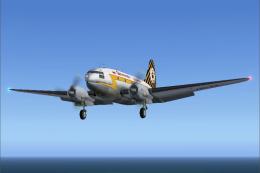 FS2004 Propeller Aircraft
For use with C46GA.ZIP. Reworked files include original crew restored, origin…
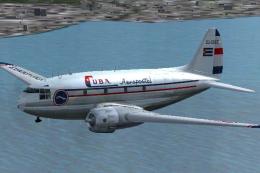 FS2004 Propeller Aircraft
Texture files for three C46's in the service of small Cuban airlines of the 1…
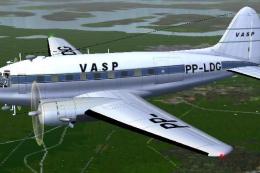 FS2004 Propeller Aircraft
This repaint offers a faithful rendition of the Vasp Curtiss C-46 Commando, t…
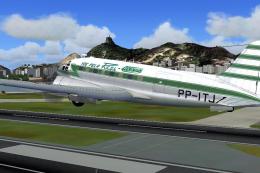 FS2004 Propeller Aircraft
This freeware repaint for Microsoft Flight Simulator 2004 offers a new Real A…
Read what other simmers think, or add your own.

I downloaded the Cal Classics C-46 Commando which went well. Then I downloaded the Buffalo Airways" texture for said aircraft from this site. The installed textures crashed my computer. I did it again and it did it again. Unless you have an answer that has nothing to do with my computers' make, model or op system you needn't reply. I've been doing this for years on mostly the same computers (2 involved) with dozens of aircraft and textures successfully installed.