

 FSX General Aviation Aircraft
Cessna C172 Texture Fix
Enhance visual fidelity by applying this refined texture package specifically…
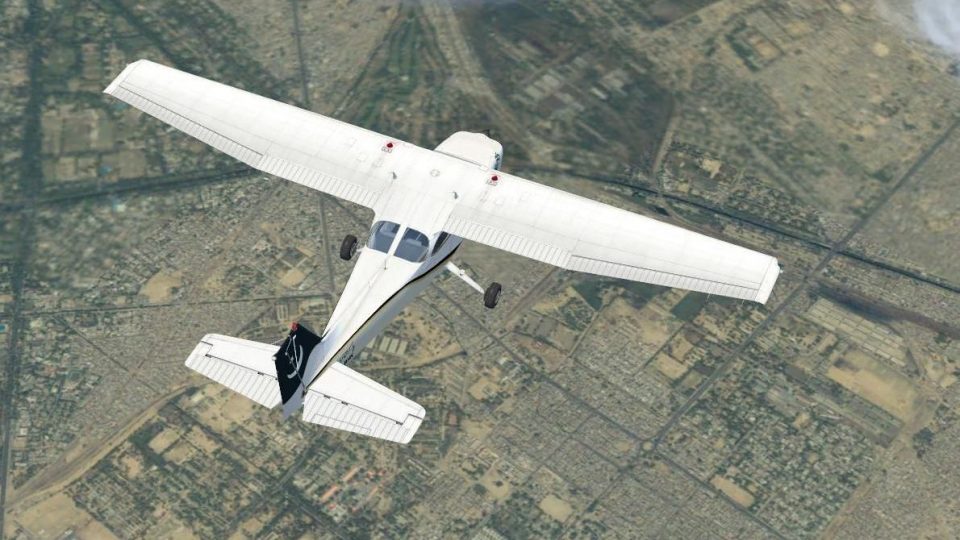
Pakistan International Airlines’ 2010 livery brings a fresh, authentic Pakistani look to the default Cessna 172SP trainer, featuring registration AP-BHN with crisp fuselage branding, tail striping, and reflective textures for immersive flight training and local route flying in Microsoft Flight Simulator X. Requires the base C172SP model.
 Rate
Rate
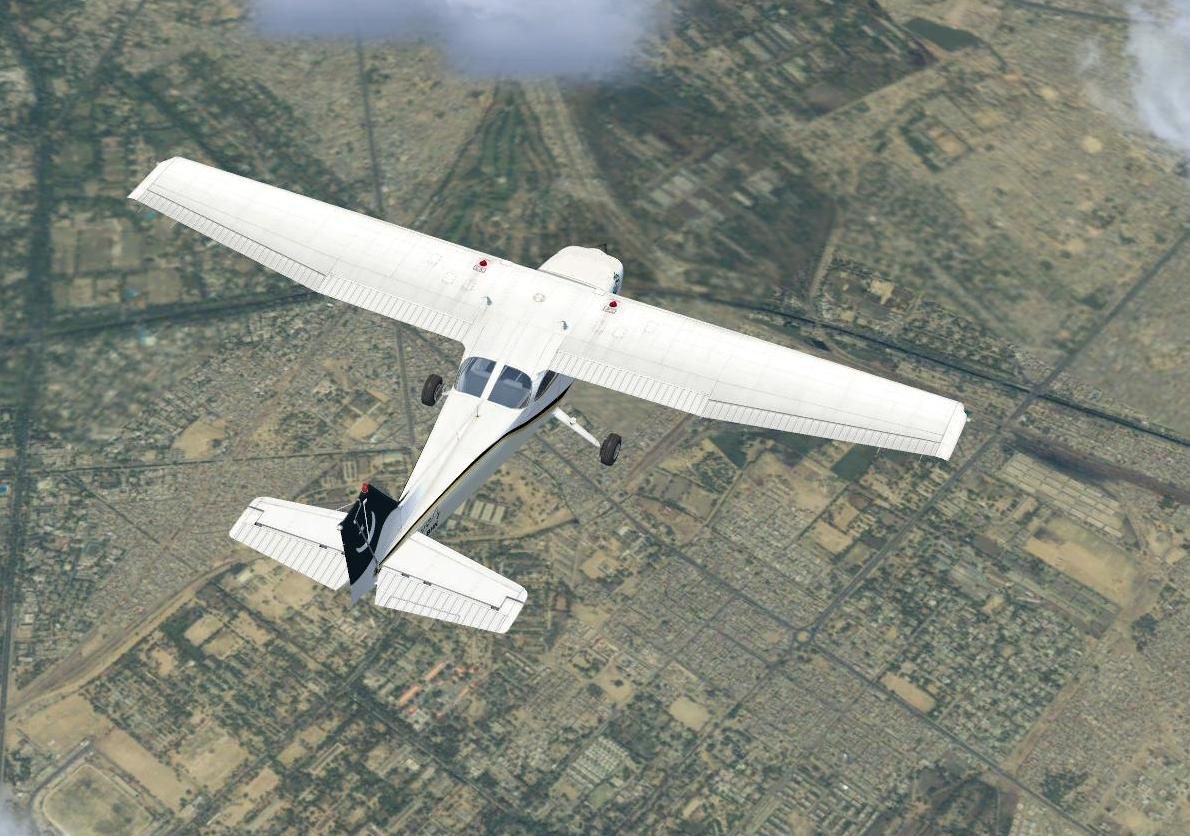
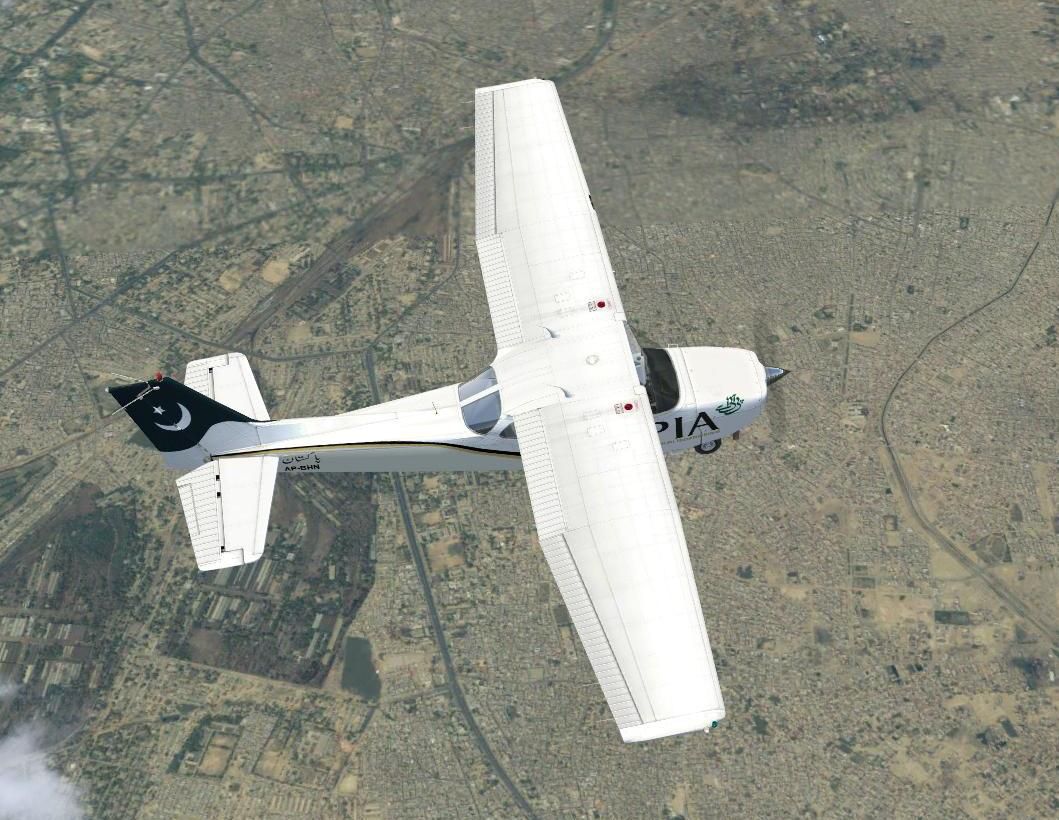
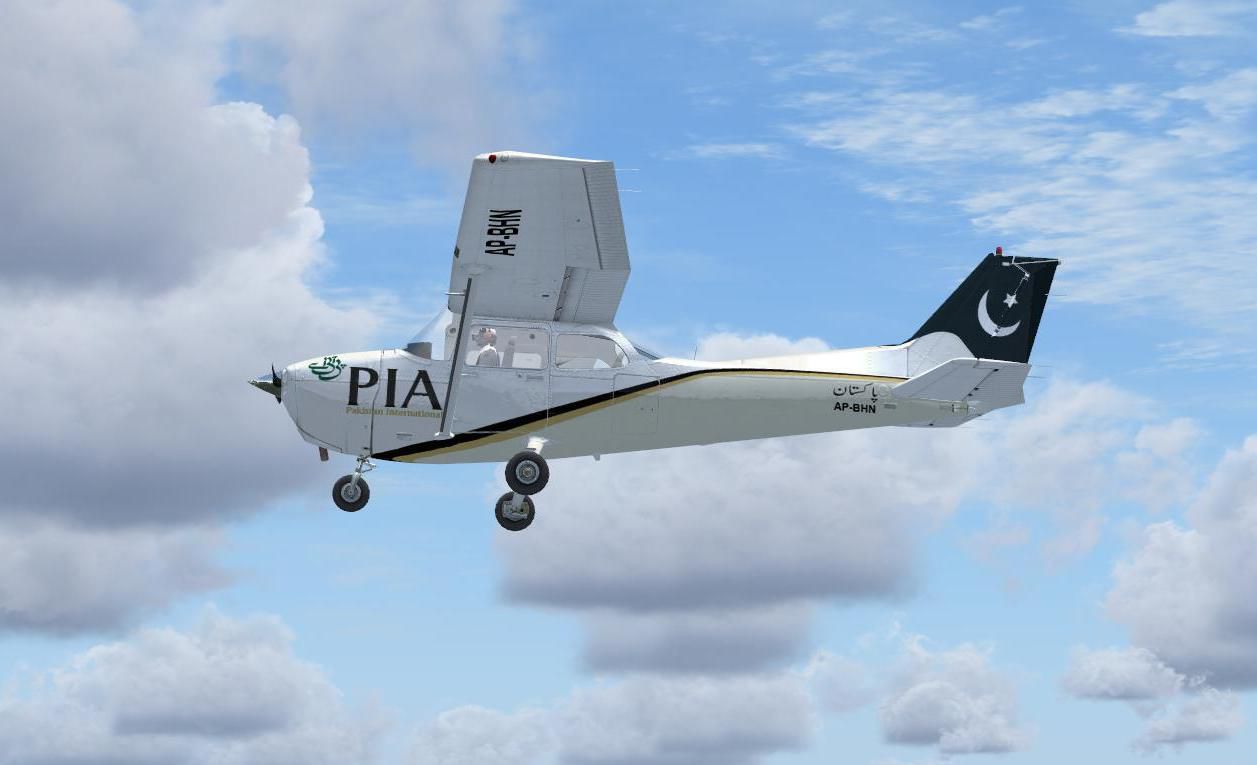
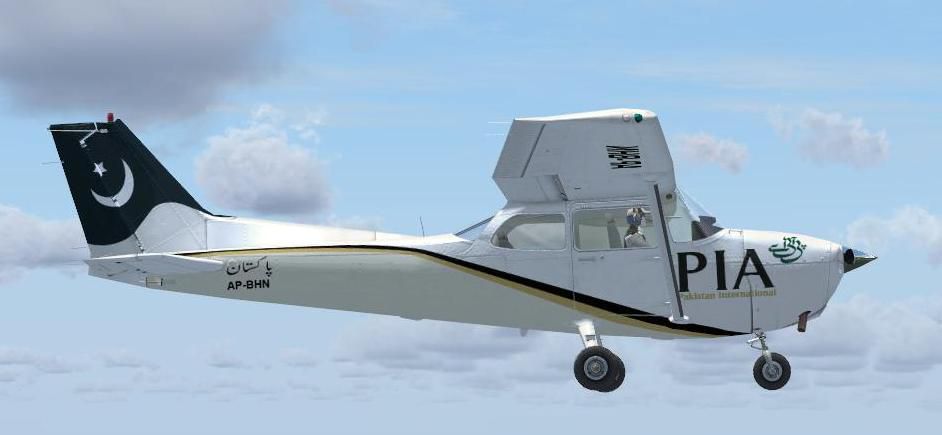
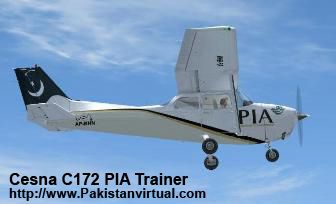
This repaint showcases a Pakistan International Airlines (PIA) 2010 color scheme adapted to the default Cessna 172SP trainer in Microsoft Flight Simulator X. Created by Rashad Waseem at PIAV, this freeware add-on offers a modern look, featuring registration AP-BHN. It is optimized for virtual pilot training and adds an authentic Pakistani aviation flavor. Users must download the base aircraft model, which is available in the Fly Away Simulation library for proper installation.
This repaint adopts PIA’s 2010 markings, ensuring detailed fuselage graphics and reflective textures. The tail section incorporates thematic stripes, while the fuselage includes the distinctive PIA branding. The final result is a realistic interpretation of the airline’s aesthetic on a small, single-engine airframe. The default Cessna 172 in FSX often serves as a robust entry-level aircraft, and this livery adds variety for enthusiasts focusing on Pakistani routes or flight training scenarios.
Screenshot highlighting the PIA-themed C172 in cruise flight.
With roots tracing back to the 1950s, Pakistan International Airlines (PIA) remains the national flag carrier of Pakistan. Known for its comprehensive network, PIA has historically operated various jet and turboprop aircraft, providing domestic connectivity throughout Pakistan’s diverse regions. Now, this small trainer livery is an homage to the airline’s ongoing commitment to aviation heritage and pilot development.
aircraft.cfg file (usually found in the main folder of the 172SP).
[fltsim.X]
title=Cessna Skyhawk 172SP PIA
sim=Cessna172SP
model=
panel=
sound=
texture=PIA
kb_checklists=Cessna172SP_check
kb_reference=Cessna172SP_ref
atc_id=Pakistani
ui_manufacturer="Cessna"
ui_type="C172SP Skyhawk"
ui_variation=" PIA 2010"
ui_typerole="Single Engine Prop"
ui_createdby="Microsoft Corporation"
description="FSX PIA Cessna c127 PIA 2010 Trainer Livery for virtual Pilots Training. by Rashad Waseem at PakistanvirtuaL"
The Cessna 172SP is widely recognized as a reliable, four-seat training aircraft, known for its stability and forgiving flight envelope. Flight schools around the world leverage the 172 for initial pilot instruction and proficiency checks. In FSX, this default model offers a smooth blend of simplicity and adaptability, which makes it an ideal foundation for repaint packages such as this PIA 2010 variant.
This repaint does not offer the original aircraft model, so acquiring the default Cessna 172SP (provided with the simulator) is essential. If you need additional files or base models, remember they can be located in the Fly Away Simulation mod library. Ensure you back up any existing files before implementing these updates, as it is always prudent to maintain a safe copy of your simulator’s configuration files.
Free for all simmers · 5.72 MB · Scanned clean Oct 2026
Download speed: Free tier is capped at 0.5 Mbps (this file takes approximately 2 mins at the cap). PRO members download at full line speed.
texture.{airline}) inside FSX\SimObjects\Airplanes\{base-aircraft}\.aircraft.cfg in Notepad. Add a new [fltsim.X] section per the readme.readme.txt or README file. It tells you exactly where files go, what dependencies are needed, and any quirks specific to this add-on.The archive fsxpiacesnac172sp.zip has 31 files and directories contained within it.
This list displays the first 500 files in the package. If the package has more, you will need to download it to view them.
| Filename/Directory | File Date | File Size |
|---|---|---|
| Copyright Notice.txt | 11.26.10 | 1.50 kB |
| FILE_ID.DIZ | 11.26.10 | 148 B |
| FILE_ID.txt | 11.26.10 | 148 B |
| instructions aircraft cfg to add.txt | 11.26.10 | 1.56 kB |
| screenshot (2).jpg | 11.26.10 | 59.43 kB |
| screenshot (3).jpg | 11.26.10 | 31.31 kB |
| screenshot (4).jpg | 11.26.10 | 162.69 kB |
| screenshot.jpg | 11.26.10 | 153.29 kB |
| Texture.PIA | 11.26.10 | 0 B |
| C172_1_C.dds | 09.04.06 | 682.79 kB |
| C172_1_night_C.dds | 09.04.06 | 682.79 kB |
| C172_2_C.dds | 11.25.10 | 512.12 kB |
| C172_2_night_C.dds | 09.04.06 | 682.79 kB |
| C172_3_C.dds | 09.04.06 | 682.79 kB |
| C172_3_night_C.dds | 09.04.06 | 682.79 kB |
| C172_4_C.dds | 09.04.06 | 170.79 kB |
| C172_4_night_C.dds | 09.04.06 | 170.79 kB |
| c172_c.bmp | 05.12.06 | 170.74 kB |
| C172_Interior_T.dds | 09.04.06 | 341.45 kB |
| c172_interior_t_night.dds | 09.04.06 | 42.79 kB |
| C172_Pilot.dds | 11.25.10 | 512.12 kB |
| C172_reflection.dds | 09.04.06 | 170.79 kB |
| C172_T.dds | 11.25.10 | 1.00 MB |
| c172_t_bump.dds | 09.04.06 | 1.00 MB |
| c172_t_spec.dds | 09.04.06 | 1.33 MB |
| fresnel_ramp.dds | 09.04.06 | 640 B |
| Prop_C172.dds | 09.04.06 | 85.46 kB |
| texture.cfg | 08.14.06 | 137 B |
| thumbnail.jpg | 11.25.10 | 54.57 kB |
| flyawaysimulation.txt | 10.29.13 | 959 B |
| Go to Fly Away Simulation.url | 01.22.16 | 52 B |
Only PRO members can place votes.
More FSX & P3D add-ons hand-picked based on this download.
FSX General Aviation Aircraft
Enhance visual fidelity by applying this refined texture package specifically…
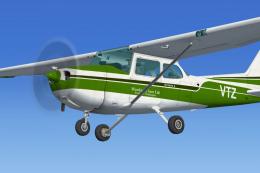 FSX General Aviation Aircraft
Default Cessna 172 repaint textures green and white 4-pack. Contains four rep…
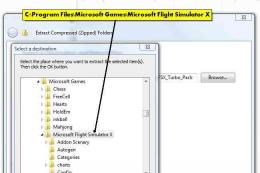 FSX General Aviation Aircraft
Codelegend Turbo Pack BB58 C172. The default Beech Baron 58 and Cessna 172 ai…
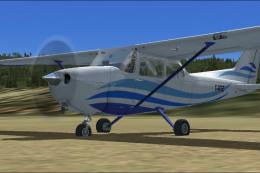 FSX General Aviation Aircraft
White With Blue Lines Cessna C172. This is a fictional repaint of the default…
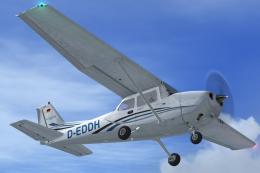 FSX General Aviation Aircraft
Immerse yourself in a vibrant depiction of Air Hamburg’s Cessna 172, identifi…
 FSX General Aviation Aircraft
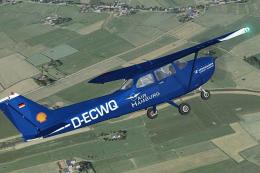
Air Hamburg Cessna C172, registration D-ECWQ. This is a repaint for the FSX d…
 FSX General Aviation Aircraft
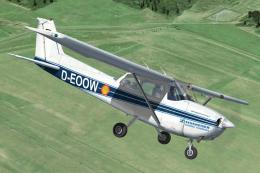
Bring a new layer of authenticity to your virtual hangar with this carefully …
 FSX General Aviation Aircraft
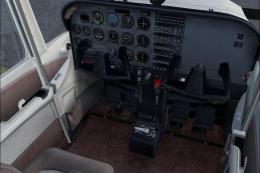
Cessna C172 N800JP. Textures only for the default Cessna 172. Includes brown …
Be the first to leave a comment on this download.
Be the first to share your thoughts on this download.