

 MSFS Utilities & Tools
TechLog - Aircraft Maintenance and Failures Utility
TechLog tracks maintenance, wear and defects across supported airliners in Mi…
AeroTuneMFS dynamically adjusts terrain detail, objects, clouds and shadows in Microsoft Flight Simulator 2020 and 2024, with hardware calibration, flight-phase profiles, 2D and VR support, and automatic settings restoration. It requires Windows 10 or 11 and a free account, and offers an optional overlay, flight health reports, Pro hardware bottleneck analysis and same-GPU performance comparisons.
 Rate
 By Darren Edwards

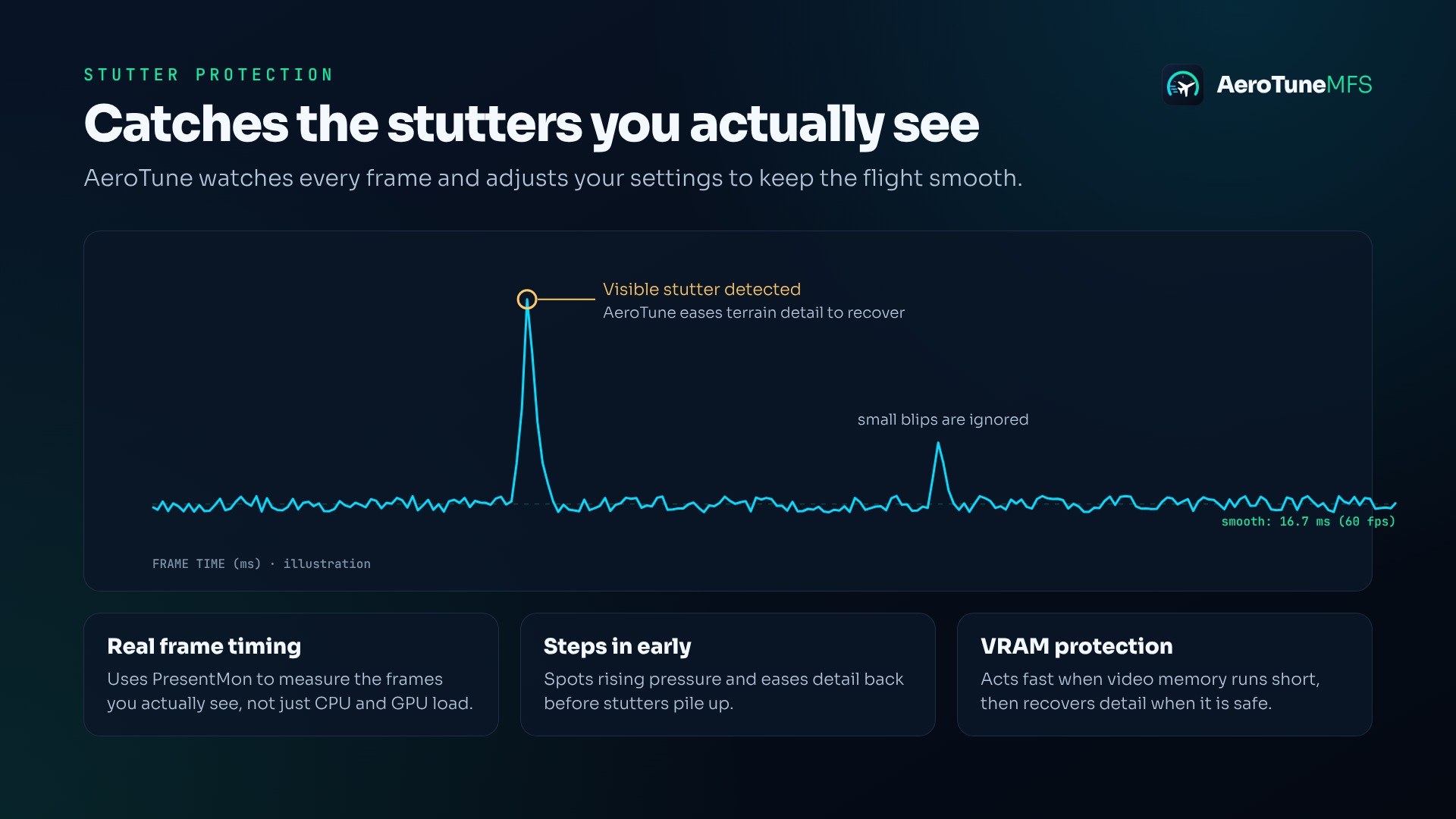

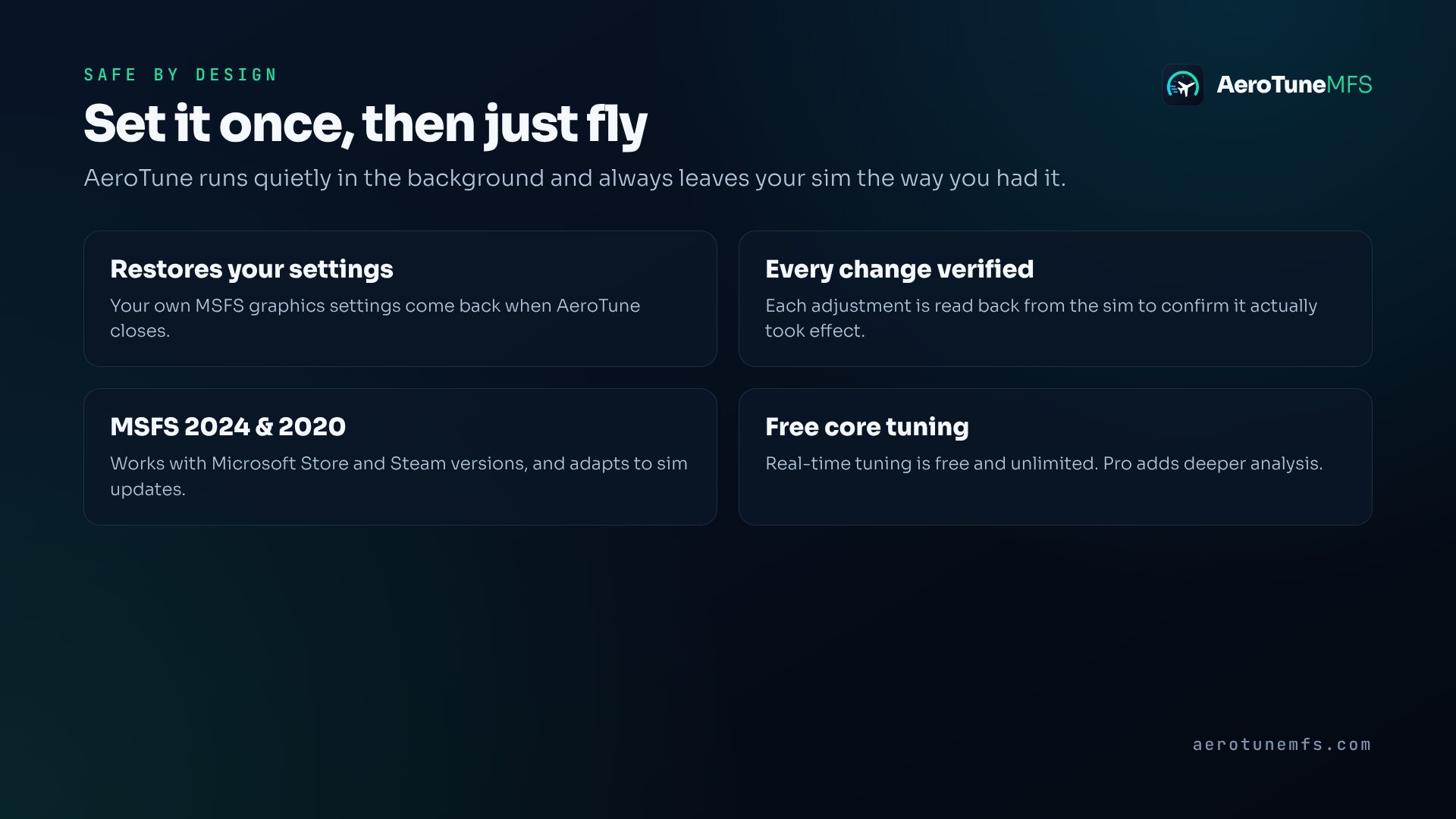
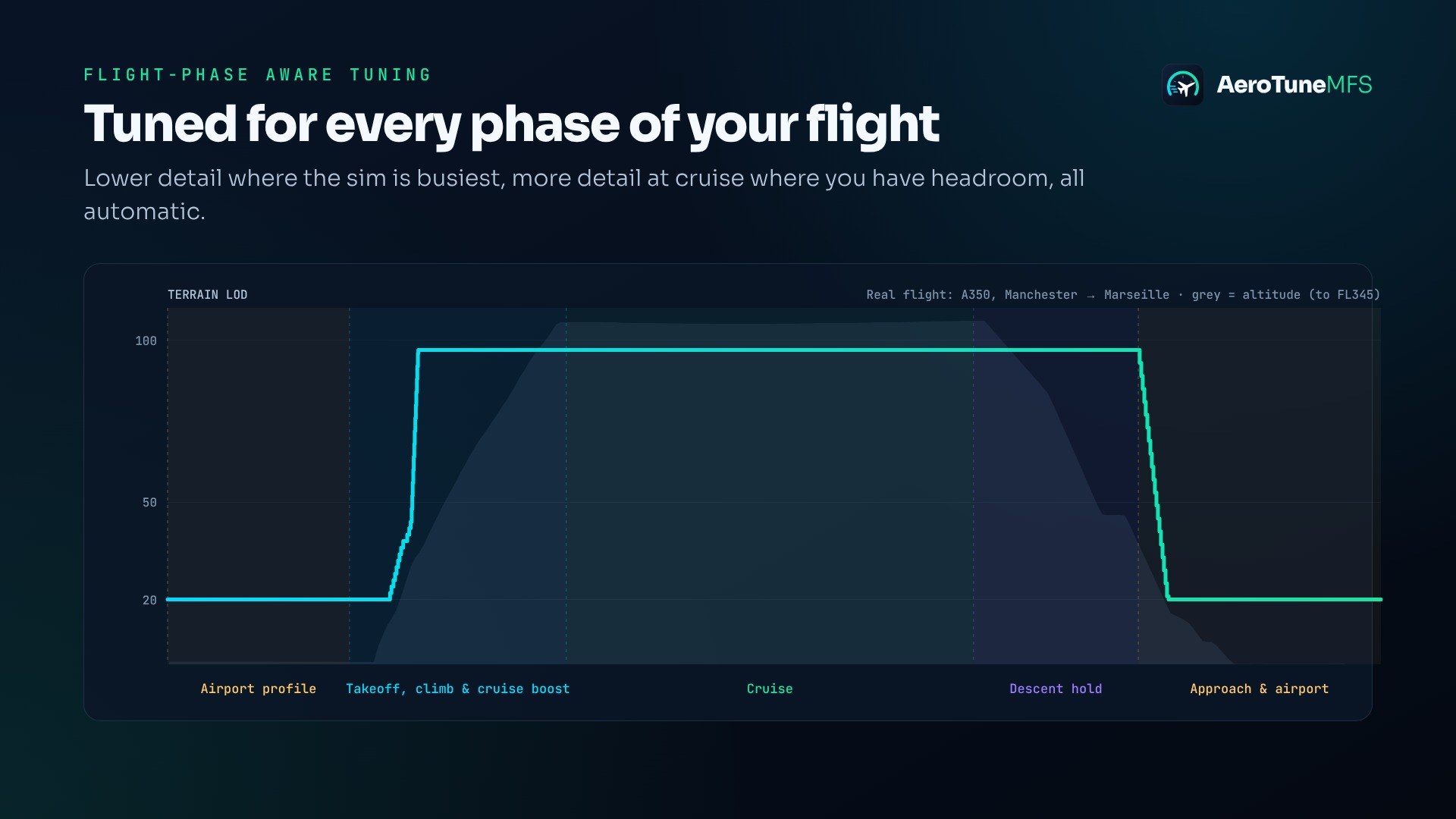

Simmers who keep interrupting approaches to lower detail are who I’d point toward AeroTuneMFS: the airport profile tackles that chore before it takes over the flight. The takeoff hold matters more to me, though. Starting the roll with the overlay visible, I watched the adjustments pause through lift-off; that’s exactly when I want the utility to leave things alone. Sensible restraint. I also like that each adjustment is read back from the sim to confirm it took effect, rather than simply assuming it worked. Core tuning is free and unlimited, so I’d use that for several flights before deciding whether Pro’s deeper diagnosis would answer anything I still needed to know.
AeroTuneMFS runs alongside Microsoft Flight Simulator 2020 and Microsoft Flight Simulator 2024 to adjust graphics settings as your PC’s workload changes. Darren Edwards’ utility manages detail through different phases of flight, works in 2D and VR, and restores your chosen settings afterward. It also offers performance reports and an optional on-screen overlay.
You’ll need Windows 10 or 11 and a free AeroTune account to activate the app. It’s PC only; Xbox isn’t supported.
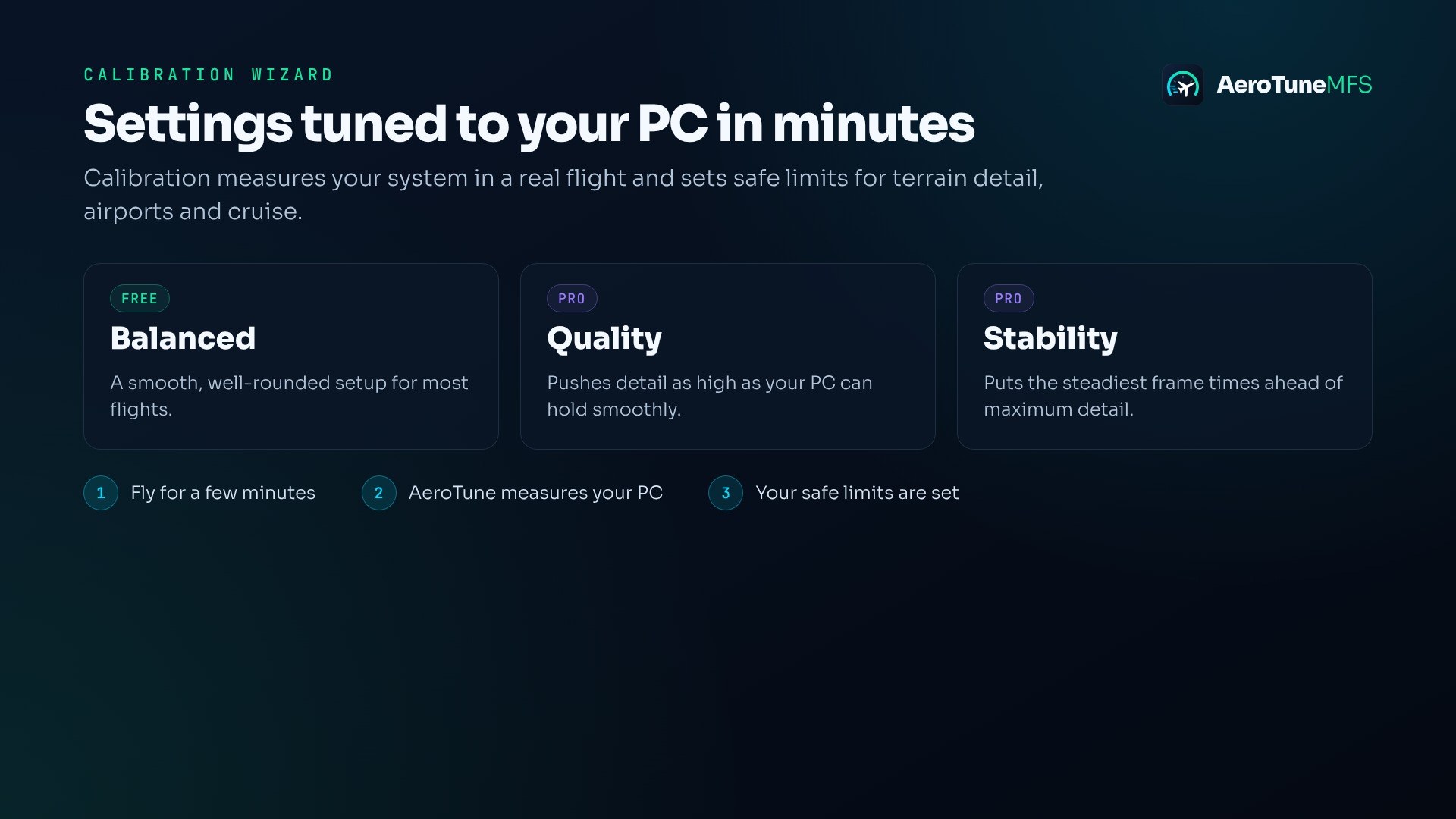
AeroTune adjusts Terrain LOD, Object LOD, clouds, and shadows in real time according to how your PC is coping. The aim is to avoid stopping a flight to juggle settings manually. A calibration wizard establishes safe adjustment limits for your hardware.
The optional overlay shows what AeroTune is doing while you fly. A free online dashboard provides flight health reports and performance history.
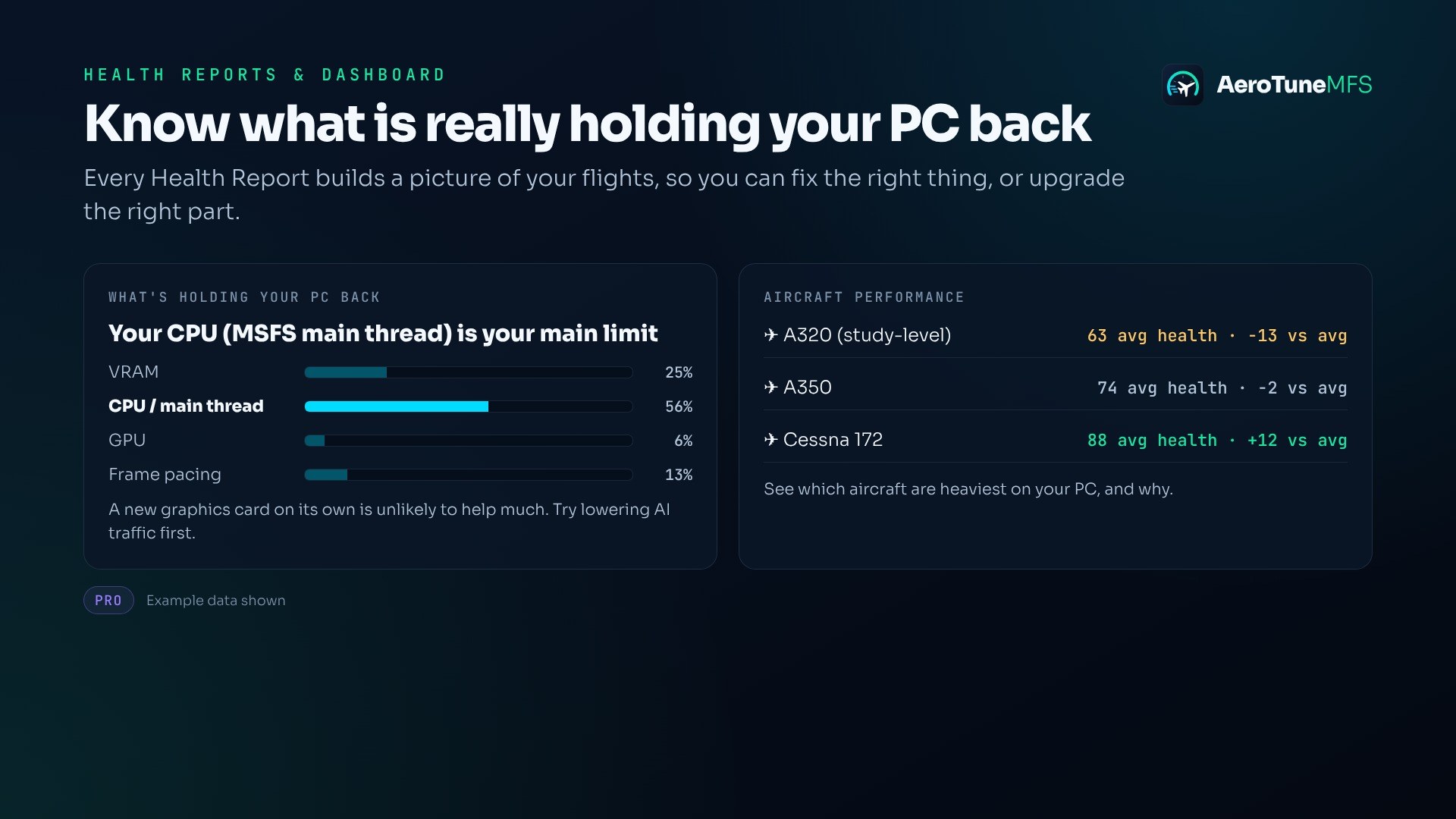
Pro’s “What’s Holding Your PC Back” feature examines results across flights to identify whether the CPU, GPU, or VRAM is the limiting factor and whether an upgrade would help. It also lets you compare results with other pilots using the same graphics card. A free Pro trial is available.
Optional diagnostic log sharing is off by default. You can enable it in the app and dashboard.
Some antivirus programs may flag new releases while their databases catch up. Edwards describes these detections as false positives, states that the app is safe, and advises excluding the AeroTune install folder to resolve them.
Edwards develops and supports AeroTune solo, with regular updates driven by pilot feedback. Support is available through Discord and the developer’s website.
Free for all simmers · 92.09 MB · Scanned clean Nov 2026
Download speed: Free tier is capped at 2 Mbps (this file takes approximately 6 mins at the cap). PRO members download at full line speed.
%LOCALAPPDATA%\Packages\Microsoft.FlightSimulator_8wekyb3d8bbwe\LocalCache\Packages\Community\. Steam version: %APPDATA%\Microsoft Flight Simulator\Packages\Community\. Tip: enable Developer Mode in MSFS to see your exact Community folder path..exe installer if provided, or follow the readme. Some utilities use SimConnect — ensure MSFS is running before launching.readme.txt or README file. It tells you exactly where files go, what dependencies are needed, and any quirks specific to this add-on.I'm Darren, a solo developer and flight sim enthusiast. I built AeroTune because I was tired of stopping mid-flight to tweak settings: smooth at cruise, then struggling on approach into a busy airport.
Are you Darren Edwards? Sign in to Fly Away Creators for download stats, comment replies and updates. Make add-ons? Publish them here.
Only PRO members can place votes.
More MSFS add-ons hand-picked based on this download.
MSFS Utilities & Tools
TechLog tracks maintenance, wear and defects across supported airliners in Mi…
 MSFS Utilities & Tools
Jetstream gives Microsoft Flight Simulator 2020 and Microsoft Flight Simulato…
 MSFS General Aviation Aircraft
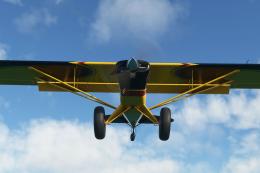
This is a complete (and experimental) performance mod for the Asobo Aviat Hus…
 FSX Misc
The original autogen building textures are 638 kb. These textures are reduced…
 MSFS General Aviation Aircraft
This mod for the Asobo Aviat Husky A-1C is a quick patch and fix that provide…
 FS2004 Propeller Aircraft
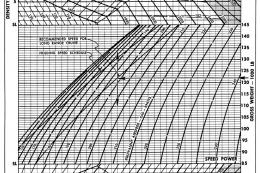
Additional performance charts for the Lockheed L-1049G/H Super Constellation …
 FS2004 Propeller Aircraft
The DC-7C's of SAS became famous for opening the polar route from Europe to J…
 FS2004 Utilities/Misc
FS2004/FS2002 ENGINE EXHAUST SYSTEM PLUS Version 3.2. Bug fix. Also adds APU …
Be the first to leave a comment on this download.
Be the first to share your thoughts on this download.