

 MSFS Civil Jet Aircraft
Ryanair Santa Livery Mega Pack for A320 Stock/Flybywire & PMDG 737
Introducing the comprehensive Ryanair Santa Repaint Mega Pack, meticulously c…
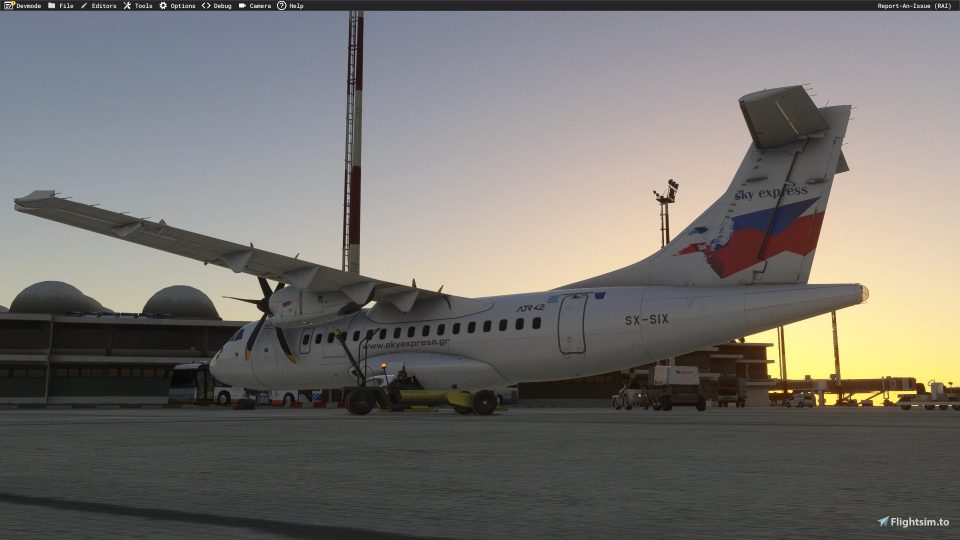
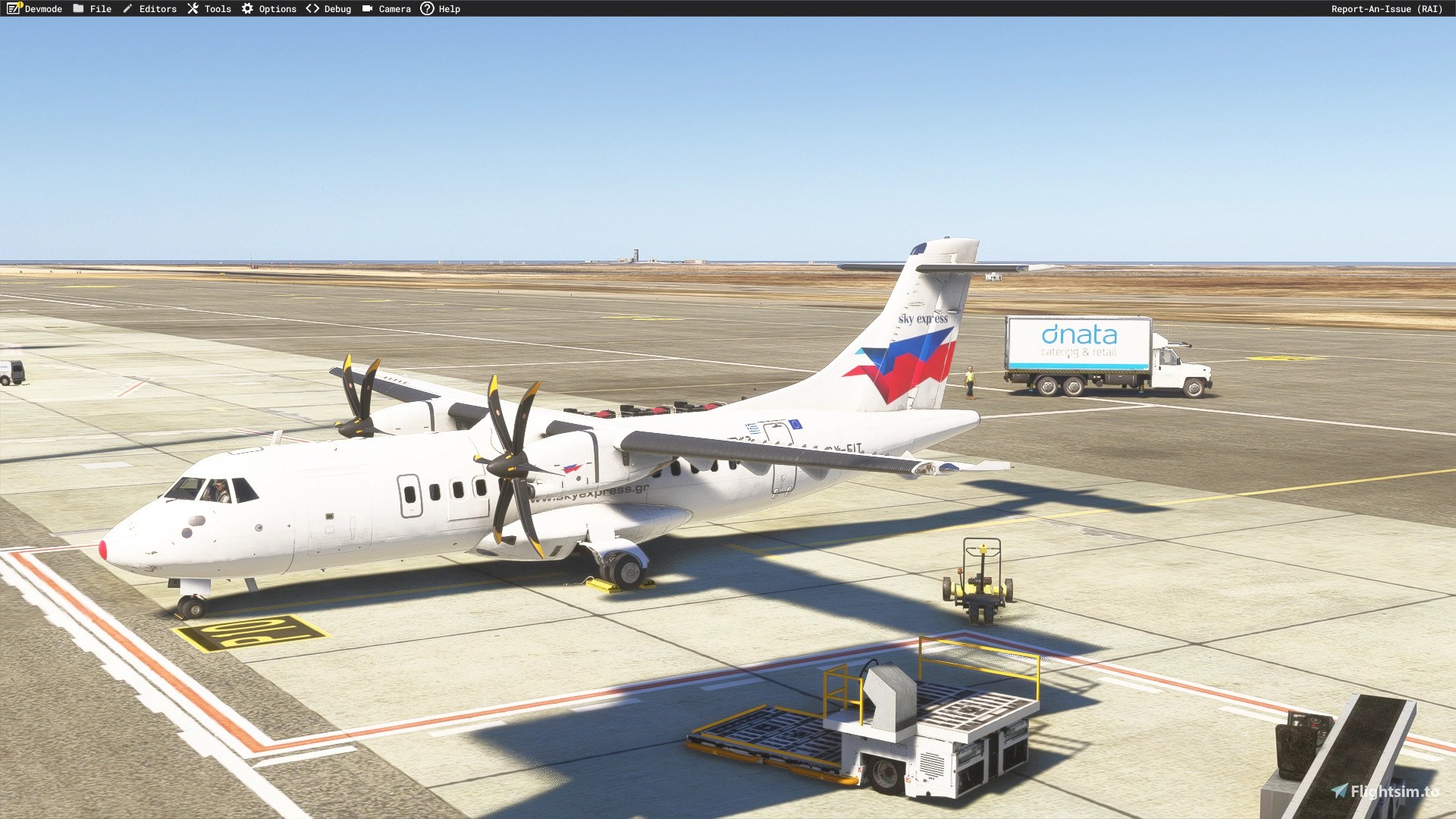
SKY express fleet liveries bring SX-EIT, SX-SIX, SX-TEN, and SX-TWO to Microsoft Flight Simulator 2024, adapting four real ATR 42-500 aircraft to the available 42-600 model. The pack requires the S&H Software ATR 42-600 and recreates distinctive real-world paint wear on three aircraft, adding authentic character to regional flying across Greece.
 Rate
 By dmeh_liveries
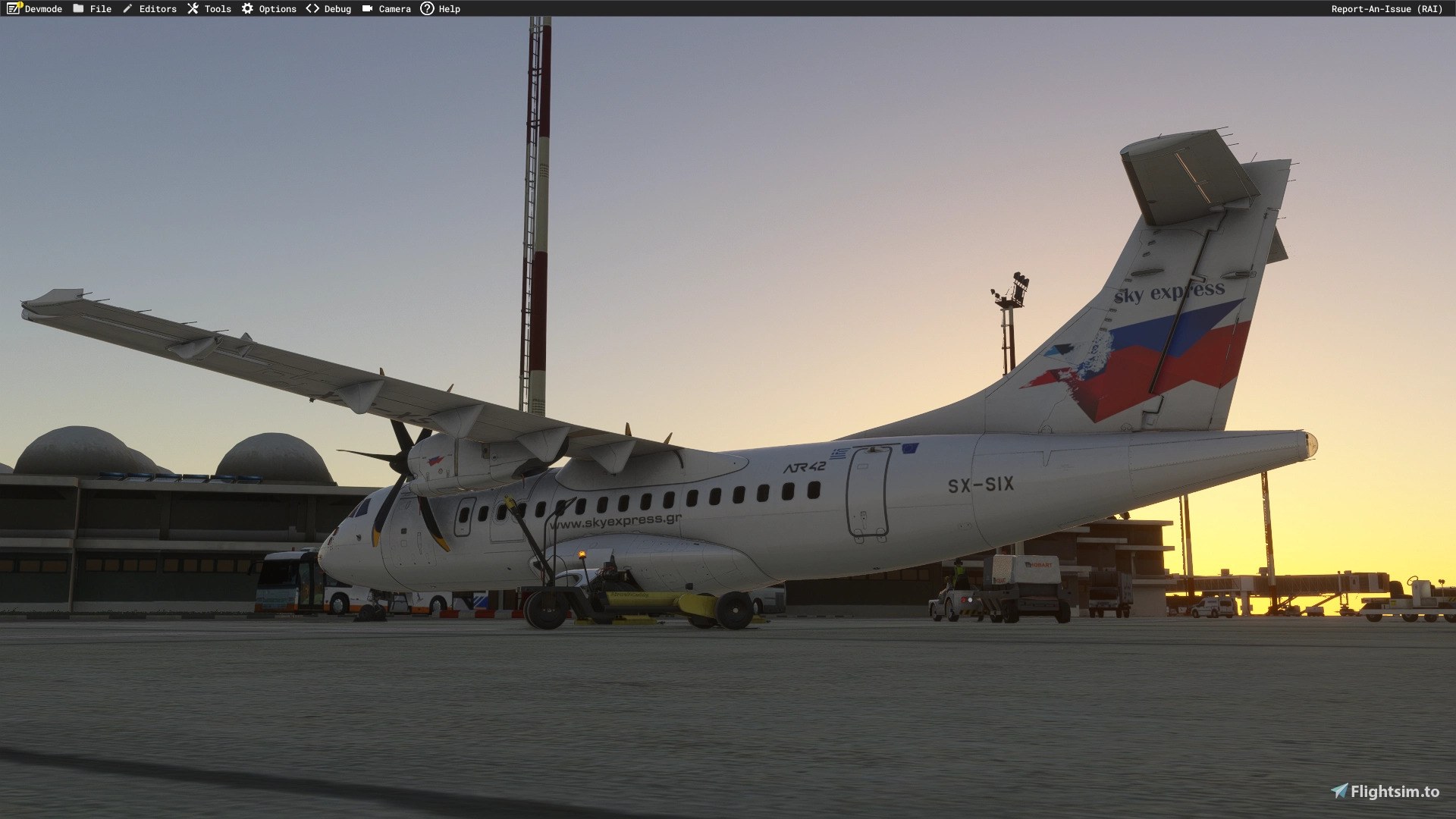
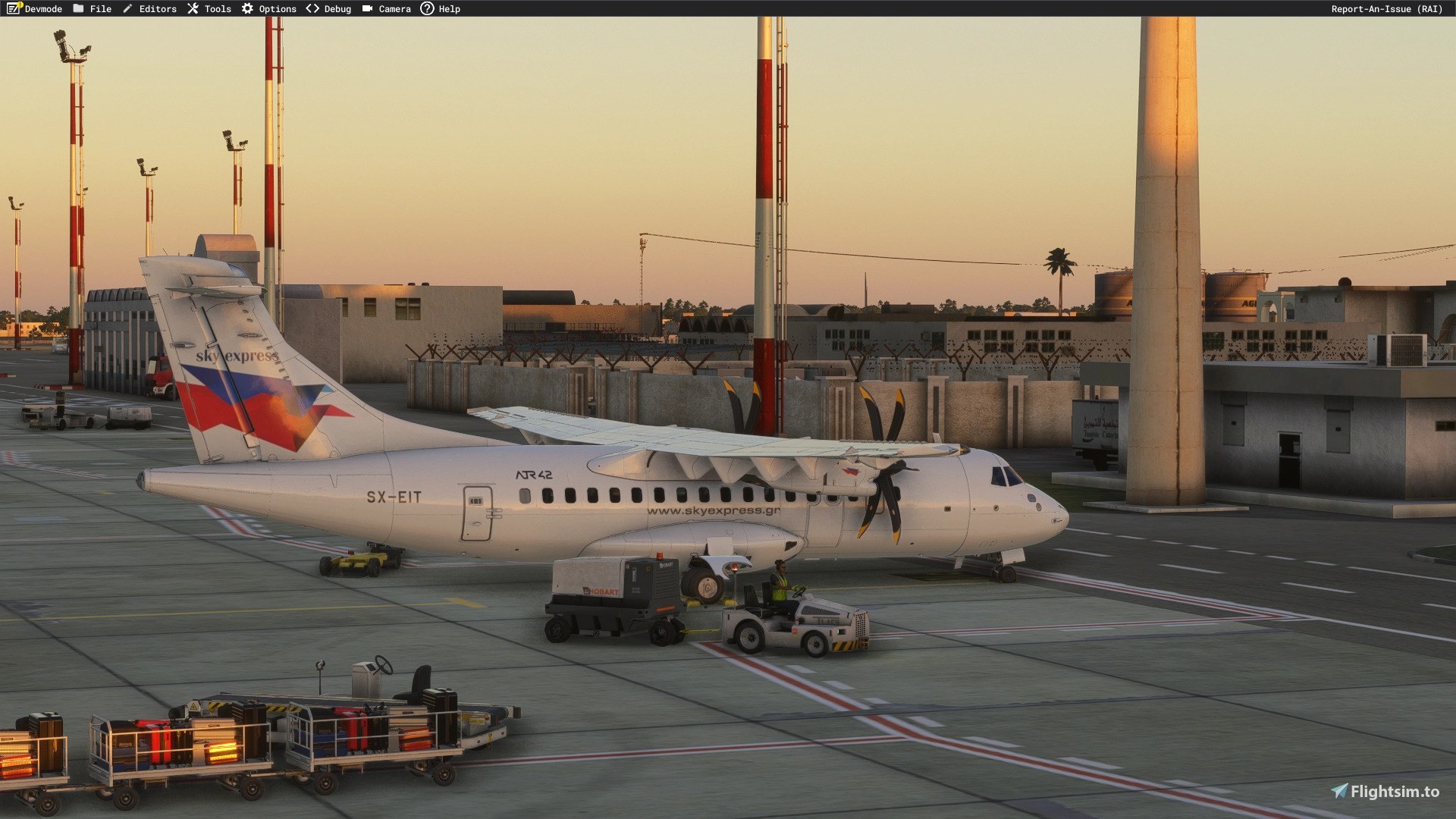
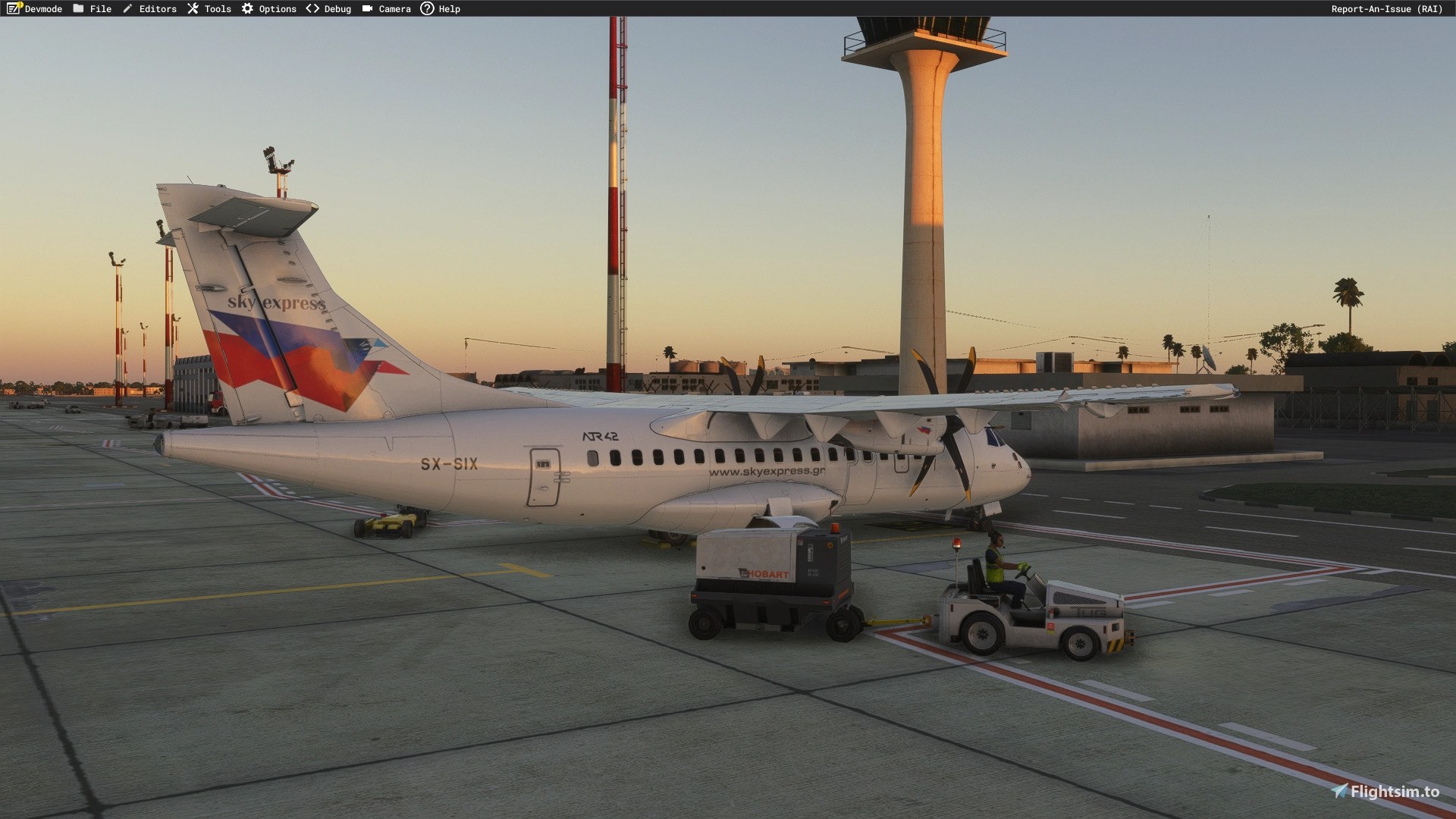
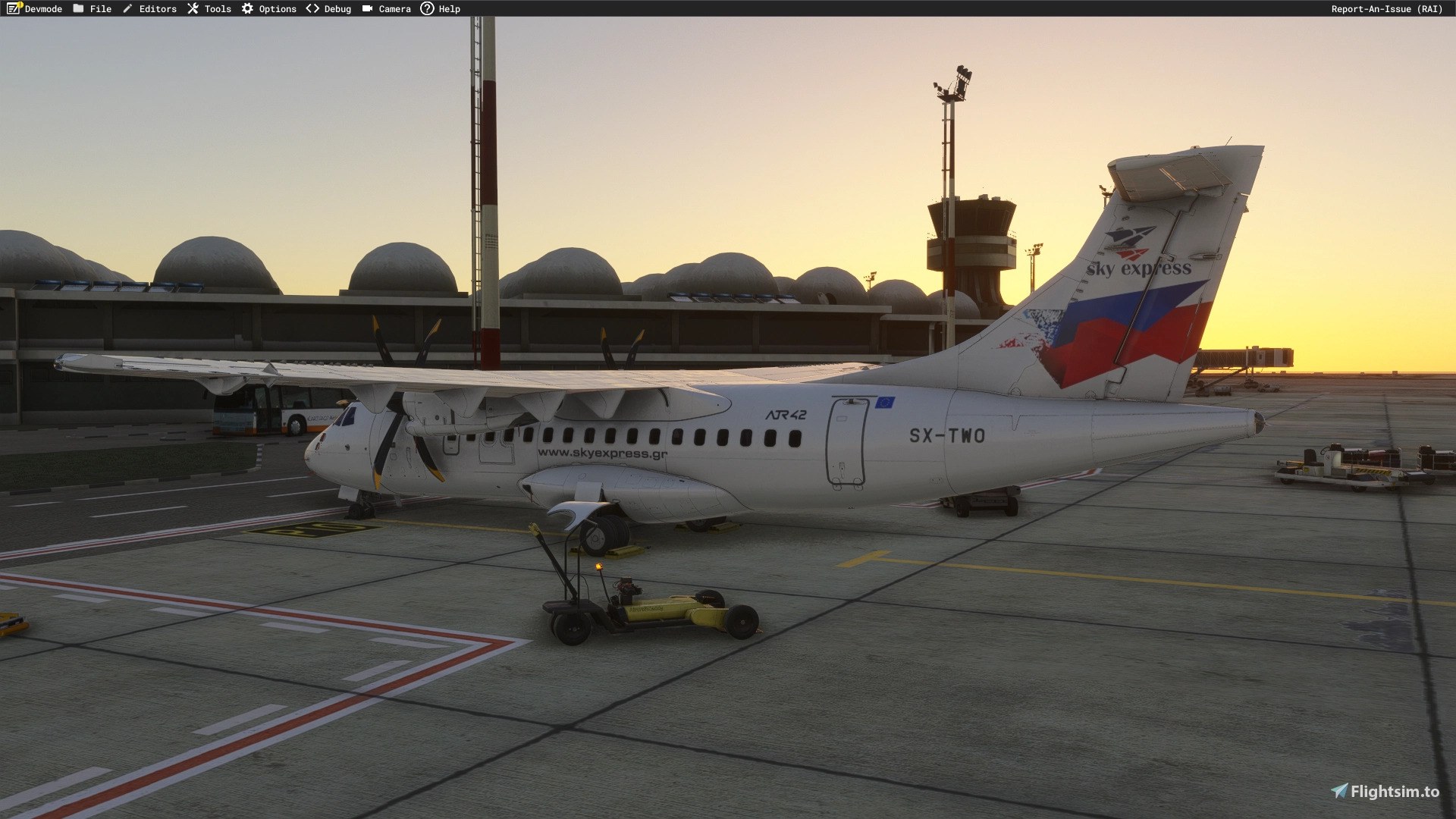

With SX-TWO parked, I brought the tail into view and noticed the ragged edge of the red-and-blue marking. That’s a convincing bit of hard-used airline paint; I wouldn’t mistake it for unfinished texture work. The distant-view problem does need attention, though. At roughly 250–300 meters or beyond, the aircraft may turn completely white because of the LOD04/LOD05 issue. For me, that limits the appeal of pulling the camera back for a wider apron view, despite the care taken up close.
dmeh_liveries (DMeh) has painted four requested SKY express liveries for the S&H Software ATR 42-600 in Microsoft Flight Simulator 2024. The pack covers SX-EIT, SX-SIX, SX-TEN, and SX-TWO. All four represent real ATR 42-500s on the available -600 model, so check that variant compromise and the known distant-view issue before downloading.
You’ll need the payware S&H Simulation ATR42-600, purchased separately; the aircraft model is not included. These liveries support MSFS 2024 only. The available simulator model does not represent the ATR 42-500 variant.
SKY express operates domestic and international services, including regional connections across Greece. The aircraft represented here are regional turboprops powered by two Pratt & Whitney PW127-series engines.
SX-SIX, SX-TWO, and SX-TEN deliberately carry the paint defects and imperfections seen on the real aircraft. The requester asked for their current real-world appearance, including those blemishes. They are not texture errors.
The developer encountered difficulties with LOD04 and LOD05, the model’s distance-dependent detail levels. At approximately 250–300 meters or farther away, the aircraft may appear completely white. The liveries remain usable, but expect that loss of paint in distant views. A solution is being investigated.
CC NC-BY-SA 4.0
Free for all simmers · 483.51 MB · Scanned clean Nov 2026
Download speed: Free tier is capped at 2 Mbps (this file takes approximately 34 mins at the cap). PRO members download at full line speed.
NONE / Initial version
%LOCALAPPDATA%\Packages\Microsoft.FlightSimulator_8wekyb3d8bbwe\LocalCache\Packages\Community\. Steam version: %APPDATA%\Microsoft Flight Simulator\Packages\Community\. Tip: enable Developer Mode in MSFS to see your exact Community folder path.readme.txt or README file. It tells you exactly where files go, what dependencies are needed, and any quirks specific to this add-on.Currently an engineering student in France from Tunisia. / Started publishing liveries for FSX on the Aerosoft forum. Also publishing liveries for MSFS2024 on flightsim.to.Making liveries for MSFS2024 (NOT for MSFS2020)
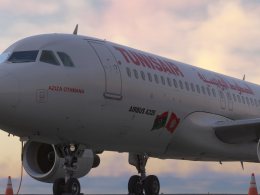
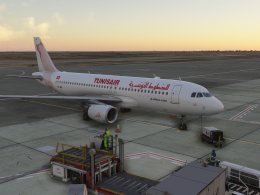
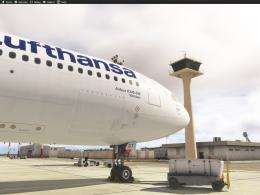
Are you dmeh_liveries? Sign in to Fly Away Creators for download stats, comment replies and updates. Make add-ons? Publish them here.
Only PRO members can place votes.
More MSFS add-ons hand-picked based on this download.
MSFS Civil Jet Aircraft
Introducing the comprehensive Ryanair Santa Repaint Mega Pack, meticulously c…
 MSFS Civil Jet Aircraft
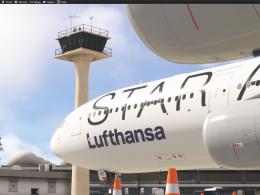
dmeh_liveries (DMeh) has painted two requested Lufthansa Star Alliance liveri…
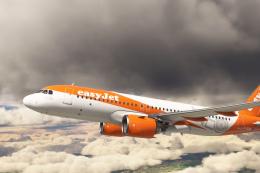 MSFS Civil Jet Aircraft
An add-on for MSFS 2020 brings the easyJet A320neo registration G-UZHA livery…
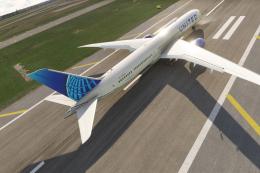 MSFS Civil Jet Aircraft
A complete freeware add-on for Microsoft Flight Simulator (MSFS) 2020 release…
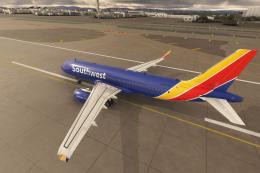 MSFS Civil Jet Aircraft
A high-definition Southwest Airlines livery/repaint for the default Microsoft…
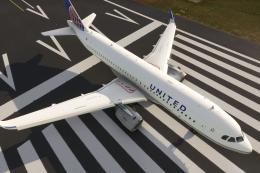 MSFS Civil Jet Aircraft
A livery pack for the default Airbus A320neo in Microsoft Flight Simulator (M…
 MSFS Civil Jet Aircraft
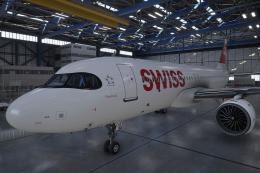
A pack containing a complete rendition of 8K resolution liveries for the defa…
 MSFS Civil Jet Aircraft
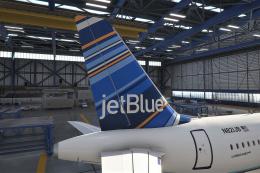
A freeware livery for the default MSFS 2020 A320neo bringing the JetBlue 'Bar…
Be the first to leave a comment on this download.
Be the first to share your thoughts on this download.