

 United States of America

 MSFS Scenery
Naval Air Station Joint Reserve Base New Orleans (KNBG)
This scenery package focuses on Naval Air Station Joint Reserve Base New Orle…
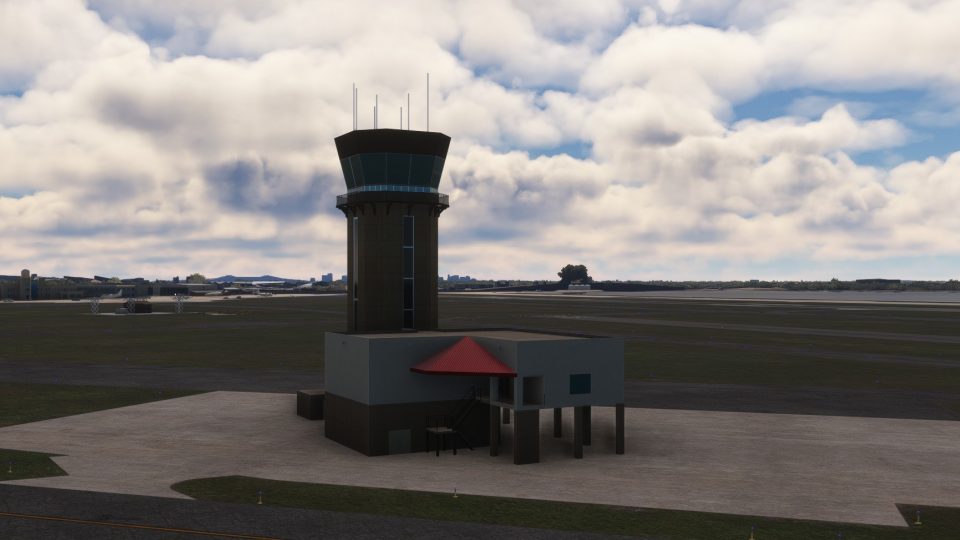
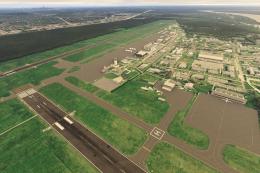
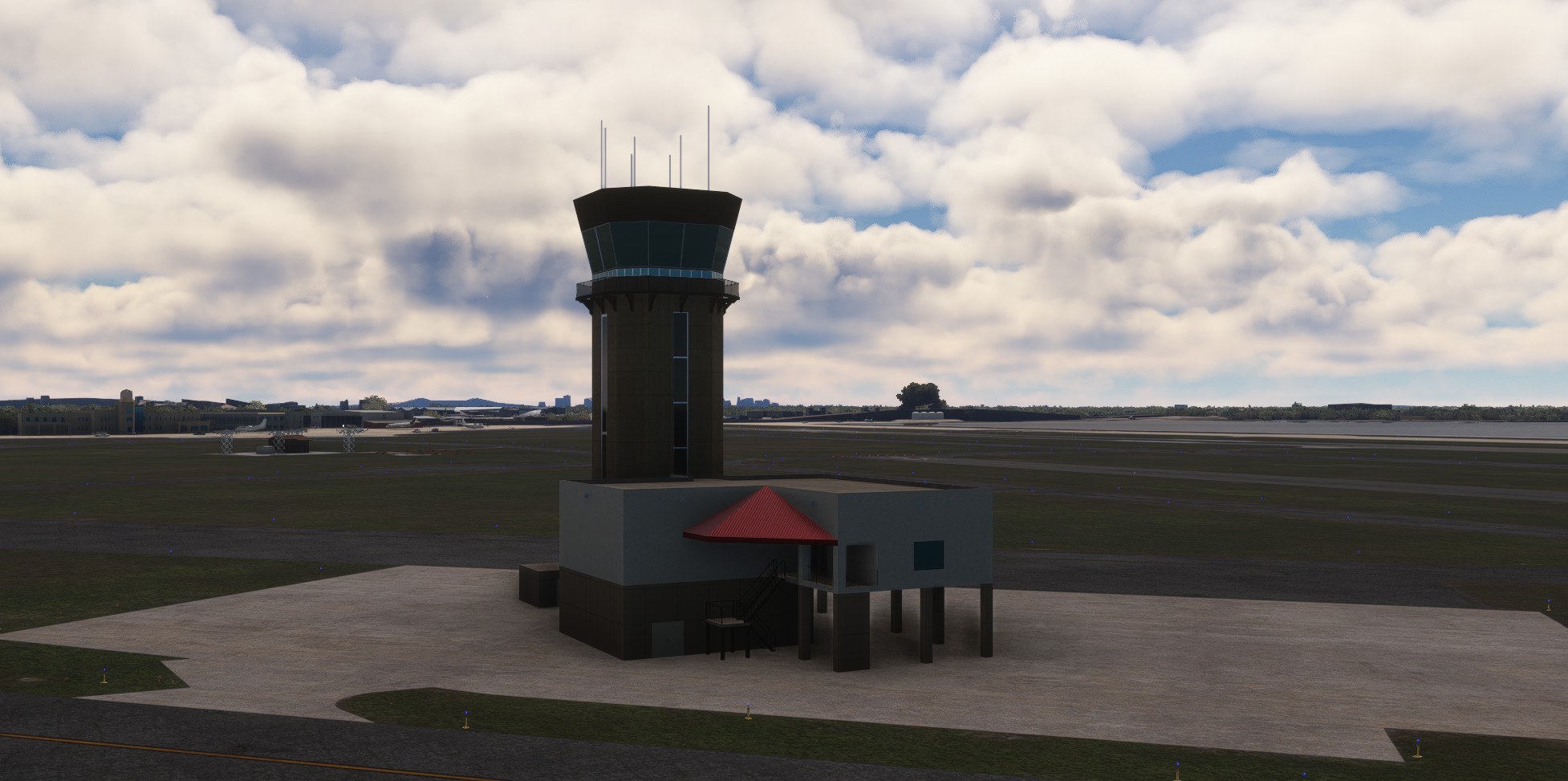
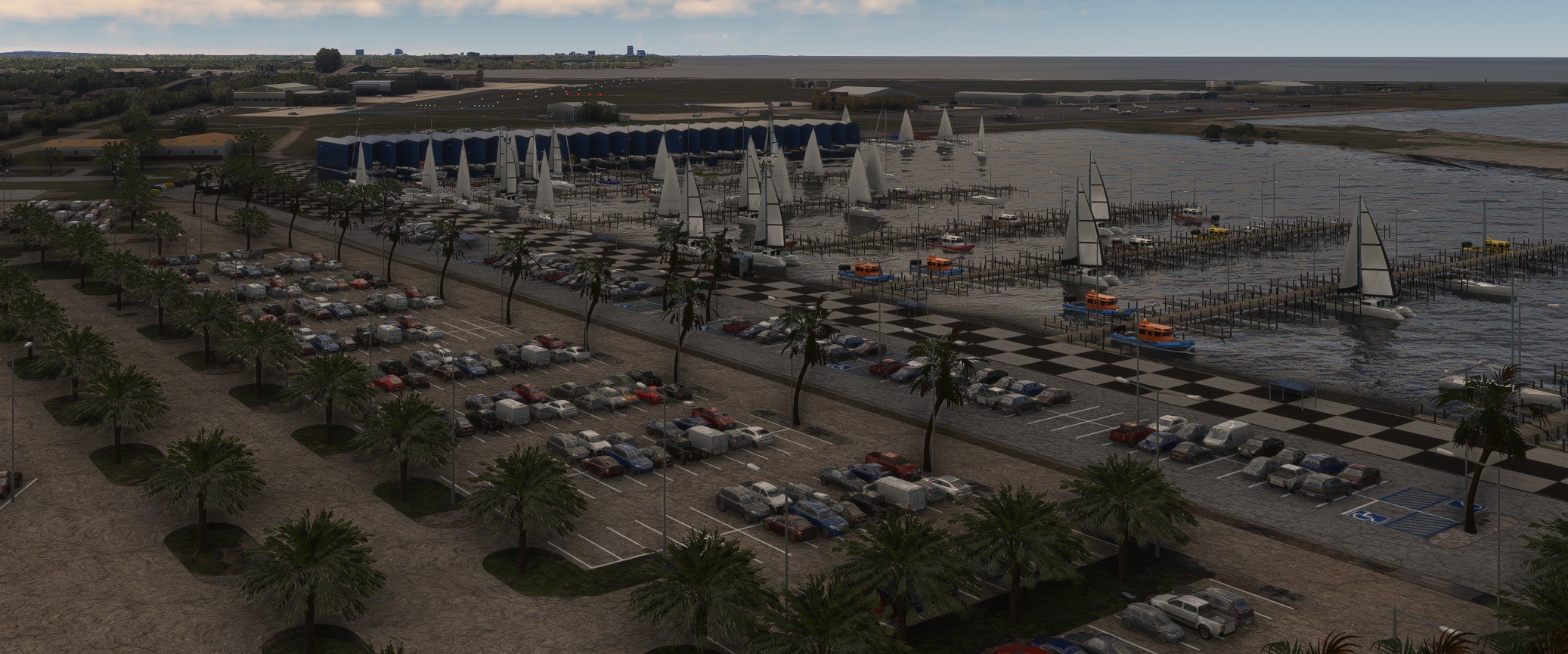
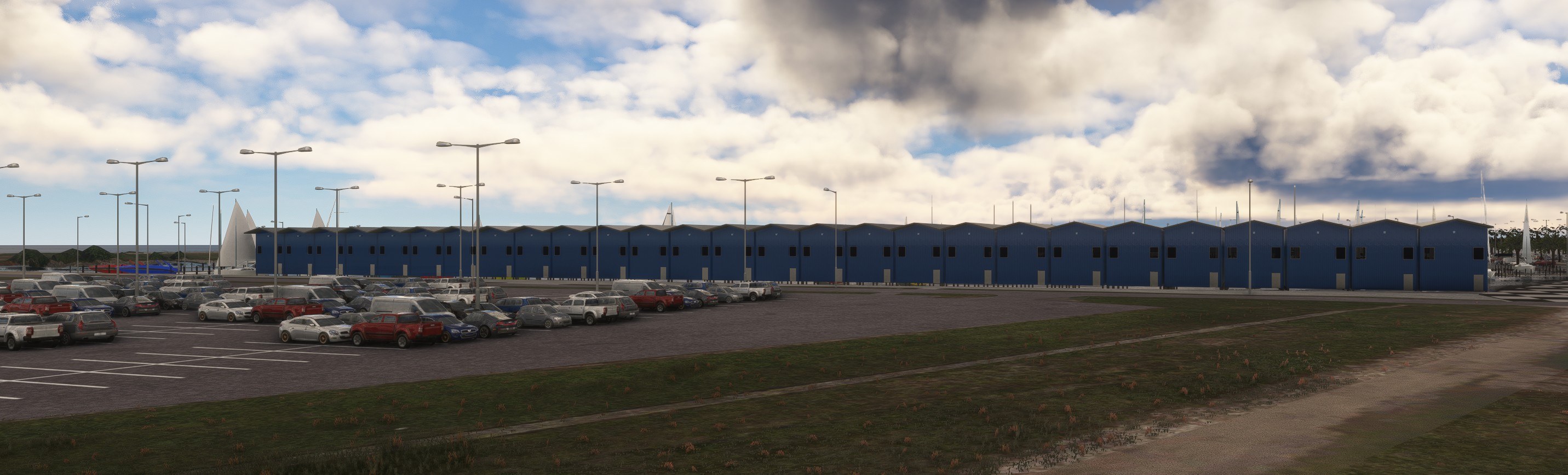
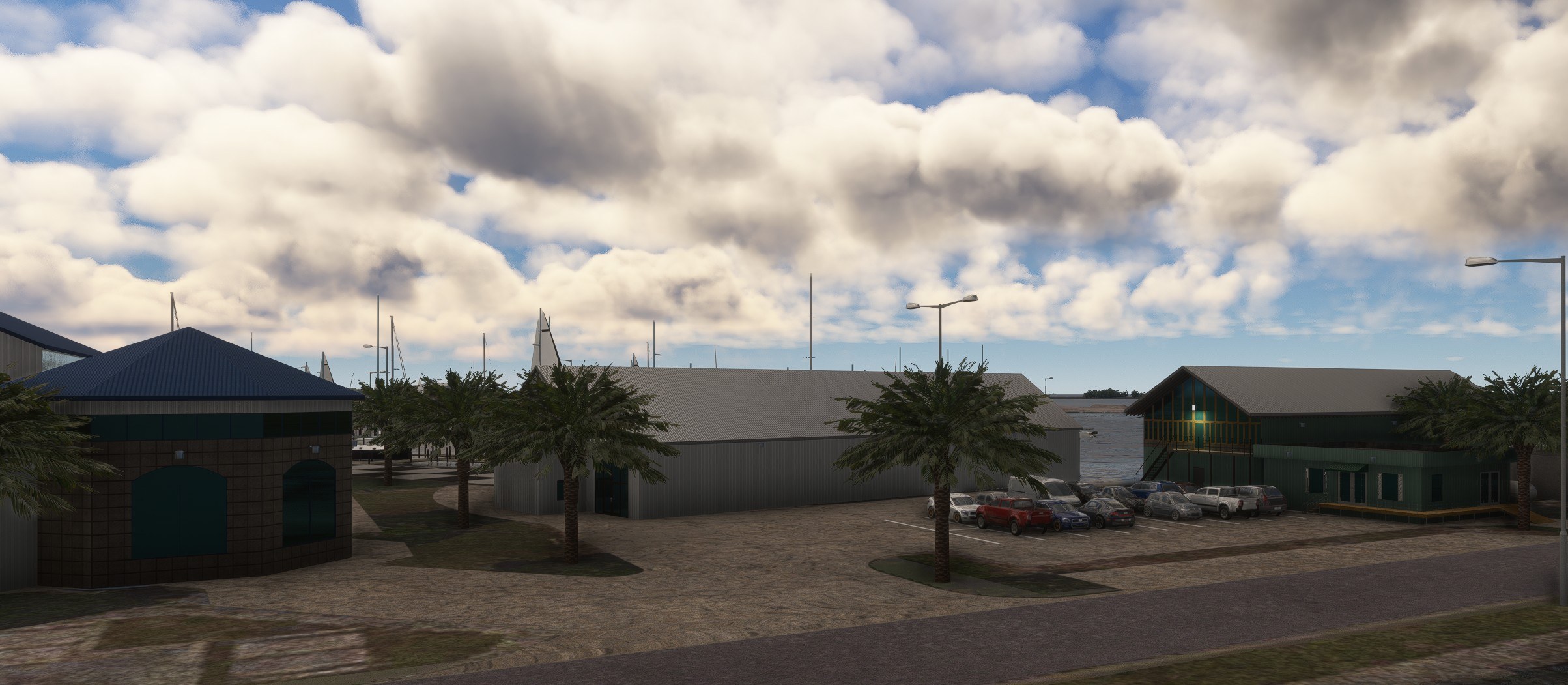
New Orleans Lakefront Airport (KNEW) scenery brings handcrafted airport buildings and two hangars with timed door animations and manual control to Microsoft Flight Simulator 2020 and 2024. Detailed South Shore Harbor Marina buildings, static boats and palms from optional object libraries, and three nearby road bridges extend the scenery along the Louisiana waterfront.
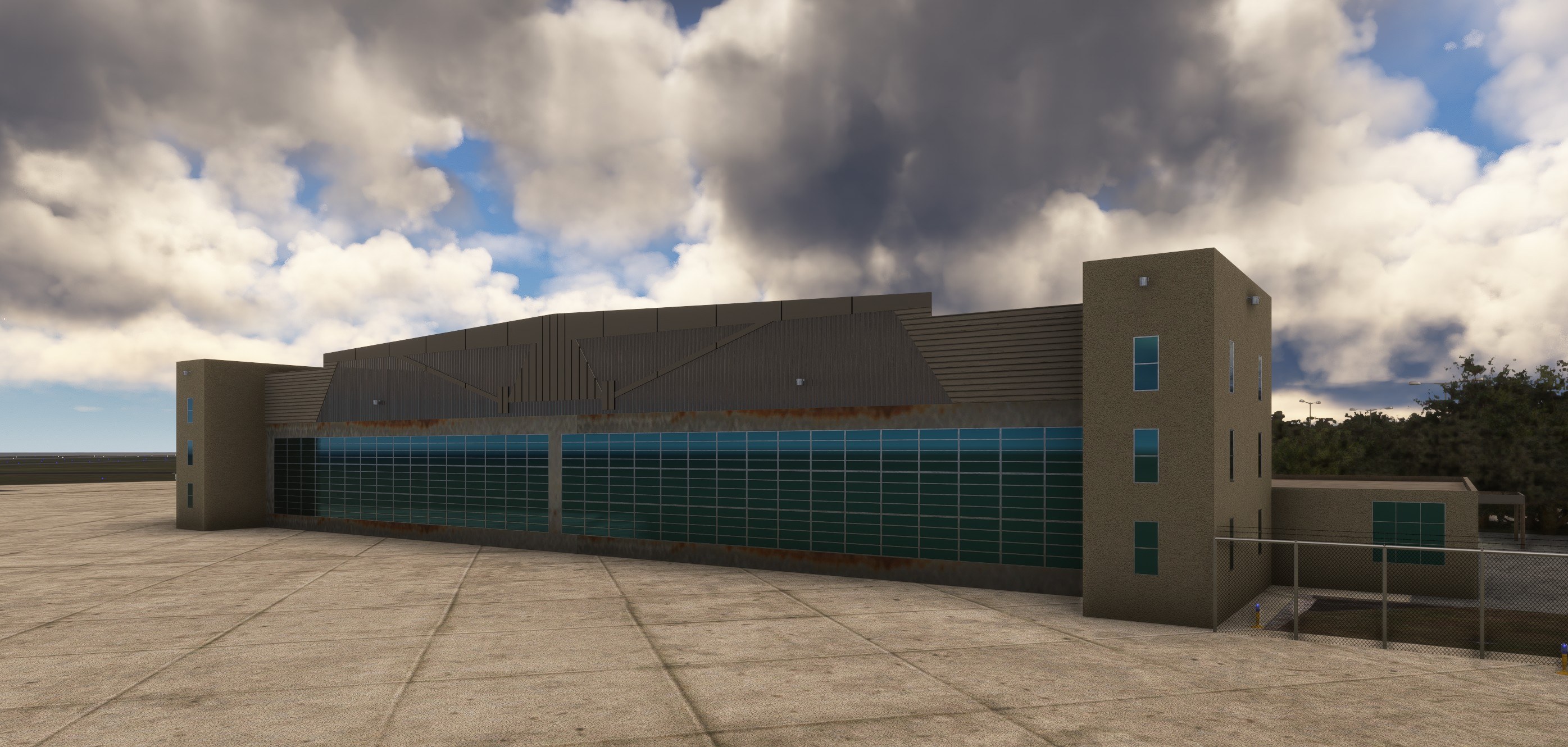
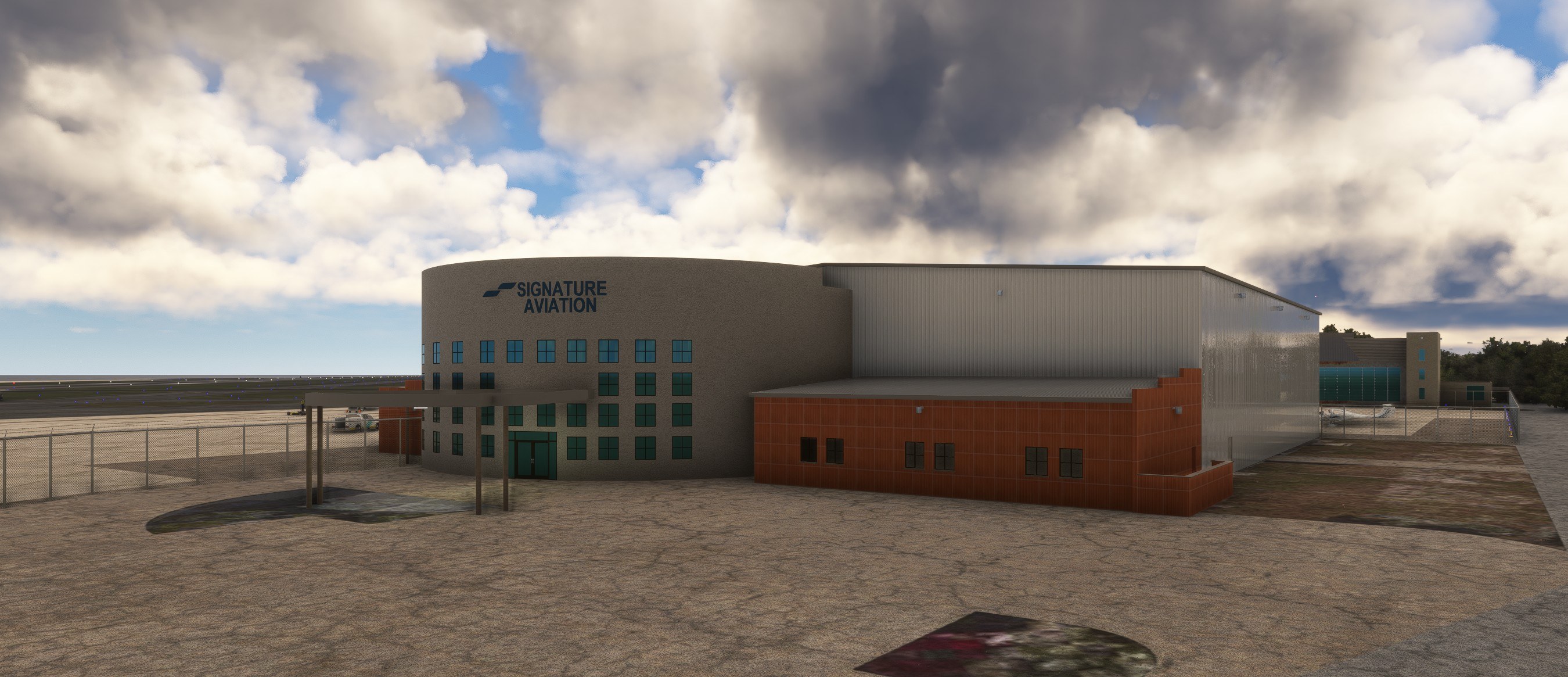
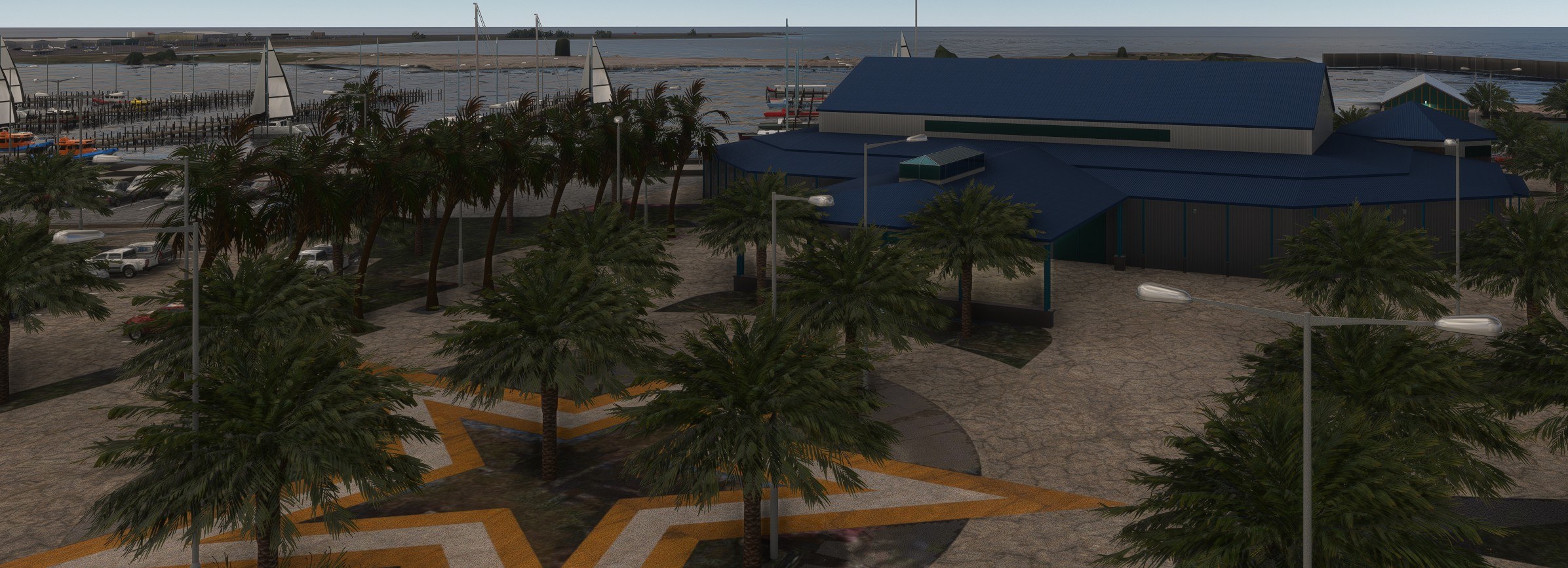
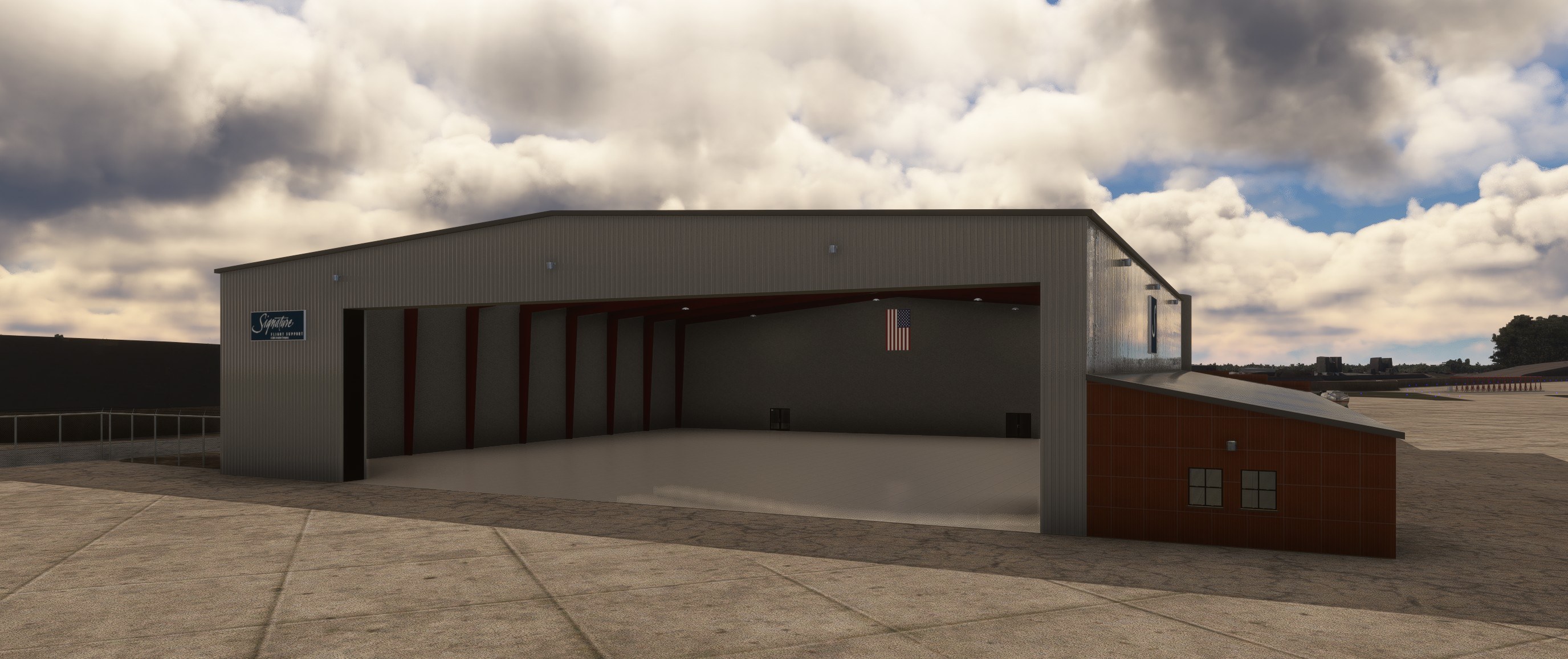
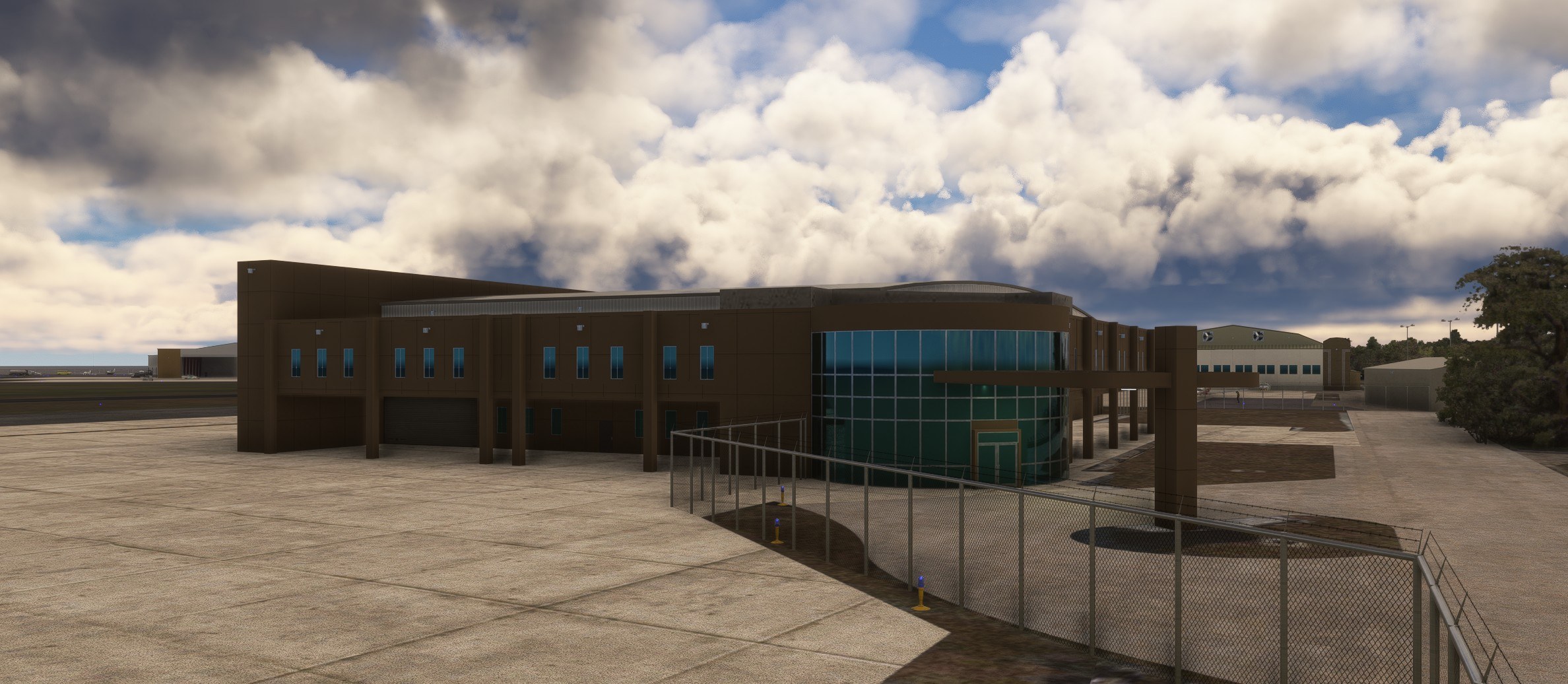
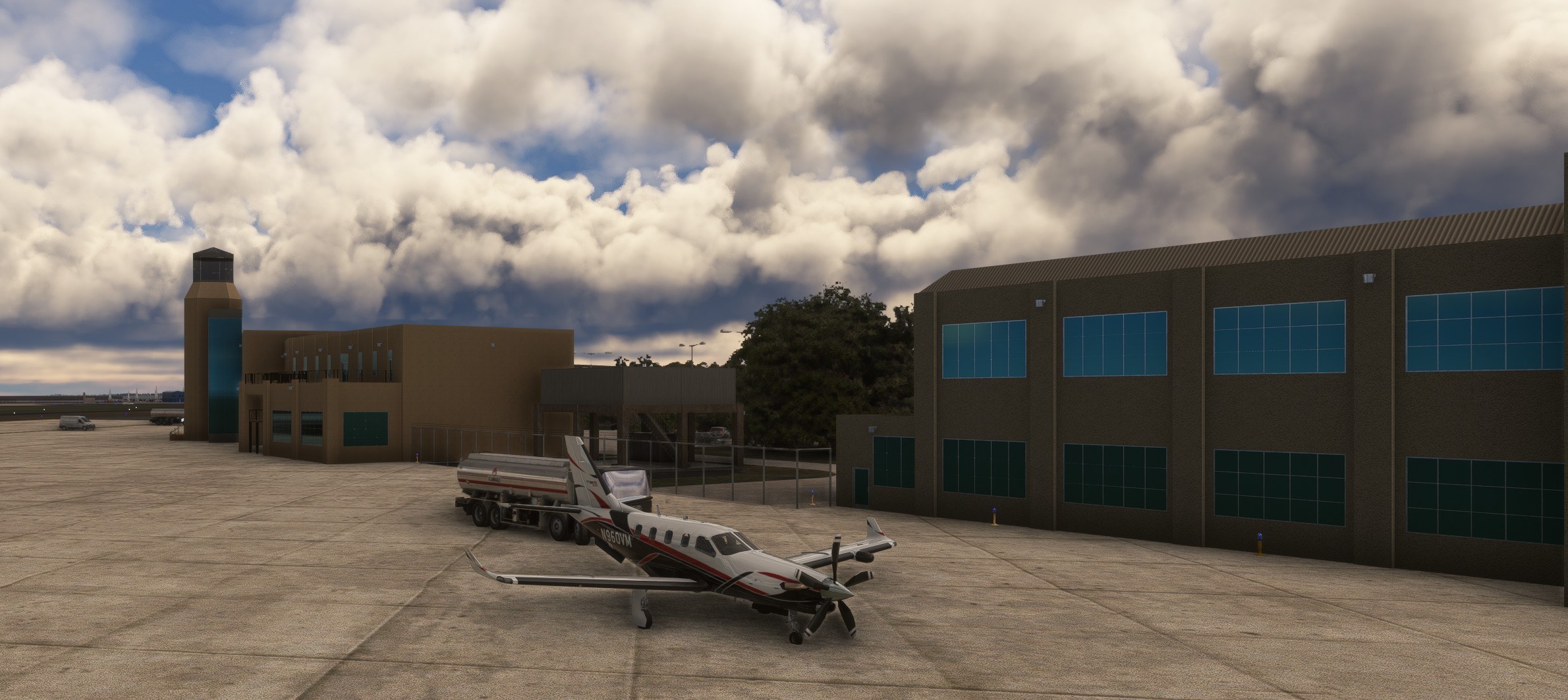
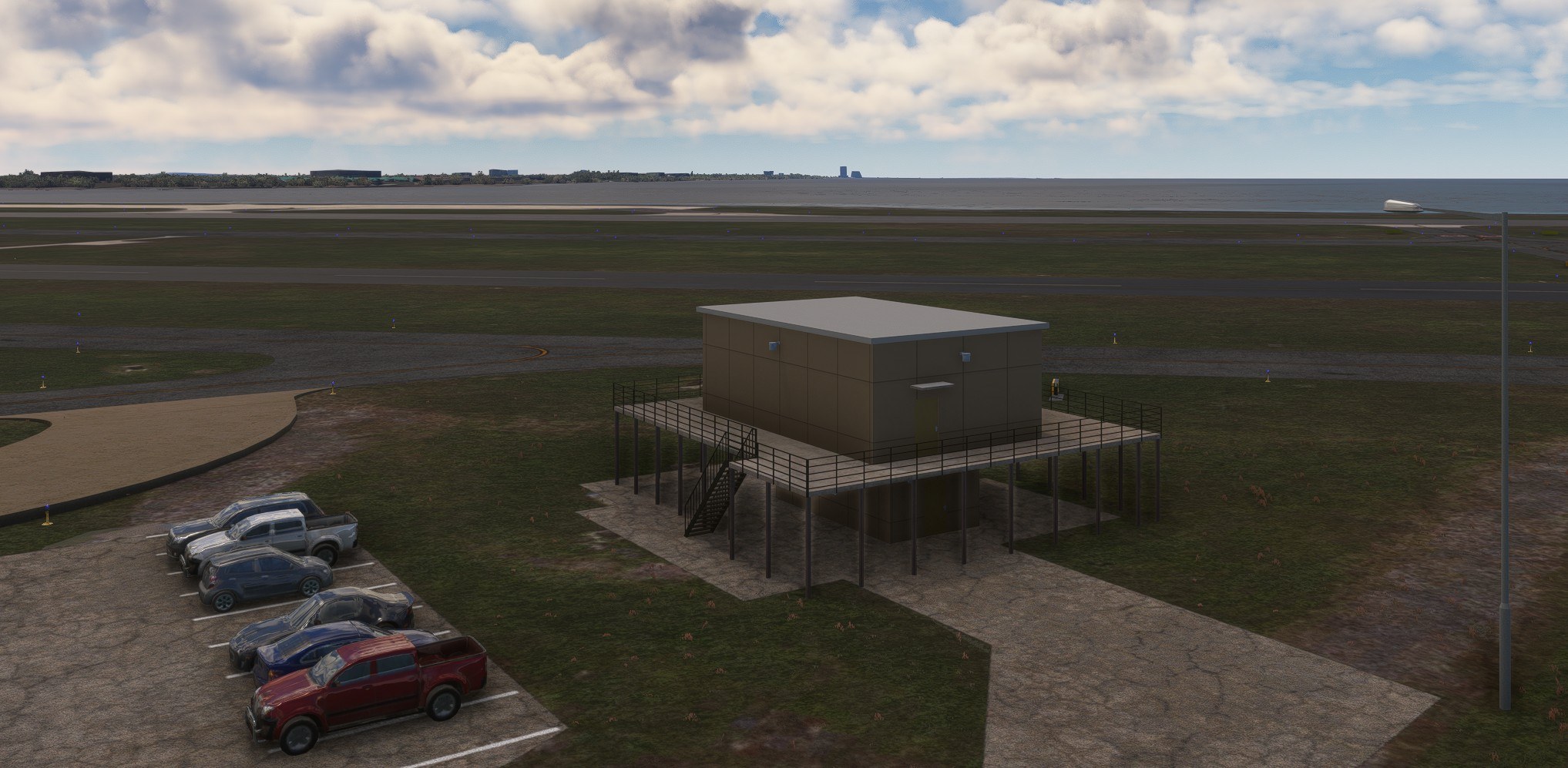
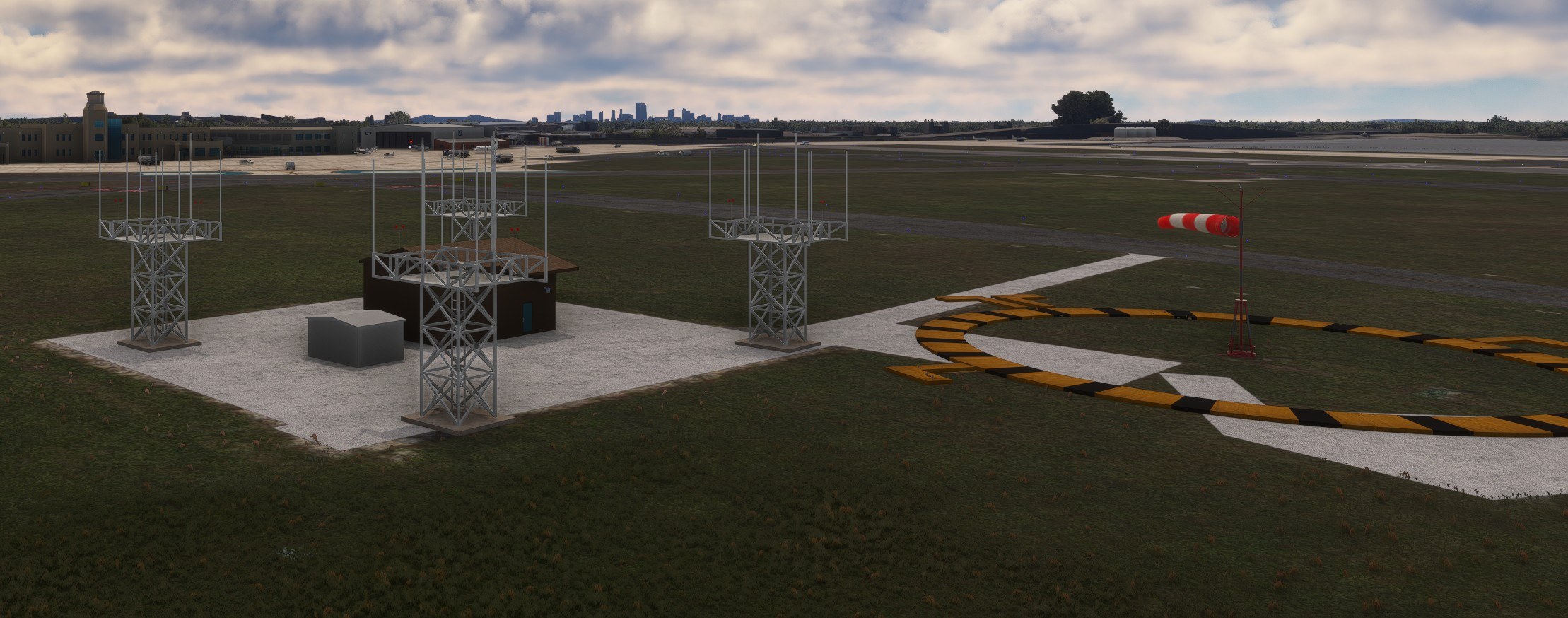
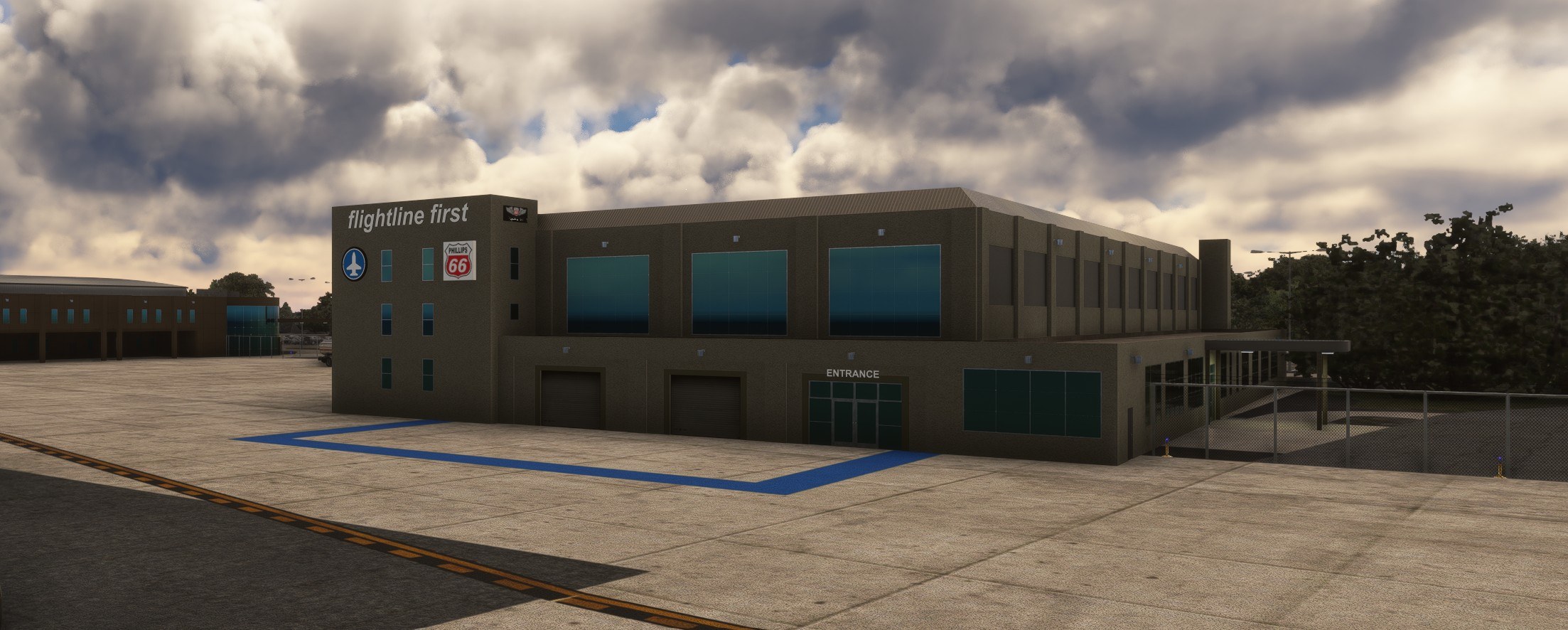
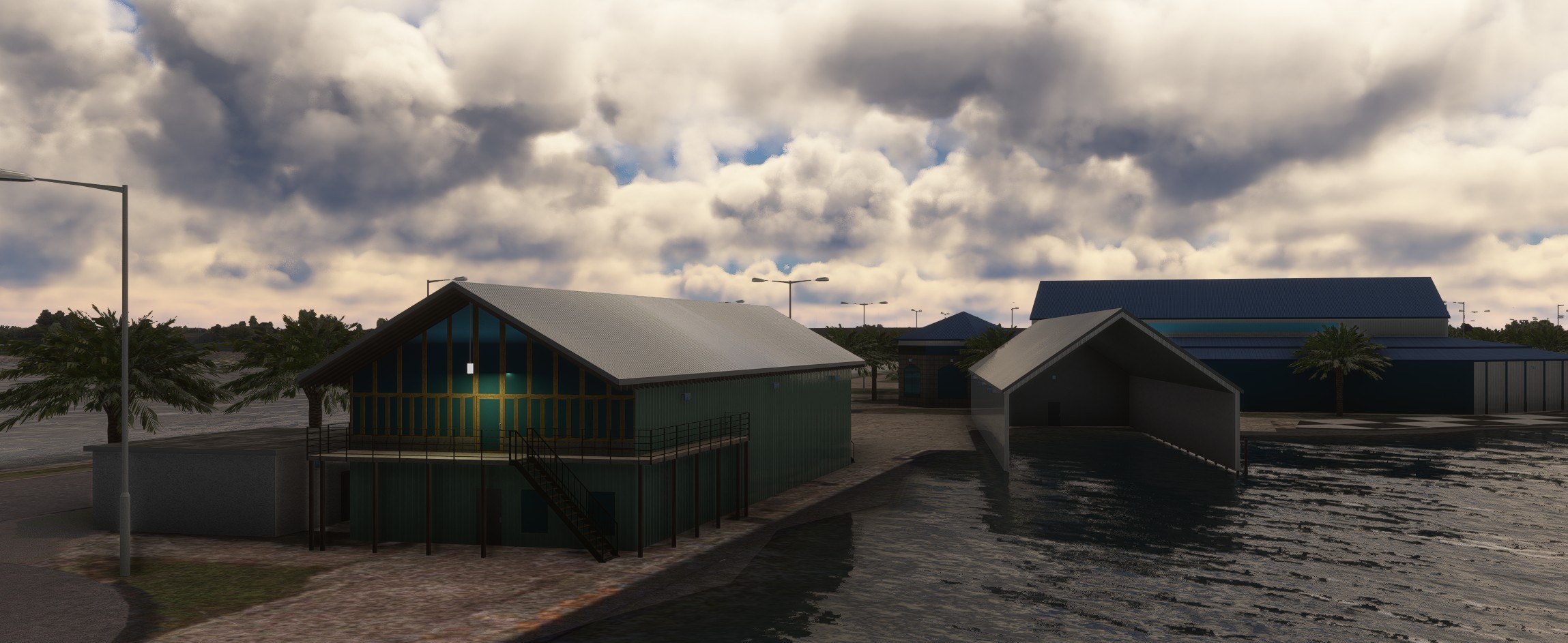
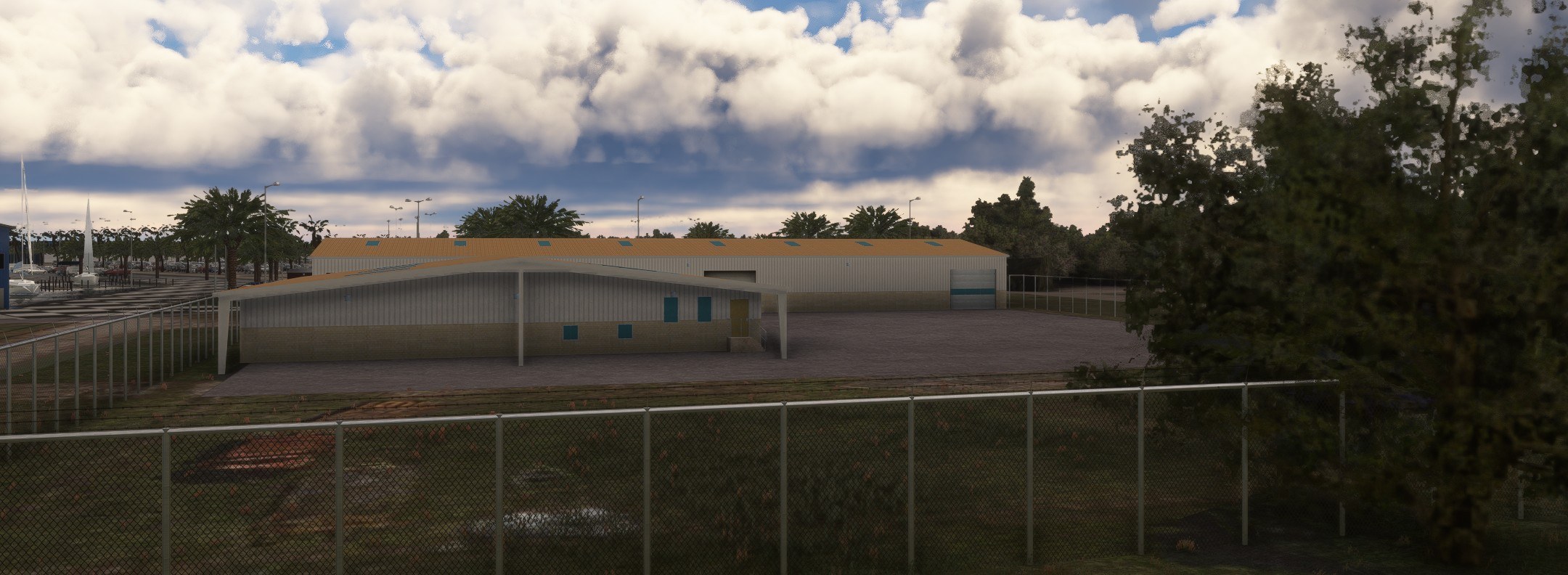
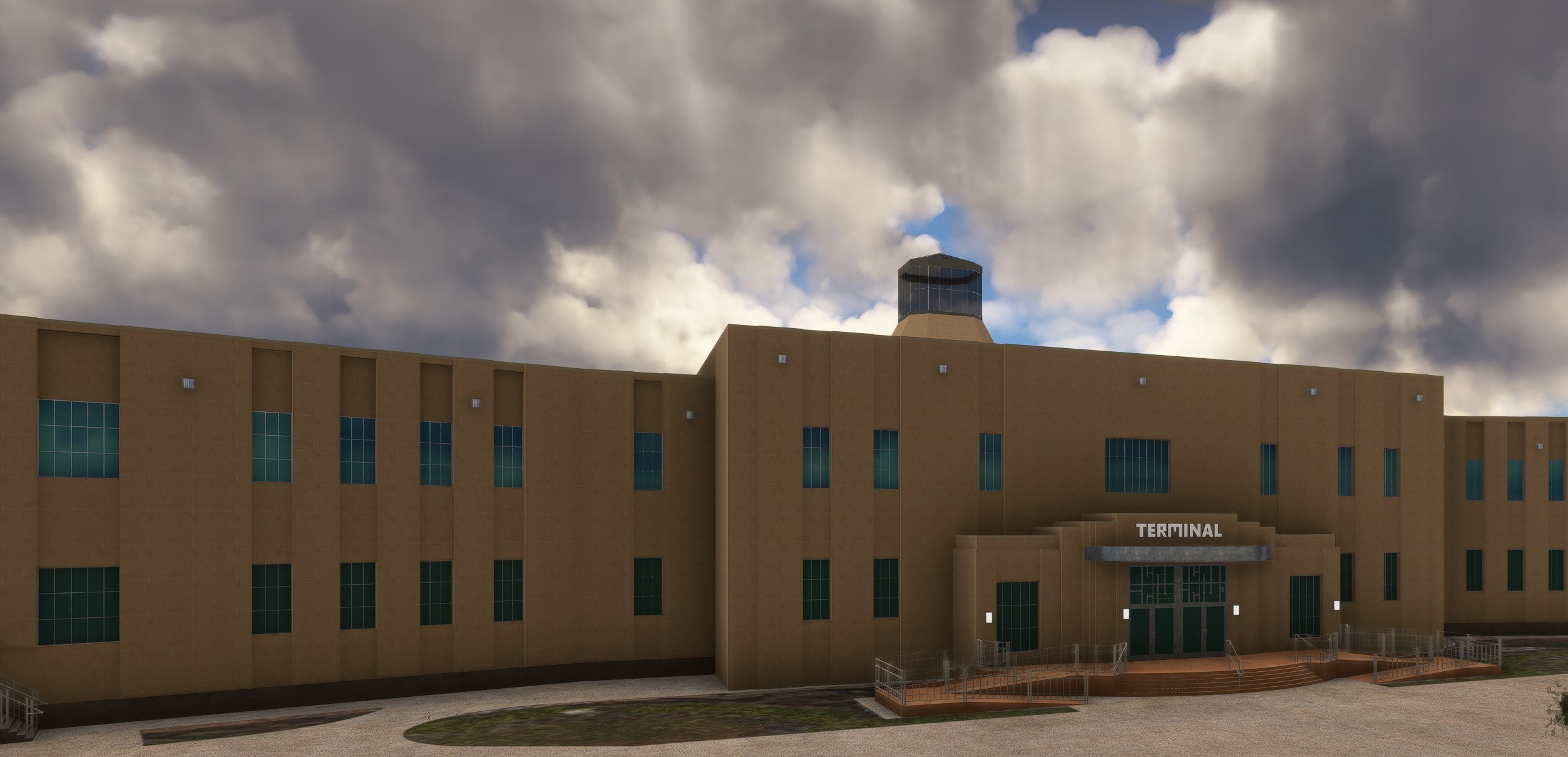
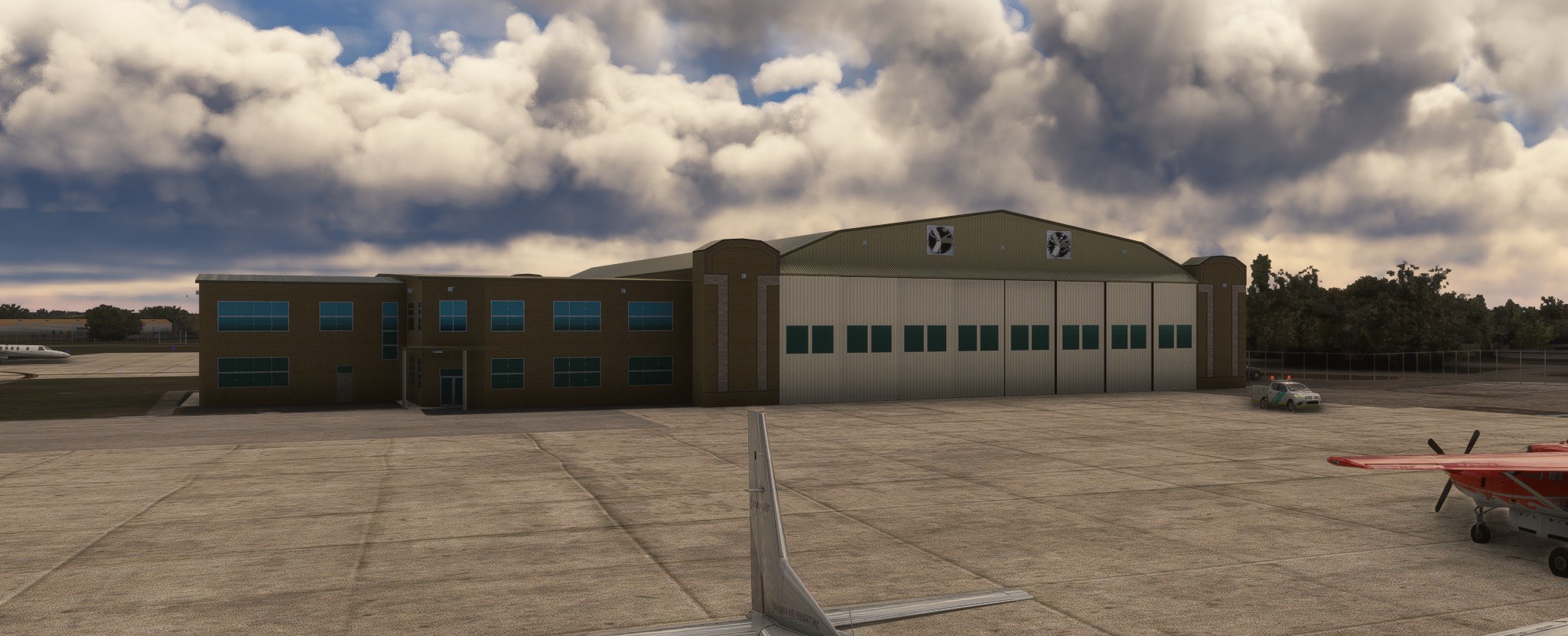
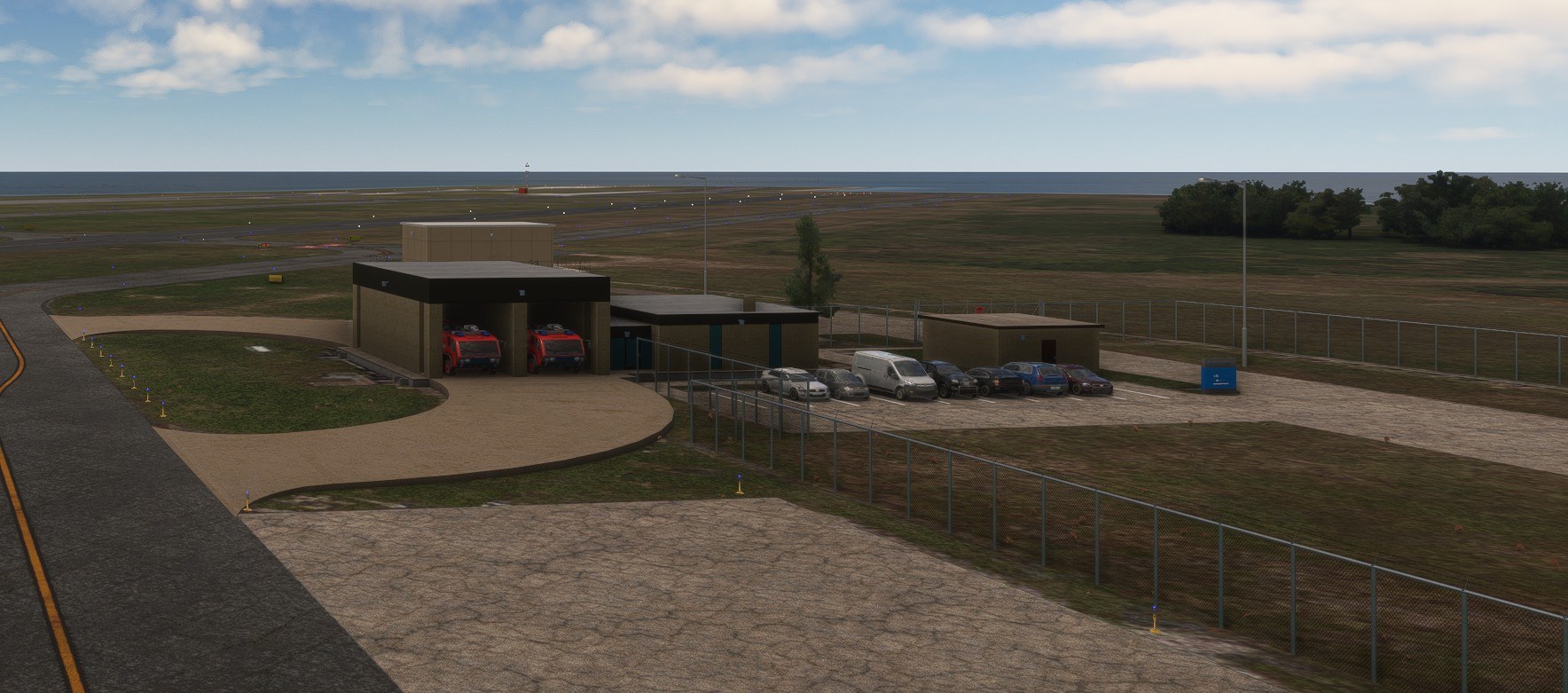
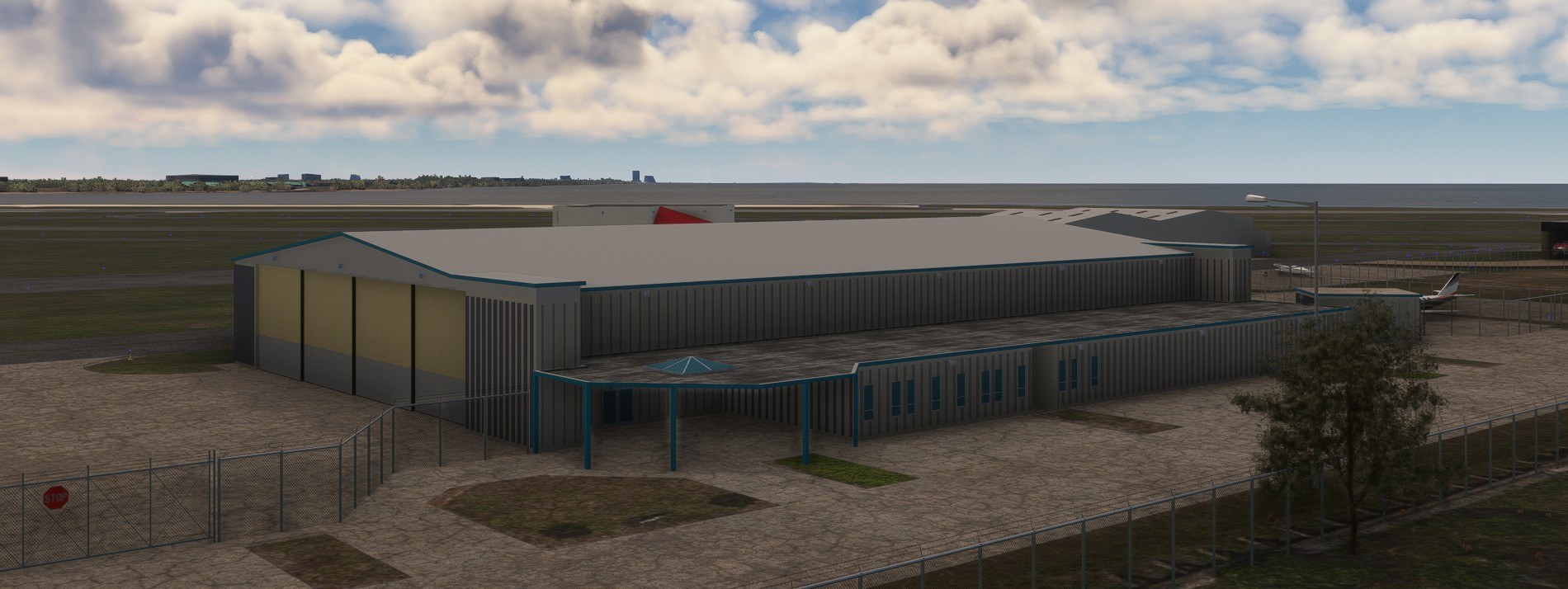
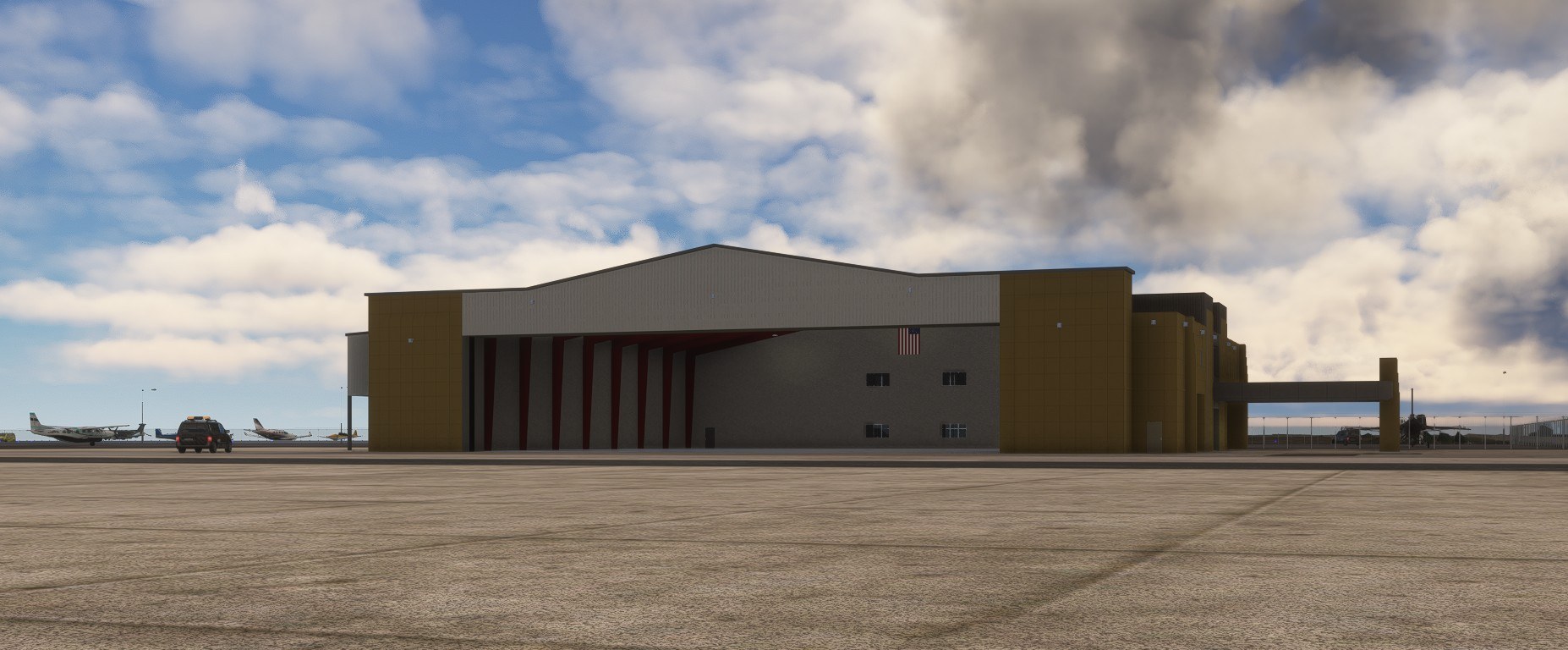
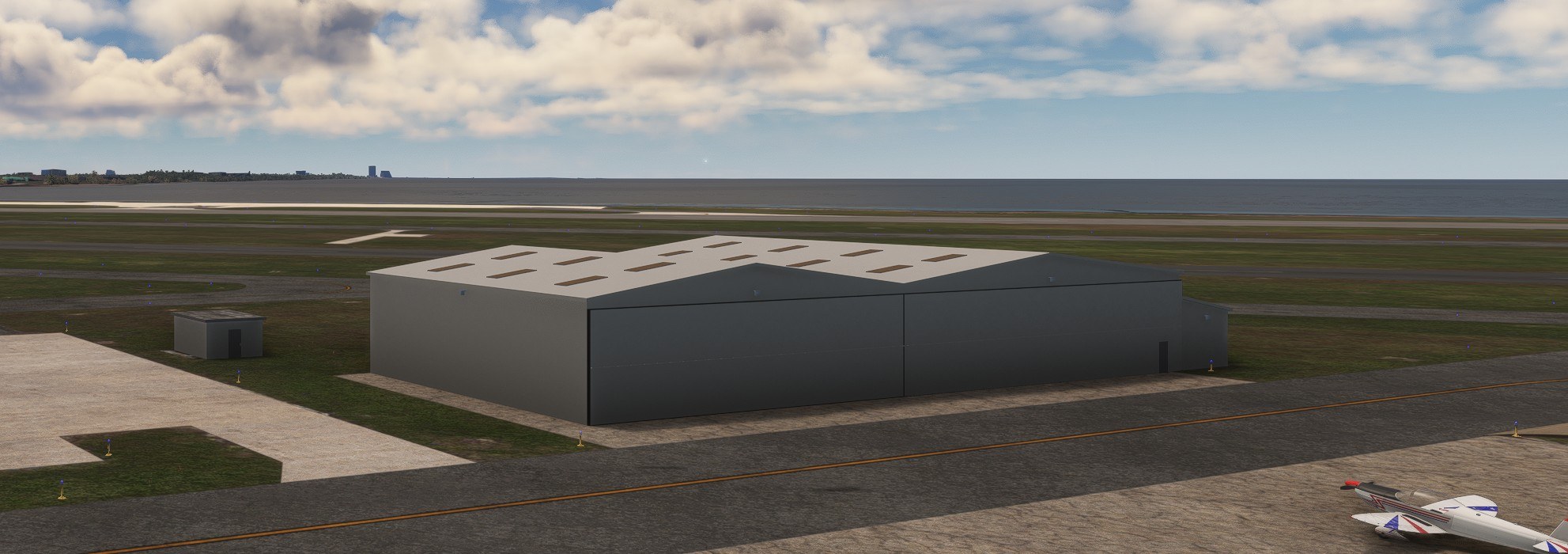
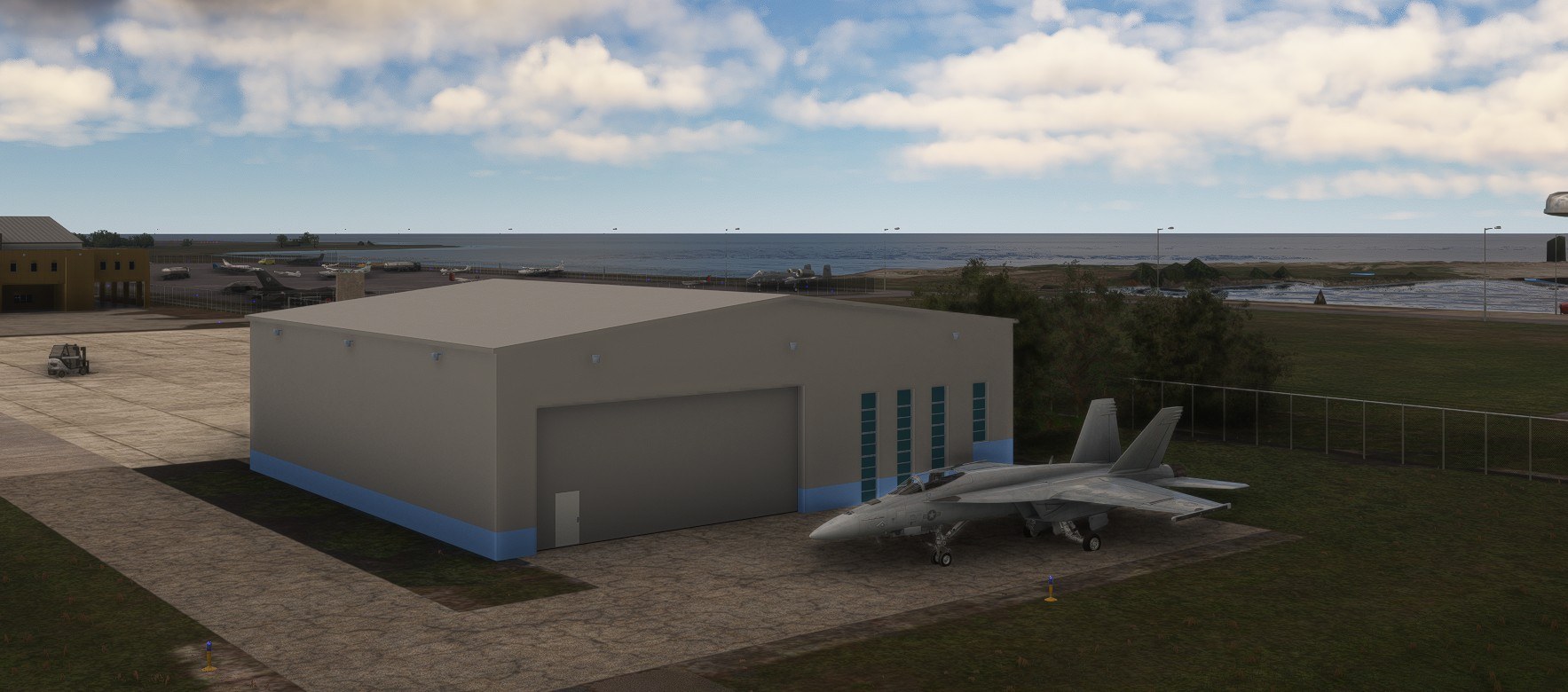
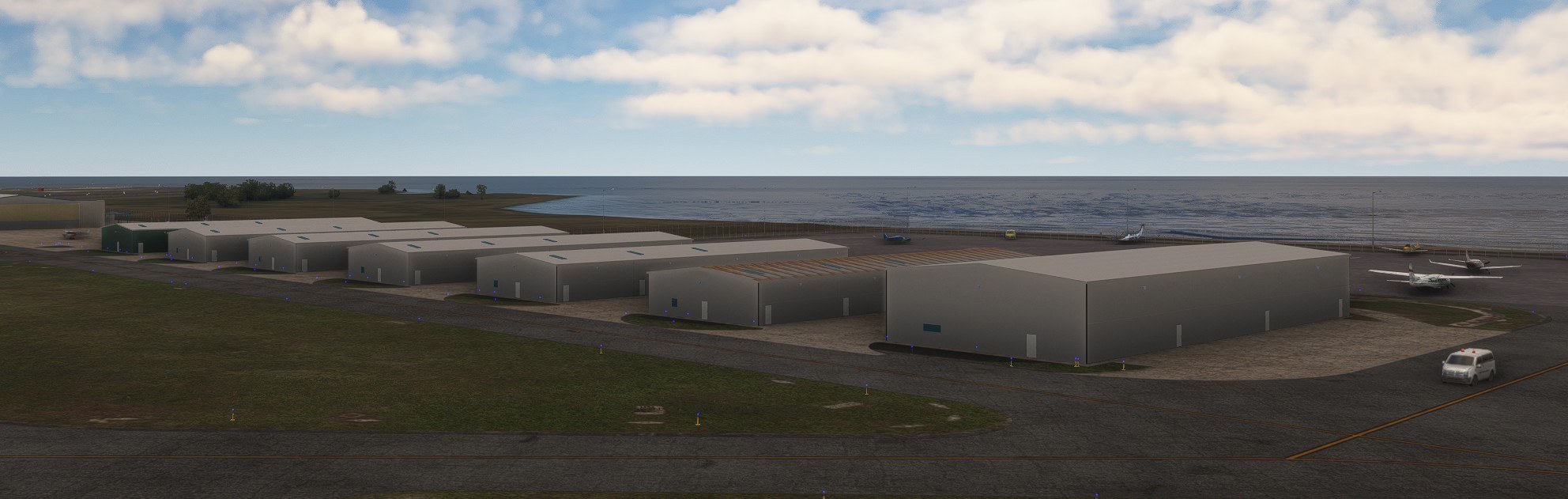

Could I get the hangar doors open after midnight? Yes: with the airport set outside the scheduled opening hours, I used the hide/unhide flight yoke control and watched them open. An odd control assignment, but I appreciate not having to change the clock. Taxiing up to the Signature hangar, I liked the red structural members and flag against the otherwise sparse interior. Enough detail to make parking there appealing without filling the floor with clutter. For the waterfront, I’d fetch both optional libraries: ESD Emerald Object Library supplies the marina palms, and Static Boats supplies the boats. KNEW works without them, but I’d want those additions around the marina.
James Daniels models New Orleans Lakefront Airport (KNEW) for Microsoft Flight Simulator 2020 and Microsoft Flight Simulator 2024, with handcrafted airport buildings, two hangars with animated doors, and scenery around South Shore Harbor Marina. The work extends beyond the airport boundary to nearby bridges; two optional object libraries support the marina detail.
Lakefront is a public airport in Orleans Parish, Louisiana, five miles (eight kilometers) northeast of downtown New Orleans. Its IATA and FAA identifiers are NEW. The 2011–2015 National Plan of Integrated Airport Systems categorized it as a general aviation reliever airport.
Most airport buildings have handcrafted models, with only a few small sheds excepted. The two open hangars have doors scheduled to open at 6AM and close at midnight local time. Outside those hours, the simulator’s hide/unhide flight yoke control lets you open and close them manually.
Daniels also modeled all buildings in South Shore Harbor Marina, with static boats. The surrounding road scenery includes two bridges on Stars and Stripes Blvd and Hayne Blvd, plus Senator Ted Hickey Bridge.
Extract the download and copy jd-airport-knew-new-orleans to your Community folder.
The scenery works without these optional libraries, but they provide additional marina objects:
Freeware - can not be used as part of any commercial product. If you wish to convert this scenery for use in other sims, you must get my permission first.
Free for all simmers · 135.82 MB · Scanned clean Nov 2026
Download speed: Free tier is capped at 2 Mbps (this file takes approximately 10 mins at the cap). PRO members download at full line speed.
Initial release.
%LOCALAPPDATA%\Packages\Microsoft.FlightSimulator_8wekyb3d8bbwe\LocalCache\Packages\Community\. Steam version: %APPDATA%\Microsoft Flight Simulator\Packages\Community\. Tip: enable Developer Mode in MSFS to see your exact Community folder path.readme.txt or README file. It tells you exactly where files go, what dependencies are needed, and any quirks specific to this add-on.Use these coordinates to fly directly to this location once the mod is installed.
30.04240000,-90.02830000
Paste these coordinates into the Microsoft Flight Simulator search bar when planning a flight, or into the Developer Mode Teleport window, to fly directly to this location.
My name is James. I started developing sceneries for FSX when i t was released, but never shared any with other users. I have been developing sceneries for MSFS 2020 since the release and make sure they are compatible with MSFS 2024.
Are you James Daniels? Sign in to Fly Away Creators for download stats, comment replies and updates. Make add-ons? Publish them here.
Only PRO members can place votes.
More MSFS add-ons hand-picked based on this download.
MSFS Scenery
This scenery package focuses on Naval Air Station Joint Reserve Base New Orle…
 MSFS Scenery
Elevate your flight simulation experience with the Orléans City Photogrammetr…
 MSFS Scenery
Benny's Flight Sim Stuff replaces the default E14 airport in Microsoft Flight…
 MSFS Scenery
A complete scenery mod featuring Simogu Airstrip (AYQM) in Papua New Guinea b…
 MSFS Scenery
A fun and exciting scenery mod bringing Owena Airstrip (AYWW) in Papua New Gu…
 MSFS Scenery
Bambui (BCP) is an exciting dirt strip in Papua New Guinea that is perched ri…
 MSFS Scenery
Another obscure airstrip in Papua New Guinea, Gema Airstrip (AYGM) by develop…
 MSFS Scenery
A fun and exciting scenery pack for MSFS featuring Aziana Airstrip (AYLA) in …
Be the first to leave a comment on this download.
Be the first to share your thoughts on this download.