

 FSX Civil Aircraft
Luxair Boeing 737-800 LX-LGT
Luxair Boeing 737-800, registratino LX-LGT. A repaint of the default B737-800…
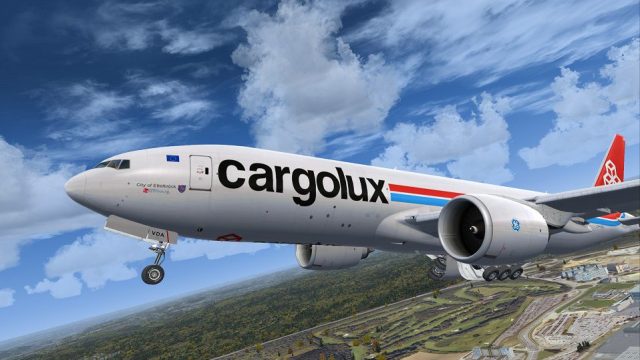
Cargolux Boeing 777-F LX-VDA brings a fictional yet convincing freighter look to the PMDG 777 with crisp airline titles, tail art, and nuanced shading tuned to the model’s windows, animations, and cargo areas. Built for Microsoft Flight Simulator X, it supplies textures only and requires the PMDG 777 package.
 Rate
Rate
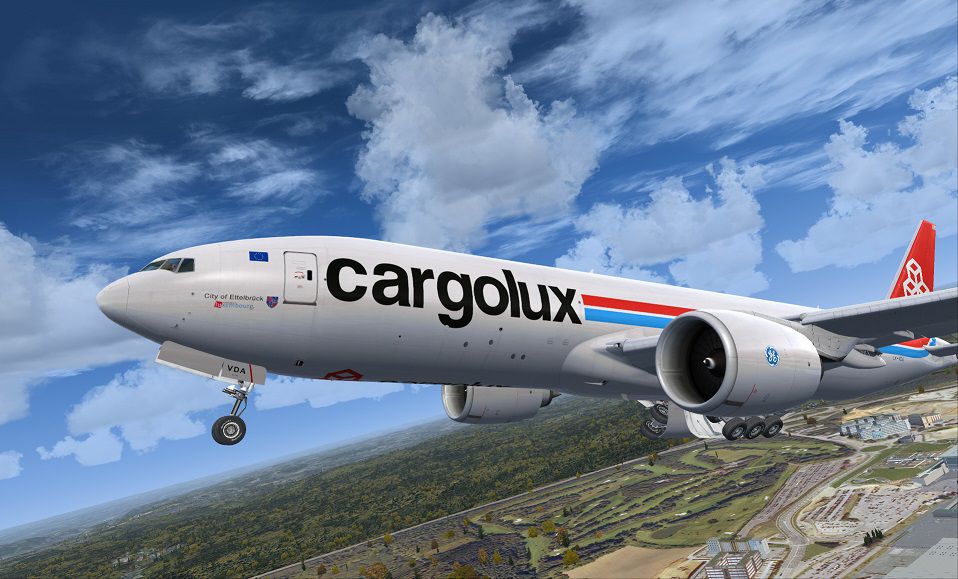
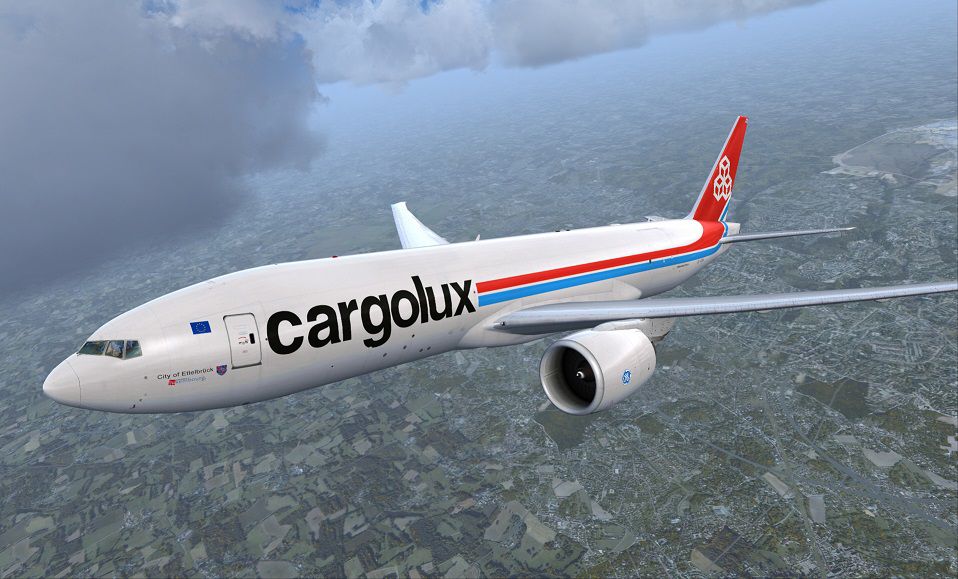

This extraordinary repaint showcases a fictional Cargolux Boeing 777-F, meticulously crafted for Microsoft Flight Simulator X users who own the payware PMDG 777 package. Developed by PMDG and featuring a vibrant texture set painted by Corina Meyer, this update merges the strong cargo heritage of Cargolux with the advanced characteristics of the 777 freighter model. Although Cargolux typically operates Boeing 747 freighters, this imaginative scheme offers a refreshing perspective on Luxembourg’s key cargo operator, highlighting unique details across the fuselage and empennage.
The Cargolux insignia and tail markings reflect a simulated extension of the airline’s real-world design philosophy. Even though this particular livery is fictional, it mirrors the essential elements of a genuine freighter aesthetic. Included are all the primary and secondary texture sets necessary for detailed external renders, ensuring a realistic portrayal of wear and shading across the aircraft’s large fuselage.
The Boeing 777 itself features a wide wingspan, advanced avionics, and a high-precision flight deck. This repaint aligns with PMDG’s intricate geometry for cockpit instrumentation, external animations, and transparent windows. As a cargo-focused adaptation, the livery is optimized to highlight loading bay areas and convey the robust capabilities of this twin-engine workhorse.
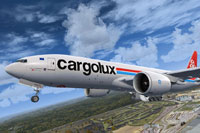
View of the Cargolux 777-F climbing out, highlighting the fictional livery details.
This livery package includes textures only and requires the separately sold PMDG 777 add-on. You must purchase the relevant payware model from a trusted vendor, such as SimShack, to ensure compatibility and full function within your flight simulator setup.
This streamlined procedure ensures that the newly added textures integrate smoothly with the advanced systems of the PMDG 777, delivering a high-fidelity cargo flying experience.
The entire livery is conceptualized and painted by Corina Meyer, showcasing a unique perspective on Cargolux’s branding. Although it presents a fictional scenario for the Boeing 777-F, the scheme is designed to complement the operational feel of one of Europe’s largest dedicated freight airlines. Enjoy the visual transformation while simulating cargo runs across diverse routes around the globe.
Free for all simmers · 15.24 MB · Scanned clean Oct 2026
Download speed: Free tier is capped at 0.5 Mbps (this file takes approximately 4 mins at the cap). PRO members download at full line speed.
texture.{airline}) inside FSX\SimObjects\Airplanes\{base-aircraft}\.aircraft.cfg in Notepad. Add a new [fltsim.X] section per the readme.readme.txt or README file. It tells you exactly where files go, what dependencies are needed, and any quirks specific to this add-on.The archive pmdg777-f_cargolux.zip has 8 files and directories contained within it.
This list displays the first 500 files in the package. If the package has more, you will need to download it to view them.
| Filename/Directory | File Date | File Size |
|---|---|---|
| ReadMe_Install.txt | 10.14.13 | 1.02 kB |
| 1.gif | 10.14.13 | 8.60 kB |
| FS-46593.jpg | 10.14.13 | 188.51 kB |
| FS-46595.jpg | 10.14.13 | 192.47 kB |
| FS-46602.jpg | 10.14.13 | 71.56 kB |
| PMDG777-F Cargolux.ptp | 10.14.13 | 14.79 MB |
| flyawaysimulation.txt | 10.29.13 | 959 B |
| Go to Fly Away Simulation.url | 01.22.16 | 52 B |
Only PRO members can place votes.
More FSX & P3D add-ons hand-picked based on this download.
FSX Civil Aircraft
Luxair Boeing 737-800, registratino LX-LGT. A repaint of the default B737-800…
 FSX Civil Aircraft
Luxair Boeing 737-800, registration LX-LGU (Planes Sticker). A repaint for th…
 FSX Civil Aircraft
This repaint provides the Boeing Experimental N771F livery for the payware PM…
 FSX Civil Aircraft
A huge mega-pack bringing the Boeing 777-200 with a complete model, many repa…
 FSX Civil Aircraft
This package offers a detailed simulation of an Emirates Boeing 777-300ER (re…
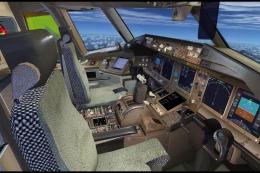 FSX Civil Aircraft
UPS Boeing 777-200 Freighter. A repaint of the Project Open Sky B777-200 frei…
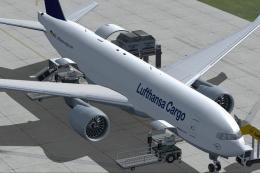 FSX Civil Aircraft
Complete package of the Project Open Sky B777-200LRF as a representation of L…
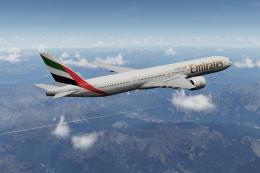 FSX Civil Aircraft
A fully complete and highly detailed freeware "mega pack" release featuring t…
Be the first to leave a comment on this download.
Be the first to share your thoughts on this download.