

 FSX Civil Aircraft
Air Canada Jetz Bombardier XRS
Textures for the Iris Simulations Bombardier Global Express depicting fiction…
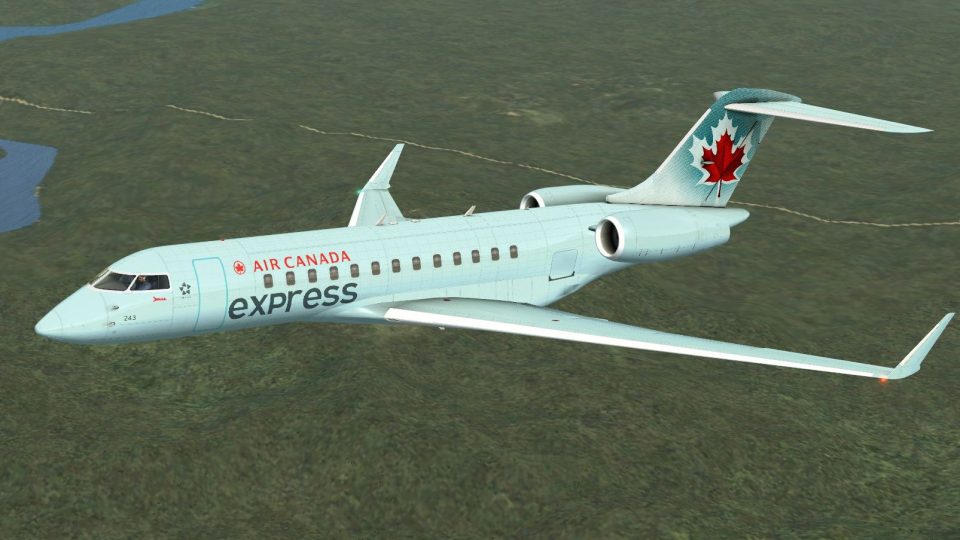
Air Canada Express (fictional) livery textures refresh the IRIS Simulations free Bombardier Global Express XRS with clean markings and a believable regional-jet presentation, including tailored registration and airline entries for the sim menu. Designed for FSX, it requires the IRIS Global Express base aircraft and focuses on exterior repaint fidelity.
 Rate
Rate
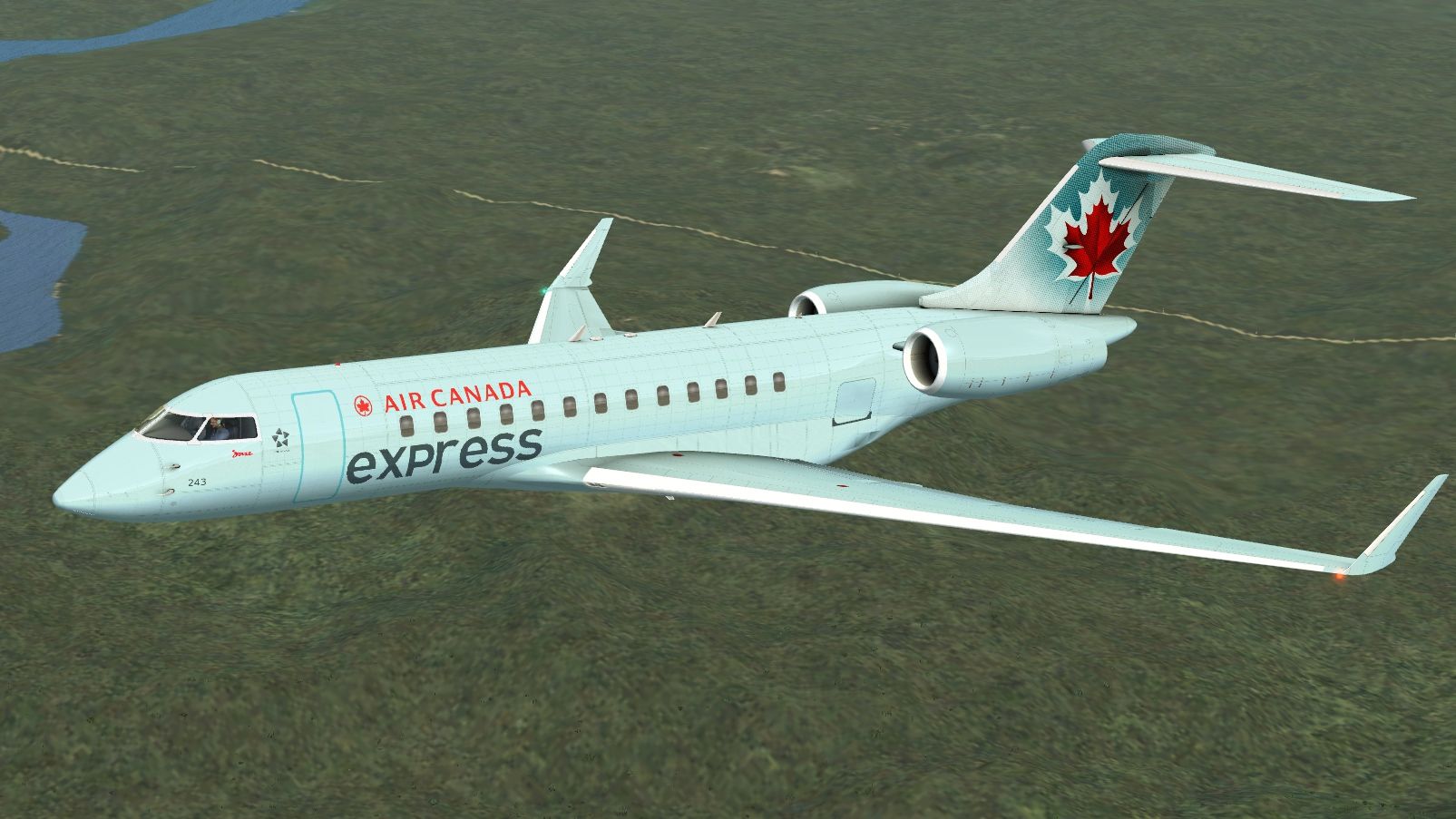
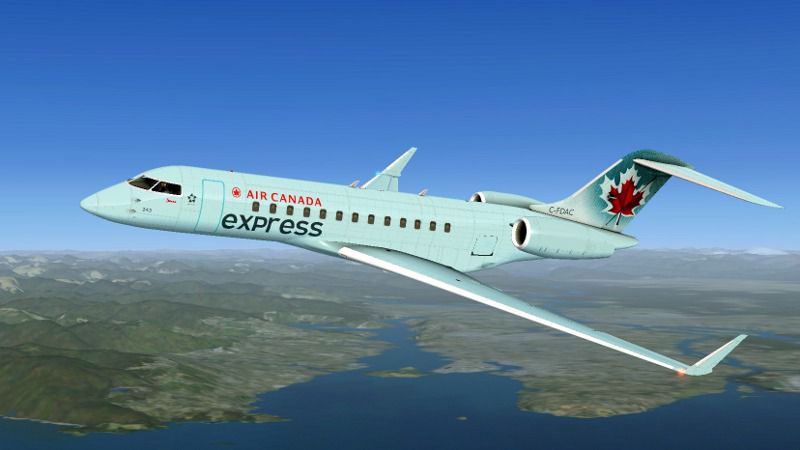
Textures only for the Iris Simulations free Global XRS depicting Air Canada Express (fictional). By Peter Brown.
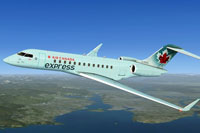
Screenshot of Air Canada Express XRS in flight.
Installation:
I find it looks best with "advanced sensors" removed.
[fltsim.x]

title=GEX_FSX ACAexpress

sim=GEX_FSX

model=

panel=

sound=

texture=ACAexpress

kb_checklists=

kb_reference=

atc_id=502

atc_parking_types=GATE,RAMP

atc_airline=Orbit

ui_manufacturer="Bombardier"

ui_type="Global Express"

ui_variation="Air Canada Express"

ui_typerole="Regional Jet"

ui_createdby="IRIS Flight Simulation Software"

description=""
Free for all simmers · 4.83 MB · Scanned clean Oct 2026
Download speed: Free tier is capped at 0.5 Mbps (this file takes approximately 1 min at the cap). PRO members download at full line speed.
texture.{airline}) inside FSX\SimObjects\Airplanes\{base-aircraft}\.aircraft.cfg in Notepad. Add a new [fltsim.X] section per the readme.readme.txt or README file. It tells you exactly where files go, what dependencies are needed, and any quirks specific to this add-on.The archive acaex.zip has 11 files and directories contained within it.
This list displays the first 500 files in the package. If the package has more, you will need to download it to view them.
| Filename/Directory | File Date | File Size |
|---|---|---|
| GEX_FUS_T.dds | 04.07.13 | 16.00 MB |
| GEX_LW_T.dds | 04.07.13 | 4.00 MB |
| GEX_RW_T.dds | 04.07.13 | 4.00 MB |
| texture.cfg | 03.30.13 | 180 B |
| thumbnail.jpg | 04.07.13 | 10.82 kB |
| 2013-4-7_17-5-15-447.jpg | 04.07.13 | 62.11 kB |
| 2013-4-7_14-23-38-88.jpg | 04.07.13 | 647.43 kB |
| gif.gif | 04.07.13 | 7.28 kB |
| readme.txt | 04.07.13 | 845 B |
| flyawaysimulation.txt | 10.29.13 | 959 B |
| Go to Fly Away Simulation.url | 01.22.16 | 52 B |
Only PRO members can place votes.
More FSX & P3D add-ons hand-picked based on this download.
FSX Civil Aircraft
Textures for the Iris Simulations Bombardier Global Express depicting fiction…
 FSX Civil Aircraft
Bombardier Global Express XRS - FSX native model. The Global Express is a gro…
 FSX Civil Aircraft
Air Canada Express flies the Embraer 175 operated by Sky Regional Airlines. T…
 FSX Civil Aircraft
FSX Air India Express Boeing 737-800. Includes all 19 special liveries for Ai…
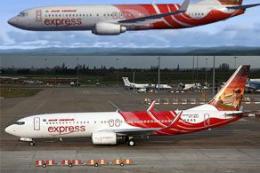 FSX Civil Aircraft
or the default 737-800. Tex Connolly.
 FSX Civil Aircraft
FSX Air India Express Boeing 737-8Q8, registration VT-AXG. Photoreal repaint,…
 FSX Civil Aircraft
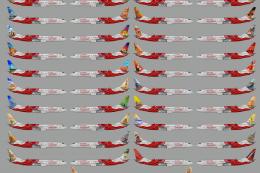
Repaint of Erez the Werber FAIB B737-800 in Air India Express color scheme (f…
 FSX Civil Aircraft
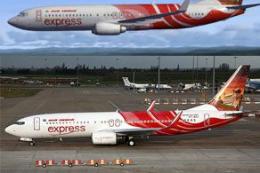
Textures only for the default B737-800. Screenshot of Air India Express Boein…
Be the first to leave a comment on this download.
Be the first to share your thoughts on this download.