

 FSX Civil Aircraft
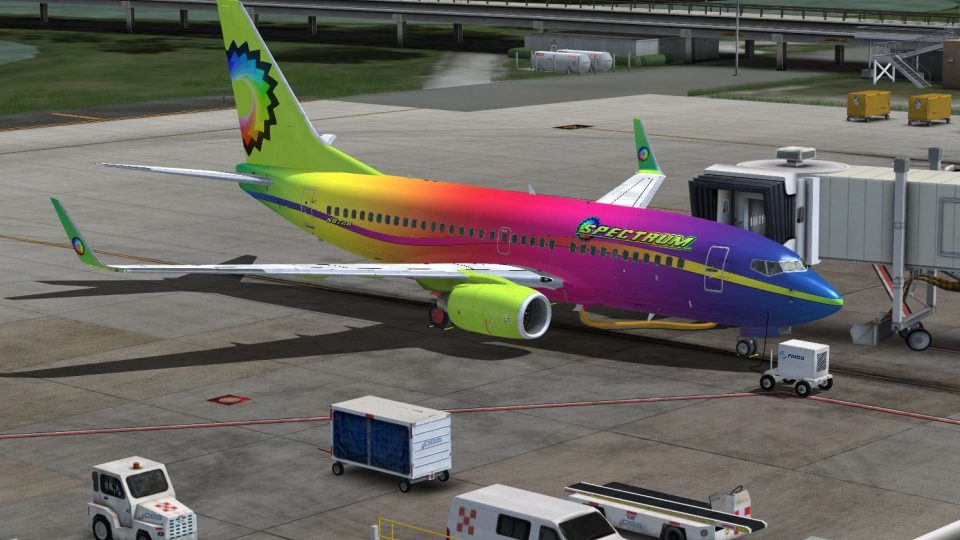
Spectrum Boeing 737-600 N2387
A bright and colorful fictional paint for the payware PMDG NGX B737-600. Maki…
Spectrum Air’s fictional Boeing 737-700 livery brings a bold, high-saturation scheme to the ramp, pairing clean registration N8724 markings with a vivid, modern airline identity for screenshots and route flying. Designed for Microsoft Flight Simulator and requires the PMDG 737-700NGX WL, it complements the aircraft’s exterior details and virtual cockpit immersion.
 Rate
Rate
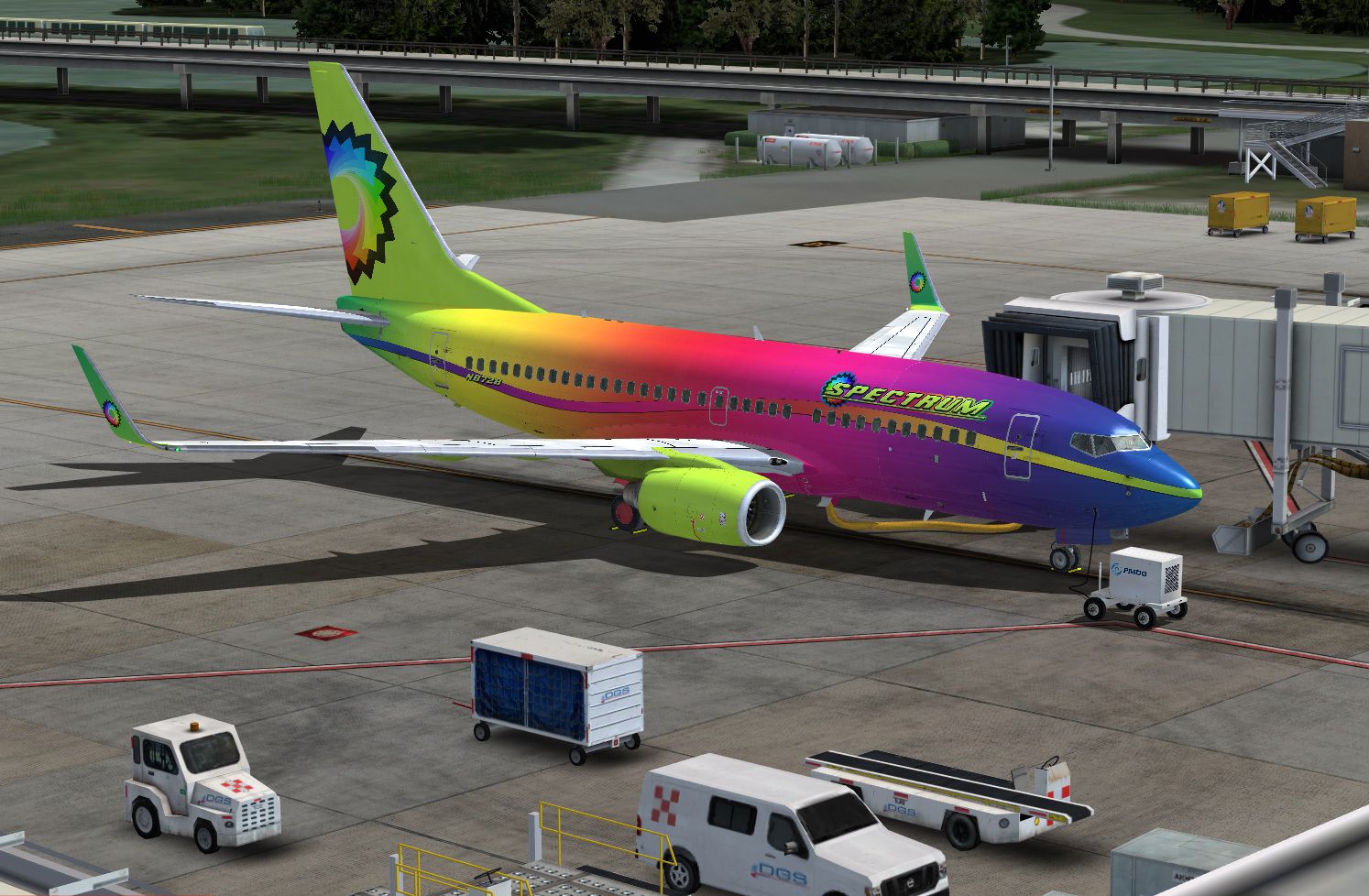
Here is a fictional airline for the payware PMDG B737-700. Bringing color to the skies with Spectrum air. By Nicole Webb.
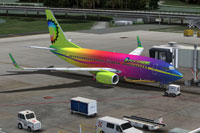
Screenshot of a brightly colored Boeing 737-700 on the ground.
To install, just copy and paste the texture.spectrum folder into your PMDG 737-700NGX WL directory, and then add the following lines into the aircraft .cfg file. Replace XX in the [fltsim.xx] with the next number in your livery sequence.
[fltsim.XX]

title=Boeing 737-700NGX Spectrum

sim=B737-700WL

model=

panel=

sound=

texture=spectrum

kb_checklists=Boeing737-700_check

kb_reference=Boeing737-700_ref

atc_airline=PMDG

atc_id=N8724

atc_flight_number=737

atc_model=737-700

atc_parking_types=GATE,RAMP

atc_type=BOEING

ui_createdby=PMDG

ui_manufacturer=Boeing

ui_type=737-700NGX

ui_typerole=737-700

ui_variation=Spectrum

airline_name=Spectrum

description=Boeing 737-700 powered by CFM engines v 1.0\nPMDG Simulations\n\n\nProduced under license from Boeing Management Company.\n\nBoeing 737, 737-700 & Boeing are among the trademarks owned by Boeing.

visual_damage=0
Free for all simmers · 18.71 MB · Scanned clean Oct 2026
Download speed: Free tier is capped at 0.5 Mbps (this file takes approximately 5 mins at the cap). PRO members download at full line speed.
texture.{airline}) inside FSX\SimObjects\Airplanes\{base-aircraft}\.aircraft.cfg in Notepad. Add a new [fltsim.X] section per the readme.readme.txt or README file. It tells you exactly where files go, what dependencies are needed, and any quirks specific to this add-on.The archive pmdg_737-700_spectrum.zip has 17 files and directories contained within it.
This list displays the first 500 files in the package. If the package has more, you will need to download it to view them.
| Filename/Directory | File Date | File Size |
|---|---|---|
| equipment_decal.dds | 04.14.11 | 32.12 kB |
| pmdg_737NGX_fuselage_1.dds | 06.22.14 | 16.00 MB |
| pmdg_737NGX_fuselage_1_night2.dds | 06.22.14 | 4.00 MB |
| pmdg_737NGX_fuselage_2.dds | 06.22.14 | 16.00 MB |
| pmdg_737NGX_fuselage_2_night2.dds | 06.22.14 | 4.00 MB |
| pmdg_737NGX_fuselage_3.dds | 06.22.14 | 16.00 MB |
| pmdg_737NGX_tail.dds | 06.22.14 | 16.00 MB |
| pmdg_737NGX_wingletnight.dds | 06.22.14 | 4.00 MB |
| pmdg_737NGX_wings.dds | 06.22.14 | 16.00 MB |
| pmdg_737NGX_wings_night.dds | 12.30.10 | 4.00 MB |
| PMDG_NGX_VC_N_Number.dds | 06.22.14 | 32.12 kB |
| texture.cfg | 06.01.12 | 237 B |
| thumbnail.jpg | 06.22.14 | 464.65 kB |
| Install.txt | 06.22.14 | 1.07 kB |
| spectrum.jpg | 06.22.14 | 464.25 kB |
| flyawaysimulation.txt | 10.29.13 | 959 B |
| Go to Fly Away Simulation.url | 01.22.16 | 52 B |
Only PRO members can place votes.
More FSX & P3D add-ons hand-picked based on this download.
FSX Civil Aircraft
A bright and colorful fictional paint for the payware PMDG NGX B737-600. Maki…
 FSX Civil Aircraft
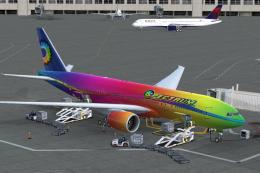
This is a fictional paint for the payware PMDG 777. Textures only. By Nicole …
 FSX Civil Aircraft
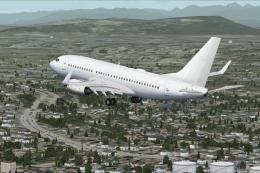
Boeing 737-700 base package - white. A B737-700 base package, white livery, d…
 FSX Civil Aircraft
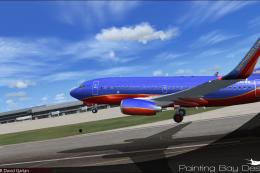
FSX Southwest Airlines Boeing 737-700, registration N240WN (new colors). Mode…
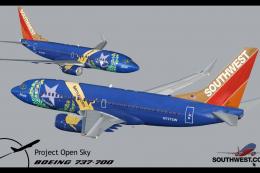 FSX Civil Aircraft
Includes several liveries, "Canyon Blue", "Maryland One", "Nevada One", "Sham…
 FSX Civil Aircraft
Immerse yourself in a detailed simulation of the Boeing 737-700 wearing the d…
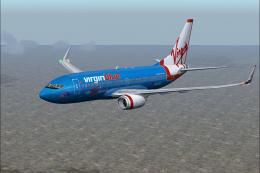 FSX Civil Aircraft
FSX Virgin Blue Boeing 737-700 in standard and 50th anniversary livery. Model…
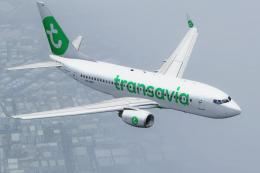 FSX Civil Aircraft
This is the new 2015 livery of Transavia. At the end of 2015 Transavia will s…
Be the first to leave a comment on this download.
Be the first to share your thoughts on this download.