

 FSX Civil Aircraft
AeroLogic Boeing 777-FNT
This complimentary AeroLogic paint set brings the Boeing 777-FNT cargo varian…
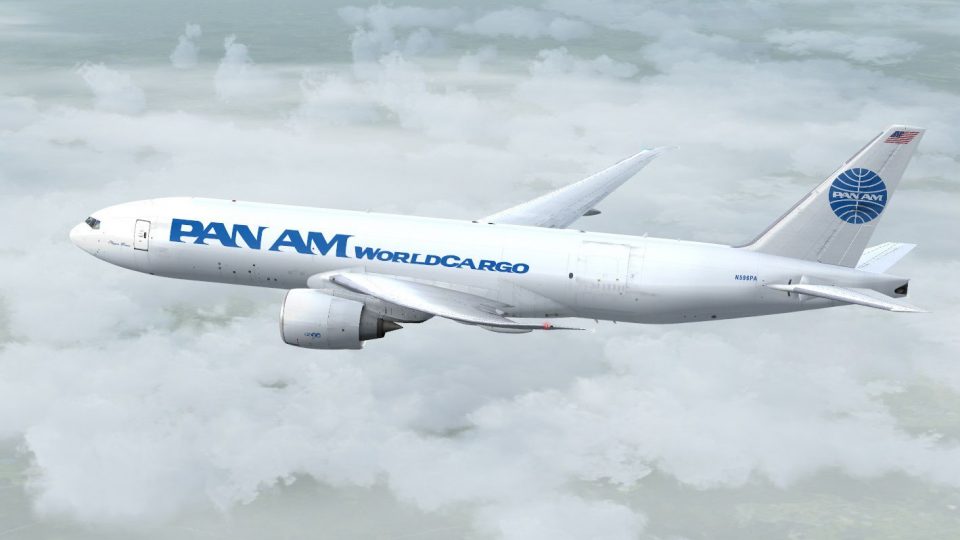
Pan Am Worldcargo-inspired textures dress the PMDG 777 Freighter as the fictional Boeing 777-FNT N596PA, pairing retro branding with a modern long-haul cargo look and crisp external detail. Built for Microsoft Flight Simulator X, the repaint delivers an efficient texture-only package and requires the payware PMDG 777-F model.
 Rate
Rate
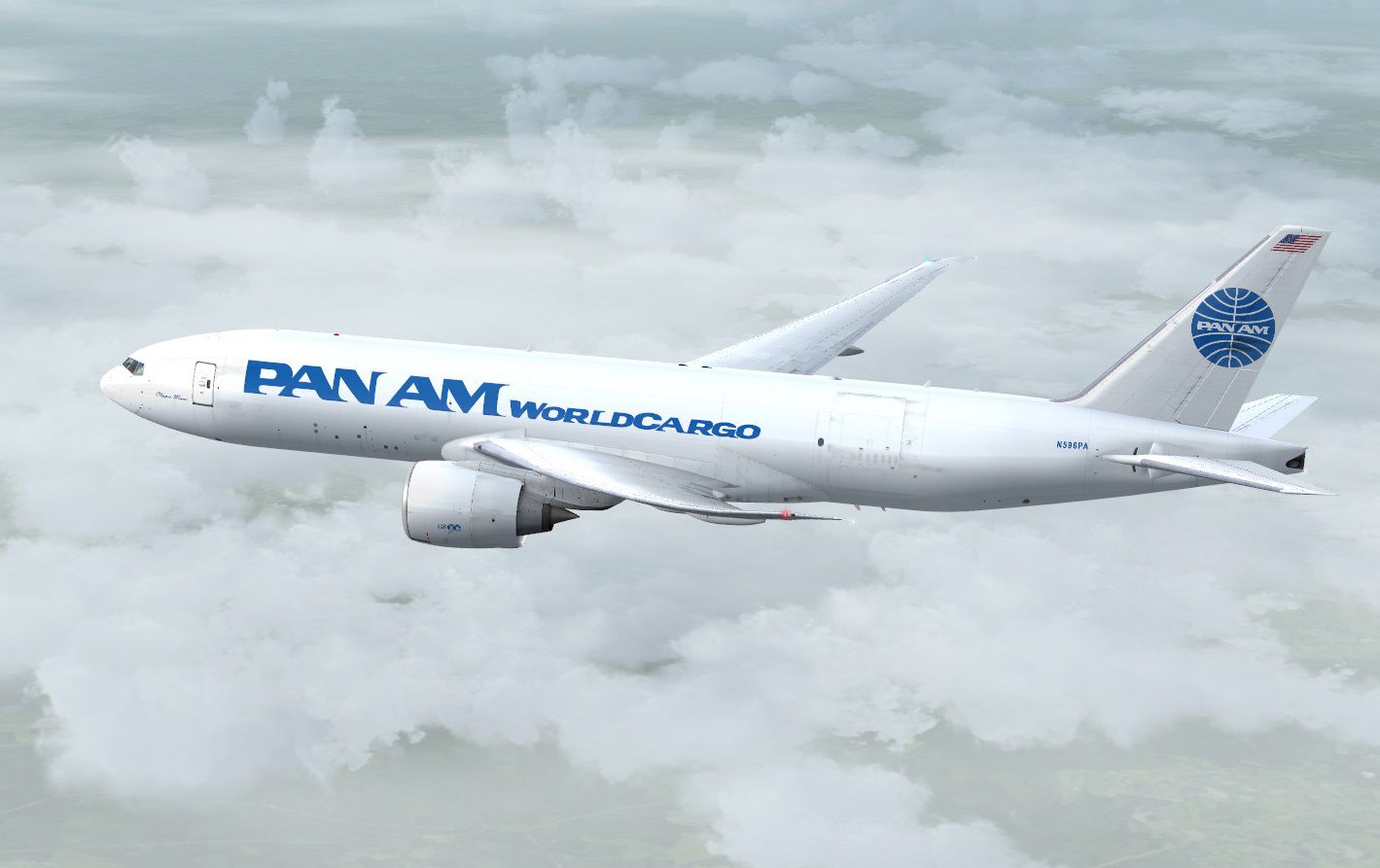
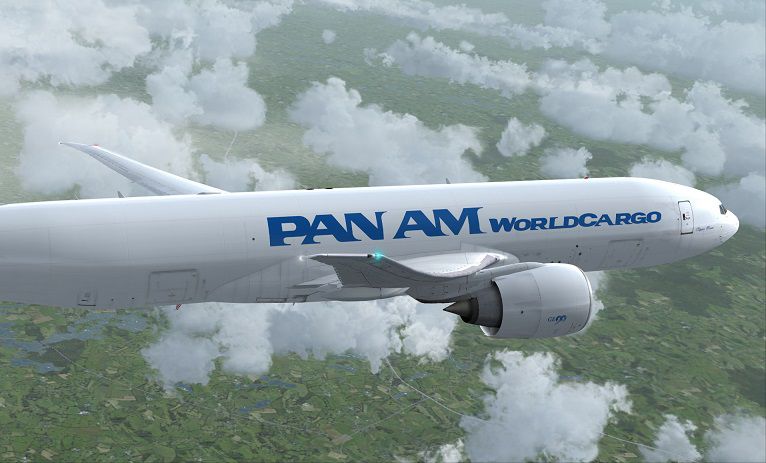
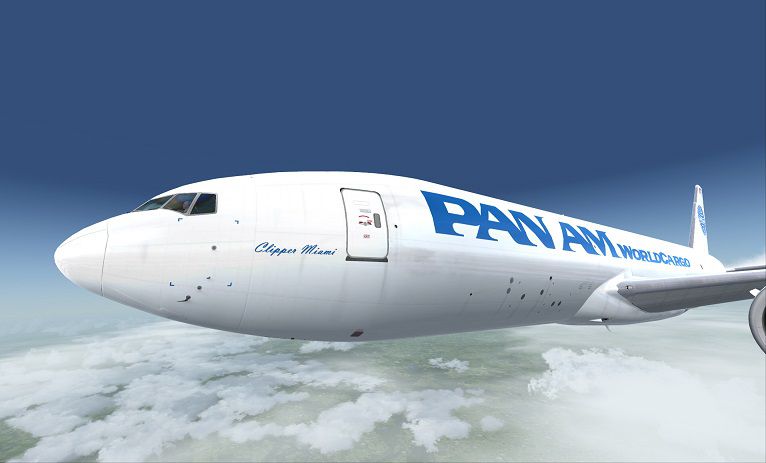
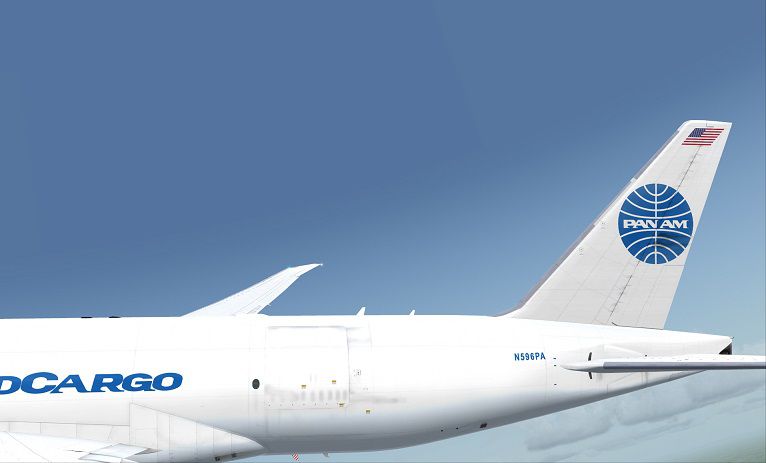
Experience Pan Am’s nostalgic legacy in a fictional cargo capacity through this meticulously detailed adaptation for the PMDG 777-F widebody. Created by Corina Meyer, this repaint blends the classic aesthetic of Pan Am Worldcargo with modern Boeing technology. It is designed for use in Microsoft Flight Simulator X or Prepar3D (PMDG 777-F payware model required, available for separate purchase from sources like SimShack). The original file includes only the customized textures you see here, ensuring a lightweight and efficient download.
Pan American World Airways symbolized global travel for decades. This entirely fictional livery extends that heritage to a dedicated freighter variant of the 777, designated as the Boeing 777-FNT N596PA. Although Pan Am never operated the 777, this repaint celebrates the airline’s historical significance in a contemporary cargo environment. You will notice a sleek fuselage design and carefully placed branding elements that evoke the classic feel of the Pan Am name.
The Boeing 777-F is prized in the industry for its range and efficiency. Its roomy cargo decks carry significantly high payloads, enabling transcontinental or intercontinental routes in any virtual flight plan. Within the cockpit, modern avionics and efficient engines make extended operations smoother. This repaint allows you to admire Pan Am’s visual identity on a platform that supports realistic long-haul cargo missions.
The following procedure ensures everything is integrated seamlessly:
An in-flight glimpse of this Pan Am Cargo Boeing 777-FNT repaint.
This repaint has been carefully developed to match the aesthetics of Pan Am Cargo while fitting the PMDG 777-F’s geometry. If you encounter any texture misalignments or inconsistencies, the author appreciates user feedback. Please remember that this livery does not represent a real-world aircraft, but it honors the iconic airline’s spirit.
All necessary caution was taken during creation, and no liability is assumed for any potential system impact from using these textures. Always ensure you maintain safe backup practices. Have fun flying this vintage-inspired cargo jet across international routes!
Free for all simmers · 16.5 MB · Scanned clean Oct 2026
Download speed: Free tier is capped at 0.5 Mbps (this file takes approximately 5 mins at the cap). PRO members download at full line speed.
texture.{airline}) inside FSX\SimObjects\Airplanes\{base-aircraft}\.aircraft.cfg in Notepad. Add a new [fltsim.X] section per the readme.readme.txt or README file. It tells you exactly where files go, what dependencies are needed, and any quirks specific to this add-on.The archive pmdg777-fnt_panam_cargo_n596pa.zip has 9 files and directories contained within it.
This list displays the first 500 files in the package. If the package has more, you will need to download it to view them.
| Filename/Directory | File Date | File Size |
|---|---|---|
| PMDG777-FNT PanAm Cargo N596PA.gif | 06.22.14 | 6.67 kB |
| PMDG777-FNT PanAm Cargo N596PA.ptp | 06.22.14 | 16.12 MB |
| ReadMe_Install.txt | 06.22.14 | 1.04 kB |
| PMDG777-FNT PanAm Cargo N596PA (1).jpg | 06.22.14 | 174.43 kB |
| PMDG777-FNT PanAm Cargo N596PA (2).jpg | 06.22.14 | 65.10 kB |
| PMDG777-FNT PanAm Cargo N596PA (3).jpg | 06.22.14 | 107.23 kB |
| PMDG777-FNT PanAm Cargo N596PA (4).jpg | 06.22.14 | 47.71 kB |
| flyawaysimulation.txt | 10.29.13 | 959 B |
| Go to Fly Away Simulation.url | 01.22.16 | 52 B |
Only PRO members can place votes.
More FSX & P3D add-ons hand-picked based on this download.
FSX Civil Aircraft
This complimentary AeroLogic paint set brings the Boeing 777-FNT cargo varian…
 FSX Civil Aircraft
Pan Am possible re-launch colors for the payware PMDG B777-300 add-on. Based …
 FSX Civil Aircraft
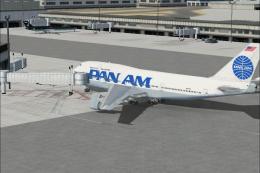
Pan Am Boeing 747-400. Pan American textures only for the default B747-400. R…
 FSX Civil Aircraft
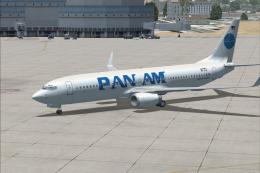
FSX Pan Am Boeing 737-800 Pan American textures only for the default B737-800…
 FSX Civil Aircraft
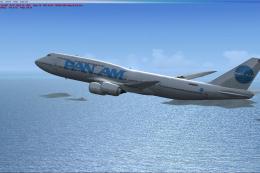
Pan American B747-8i textures for the payware PMDG model. By Domino Kotchqhar…
 FSX Civil Aircraft
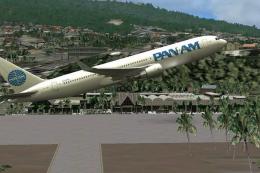
Textures only for the payware Captain Sim B767-300. Repaint by Marc Chaix. Sc…
 FSX Civil Aircraft
Experience a detailed recreation of Pan American World Airways’ Airbus A310-3…
 FSX Civil Aircraft
This custom livery adds the historic Pan American “Clipper Flying Eagle” desi…
Be the first to leave a comment on this download.
Be the first to share your thoughts on this download.