

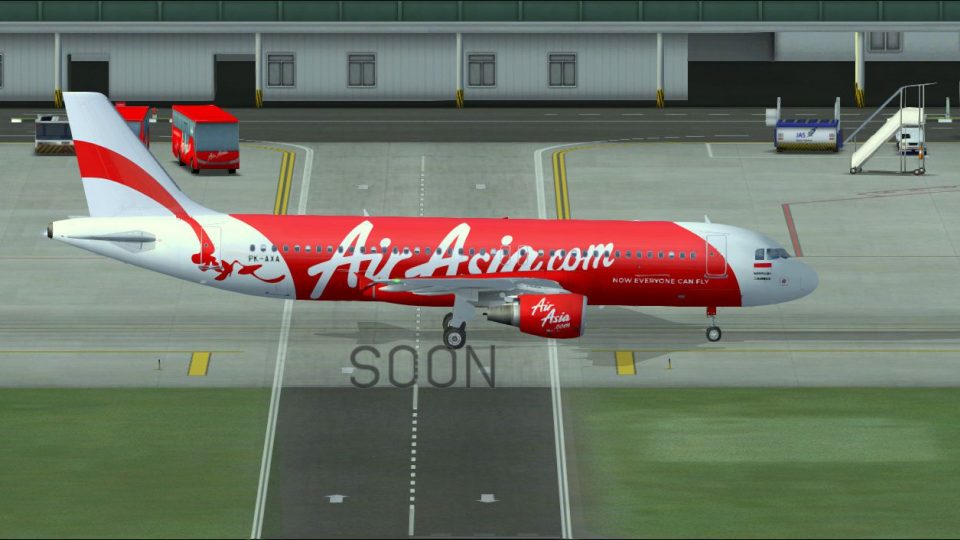
 FSX Civil Aircraft
Indonesia Air Asia Airbus A320-200 PK-AXA #2
Elevate your virtual cockpit sessions with a vivid Indonesia Air Asia repaint…
Indonesia AirAsia Airbus A320-200 PK-AXA livery brings the carrier’s sharp red-and-white branding to the Project Airbus A320-214 CFM, with high-resolution markings and accurate registration placement for believable short-haul Southeast Asia operations. Designed for Microsoft Flight Simulator X, it requires the freeware Project Airbus base model.
 Rate
Rate
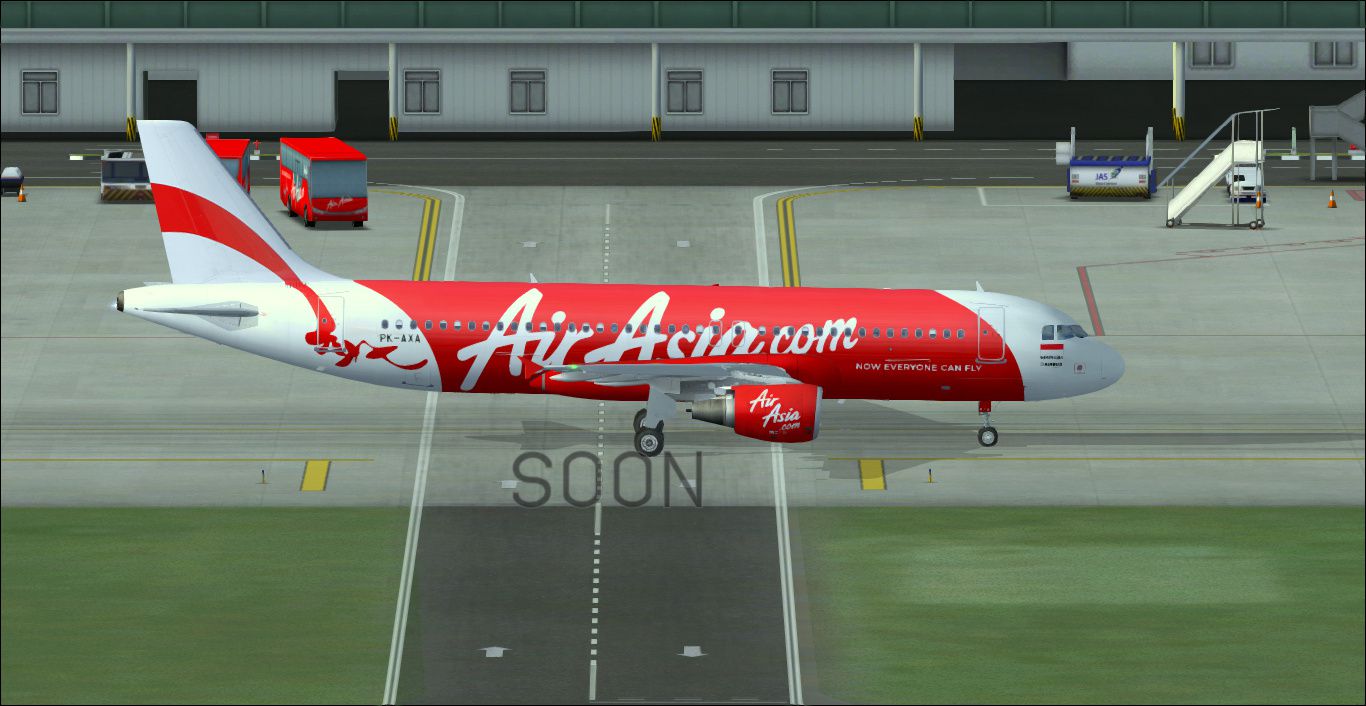

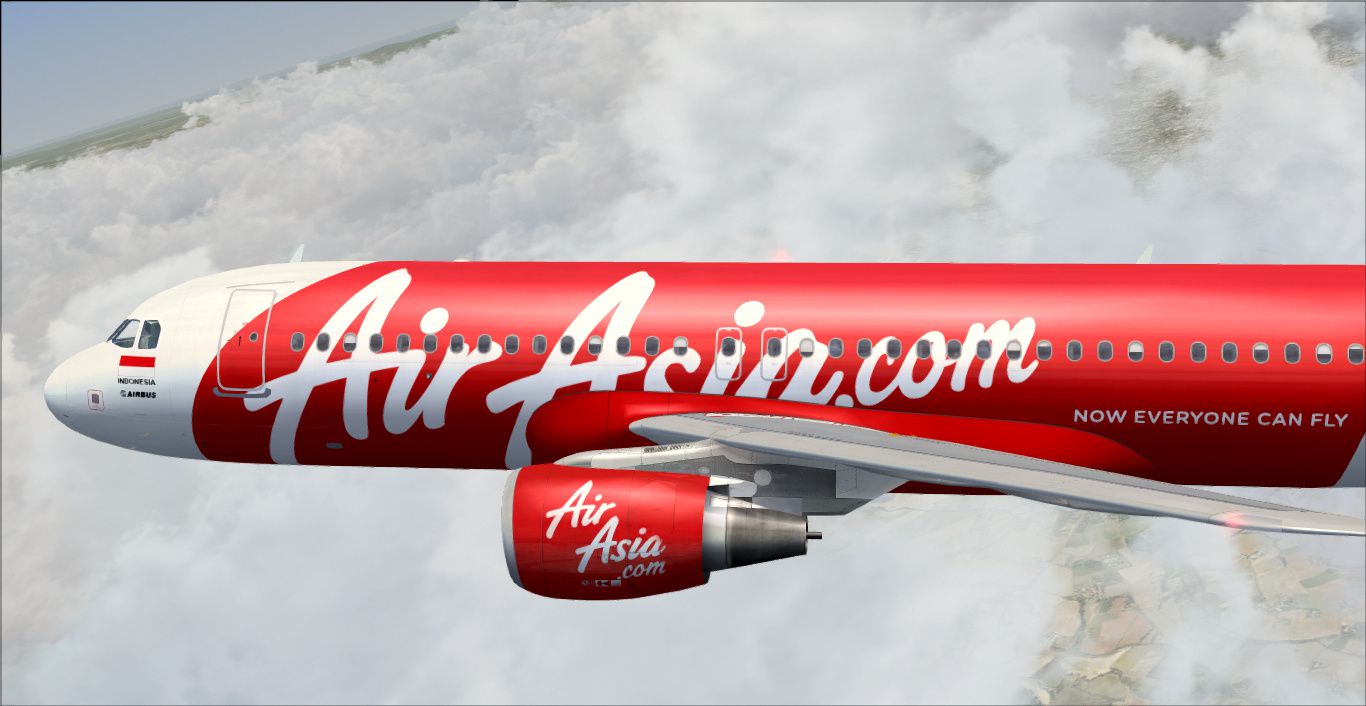
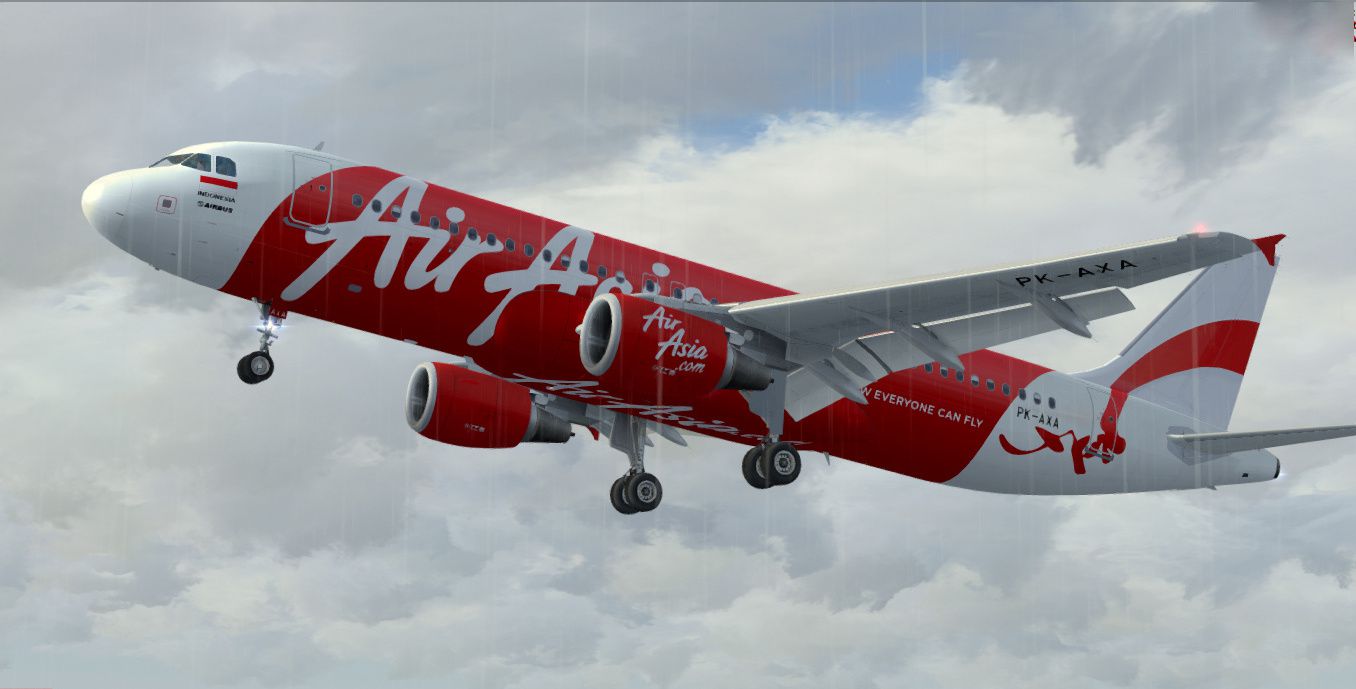
This repaint depicts the Indonesia AirAsia Airbus A320-200 registered as PK-AXA, specifically crafted for the freeware Project Airbus A320-214 CFM model. It showcases the airline’s modern red-and-white livery, which reflects the carrier’s commitment to short-haul connectivity across Southeast Asia. Developed by Febriant Leocesio // feleocsim, this texture set is released as freeware, ensuring easy integration into your existing installation of Microsoft Flight Simulator X or other supported simulation platforms. The base model is required and can be found within the Fly Away Simulation mod library.
This repaint highlights the aircraft’s sleek fuselage, with high-resolution textures that align with the real-world PK-AXA registration. The red tail and engines, combined with the white cabin section, match Indonesia AirAsia’s recognizable branding. Each emblem and title is positioned carefully for a visually accurate representation on the Project Airbus A320-214 CFM frame.
The Airbus A320 family is well-known for its single-aisle configuration and efficient CFM56 powerplants. These features make it highly versatile for low-cost carriers operating routes across Indonesia and neighboring countries. In actual service, airframes like PK-AXA frequently handle short to medium segments, delivering passengers between major hubs in the region.
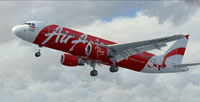
Screenshot of Indonesia AirAsia Airbus A320-200 departing the runway.
[fltsim.XX] to the proper sequential number for your setup.[fltsim.XX] title=Airbus A320-232 Indonesia Air Asia AXA sim=pa320-cfm56 model= panel= sound= texture=AXA kb_checklists= kb_reference= atc_id=PK-AXA atc_airline= atc_flight_number=232 atc_heavy=0 ui_manufacturer=Airbus ui_type=A320-200 ui_variation=Indonesia Air Asia AXA atc_parking_types=GATE atc_parking_codes=AWQ description=Project Airbus A320
This repaint is specifically intended for the Project Airbus A320-214 with CFM engines. Confirm that your flight simulator already houses the correct base model before adding these textures. The original Project Airbus package delivers a detailed exterior shape, authentic flight dynamics, and an accurate geometry for repaints, ensuring a realistic experience throughout your flights.
This liveries package is the work of Febriant Leocesio // feleocsim, who meticulously re-created the authentic markings. Additionally, credit goes to the entire Project Airbus team for developing and maintaining the foundational model geometry. Users interested in replicating real-world Indonesia AirAsia operations can now incorporate this PK-AXA skin seamlessly into their virtual fleet.
Free for all simmers · 9.87 MB · Scanned clean Oct 2026
Download speed: Free tier is capped at 0.5 Mbps (this file takes approximately 3 mins at the cap). PRO members download at full line speed.
texture.{airline}) inside FSX\SimObjects\Airplanes\{base-aircraft}\.aircraft.cfg in Notepad. Add a new [fltsim.X] section per the readme.readme.txt or README file. It tells you exactly where files go, what dependencies are needed, and any quirks specific to this add-on.The archive pa320indonesiaairasiaaxa.zip has 26 files and directories contained within it.
This list displays the first 500 files in the package. If the package has more, you will need to download it to view them.
| Filename/Directory | File Date | File Size |
|---|---|---|
| New folder (2) | 12.27.14 | 0 B |
| 1.jpg | 12.27.14 | 293.82 kB |
| 2.jpg | 12.27.14 | 245.49 kB |
| 3.jpg | 12.25.14 | 354.93 kB |
| README.txt | 12.27.14 | 883 B |
| texture.AXA | 12.27.14 | 0 B |
| A320_1_l.bmp | 04.13.11 | 4.00 MB |
| A320_1_t.bmp | 12.27.14 | 4.00 MB |
| A320_2_l.bmp | 04.13.11 | 1.00 MB |
| A320_2_t.bmp | 10.26.14 | 4.00 MB |
| A320_fuse_1_l.bmp | 01.03.12 | 1.00 MB |
| A320_fuse_1_t.bmp | 12.25.14 | 4.00 MB |
| A320_fuse_2_l.bmp | 01.03.12 | 1.00 MB |
| A320_fuse_2_t.bmp | 12.26.14 | 4.00 MB |
| A320_fuse_3_l.bmp | 07.13.14 | 1.00 MB |
| A320_fuse_3_t.bmp | 12.27.14 | 4.00 MB |
| A320_misc_1.bmp | 07.20.14 | 1.00 MB |
| A320_misc_2.bmp | 09.20.14 | 4.00 MB |
| A320_wing_1_l.bmp | 04.13.11 | 1.00 MB |
| A320_wing_1_t.bmp | 12.25.14 | 4.00 MB |
| A320_wing_2_l.bmp | 11.16.11 | 1.00 MB |
| A320_wing_2_t.bmp | 12.25.14 | 4.00 MB |
| xA320_2_t.bmp | 10.26.14 | 4.00 MB |
| thumbnail.jpg | 10.10.14 | 281.12 kB |
| flyawaysimulation.txt | 10.29.13 | 959 B |
| Go to Fly Away Simulation.url | 01.22.16 | 52 B |
Only PRO members can place votes.
More FSX & P3D add-ons hand-picked based on this download.
FSX Civil Aircraft
Elevate your virtual cockpit sessions with a vivid Indonesia Air Asia repaint…
 FSX Civil Aircraft
An Air Asia current livery repaint for the freeware Project Airbus A320, regi…
 FSX Civil Aircraft
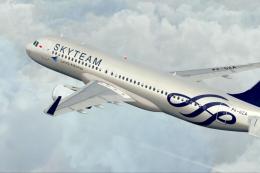
A Garuda Indonesia - Skyteam livery (fictional) repaint for the freeware Proj…
 FSX Civil Aircraft
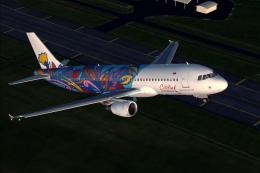
Floral Batik livery on A320-200 (fictional). This livery was used by Citilink…
 FSX Civil Aircraft
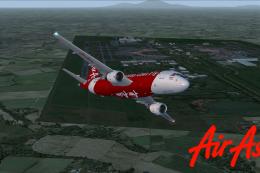
This repaint is for the Project Airbus A320 model. This is AirAsia 2nd subsid…
 FSX Civil Aircraft
A repaint of the payware Captain Sim B737-200 F in Tri-MG Intra Asia livery, …
 FSX Civil Aircraft
Garuda Indonesia Boeing 777-200 LR, registration PK-GIA (fictional). Textures…
 FSX Civil Aircraft
This freeware release offers a meticulously crafted Air Asia Airbus A320-200 …
Be the first to leave a comment on this download.
Be the first to share your thoughts on this download.