

 FSX Civil Aircraft
Indonesia Air Asia Airbus A320-200
An Air Asia current livery repaint for the freeware Project Airbus A320, regi…
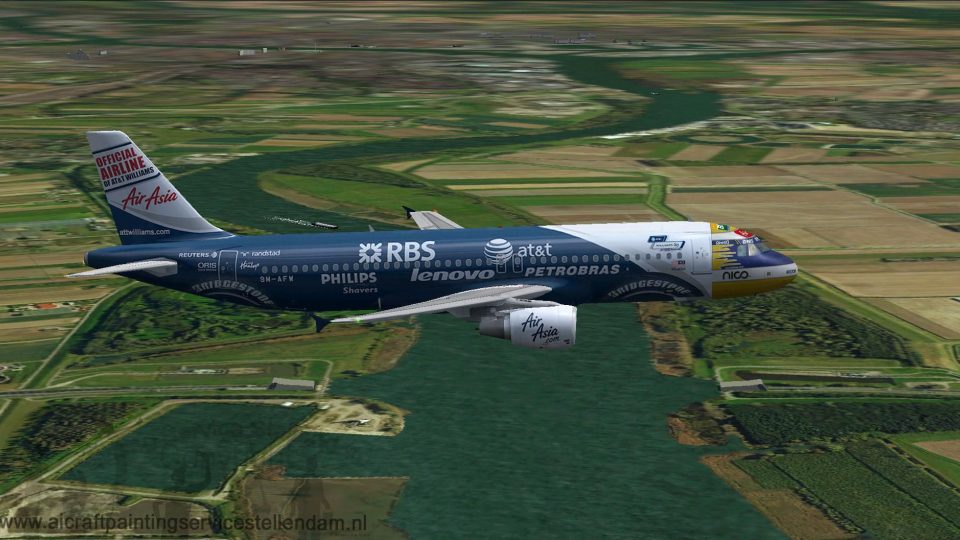
AirAsia Airbus A320-200 in the rare AT&T Williams scheme (9M-AFW) brings a sharp Project Airbus external model to Microsoft Flight Simulator X with a clean virtual cockpit feel, improved dynamic shine, and detailed control-surface behavior. Expect wingflex, ground spoilers, custom nosewheel steering, and lively engine and pressurization animations from idle reversers to windmilling fans.
 Rate
Rate
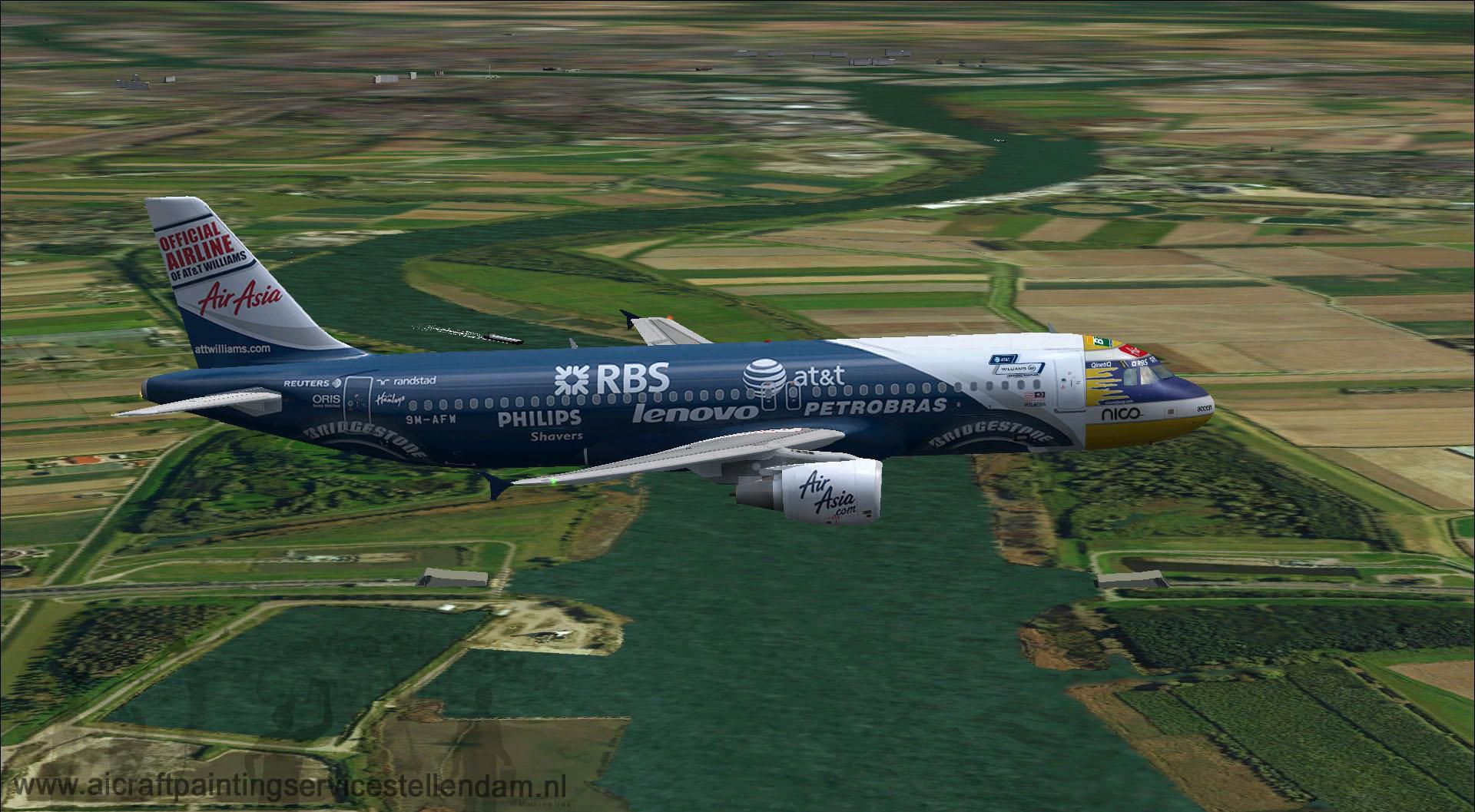
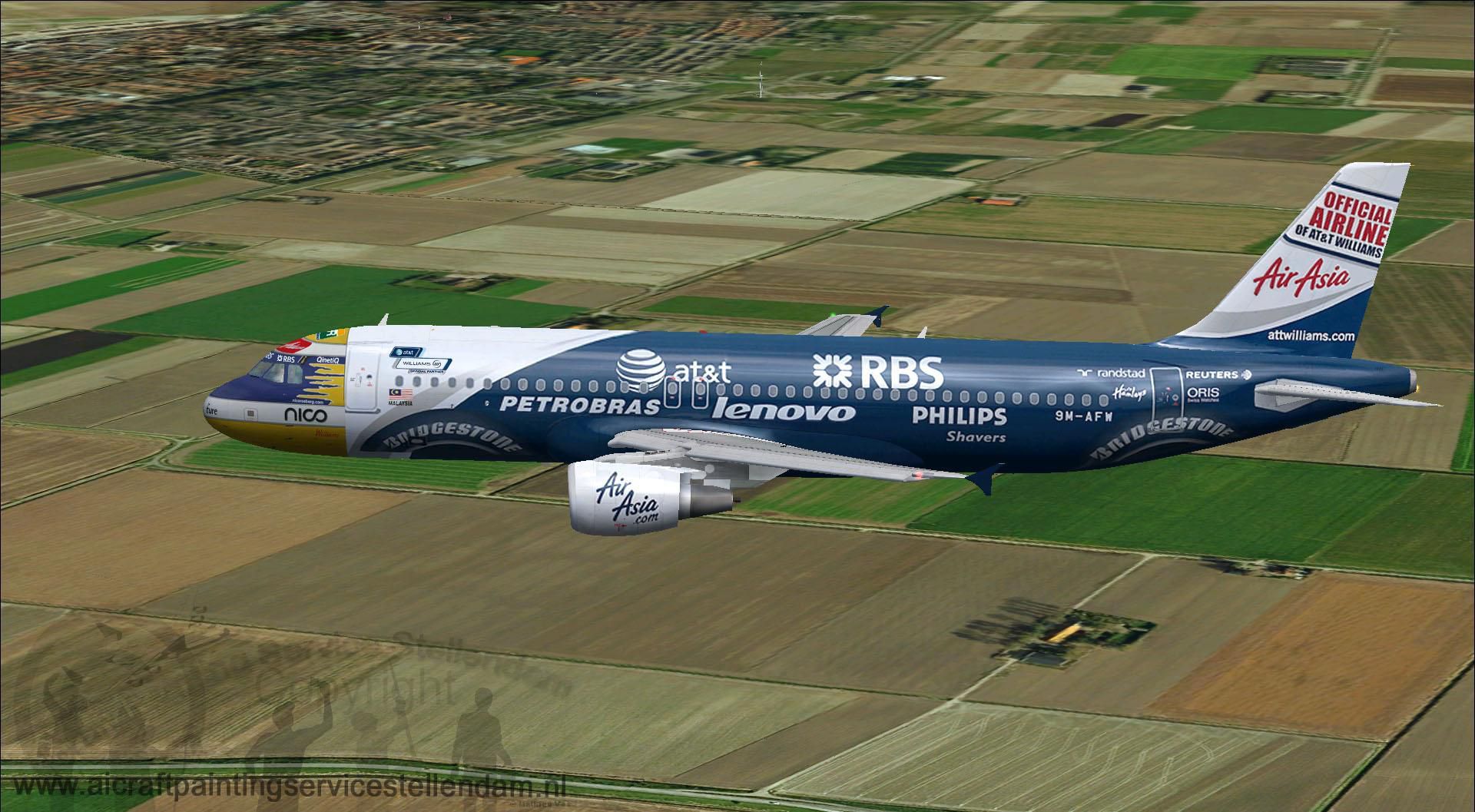
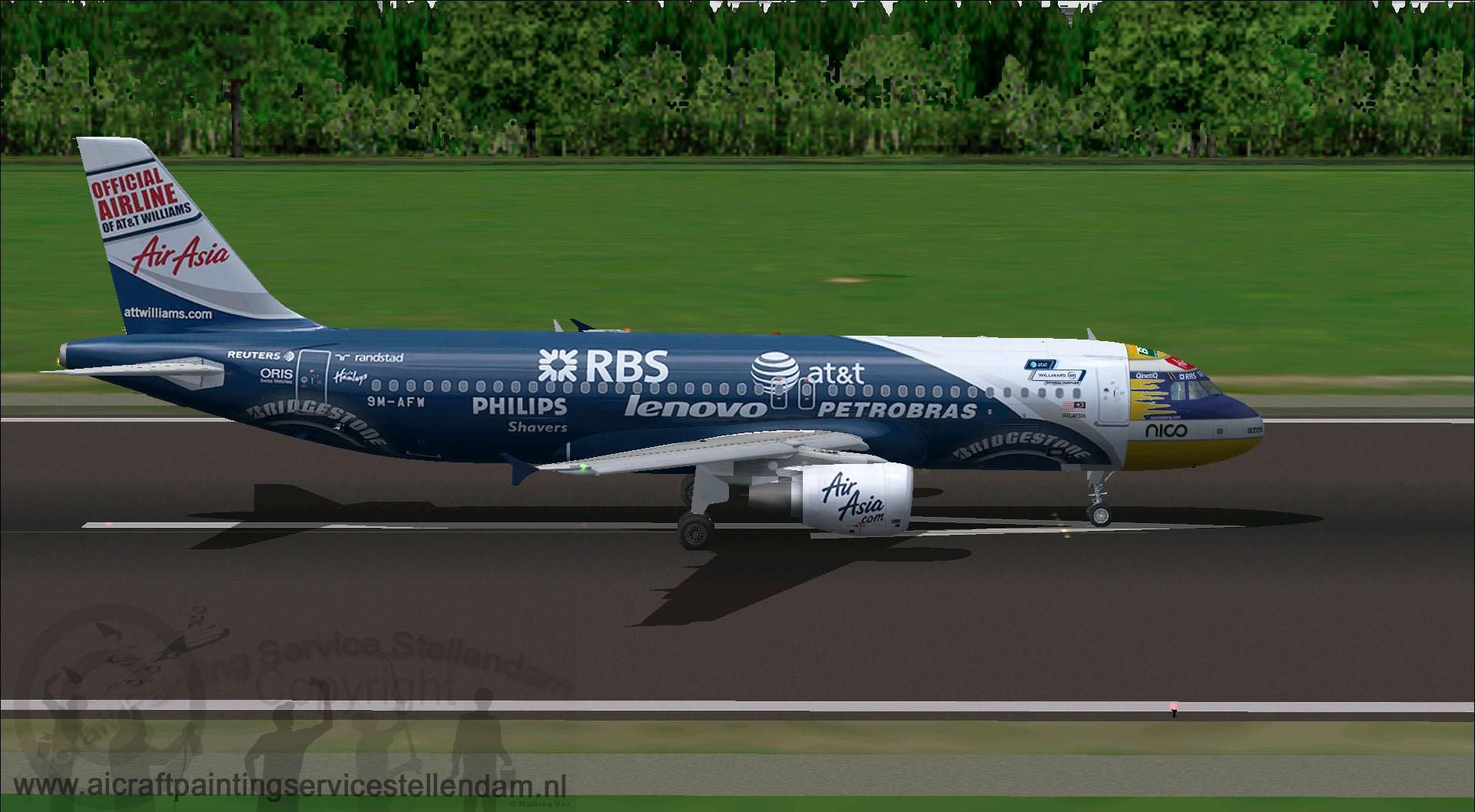
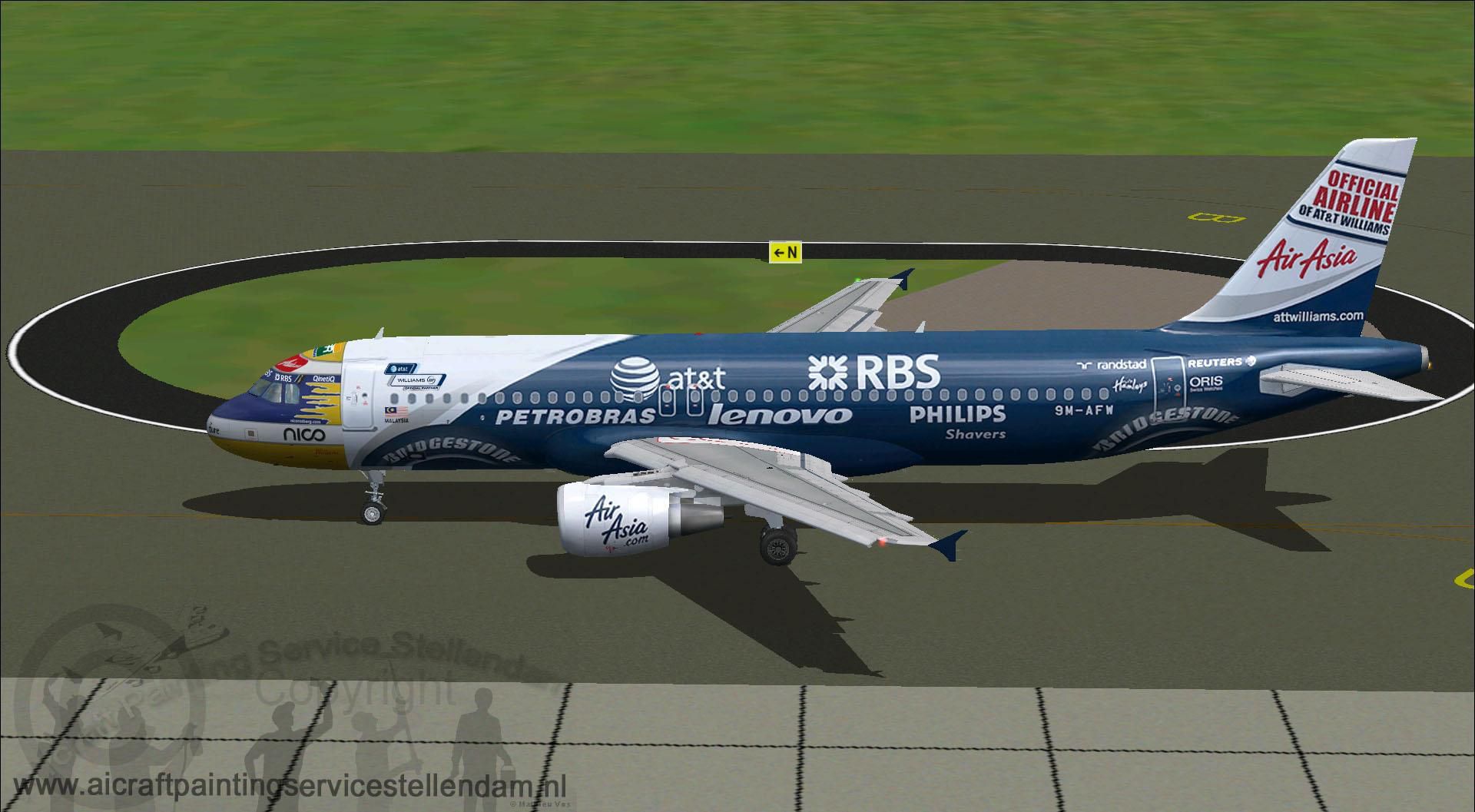
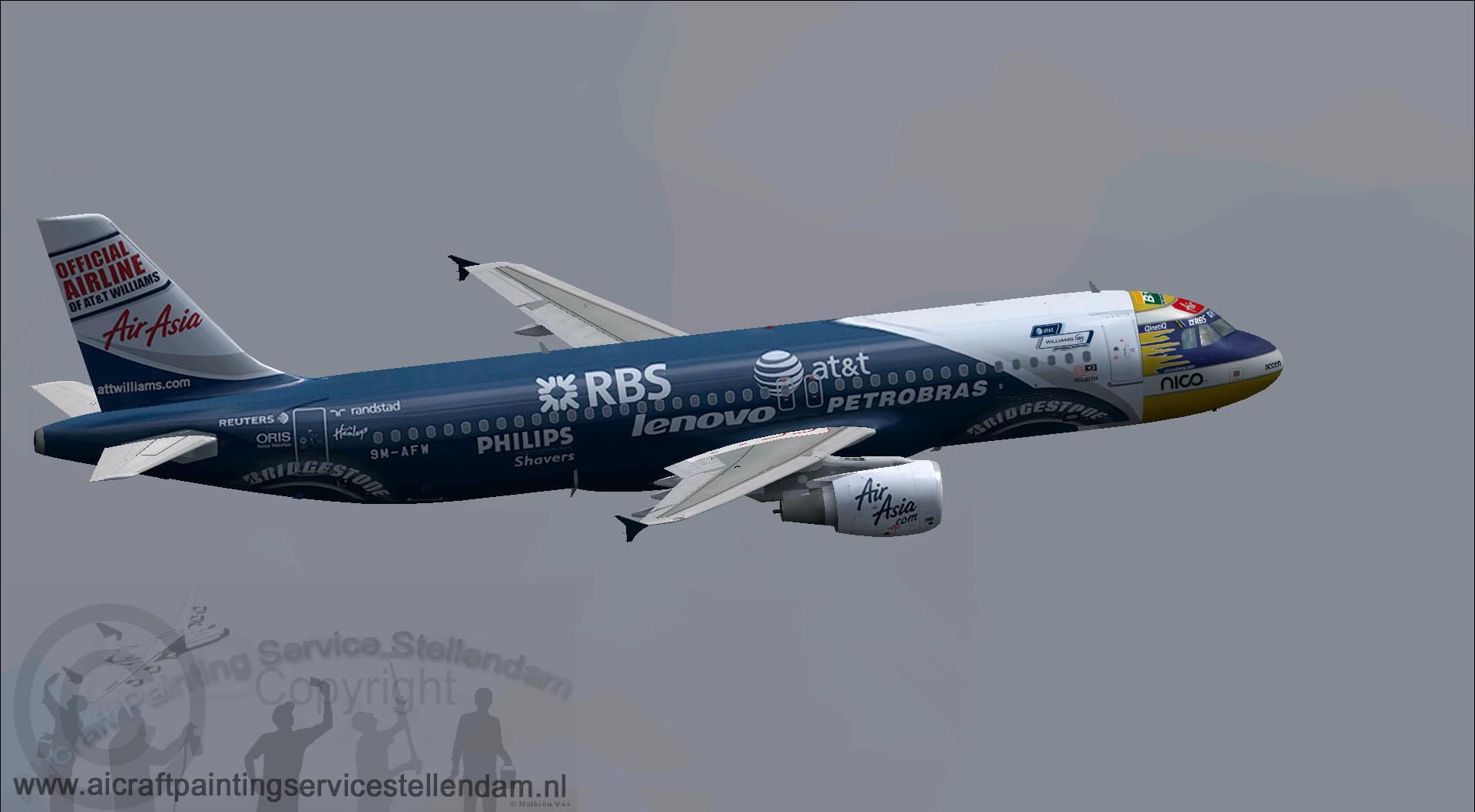
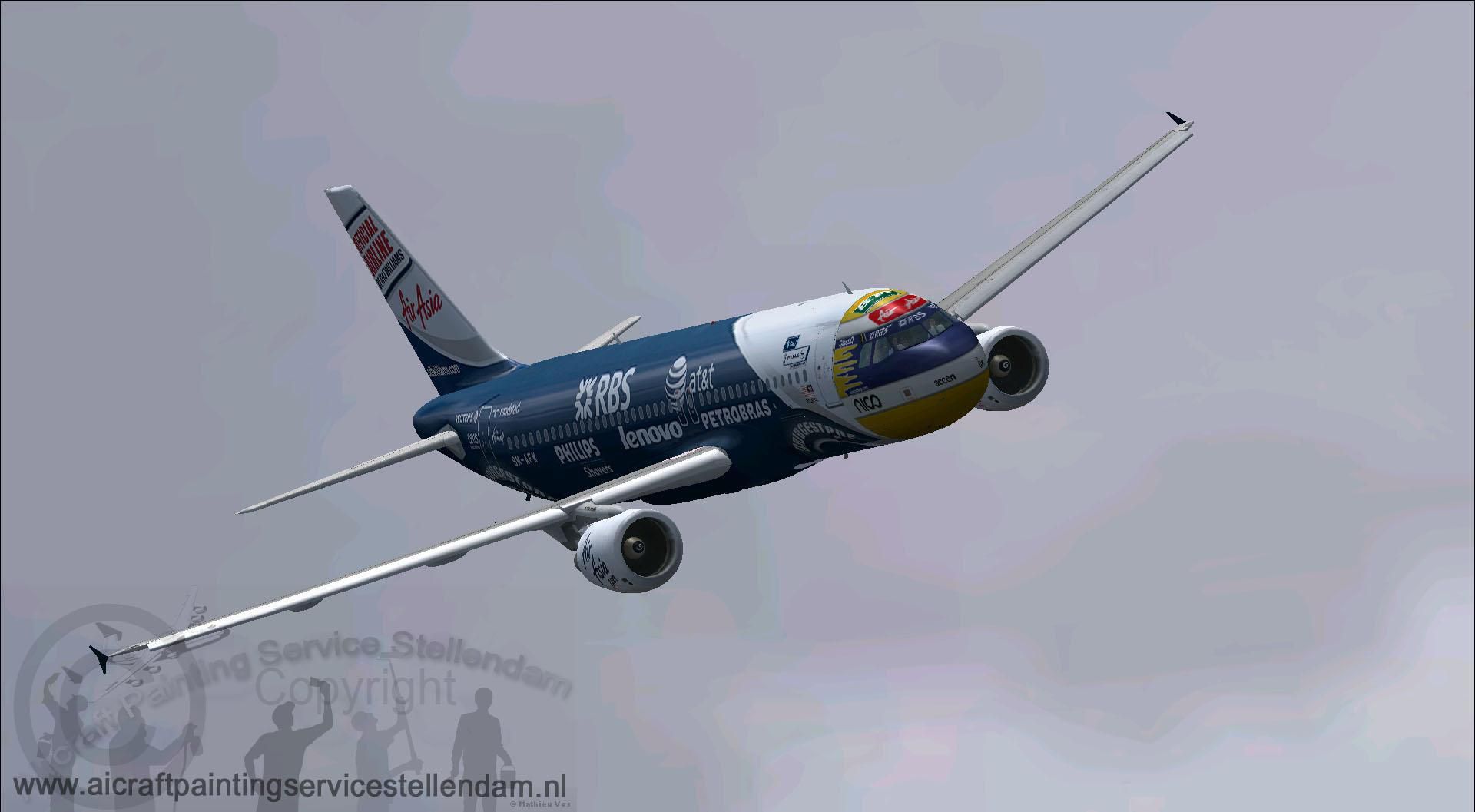
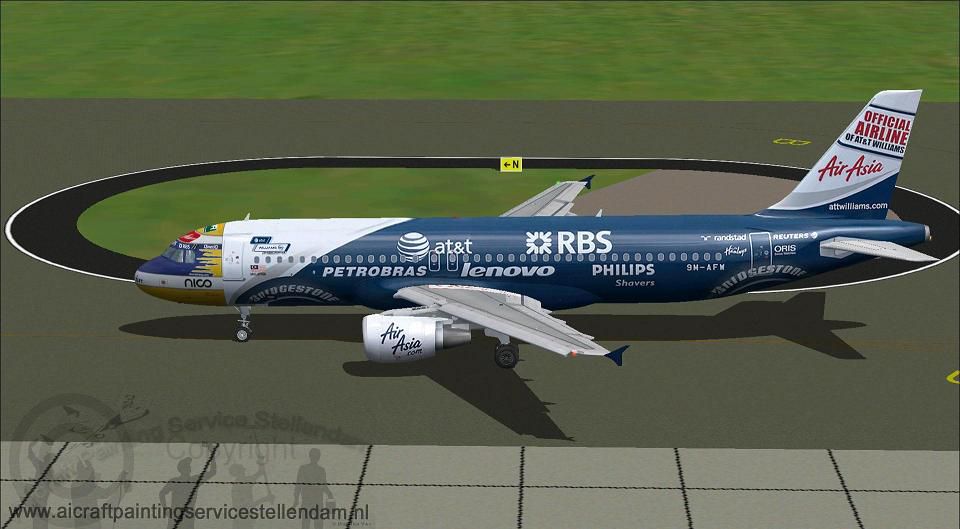
This freeware release offers a meticulously crafted Air Asia Airbus A320-200 in a one-of-a-kind AT&T Williams paint scheme bearing registration 9M-AFW. Created by Mathieu Vos (APSS) and incorporating the Project Airbus model, this package provides Microsoft Flight Simulator X enthusiasts with a comprehensive and faithful rendition of this popular narrow-body jet. Below, you will find all the technical details, unique features, and installation steps for this add-on.
This A320 has been reproduced with extensive modeling precision, capturing the essence of Air Asia’s special AT&T Williams livery. The aerodynamic profile and fuselage proportions complement the refined cockpit environment, which in turn is designed to align with Airbus standards. Pilots will notice an authentic exterior sheen derived from improved dynamic shine code and carefully integrated airline markings across the airframe.
Screenshot of Air Asia Airbus A320-200 on runway.
The package delivers numerous enhancements to emphasize realism. For instance, the idle-reverser animation and pressurization visuals bring engaging immersion while operating on taxiways or during final approach. Moreover, the model even includes transparent fan blades at high RPM, along with a custom windmilling effect. These carefully tuned animations leverage multiple flight parameters (including fuel load and angle of attack) to ensure the wingflex behavior and control surface responses are accurate.
Airbus developed the A320 family with short- to medium-haul operations in mind, popular among major commercial carriers worldwide. Air Asia capitalizes on the reliability, fuel efficiency, and performance capacity of these twin-engine airliners across numerous Asian routes. This particular aircraft is notable not only for its airline markings but also for displaying the special AT&T Williams branding, making it a distinctive piece of Air Asia’s fleet.
To install this add-on in Microsoft Flight Simulator X, follow these concise steps:
Once installed, the aircraft should appear in your aircraft selection menu, complete with all specified animations and detailed textures.
Enjoy the immersive Air Asia experience as you explore short-to-medium range flights, and take advantage of the comprehensive realism integrated by Mathieu Vos (APSS) and Project Airbus in this free, fully featured package for Fly Away Simulation users.
Free for all simmers · 12.14 MB · Scanned clean Oct 2026
Download speed: Free tier is capped at 0.5 Mbps (this file takes approximately 3 mins at the cap). PRO members download at full line speed.
FSX\SimObjects\Airplanes\. The folder must contain an aircraft.cfg file. Effects go into FSX\Effects\; gauges go into FSX\Gauges\.readme.txt or README file. It tells you exactly where files go, what dependencies are needed, and any quirks specific to this add-on.The archive a320xaxmat_twilliams.zip has 52 files and directories contained within it.
This list displays the first 500 files in the package. If the package has more, you will need to download it to view them.
| Filename/Directory | File Date | File Size |
|---|---|---|
| A320XAXMAT&Twilliams.gif | 01.01.13 | 9.50 kB |
| Aircraft.cfg | 01.01.13 | 15.42 kB |
| Effects | 01.01.13 | 0 B |
| fx_beacon320pa.fx | 05.02.11 | 3.01 kB |
| fx_contrail_320.fx | 05.02.11 | 1.17 kB |
| fx_navgre320pa.fx | 05.02.11 | 4.56 kB |
| fx_navred320pa.fx | 05.02.11 | 4.56 kB |
| fx_navwhi320pa.fx | 05.02.11 | 3.03 kB |
| fx_PAland.fx | 02.19.12 | 1.15 kB |
| fx_sparks.fx | 04.18.01 | 5.04 kB |
| fx_spray.fx | 08.11.01 | 4.97 kB |
| fx_strobe2320pa.fx | 05.02.11 | 2.44 kB |
| fx_strobe320pa.fx | 05.02.11 | 4.80 kB |
| fx_tchdrt.fx | 08.27.01 | 3.74 kB |
| fx_tchdwn.fx | 03.10.10 | 4.62 kB |
| fx_vclight.fx | 08.08.01 | 1.30 kB |
| fx_wake.fx | 05.30.03 | 2.05 kB |
| Model.cfm_200 | 01.01.13 | 0 B |
| A320_200_CFM.mdl | 03.11.12 | 2.14 MB |
| model.cfg | 03.11.12 | 29 B |
| pa320-cfm56.air | 06.13.07 | 8.76 kB |
| panel | 01.01.13 | 0 B |
| panel.cfg | 02.19.12 | 33 B |
| ProjectAirbusA320-216AirAsia-AT_TWilliams_9M-AFW.jpg | 12.30.12 | 197.05 kB |
| ProjectAirbusA320-216AirAsia-AT_TWilliams_9M-AFW2.jpg | 12.30.12 | 217.49 kB |
| ProjectAirbusA320-216AirAsia-AT_TWilliams_9M-AFW3.jpg | 12.30.12 | 121.04 kB |
| ProjectAirbusA320-216AirAsia-AT_TWilliams_9M-AFW4.jpg | 12.30.12 | 292.95 kB |
| ProjectAirbusA320-216AirAsia-AT_TWilliams_9M-AFW5.jpg | 12.30.12 | 292.49 kB |
| ProjectAirbusA320-216AirAsia-AT_TWilliams_9M-AFW6.jpg | 12.30.12 | 117.24 kB |
| readme.txt | 01.01.13 | 2.44 kB |
| sound | 01.01.13 | 0 B |
| sound.cfg | 02.19.12 | 33 B |
| Texture.Air Asia - ATAT Williams-cs | 01.01.13 | 0 B |
| A320_1_l.bmp | 06.11.11 | 1.00 MB |
| A320_1_t.bmp | 12.30.12 | 4.00 MB |
| A320_2_l.bmp | 01.10.12 | 1.00 MB |
| A320_2_t.bmp | 12.30.12 | 4.00 MB |
| A320_fuse_1_l.bmp | 01.01.13 | 1.00 MB |
| A320_fuse_1_t.bmp | 12.30.12 | 4.00 MB |
| A320_fuse_2_l.bmp | 01.01.13 | 1.00 MB |
| A320_fuse_2_t.bmp | 12.30.12 | 4.00 MB |
| A320_fuse_3_l.bmp | 01.01.13 | 1.00 MB |
| A320_fuse_3_t.bmp | 12.30.12 | 4.00 MB |
| A320_misc_1.bmp | 12.30.12 | 1.00 MB |
| A320_misc_2.bmp | 06.11.11 | 4.00 MB |
| A320_wing_1_l.bmp | 06.11.11 | 256.07 kB |
| A320_wing_1_t.bmp | 12.30.12 | 4.00 MB |
| A320_wing_2_l.bmp | 06.11.11 | 256.07 kB |
| A320_wing_2_t.bmp | 12.30.12 | 4.00 MB |
| Thumbnail.jpg | 01.01.13 | 82.56 kB |
| flyawaysimulation.txt | 10.29.13 | 959 B |
| Go to Fly Away Simulation.url | 01.22.16 | 52 B |
Only PRO members can place votes.
More FSX & P3D add-ons hand-picked based on this download.
FSX Civil Aircraft
An Air Asia current livery repaint for the freeware Project Airbus A320, regi…
 FSX Civil Aircraft
This repaint depicts the Indonesia AirAsia Airbus A320-200 registered as PK-A…
 FSX Civil Aircraft
Elevate your virtual cockpit sessions with a vivid Indonesia Air Asia repaint…
 FSX Civil Aircraft
Air Asia India Airbus A320 with sharklets. Complete model. Model by Project A…
 FSX Civil Aircraft
FSX Austrian Airbus A320-200, registration OE-LBP, retro livery. Textures onl…
 FSX Civil Aircraft
A repaint of the payware Captain Sim B737-200 F in Tri-MG Intra Asia livery, …
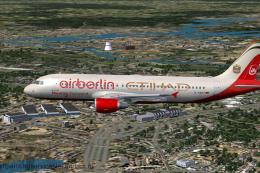 FSX Civil Aircraft
This is an Airbus A320-214 of Air Berlin in the merged Air Berlin - Etihad co…
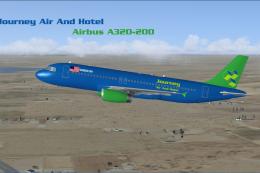 FSX Civil Aircraft
This freeware package provides an enhanced Airbus A320-200 in a distinct Jour…
Be the first to leave a comment on this download.
Be the first to share your thoughts on this download.