

 FSX Civil Aircraft
Airbus A321 SAS SE-REG Textures
A repaint of the default A 321 in SAS colours, by G. Carlbaum.
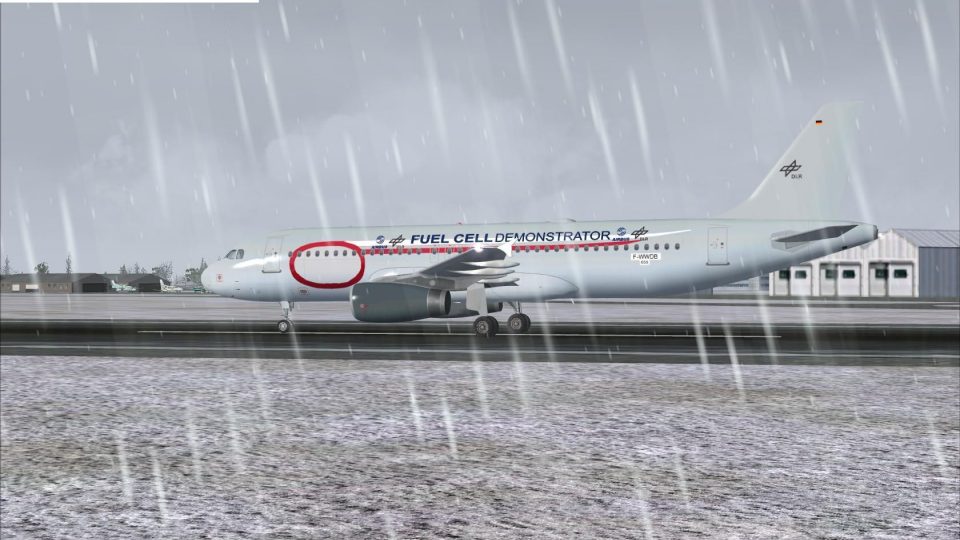
DLR Flugbetriebe’s Airbus A320-232 in registration D-ATRA brings a research-focused German airliner look to FSX with crisp exterior textures and a clean, airline-accurate finish. The full package uses the Project Airbus A320 model and includes matching details that suit both close-up screenshots and everyday line flying.
 Rate
Rate


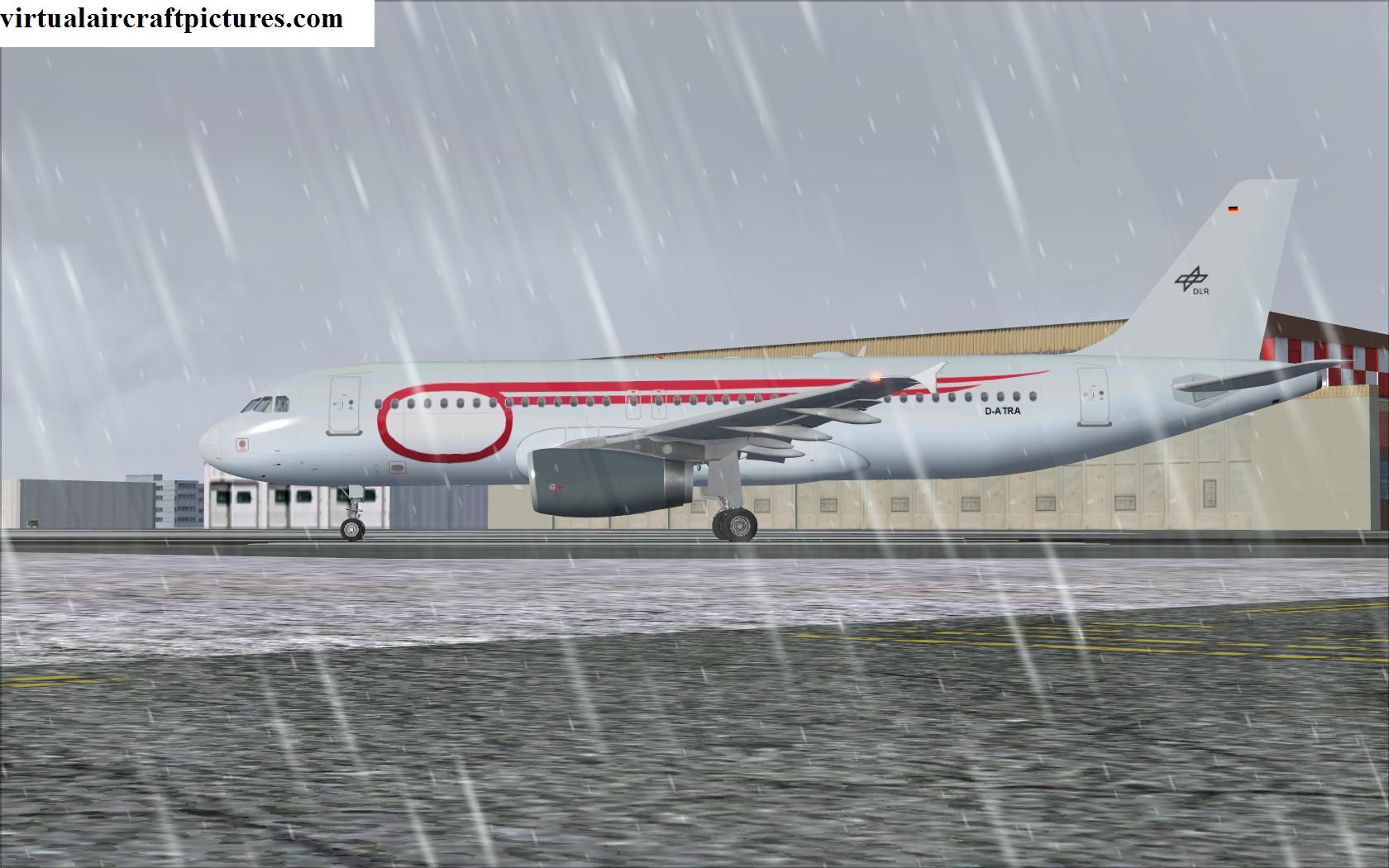
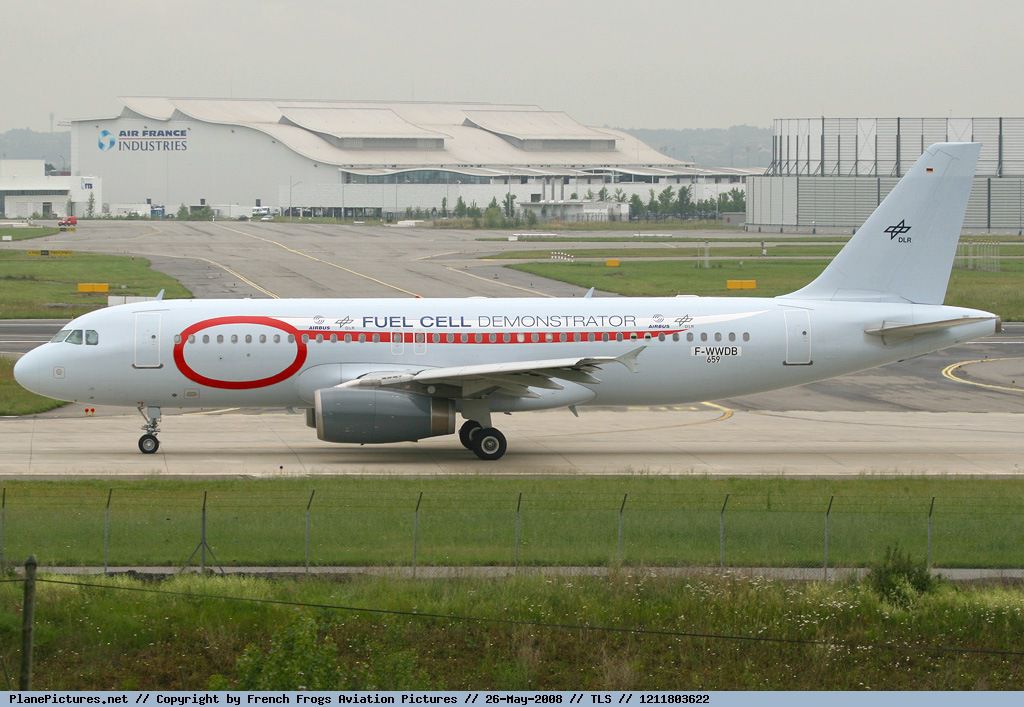
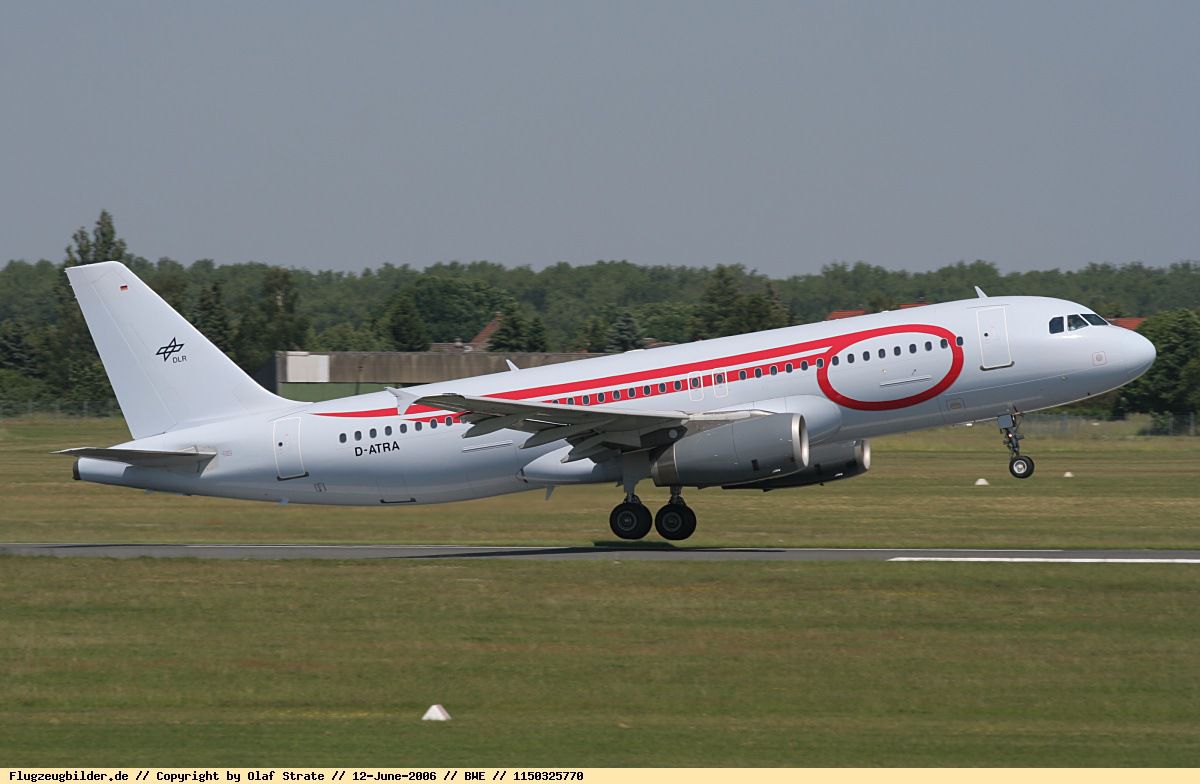
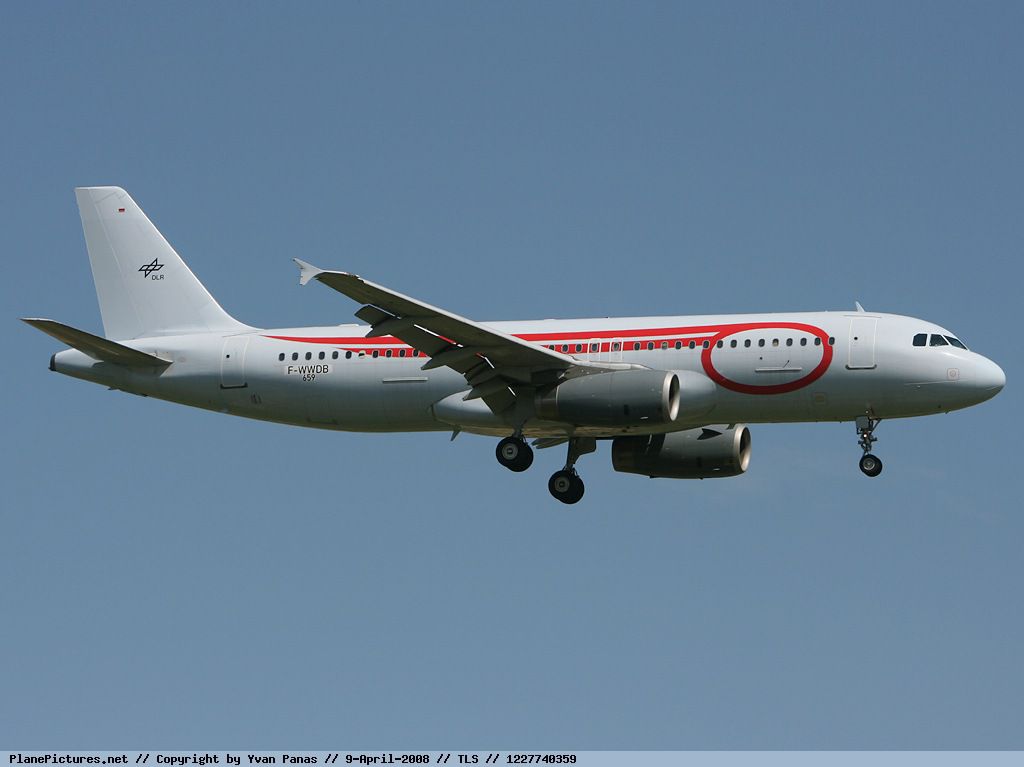
FSX DLR Flugbetriebe Airbus A320-232, registration D-ATRA, full package. Model by Project Airbus. Repainted by Patrick-Philippe-Christian-Seifert.
Free for all simmers · 37.31 MB · Scanned clean Oct 2026
Download speed: Free tier is capped at 0.5 Mbps (this file takes approximately 10 mins at the cap). PRO members download at full line speed.
FSX\SimObjects\Airplanes\. The folder must contain an aircraft.cfg file. Effects go into FSX\Effects\; gauges go into FSX\Gauges\.readme.txt or README file. It tells you exactly where files go, what dependencies are needed, and any quirks specific to this add-on.The archive pa320dlr.zip has 13 files and directories contained within it.
This list displays the first 500 files in the package. If the package has more, you will need to download it to view them.
| Filename/Directory | File Date | File Size |
|---|---|---|
| README - Repaint and Installation.txt | 12.12.08 | 3.39 kB |
| setup.exe | 12.12.08 | 36.23 MB |
| Effects.zip | 12.12.08 | 6.55 kB |
| Real D-ATRA.jpg | 12.12.08 | 185.10 kB |
| Real F-WWDB Demonstrator.jpg | 12.12.08 | 214.92 kB |
| Real F-WWDB.jpg | 12.12.08 | 98.20 kB |
| Virtual D-ATRA.jpg | 12.12.08 | 196.07 kB |
| Virtual Demonstrator.jpg | 12.12.08 | 243.96 kB |
| Virtual F-WWDB.jpg | 12.12.08 | 237.99 kB |
| Readme.pdf | 12.12.08 | 57.34 kB |
| Readme.txt | 12.12.08 | 6.34 kB |
| flyawaysimulation.txt | 10.29.13 | 959 B |
| Go to Fly Away Simulation.url | 01.22.16 | 52 B |
Only PRO members can place votes.
More FSX & P3D add-ons hand-picked based on this download.
FSX Civil Aircraft
A repaint of the default A 321 in SAS colours, by G. Carlbaum.
 FSX Civil Aircraft
FSX Gulf Air Airbus A319-112 CFM, registration D-AKNM. Model by Project Airbu…
 FSX Civil Aircraft
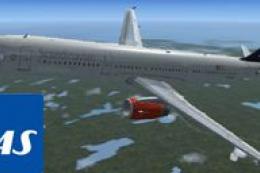
A repaint of the stock A321 in Scandinavian Airlines colors. By G. Carlbaum. …
 FSX Civil Aircraft
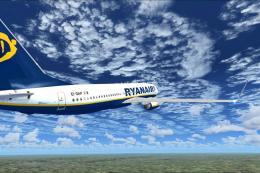
FSX Ryanair Boeing 737-800. EI-DAP textures for the default FSX B737-800. By …
 FSX Civil Aircraft
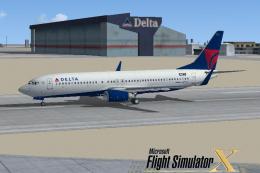
FSX Delta Airlines Boeing 737-800, registration N3744F. A repaint for the def…
 FSX Civil Aircraft
FSX Maersk Air Boeing 737-2L9, registration OY-MBZ. By Jacob Larsen / JELAIR.
 FSX Civil Aircraft
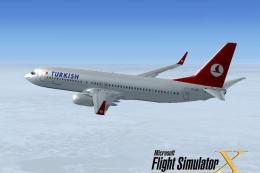
FSX Turkish Airlines Boeing 737-800. A repaint of the default B737 as registr…
 FSX Civil Aircraft
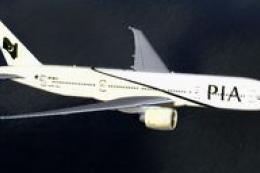
FSX PIA Boeing 777-200 GE, registration AP-BGY. Model by Project Open Sky.
Read what other simmers think, or add your own.

Please add a livery of the DLR Flugbetriebe Airbus A320-232 for the default A321 of FSX and FSX:SE and a file bgl file named DLR Flugbetriebe Airbus A321-232traffic.bgl that must be pasted in Microsoft Flight SimulatorXAddon SceneryScenery that makes it to appear in every airport in FSX and FSX:SE (default airports and added airports) but without taking out the default AI traffic from FSX:SE and FSX and all the other added AI trafic addons in FSX:SE and FSX.
Thanks, God bless you.