

 FSX Civil Aircraft
Arizona Virtual Airline CRJ-700
Arizona Virtual Airline CRJ-700. This is the default Bombardier CRJ700 painte…
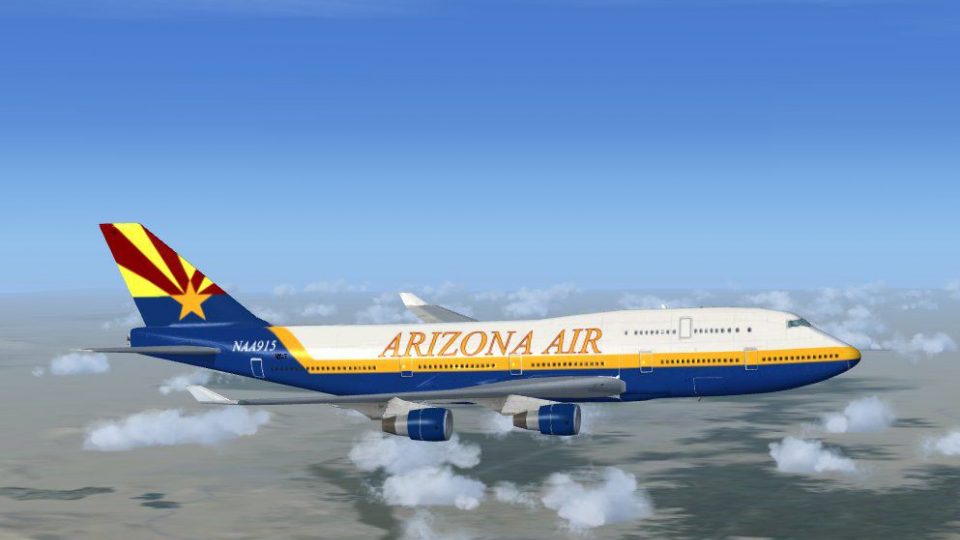
Arizona Virtual Airline’s Boeing 747-400 repaint brings desert-inspired colors and crisp branding to the iconic wide-body, with carefully aligned textures across fuselage and tail. Built for Microsoft Flight Simulator X’s default 747-400, it preserves the stock virtual cockpit, avionics, and handling and requires the original base aircraft for operation.
 Rate
Rate
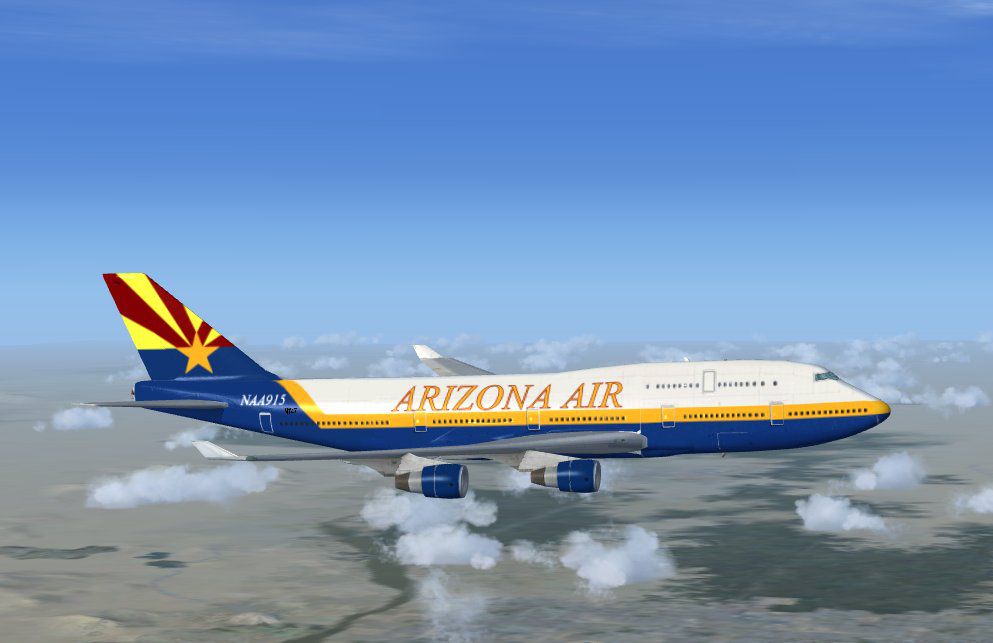
Experience a distinctive repaint of the Boeing 747-400 configured for Arizona Virtual Airline, meticulously crafted by Mark Rooks of RDG Aircraft. This modification uses the standard Microsoft Flight Simulator X 747-400, showcasing a bold livery that pays homage to Arizona’s landscape and aviation community.
Rich Exterior Textures (textures): The aircraft sports desert-inspired colors and prominent Arizona Virtual Airline branding. Mark Rooks has applied precise detailing, ensuring smooth transitions across the fuselage and tail sections.
Default Base Model Compatibility (base model): Since this repaint is specifically designed around the default 747-400, the add-on seamlessly integrates with the original flight dynamics and cockpit instrumentation.
Authentic Airline Flair: Arizona Virtual Airline is symbolic of the region’s dedication to aviation. The livery effectively reflects the unique environment of the southwestern United States, complete with desert motifs subtly woven into the design.

Arizona Virtual Airline Boeing 747-400 in flight.
The 747-400 has long been admired for its iconic hump and intercontinental range capabilities. In Microsoft Flight Simulator X, this wide-body jet retains realistic flight parameters such as drag coefficients, thrust implementations, and advanced navigation systems. By incorporating this repaint, enthusiasts can immerse themselves in cross-country or even transatlantic journeys that highlight the beauty of Arizona-based operations.
C:\Program Files\Microsoft Games\Microsoft Flight Simulator X\SimObjects\AirplanesAll textures were produced by Mark "Fire Ball" Rooks. He has also ensured that any relevant FSX updates are included for optimal performance. This repaint is freeware and does not include the base model, which can be located within the Fly Away Simulation library.
Remember to consider supporting a Mercy Flight or local charitable aviation group in your area, as Mark Rooks often encourages this great cause. Fly safe and enjoy the Arizona Virtual Airline experience in your new 747-400 repaint.
Free for all simmers · 13.86 MB · Scanned clean Oct 2026
Download speed: Free tier is capped at 0.5 Mbps (this file takes approximately 4 mins at the cap). PRO members download at full line speed.
texture.{airline}) inside FSX\SimObjects\Airplanes\{base-aircraft}\.aircraft.cfg in Notepad. Add a new [fltsim.X] section per the readme.readme.txt or README file. It tells you exactly where files go, what dependencies are needed, and any quirks specific to this add-on.The archive ava747-400.zip has 6 files and directories contained within it.
This list displays the first 500 files in the package. If the package has more, you will need to download it to view them.
| Filename/Directory | File Date | File Size |
|---|---|---|
| AVA 747 -400.zip | 03.05.11 | 13.81 MB |
| Read Me First.txt | 03.05.11 | 2.25 kB |
| Screen1.jpg | 03.05.11 | 62.17 kB |
| Text.txt | 03.05.11 | 163 B |
| flyawaysimulation.txt | 10.29.13 | 959 B |
| Go to Fly Away Simulation.url | 01.22.16 | 52 B |
Only PRO members can place votes.
More FSX & P3D add-ons hand-picked based on this download.
FSX Civil Aircraft
Arizona Virtual Airline CRJ-700. This is the default Bombardier CRJ700 painte…
 FSX Civil Aircraft
A repaint for the default B737. Repaint by Benjamin Romsy and David Kuess. Sc…
 FSX Civil Aircraft
FSX Aerolineas Argentinas Boeing 747-400 GE, registration LV-BBU. Textures on…
 FSX Civil Aircraft
FSX Korean Airlines Boeing 747-400 "Mona Lisa". Textures only for the payware…
 FSX Civil Aircraft
This carefully crafted repaint for the default Boeing 747-400 in Microsoft Fl…
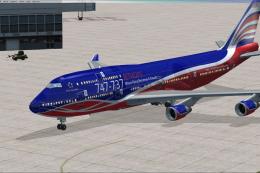 FSX Civil Aircraft
This repaint set introduces a custom Jet Hops livery to the Boeing 747-400 in…
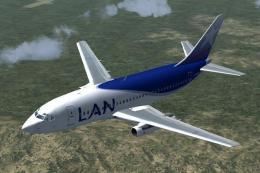 FSX Civil Aircraft
Fly one of the most successful Airplanes in history with this aircraft file f…
 FSX Civil Aircraft
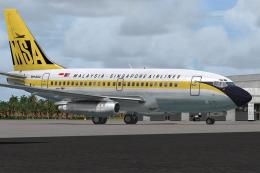
This is a repaint of the payware Captain Sim Boeing B737-100 model in Malaysi…
Be the first to leave a comment on this download.
Be the first to share your thoughts on this download.