


 MSFS Civil Jet Aircraft
Southwest Airlines A320neo Livery
A high-definition Southwest Airlines livery/repaint for the default Microsoft…
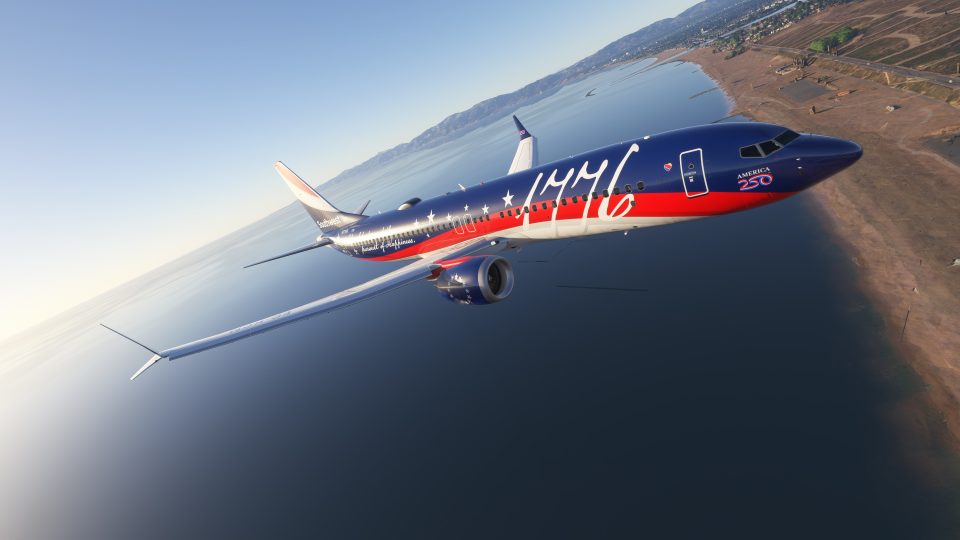
Southwest Airlines’ Boeing 737 MAX 8 N1776R receives a 4K repaint celebrating the 250th anniversary of the signing of the Declaration of Independence in Microsoft Flight Simulator 2024. The texture package requires the simulator’s built-in Asobo aircraft and recreates the commemorative scheme with attention to the airline’s colors and styling.
 Rate
 By Crispy136
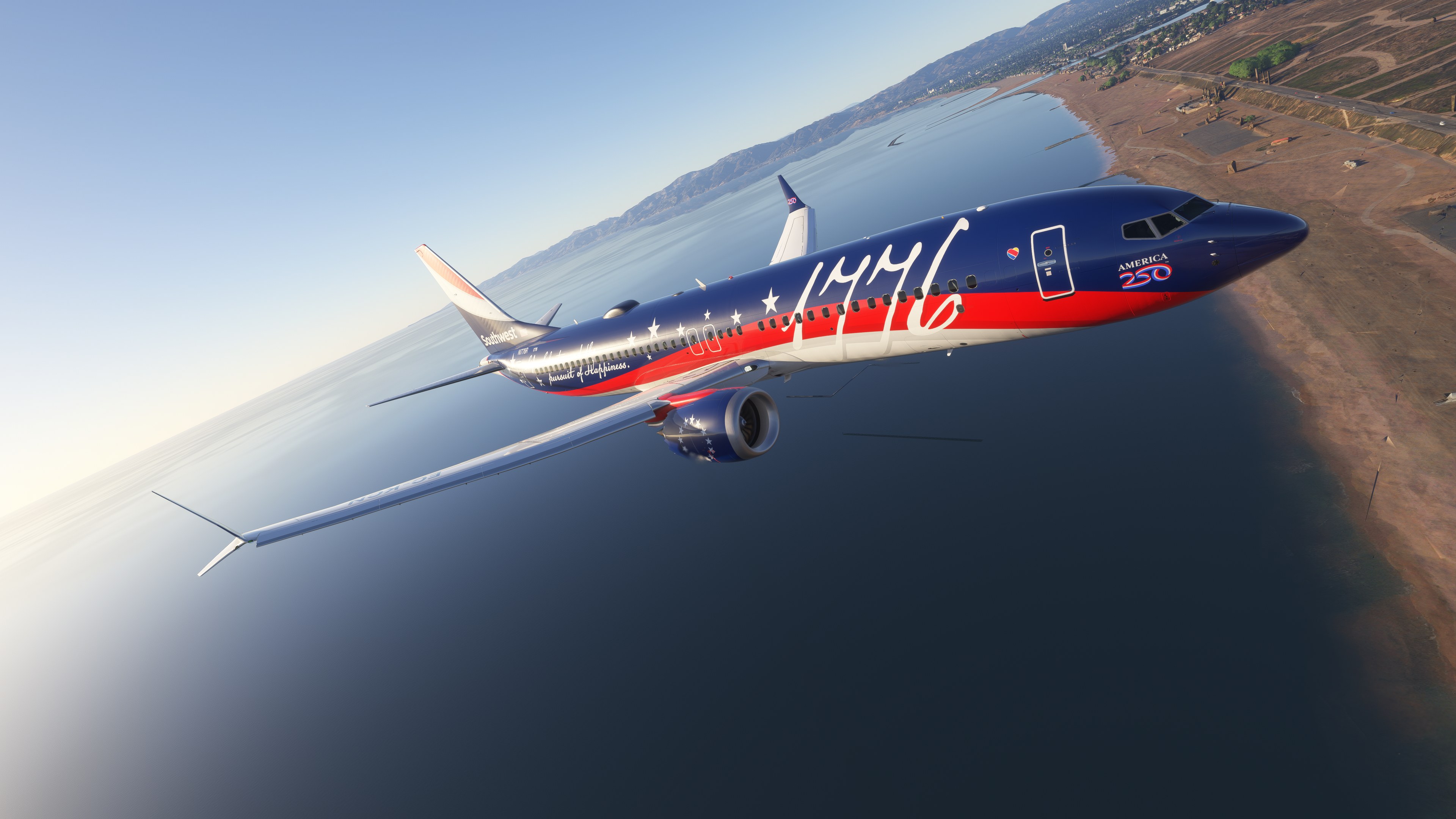
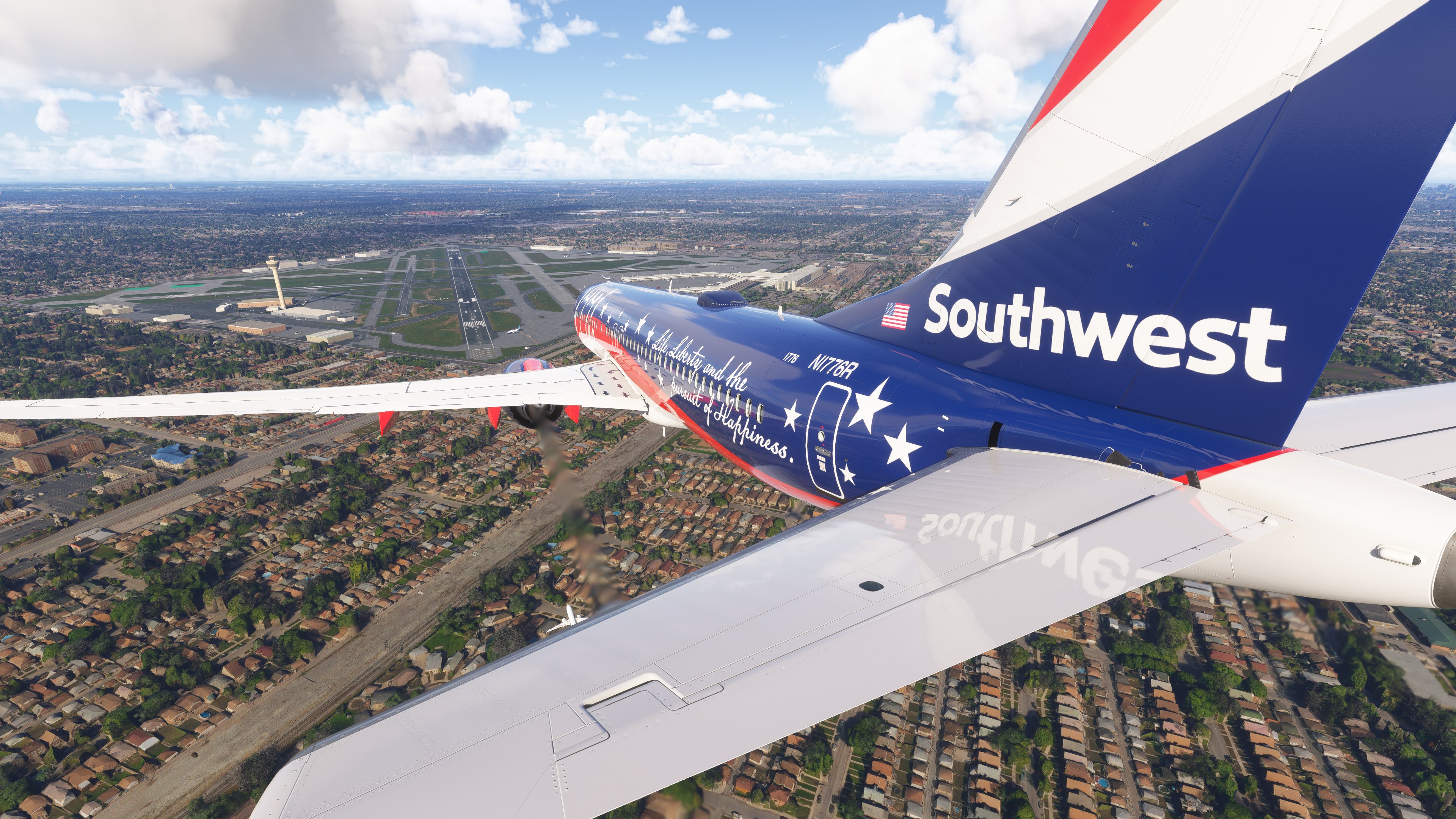
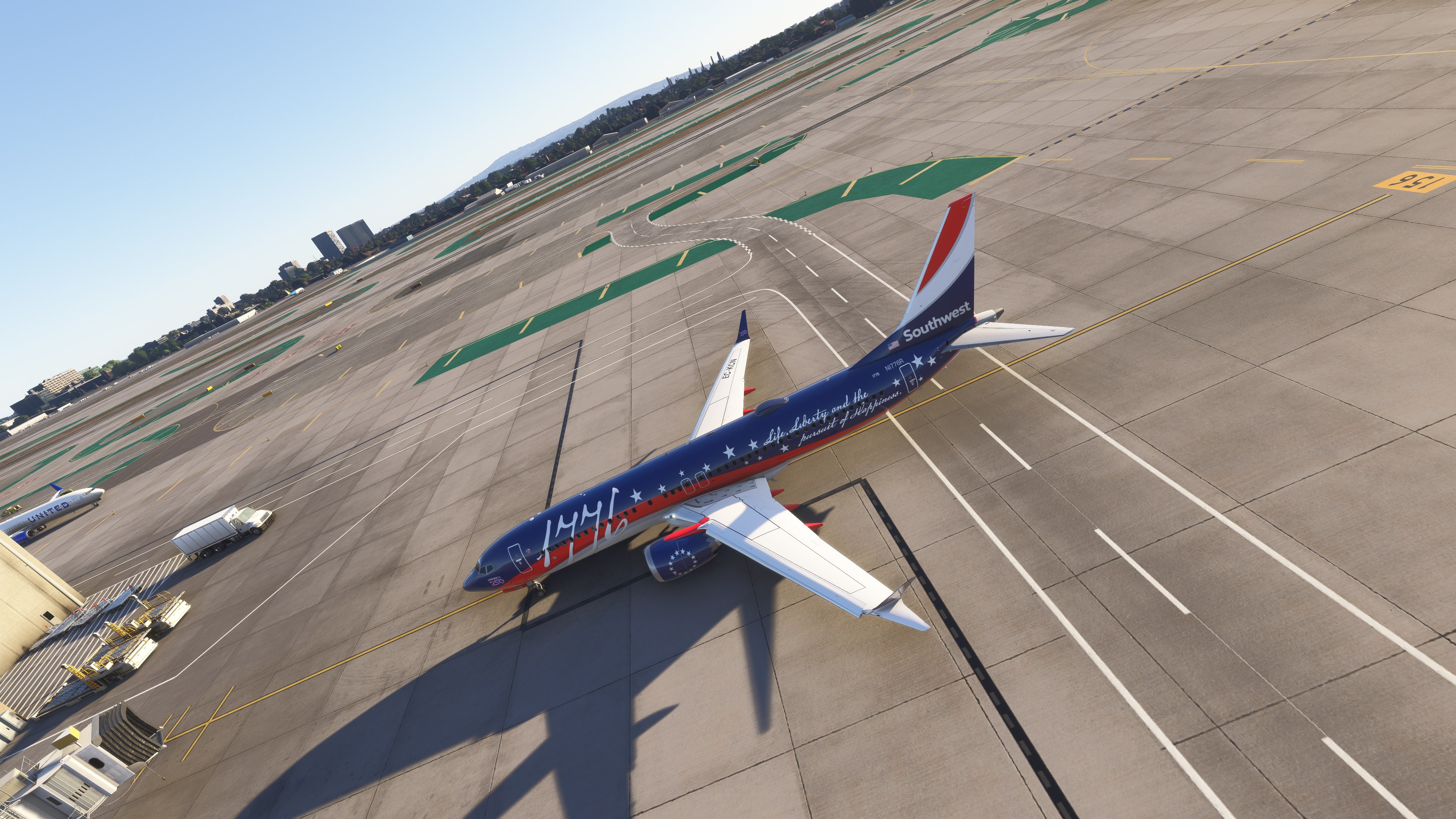
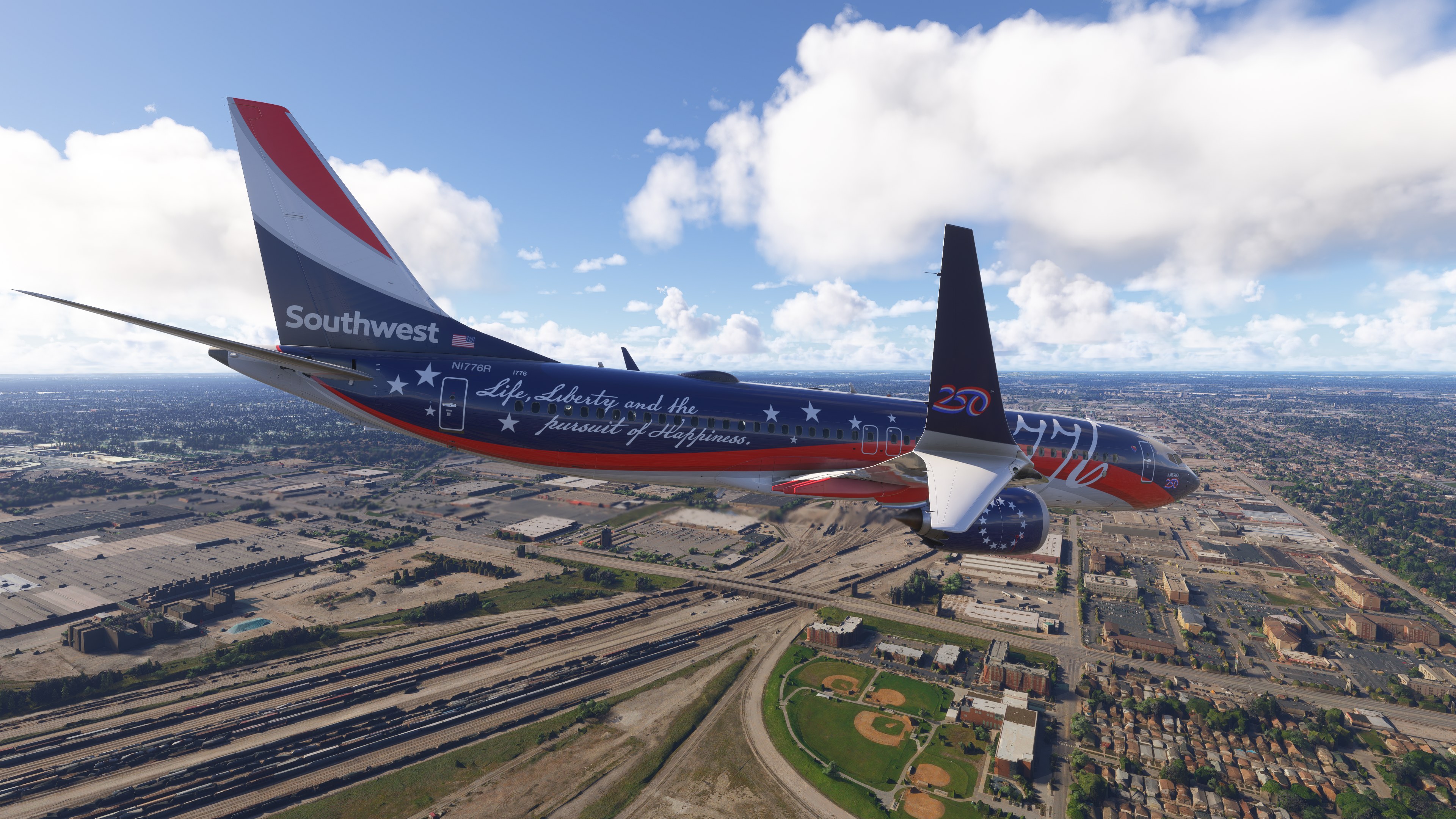
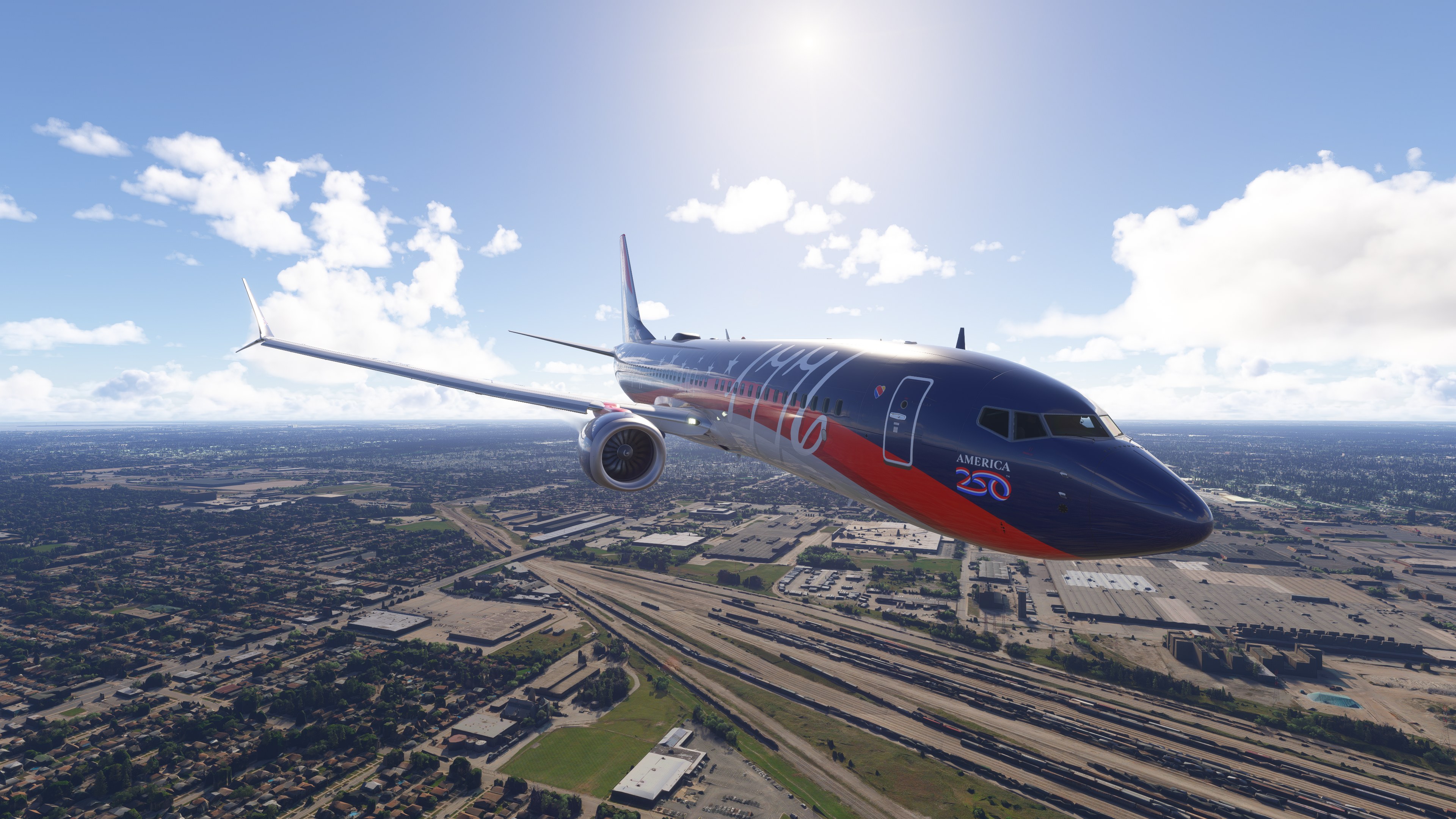
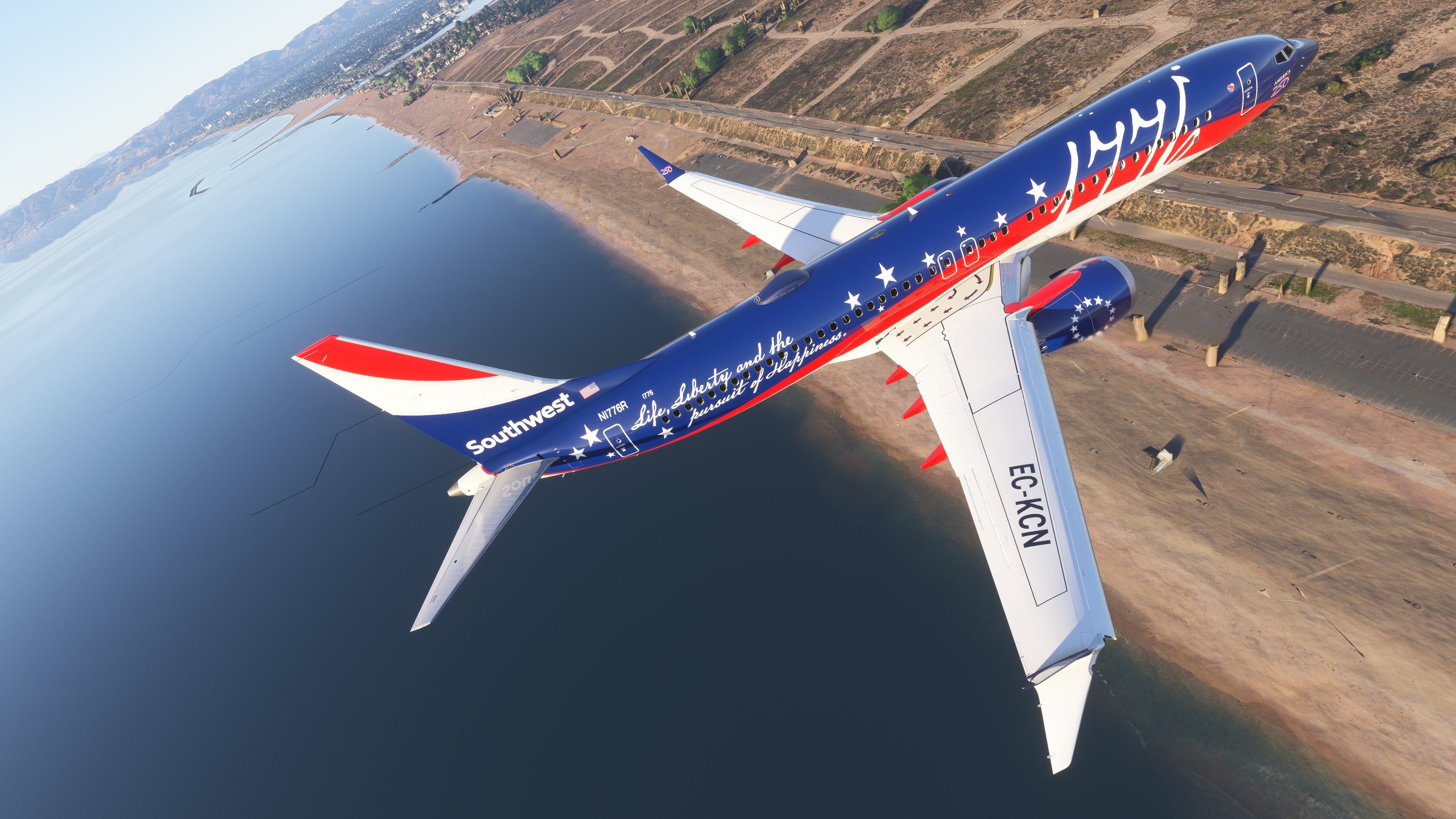
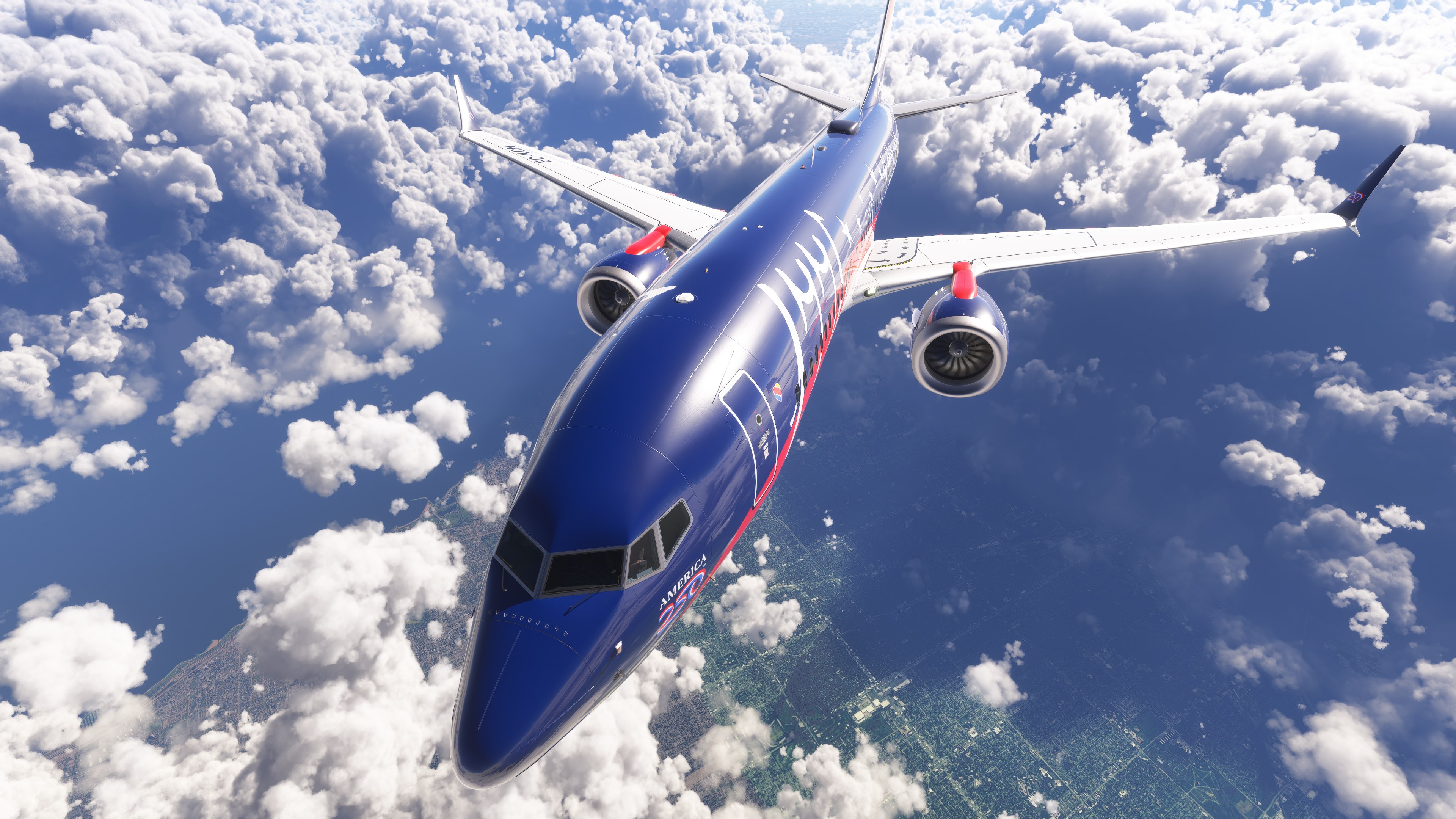
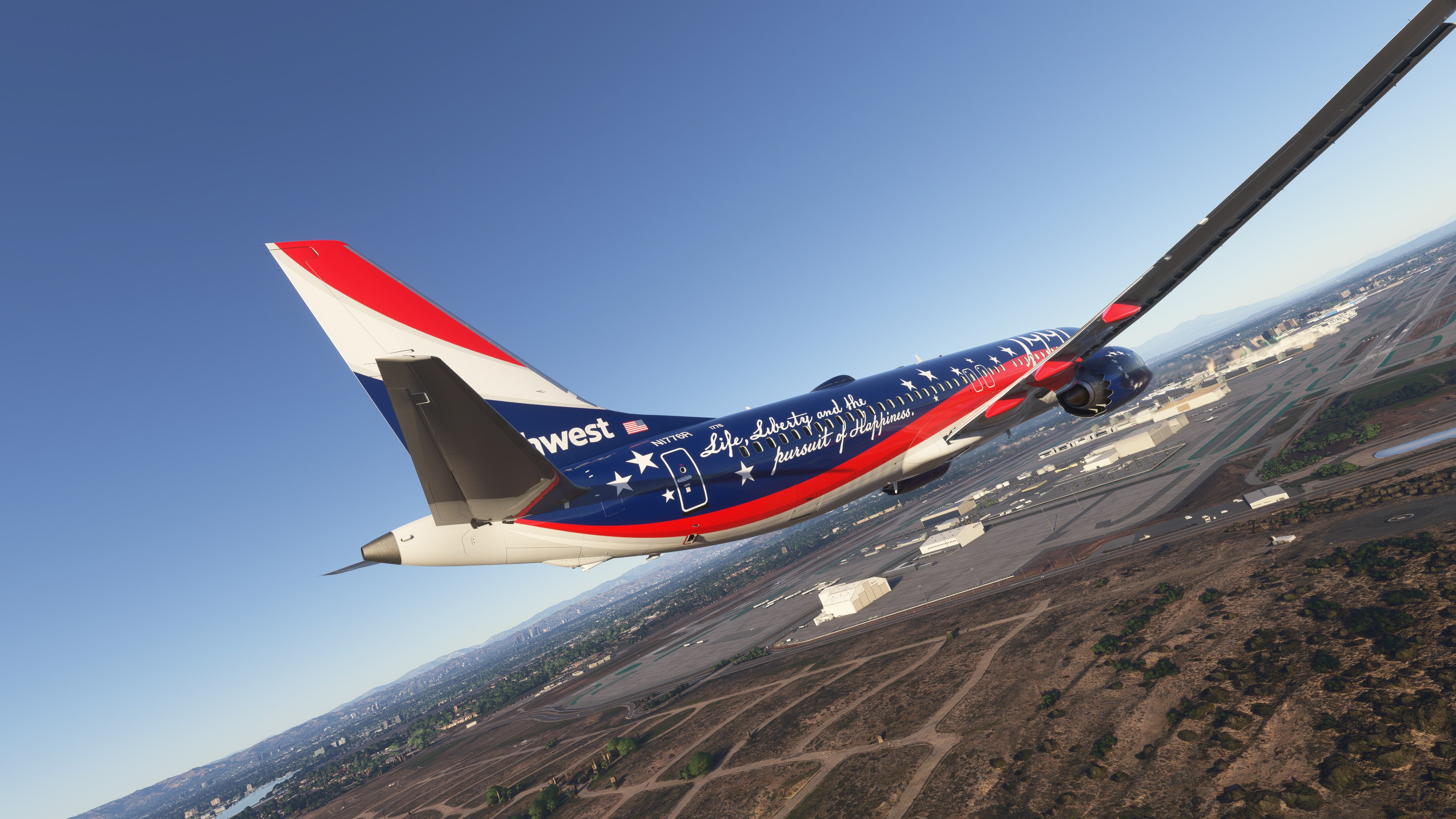
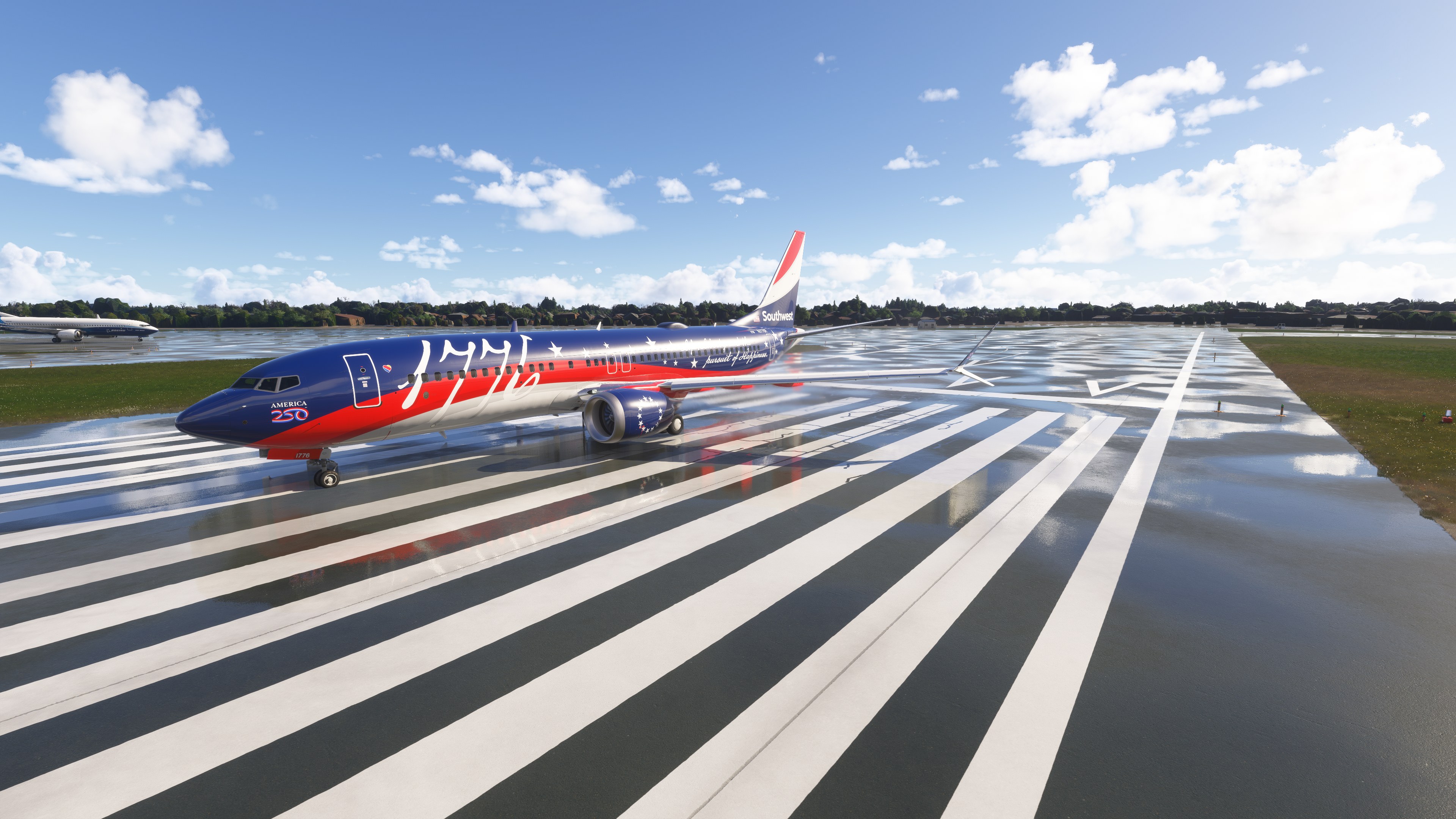
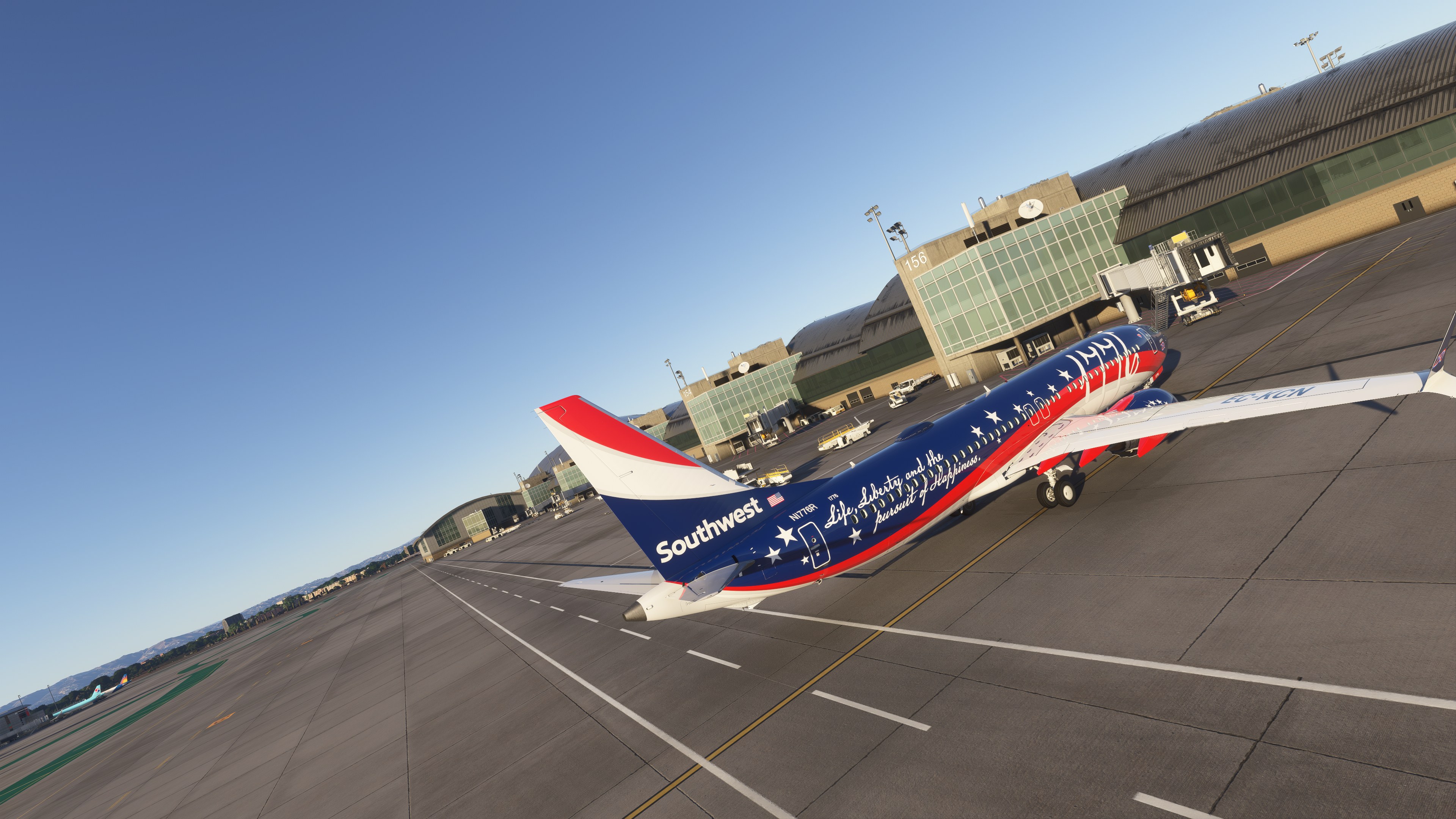
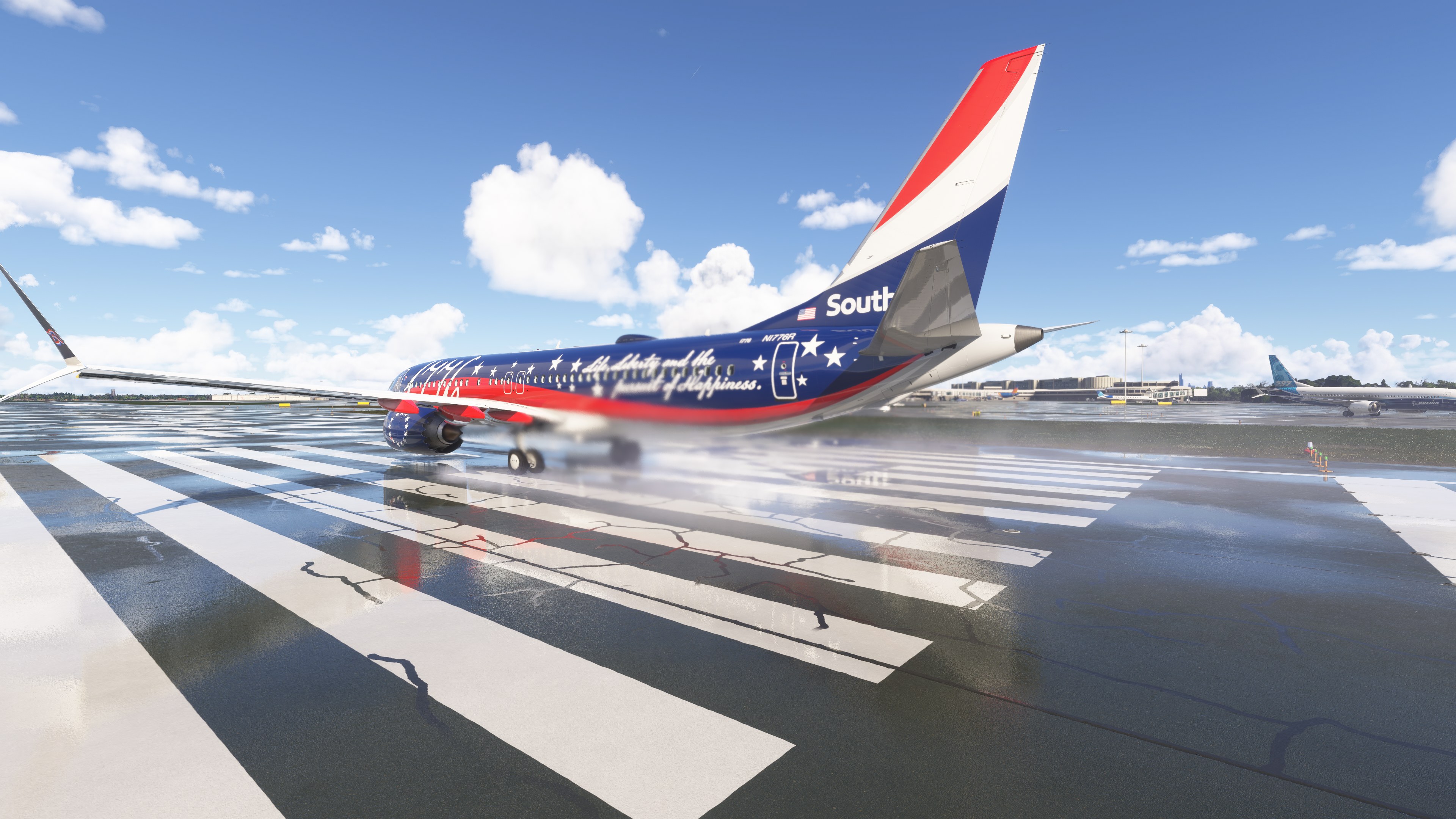
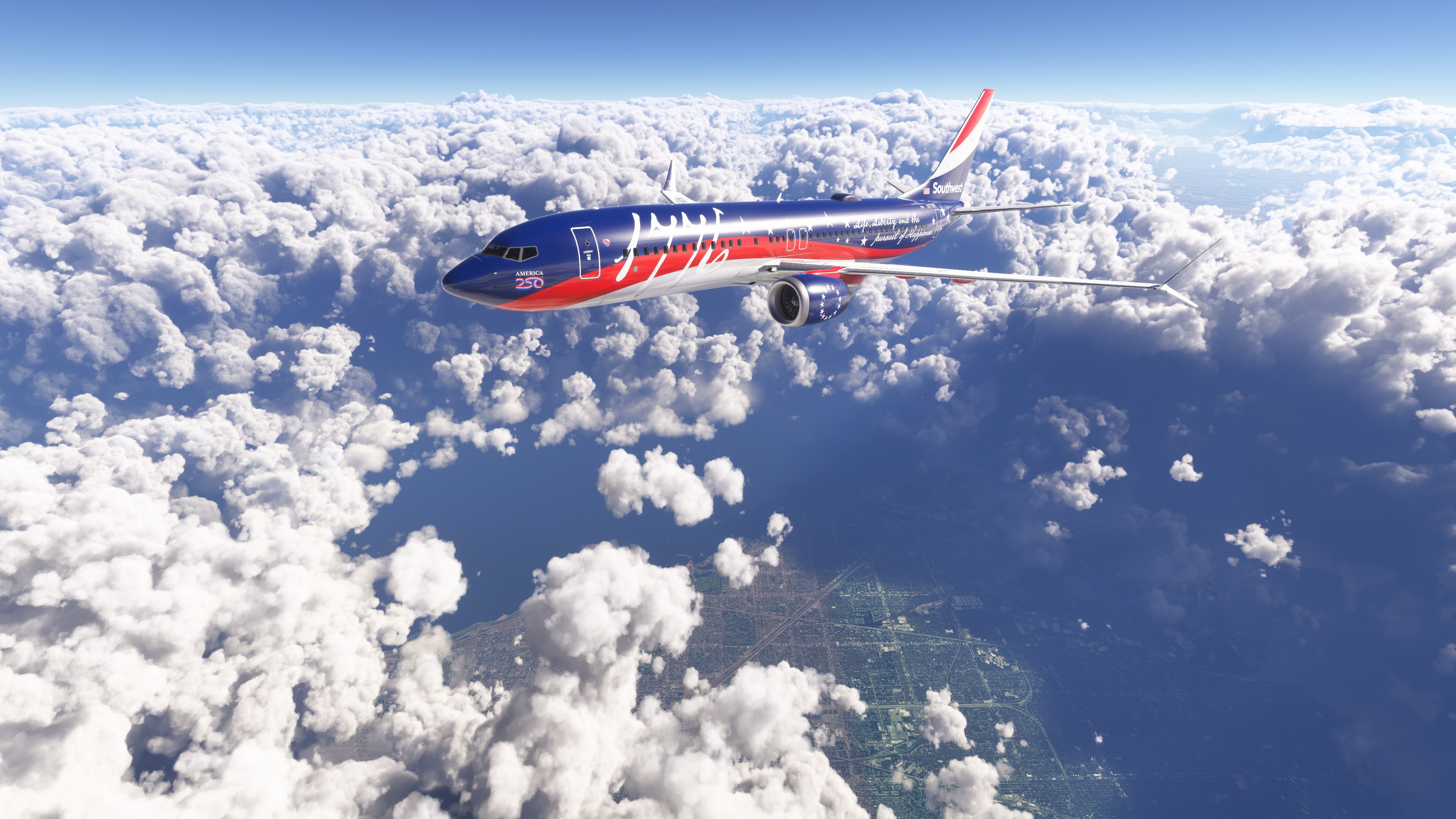
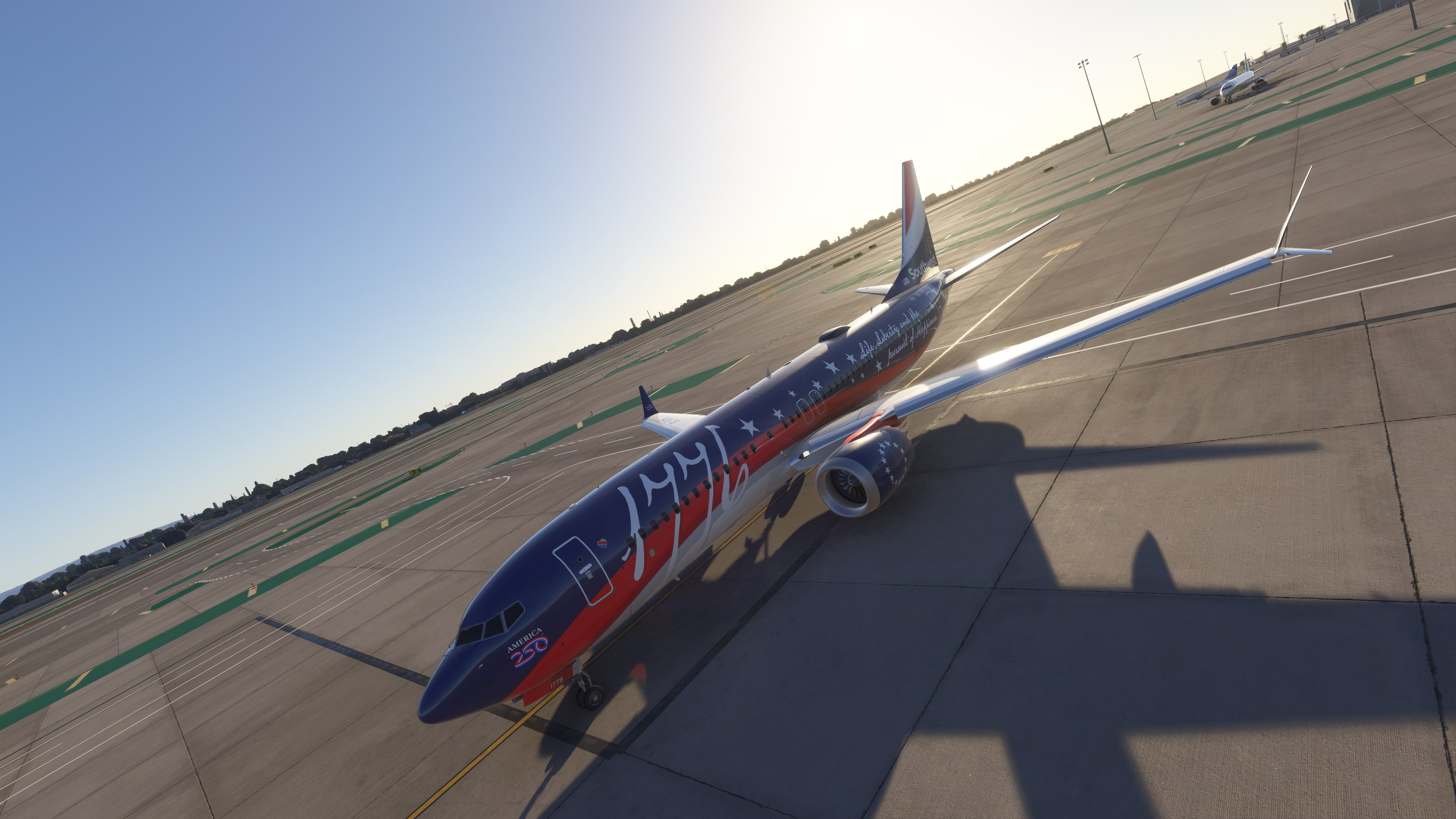
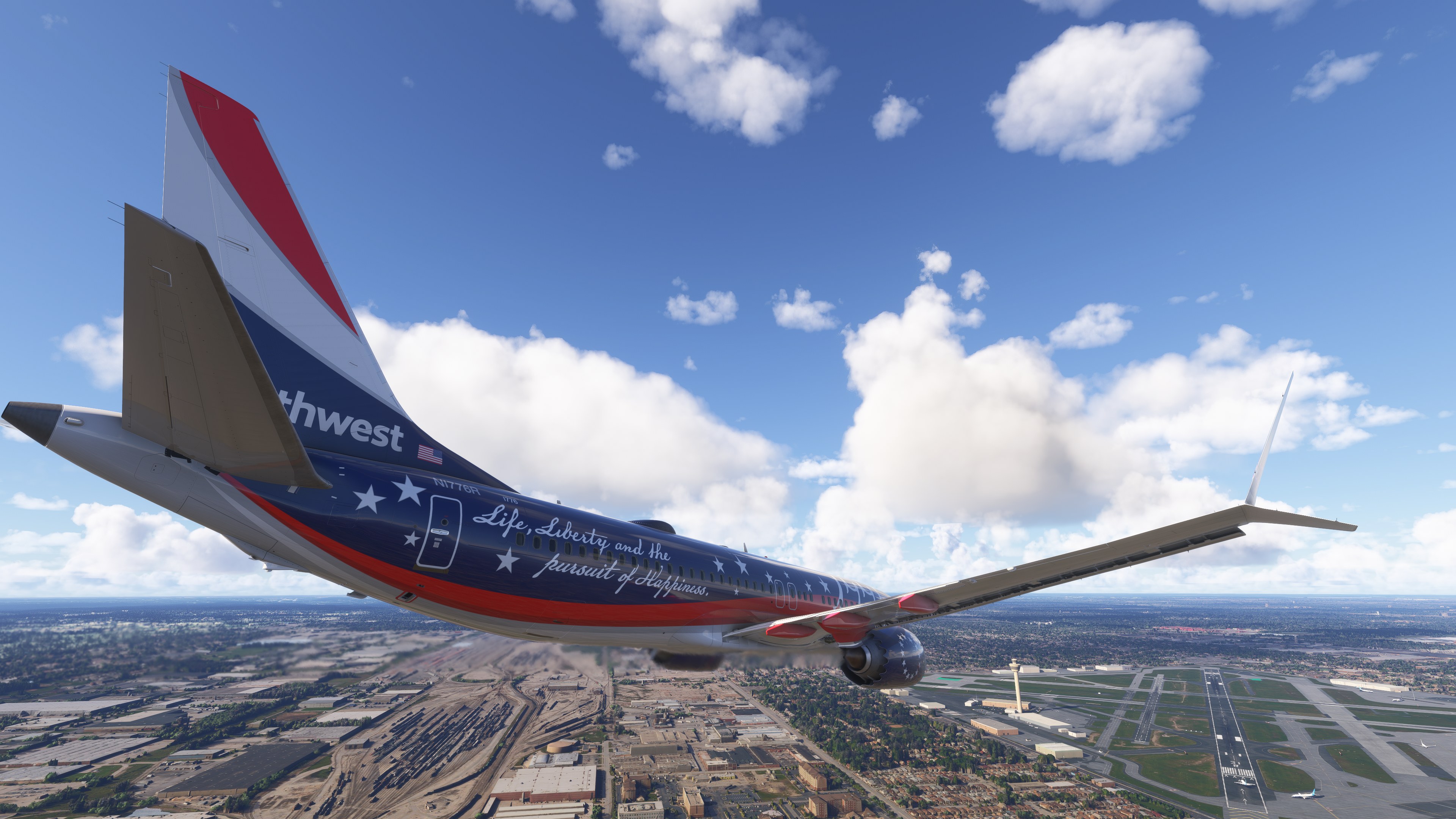
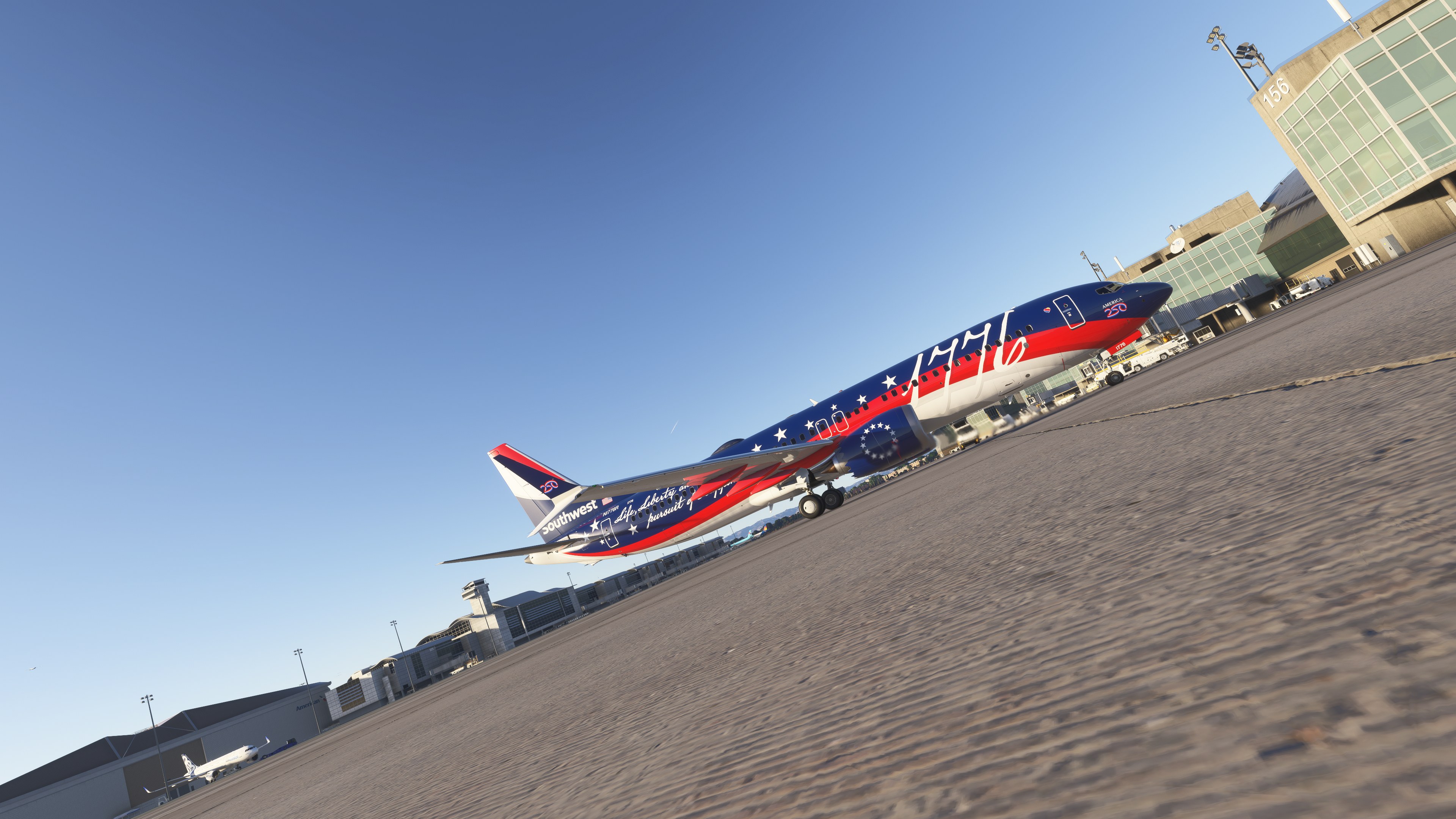
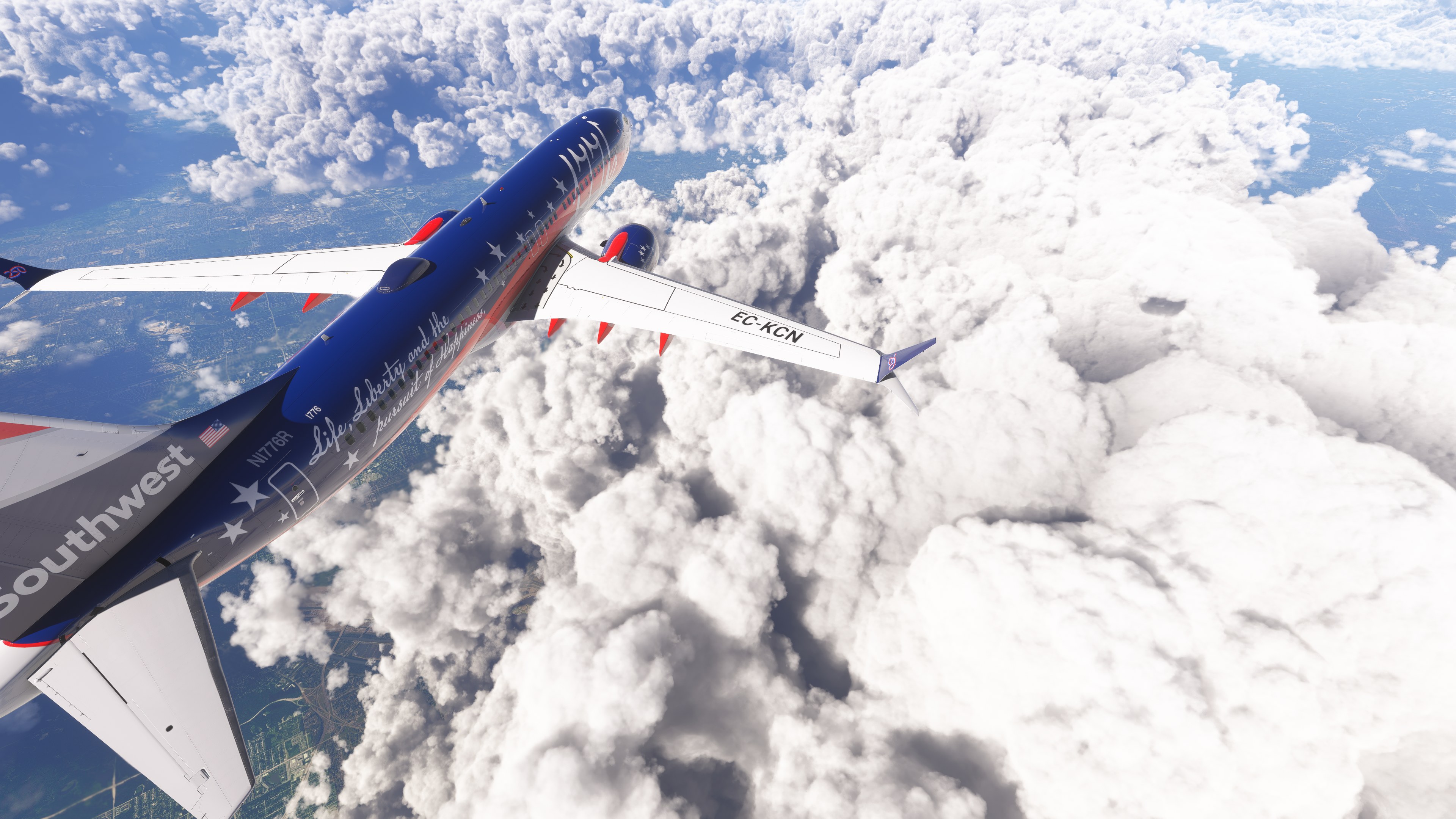
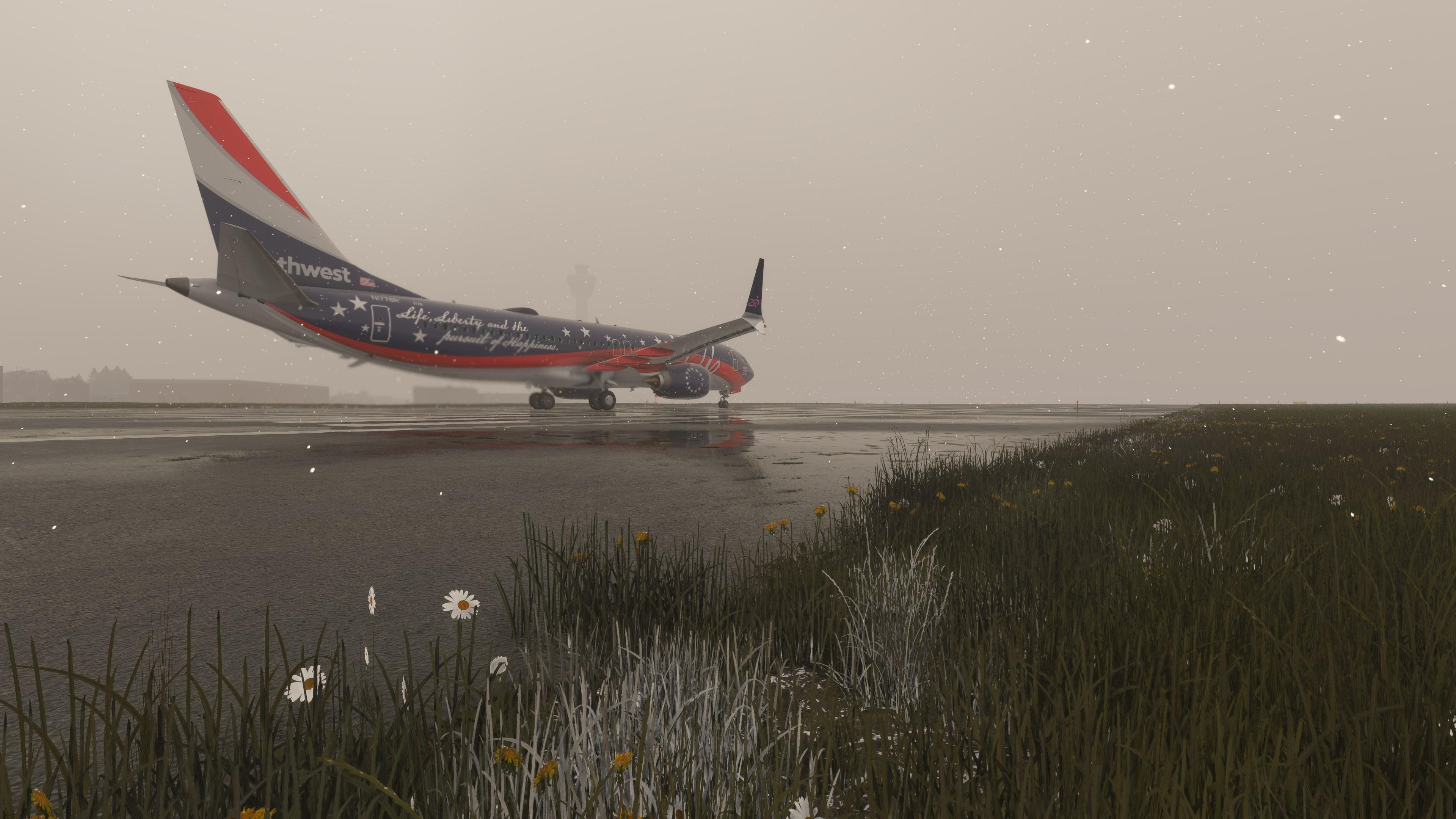
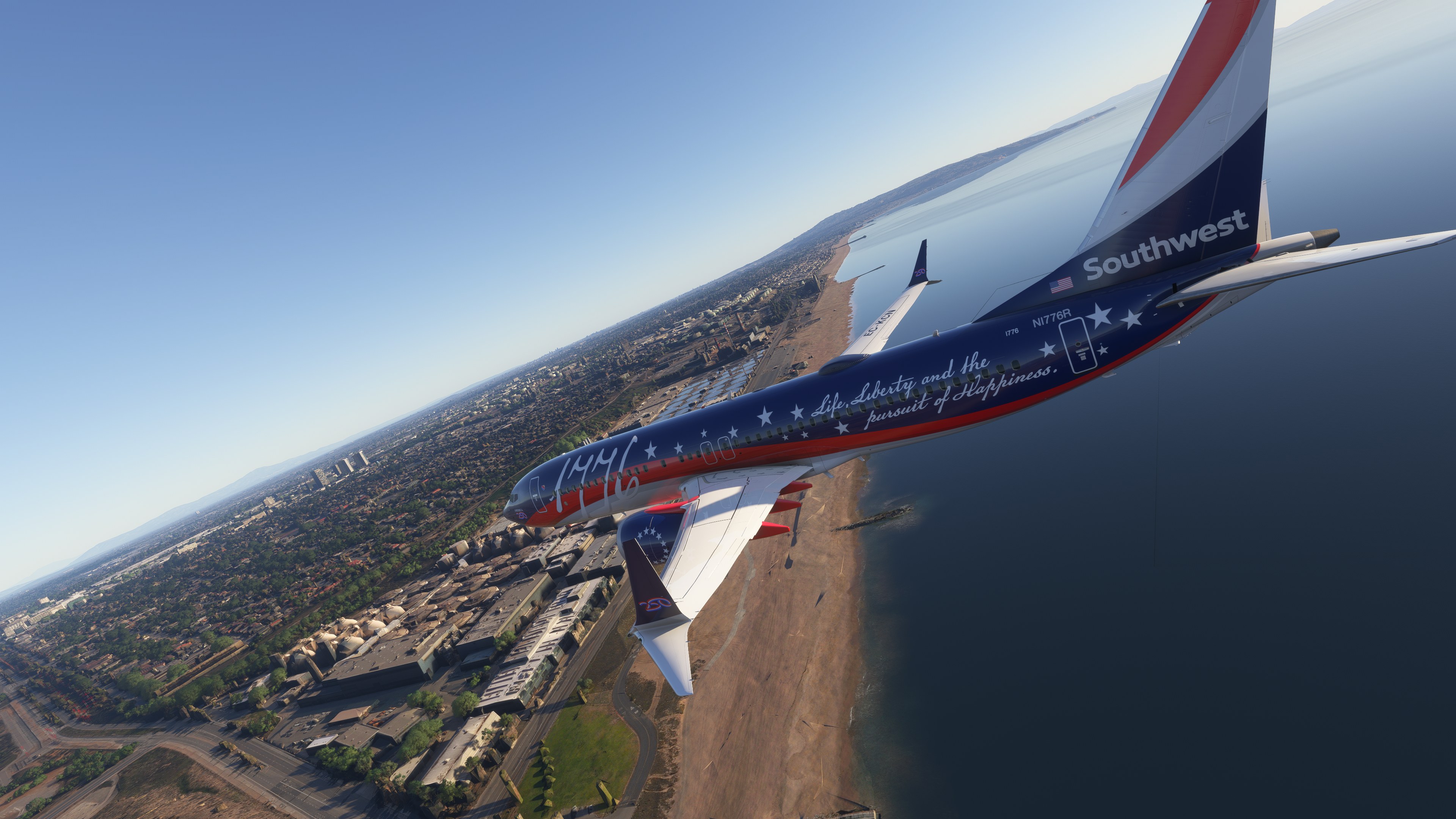
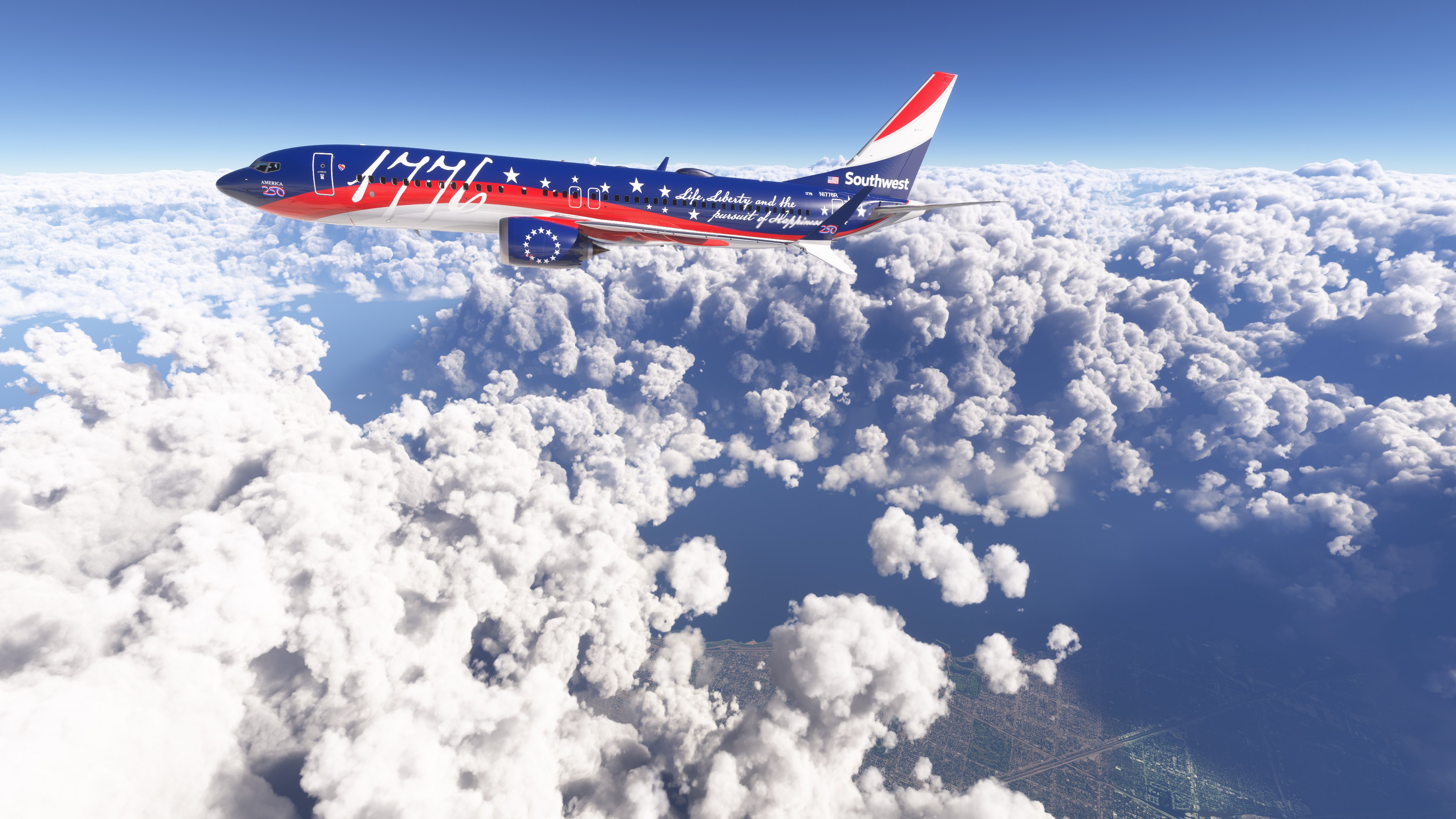
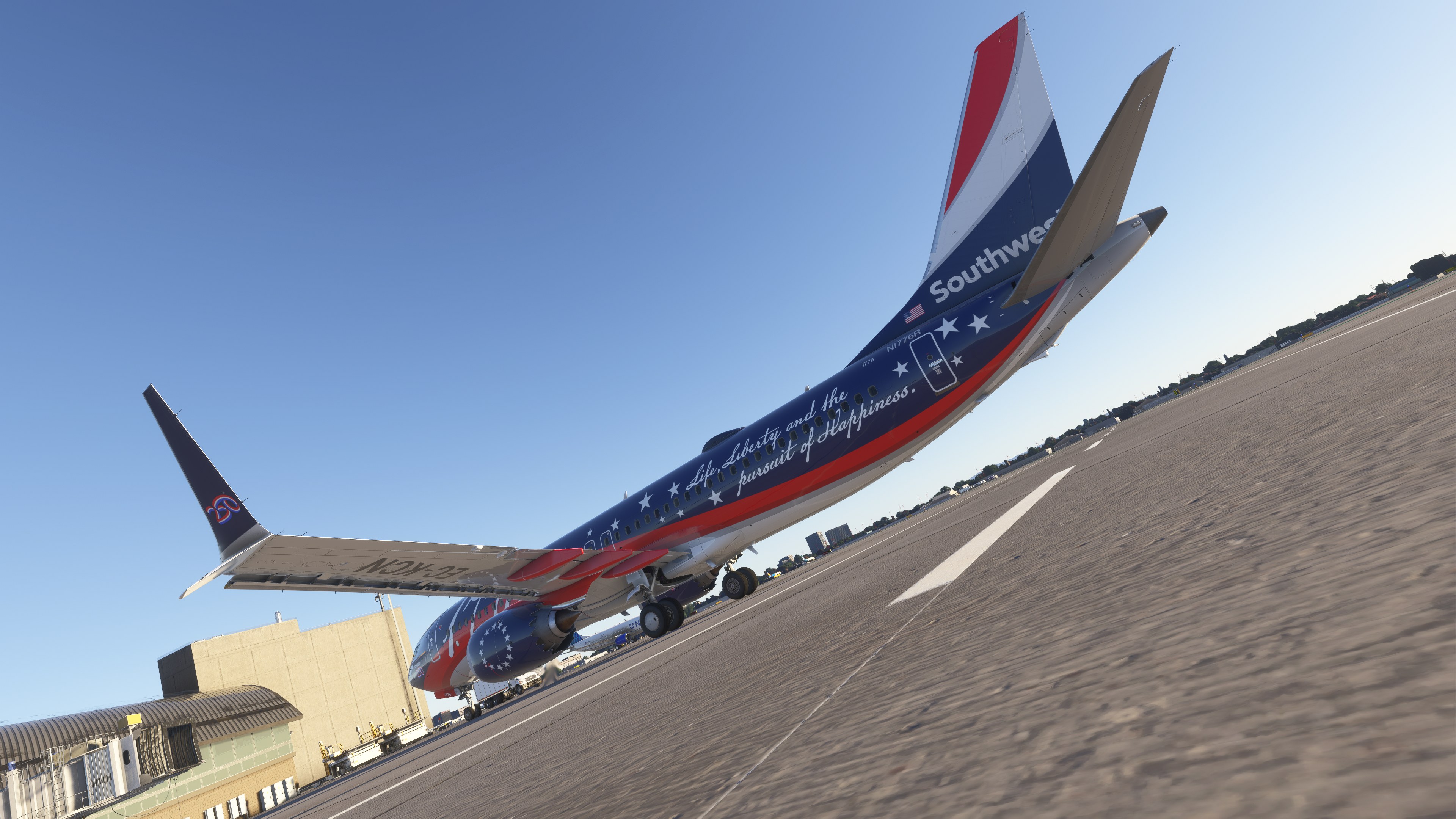
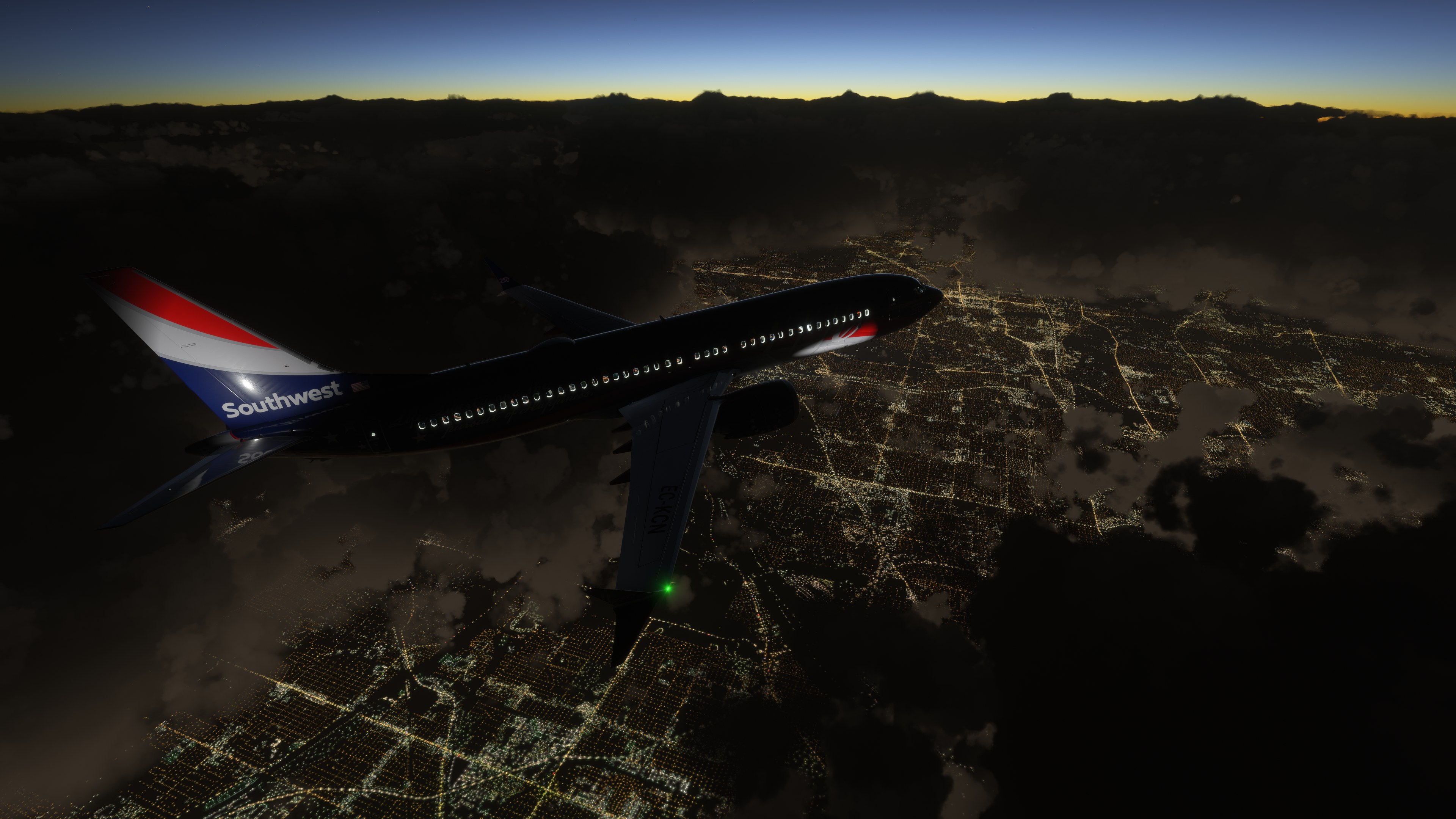
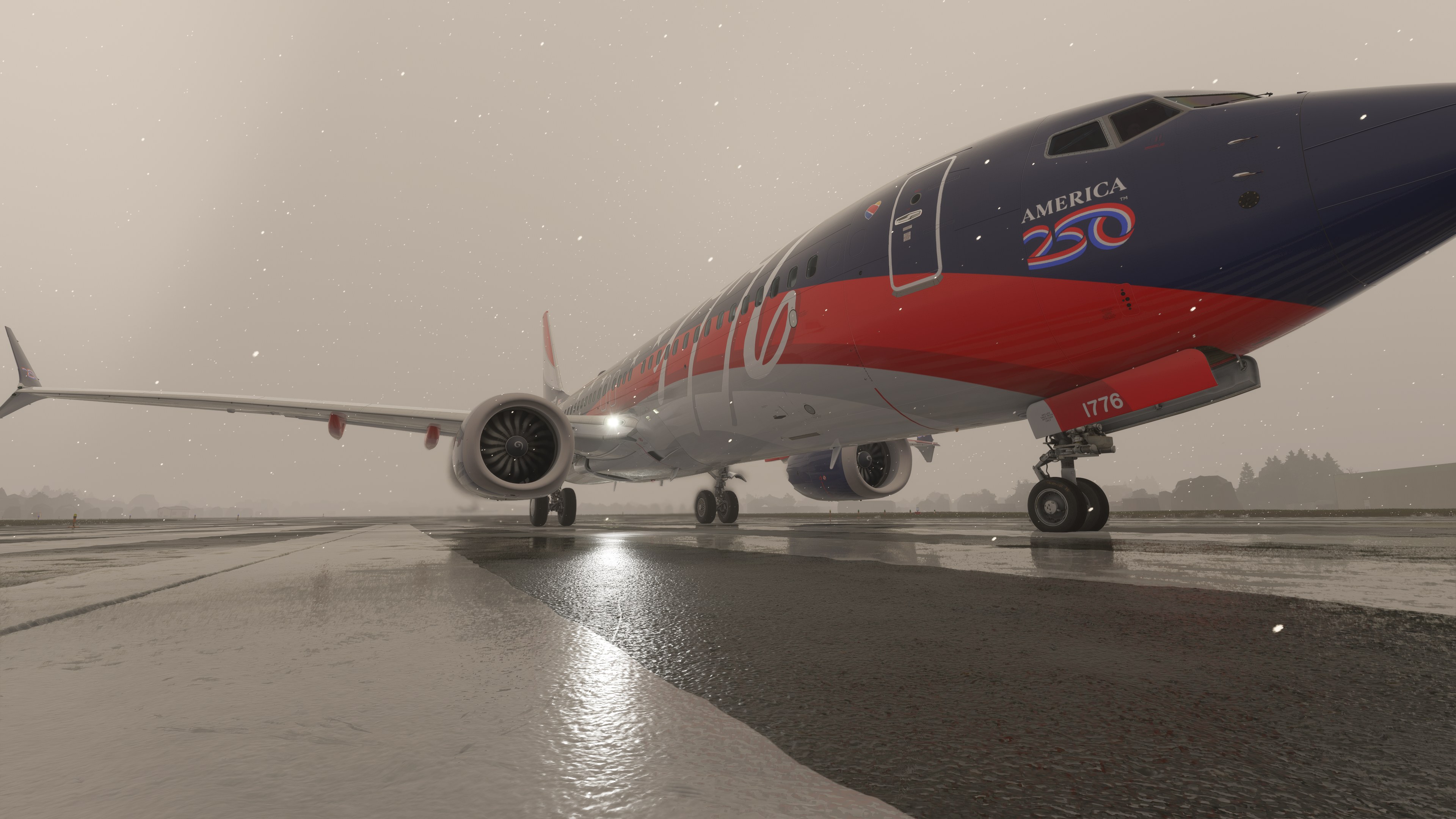
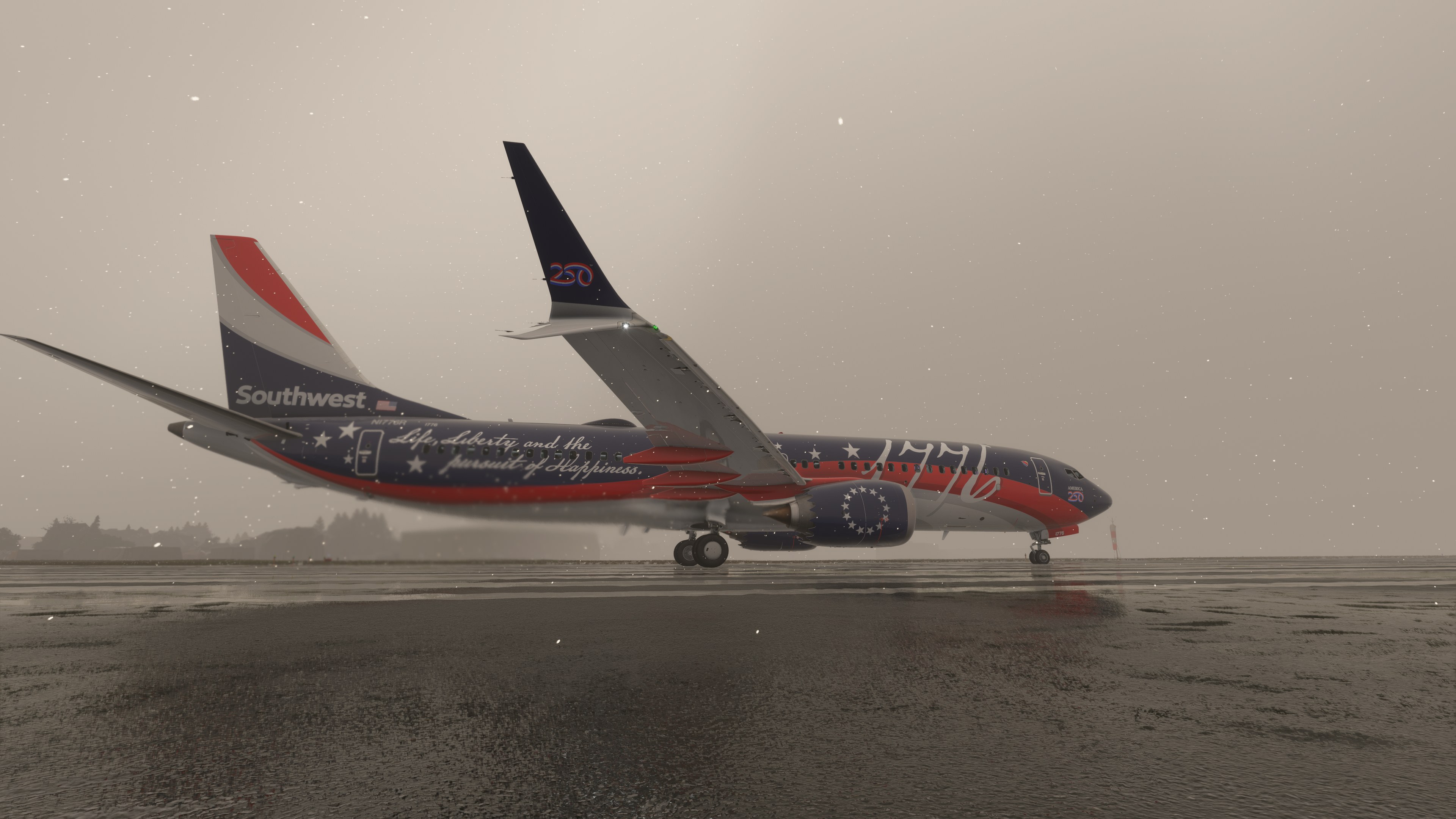
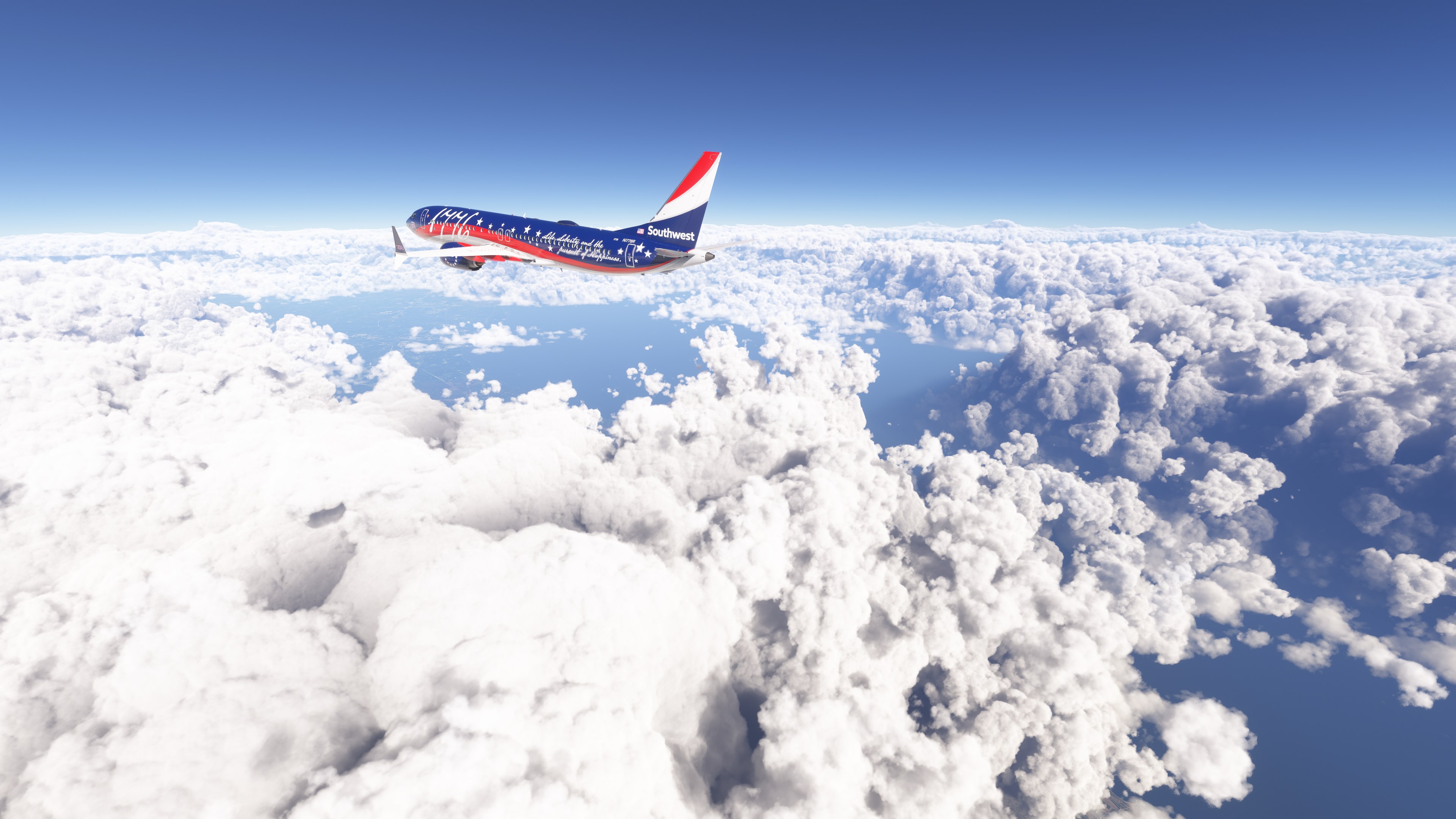
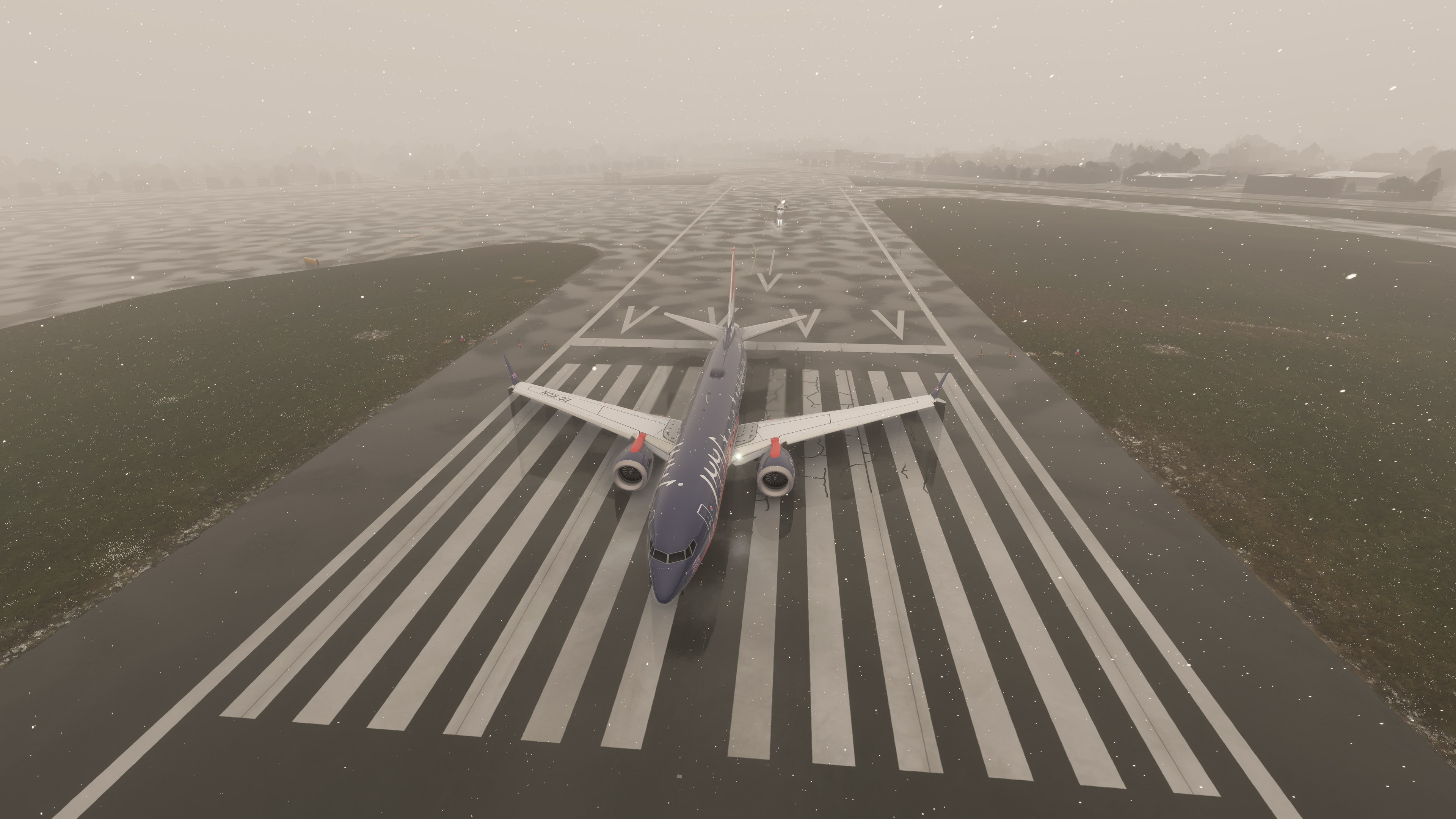
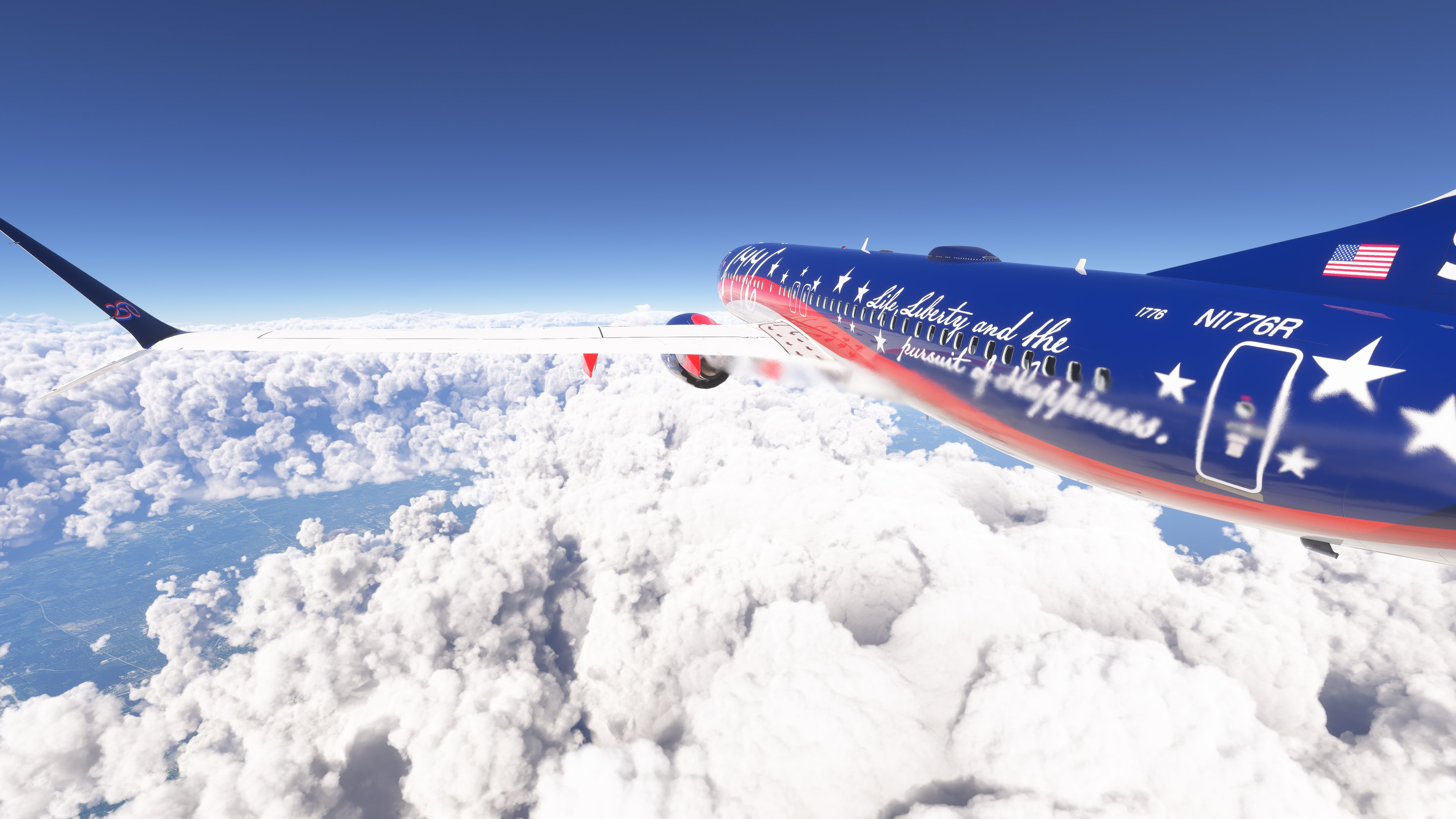
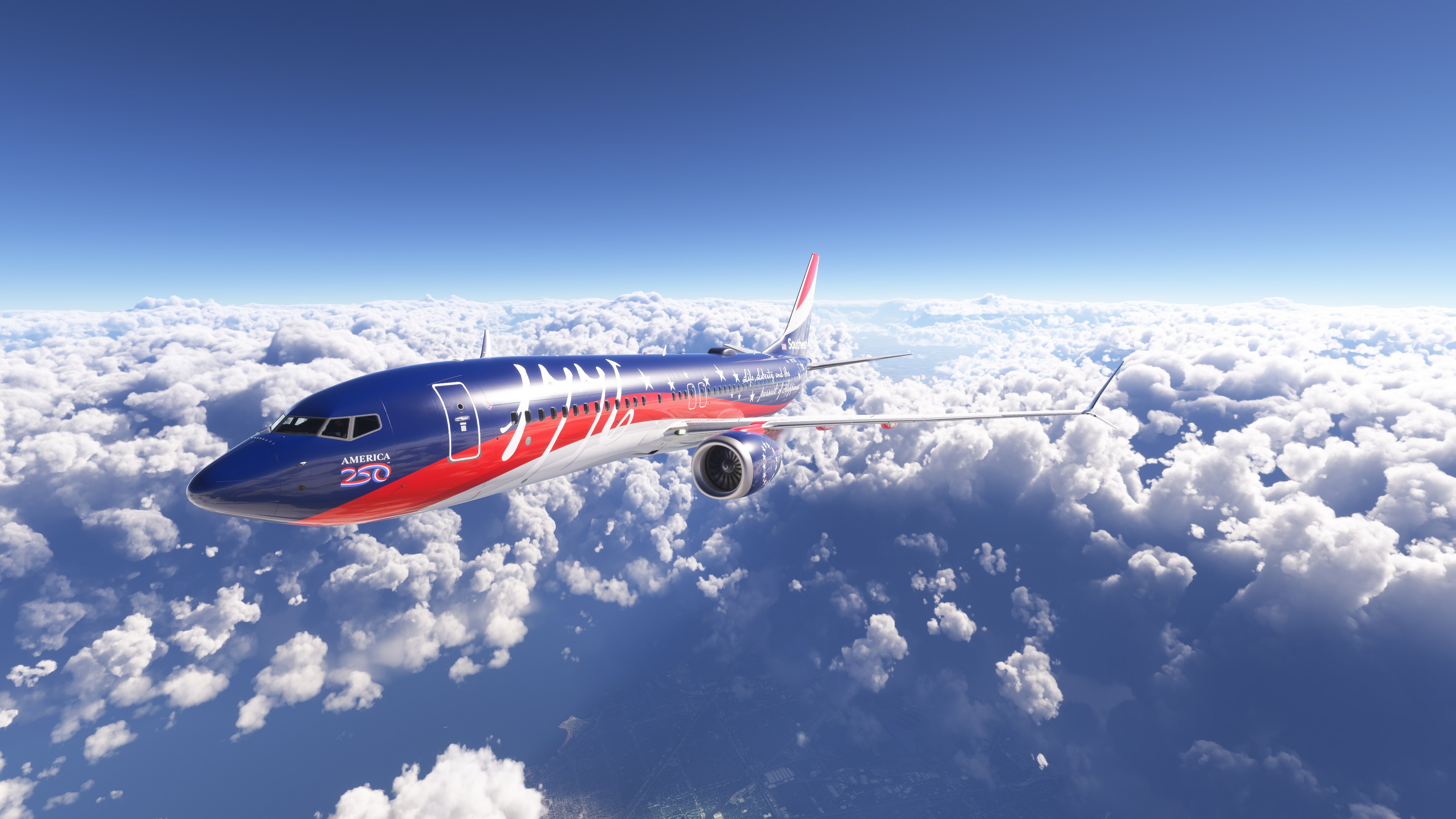
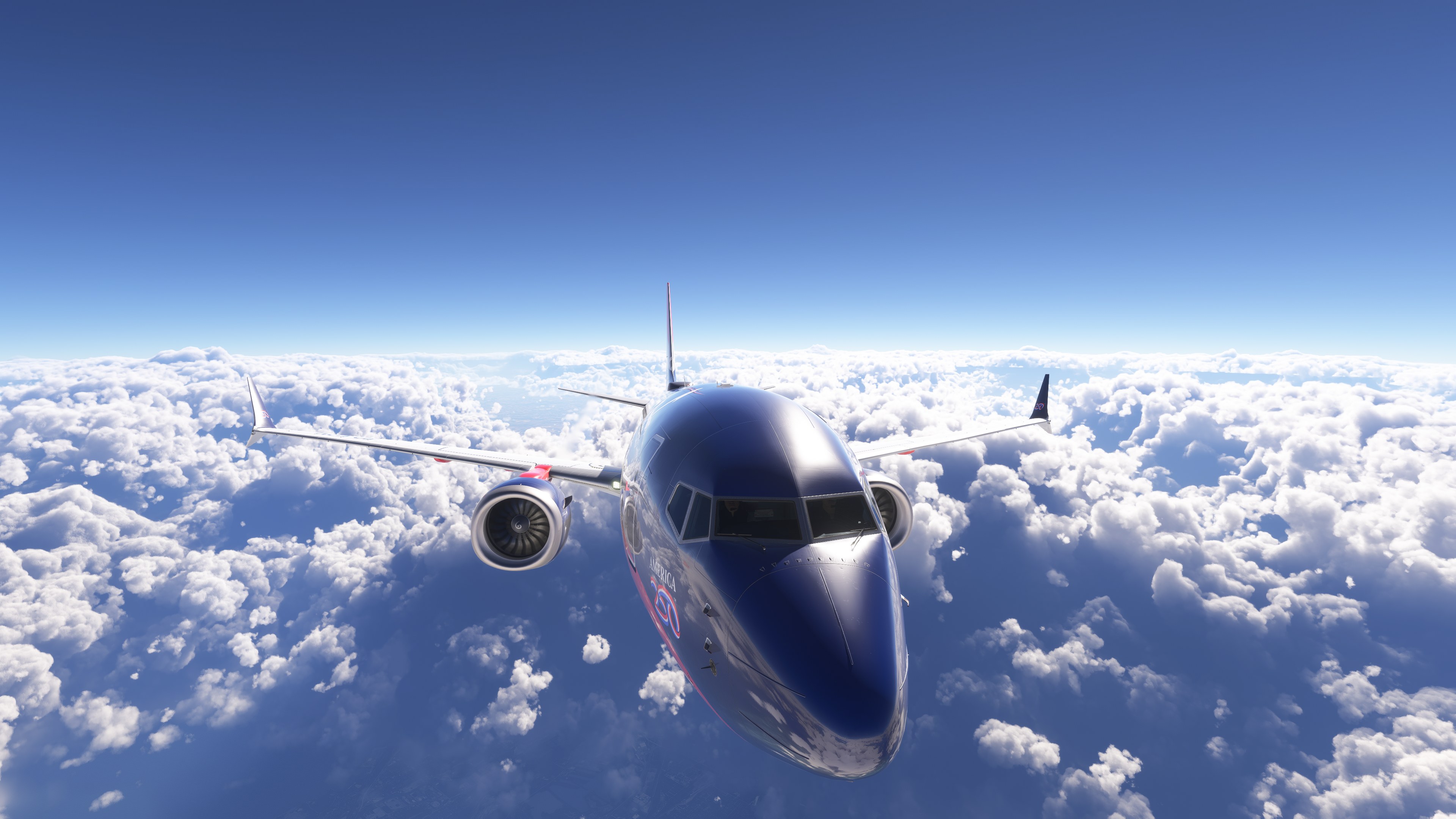
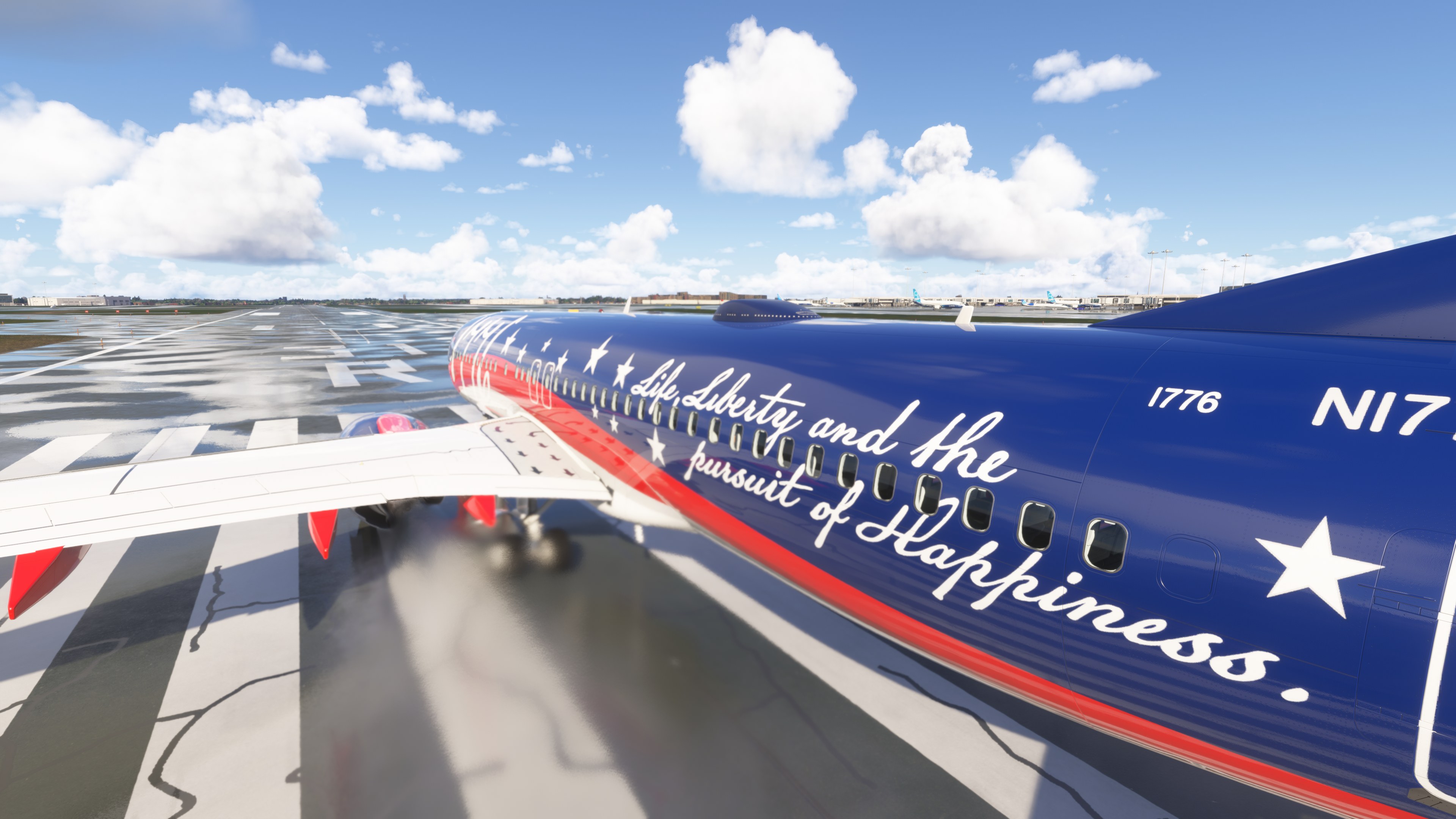
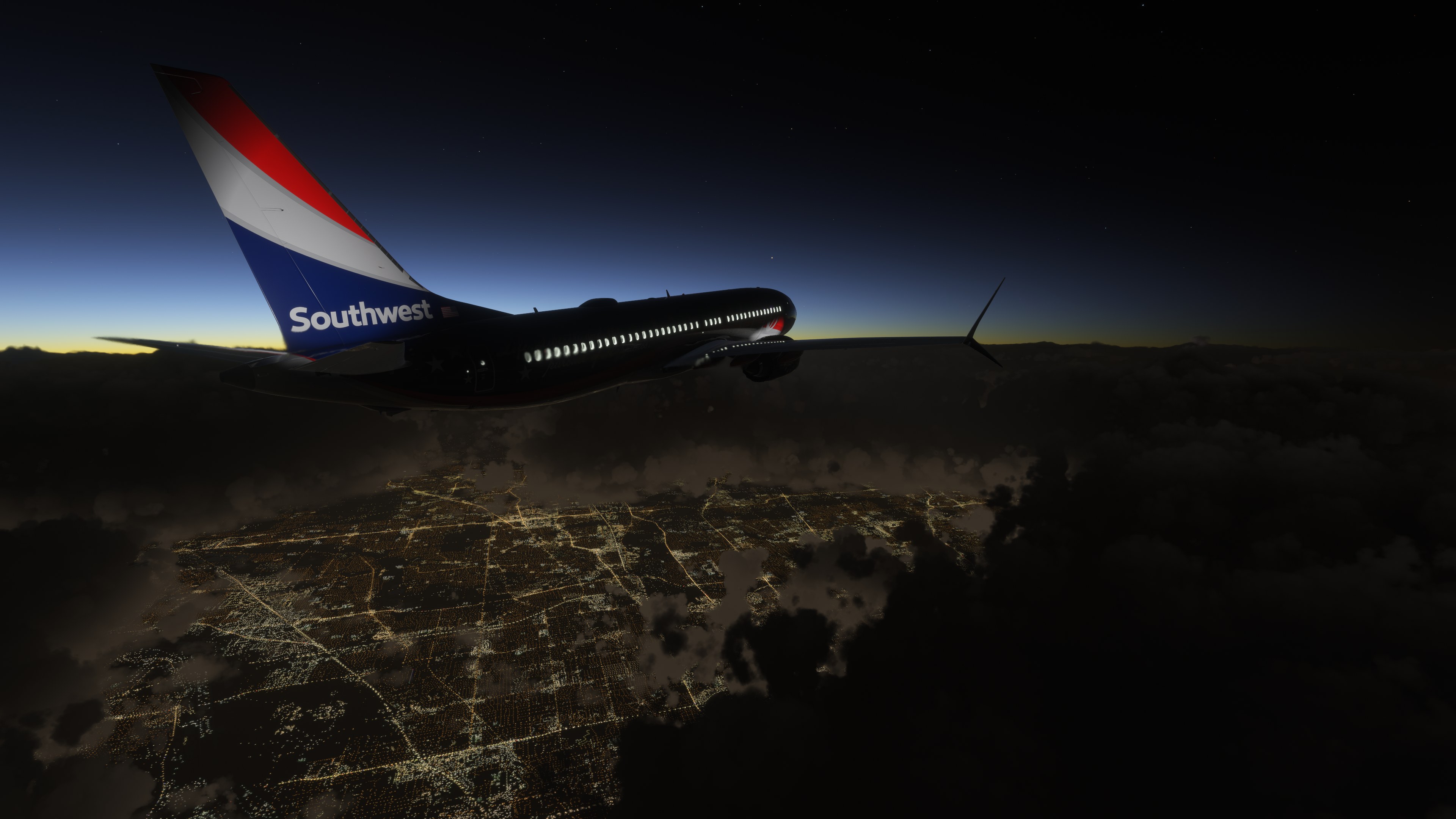
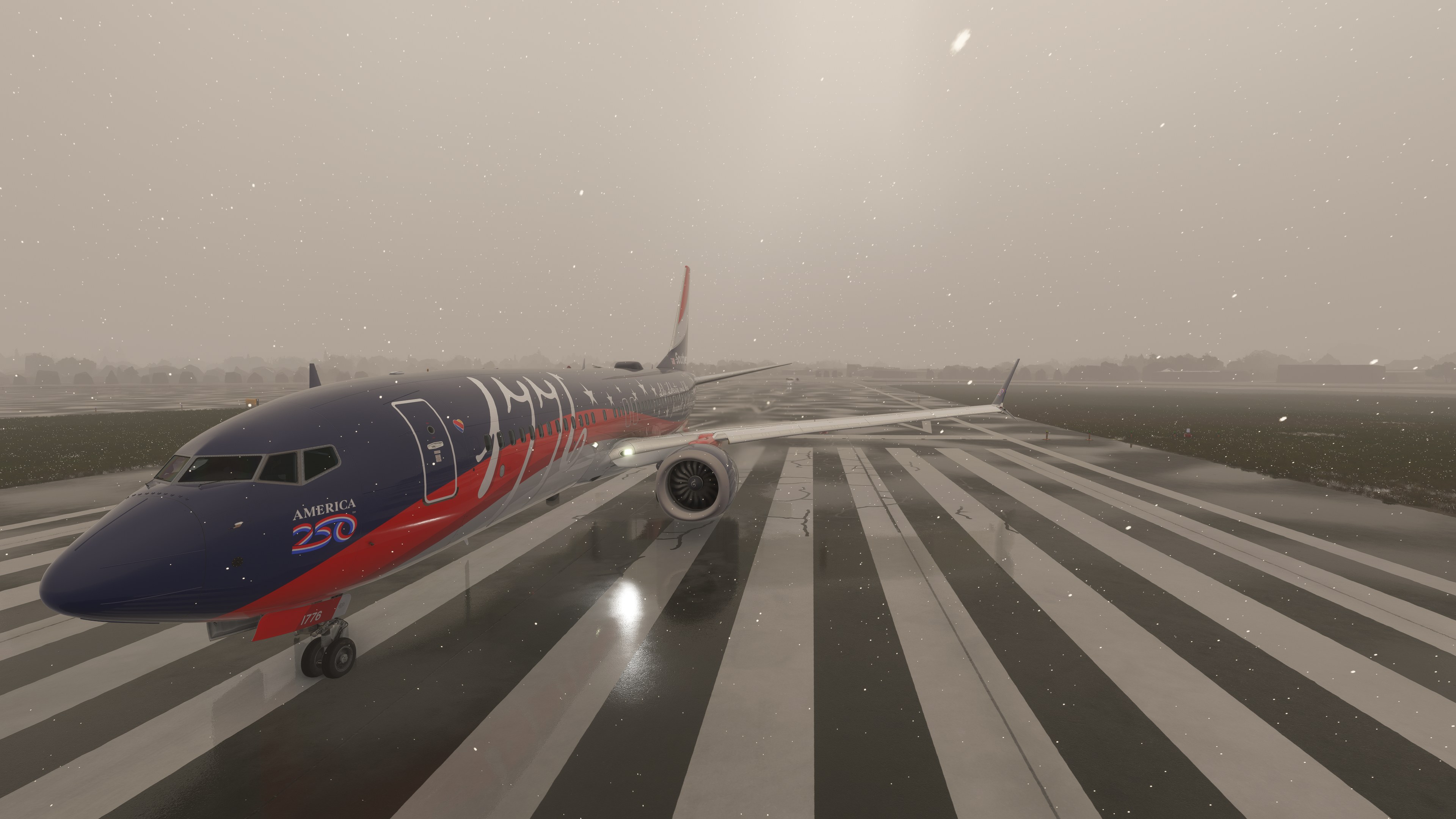
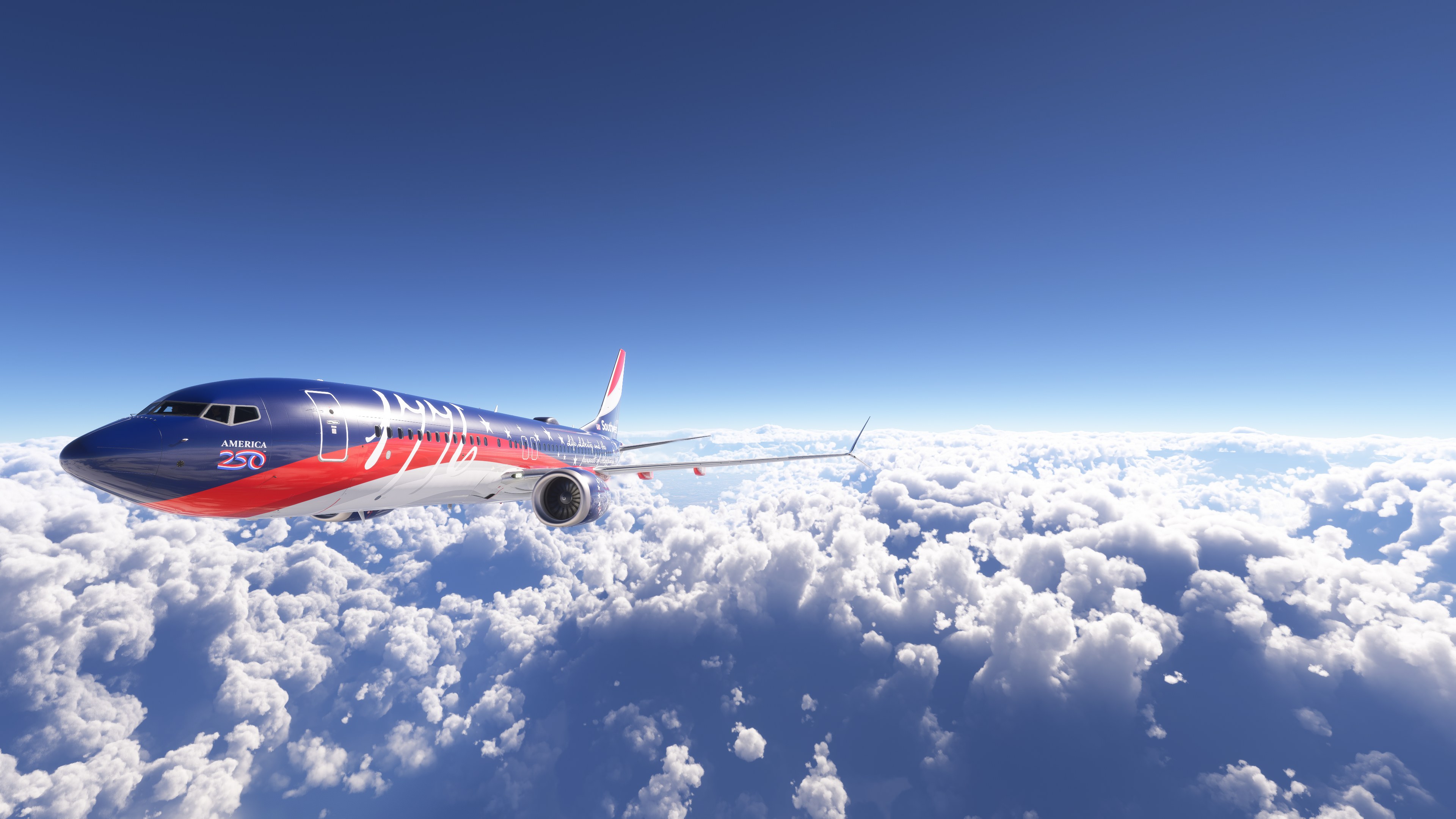
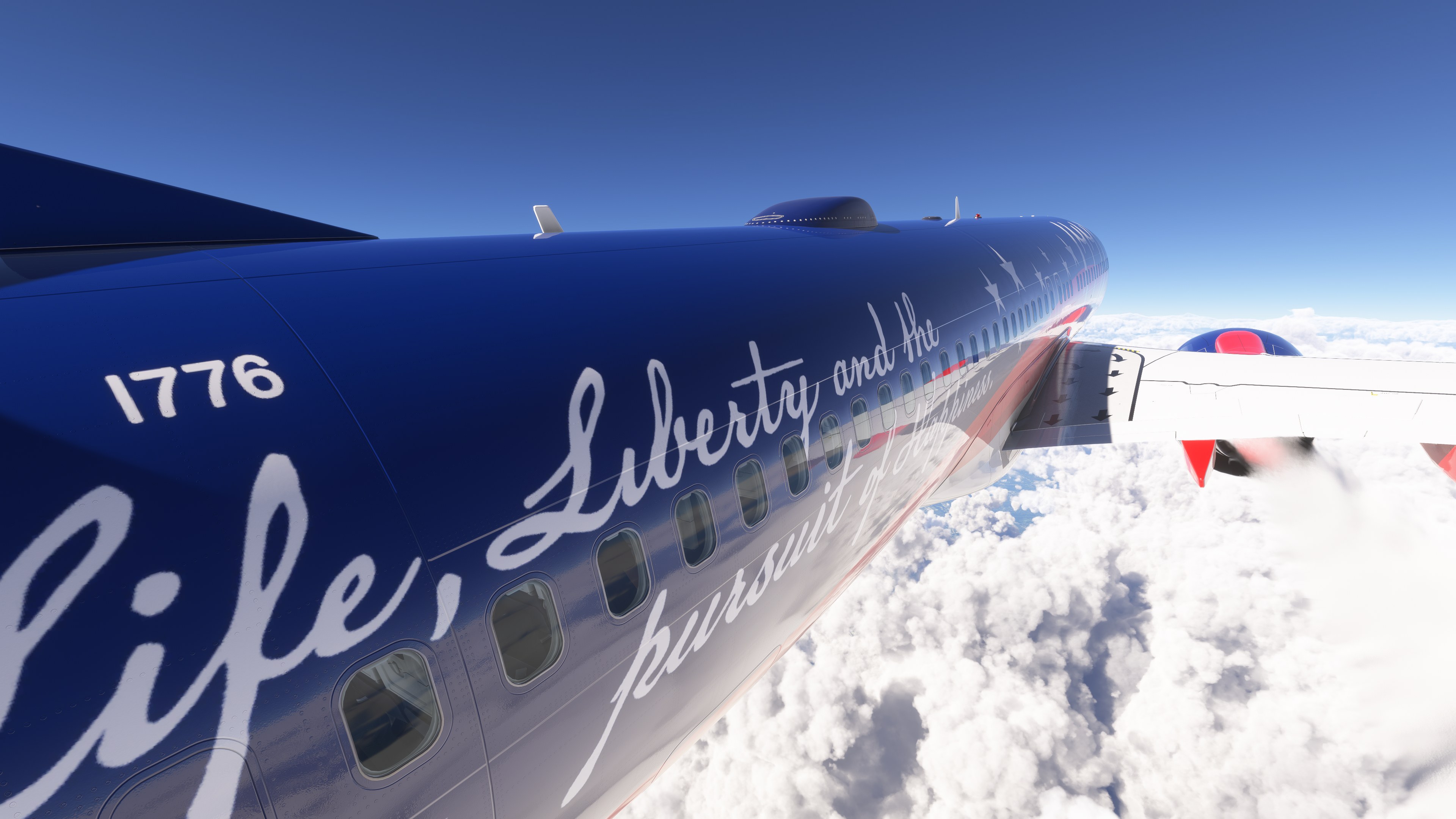
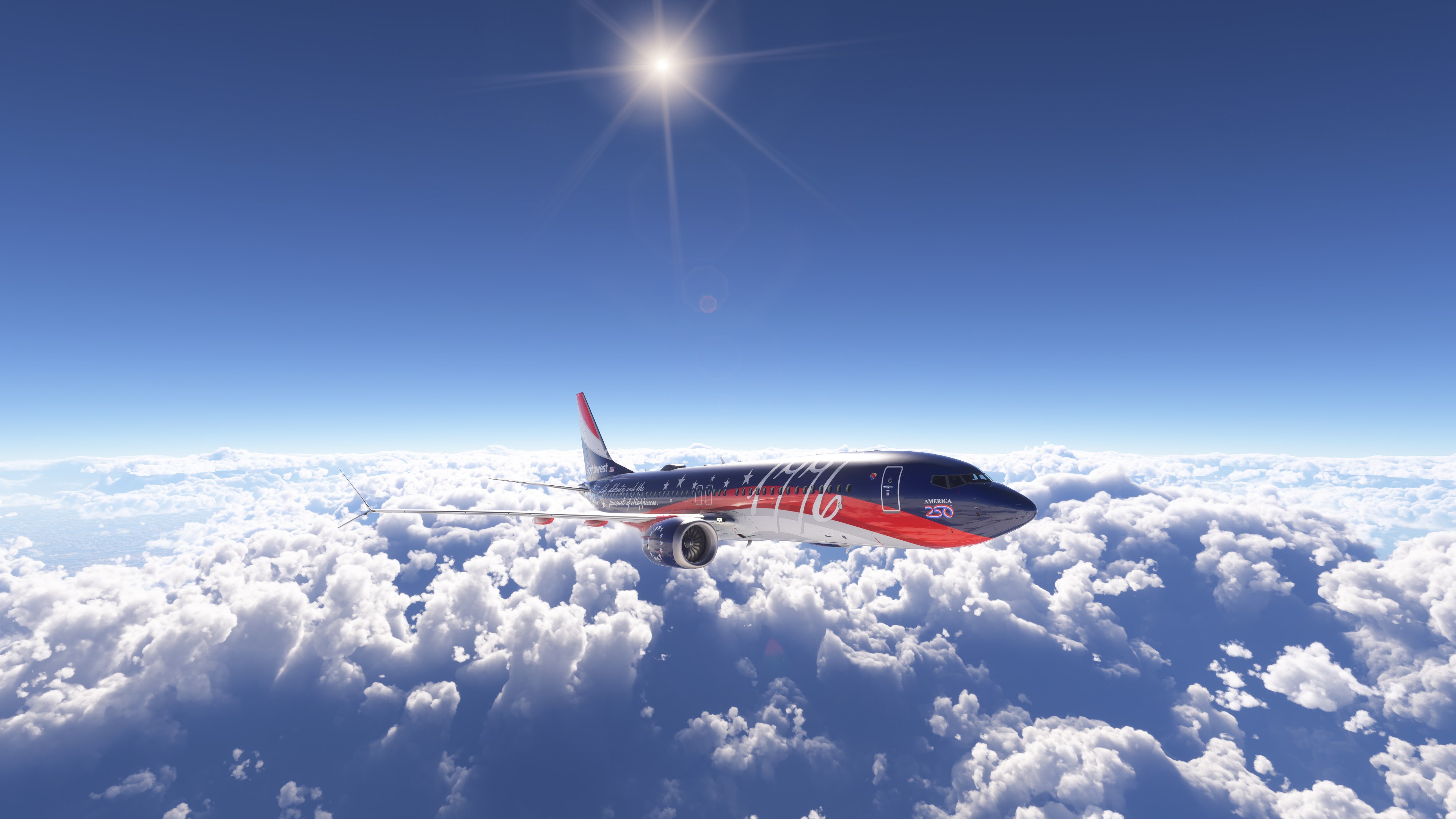
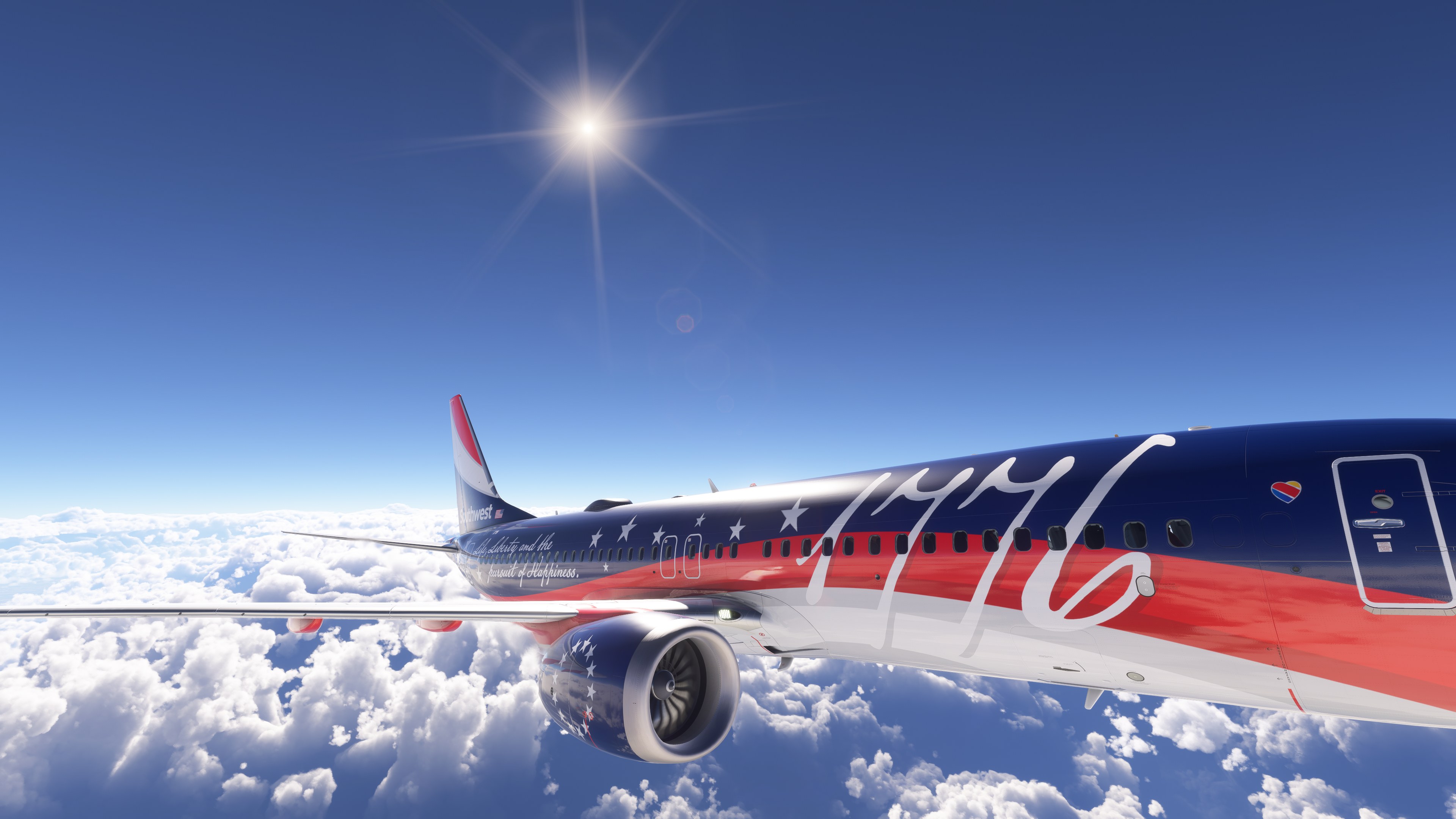
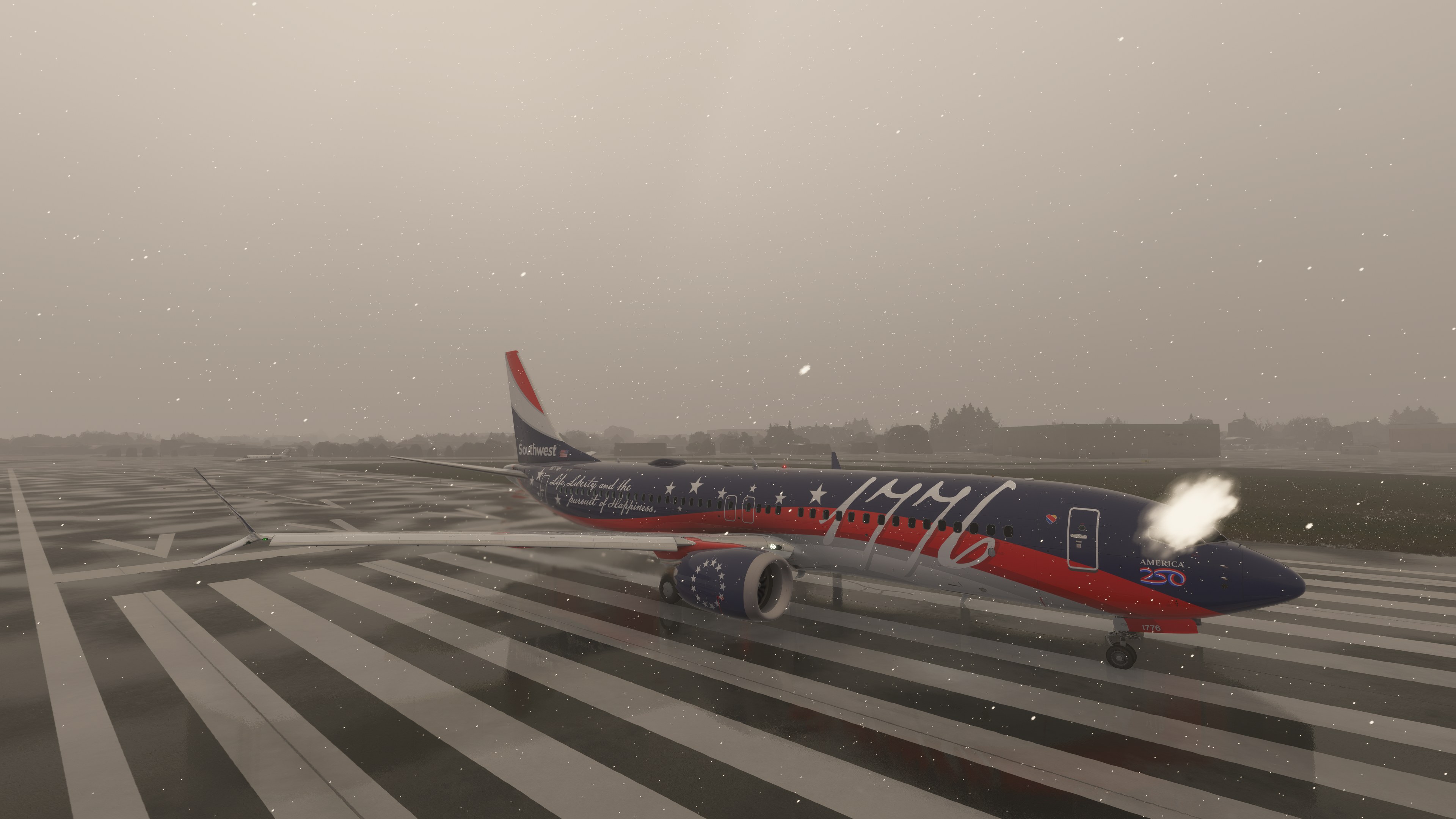
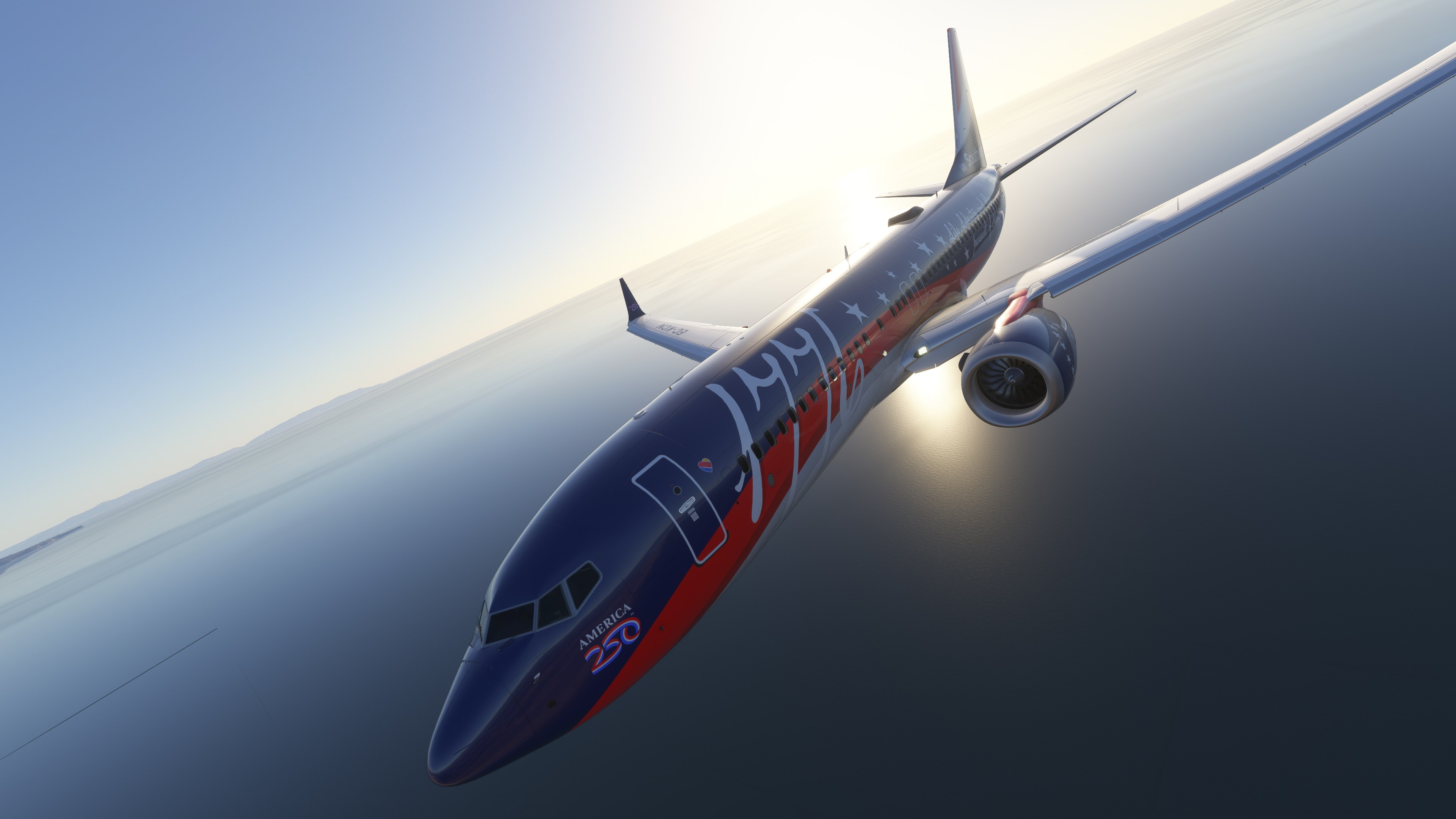
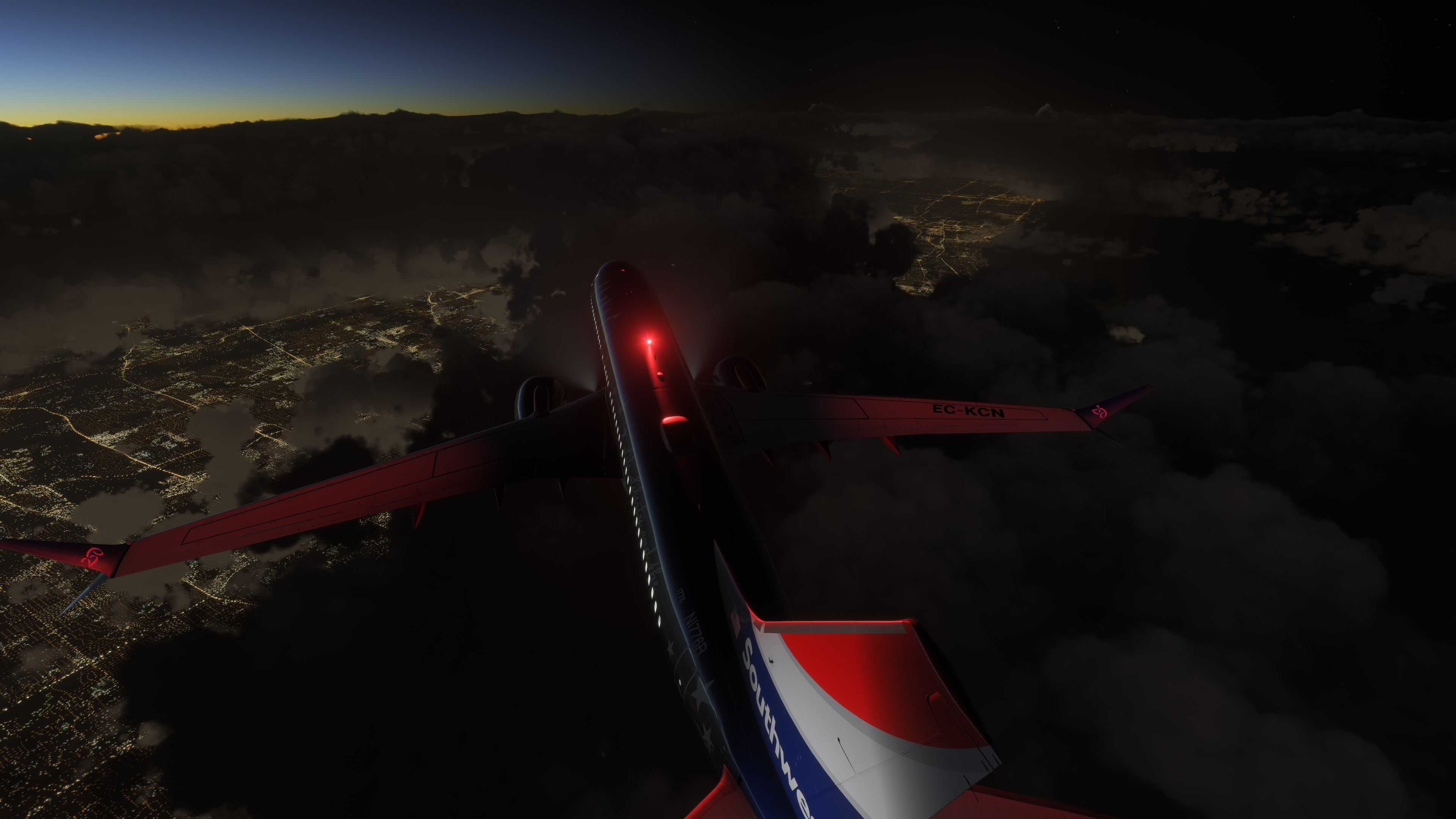
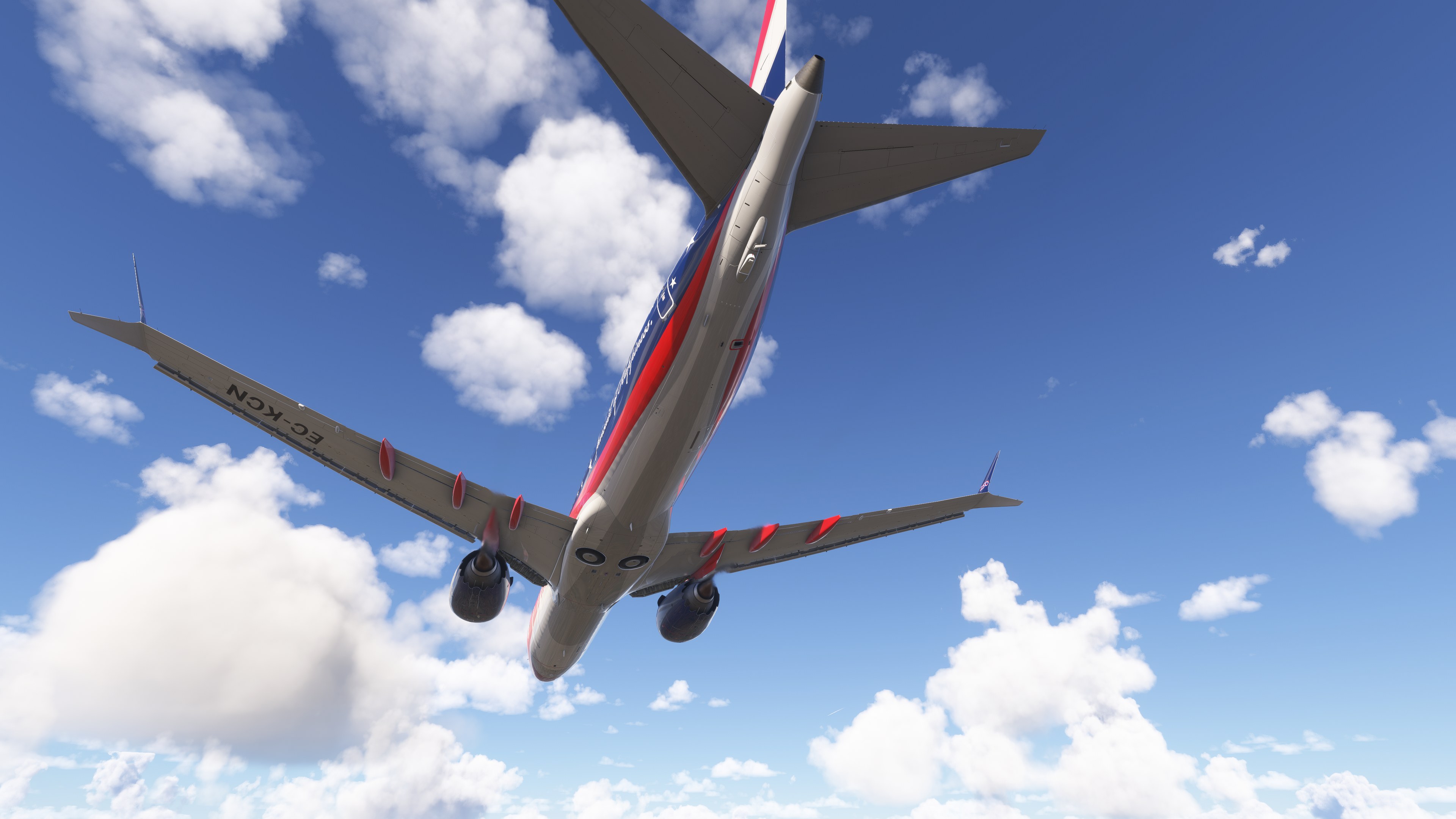
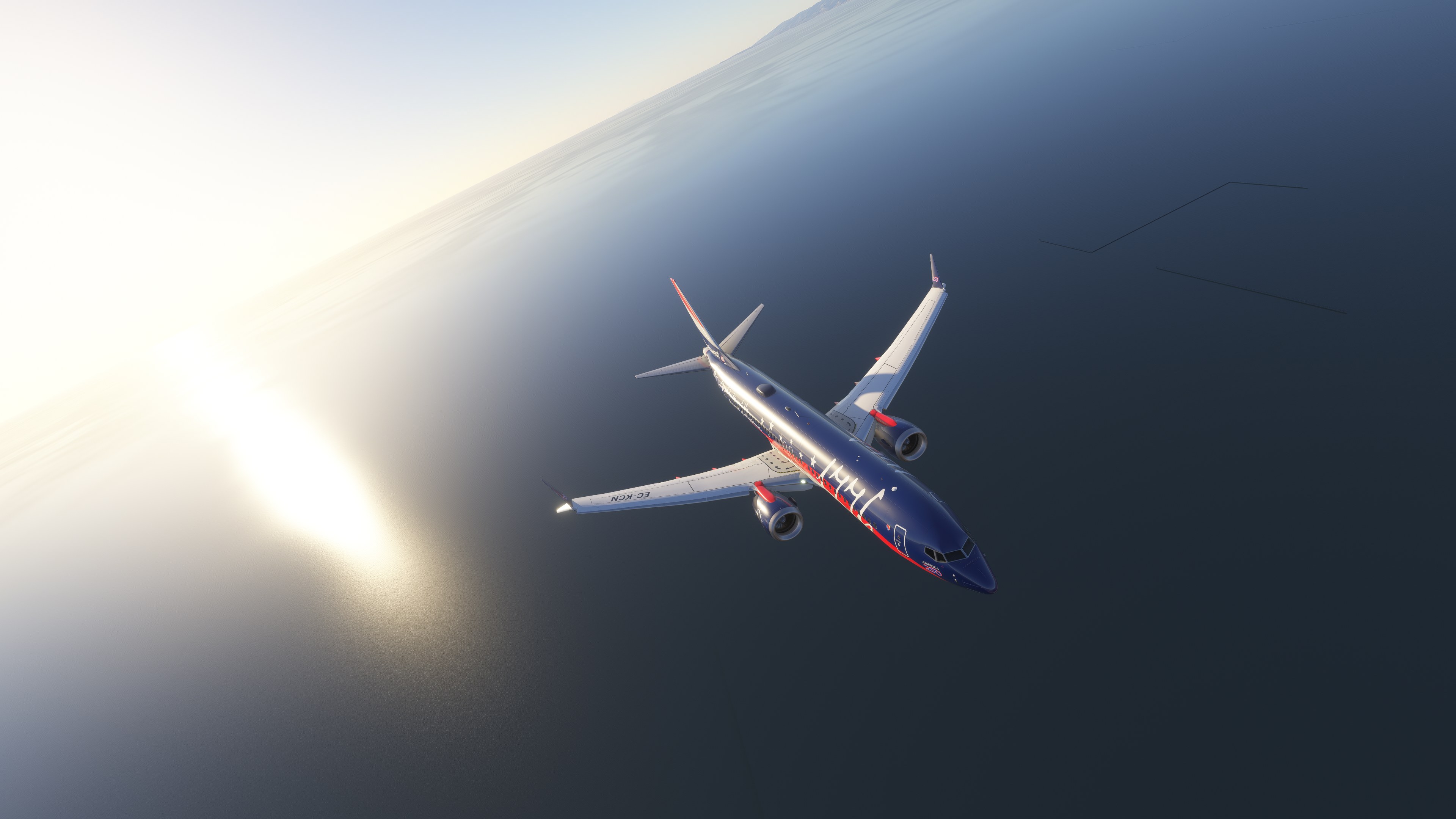
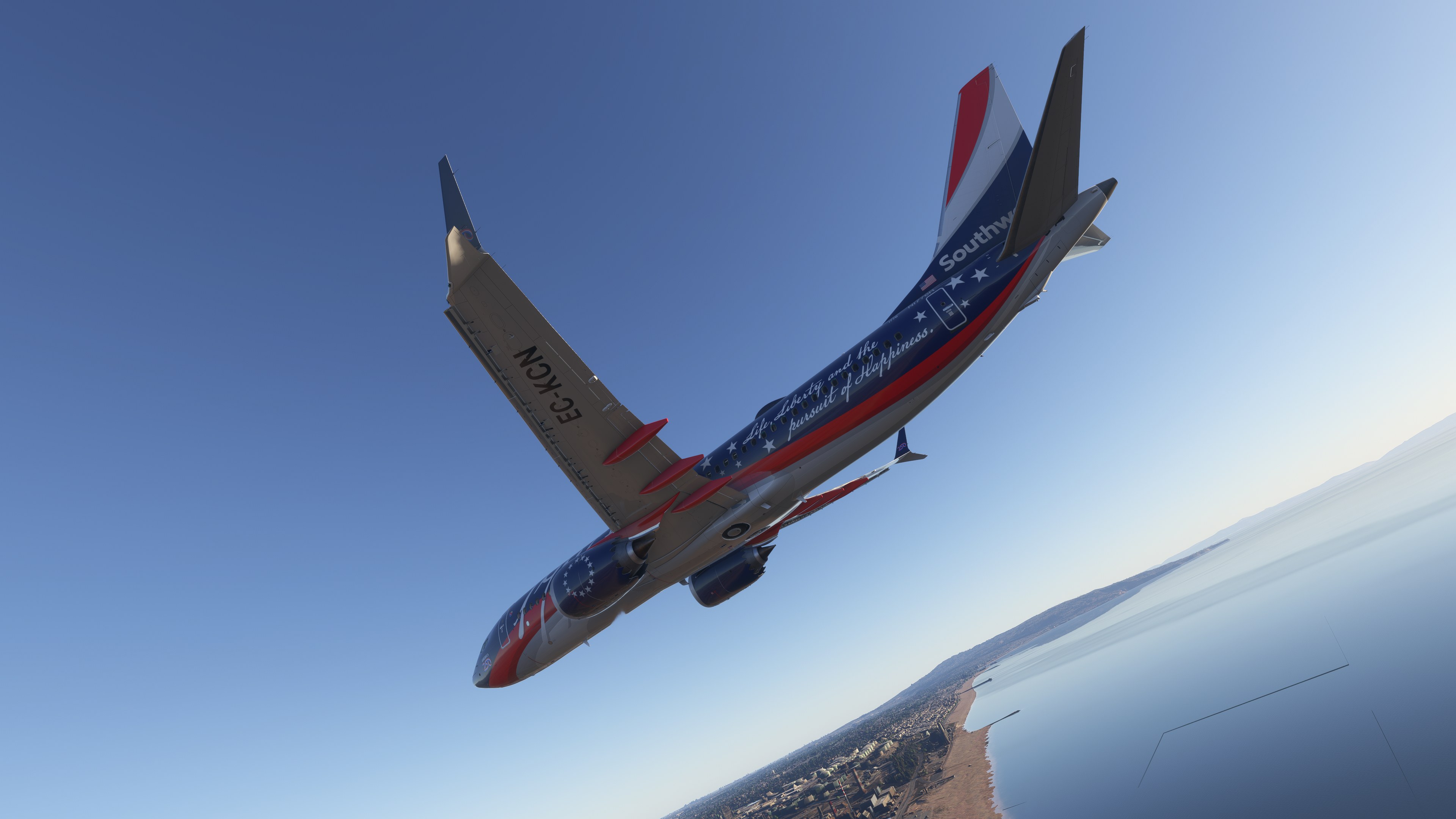
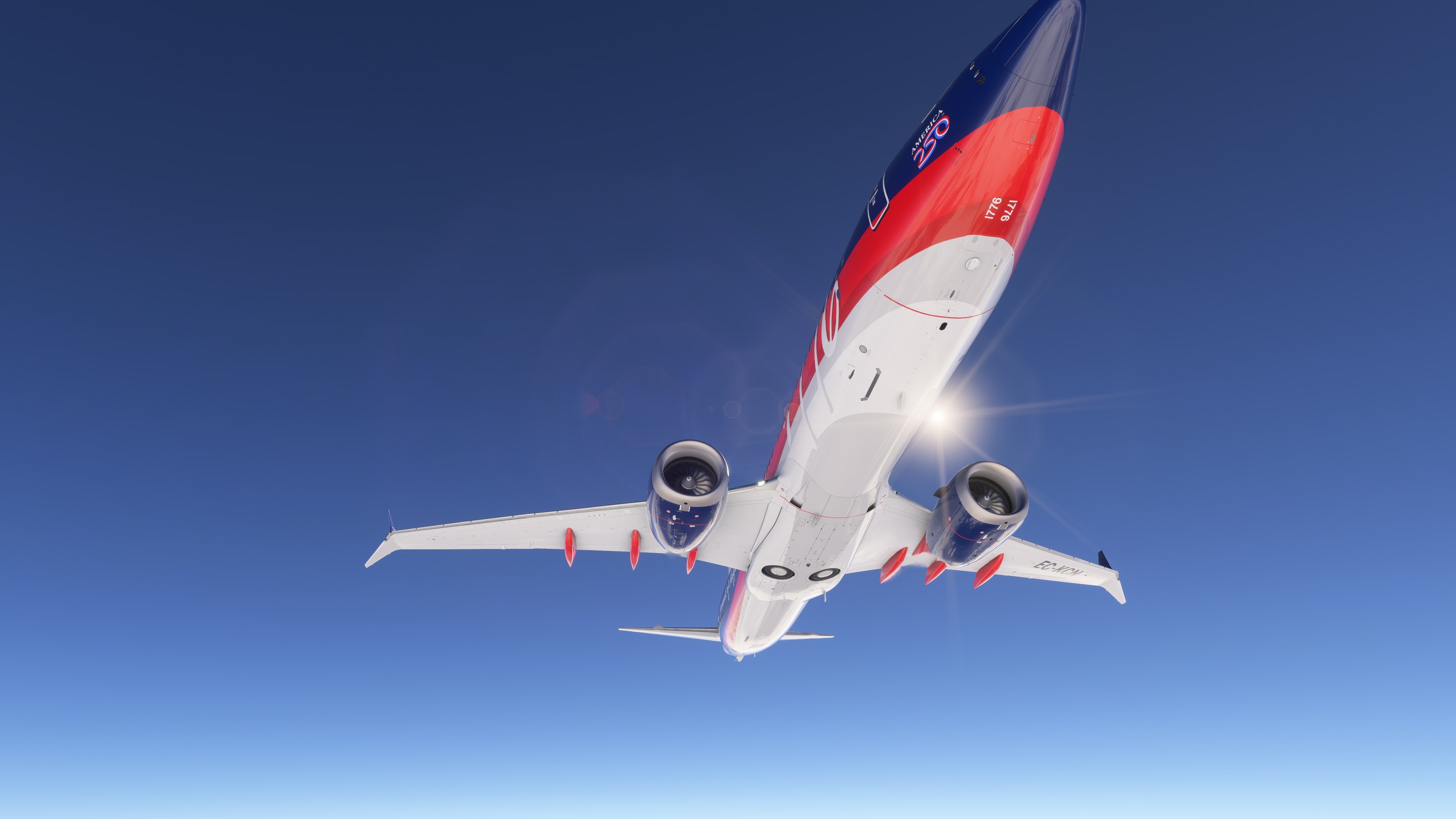
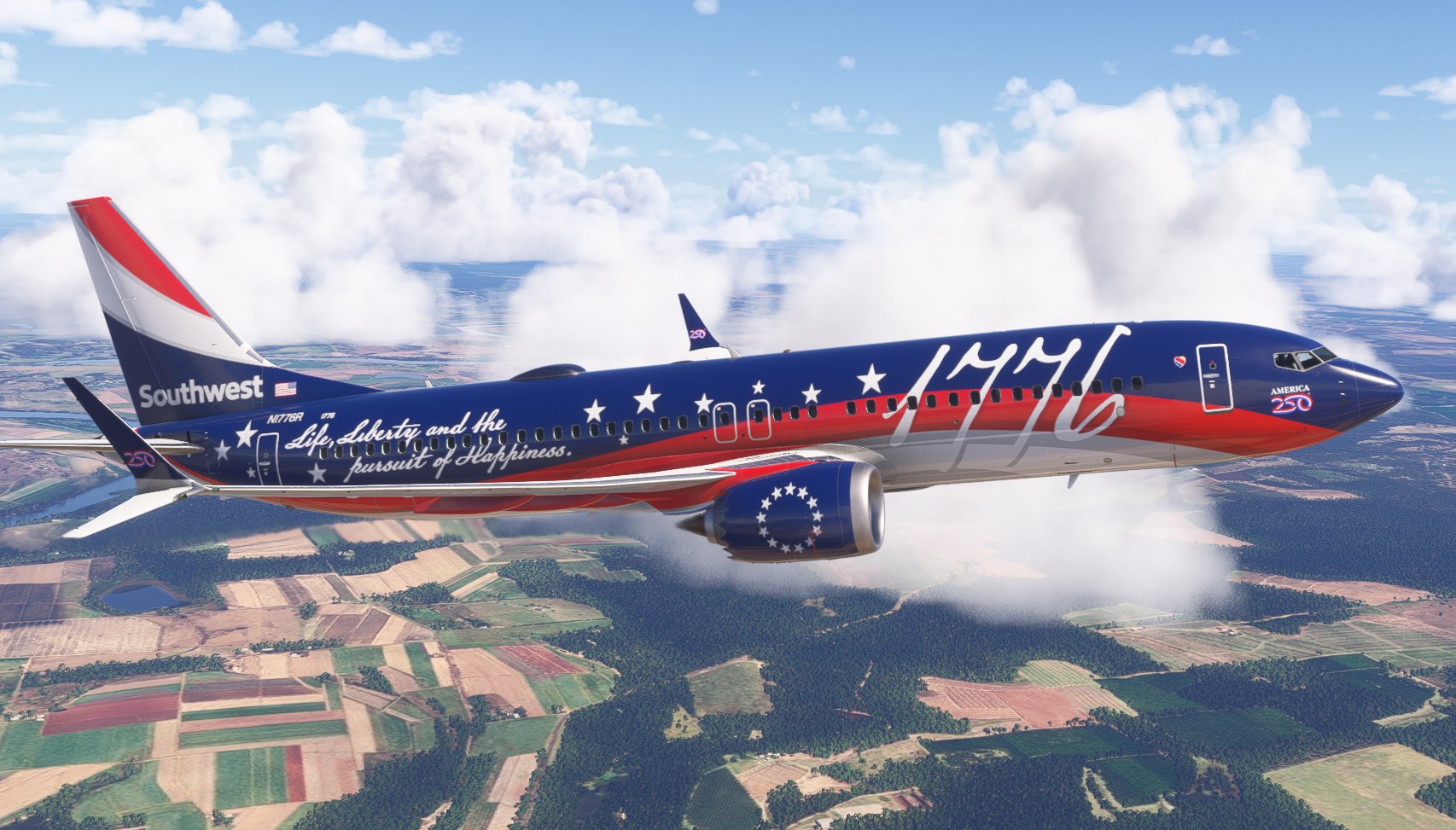
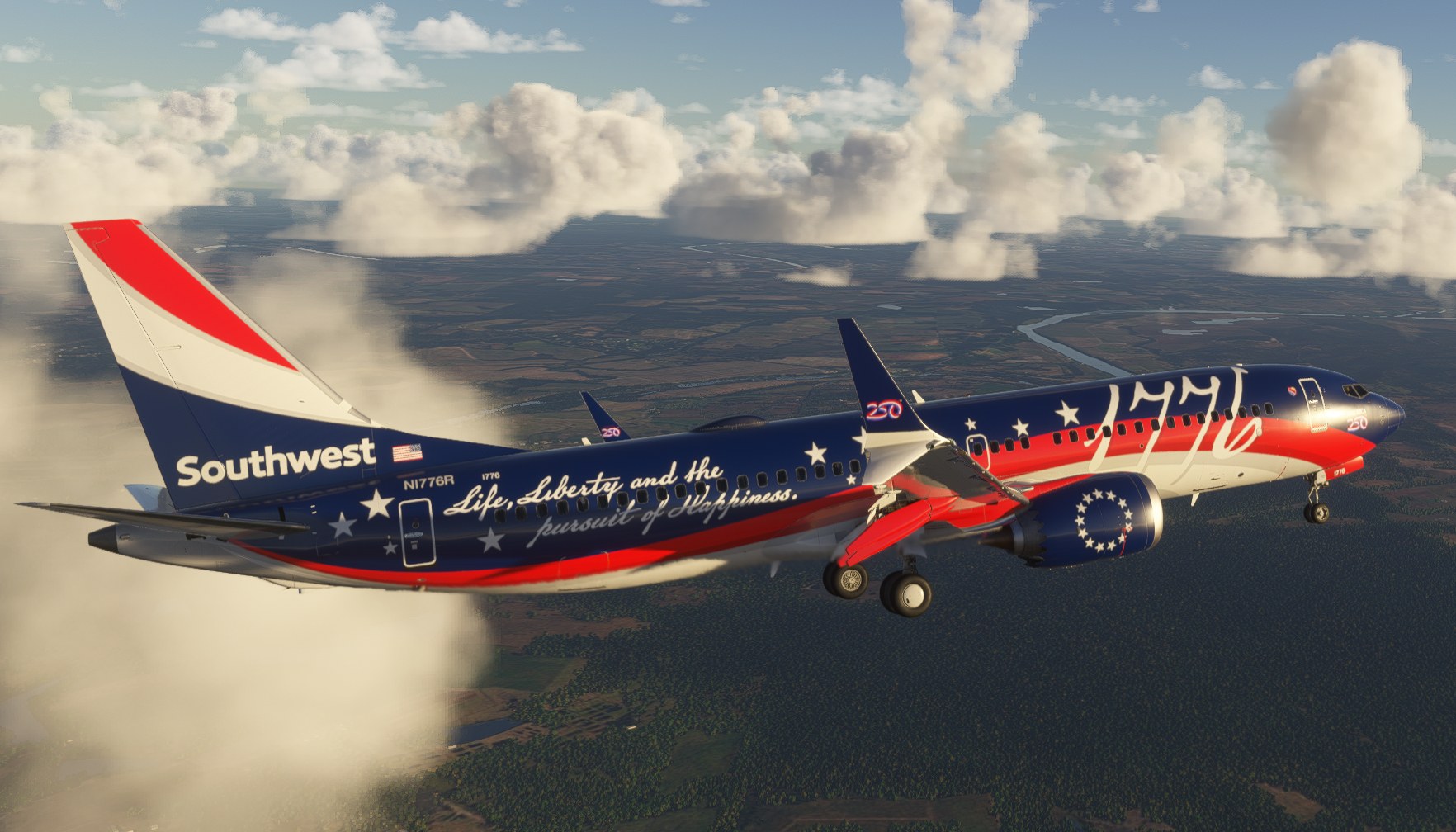
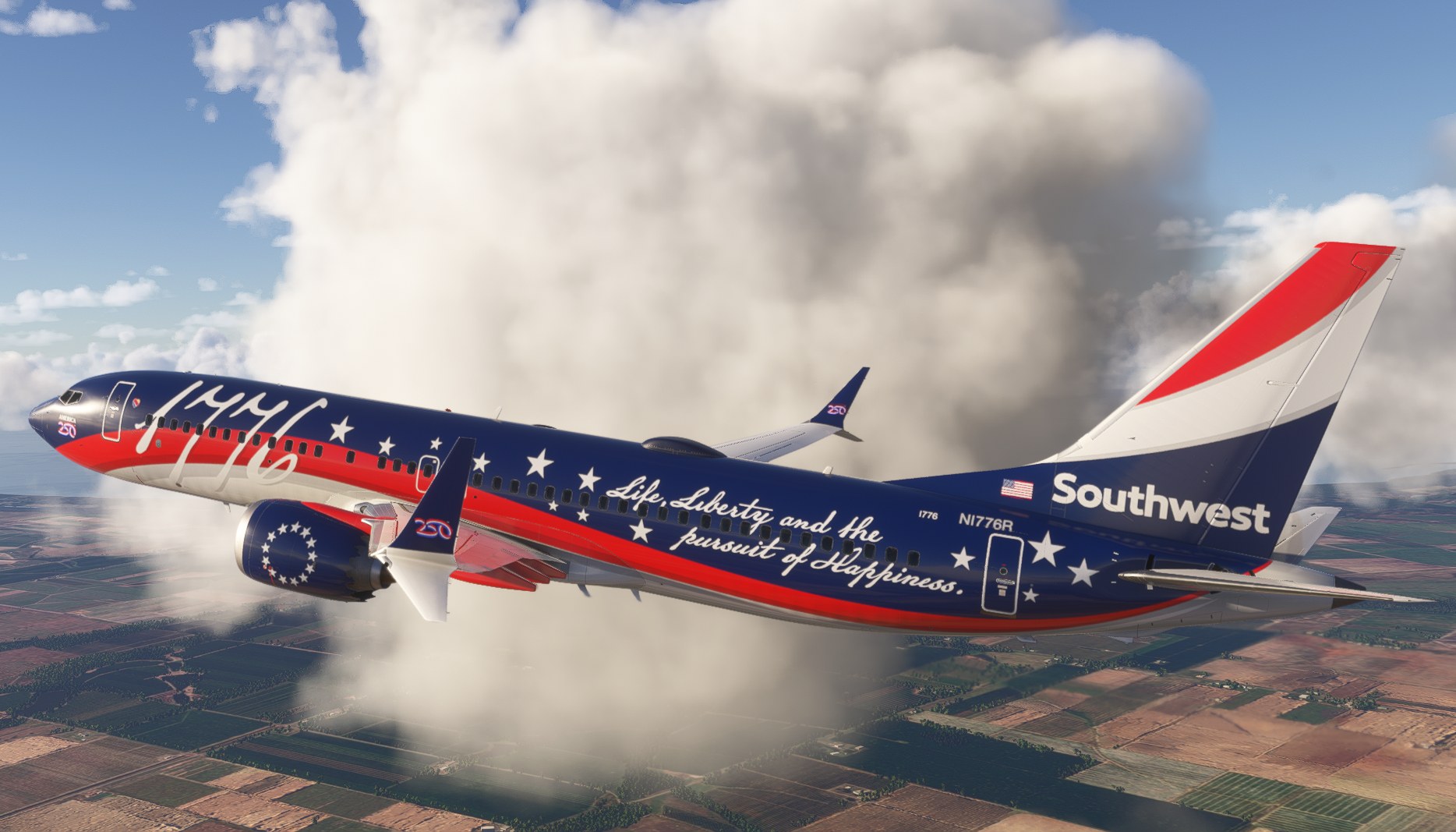
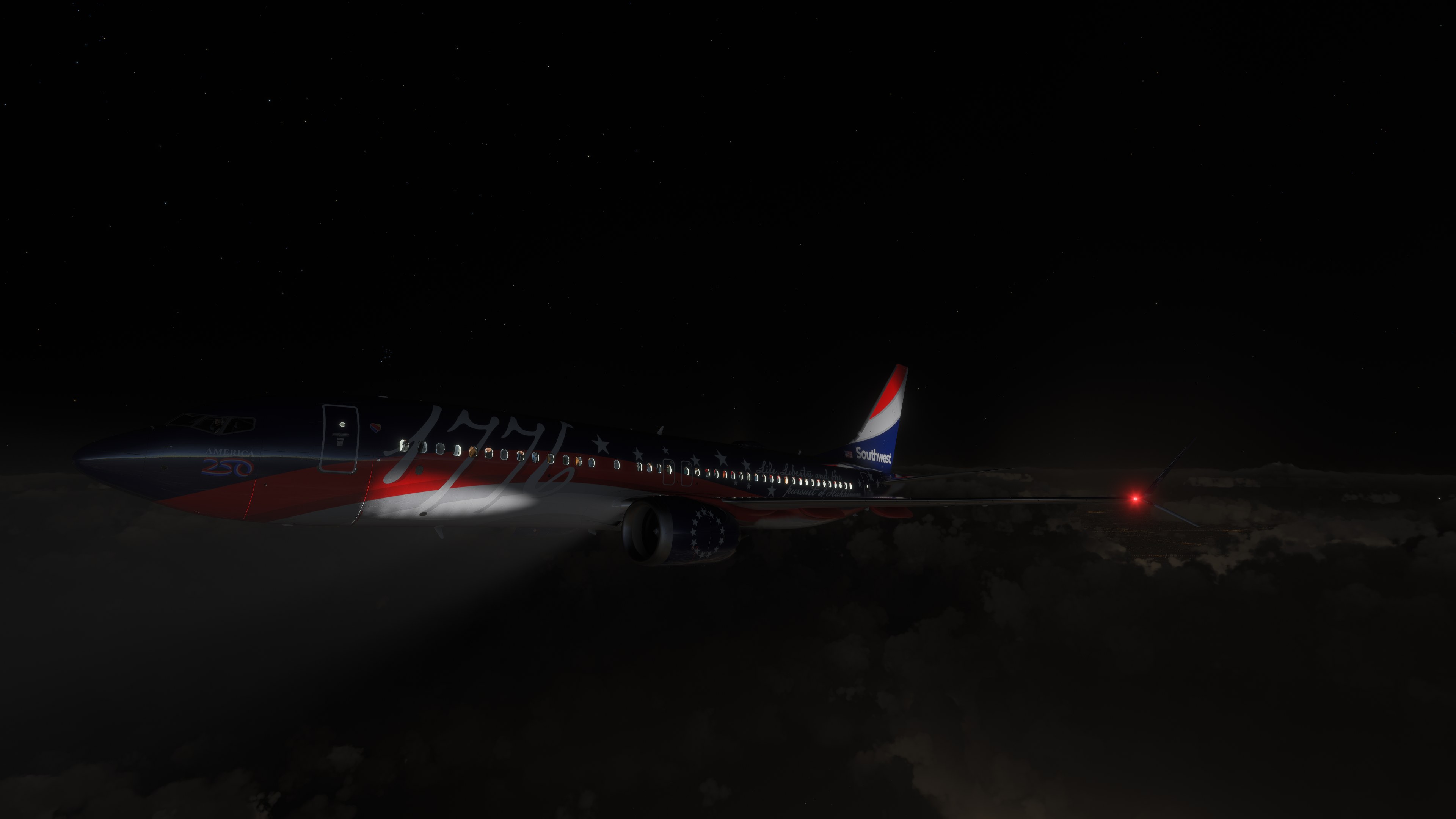
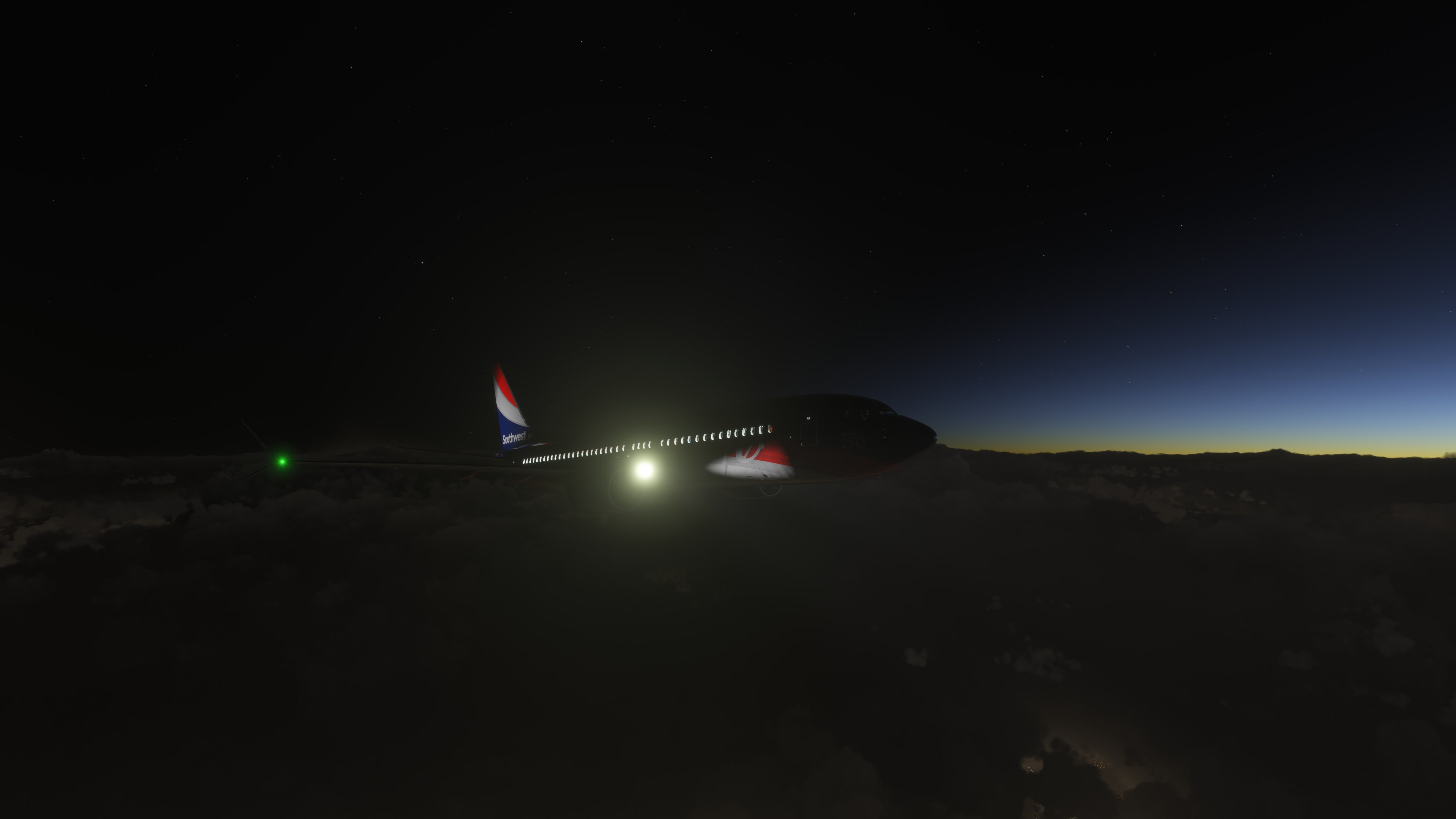
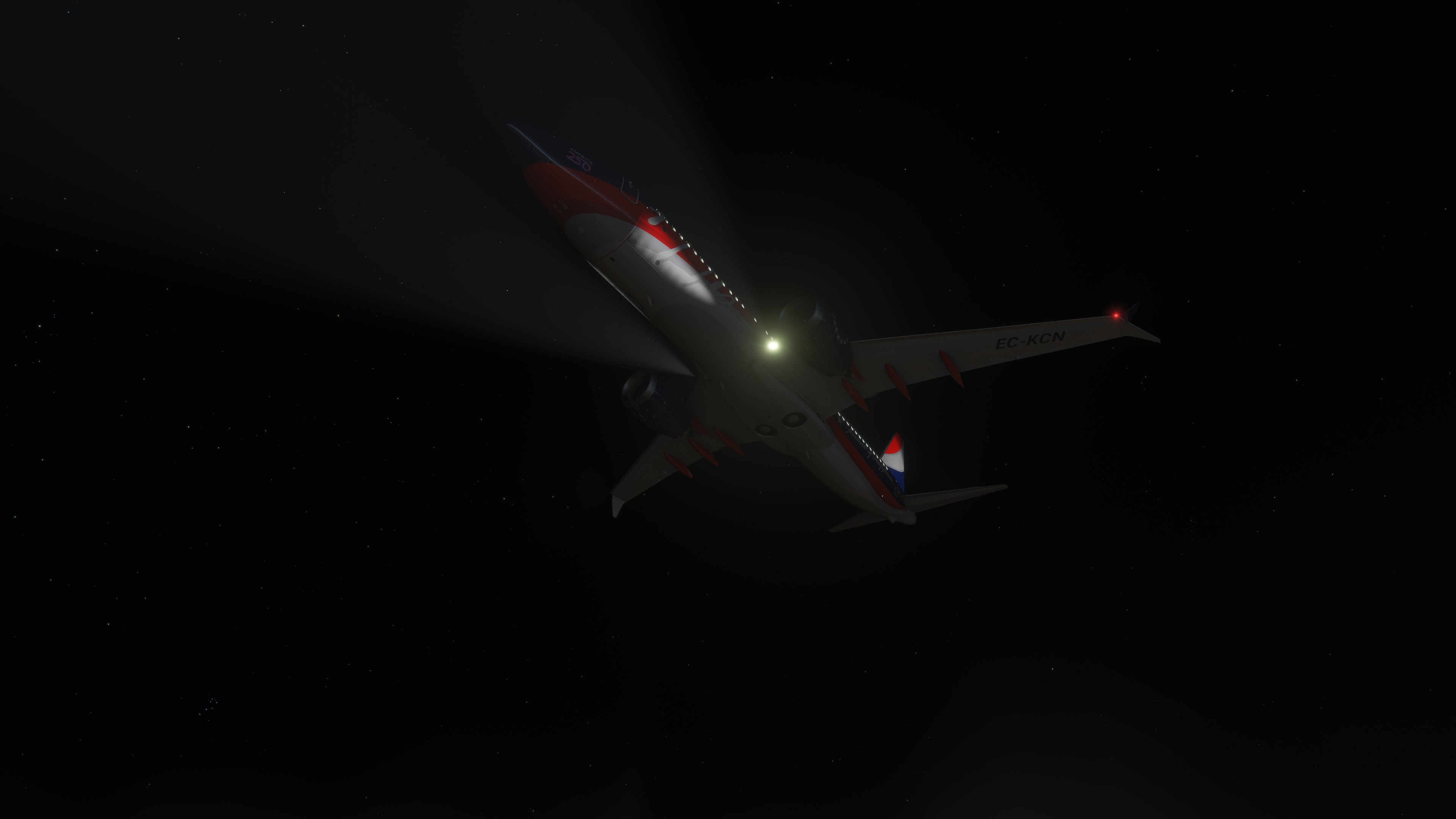

This is a busy scheme, but I like how it keeps the airline recognizable instead of letting the anniversary artwork take over completely. In an external view, I moved around to the rear quarter; the white script still read clearly against the blue fuselage. The oversized “1776” is bold without swallowing the window line. For my taste, the lettering does more for this repaint than the anniversary badges. It gives me a reason to linger outside the cockpit, and I’d pick it for a Southwest flight when the usual fleet colors feel a little too familiar.
Southwest Airlines’ N1776R gets a 4K repaint for the built-in Asobo Boeing 737 MAX 8 in Microsoft Flight Simulator 2024. Painted by Crispy136, it depicts the aircraft’s special livery celebrating the 250th anniversary of the signing of the Declaration of Independence. The package covers this single registration.
Released as version 1.0 in response to a community request, the repaint aims to match Southwest’s colors and styling as closely as possible. It installs over the simulator’s own aircraft, so there’s no separate base model to download. The package contains textures, not an aircraft model.
Copy the folder whose name starts with 2024 into your MSFS 2024 Community folder.
For troubleshooting and further notes, refer to Readme_Me_1st.pdf, included in the download. Crispy136 can be reached by personal message on Fly Away Simulation.
Crispy136 provides these repaints free of charge. They must not be repurposed for inclusion in any commercial package or uploaded to any site without Crispy136’s permission.
Use of the downloaded repaints is at the user’s own discretion and risk. By using them, the user agrees to take sole responsibility for any resulting damage to their computer system or loss of data.
Free for all simmers · 13.63 MB · Scanned clean Nov 2026
Download speed: Free tier is capped at 2 Mbps. PRO members download at full line speed.
Initial release.
%LOCALAPPDATA%\Packages\Microsoft.FlightSimulator_8wekyb3d8bbwe\LocalCache\Packages\Community\. Steam version: %APPDATA%\Microsoft Flight Simulator\Packages\Community\. Tip: enable Developer Mode in MSFS to see your exact Community folder path.readme.txt or README file. It tells you exactly where files go, what dependencies are needed, and any quirks specific to this add-on.I have been creating liveries for MSFS since MSFS 2020 was first released. I cover a wide range of aircraft rather than just the big jets.
Are you Crispy136? Sign in to Fly Away Creators for download stats, comment replies and updates. Make add-ons? Publish them here.
Only PRO members can place votes.
More MSFS add-ons hand-picked based on this download.
MSFS Civil Jet Aircraft
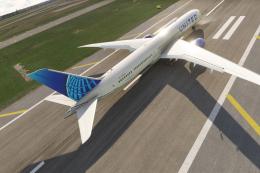
A high-definition Southwest Airlines livery/repaint for the default Microsoft…
 MSFS Civil Jet Aircraft
A complete freeware add-on for Microsoft Flight Simulator (MSFS) 2020 release…
 MSFS Civil Jet Aircraft
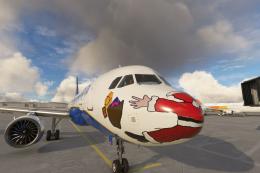
Introducing the comprehensive Ryanair Santa Repaint Mega Pack, meticulously c…
 MSFS Civil Jet Aircraft
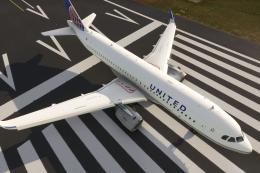
A livery pack for the default Airbus A320neo in Microsoft Flight Simulator (M…
 MSFS Civil Jet Aircraft
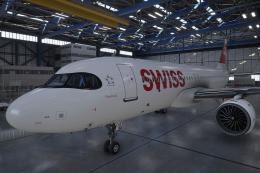
A pack containing a complete rendition of 8K resolution liveries for the defa…
 MSFS Civil Jet Aircraft
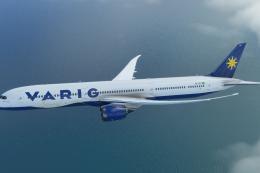
A completely fictional livery for the default Microsoft Flight Simulator (MSF…
 MSFS Civil Jet Aircraft
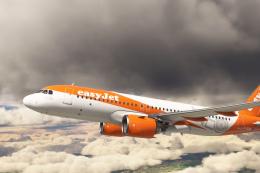
An add-on for MSFS 2020 brings the easyJet A320neo registration G-UZHA livery…
 MSFS Civil Jet Aircraft
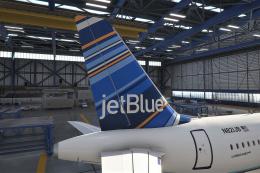
A freeware livery for the default MSFS 2020 A320neo bringing the JetBlue 'Bar…
Be the first to leave a comment on this download.
Be the first to share your thoughts on this download.