

 FS2004 Civil Jet Aircraft
Continental Micronesia Douglas DC-10 N68044
Textures only; requires SGA1030.ZIP. Model by SGA. Livery by Evgeni Slepnev. …
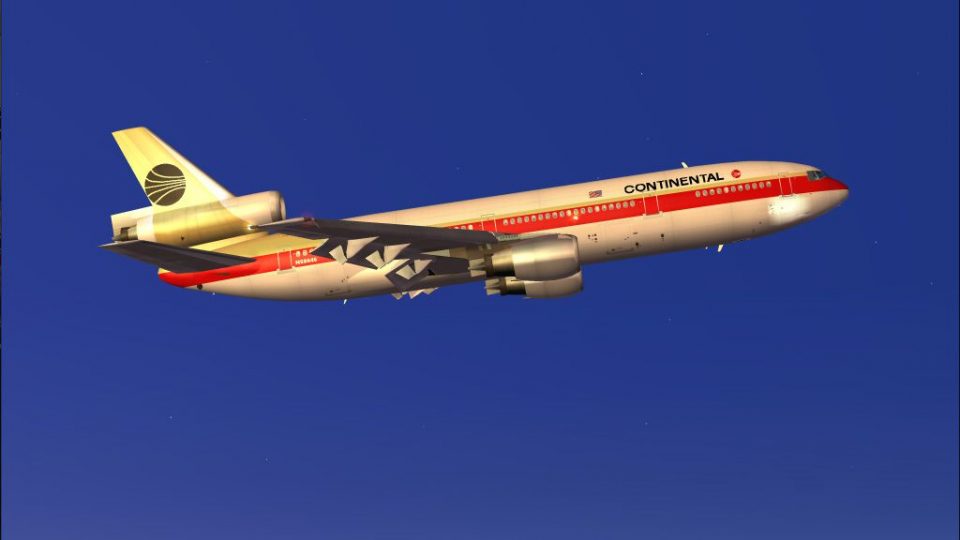
Continental Airlines Douglas DC-10-10 N68046 wears the classic 1982 “Meatball” scheme with crisp 32-bit textures, alpha shine, and tuned night lighting for an authentic tri-jet look. Built on the SGA/FFX model for FS2004, it requires the DC-10-10 base package, then drops in as a period-accurate fleet repaint.
 Rate
Rate
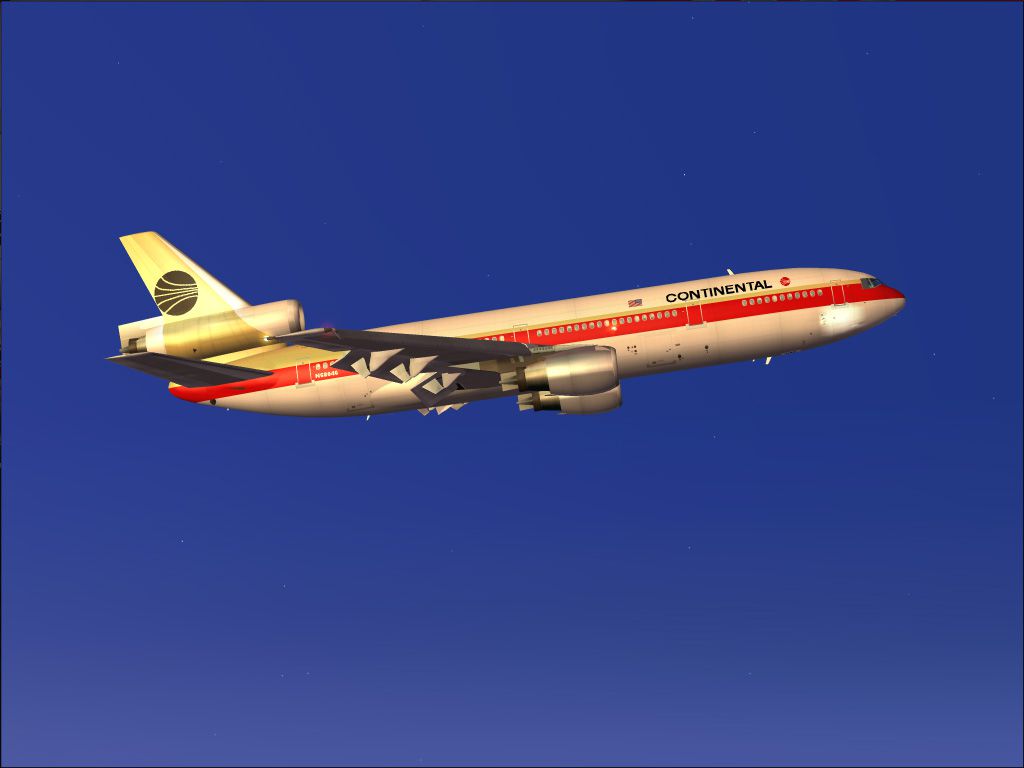
Continental Airlines Douglas DC-10-10, circa 1982, registration N68046 in "Meatball" library. Model by SGA/FFX. By Aki Matsumura/SGA group.
Screenshot of Continental Airlines Douglas DC-10-10 in flight.
N68046 Circa 1982. Texture is high quality 32bit texture with alpha. Adjusted night texture.
Continental Airlines o/c "Meatball" library, reg is N68046 (have black meatball on tail).
92built DC-10 (year 1973), now broken up at Greenwood Mississippi.
MSN: 47800
Model: DC-10-10
Reg: N68046
First Flight: 07/03/73
Delivery: 12/04/73
Operated by: CONTINENTAL AIRLINES
Fleet Number: 046
Engine: GE CF6-6D
Last operator: Continental Micronesia
Final resting place: BU Greenwood 12/01
Once Restaurant in Korea
Install:
Fire up FS9! Select McDonnell Douglas<DC10-10<CONTINENTAL "MEATBALL".
Free for all simmers · 3.42 MB · Scanned clean Oct 2026
Download speed: Free tier is capped at 0.5 Mbps. PRO members download at full line speed.
FS9\Aircraft\, FS9\Addon Scenery\, FS9\Gauges\, or FS9\Effects\.readme.txt or README file. It tells you exactly where files go, what dependencies are needed, and any quirks specific to this add-on.The archive dc10_coa.zip has 34 files and directories contained within it.
This list displays the first 500 files in the package. If the package has more, you will need to download it to view them.
| Filename/Directory | File Date | File Size |
|---|---|---|
| DC-10-10.JPG | 02.12.04 | 90.03 kB |
| readme.txt | 02.12.04 | 1.51 kB |
| Aircraft.cfg | 02.12.04 | 10.82 kB |
| DC10CL.txt | 12.24.03 | 4.68 kB |
| model.10 | 02.12.04 | 0 B |
| DC1010.mdl | 07.17.03 | 1.71 MB |
| Model.cfg | 07.17.03 | 69 B |
| panel | 02.12.04 | 0 B |
| panel.cfg | 01.04.04 | 35 B |
| SGA1010.air | 12.24.03 | 8.12 kB |
| sound | 02.12.04 | 0 B |
| sound.cfg | 02.10.04 | 30 B |
| texture.COA | 02.12.04 | 0 B |
| Dc10_a_L.bmp | 02.10.04 | 1.00 MB |
| Dc10_a_t.bmp | 02.12.04 | 4.00 MB |
| Dc10_b_L.bmp | 07.11.03 | 1.00 MB |
| Dc10_b_t.bmp | 02.12.04 | 4.00 MB |
| DC10INTERIOR_L.bmp | 07.15.03 | 1.00 MB |
| DC10INTERIOR_T.bmp | 07.19.03 | 4.00 MB |
| Fans.bmp | 07.11.03 | 257.05 kB |
| Fans_L.bmp | 07.06.03 | 256.07 kB |
| intake_l.bmp | 07.10.03 | 256.07 kB |
| intake_t.bmp | 07.11.03 | 128.07 kB |
| WHEELS_L.bmp | 07.06.03 | 256.07 kB |
| WHEELS_T.BMP | 07.06.03 | 1.00 MB |
| WINDOWS_L.BMP | 07.10.03 | 256.07 kB |
| WINDOWS_T.bmp | 07.10.03 | 64.07 kB |
| Wing_left_l.bmp | 07.11.03 | 1.00 MB |
| Wing_left_t.bmp | 12.24.03 | 1.00 MB |
| Wing_right_l.bmp | 07.11.03 | 1.00 MB |
| Wing_right_t.bmp | 12.24.03 | 1.00 MB |
| dc10_coa.gif | 02.12.04 | 6.47 kB |
| flyawaysimulation.txt | 10.29.13 | 959 B |
| Go to Fly Away Simulation.url | 01.22.16 | 52 B |
Only PRO members can place votes.
More FS2004 add-ons hand-picked based on this download.
FS2004 Civil Jet Aircraft
Textures only; requires SGA1030.ZIP. Model by SGA. Livery by Evgeni Slepnev. …
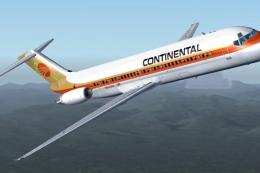 FS2004 Civil Jet Aircraft
This freeware repaint offers the classic Continental Airlines livery for the …
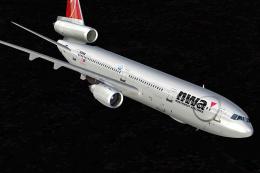 FS2004 Civil Jet Aircraft
Registration N1825U (new colors). Newly painted color scheme by NWA on SGA'S …
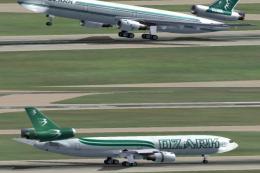 FS2004 Civil Jet Aircraft
Fictional. Model by FFX. Livery by Mark Plumley. Screenshot of Ozark Douglas …
 FS2004 Civil Jet Aircraft
Continental McDonnell Douglas MD-83 in red meatball livery, registration N148…
 FS2004 Civil Jet Aircraft
Full package, v2.0. SMS Overland MD11 by Matsushi Yutaka and Jim Waters. Scre…
 FS2004 Civil Jet Aircraft
This is a repaint of the default Boeing 747-400 in Continental Airlines liver…
 FS2004 Civil Jet Aircraft
This special freeware package displays a meticulously repainted Boeing 737-70…
Be the first to leave a comment on this download.
Be the first to share your thoughts on this download.