

 FS2004 Civil Jet Aircraft
Thai Airways A300B4-200 Textures
requires SGA_A300B4-200.zip here. for SGA's A300B4-200 (textures only)
Thai Airways International Airbus A300B4-600 HS-TAG “Srinapha” textures bring a polished look to the Stewart Global Aircraft model in FS2004, with dynamic shine, full animations, opening passenger and cargo doors, accurate lighting with tail logo illumination, and wing views for immersive airline operations. Requires SGAA3B42.ZIP.
 Rate
Rate
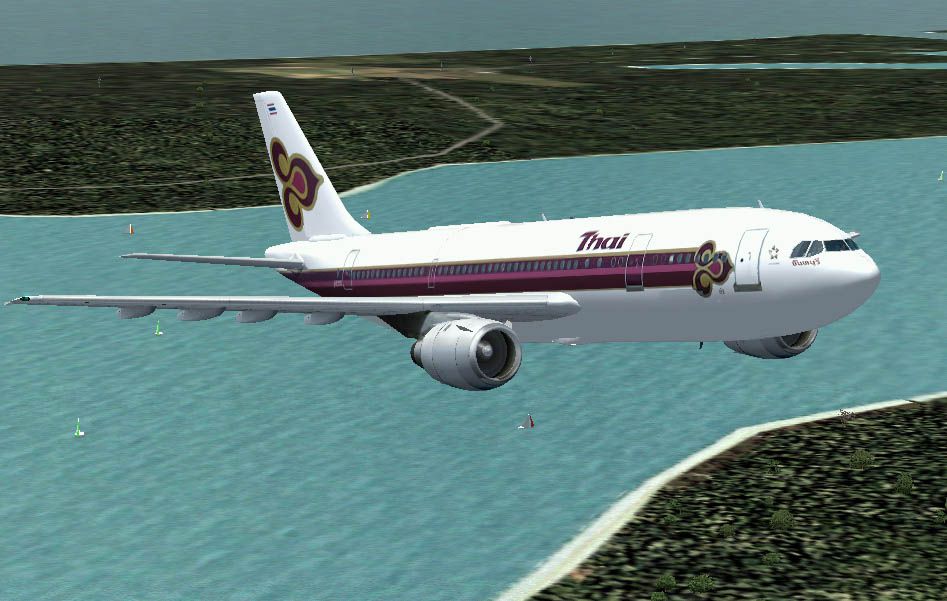
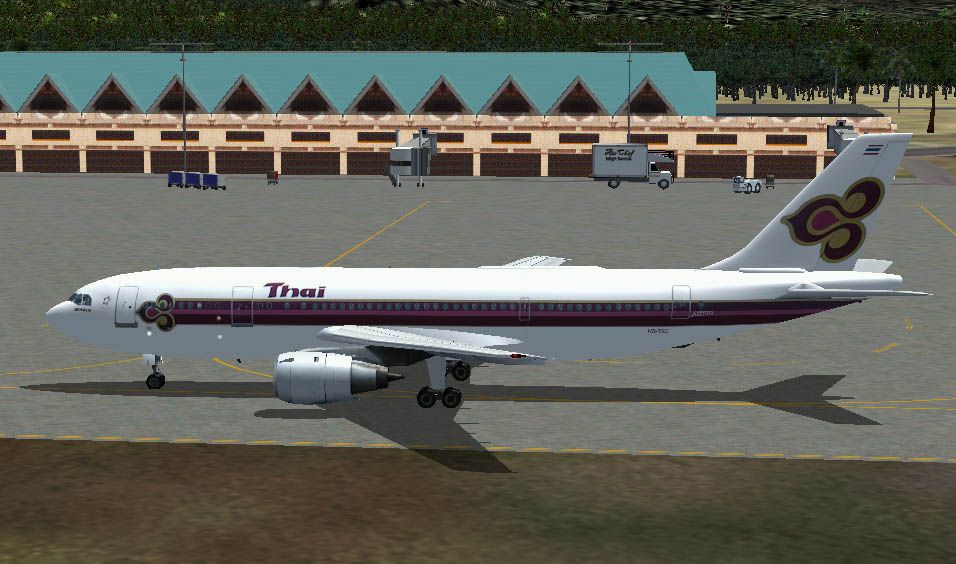
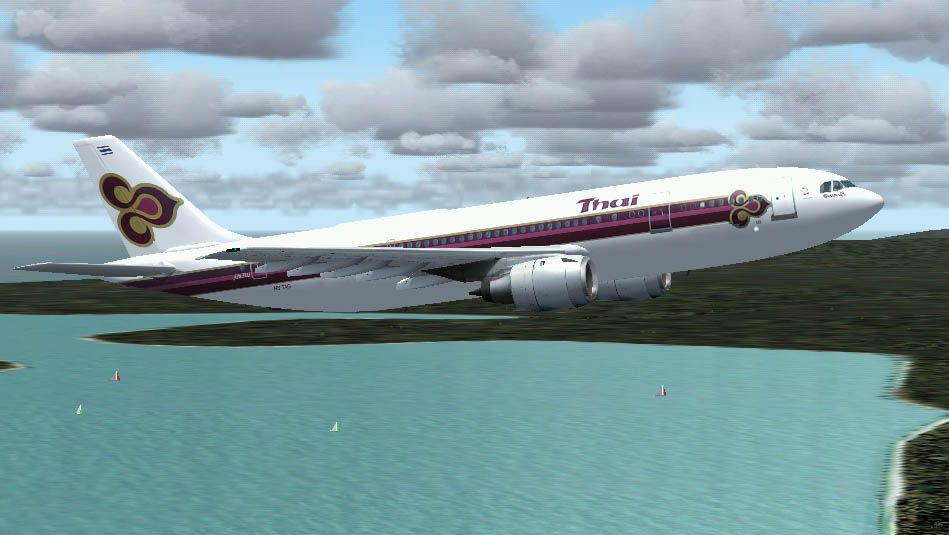
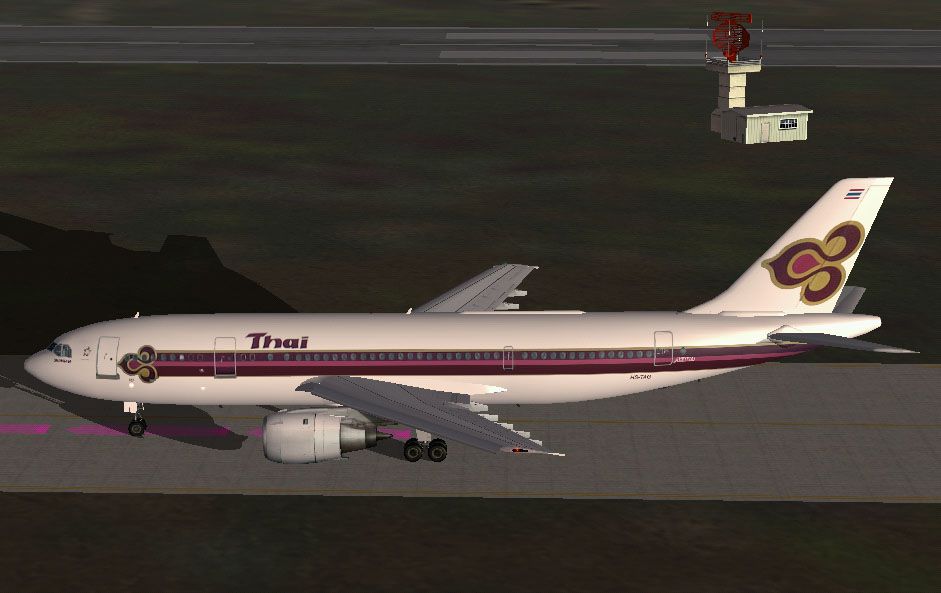
Thai Airways International Airbus A300B4-600, registration HS-TAG, "Srinapha". The latest addition to the Stewart-Global fleet, the Airbus A300B4 is loaded with features, including some new and exclusive features that are unique to SGA. As you have come to expect, this aircraft includes dynamic shine, full animations, opening passenger and cargo doors, full and accurate lighting including new tail logo lights, and wing views. Textures only - Requires base file SGAA3B42.ZIP. Repainted by John New.
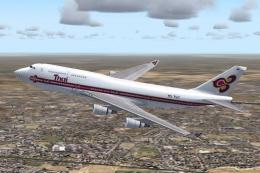
Screenshot of Thai Airways International A300B4-600 in flight.
Add the section below to your aircraft cfg replacing the [Flightsim.xx] where xx is the next highest number in your list.
[fltsim.xx]

	title=SGA A300B4-600 Thai

	sim=a310

	model=

	panel=

	sound=

	texture=thai

	kb_checklists=

	kb_reference=

	atc_airline=Thai

	atc_flight_number=537

	atc_id=HSTAN

	atc_heavy=1

	ui_manufacturer=Airbus

	ui_type=A300B4-600

	ui_variation=Thai Airways

	description=SGA Airbus A300 - 600 Thai Airways HS-TAG `Srinapha` repaint by John New 2004

	visual_damage=1
Free for all simmers · 1.65 MB · Scanned clean Oct 2026
Download speed: Free tier is capped at 0.5 Mbps. PRO members download at full line speed.
This add-on may require the following files to function properly. If this is a repaint, the dependency below is likely the base aircraft package.
FS9\Aircraft\, FS9\Addon Scenery\, FS9\Gauges\, or FS9\Effects\.readme.txt or README file. It tells you exactly where files go, what dependencies are needed, and any quirks specific to this add-on.The archive sga300th.zip has 17 files and directories contained within it.
This list displays the first 500 files in the package. If the package has more, you will need to download it to view them.
| Filename/Directory | File Date | File Size |
|---|---|---|
| A300_A_L.BMP | 02.18.04 | 2.67 MB |
| A300_A_T.BMP | 02.18.04 | 2.67 MB |
| A300_B_L.BMP | 02.18.04 | 2.67 MB |
| A300_B_T.BMP | 02.18.04 | 2.67 MB |
| ENGINES_L.BMP | 02.09.04 | 64.07 kB |
| ENGINES_T.BMP | 02.18.04 | 2.67 MB |
| WINGS_L.BMP | 02.09.04 | 64.07 kB |
| WINGS_T.BMP | 02.09.04 | 1.00 MB |
| texture.thai | 02.18.04 | 0 B |
| Readme.txt | 02.18.04 | 779 B |
| Thai04.jpg | 02.18.04 | 111.08 kB |
| Thai01.jpg | 02.18.04 | 89.06 kB |
| Thai02.jpg | 02.18.04 | 111.56 kB |
| Thai03.jpg | 02.18.04 | 80.95 kB |
| FILE_ID.DIZ | 02.18.04 | 501 B |
| flyawaysimulation.txt | 10.29.13 | 959 B |
| Go to Fly Away Simulation.url | 01.22.16 | 52 B |
Only PRO members can place votes.
More FS2004 add-ons hand-picked based on this download.
FS2004 Civil Jet Aircraft
requires SGA_A300B4-200.zip here. for SGA's A300B4-200 (textures only)
 FS2004 Civil Jet Aircraft
Immerse yourself in a uniquely detailed depiction of Thai Airways’ Airbus A34…
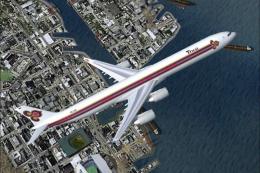 FS2004 Civil Jet Aircraft
Experience a faithful rendition of Thai Airways’ Airbus A340-600 under Micros…
 FS2004 Civil Jet Aircraft
Model by Erick Cantu and Fraser Turner. Custom animations by Fraser Turner. T…
 FS2004 Civil Jet Aircraft
Model by SGA. Pakistan International Airlines livery by Sam Guest. Screenshot…
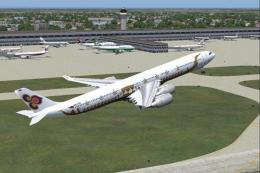 FS2004 Civil Jet Aircraft
Airbus A340-500 Thai Airways for FS Painter, painted in their "Royal Barge" l…
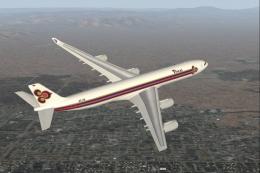 FS2004 Civil Jet Aircraft
Airbus A340-500 Thai Airways for FS Painter. Thai Airways reportedly has seve…
 FS2004 Civil Jet Aircraft
This freeware repaint showcases Thai Airways’ striking livery on the iconic B…
Be the first to leave a comment on this download.
Be the first to share your thoughts on this download.