

 X-Plane Scenery
Ireland Complete Photoreal (Ortho)
A fully complete orthophoto scenery package (photoreal) covering the entire c…
OrthoStreamXP streams satellite and aerial imagery along your flight path in X-Plane 12, pairing on-demand scenery with reusable local caching. The open-source Windows utility requires WinFsp and regional terrain mesh, and offers mesh downloads, four quality presets reaching zoom level 19, seasonal coloring, night lighting, color previews, ground-detail controls and flight reports.
 Rate
 By FlySimDev
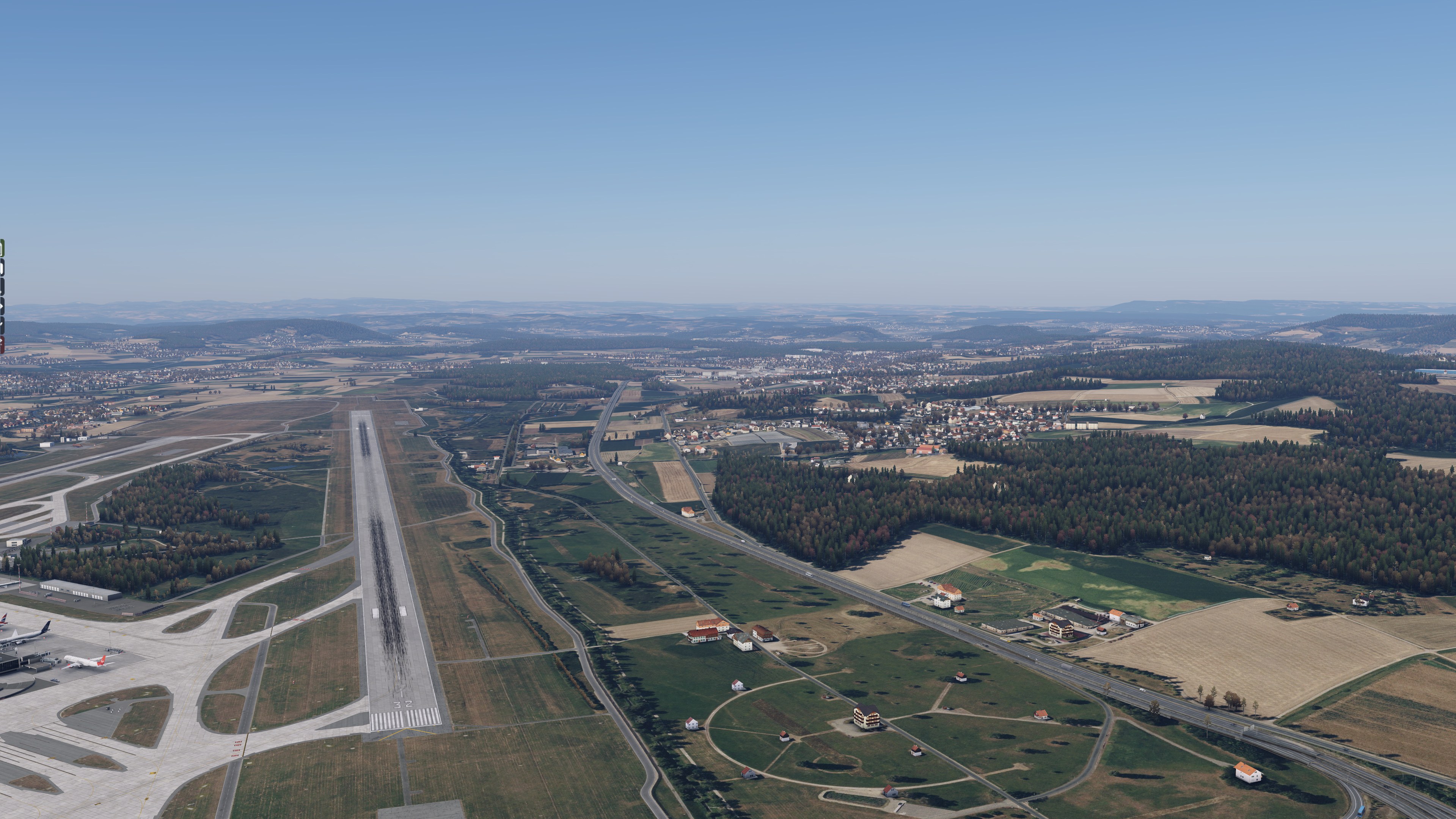
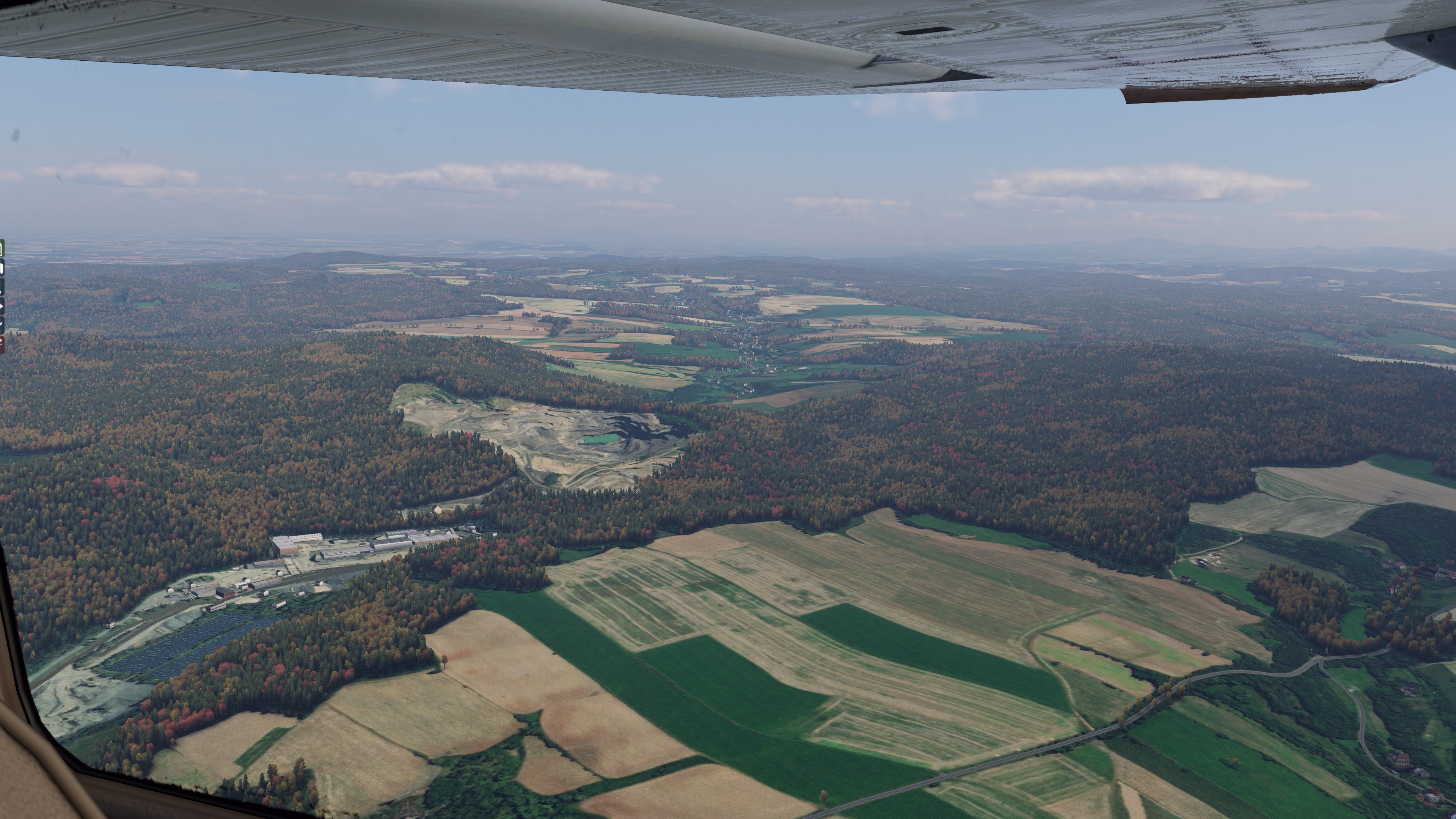
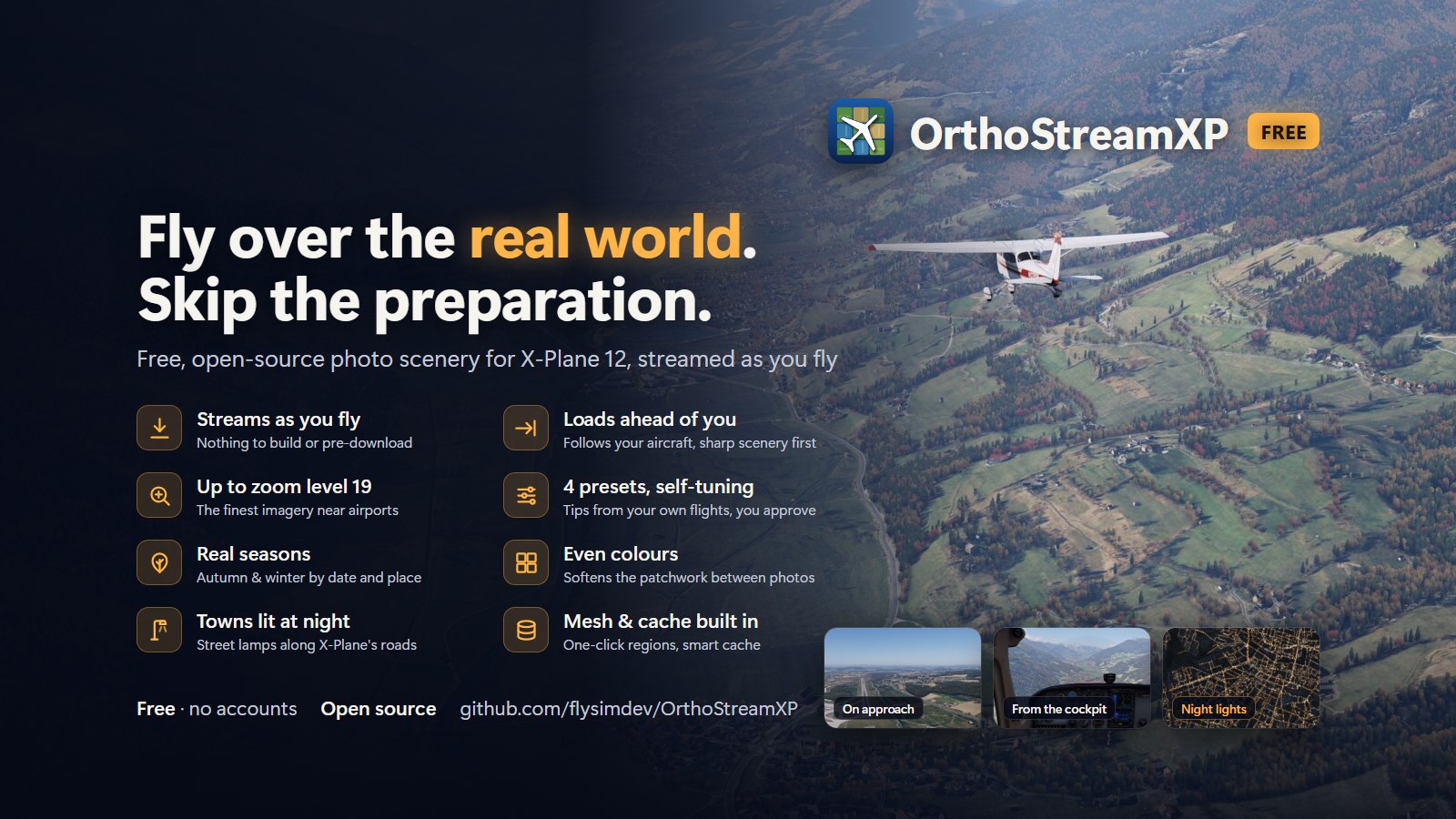

I’d use this for daytime VFR flying, with its beta status in mind. The irregular field boundaries and pale quarry cutting into the woodland give me something worth looking down at between waypoints. That recognizable ground pattern matters more to me than chasing the highest zoom level everywhere.
Adjusting exposure in the live preview, I could darken the imagery before committing to a flight. That’s a useful control when neighboring photographs don’t quite agree. I also approve of the performance suggestions needing my permission: recommend a different preset, but don’t quietly change the one I chose.
OrthoStreamXP streams satellite and aerial imagery into X-Plane 12 as you fly, without preparing whole regions of photo textures beforehand. FlySimDev’s free, open-source Windows utility fetches scenery around and ahead of your aircraft, then caches it locally for repeat flights. You still need terrain mesh for each region you intend to fly.
The imagery comes from Bing Maps, Esri World Imagery and Geoportal Poland. OrthoStreamXP follows your aircraft through X-Plane’s UDP data output and prioritizes downloads along your flight path. Previously visited areas stay in the cache for immediate reuse, subject to the space limit you choose.
FlySimDev positions it as a Windows alternative to AutoOrtho and a way to avoid Ortho4XP texture-building work. There are no configuration files to edit. Choose a quality preset and start the utility; it prepares the scenery before launching X-Plane.
The distinction to check before downloading is texture versus mesh. OrthoStreamXP streams the photographs but does not generate the terrain beneath them. It accepts existing mesh packages from Ortho4XP, AutoOrtho, OrthoStudio XP and X-Plane Map Enhancement (XPME). Its built-in downloader also offers regional mesh packages, including Europe and North America, at 6 to 33 GB per region.
The cache manager allows limits from 25 GB to 1 TB, displays cached areas on a map and lets you delete individual areas. It automatically removes old areas, so disk use follows where you fly. Each flight produces a report covering download performance, scenery loading and your route.
Automatic updates show release notes first. You choose when to install them.
You’ll need Windows 10 or 11 (64-bit), X-Plane 12, an internet connection and about 25 GB of free disk space for the initial cache. Allow additional room for the regional mesh packages. WinFsp is also required and is free; setup checks for it and provides a download link.
The installer is not yet code-signed, so Windows SmartScreen may display a warning. FlySimDev’s instructions are to choose More info, then Run anyway.
OrthoStreamXP is in beta. FlySimDev reports daily flight use, but rough edges remain possible and feedback is welcome. The project provides its latest release and source code on GitHub, along with an online user guide. Send bug reports and ideas through GitHub Issues and attach the session log from %LOCALAPPDATA%\OrthoStreamXP\logs.
It is free software under the GPL-3.0 licence, with no accounts, subscriptions or ads.
The imagery comes from external providers (Bing Maps, Esri World Imagery, Geoportal Poland). It is not part of the software and remains subject to each provider's terms. It is for personal flight simulation use only, so please don't redistribute downloaded imagery.
Free for all simmers · 14.47 MB · Scanned clean Nov 2026
Download speed: Free tier is capped at 0.5 Mbps (this file takes approximately 4 mins at the cap). PRO members download at full line speed.
Initial release.
Aircraft/ (planes), Custom Scenery/ (airports, mesh), or Resources/plugins/ (plugins).readme.txt or README file. It tells you exactly where files go, what dependencies are needed, and any quirks specific to this add-on.About flysimdevflysimdev is an independent developer making utilities for X-Plane 12 that cut the time between "I want to fly there" and actually flying there.OrthoStreamXP is our flagship app.
Are you FlySimDev? Sign in to Fly Away Creators for download stats, comment replies and updates. Make add-ons? Publish them here.
The archive OrthoStreamXP-Setup.zip has 2 files and directories contained within it.
This list displays the first 500 files in the package. If the package has more, you will need to download it to view them.
| Filename/Directory | File Date | File Size |
|---|---|---|
| OrthoStreamXP-UserGuide.pdf | 11.14.26 | 4.87 MB |
| OrthoStreamXP-Setup.msi | 11.14.26 | 12.31 MB |
Only PRO members can place votes.
More X-Plane add-ons hand-picked based on this download.
X-Plane Scenery
A fully complete orthophoto scenery package (photoreal) covering the entire c…
 X-Plane Scenery
Dive into an unparalleled flight simulation experience with the X-Plane Mexic…
 X-Plane Scenery
Embark on an unparalleled virtual journey across Texas with this comprehensiv…
 X-Plane Scenery
A complete package for X-Plane 12 and 11 bringing HD photoreal scenery coveri…
 X-Plane Scenery
This package contains 960 objects for the city of London and is the result of…
 X-Plane Scenery
A complete photoreal scenery package for users of X-Plane 12 and X-Plane 11 c…
 X-Plane Scenery
Part one of the photoreal series by A Sky Story covers the Western area of th…
 X-Plane Scenery
The complete state of California in high-resolution photoreal detail with ele…
Be the first to leave a comment on this download.
Be the first to share your thoughts on this download.