

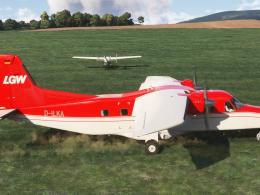
 MSFS Turboprops
Carenado Dornier Do 228 Charter D-ILKA Livery Pack
This freeware D-ILKA repaint pack adds three 4K liveries and matching interio…
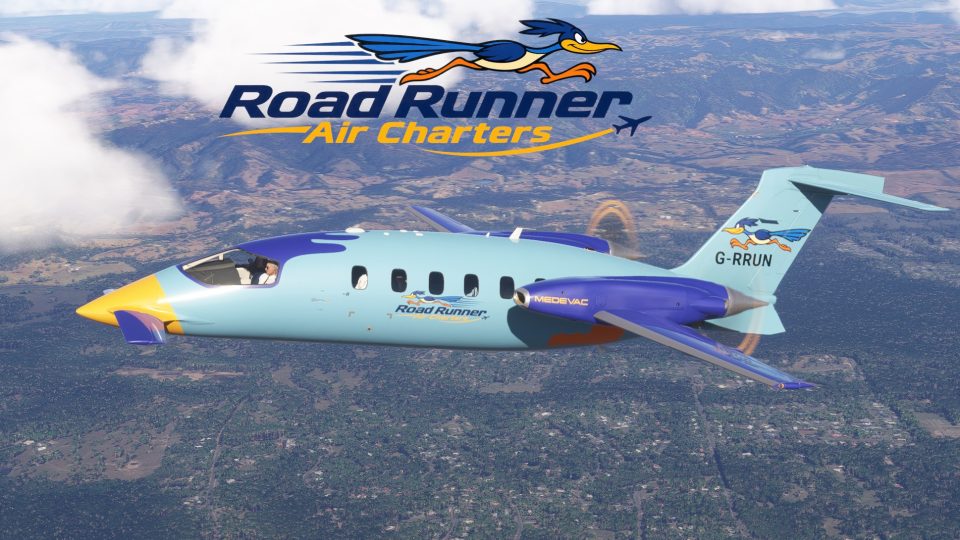
Fictional Hornet Air Services (orange), Road Runner Air Charters (blue) and Honey Bee Aviation (yellow) liveries bring custom interiors and editable registrations to the Piaggio P180 Avanti in Microsoft Flight Simulator 2020 and 2024. The pack requires the FlightFX aircraft, supports Passenger variants in both versions and Medevac in 2024, and revises propeller blur in 2020.
 Rate
 By Crispy136
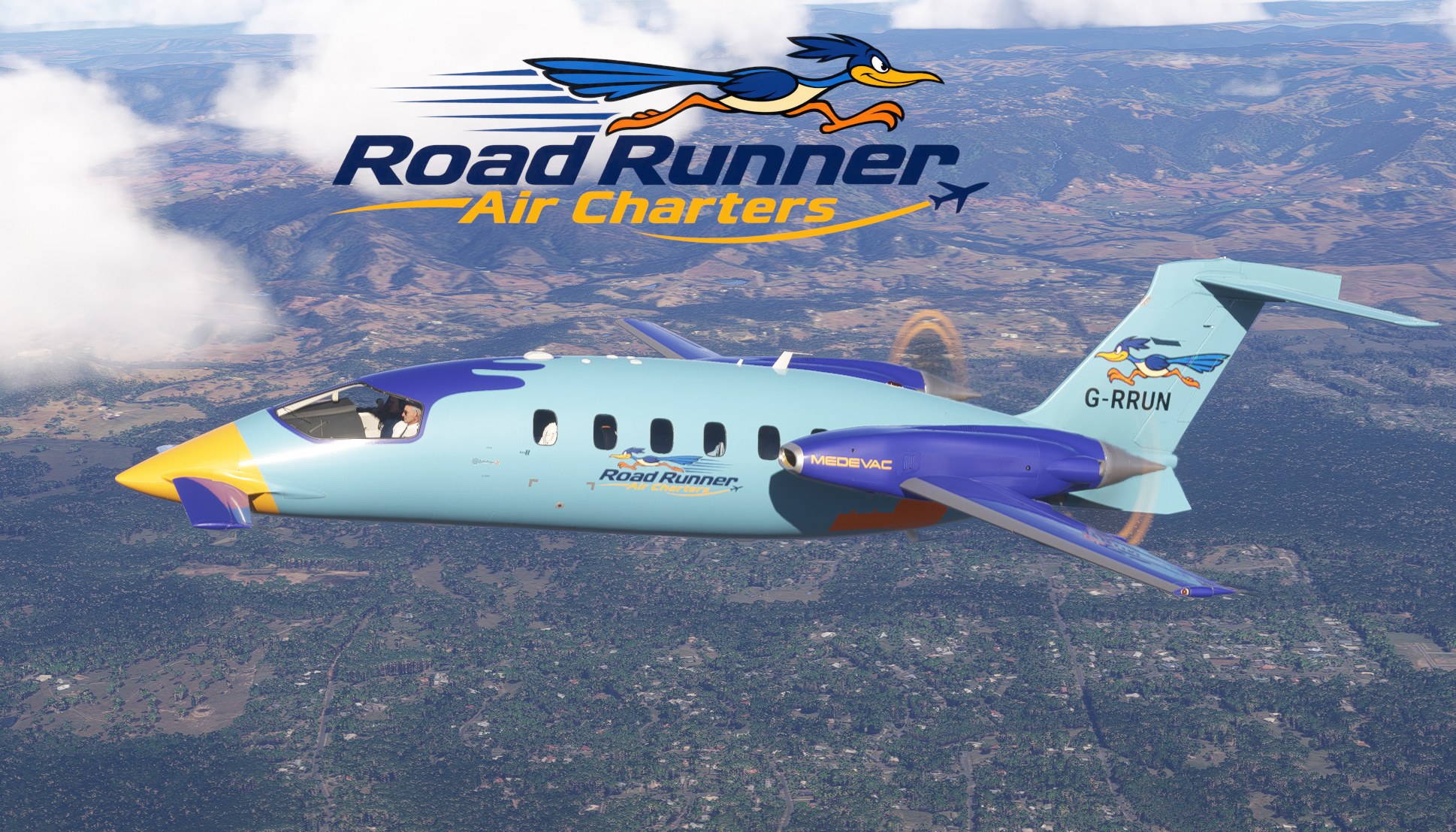

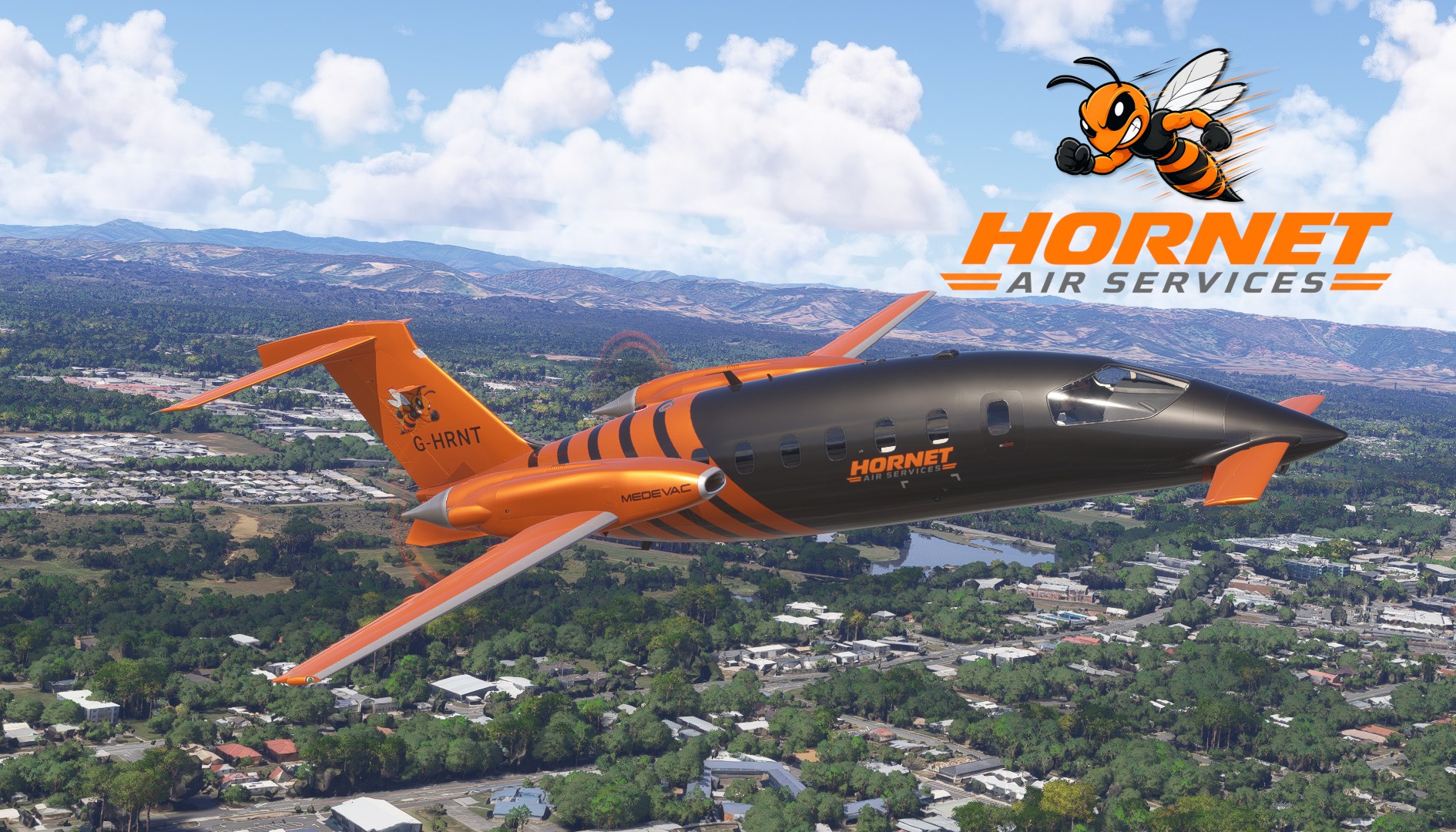
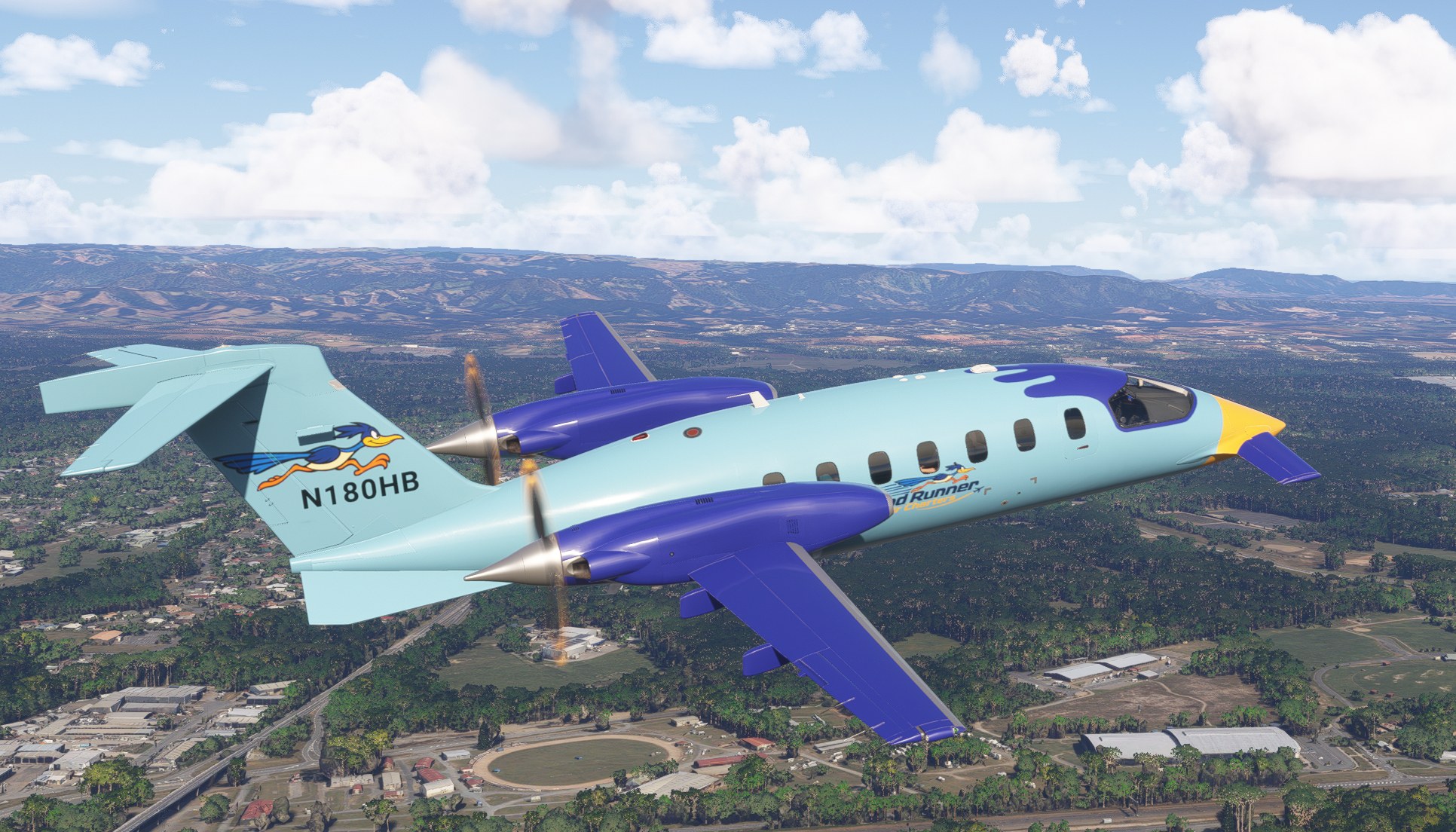
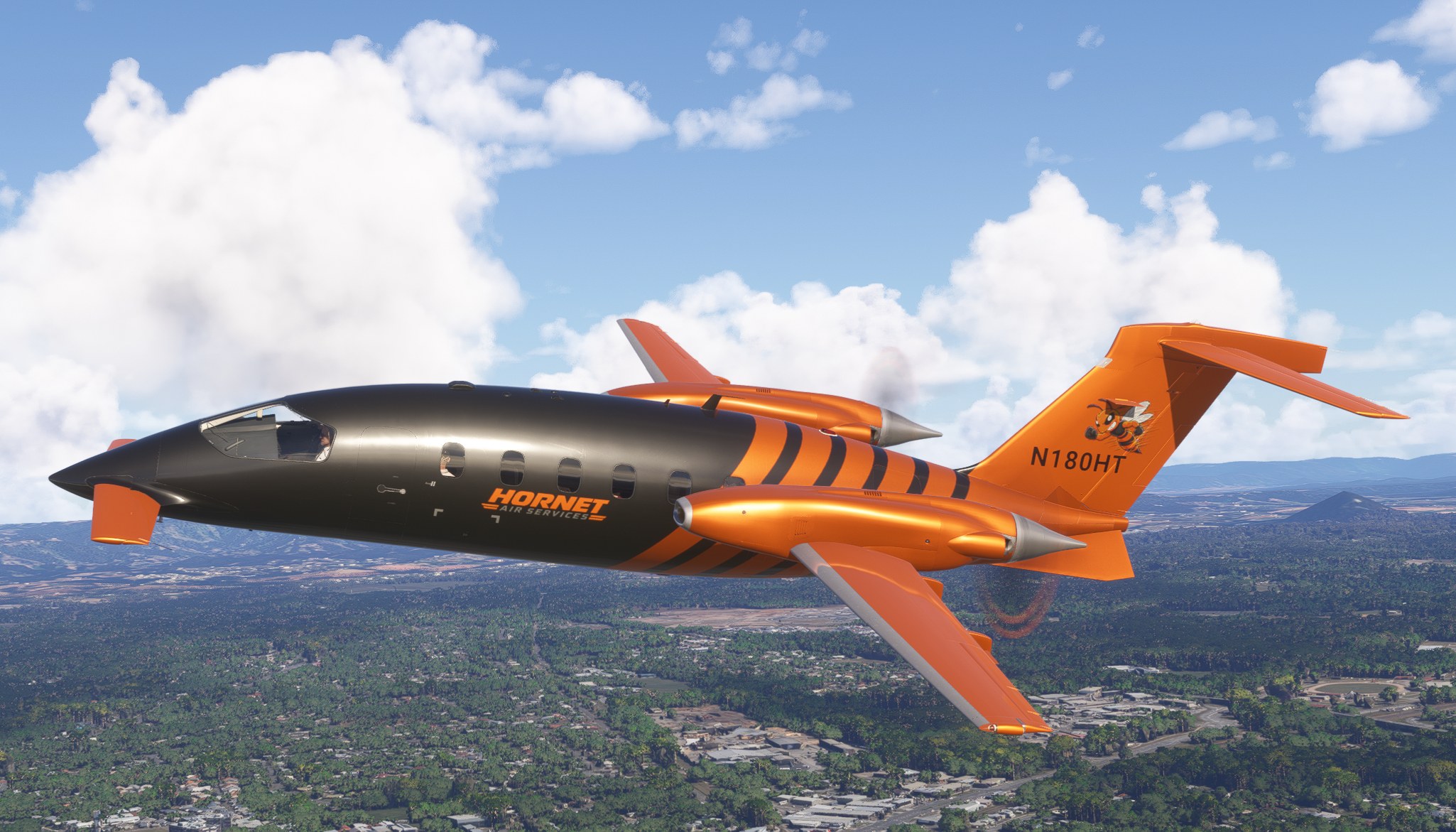
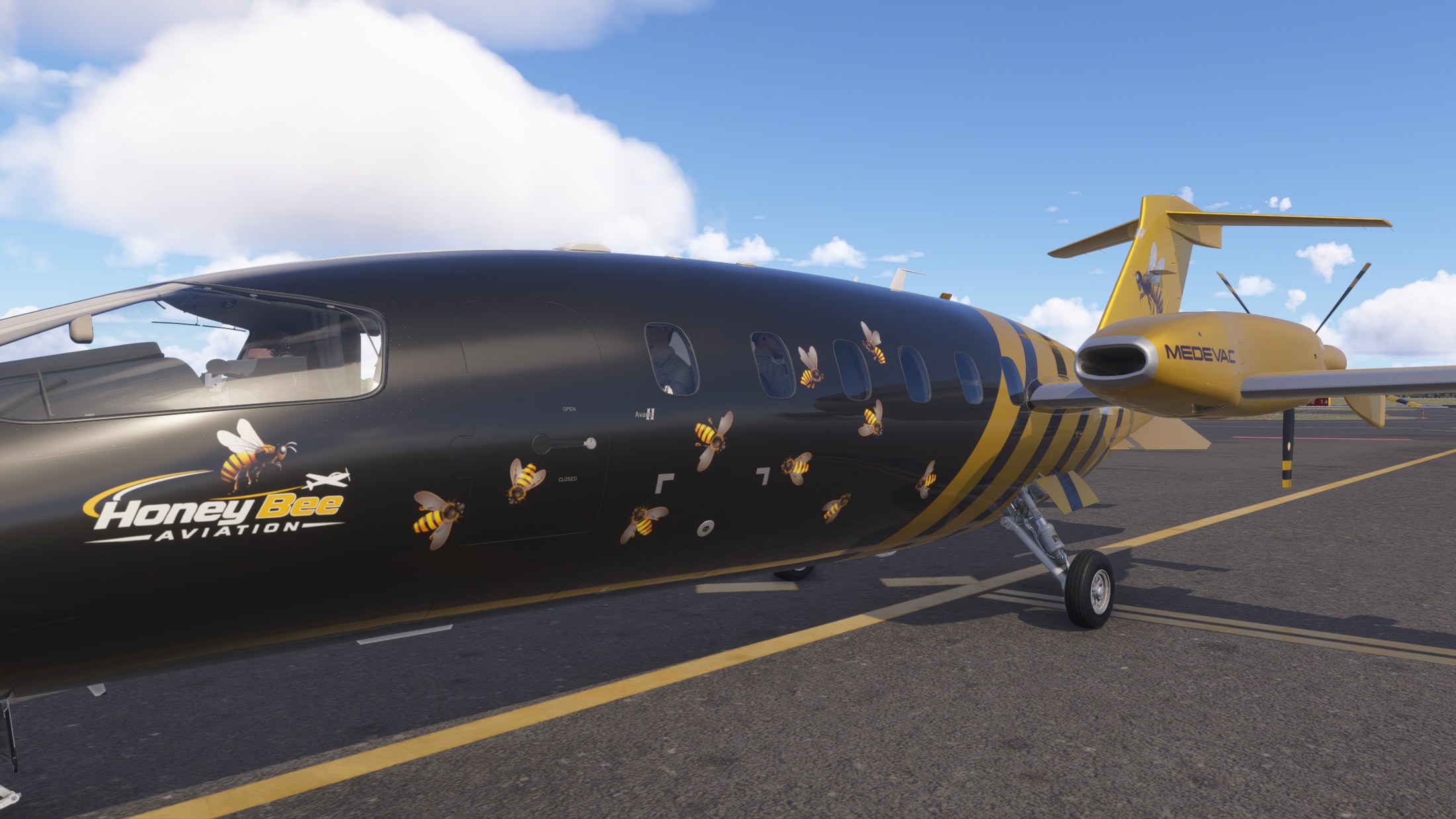
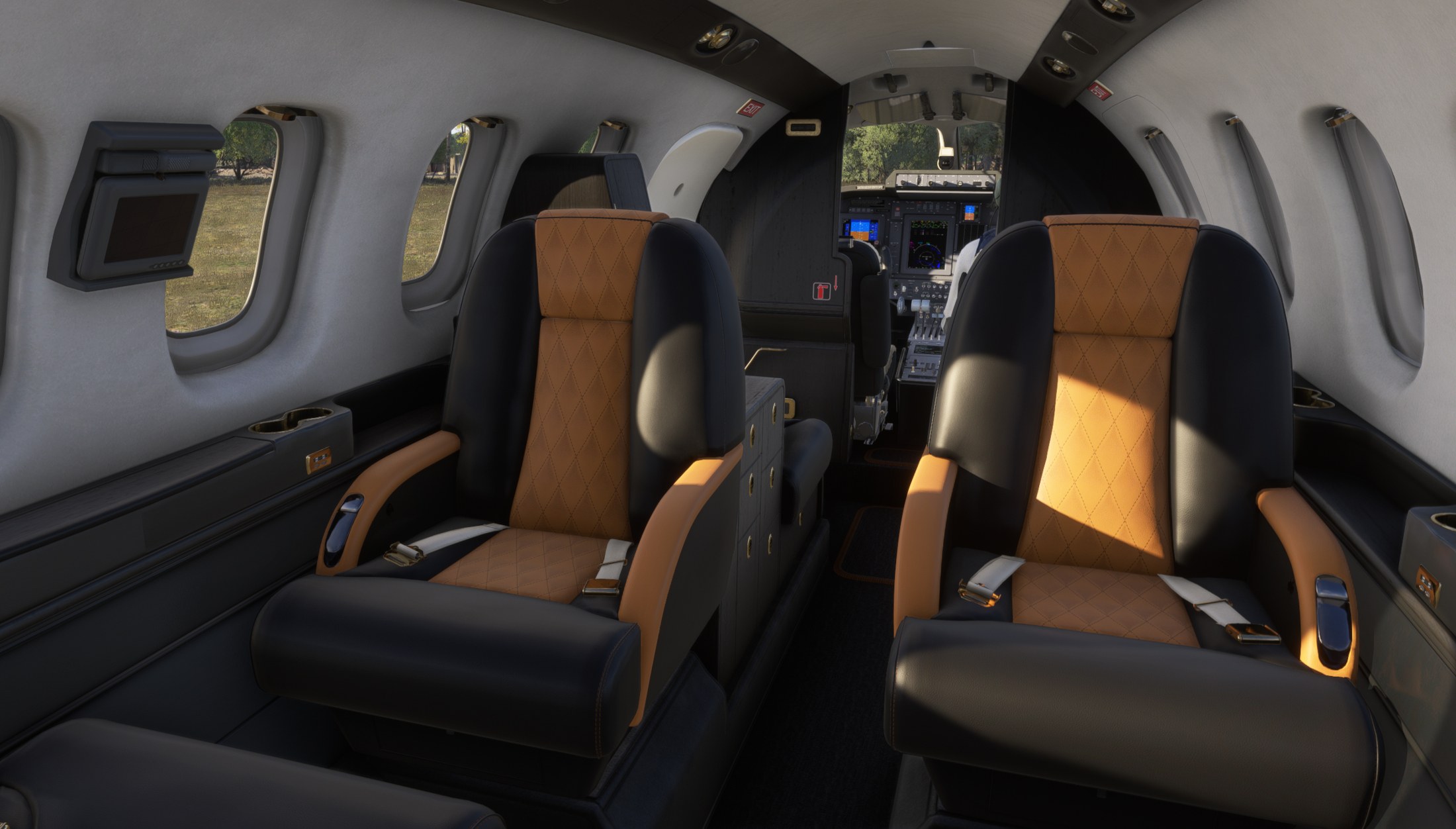

I’d lose a few of the little bees scattered along Honey Bee’s fuselage; the yellow-and-black bands already sell the idea, and that bold division of color carries the scheme anyway. Hornet’s less crowded treatment is more to my taste. These are unapologetically playful paints, which feels right on an aircraft as odd-looking as the Avanti. Moving from the exterior view into the cabin, I appreciated finding custom interior colors rather than leaving the fictional operator’s identity outside the door. That’s worth doing on a passenger aircraft. Editable registrations also make sense here: I can give a made-up charter operation my own tail number without contradicting a real aircraft’s markings. I’d pick Hornet for regular flying, but I’m glad Crispy136 took the fictional premise far enough to make these more than business-aircraft stripes in different colors.
Crispy136 gives the FlightFX Piaggio P180 Avanti three fictional identities in the Just for Fun Livery Pack for Microsoft Flight Simulator 2020 and Microsoft Flight Simulator 2024. The repaints play on the Avanti’s unusual shape, with custom interior colors and editable tail numbers. You’ll need the separately purchased FlightFX aircraft; it isn’t included.
The real Avanti combines a small forward wing, a main wing and a conventional tail with rear-mounted pusher propellers. There’s plenty of character in that silhouette, and these fictional operators lean into it.
All three schemes are available for the Passenger variant in MSFS 2020 and MSFS 2024, and for the Medevac variant in MSFS 2024 only. The dynamic tail number lets you use your own registration. For MSFS 2020, Crispy136 has also revised the propeller blur to look less like Microsoft Flight Simulator X.
The liveries are not interchangeable between simulator versions. With the payware FlightFX Avanti P180 installed, copy the appropriate folder into your simulator’s Community folder.
Consult the included Readme_Me_1st.pdf for troubleshooting and further notes. Crispy136 can be reached by personal message on Fly Away Simulation.
These repaints are provided free of change and are not to be repurposed for inclusion with any commercial package or uploaded to any site without my permission. The use of the downloaded repaints is done at your own discretion and risk and with agreement that you will be solely responsible for any damage to your computer system or loss of data that results from such activities.
Free for all simmers · 198.86 MB · Scanned clean Nov 2026
Download speed: Free tier is capped at 2 Mbps (this file takes approximately 14 mins at the cap). PRO members download at full line speed.
Initial release.
%LOCALAPPDATA%\Packages\Microsoft.FlightSimulator_8wekyb3d8bbwe\LocalCache\Packages\Community\. Steam version: %APPDATA%\Microsoft Flight Simulator\Packages\Community\. Tip: enable Developer Mode in MSFS to see your exact Community folder path.readme.txt or README file. It tells you exactly where files go, what dependencies are needed, and any quirks specific to this add-on.I have been creating liveries for MSFS since MSFS 2020 was first released. I cover a wide range of aircraft rather than just the big jets.
Are you Crispy136? Sign in to Fly Away Creators for download stats, comment replies and updates. Make add-ons? Publish them here.
Only PRO members can place votes.
More MSFS add-ons hand-picked based on this download.
MSFS Turboprops
This freeware D-ILKA repaint pack adds three 4K liveries and matching interio…
 X-Plane Light General Aviation Aircraft
This plane is an evolution of the fabulous XPLane P180 Piaggio Avanti Alterna…
 FSX Turboprops
This is a true FSX (SP2) SDK aircraft Version 3.0 brings an entirely new cock…
 X-Plane Light General Aviation Aircraft
X-Plane 11 Piaggio P.180 Avanti Ferrari Team 1.0. Thank you to Laminar Resear…
 FSX General Aviation Aircraft
Repaint textures for the Just Flight freeware Cessna 152, depicting real worl…
 FSX AFCAD Files
Lands End/St Just Airport, Southwest England, UK (EGHC). This is a major make…
 FSX Scenery
This zip originally compiled in fs9, and now working in FSX, contains a numbe…
 FSX Civil Aircraft
FSX Swiss Boeing 737-800, registration HB-FUN. Textures only for the default …
Be the first to leave a comment on this download.
Be the first to share your thoughts on this download.