

 MSFS Civil Jet Aircraft
Tunisair TS-IMT Tunisian Libyan sticker livery Fenix A320CFM (With Cabin)
dmeh_liveries has painted Tunisair’s TS-IMT for the Fenix A320 CFM in Microso…
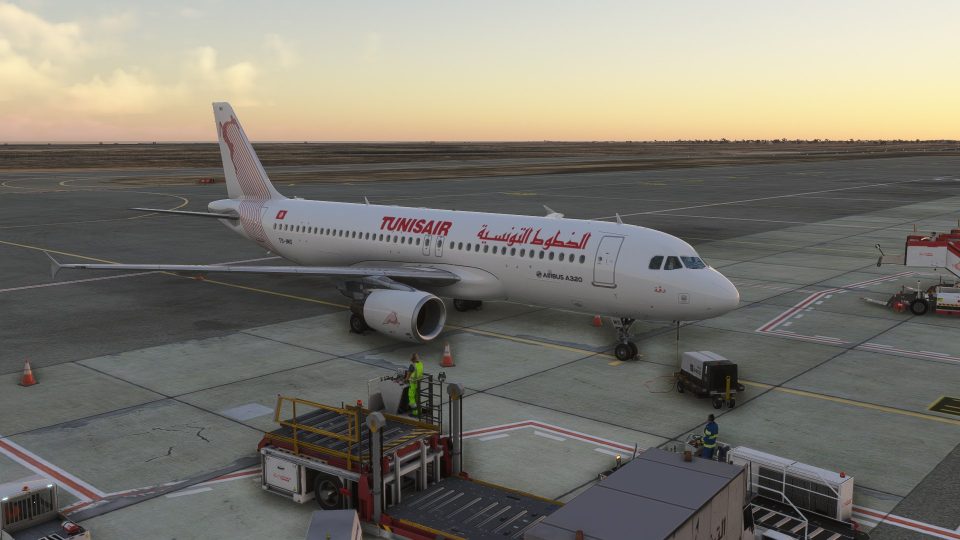
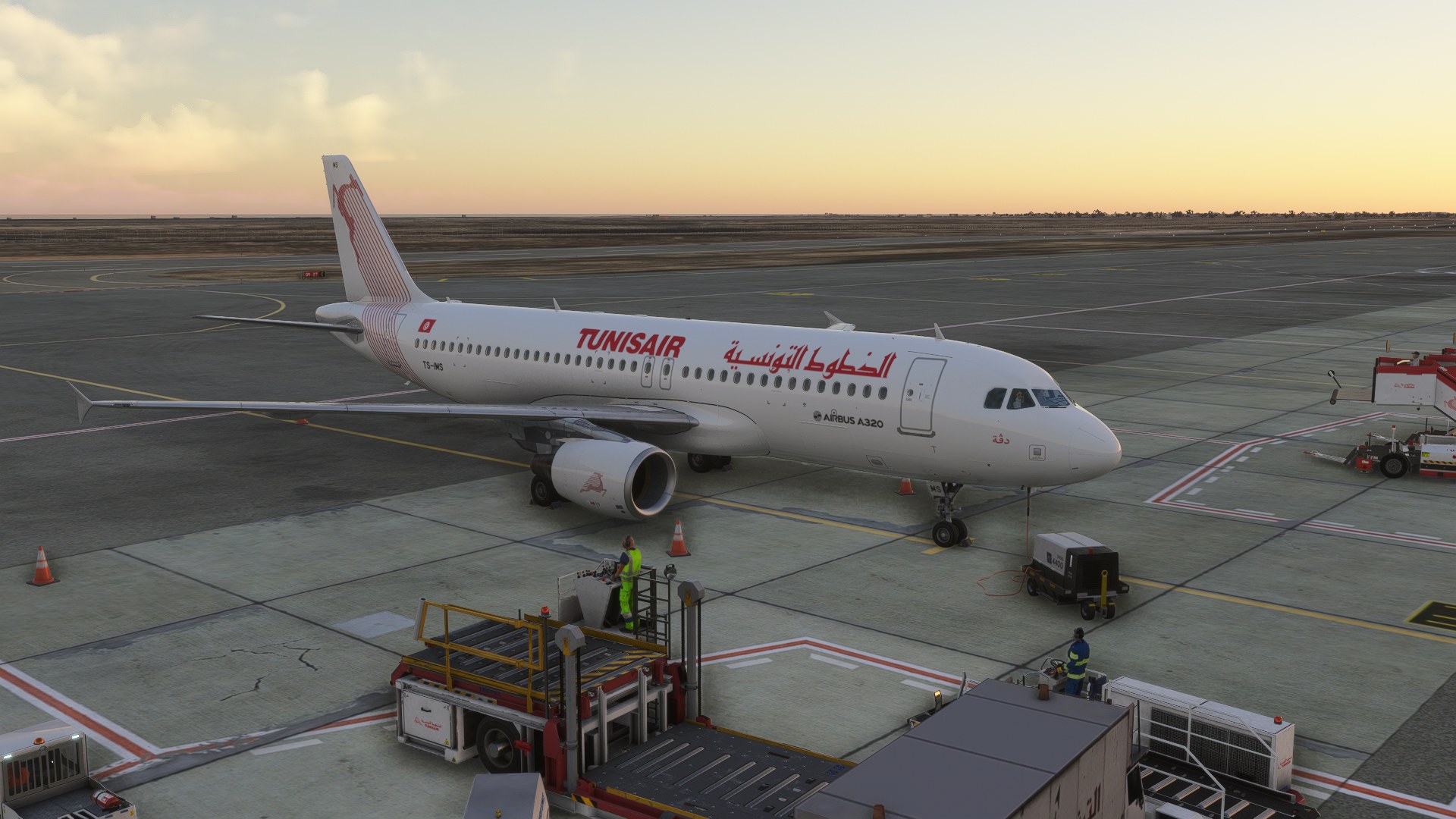
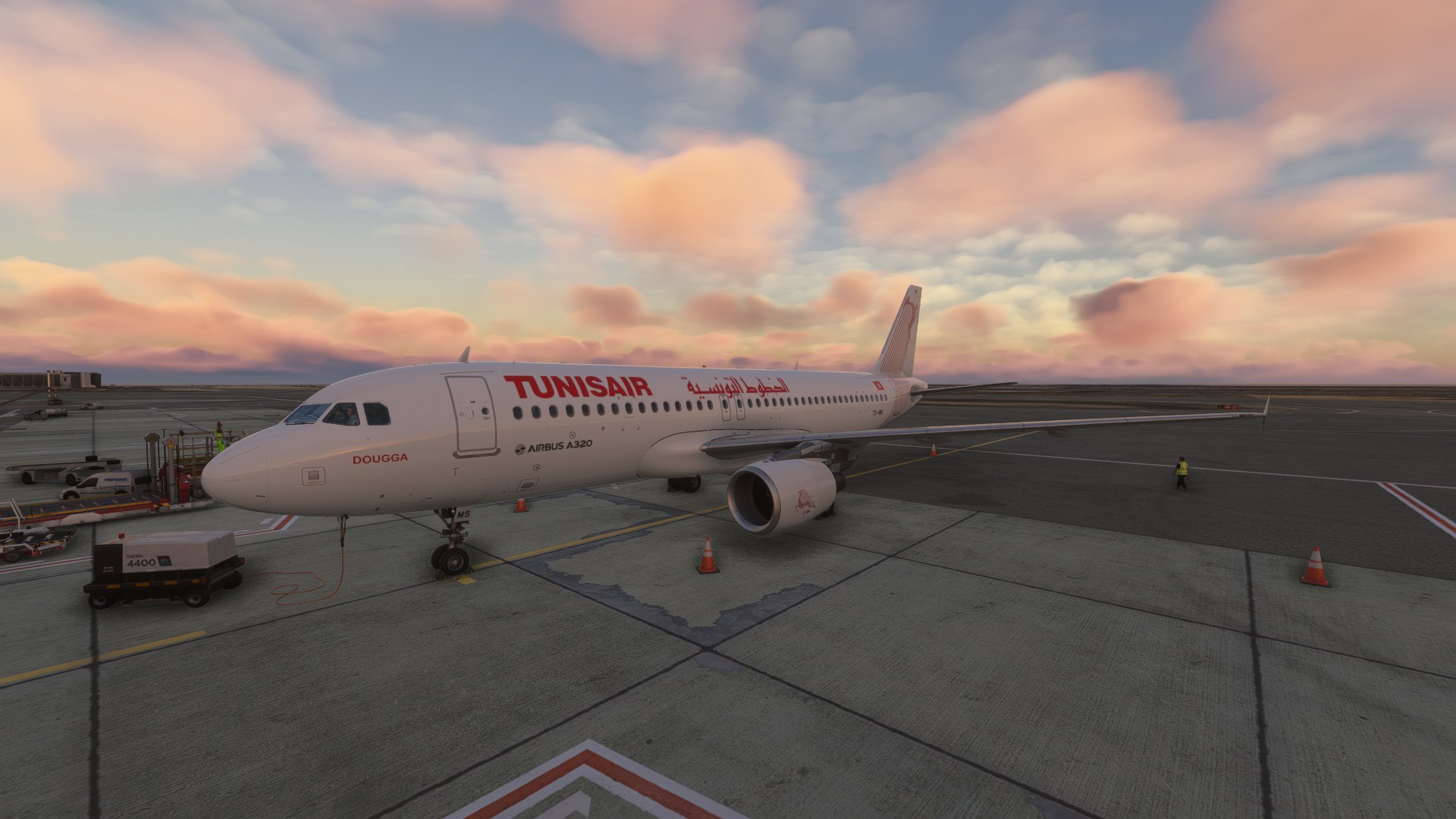
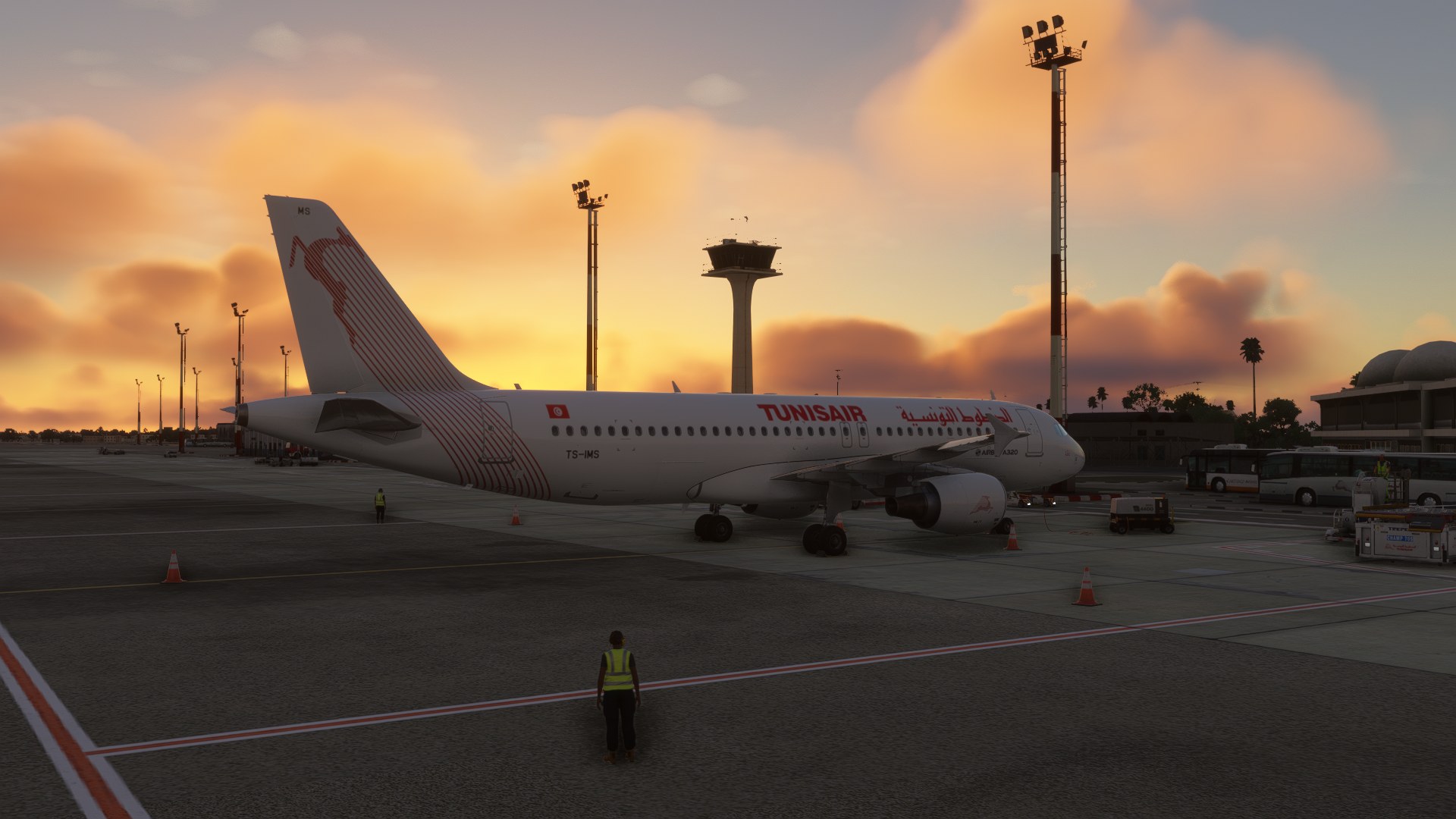
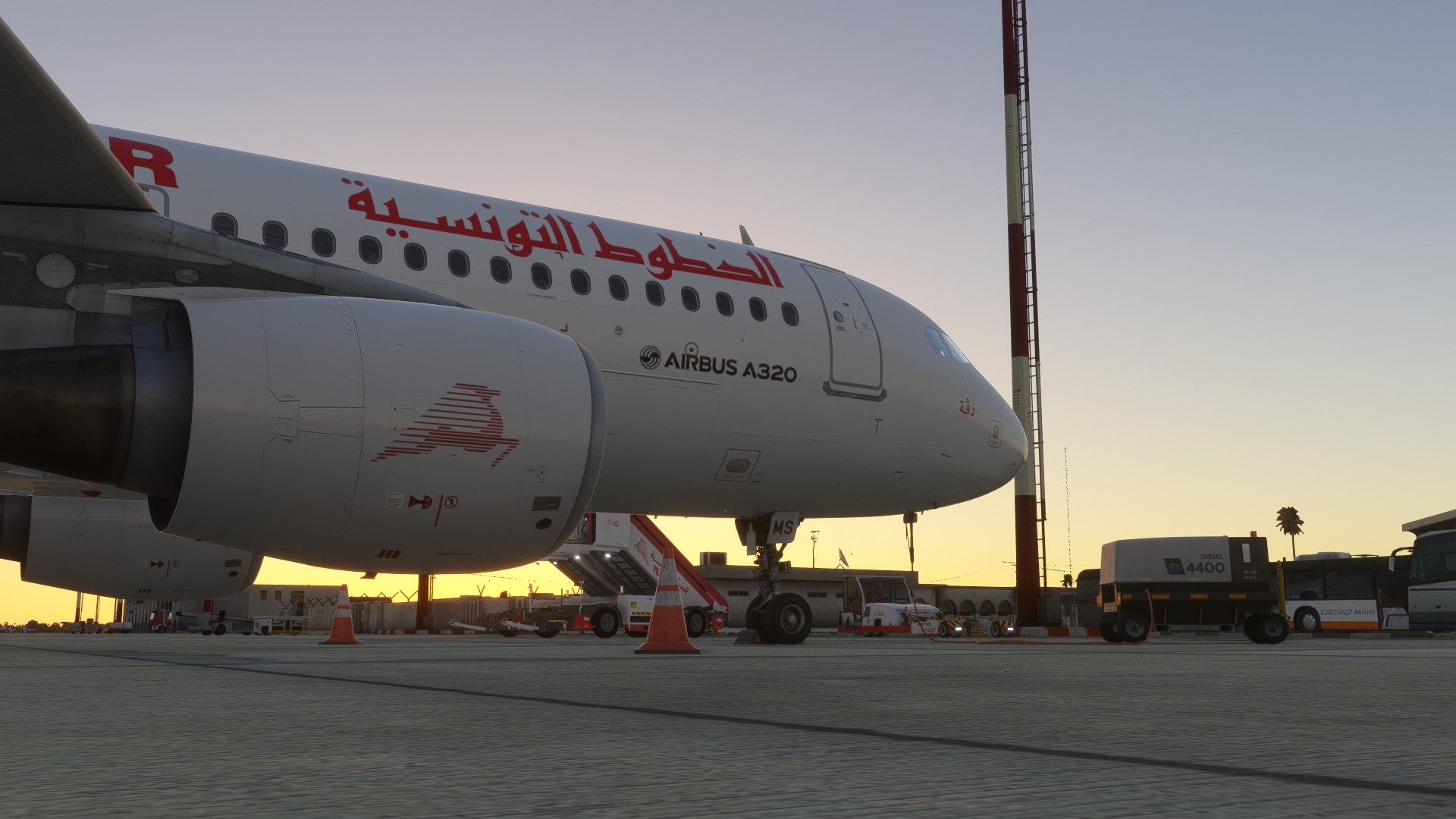
Tunisair’s TS-IMS “Dougga” livery brings a photo-based exterior reflecting the aircraft’s refreshed appearance from August 2026 onward to Microsoft Flight Simulator 2024, alongside a customized black cabin inspired by TS-ITA and TS-ITB. Designed for the Airbus A320-214 with CFM engines, the package requires the Fenix A320CEO CFM.
 Rate
 By dmeh_liveries
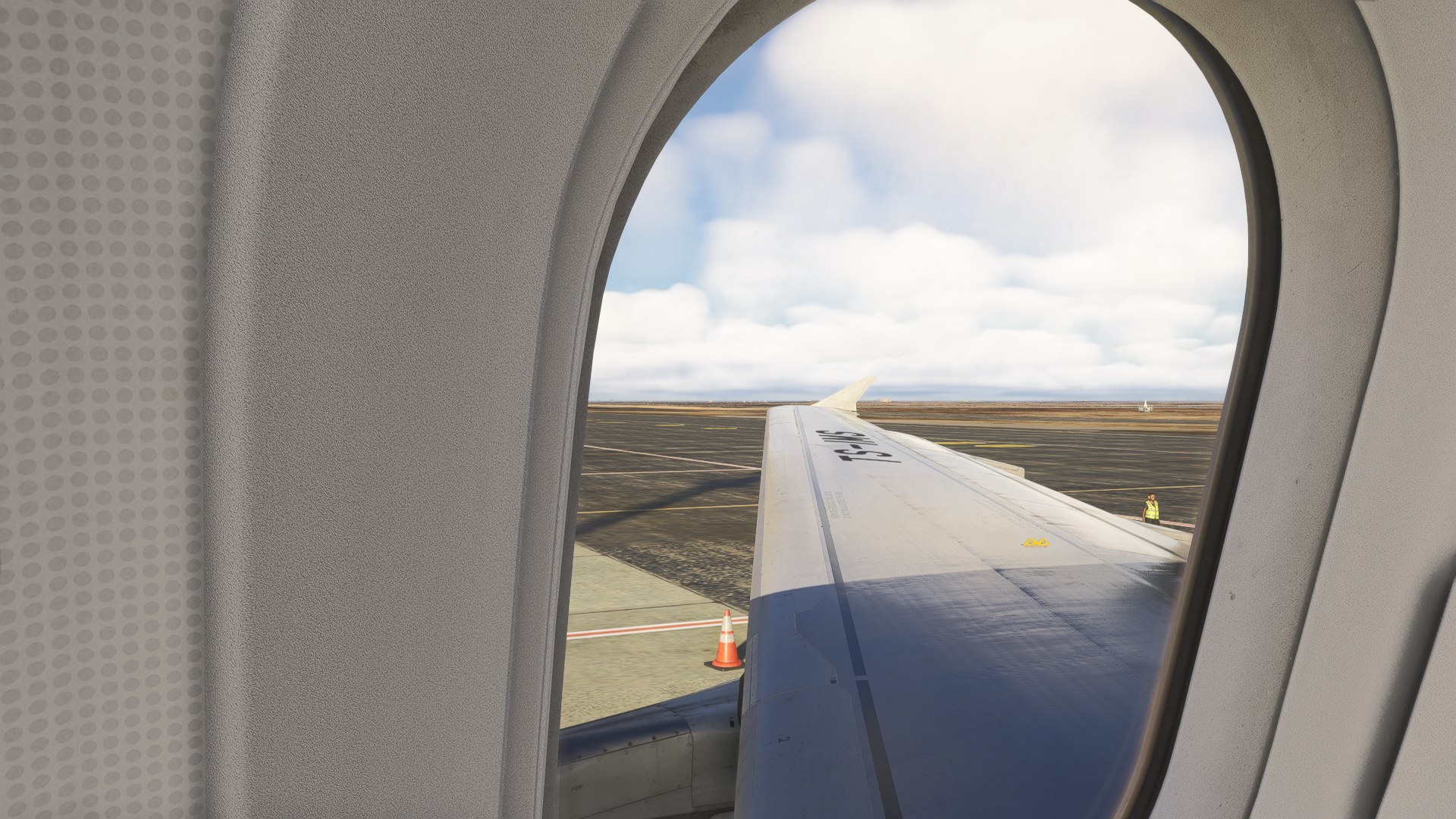
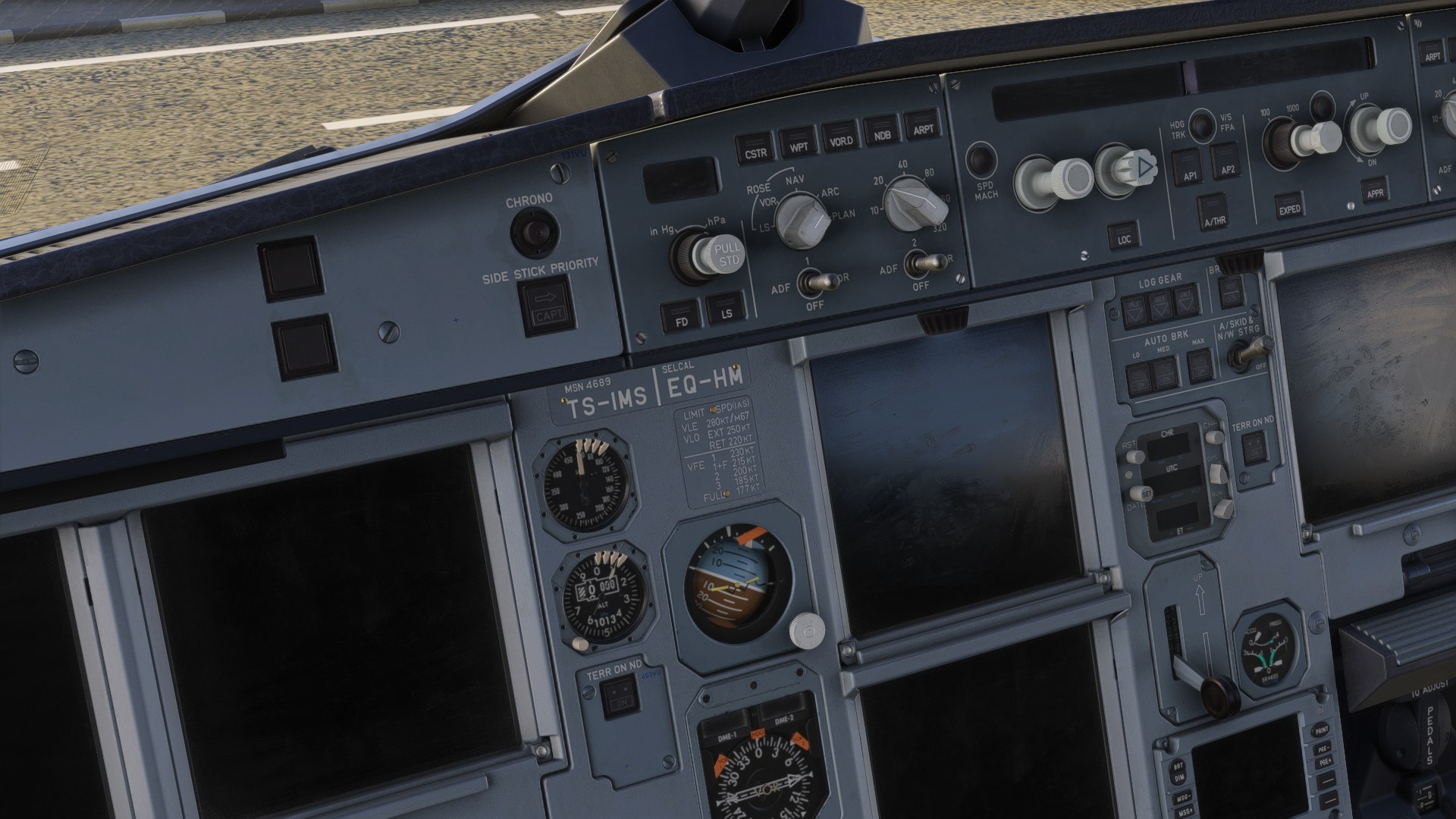
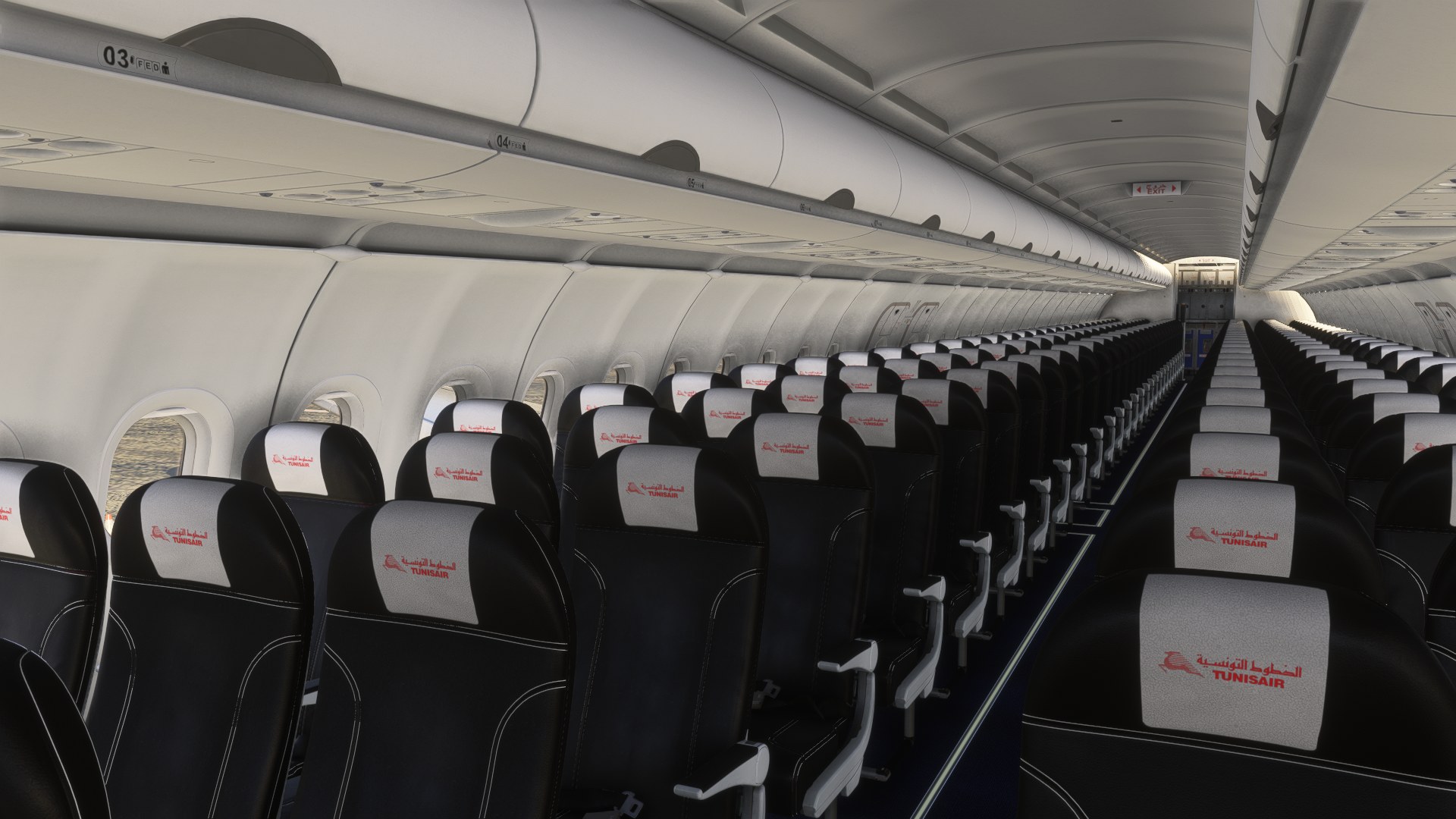
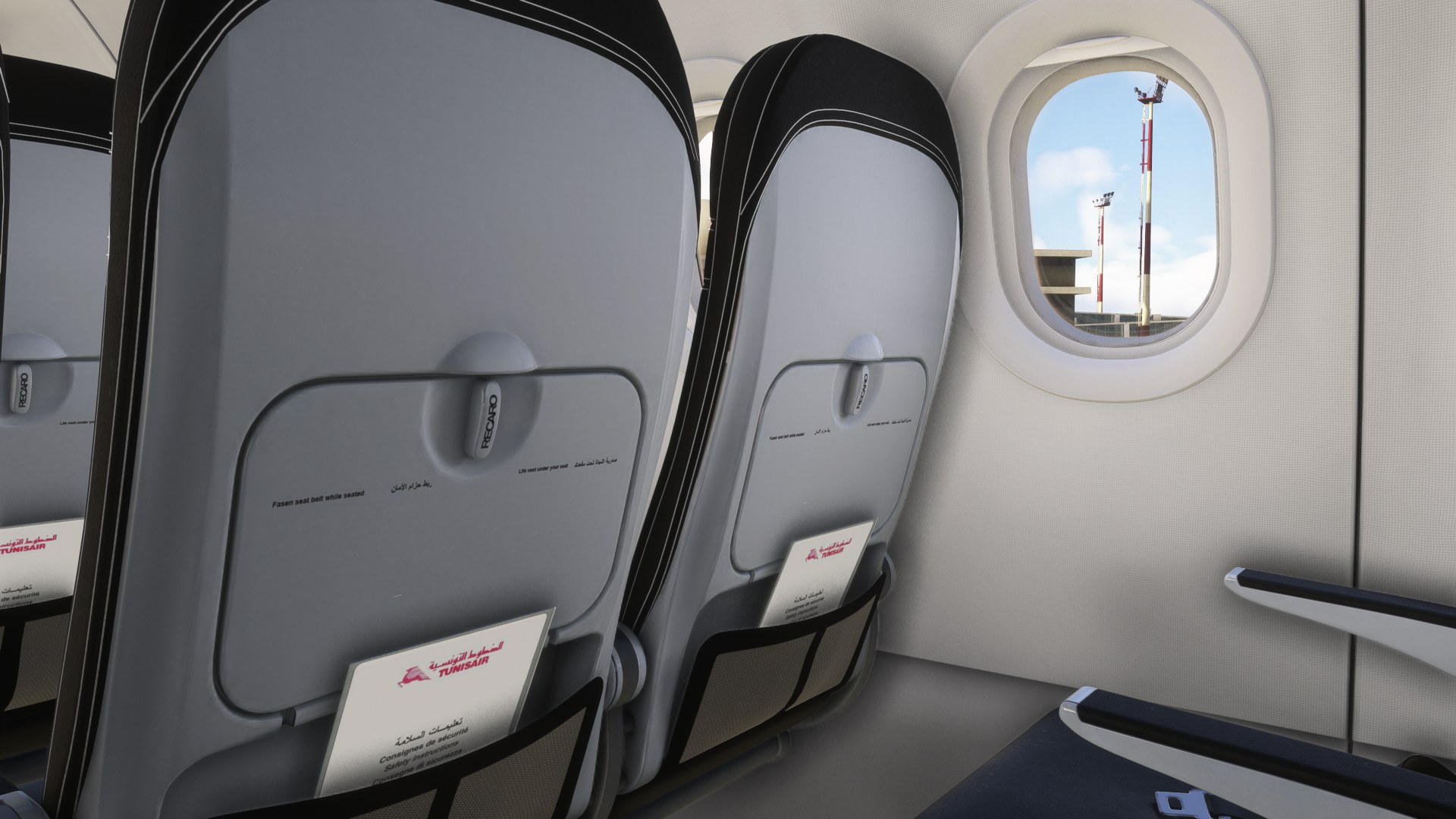
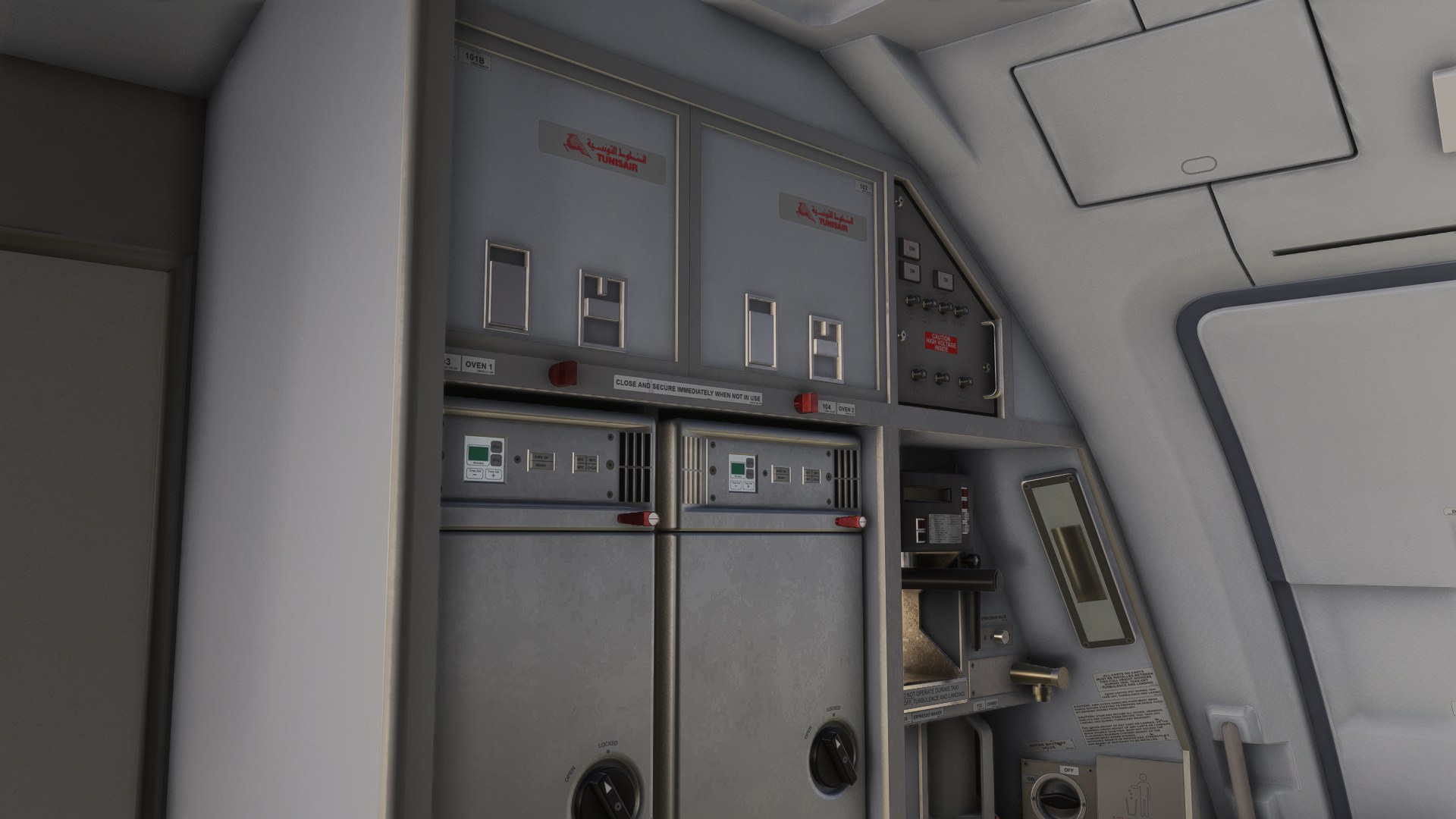

My question going in was whether the cabin would feel like part of this particular aircraft, and I found an airline-specific interior rather than a faithful TS-IMS replica. Looking down the aisle, the white headrest covers with red Tunisair branding stood out against the black seats. I like that contrast; the cabin has a clear identity without needing much color. But I’d still want the original three-color upholstery for this registration. The substitute works visually, not historically, and the developer’s acknowledgment of the Fenix model’s limitations is worth taking seriously if cabin accuracy matters to you.
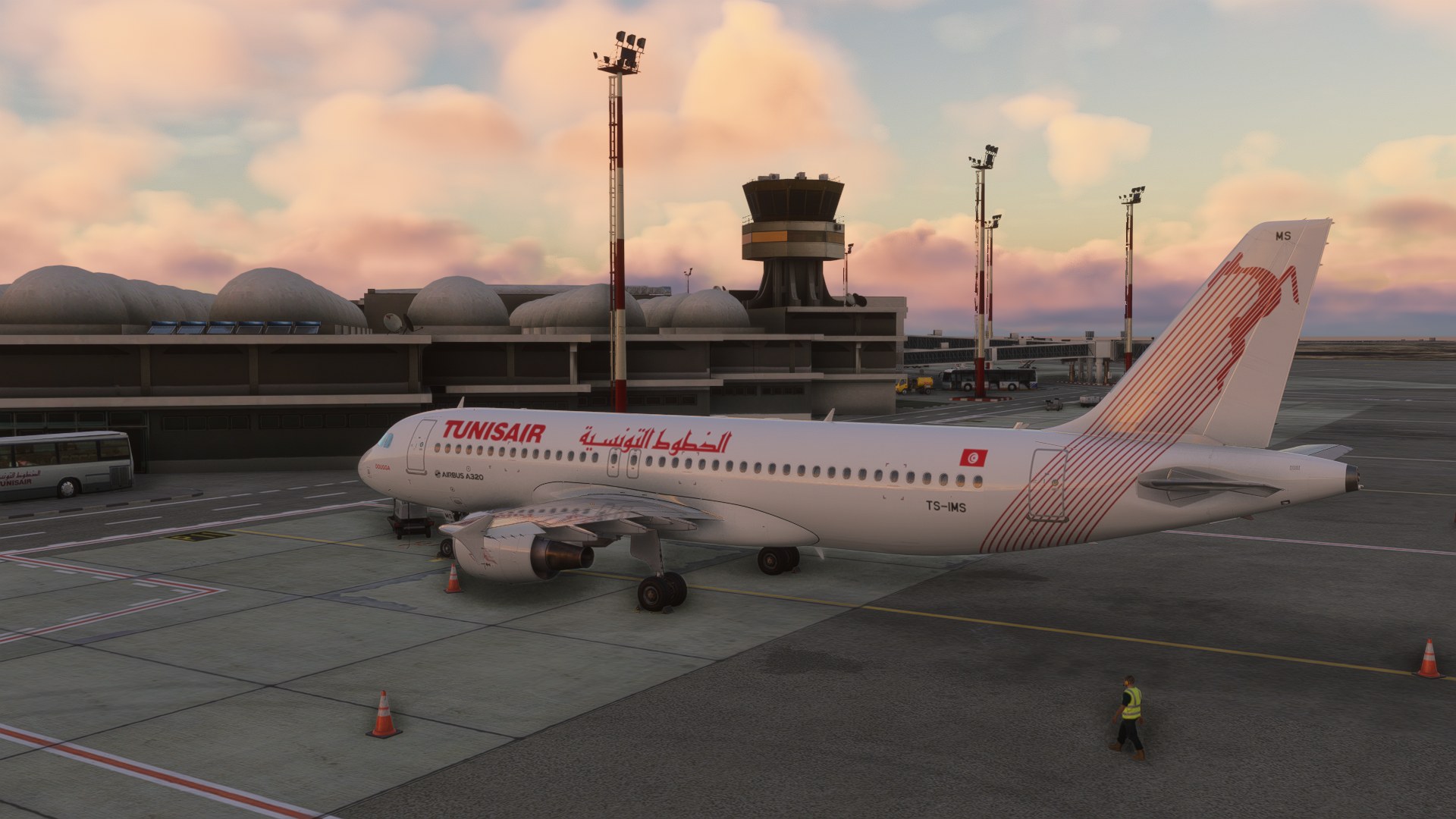
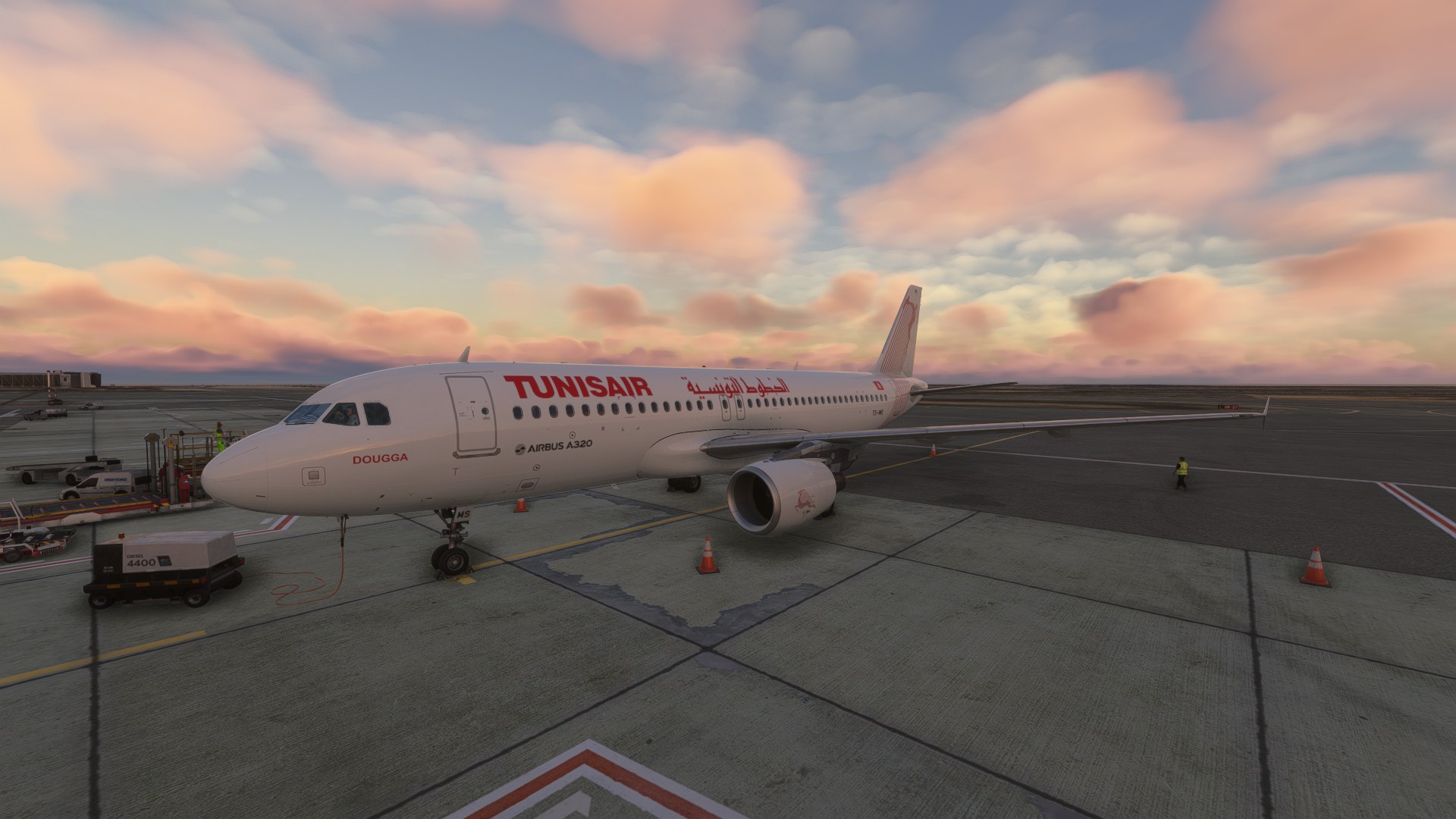
The exterior’s omission of the “70 Years” stickers gets my approval. Leaving them off is a deliberate choice tied to the aircraft’s later appearance, not a missing decorative extra. That makes this a repaint I’d pick for representing TS-IMS after its refresh, rather than for an anniversary-era flight. For me, the exterior is the reason to choose this package; the cabin is a welcome addition with a clearly stated compromise.
dmeh_liveries has painted Tunisair’s TS-IMS for the Fenix Airbus A320-214 CFM in Microsoft Flight Simulator 2024, with an exterior based on photographs from August 2026 onward and a customized cabin. Produced by request, the package requires the separately purchased Fenix A320CEO CFM; the aircraft model is not included.
Tunisair took delivery of TS-IMS in May 2011. The aircraft carries manufacturer serial number (MSN) 4689, has two CFM International CFM56 engines, and bears the name “Dougga” (دقّة). Tunisair is Tunisia’s flag carrier, and the aircraft’s name refers to the country’s ancient archaeological site.
The exterior depicts the refreshed appearance documented since at least August 2026. Recent photographs suggest that TS-IMS had been repainted and cleaned, with its previous “70 Years” commemorative stickers removed. Those anniversary markings are absent here.
The cabin uses a black interior configuration based on TS-ITA and TS-ITB. It does not reproduce TS-IMS’s original three-color scheme, which the developer was unable to recreate. dmeh_liveries also notes that limitations of the Fenix model prevent an accurate reproduction of the real aircraft’s cabin.
Compatibility is limited to Microsoft Flight Simulator 2024. dmeh_liveries accepts issue reports through comments or direct messages.
CC NC-BY-SA
Free for all simmers · 439.58 MB · Scanned clean Nov 2026
Download speed: Free tier is capped at 2 Mbps (this file takes approximately 31 mins at the cap). PRO members download at full line speed.
NONE / Initiale version
%LOCALAPPDATA%\Packages\Microsoft.FlightSimulator_8wekyb3d8bbwe\LocalCache\Packages\Community\. Steam version: %APPDATA%\Microsoft Flight Simulator\Packages\Community\. Tip: enable Developer Mode in MSFS to see your exact Community folder path.readme.txt or README file. It tells you exactly where files go, what dependencies are needed, and any quirks specific to this add-on.Currently an engineering student in France from Tunisia. / Started publishing liveries for FSX on the Aerosoft forum. Also publishing liveries for MSFS2024 on flightsim.to.Making liveries for MSFS2024 (NOT for MSFS2020)
Are you dmeh_liveries? Sign in to Fly Away Creators for download stats, comment replies and updates. Make add-ons? Publish them here.
Only PRO members can place votes.
More MSFS add-ons hand-picked based on this download.
MSFS Civil Jet Aircraft
dmeh_liveries has painted Tunisair’s TS-IMT for the Fenix A320 CFM in Microso…
 MSFS Civil Jet Aircraft
dmeh_liveries painted Air Algérie’s 7T-VLR for the iFly Boeing 737 MAX 8 in M…
 MSFS Civil Jet Aircraft
dmeh_liveries has painted TUI Airways’ G-TUPD for the iFly Boeing 737 MAX 8 i…
 MSFS Civil Jet Aircraft
A livery pack for the default Airbus A320neo in Microsoft Flight Simulator (M…
 MSFS Civil Jet Aircraft
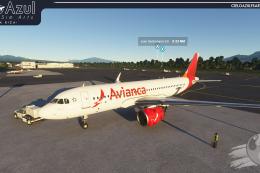
A brand-new repaint/livery for the Airbus A320neo (ASOBO) in Avianca Costa Ri…
 MSFS Civil Jet Aircraft
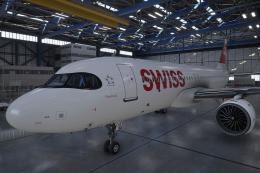
A pack containing a complete rendition of 8K resolution liveries for the defa…
 MSFS Civil Jet Aircraft
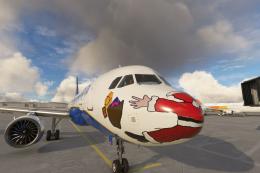
Introducing the comprehensive Ryanair Santa Repaint Mega Pack, meticulously c…
 MSFS Civil Jet Aircraft
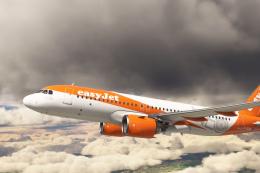
An add-on for MSFS 2020 brings the easyJet A320neo registration G-UZHA livery…
Be the first to leave a comment on this download.
Be the first to share your thoughts on this download.