

 FS2004 Civil Jet Aircraft
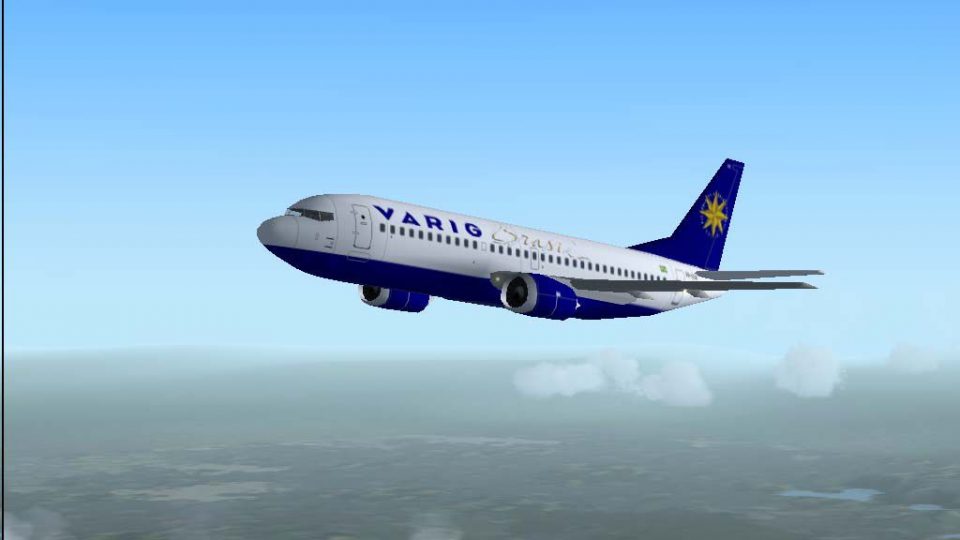
Varig Boeing 737-33R PP-VPY
Immerse yourself in a highly detailed rendition of the Varig Boeing 737-33R, …
Varig’s Boeing 737-33R PP-VPX comes to life with a crisp, era-correct repaint, tuned flight dynamics, and roughly 90 historically based routes reflecting the airline’s 2004 network and authentic flight numbers. Built for Microsoft Flight Simulator 2004, it includes the base model and requires Just Flight Traffic 2004 for seamless AI integration.
 Rate
Rate
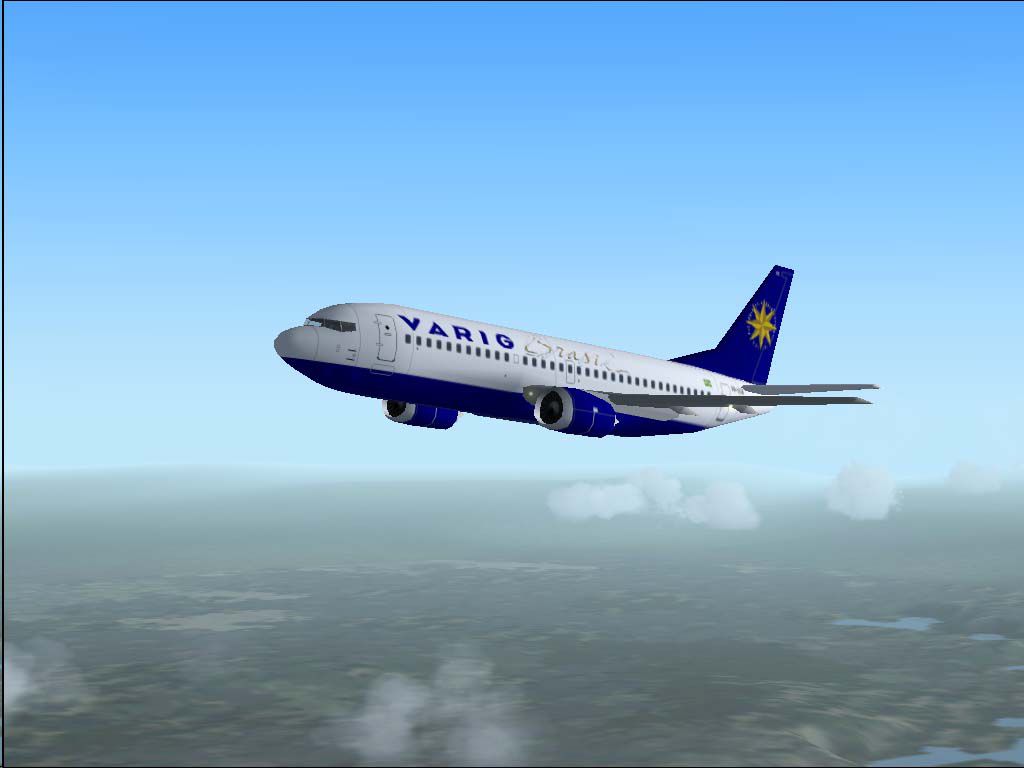
This freeware release features a faithful recreation of Varig’s Boeing 737-33R (registration PP-VPX) for Microsoft Flight Simulator 2004 (FS2004). Developed by Just Flight Traffic 2004 with repaint and refined flight model contributed by Daniel Nole, this complete package includes the original base model for seamless installation. It also includes around 90 accurate routes—encompassing primary domestic and select international destinations—based on Varig’s real-world 2004 schedule and official flight numbers.
The Boeing 737-33R is part of the “Classic” 737 lineup, configured mainly for short to medium-haul operations. Varig, a long-standing Brazilian airline, deployed these aircraft extensively on key routes across South America and beyond. This specific livery (PP-VPX) captures Varig’s recognizable branding, complete with precise artwork. The texture layout aligns well with the Just Flight Traffic 2004 framework, ensuring the model appears naturally among AI traffic and enhancing overall immersion in the FS2004 environment.
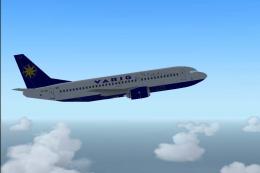
Visual preview of the Varig Boeing 737-33R cruising above the clouds.
The flight model, crafted by Daniel Nole, delivers authentic handling thanks to detailed aerodynamics parameters and properly tuned engine thrust. Realistic pitch response and weight distribution further enrich approaches, climb performance, and general stability. When paired with realistic weather presets in FS2004, the aircraft’s control responses authentically approximate the real 737 Classic experience.
This package incorporates 90 meticulously assembled flight assignments matching Varig’s 2004 operational network. They mirror real timetables, placing you in the pilot’s seat for routes that traverse major Brazilian hubs as well as select global destinations. Each segment comes with true-to-life flight numbers to better reflect historical operations.
This add-on mod remains free to use and is designed for smooth integration with Just Flight Traffic 2004. The entire package maintains top-notch painting quality and accurate flight files, bringing an inspiring piece of aviation history into your simulator environment and paying homage to Varig’s remarkable heritage.
Free for all simmers · 461.19 KB · Scanned clean Oct 2026
Download speed: Free tier is capped at 0.5 Mbps. PRO members download at full line speed.
FS9\Aircraft\, FS9\Addon Scenery\, FS9\Gauges\, or FS9\Effects\.readme.txt or README file. It tells you exactly where files go, what dependencies are needed, and any quirks specific to this add-on.The archive rg7372a.zip has 14 files and directories contained within it.
This list displays the first 500 files in the package. If the package has more, you will need to download it to view them.
| Filename/Directory | File Date | File Size |
|---|---|---|
| Flight Plans | 04.17.04 | 0 B |
| Varig.txt | 04.17.04 | 5.20 kB |
| JFAIB733 | 04.17.04 | 0 B |
| aircraft.cfg | 04.17.04 | 30.15 kB |
| JFAIB733.air | 04.17.04 | 8.50 kB |
| texture.varig2.zip | 04.17.04 | 202.12 kB |
| JFTFB733 | 04.17.04 | 0 B |
| aircraft.cfg | 04.17.04 | 30.70 kB |
| JFTFB733.air | 04.17.04 | 8.50 kB |
| texture.varig2.zip | 04.17.04 | 202.12 kB |
| PP-VPX.jpg | 04.17.04 | 43.41 kB |
| readme.txt | 04.17.04 | 4.58 kB |
| flyawaysimulation.txt | 10.29.13 | 959 B |
| Go to Fly Away Simulation.url | 01.22.16 | 52 B |
Only PRO members can place votes.
More FS2004 add-ons hand-picked based on this download.
FS2004 Civil Jet Aircraft
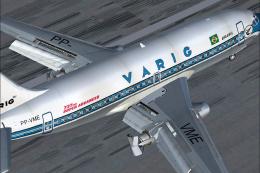
Immerse yourself in a highly detailed rendition of the Varig Boeing 737-33R, …
 FS2004 Civil Jet Aircraft
This freeware package for Microsoft Flight Simulator 2004 showcases a classic…
 FS2004 Civil Jet Aircraft
This freeware package features a lovingly crafted Boeing 737-200 in Varig col…
 FS2004 Civil Jet Aircraft
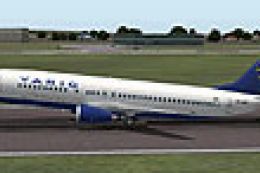
A repaint of the default B737. By Anders Grandjean-Thomsen. Screenshot of Var…
 FS2004 Civil Jet Aircraft
This freeware add-on enriches Microsoft Flight Simulator 2004 with a meticulo…
 FS2004 Civil Jet Aircraft
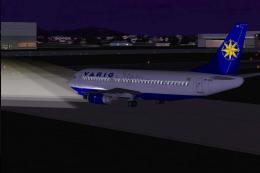
For use with Just Flight Traffic 2004. Repaint and flight model by Daniel Nol…
 FS2004 Civil Jet Aircraft
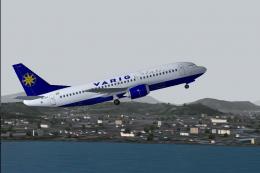
For use with Just Flight Traffic 2004. Repaint and flight model by Daniel Nol…
 FS2004 Civil Jet Aircraft
Give your Microsoft Flight Simulator 2004 library a detailed Brazilian touch …
Be the first to leave a comment on this download.
Be the first to share your thoughts on this download.