

 FSX Historic & Vintage Aircraft
North American P-51D Mustang V1.1
North American P-51D Mustang v1.1. The freeware Alphasim P-51 Mustang upgrade…
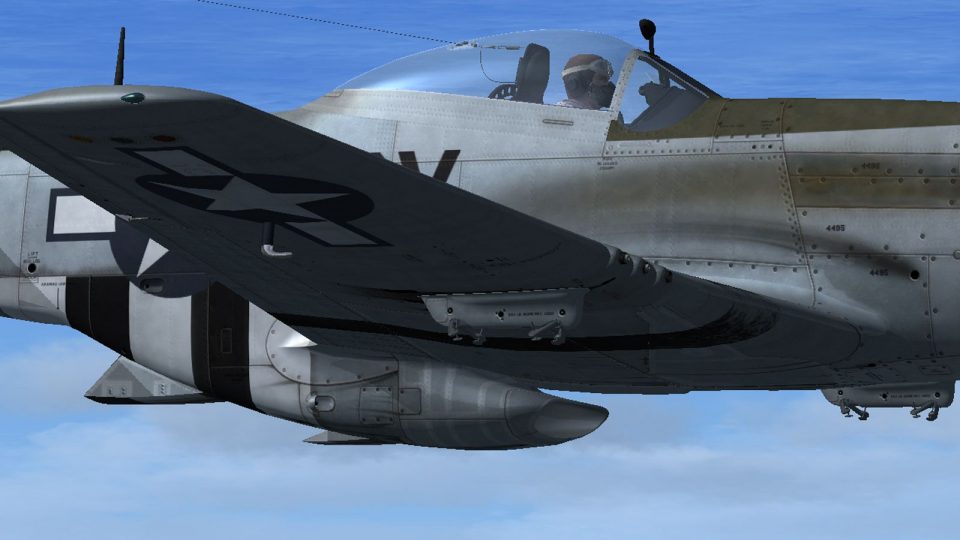
North American P-51D “Dallas Doll” livery update refines Lt. Frank Boudlin’s 44-14495 with corrected rear-fuselage invasion stripes around the coolant radiator waste gate and more authentic wear on wing identification bands, sharpening the period look in Microsoft Flight Simulator X. Requires Warbirdsim P-51 Little Friends and the original DALLASDOLL.ZIP repaint.
 Rate
Rate
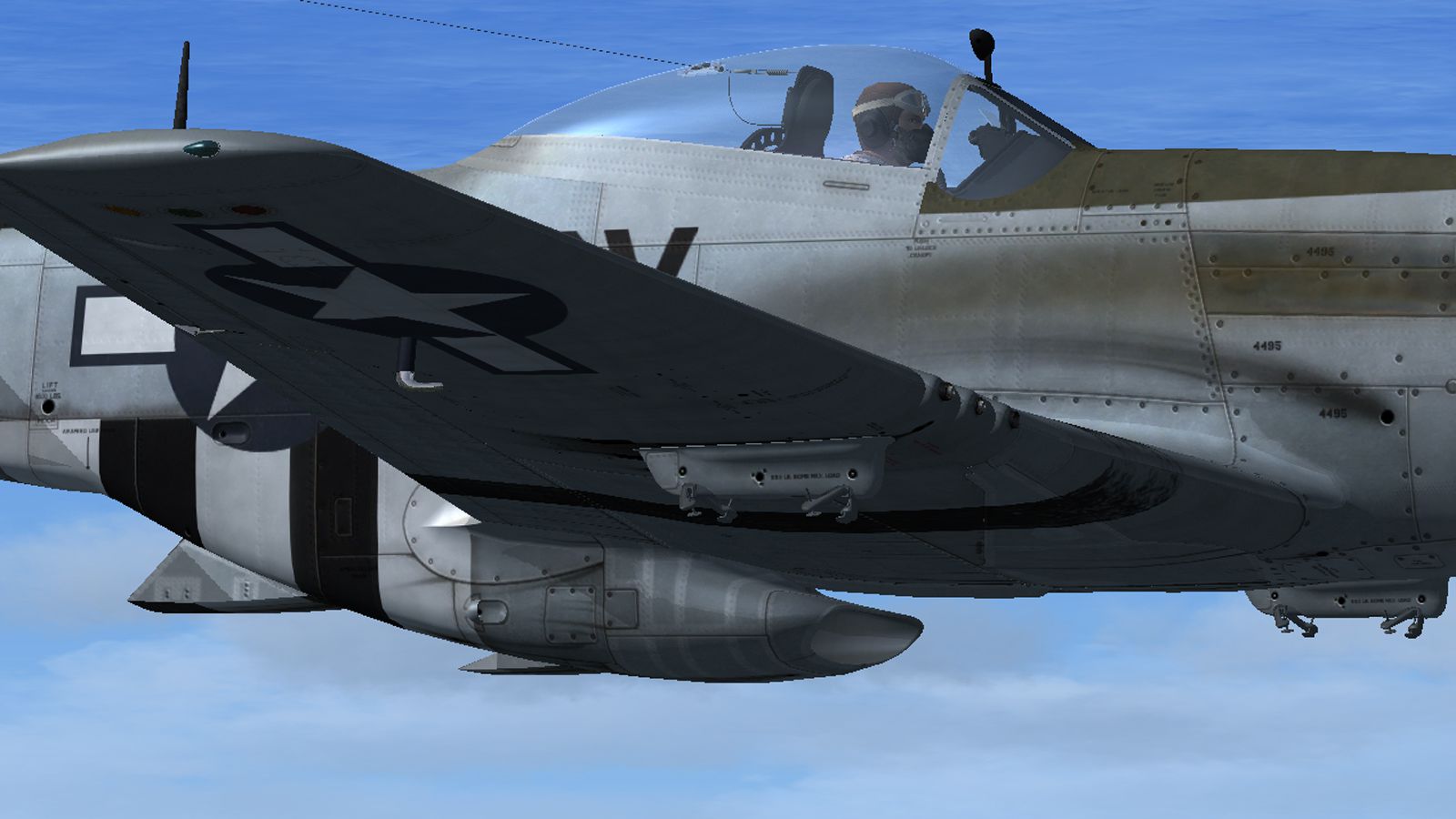
For use with DALLASDOLL.ZIP. This is a small update to the repaint of Lt. Frank Boudlin's P-51D 44-14495 'Dallas Doll' for the Warbirdsim P-51 Little Friends package. It corrects the underside of the rear fuselage invasion stripes around the coolant radiator waste gate and the wear on the wing identification bands. By Dave Quincey.
Screenshot of North American P-51D in flight.
Unzip the file 'Dallas Doll'.zip to a location of your choice then copy and paste the 'texture.Dallas' folder into your Simobjects/Airplanes/P-51D_Little_Friends directory, overwriting when prompted.
This texture set was created using the excellent paint kit supplied by Warbirdsim's John Terrell. It also includes artwork from John's paint of the 353rd's 'Baby Duck'. Many thanks to John for permission to use his work.
This repaint is freeware; it can be used and modified as you wish for your own use. It must not be used or sold for commercial gain. If you want to publish any repaints based upon it they must be published as freeware and must acknowledge the authors Dave Quincey, Warbirdsim and John Terrell.
These files are virus-free and have been tested with FSX SP2/Acceleration. I have no reason to suspect they will harm your system but they are used entirely at your own risk.
Free for all simmers · 9.04 MB · Scanned clean Oct 2026
Download speed: Free tier is capped at 0.5 Mbps (this file takes approximately 3 mins at the cap). PRO members download at full line speed.
texture.{airline}) inside FSX\SimObjects\Airplanes\{base-aircraft}\.aircraft.cfg in Notepad. Add a new [fltsim.X] section per the readme.readme.txt or README file. It tells you exactly where files go, what dependencies are needed, and any quirks specific to this add-on.The archive dallasupdate.zip has 9 files and directories contained within it.
This list displays the first 500 files in the package. If the package has more, you will need to download it to view them.
| Filename/Directory | File Date | File Size |
|---|---|---|
| P-51D Dallas Doll Update.jpg | 06.18.12 | 604.40 kB |
| Readme.txt | 06.18.12 | 1.21 kB |
| texture.Dallas | 06.18.12 | 0 B |
| P-51D_2_T.dds | 06.18.12 | 4.00 MB |
| P-51D_2_TSpec.dds | 06.18.12 | 4.00 MB |
| P-51D_3_T.dds | 06.18.12 | 4.00 MB |
| P-51D_3_TSpec.dds | 06.18.12 | 4.00 MB |
| flyawaysimulation.txt | 10.29.13 | 959 B |
| Go to Fly Away Simulation.url | 01.22.16 | 52 B |
Only PRO members can place votes.
More FSX & P3D add-ons hand-picked based on this download.
FSX Historic & Vintage Aircraft
North American P-51D Mustang v1.1. The freeware Alphasim P-51 Mustang upgrade…
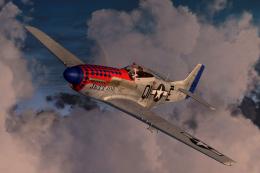 FSX Historic & Vintage Aircraft
This file contains two texture sets for the Warbirdsim P-51D Mustang 'Little …
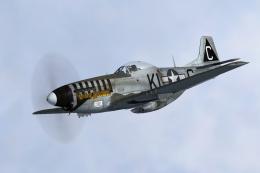 FSX Historic & Vintage Aircraft
This file contains three texture sets for the Warbirdsim P-51D-5-NA Mustang, …
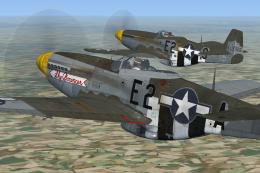 FSX Historic & Vintage Aircraft
Here are two texture sets for the Warbirdsim P-51D-5-NA, depicting aircraft f…
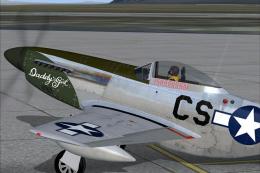 FSX Historic & Vintage Aircraft
A repaint for the A2A WWII Fighters P-51D Mustang. This represents P-51D-10-N…
 FSX Historic & Vintage Aircraft
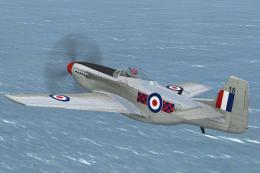
North American P-51D Mustang NZ2415. Repaint by Jon Murchison, based on David…
 FSX Historic & Vintage Aircraft
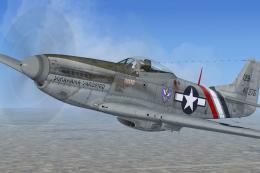
This is a repaint for the Warbirdsim P-51D Mustant 'Little Friends' pack depi…
 FSX Historic & Vintage Aircraft
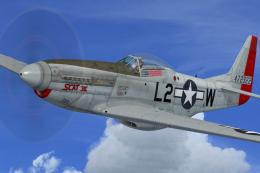
This is a repaint for the Warbirdsim P-51D Mustang 'Restored Part 2' pack dep…
Be the first to leave a comment on this download.
Be the first to share your thoughts on this download.