

 FS2004 Propeller Aircraft
LOT-Polish Airlines Viscount 804
One of three British United V.804s sold to LOT, this one was the only one to …
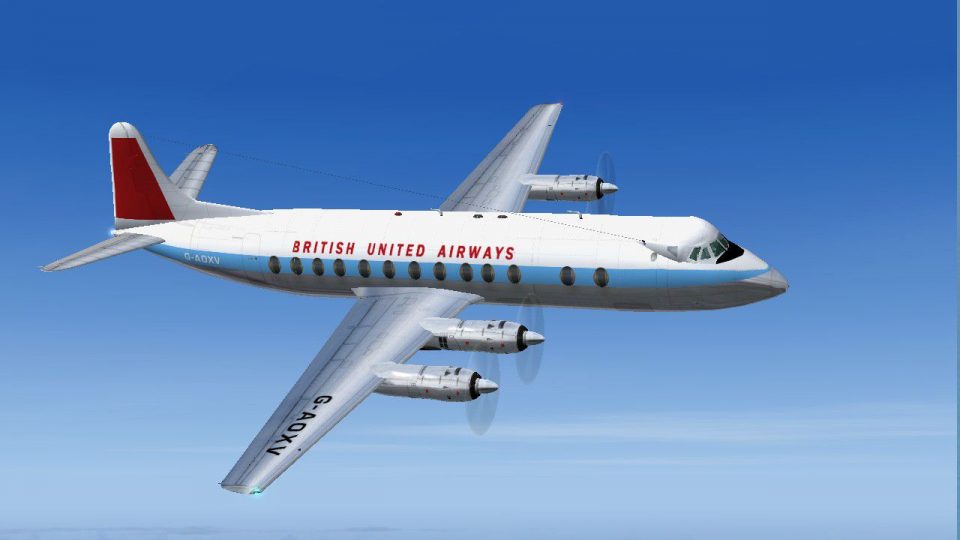
British United’s early Transair-era livery comes to life on Vickers Viscount 804 G-AOXV, capturing a short-lived scheme before the later dark blue flag design and reflecting the airframe’s later move to LOT as SP-LVA. Built for FS2004, it requires Rick Piper’s FSDS Viscount 800 model.
 Rate
Rate
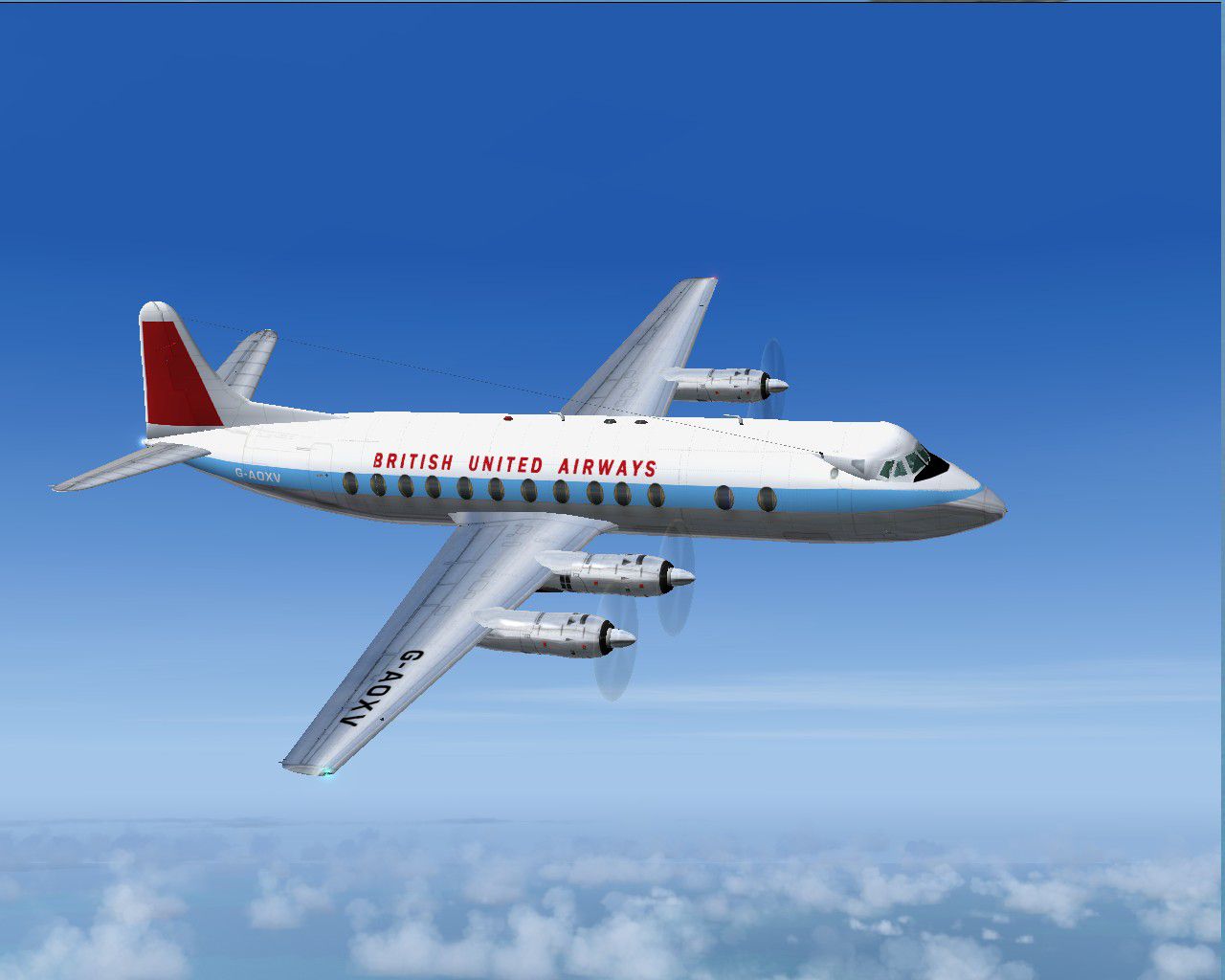
Transair Viscount 804 G-AOXV wore this livery in the very early days of British United before adopting the familiar dark blue and flag livery. The series 804 aircraft were sold to LOT Polish Airlines, this one becoming SP-LVA in November 1962. It was written off with LOT in August 1965. Requires the FSDS Viscount 800 model by Rick Piper. By Garry Russell.

Screenshot of British United Viscount 804 in flight.
Installation:
Place the unzipped texture folder into the FSDS Viscount 800 folder and paste the above text into the aircraft config renumbering to the next available.
[fltsim.xx]

	title=Vickers Viscount 804 BUA early

	sim=Viscount

	model=

	panel=

	sound=

	texture=BUAXV

	checklists=

	description=Transair Viscount 804 G-AOXV wore this livery in the very early days of British United before adopting the familiar dark blue and flag livery. The series 804 aircraft were sold to LOT Polish Airlines, this one becoming SP-LVA in November 1962. It was written off with LOT in August 1965./Model by Rick Piper. Repaint by Garry Russell.

	ui_manufacturer=Vickers

	ui_type=Viscount 800

	ui_variation=British United early

	visual_damage=1

	atc_heavy=0

	atc_id=G-AOXV

	atc_airline=British United

	atc_flight_number=XV
Free for all simmers · 503.75 KB · Scanned clean Oct 2026
Download speed: Free tier is capped at 0.5 Mbps. PRO members download at full line speed.
FS9\Aircraft\, FS9\Addon Scenery\, FS9\Gauges\, or FS9\Effects\.readme.txt or README file. It tells you exactly where files go, what dependencies are needed, and any quirks specific to this add-on.The archive v804bua.zip has 19 files and directories contained within it.
This list displays the first 500 files in the package. If the package has more, you will need to download it to view them.
| Filename/Directory | File Date | File Size |
|---|---|---|
| Read Me.txt | 06.29.05 | 2.30 kB |
| texture.BUAXV | 06.29.05 | 0 B |
| 4blade1.bmp | 08.24.01 | 65.05 kB |
| Eng.bmp | 06.29.05 | 256.07 kB |
| fin.bmp | 06.29.05 | 256.07 kB |
| fuse1.bmp | 06.29.05 | 256.07 kB |
| Fuse1_L.bmp | 06.29.05 | 256.07 kB |
| Fuse2.bmp | 06.29.05 | 256.07 kB |
| Fuse2_L.bmp | 06.29.05 | 256.07 kB |
| Fuse3.bmp | 06.29.05 | 256.07 kB |
| Fuse3_L.bmp | 06.29.05 | 256.07 kB |
| prop.bmp | 06.29.05 | 64.07 kB |
| steps.bmp | 06.29.05 | 64.07 kB |
| Thumbs.db | 06.29.05 | 7.50 kB |
| Wing-L.bmp | 06.29.05 | 256.07 kB |
| Wing-R.bmp | 06.29.05 | 256.07 kB |
| Viscount80.jpg | 06.29.05 | 111.22 kB |
| flyawaysimulation.txt | 10.29.13 | 959 B |
| Go to Fly Away Simulation.url | 01.22.16 | 52 B |
Only PRO members can place votes.
More FS2004 add-ons hand-picked based on this download.
FS2004 Propeller Aircraft
One of three British United V.804s sold to LOT, this one was the only one to …
 FS2004 Propeller Aircraft
Dan Air never owned Viscounts but they operated many of various types under l…
 FS2004 Propeller Aircraft
Viscount 804 (LOT basic). Still wearing the basic livery albeit in a lighter …
 FS2004 Propeller Aircraft
During its long career this aircraft worked its way around the Globe. Startin…
 FS2004 Propeller Aircraft
Originally ordered by Fred Olsen, this aircraft served a number of airlines o…
 FS2004 Propeller Aircraft
British Midland leased two Viscounts to BA in full livery plus a third in a p…
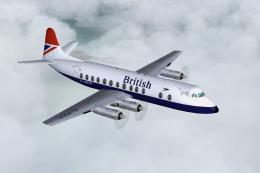 FS2004 Propeller Aircraft
806 Viscount "British". Towards the end of their time with BA, some Vickers V…
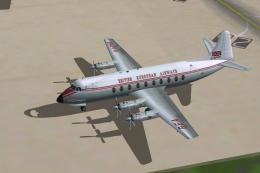 FS2004 Propeller Aircraft
Vickers Viscount 745 G-APNF was leased to BEA for a short time after a spell …
Be the first to leave a comment on this download.
Be the first to share your thoughts on this download.