

 FSX General Aviation Aircraft
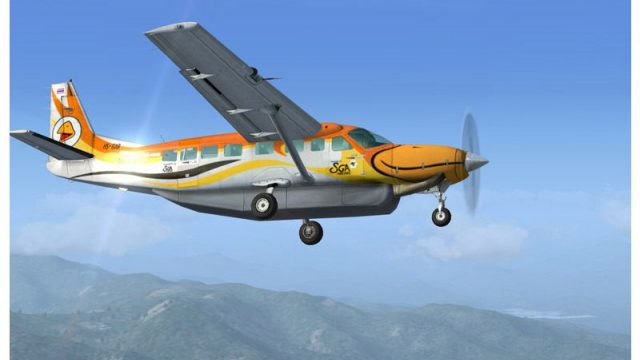
Siam General Aviation Cessna C208B registration HS-GAA
This freeware livery offers a detailed Siam General Aviation (SGA) texture fo…
Siam General Aviation’s HS-GAB livery brings the default Cessna 208B Grand Caravan to life with accurate Thai operator logos, registration placement, tail banding, and subtle wear for a believable ramp presence and route realism across regional airfields in Microsoft Flight Simulator X. Requires the default C208B base aircraft.
 Rate
Rate
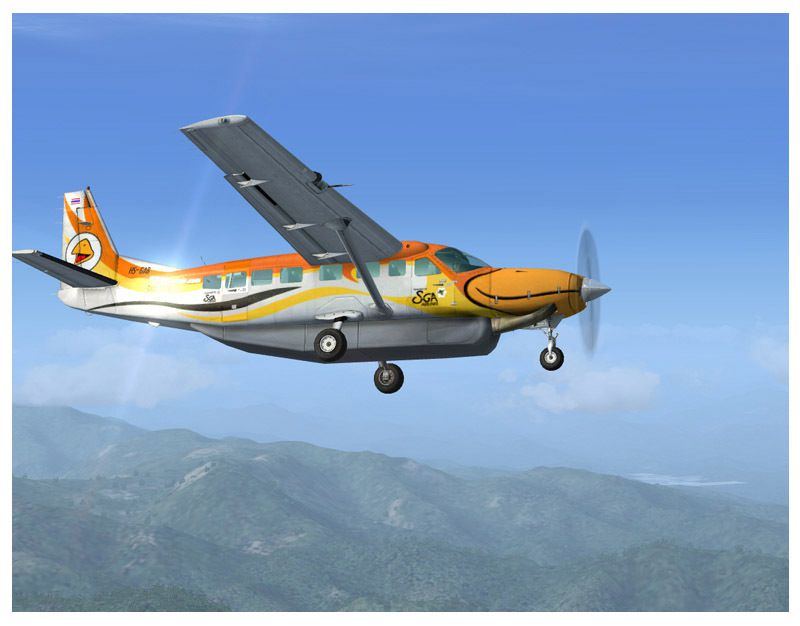
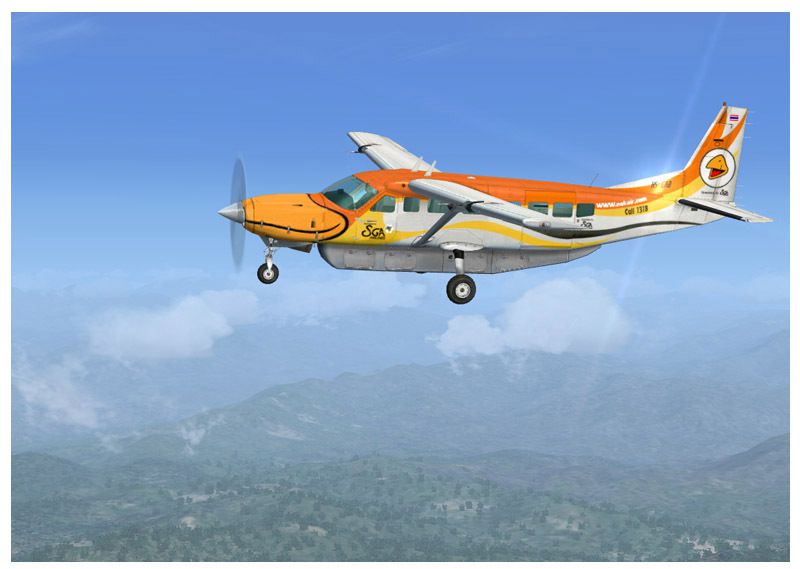
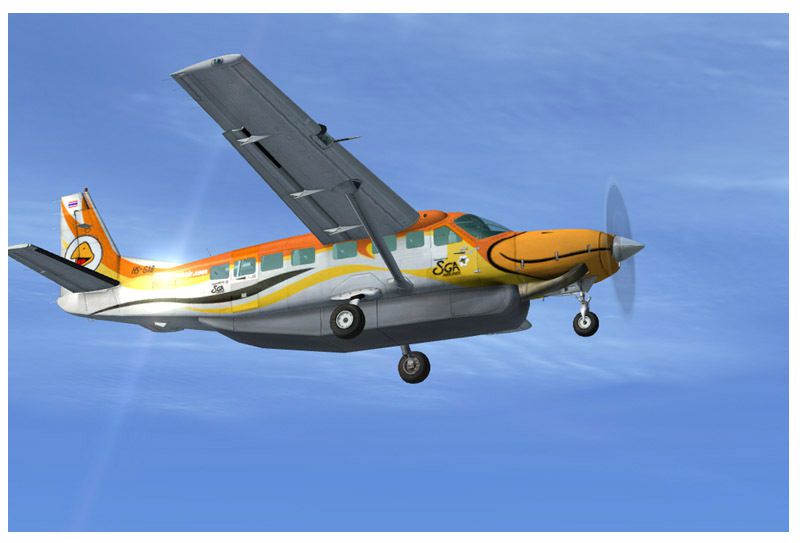
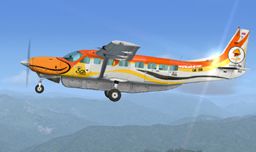
This repaint showcases the Siam General Aviation (SGA) color scheme for the default Cessna 208B Grand Caravan, registration HS-GAB, in Microsoft Flight Simulator X. Developed by Prasong U-Wang from Thai Flight Simulator, it reflects the subtle details of a small domestic airline operating within Thailand’s airspace. SGA is recognized for providing essential connections to regional airports, and this livery accurately reproduces its design elements. It is a freeware add-on, requiring only the base model to be installed beforehand. All of the distinctive markings, logos, and underlying textures match the real-world counterpart, ensuring an authentic representation.
The external paint includes realistic logos, matching placement of registration elements, and the characteristic stripes seen on SGA aircraft. These markings are designed to highlight the airline’s commitment to short-haul operations. In particular, the Cessna 208B model displays carefully crafted fuselage lines and high-resolution textures to ensure precise color transitions. The developer has taken special care to replicate unique identifiers, including tail banding and subtle wear effects, for enhanced realism.
This repaint has been refined to function seamlessly with the default Caravan in Microsoft’s iconic simulator. The configuration files and texture layers have been assigned to their required folders, simplifying the installation process. Sim pilots can expect a smooth integration into their existing aircraft library, thanks to carefully tested compatibility parameters. Flying with this repaint will immerse enthusiasts in the everyday routes serviced by a domestic Thai operator.
Siam General Aviation, though modest in fleet size, operates pivotal routes within the region using aircraft suited for short landings and takeoffs. The Cessna 208B Grand Caravan, known for its versatility, has historically proven reliable in these conditions thanks to robust landing gear and straightforward avionics. This design form remains popular among smaller carriers because of minimal operational costs and strong climb performance under varying atmospheric conditions.
This package requires the freeware base model, which can be found in the Fly Away Simulation mod library. Once installed, this repaint will appear among the available Grand Caravan liveries in your selection menu.
Free for all simmers · 1.41 MB · Scanned clean Oct 2026
Download speed: Free tier is capped at 0.5 Mbps. PRO members download at full line speed.
texture.{airline}) inside FSX\SimObjects\Airplanes\{base-aircraft}\.aircraft.cfg in Notepad. Add a new [fltsim.X] section per the readme.readme.txt or README file. It tells you exactly where files go, what dependencies are needed, and any quirks specific to this add-on.The archive fsxgagab.zip has 14 files and directories contained within it.
This list displays the first 500 files in the package. If the package has more, you will need to download it to view them.
| Filename/Directory | File Date | File Size |
|---|---|---|
| file_id.diz | 02.23.07 | 305 B |
| Readme.txt | 02.23.07 | 1.95 kB |
| texture.HS-GAB | 02.15.07 | 0 B |
| C208_Spec.dds | 09.04.06 | 1.33 MB |
| C208_T.dds | 02.15.07 | 1.33 MB |
| texture.cfg | 08.14.06 | 137 B |
| thumbnail.jpg | 02.14.07 | 41.52 kB |
| SGA4.jpg | 02.23.07 | 81.70 kB |
| SGA5.jpg | 02.23.07 | 102.81 kB |
| SGA6.jpg | 02.23.07 | 100.99 kB |
| HS-GAB.gif | 02.23.07 | 8.08 kB |
| SGA HS-GAB | 02.23.07 | 0 B |
| flyawaysimulation.txt | 10.29.13 | 959 B |
| Go to Fly Away Simulation.url | 01.22.16 | 52 B |
Only PRO members can place votes.
More FSX & P3D add-ons hand-picked based on this download.
FSX General Aviation Aircraft
This freeware livery offers a detailed Siam General Aviation (SGA) texture fo…
 FSX General Aviation Aircraft
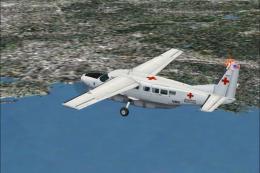
American Red Cross C208B. An American Red Cross livery for the default Cessna…
 FSX General Aviation Aircraft
Tomahawk Texture Without Registration. Nearly blank texture for Chincul PA-A-…
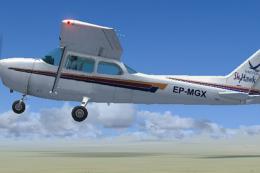 FSX General Aviation Aircraft
Repaint for the default Cessna 172. This lovely plane crashed in 12 July 2012…
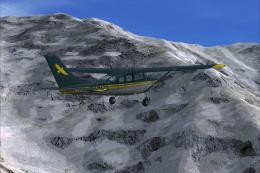 FSX General Aviation Aircraft
Repaint for the payware Carenado U206G in the colors of Hageland Aviations on…
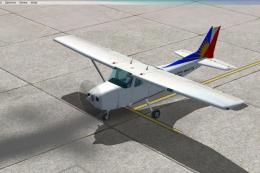 FSX General Aviation Aircraft
A repaint of the default C172. This one is close to the real Philippine Airli…
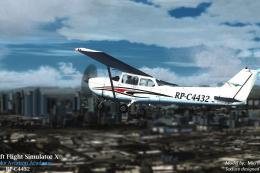 FSX General Aviation Aircraft
Airworks Aviation Academy Cessna C172 Skyhawk (RP-C4432). Design and model by…
 FSX General Aviation Aircraft
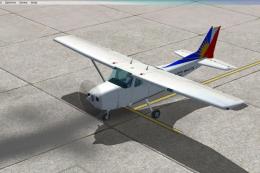
A repaint of the PAL Aviation School Cessna 172SP. Textures for the default C…
Be the first to leave a comment on this download.
Be the first to share your thoughts on this download.