

 FSX General Aviation Aircraft
PAL Aviation School Cessna 172SP
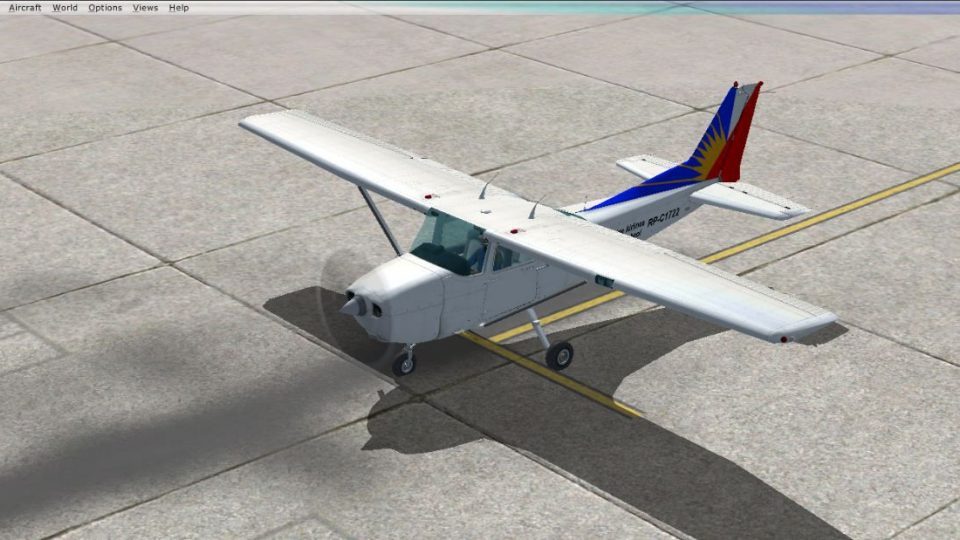
A repaint of the PAL Aviation School Cessna 172SP. Textures for the default C…
PAL Aviation School Cessna 172 livery brings a Philippine Airlines training scheme to the default Skyhawk in FSX, featuring a black hood, red nose, and matching red wingtips and elevator tips. Includes texture sets for both the standard panel and the G1000 variant, and requires the default Cessna 172SP.
 Rate
Rate
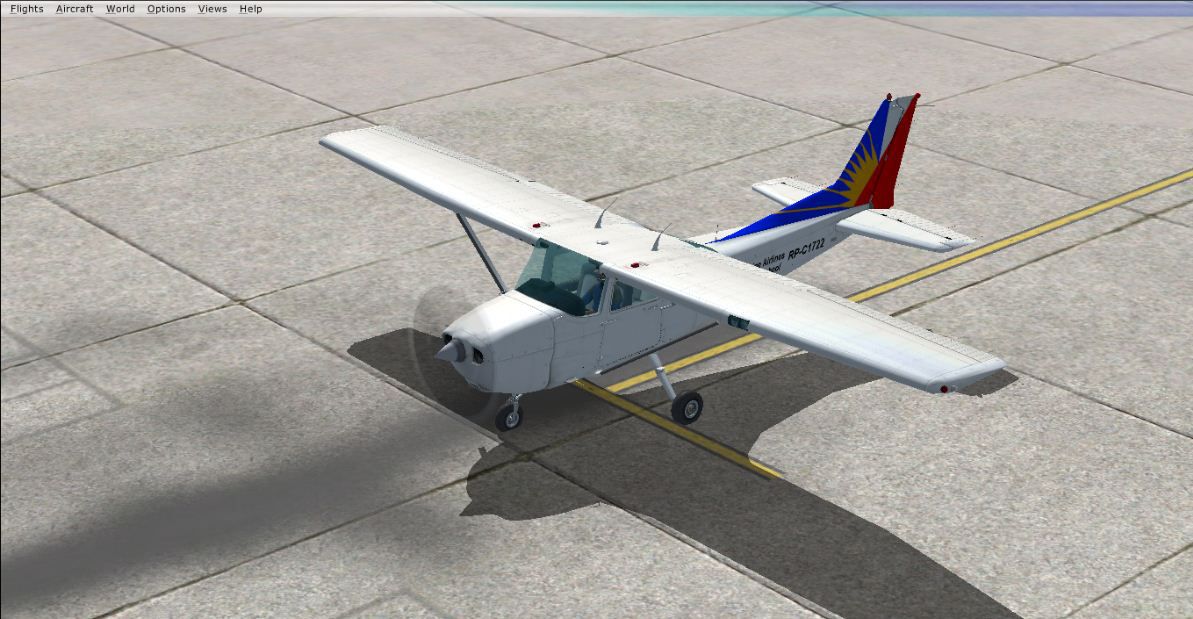
A repaint of the default C172. This one is close to the real Philippine Airlines Aviation School Cessna. Features the "Black" color of the hood, red nose, red wingtips and elevator tips. By Marc Clinton Labiano.
Screenshot of PAL Aviation School Cessna 172 on the ground.
Installation:
[fltsim.##]

title=Cessna Skyhawk 172SP

sim=Cessna172SP

model=

panel=

sound=

texture=PAL

kb_checklists=Cessna172SP_check

kb_reference=Cessna172SP_ref

atc_id=

ui_manufacturer="Cessna"

ui_type="C172SP Skyhawk"

ui_variation=" PAL Aviation School"

ui_typerole="Single Engine Prop"

ui_createdby="Microsoft Corporation"

description="A stable and trustworthy plane, most pilots have logged at least a few hours in a Cessna 172, since it's the most widely available aircraft in the rental fleet, and is used by most flight schools. Since the first prototype was completed in 1955, more than 35,000 C172s have been produced, making it the world's most popular single-engine plane. One of Cessna's first tricycle-gear airplanes, the 172 quickly became the favorite of a growing class of business pilots. Its reliability and easy handling (along with thoughtful engineering and structural updates) have ensured its continued popularity for decades."
For the Cessna G1000...
[fltsim.##]

title=Cessna Skyhawk 172SP G1000 PAL

sim=Cessna172SP

model=G1000

panel=G1000

sound=

texture=G1000_PAL

kb_checklists=Cessna172SP_check

kb_reference=Cessna172SP_ref

atc_id=

atc_id_color=0xffffffff

ui_manufacturer="Cessna"

ui_type="C172SP Skyhawk G1000"

ui_variation=" PAL Aviation School"

ui_typerole="Single Engine Prop"

ui_createdby="Microsoft Corporation"

description="A stable and trustworthy plane, most pilots have logged at least a few hours in a Cessna 172, since it's the most widely available aircraft in the rental fleet, and is used by most flight schools. Since the first prototype was completed in 1955, more than 35,000 C172s have been produced, making it the world's most popular single-engine plane. One of Cessna's first tricycle-gear airplanes, the 172 quickly became the favorite of a growing class of business pilots. Its reliability and easy handling (along with thoughtful engineering and structural updates) have ensured its continued popularity for decades."
Free for all simmers · 11.87 MB · Scanned clean Oct 2026
Download speed: Free tier is capped at 0.5 Mbps (this file takes approximately 3 mins at the cap). PRO members download at full line speed.
texture.{airline}) inside FSX\SimObjects\Airplanes\{base-aircraft}\.aircraft.cfg in Notepad. Add a new [fltsim.X] section per the readme.readme.txt or README file. It tells you exactly where files go, what dependencies are needed, and any quirks specific to this add-on.The archive pal_aviation_school_cessna_172_v2_0.zip has 43 files and directories contained within it.
This list displays the first 500 files in the package. If the package has more, you will need to download it to view them.
| Filename/Directory | File Date | File Size |
|---|---|---|
| ReadMe^^.txt | 06.08.14 | 2.06 kB |
| C172_1_C.dds | 06.03.14 | 512.12 kB |
| C172_1_night_C.dds | 06.03.14 | 512.12 kB |
| C172_2_C.dds | 09.04.06 | 682.79 kB |
| C172_2_night_C.dds | 09.04.06 | 682.79 kB |
| C172_3_C.dds | 09.04.06 | 682.79 kB |
| C172_3_night_C.dds | 09.04.06 | 682.79 kB |
| C172_4_C.dds | 09.04.06 | 170.79 kB |
| C172_4_night_C.dds | 09.04.06 | 170.79 kB |
| c172_c.bmp | 05.12.06 | 170.74 kB |
| C172_Interior_T.dds | 09.04.06 | 341.45 kB |
| c172_interior_t_night.dds | 09.04.06 | 42.79 kB |
| C172_Pilot.dds | 09.04.06 | 682.79 kB |
| C172_reflection.dds | 09.04.06 | 170.79 kB |
| C172_T.dds | 06.07.14 | 512.12 kB |
| c172_t_bump.dds | 09.04.06 | 1.00 MB |
| c172_t_spec.dds | 09.04.06 | 1.33 MB |
| fresnel_ramp.dds | 09.04.06 | 640 B |
| norm.dds | 09.04.06 | 1.33 MB |
| Prop_C172.dds | 09.04.06 | 85.46 kB |
| texture.cfg | 08.14.06 | 137 B |
| thumbnail.JPG | 06.03.14 | 129.80 kB |
| C172_1_C.dds | 09.04.06 | 682.79 kB |
| C172_1_night_C.dds | 09.04.06 | 682.79 kB |
| C172_2_C.dds | 09.04.06 | 682.79 kB |
| C172_2_night_C.dds | 09.04.06 | 682.79 kB |
| C172_3_C.dds | 09.04.06 | 682.79 kB |
| C172_3_night_C.dds | 09.04.06 | 682.79 kB |
| C172_4_C.dds | 09.04.06 | 170.79 kB |
| C172_4_night_C.dds | 09.04.06 | 170.79 kB |
| C172_Interior_T.dds | 09.04.06 | 341.45 kB |
| C172_Pilot.dds | 09.04.06 | 682.79 kB |
| C172_reflection.dds | 09.04.06 | 170.79 kB |
| C172_T.dds | 06.07.14 | 512.12 kB |
| c172_t_bump.dds | 09.04.06 | 1.00 MB |
| c172_t_spec.dds | 09.04.06 | 1.33 MB |
| fresnel_ramp.dds | 09.04.06 | 640 B |
| Prop_C172.dds | 09.04.06 | 85.46 kB |
| texture.cfg | 08.14.06 | 137 B |
| thumbnail.jpg | 06.03.14 | 129.80 kB |
| 2014-5-5_22-43-49-195.BMP | 05.05.14 | 3.66 MB |
| flyawaysimulation.txt | 10.29.13 | 959 B |
| Go to Fly Away Simulation.url | 01.22.16 | 52 B |
Only PRO members can place votes.
More FSX & P3D add-ons hand-picked based on this download.
FSX General Aviation Aircraft
A repaint of the PAL Aviation School Cessna 172SP. Textures for the default C…
 FSX General Aviation Aircraft
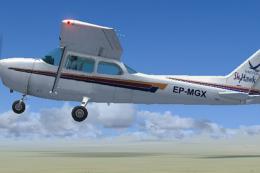
Repaint for the default Cessna 172. This lovely plane crashed in 12 July 2012…
 FSX General Aviation Aircraft
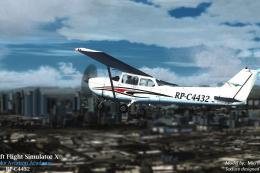
Airworks Aviation Academy Cessna C172 Skyhawk (RP-C4432). Design and model by…
 FSX General Aviation Aircraft
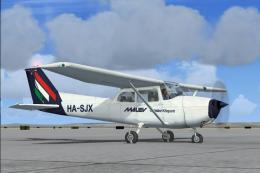
This repaint, designed by creator Tibor Kókai, brings the Malev Pilot School’…
 FSX General Aviation Aircraft
KLM Flight School Beechcraft Baron 58. A repaint for the default Beech Baron …
 FSX General Aviation Aircraft
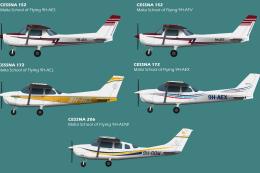
Malta School Of Flying Package. Repaints and flight plans for Malta School of…
 FSX General Aviation Aircraft
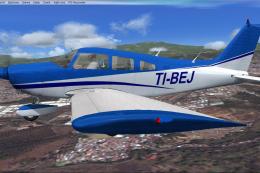
This repaint brings the distinctive CPEA Flight School registration, TI-BEJ, …
 FSX General Aviation Aircraft
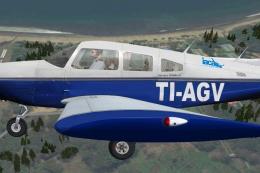
The payware Carenado Archer II painted as TI-AGV from IACA Flight School. By …
Be the first to leave a comment on this download.
Be the first to share your thoughts on this download.