

 FSX Propliners
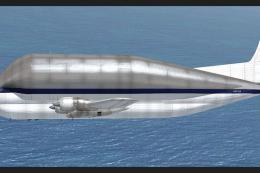
NASA Boeing 377 Stratocruiser Guppy
A repaint of the payware a2a Simulations Boeing WoS B377 Pregnant Guppy. Text…
Boeing 377 Stratocruiser refinement brings smoother handling and a refreshed 2D panel tailored for Microsoft Flight Simulator X Acceleration, delivering reliable operation without a virtual cockpit. Updated flight dynamics and configuration files sharpen performance and realism while preserving the classic Mike Stone model, and it requires the original SB3771.ZIP package.
 Rate
Rate
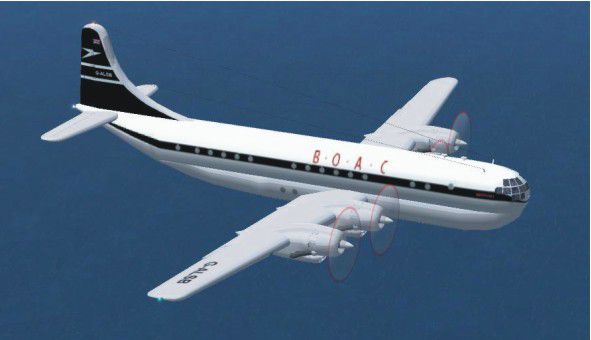
This is an update for FSX Acceleration of the Boeing 377 by Mike Stone. The author has updated the flight dynamics and the panel (no virtual cockpit) so it works in FSX. You need the original aircraft for this update to work (SB3771.ZIP). By Bob Chicilo.
Screenshot of Boeing 377 in flight.
Unzip to a folder of your choice. After backing up your air and aircraft.cfg files replace them with the ones in this update. Back up your panel folder and copy the panel folder and the picture to the aircraft folder. Copy the .cab file in the gauges folder to the main FS gauges folder. No need to overwrite anything already there.
Free for all simmers · 122.26 KB · Scanned clean Oct 2026
Download speed: Free tier is capped at 0.5 Mbps. PRO members download at full line speed.
FSX\SimObjects\Airplanes\. The folder must contain an aircraft.cfg file. Effects go into FSX\Effects\; gauges go into FSX\Gauges\.readme.txt or README file. It tells you exactly where files go, what dependencies are needed, and any quirks specific to this add-on.The archive b377upxa.zip has 10 files and directories contained within it.
This list displays the first 500 files in the package. If the package has more, you will need to download it to view them.
| Filename/Directory | File Date | File Size |
|---|---|---|
| b377.air | 09.19.08 | 9.34 kB |
| Boeing 377 Stratocruiser.jpg | 09.19.08 | 30.47 kB |
| read me.txt | 09.19.08 | 889 B |
| file_id.diz | 09.19.08 | 266 B |
| constellation.cab | 12.21.03 | 60.81 kB |
| main.bmp | 12.20.03 | 2.25 MB |
| panel.cfg | 09.19.08 | 3.29 kB |
| aircraft.cfg | 09.19.08 | 11.98 kB |
| flyawaysimulation.txt | 10.29.13 | 959 B |
| Go to Fly Away Simulation.url | 01.22.16 | 52 B |
Only PRO members can place votes.
More FSX & P3D add-ons hand-picked based on this download.
FSX Propliners
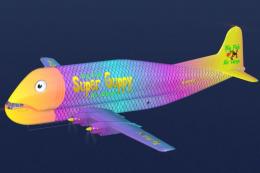
A repaint of the payware a2a Simulations Boeing WoS B377 Pregnant Guppy. Text…
 FSX Propliners
This freeware repaint enriches the A2A Boeing B-377 Guppy in Microsoft Flight…
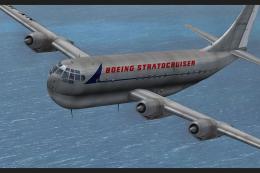 FSX Propliners
This repaint showcases a meticulously crafted livery designed by Sean Doran f…
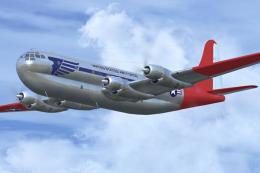 FSX Propliners
Repaint of a restored Boeing C-97 "Angel of Deliverance" used in the 1948 Ber…
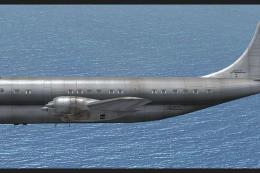 FSX Propliners
This freeware add-on showcases an unmarked exterior look for the payware A2A …
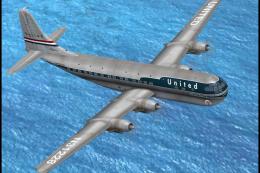 FSX Propliners
This enhanced repaint showcases a vintage United Airlines Boeing 377 Stratocr…
 FSX Propliners
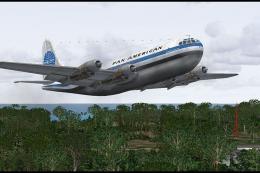
This freeware repaint captures the timeless Pan American Boeing 377 Stratocru…
 FSX Propliners
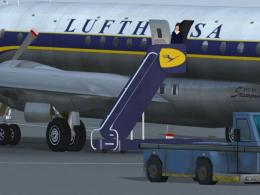
A repaint of the payware a2a B377 with Cotts. This is a fictional paint. Incl…
Read what other simmers think, or add your own.

Hello, I have Steam FSX and would like the Boeing 377 aircraft, but the upgrades all require the base model, which are not available for STEAM. Is there a base for STEAM I can start with?
Thank you,
Brian