

 FSX Panels & Gauges
Jet Foil Panel
Jet Foil Panel. Modified panel plus cameras for the Kawasaki Jetfoil from Mit…
Corrected two‑engine jet panel support restores full gauge and afterburner-effect display when used with PANEL2N.ZIP in FSX. The update targets missing cab and dsbxml gauge resources so compatible aircraft instruments render properly, delivering a more complete virtual cockpit readout and cleaner panel behavior across common default jet and light aircraft components.
 Rate
Rate
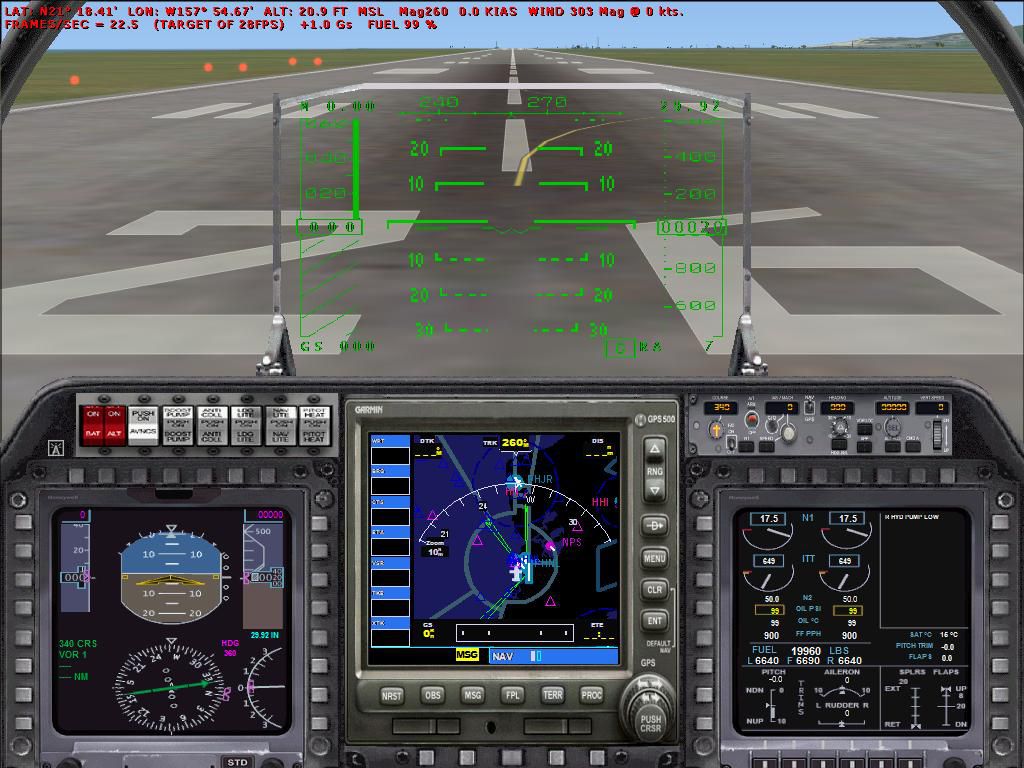
For use with PANEL2N.ZIP. This is what should have been included with the read me for the two engine panel. For the other gauges to show you must copy the .cab files from the panel folders of the following aircraft: Maule_M7_260C; Lear_45; and B737_800; to the main FS gauges folder. By Bob Chicilo.
Screenshot of corrected Two Engine jet panel.
You should also Copy the dsbxml folder with this update to the main FS gauges folder. No need to overwrite anything already there. This will allow any afterburner effects to show. SORRY FOR ANY TROUBLE MY OVERSIGHT CAUSED.
Free for all simmers · 133.37 KB · Scanned clean Oct 2026
Download speed: Free tier is capped at 0.5 Mbps. PRO members download at full line speed.
FSX\SimObjects\Airplanes\. The folder must contain an aircraft.cfg file. Effects go into FSX\Effects\; gauges go into FSX\Gauges\.readme.txt or README file. It tells you exactly where files go, what dependencies are needed, and any quirks specific to this add-on.The archive p2engup.zip has 8 files and directories contained within it.
This list displays the first 500 files in the package. If the package has more, you will need to download it to view them.
| Filename/Directory | File Date | File Size |
|---|---|---|
| file_id2.diz | 10.21.06 | 300 B |
| 2eng_1.jpg | 10.19.06 | 132.23 kB |
| DSBAburner.xml | 04.22.03 | 2.88 kB |
| DSBFlap.xml | 03.23.03 | 332 B |
| DSBLandingLights.xml | 03.23.03 | 311 B |
| update.txt | 10.21.06 | 519 B |
| flyawaysimulation.txt | 10.29.13 | 959 B |
| Go to Fly Away Simulation.url | 01.22.16 | 52 B |
Only PRO members can place votes.
More FSX & P3D add-ons hand-picked based on this download.
FSX Panels & Gauges
Jet Foil Panel. Modified panel plus cameras for the Kawasaki Jetfoil from Mit…
 FSX Panels & Gauges
This freeware add-on offers a refined V-speed gauge that calculates V1, Vr, a…
 FSX Panels & Gauges
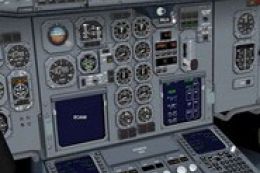
Panel Fix For Airbus A300 / A310 By Thomas Ruth. The 3D cockpit mode shows th…
 FSX Panels & Gauges
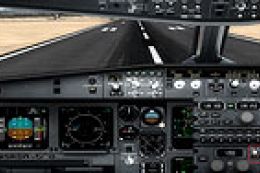
For use with SMS_A330_GAUGE_UPDATE.ZIP. By Dimitrios Moschos. Screenshot of O…
 FSX Panels & Gauges
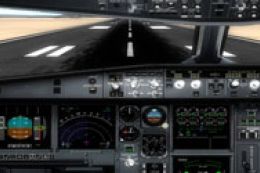
For use with SMS_A330_A340_GAUGE_UPGRADE_V2.ZIP. This is a fix for v2 of the …
 FSX Panels & Gauges
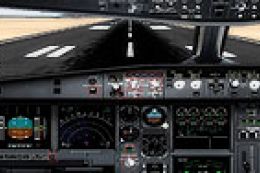
For use with SMS_A330_A340_GAUGE_UPGRADE_V2.ZIP Includes fixed 2D panel. By D…
 FSX Panels & Gauges
Virtavia F-4 Phantom Package 1 Panel Fix. This is a simple VC panel fix to us…
 FSX Panels & Gauges
Fix for the photorealistic Saab Viggen panel (SAABVIGGEN-FSXPANEL.ZIP), which…
Be the first to leave a comment on this download.
Be the first to share your thoughts on this download.