

 FSX General Aviation Aircraft
Piper Warrior II PA28-161
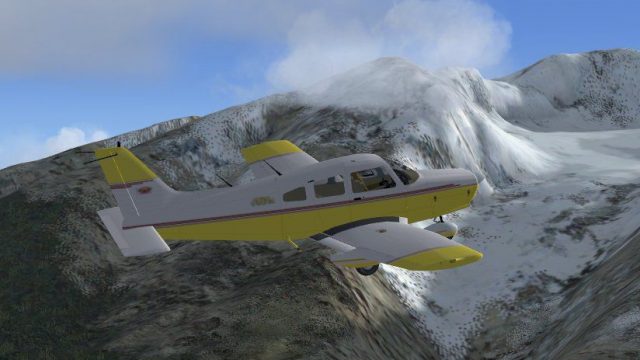
Piper Warrior II PA28-161 Version for FSX with SP2. A Gmax model that feature…
Piper Warrior Turbo (fictional) for FSX brings a glossy new paint, refined flight dynamics, and an upgraded 16:9 2D panel with animated controls alongside a detailed virtual cockpit. Working doors and baggage hatch, spinning wheels with gear suspension, accurate trim-surface behavior, transparent windows with alpha reflections, and functional annunciator and audio panels complete the package.
 Rate
Rate
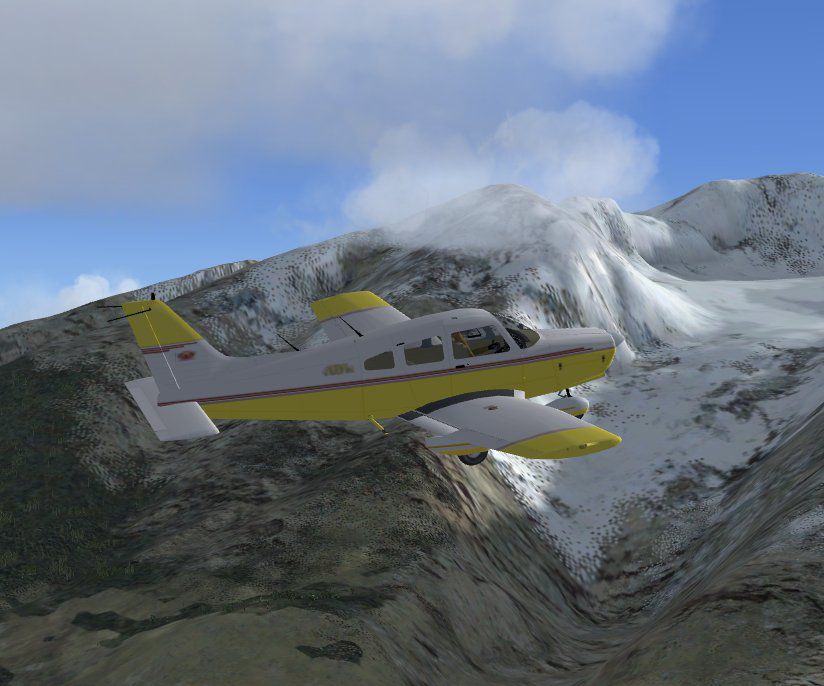
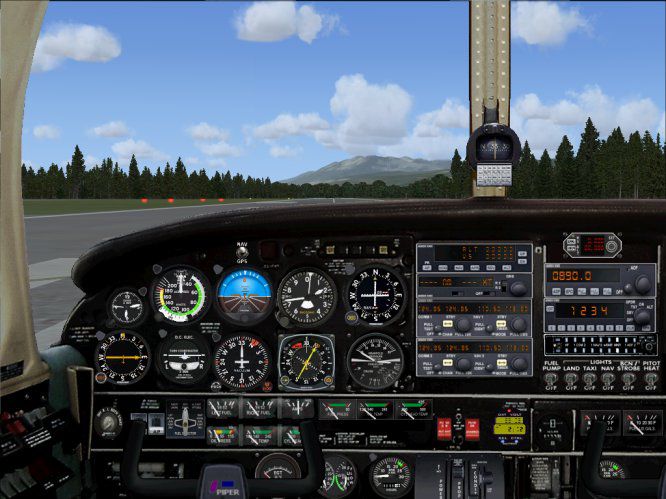
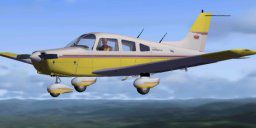
Features new animated 2D panel flight controls as well as in VC. Includes tweaked .air file and new paint. By Mel Mutter. Based on original by Rien Cornelissen.
-fsx-1.jpg)
Screenshot of Piper Warrior Turbo in flight.
The door will open using . First the door latch will open together with the storm window, a small window within the window directly to the pilot's left, and then the door itself.
The baggage door will open and close by followed by <2>. The ribbon to keep this door in the open position is represented too.
The gear has suspension, as can be seen when moving on uneven ground. The wheels will spin while taxiing.
Like in the real Warrior the trim surface at the trailing end of the elevator will move extra as the elevator is moved.
When trimming nose-up or nose-down the standard FSDS animation made the trim surface move in the wrong direction, so I turned its axis 180 degrees. The trim surface should go up in trimming nose-down, causing a downward force on the trailing end of the elevator, which will increase the elevator's angle-of-attack, making the tail go up and the nose down. To make sure I checked it with the real aircraft, and indeed this is what it should be.
The 2D panel, new texture was made, and animated flight yoke was added. Warrior with a '16 x 9' panel, with the wheel fairings installed.
The subscale of the altimeter will read both hPa (=mBar) and inches of mercury. The tanks will contain 25 Gal. each, and the fuel gauges will indicate "full" at that amount.
The annunciator panel is functional, as is the audio panel, on which sound of markers, nav 1 and 2, and ADF can be switched on and off.
The windows are transparent parts, not textures. Repainting the aircraft will not lead to loss of transparency. In the textures, though, reflectiveness is contained in the alpha channel, making the windows and some metal parts shiny. The aircraft paint has been made a bit glossy, too. Changing textures with a paint program could make reflections disappear, unless the alpha channel is set again after the change.
Free for all simmers · 9.11 MB · Scanned clean Oct 2026
Download speed: Free tier is capped at 0.5 Mbps (this file takes approximately 3 mins at the cap). PRO members download at full line speed.
SimObjects\Airplanes\, Addon Scenery\, Effects\, or Gauges\.readme.txt or README file. It tells you exactly where files go, what dependencies are needed, and any quirks specific to this add-on.The archive piper2.zip has 43 files and directories contained within it.
This list displays the first 500 files in the package. If the package has more, you will need to download it to view them.
| Filename/Directory | File Date | File Size |
|---|---|---|
| model.wwf | 08.17.07 | 0 B |
| Model.cfg | 06.21.05 | 32 B |
| Warrior_wwf.mdl | 08.02.07 | 1.28 MB |
| panel | 08.17.07 | 0 B |
| 2ndControl_Stick.CAB | 08.17.07 | 19.05 kB |
| About Panel.txt | 08.17.07 | 369 B |
| Control_Stick.CAB | 08.17.07 | 41.41 kB |
| Panel.cfg | 08.16.07 | 6.70 kB |
| Piper Panel.jpg | 08.08.07 | 76.40 kB |
| Warrior-main.bmp | 08.08.07 | 6.30 MB |
| Warrior_vc_l.bmp | 07.25.07 | 1.00 MB |
| Warrior_vc_r.bmp | 08.04.07 | 1.00 MB |
| Piper Gauges | 08.17.07 | 0 B |
| Gauge info.txt | 08.17.07 | 95 B |
| Gauges.rar | 08.17.07 | 5.05 MB |
| sound | 08.17.07 | 0 B |
| Sound.cfg | 08.03.07 | 28 B |
| texture | 08.17.07 | 0 B |
| black.bmp | 08.14.07 | 65.05 kB |
| CabinCeiling.bmp | 08.16.07 | 129.05 kB |
| darkblue.bmp | 08.17.07 | 65.05 kB |
| darkgray.bmp | 08.17.07 | 65.05 kB |
| decal_nnumber.bmp | 06.03.05 | 6.07 kB |
| front.bmp | 08.14.07 | 65.05 kB |
| FuelSel.bmp | 06.18.07 | 17.05 kB |
| left.bmp | 08.14.07 | 65.05 kB |
| primer.bmp | 06.08.07 | 17.05 kB |
| red.bmp | 08.14.07 | 65.05 kB |
| reflection.bmp | 08.14.07 | 1.00 MB |
| skin.bmp | 01.30.07 | 65.05 kB |
| thumbnail.jpg | 08.14.07 | 6.90 kB |
| TrottleQu_fp.bmp | 08.14.07 | 129.05 kB |
| Warrior0.bmp | 08.15.07 | 1.00 MB |
| Warrior1.bmp | 08.14.07 | 1.00 MB |
| Warrior2.bmp | 08.17.07 | 1.00 MB |
| Warrior3.bmp | 08.14.07 | 257.05 kB |
| Warriorbrown.bmp | 08.14.07 | 65.05 kB |
| aircraft.cfg | 08.17.07 | 11.51 kB |
| Piper Warrior.jpg | 08.16.07 | 81.84 kB |
| Piper Warrior_Turbo_wwf.air | 03.23.07 | 7.56 kB |
| Warriorb_readme.txt | 08.17.07 | 4.30 kB |
| flyawaysimulation.txt | 10.29.13 | 959 B |
| Go to Fly Away Simulation.url | 01.22.16 | 52 B |
Only PRO members can place votes.
More FSX & P3D add-ons hand-picked based on this download.
FSX General Aviation Aircraft
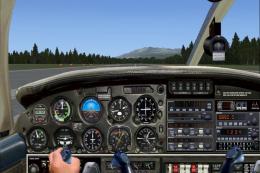
Piper Warrior II PA28-161 Version for FSX with SP2. A Gmax model that feature…
 FSX General Aviation Aircraft
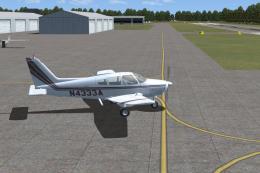
A rebuild of Hauke Keitel's Piper PA28-201 with .air file, animated 2D panel …
 FSX General Aviation Aircraft
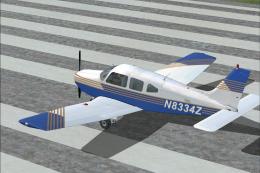
A collection of Piper Warriors operated by Air-Mods Flight Training Center at…
 FSX General Aviation Aircraft
This is a real world repaint for Just Flight's payware Flying Club X. This re…
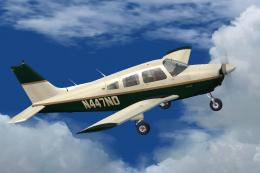 FSX General Aviation Aircraft
This aircraft, registration N447ND, is used by the Fort Pierce based flight s…
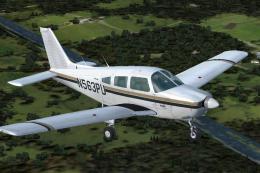 FSX General Aviation Aircraft
This aircraft, registration N563PU, is one of the several Cherokees the Fort …
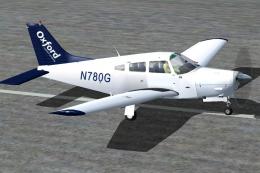 FSX General Aviation Aircraft
Registration N780G, operated at Phoenix Goodyear Airport. This is Hauke Keite…
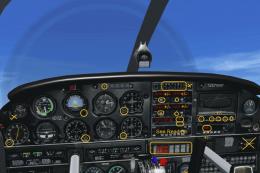 FSX General Aviation Aircraft
Piper Cheroke Arrow III Turbo. This is a complete aircraft assembled on a mod…
Be the first to leave a comment on this download.
Be the first to share your thoughts on this download.