

 MSFS Utilities & Tools
Controls/Keyboard Commands
These are the final keyboard commands for Microsoft's latest flight simulator…
Max Flight Deck Lite brings aircraft-native cockpit displays from Microsoft Flight Simulator 2024 to a tablet browser over home Wi-Fi, with touch controls for avionics and EFB maps. Automatic flight recording, landing scorecards and locally processed ATC transcripts complement account-free access without per-aircraft configuration; the utility requires Windows 10 or 11 and WebView2 Runtime.
 Rate
By Max Flight Deck
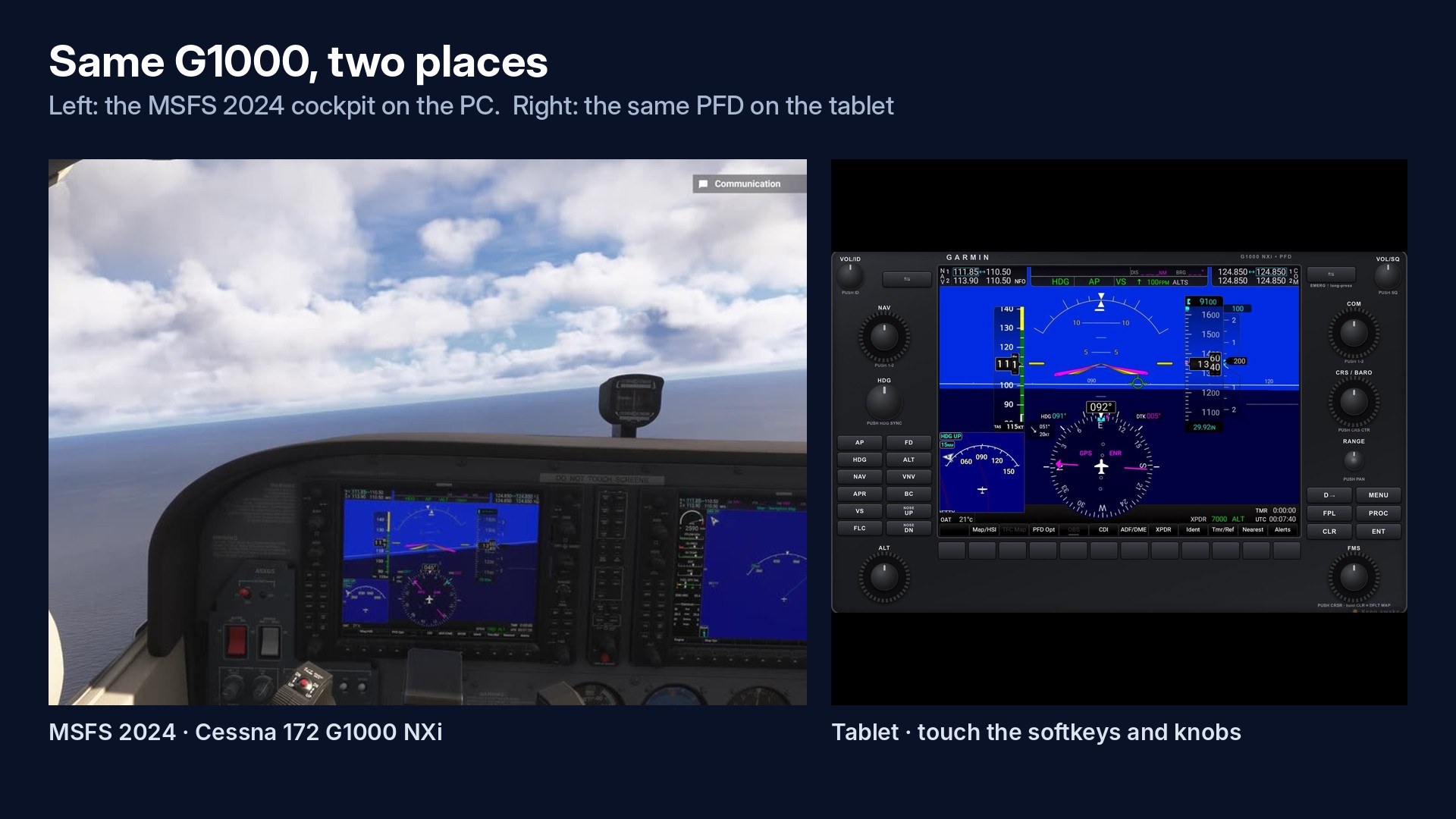

Inner and outer knob control matters more to me here than simply having another place to read the PFD. With the avionics powered, I pressed “Pop out all,” then worked the G1000’s knobs and softkeys from the tablet instead of reaching for the mouse. The familiar bezel and button layout keep that interaction tied to the cockpit I’m flying. I’d use this for operating the avionics, not just parking a display beside the monitor.
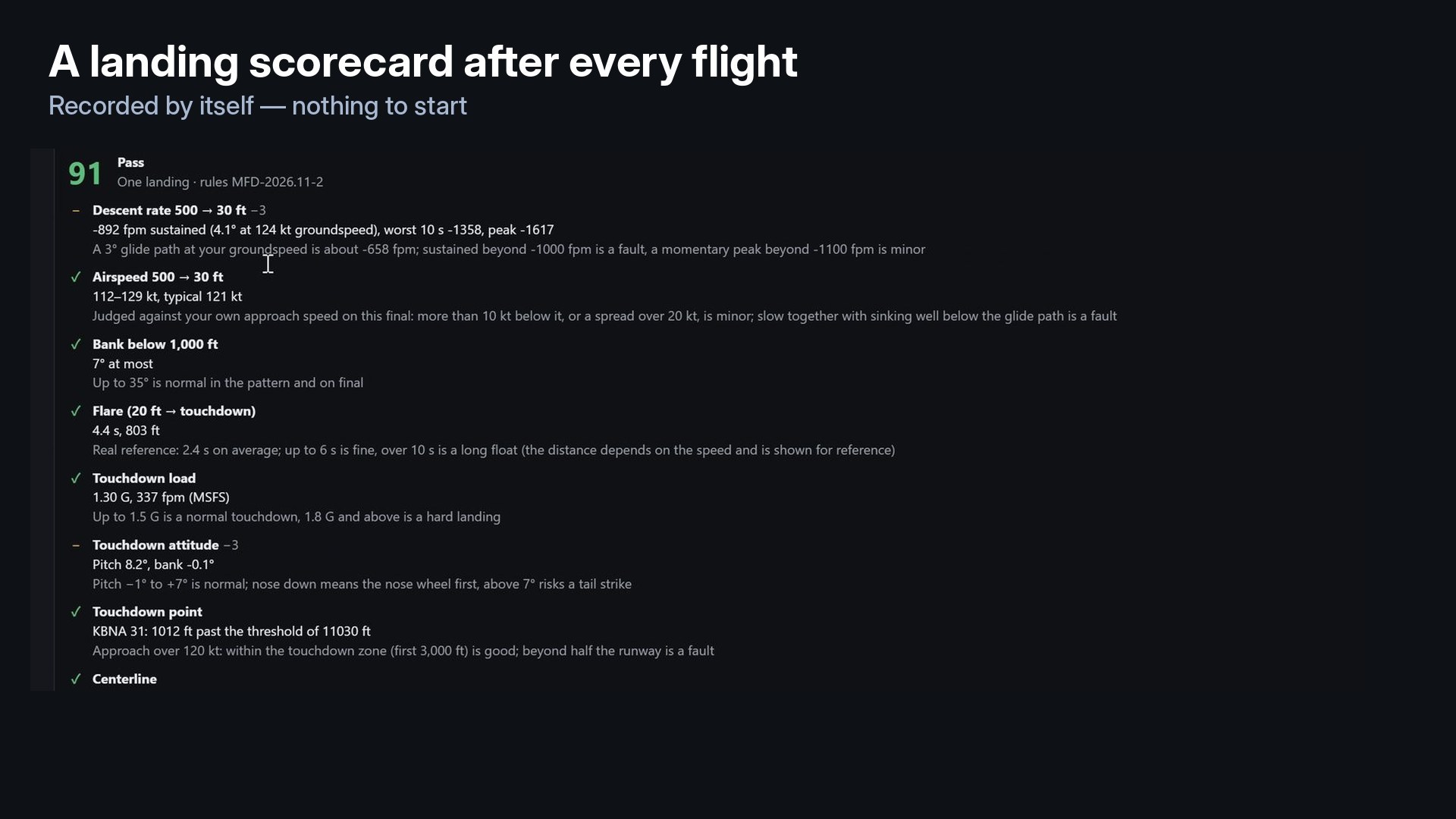
The landing scorecard is worth reading beyond the headline score: descent rate, flare and touchdown attitude get separate assessments. I prefer that breakdown to judging a landing solely by touchdown softness. Lite’s catch is the single connection: one tablet or browser at a time. Plan around that if you want several devices spread across your desk.
Max Flight Deck Lite 2.26.3 puts your aircraft’s own cockpit screens on a tablet or browser for Microsoft Flight Simulator 2024. Developed by Max Flight Deck, this free PC utility supports touch control over your home Wi-Fi, with no per-aircraft setup. It also records flights automatically and produces a landing scorecard.
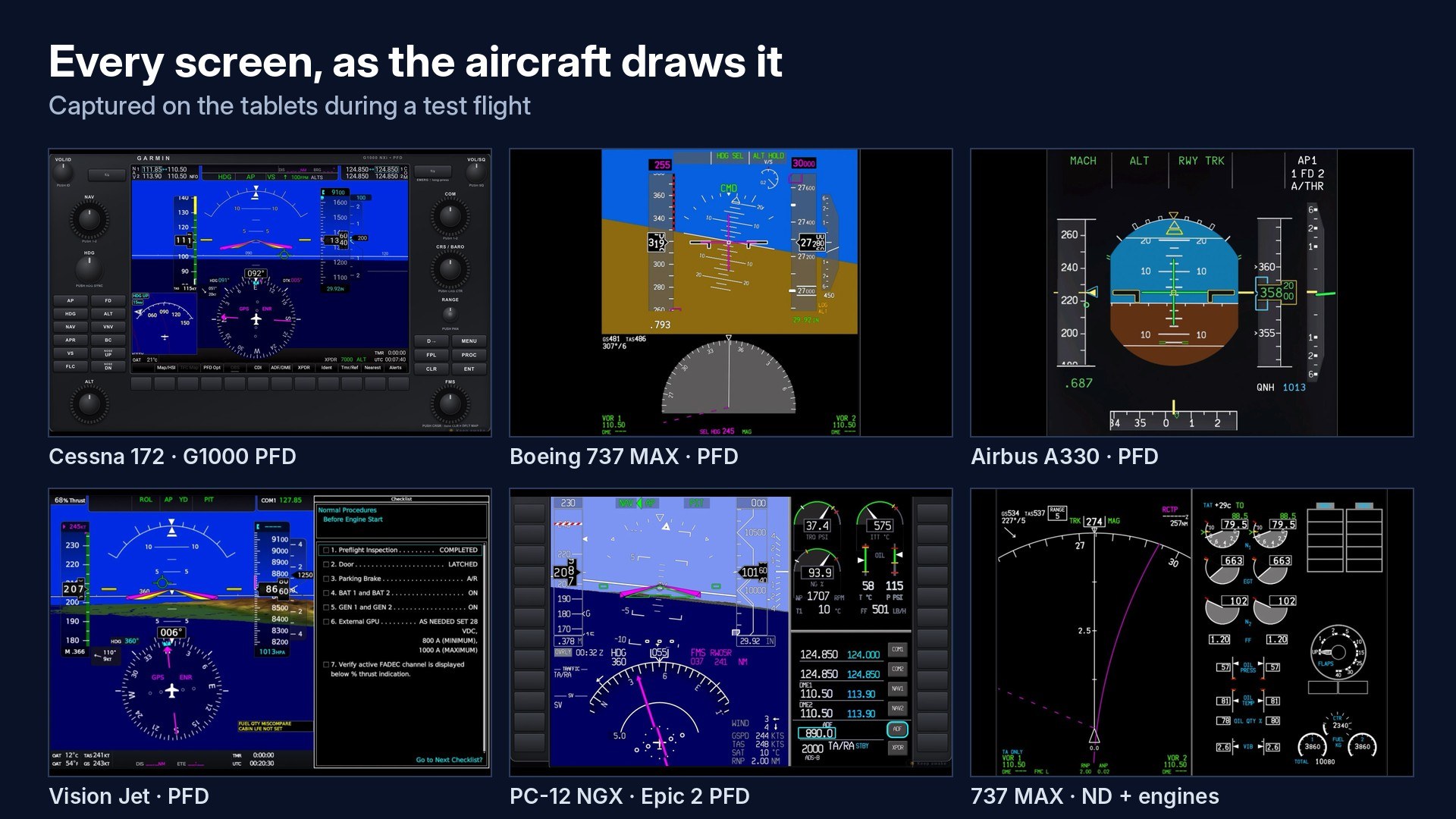
The displays come from the aircraft you’re flying, so there’s no separate instrument panel to configure or match to its avionics. PFD, MFD, EFB, CDU and GTC screens retain their cockpit appearance and operation. One button pops out every cockpit screen in the current aircraft and sends it to the connected device.
You can tap, hold and drag controls, turn inner and outer knobs, and pinch-zoom or pan the EFB map. Inputs on the tablet control the simulator. An iPad, Android tablet or browser will do, but Lite permits one tablet or browser connection at a time. No account is required.
Flight recording starts automatically; there’s no record button to remember. After the flight, you get the landing scorecard and an ATC log with your radio calls written out on your own PC. Speech recognition runs locally, and its model accounts for most of the download size.
If the tablet won’t connect, press “Fix” beside Windows Firewall in the program. This requests administrator rights once. Also check that Windows has your home network set to “Private”.
Max Flight Deck tests the following aircraft release by release:
The developer says other glass-cockpit aircraft usually work the same way, though they aren’t part of that stated test list. Max Flight Deck invites comments naming the aircraft you fly and reads every comment, including questions and bug reports.
The package contains whisper.cpp and the Whisper small.en model under the MIT License, plus SimConnect.dll from the Microsoft Flight Simulator 2024 SDK. Third-party notices are provided in THIRD_PARTY_NOTICES.txt in the download.
Free for all simmers · 181.57 MB · Scanned clean Nov 2026
Download speed: Free tier is capped at 2 Mbps (this file takes approximately 13 mins at the cap). PRO members download at full line speed.
Initial release.
%LOCALAPPDATA%\Packages\Microsoft.FlightSimulator_8wekyb3d8bbwe\LocalCache\Packages\Community\. Steam version: %APPDATA%\Microsoft Flight Simulator\Packages\Community\. Tip: enable Developer Mode in MSFS to see your exact Community folder path.readme.txt or README file. It tells you exactly where files go, what dependencies are needed, and any quirks specific to this add-on.Are you Max Flight Deck? Sign in to Fly Away Creators for download stats, comment replies and updates. Make add-ons? Publish them here.
Only PRO members can place votes.
More MSFS add-ons hand-picked based on this download.
MSFS Utilities & Tools
These are the final keyboard commands for Microsoft's latest flight simulator…
 MSFS Utilities & Tools
A stand-alone scenery library containing effects to be used in scenery creati…
 MSFS Utilities & Tools
Enhancing the realism and versatility of weather conditions in Microsoft Flig…
 FSX Misc
This four page tutorial is designed to optimize and accelerate any PC for all…
 FSX Misc
A patch to make the Abacus Flight Deck 3 carriers useable in Microsoft Flight…
 FSX Panels & Gauges
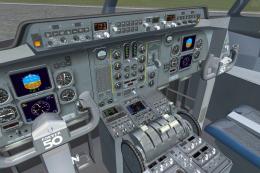
Enhance your Fokker 50 cockpit and passenger area with comprehensive texture …
 FSX Panels & Gauges
This freeware package refines both the Fokker 60 flight deck and passenger se…
 FS2004 Civil Jet Aircraft
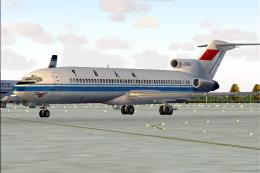
Textures only for the Captain Sim Legendary B727 in Civil Aviation Administra…
Be the first to leave a comment on this download.
Be the first to share your thoughts on this download.