

 FSX General Aviation Aircraft
Teal And White Piper Arrow
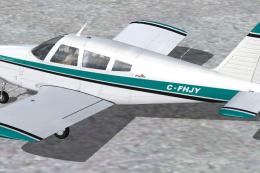
This freeware repaint package transforms the Commercial Level Simulations Pip…
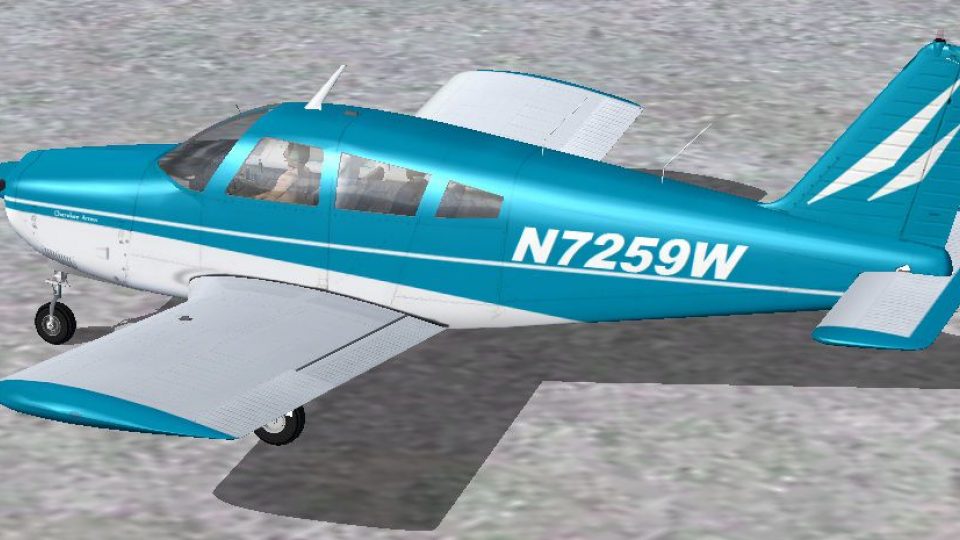
Blue-and-white repaint for the Commercial Level Simulations Piper PA-28R-200 Arrow II brings a clean, authentic look with crisp panel alignment, subtle shading, and realistic markings that suit touring and training flights. Compatible with Microsoft Flight Simulator X and FS2004, it requires the freeware CLS Arrow II base model.
 Rate
Rate
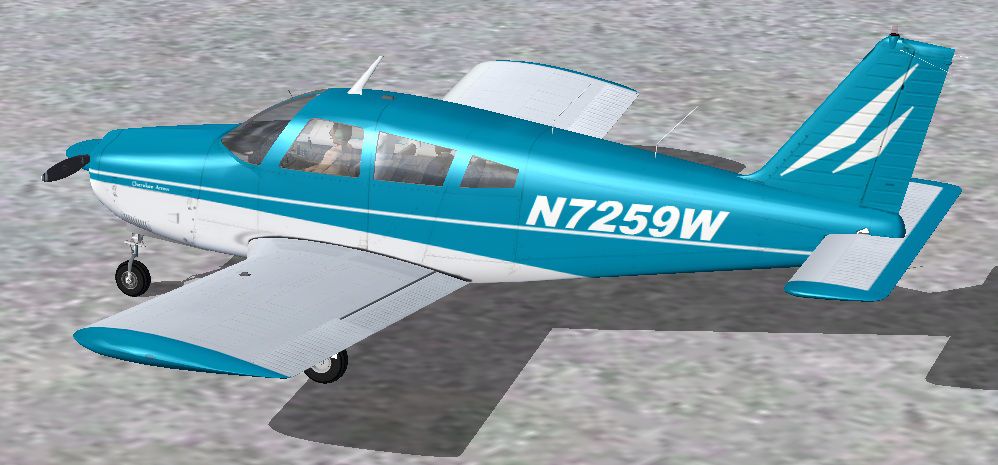
This repaint offers a refined blue-and-white livery for the well-known Piper PA-28R-200 Arrow II series by Commercial Level Simulations, originally payware and now freeware. Crafted by Tom Tiedman, it integrates seamlessly with Microsoft Flight Simulator X and also supports Microsoft Flight Simulator 2004. Pilots can expect a visually appealing exterior that aligns with the real-world Piper Arrow’s distinctive retractable landing gear and responsive handling characteristics, making this an engaging single-engine platform for virtual cross-country flights.
The paint scheme created by Tom Tiedman portrays an authentic representation of the Piper Arrow II aircraft, merging a sharp blue shade with a striking white backdrop. This model, recognized for its capability to cruise at moderate speeds while maintaining impressive maneuverability, features a retractable landing gear (meaning the landing gear retracts into the fuselage and wings to reduce drag) and a constant-speed propeller. The result is a balanced blend of modern aesthetics and reliable flight performance.
Flight deck enthusiasts can appreciate the crisp livery seen in this image. It reflects the attention to detail in both subtle shading and panel alignment, capturing the spirit of the real aircraft.
The Piper PA-28 series, from which the Arrow II originates, is widely used for flight training and touring. Its PA-28R-200 variant includes a retractable gear system and an upgraded powerplant, making it a popular choice for those seeking an advanced single-engine experience without stepping into more complex twin-engine configurations. With cleaned-up aerodynamics, this modification stays true to the real Piper’s performance envelope.
This repaint requires the freeware base package by Commercial Level Simulations. The base aircraft model is not included in this download, so you should acquire it separately from the Fly Away Simulation library or the developer’s archive. Once the needed files have been obtained, installing the new textures is straightforward.
[fltsim.X]

title=Commercial Level Simulations -- Piper PA-28R-200 Arrow II Blue and White

sim=Piper_PA28R_Arrow

model=

panel=blk

sound=

texture=Blue and White

kb_checklists=Piper_PA28R_Arrow_Chk

kb_reference=

atc_id=N7259W

ui_typerole="Single Engine Prop"

ui_createdby="Commercial Level Simulations"

ui_manufacturer=Commercial Level Simulations

ui_type=PA-28R-200 Arrow II

ui_variation=Blue and White

description=Commercial Level Simulations\nPiper PA-28R-200 Arrow II\nVersion FSX-2007.1.0\n\nFuel Capacity: 72 gal/182 l\nStall Speed: 53 kts (dirty)\nMax TAS: 145 kts\nCruise TAS: 137 kts (75% power)\nCruise Range: 880 nm/1,630 km (with 45 min reserve)\n\nService Ceiling (100 fpm): 16,200 ft/3,353 m\nRate of Climb: 649 fpm\n\nTakeoff\nGround Roll: 1065 ft\nOver 50ft Obstacle: 1760 ft
This rework provides a crisp paint job that highlights the Piper Arrow’s sleek lines, especially around its wing roots and fuselage contours. Navigating from smaller regional fields to larger airports becomes more immersive thanks to the consistent color contrast and realistic markings. Created with close attention to shading, rivet placement, and fuselage reflection, it delivers an opportunity to experience a refined presentation of this general aviation classic.
All credit for this repaint goes to Tom Tiedman, and recognition belongs to Commercial Level Simulations for the original model. This freeware download is a must-try for anyone seeking an attractively repainted single-engine aircraft in their simulator hangar.
Free for all simmers · 7.34 MB · Scanned clean Oct 2026
Download speed: Free tier is capped at 0.5 Mbps (this file takes approximately 2 mins at the cap). PRO members download at full line speed.
texture.{airline}) inside FSX\SimObjects\Airplanes\{base-aircraft}\.aircraft.cfg in Notepad. Add a new [fltsim.X] section per the readme.readme.txt or README file. It tells you exactly where files go, what dependencies are needed, and any quirks specific to this add-on.The archive piper_arrow_ii_blue_and_white.zip has 21 files and directories contained within it.
This list displays the first 500 files in the package. If the package has more, you will need to download it to view them.
| Filename/Directory | File Date | File Size |
|---|---|---|
| file_id.diz | 10.28.11 | 306 B |
| READ ME and INSTALLATION.txt | 10.28.11 | 2.00 kB |
| Texture.Blue and White | 10.28.11 | 0 B |
| clsPIPER_gau_2_L.bmp | 11.16.07 | 1.00 MB |
| clsPIPER_gau_L.bmp | 11.21.07 | 1.00 MB |
| PA28_1_L.bmp | 10.28.10 | 1.33 MB |
| PA28_1_T.bmp | 10.28.11 | 4.00 MB |
| PA28_2_T.bmp | 02.09.07 | 4.00 MB |
| PA28_3_T.bmp | 11.09.07 | 4.00 MB |
| PA28_4_T.bmp | 11.09.07 | 4.00 MB |
| PA28_5_T.bmp | 11.09.07 | 4.00 MB |
| PA28_6_T.bmp | 12.11.07 | 4.00 MB |
| PA28_misc_T.bmp | 02.05.07 | 4.00 MB |
| PA28_VC_1_T.bmp | 02.05.07 | 4.00 MB |
| Prop_PA28.bmp | 02.05.07 | 256.07 kB |
| thumbnail.jpg | 10.28.11 | 140.00 kB |
| Thumbs.db | 12.11.07 | 56.00 kB |
| User.bmp | 02.05.07 | 64.07 kB |
| thumbnail.jpg | 10.28.11 | 140.00 kB |
| flyawaysimulation.txt | 10.29.13 | 959 B |
| Go to Fly Away Simulation.url | 01.22.16 | 52 B |
Only PRO members can place votes.
More FSX & P3D add-ons hand-picked based on this download.
FSX General Aviation Aircraft
This freeware repaint package transforms the Commercial Level Simulations Pip…
 FSX General Aviation Aircraft
This repaint package brings a refined blue and white Piper PA-28R-200 Arrow I…
 FSX General Aviation Aircraft
Blue And White Cessna 172. Default Cessna 172SP Skyhawk repaint textures for …
 FSX General Aviation Aircraft
This alluring freeware release, crafted specifically for Microsoft Flight Sim…
 FSX General Aviation Aircraft
Experience a refined edition of the Mooney Acclaim built around the default M…
 FSX General Aviation Aircraft
This carefully crafted repaint brings a distinctive blue and white fuselage f…
 FSX General Aviation Aircraft
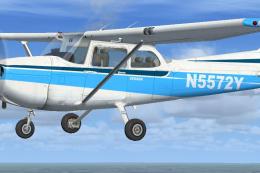
default Cessna 172SP repaint in blue and white. 32 bit no mips 2048 x 2048 te…
 FSX General Aviation Aircraft
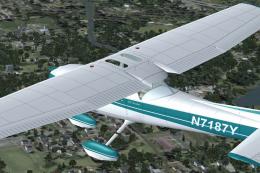
This lively repaint package offers a detailed blue-and-white paint scheme lab…
Be the first to leave a comment on this download.
Be the first to share your thoughts on this download.