

 FSX Civil Aircraft
Ukraine Airlines/Aerosvit/Dniproavia Boeing Repaint Pack for FAIB
Introducing a remarkable freeware add-on pack for FSX enthusiasts, featuring …
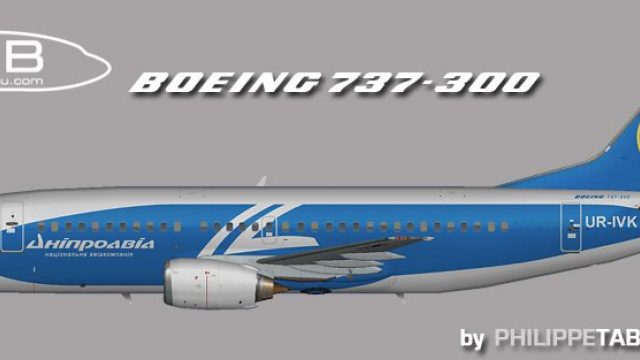
Dniproavia Boeing 737-300 repaint UR-IVK brings the airline’s blue-and-white Classic-era markings to life with crisp registration details and accurate tail branding, ideal for AI traffic or a curated fleet. Designed for Microsoft Flight Simulator X, it requires the FAIB 737-300 base model and integrates cleanly for an authentic ramp presence.
 Rate
Rate
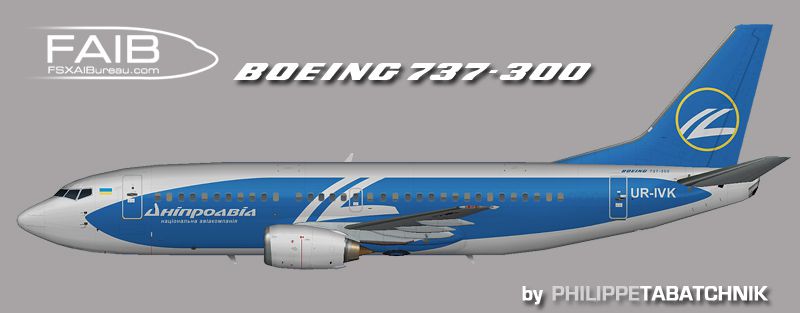
This comprehensive freeware package introduces a detailed repaint for the Boeing 737-300 in the Dniproavia livery. It reflects the real-world UR-IVK registration with high fidelity while requiring the separate FAIB base model from Erez Werber, which is not included. Created by painter Philippe Tabatchnik, this texture set is designed to integrate seamlessly into Microsoft Flight Simulator X, ensuring an authentic look for those seeking accurate liveries in their AI or personal flight collection.
The Boeing 737-300 is a short-to-medium range narrow-body twinjet that features a classic flight deck design. It is part of the “Classic” 737 family, recognized for its robust structure and reliable performance. In real-world operations, this series has served airlines worldwide due to its versatility and cost-efficient maintenance profile. Dniproavia, a carrier based in Ukraine, operated several Boeing 737 variants, each adapted for regional and international routes. The UR-IVK registration represents one of the airline’s airframes that flew under their distinctive blue and white branding, highlighting a streamlined fuselage pattern.
This repaint was meticulously created by Philippe Tabatchnik to capture the precise markings and livery layout seen on Dniproavia’s actual Boeing 737-300. Each emblem and fuselage detail reflects the coloration typical of the airline, ensuring accurate representation within the simulator. As this is a freeware add-on, it aims to offer a realistic visual expansion to your existing AI traffic or manual flights without any cost.
Profile view of Dniproavia Boeing 737-300.
[fltsim.x] entries provided by the repaint into this file, ensuring that each [fltsim] entry is numbered correctly. For example, if this is your very first livery, label it as [fltsim.0], then proceed in ascending order with any additional repaints.Once everything is placed correctly, you should be ready to see Dniproavia’s UR-IVK in your simulator, adding both regional flavor and historical realism to your aircraft roster.
Free for all simmers · 969.69 KB · Scanned clean Oct 2026
Download speed: Free tier is capped at 0.5 Mbps. PRO members download at full line speed.
texture.{airline}) inside FSX\SimObjects\Airplanes\{base-aircraft}\.aircraft.cfg in Notepad. Add a new [fltsim.X] section per the readme.readme.txt or README file. It tells you exactly where files go, what dependencies are needed, and any quirks specific to this add-on.The archive faib_733_udn_fsx.zip has 8 files and directories contained within it.
This list displays the first 500 files in the package. If the package has more, you will need to download it to view them.
| Filename/Directory | File Date | File Size |
|---|---|---|
| ReadMe.txt | 07.08.12 | 3.30 kB |
| fltsim.txt | 07.22.12 | 333 B |
| FAIB_737_300_L.bmp | 07.06.12 | 4.00 MB |
| FAIB_737_300_T.bmp | 07.06.12 | 4.00 MB |
| faib_733_udn.gif | 07.08.12 | 4.65 kB |
| faib_733_udn.jpg | 07.08.12 | 103.43 kB |
| flyawaysimulation.txt | 10.29.13 | 959 B |
| Go to Fly Away Simulation.url | 01.22.16 | 52 B |
Only PRO members can place votes.
More FSX & P3D add-ons hand-picked based on this download.
FSX Civil Aircraft
Introducing a remarkable freeware add-on pack for FSX enthusiasts, featuring …
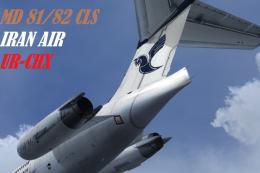 FSX Civil Aircraft
Iran Air textures only for the payware CLS MD-81-82. Repainted by Amirhosesin…
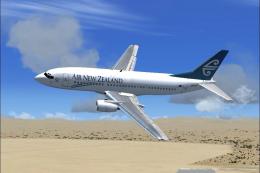 FSX Civil Aircraft
FSX Air New Zealand Boeing 737-300. Model by Erick Cantu. Repaint by Michael …
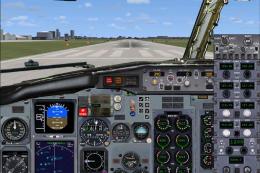 FSX Civil Aircraft
This freeware release features a meticulously crafted KD Avia Boeing 737-300 …
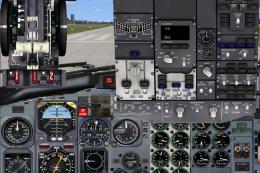 FSX Civil Aircraft
This is a complete model of a B737-300 aircraft in Friends of Flight livery. …
 FSX Civil Aircraft
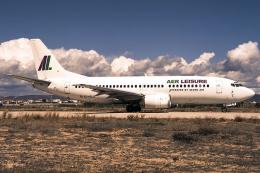
Seven Air Company was Aerea Canaria Air Transport SA; it lasted just over a y…
 FSX Civil Aircraft
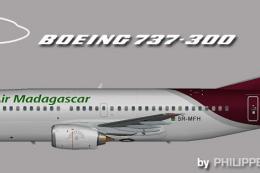
Upgrade your Flight Simulator X environment by including a meticulously craft…
 FSX Civil Aircraft
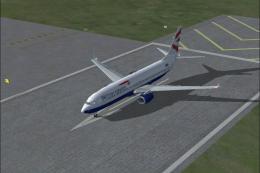
British Airways Boeing 737-300. British Airways textures for the standard FSX…
Be the first to leave a comment on this download.
Be the first to share your thoughts on this download.