

 FSX Civil Aircraft
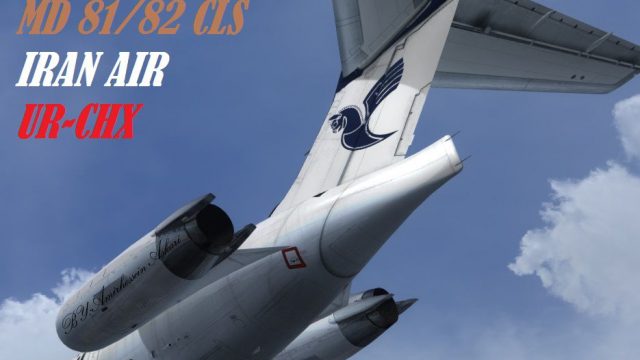
Iran Air McDonnell Douglas MD-82
Immerse yourself in a distinct Iranian aviation experience with these custom …
Iran Air livery for the McDonnell Douglas MD-82 brings UR-CHX markings and clean tail decals to your CLS MD-81/82 fleet, matching the airline’s classic look in the virtual cockpit and exterior views. Designed for FSX, it requires the payware CLS MD-81-82 package and includes textures only.
 Rate
Rate
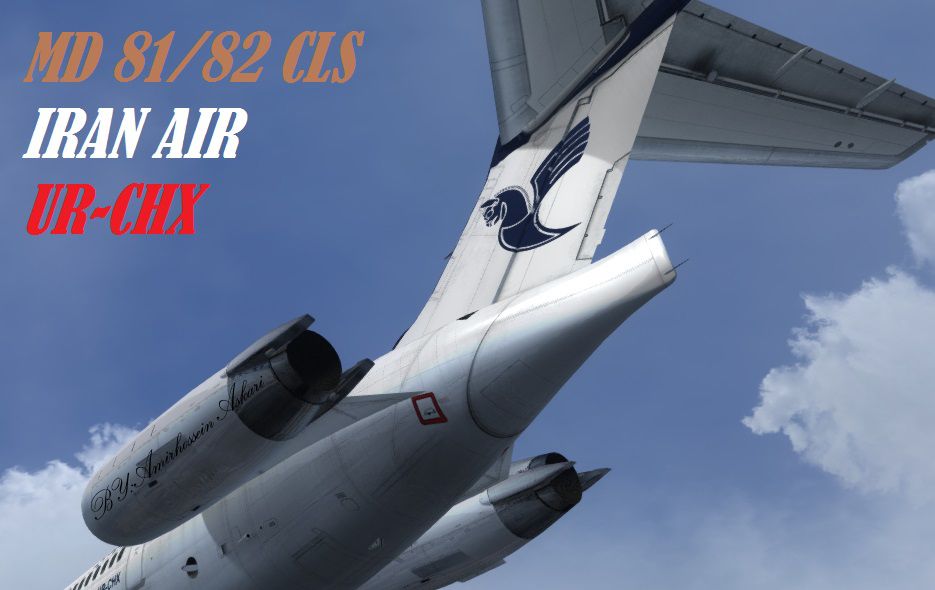
Iran Air textures only for the payware CLS MD-81-82. Repainted by Amirhosesin Askari.
Screenshot of Iran Air McDonnell Douglas MD-82 tail decal.
[fltsim.XX]

productfolder=MD81

title=Commercial Level Simulations - MD-80 - IRAN AIR

sim=CLS_md81

model=

panel=

sound=

texture=IRA

kb_checklists=CLS_MD80_Checklist

kb_reference=CLS_MD80_Quick_Reference

atc_id=UR-CHX

atc_id_color=

atc_airline=IRAN AIR

atc_flight_number=0

ui_manufacturer=Commercial Level Simulations

ui_typerole=Commercial Airliner

ui_createdby=Commercial Level Simulations

ui_type=MD-81/82

ui_variation=IRAN AIR

description=Commercial Level Simulations\nBoeing - McDonnell-Douglas MD-81/82\nBeta 7\n\nTypical 2-class: 152\nTypical 1-class: 172\n\nEngines: JT8D-217A\/C\nFuel Flow: 3000 pph per engine\n\nWing span: 107 ft 8 in (32.8 m)\nOverall Length: 147 ft 8 in (45.1 m)\nTail height: 29 ft 6 in (9.05 m)\n\nMTOW: 140,000 lb (63,503 kg)\nOEW: 77,888 lb (35,330 kg)\nPayload: 40,112 lb (18,195 kg)\nZFW: 118,000 lb (53,525 kg)\n\n\BY:AMIRHOSSEIN ASKARI

atc_heavy=0
Free for all simmers · 9.33 MB · Scanned clean Oct 2026
Download speed: Free tier is capped at 0.5 Mbps (this file takes approximately 3 mins at the cap). PRO members download at full line speed.
texture.{airline}) inside FSX\SimObjects\Airplanes\{base-aircraft}\.aircraft.cfg in Notepad. Add a new [fltsim.X] section per the readme.readme.txt or README file. It tells you exactly where files go, what dependencies are needed, and any quirks specific to this add-on.The archive texture_ira.zip has 15 files and directories contained within it.
This list displays the first 500 files in the package. If the package has more, you will need to download it to view them.
| Filename/Directory | File Date | File Size |
|---|---|---|
| texture.IRA | 09.14.14 | 0 B |
| md80engines_t.bmp | 01.20.11 | 4.00 MB |
| md80L1_t.bmp | 09.13.14 | 4.00 MB |
| md80L2_t.bmp | 09.13.14 | 4.00 MB |
| md80R1_t.bmp | 09.13.14 | 4.00 MB |
| md80R2_t.bmp | 09.13.14 | 4.00 MB |
| md80tail_t.bmp | 09.13.14 | 4.00 MB |
| md80WingLeft_t.bmp | 09.13.14 | 4.00 MB |
| md80WingLeft_t.dds | 01.20.11 | 1.00 MB |
| md80WingRight_t.dds | 01.20.11 | 1.00 MB |
| texture.cfg | 01.20.11 | 137 B |
| thumbnail.jpg | 09.14.14 | 249.27 kB |
| Readme !.txt | 09.14.14 | 907 B |
| flyawaysimulation.txt | 10.29.13 | 959 B |
| Go to Fly Away Simulation.url | 01.22.16 | 52 B |
Only PRO members can place votes.
More FSX & P3D add-ons hand-picked based on this download.
FSX Civil Aircraft
Immerse yourself in a distinct Iranian aviation experience with these custom …
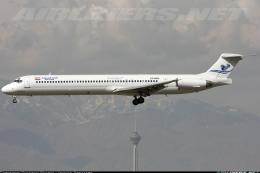 FSX Civil Aircraft
An Iran Air Tour Airline McDonnell Douglas MD82, registration EP-MDD. Texture…
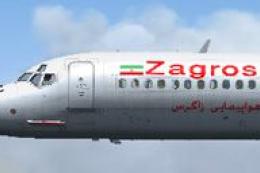 FSX Civil Aircraft
Zagros Air textures only for the payware CLS MD-81-82. Repainted by Taregh Ma…
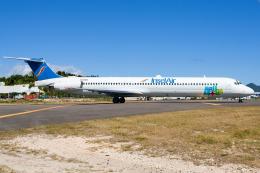 FSX Civil Aircraft
Insel Air textures only for the payware CLS MD-81/82. By Jonathan Beaumont. S…
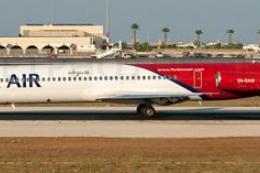 FSX Civil Aircraft
Flight 992 crashed on Sunday June 3, 2012 near Lagos Nigeria after lost both …
 FSX Civil Aircraft
Textures only for the payware CLS MD-81/82. Includes the green Alitalia seats…
 FSX Civil Aircraft
Pawa McDonnell Douglas MD-82 (new colors), registration N450AA; complete pack…
 FSX Civil Aircraft
Aserca Airlines McDonnell Douglas MD-82, registration N573SH; complete pack. …
Be the first to leave a comment on this download.
Be the first to share your thoughts on this download.