

 FSX Civil Aircraft
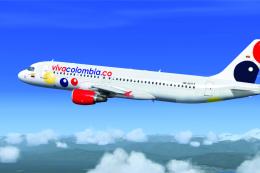
Viva Colombia Airbus A320 HK-4811X
Viva Colombia Airbus A320, registration HK-4811X, one of ten Airbus A320 owne…
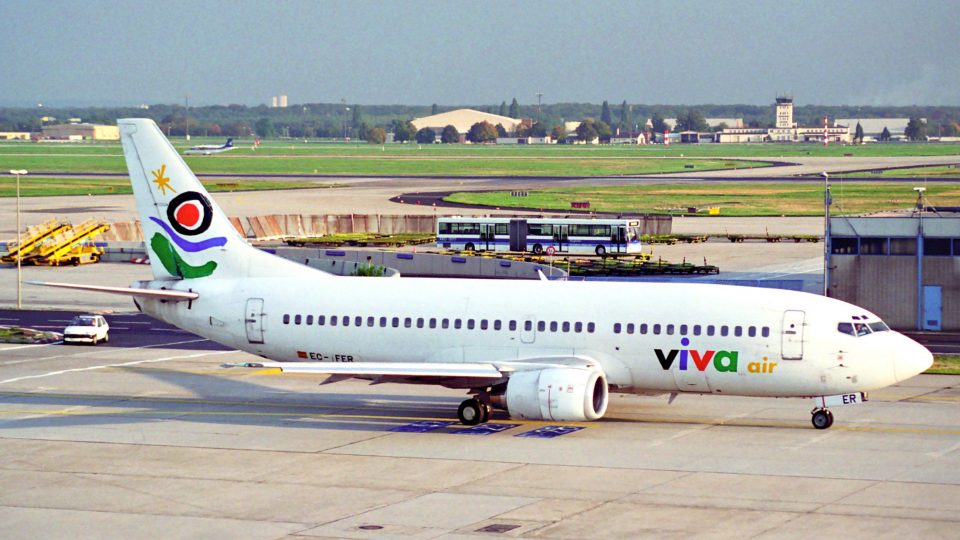
Viva Air Boeing 737-800 livery brings the Spanish charter carrier’s classic scheme to the default 737-800, with clean textures and period-accurate markings that look sharp from the ramp and in the virtual cockpit. Built for Microsoft Flight Simulator X, it requires the stock B737-800.
 Rate
Rate
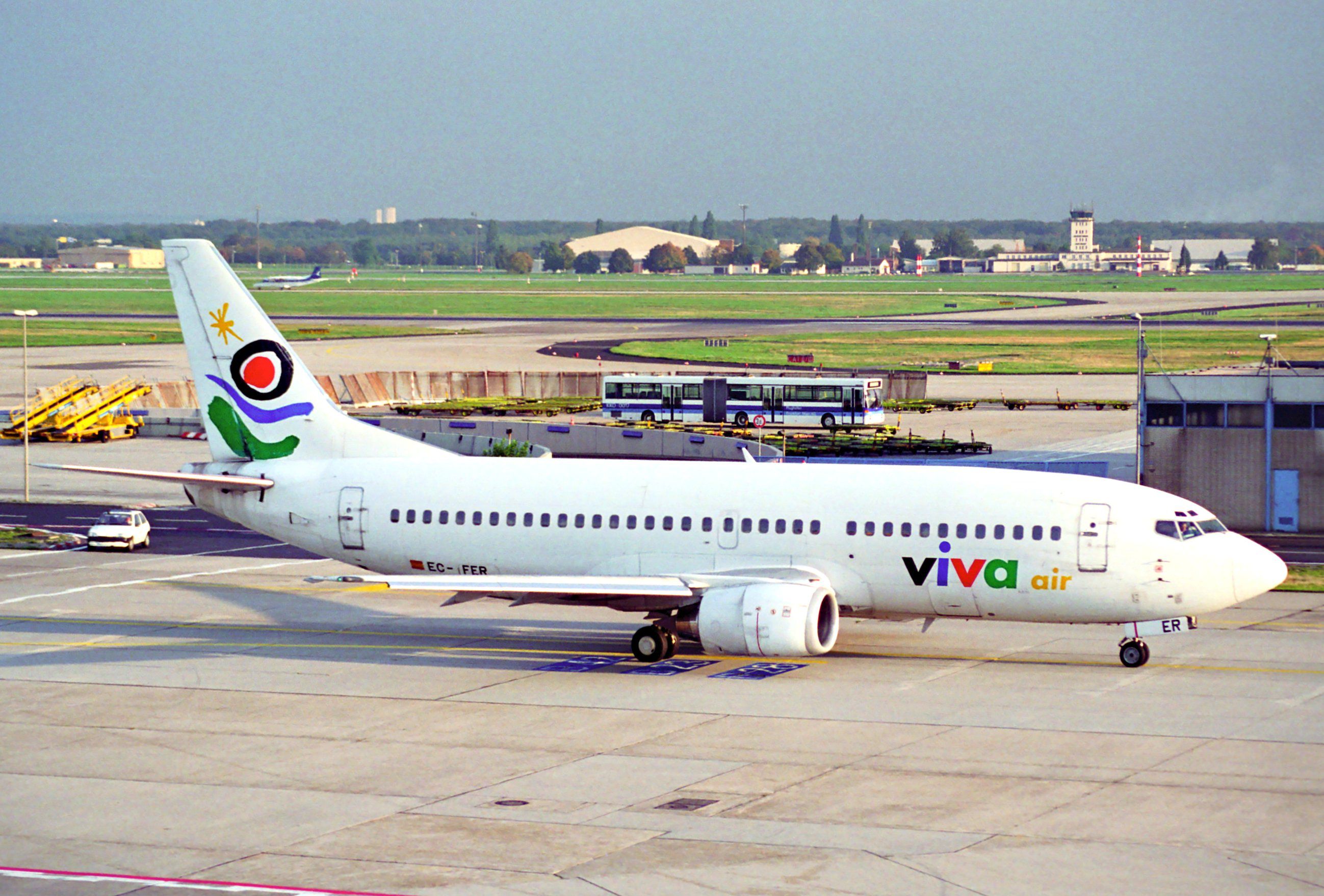
Textures only for the default B737-800. Viva Air (Flight Internationales Vacation SA) was a Spanish airline, founded in 1988 as a joint venture between Iberia and Lufthansa Airlines. By Juan Villamor.
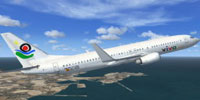
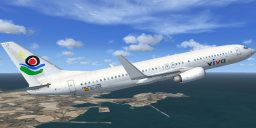
Screenshot of Viva Air Boeing 737-800 in flight.
Installation:
[fltsim.XX]

title=Boeing 737-800 Viva Air

sim=Boeing737-800

model=""

panel=""

sound=""

texture=viva

kb_checklists=Boeing737-800_check

kb_reference=Boeing737-800_ref

atc_id=EC-FER

atc_airline=Viva Air

atc_flight_number=010

ui_manufacturer=Boeing

ui_type=737-800

ui_variation=Viva

ui_typerole=Avion comercial

ui_createdby=Microsoft Corporation

description=
Free for all simmers · 1.25 MB · Scanned clean Oct 2026
Download speed: Free tier is capped at 0.5 Mbps. PRO members download at full line speed.
texture.{airline}) inside FSX\SimObjects\Airplanes\{base-aircraft}\.aircraft.cfg in Notepad. Add a new [fltsim.X] section per the readme.readme.txt or README file. It tells you exactly where files go, what dependencies are needed, and any quirks specific to this add-on.The archive viva_livery.zip has 12 files and directories contained within it.
This list displays the first 500 files in the package. If the package has more, you will need to download it to view them.
| Filename/Directory | File Date | File Size |
|---|---|---|
| b737_800_1_T.dds | 11.25.14 | 1.00 MB |
| Fresnel_Ramp.dds | 09.04.06 | 640 B |
| installation.txt | 11.25.14 | 1.13 kB |
| screenshots | 11.25.14 | 0 B |
| photo.jpg | 11.24.14 | 626.22 kB |
| screenshot1.gif | 11.25.14 | 8.37 kB |
| screenshot2.gif | 11.25.14 | 10.34 kB |
| screenshot3.gif | 11.25.14 | 8.71 kB |
| texture.cfg | 08.14.06 | 137 B |
| thumbnail.jpg | 11.25.14 | 8.77 kB |
| flyawaysimulation.txt | 10.29.13 | 959 B |
| Go to Fly Away Simulation.url | 01.22.16 | 52 B |
Only PRO members can place votes.
More FSX & P3D add-ons hand-picked based on this download.
FSX Civil Aircraft
Viva Colombia Airbus A320, registration HK-4811X, one of ten Airbus A320 owne…
 FSX Civil Aircraft
This repaint delivers a crisp Viva AeroBus livery for the freeware FAIB Airbu…
 FSX Civil Aircraft
Continental Boeing 737-800. Fictional textures for the default B737-800. Repa…
 FSX Civil Aircraft
FSX Air Berlin Boeing 737-800. Model by Project Open Sky. Repaint by Misha Gr…
 FSX Civil Aircraft
FSX Norwegian Air Shuttle Boeing 737-800, registration LN-NOB. Textures only …
 FSX Civil Aircraft
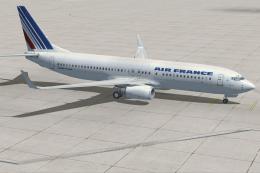
This freeware package enhances the default Boeing 737-800 in Microsoft Flight…
 FSX Civil Aircraft
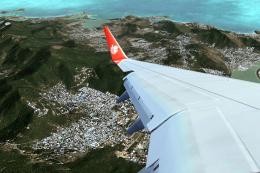
Lion Air Boeing 737-800, registration PK-LJQ (the first Boeing 737-800 in Lio…
 FSX Civil Aircraft
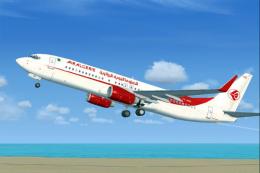
This freeware repaint offers a crisp 32-bit Air Algerie livery for the defaul…
Be the first to leave a comment on this download.
Be the first to share your thoughts on this download.