

 FSX Civil Aircraft
Lufthansa Cargo Boeing 787-9 Cargo V4
This latest freeware release merges a specialized cargo rendition of the Boei…
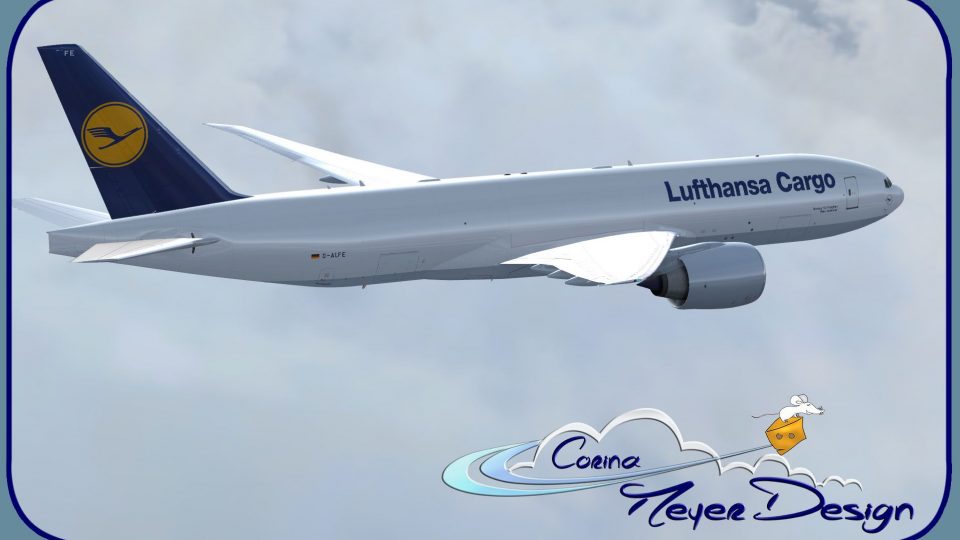
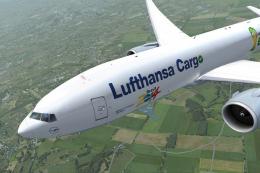
Lufthansa Cargo’s “Hallo Germany” Boeing 777F repaint brings registration D-ALFE to life with crisp 2015 delivery-era markings and clean freight-operator detailing for your hangar. Designed for Microsoft Flight Simulator and installed via the PMDG Operations Center, it requires the payware PMDG 777F base package and includes textures only.
 Rate
Rate

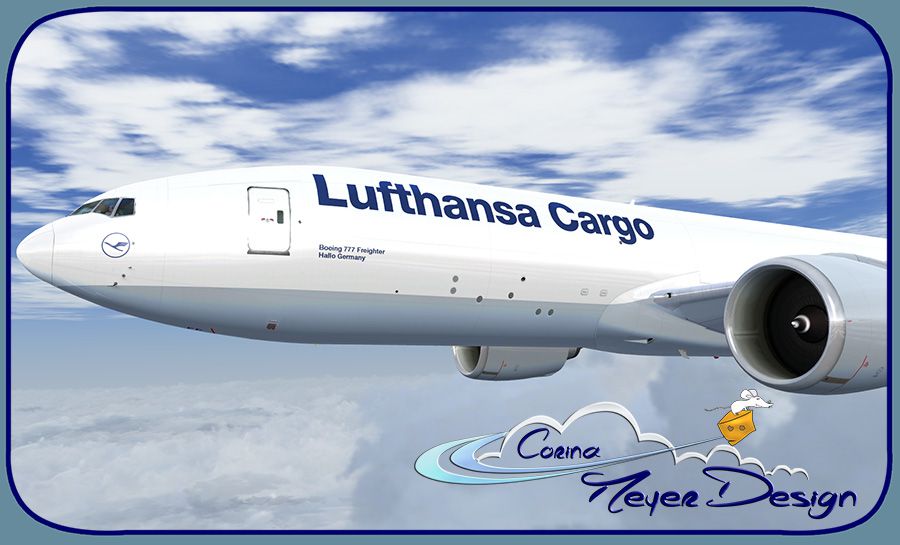

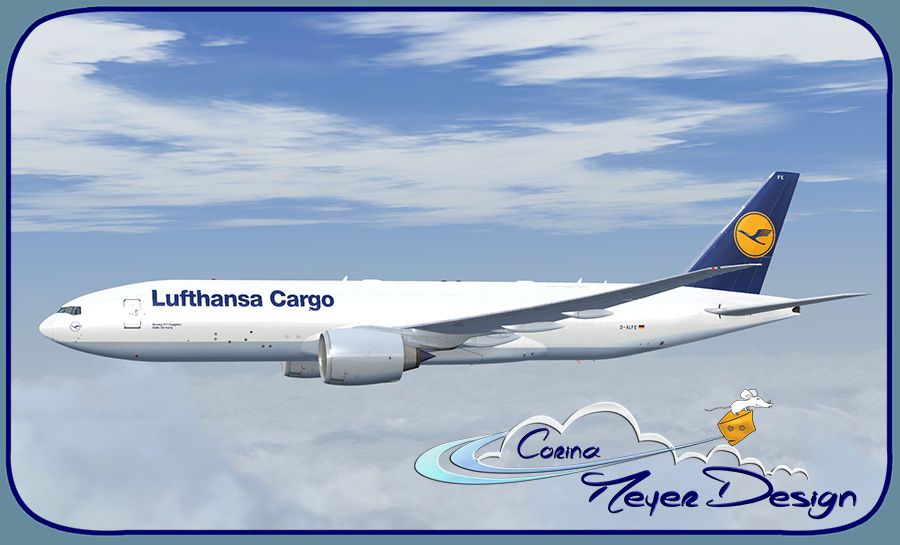
Lufthansa Cargo "Hallo Germany" Boeing 777, registration D-ALFE. The payware PMDG 777-FBT in Lufthansa Cargo livery, fresh from the paint shop, delivery February 2015 and named Hallo Germany. Textures only. By Corina Meyer.
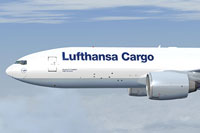
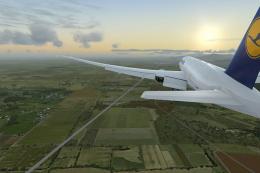
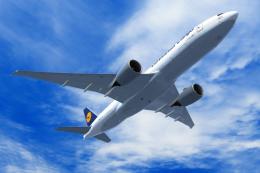
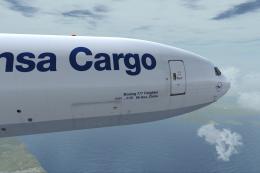
Screenshot of "Hallo Germany" Boeing 777 in flight.
Installation:
Enjoy!
All reasonable care was taken in the making of this repaint, but no responsibility is taken for any damage done or caused by it real or imagined or for any inaccuracies found. Though I'd be happy to know if you have any problems or issues with my work.
Free for all simmers · 14.15 MB · Scanned clean Oct 2026
Download speed: Free tier is capped at 0.5 Mbps (this file takes approximately 4 mins at the cap). PRO members download at full line speed.
texture.{airline}) inside FSX\SimObjects\Airplanes\{base-aircraft}\.aircraft.cfg in Notepad. Add a new [fltsim.X] section per the readme.readme.txt or README file. It tells you exactly where files go, what dependencies are needed, and any quirks specific to this add-on.The archive pmdg777-fbt_lufthansa_cargo_d-alfe.zip has 9 files and directories contained within it.
This list displays the first 500 files in the package. If the package has more, you will need to download it to view them.
| Filename/Directory | File Date | File Size |
|---|---|---|
| 1.jpg | 02.05.15 | 139.92 kB |
| 2.jpg | 02.05.15 | 164.83 kB |
| 3.jpg | 02.05.15 | 146.14 kB |
| 4.jpg | 02.05.15 | 153.93 kB |
| Avsim.gif | 02.05.15 | 13.93 kB |
| Readme.txt | 02.05.15 | 1.03 kB |
| PMDG777-FBT Lufthansa Cargo D-ALFE.ptp | 02.06.15 | 13.63 MB |
| flyawaysimulation.txt | 10.29.13 | 959 B |
| Go to Fly Away Simulation.url | 01.22.16 | 52 B |
Only PRO members can place votes.
More FSX & P3D add-ons hand-picked based on this download.
FSX Civil Aircraft
This latest freeware release merges a specialized cargo rendition of the Boei…
 FSX Civil Aircraft
Complete package of the Project Open Sky B777-200LRF as a representation of L…
 FSX Civil Aircraft
This new repaint highlights Lufthansa Cargo’s “Good Day USA” artwork on a Boe…
 FSX Civil Aircraft
A Lufthansa Cargo B777-200F repaint of the payware PMDG Boeing 777-F as D-ALF…
 FSX Civil Aircraft
Special edition for the Fifa World Championchip Brasil 2014 for the payware P…
 FSX Civil Aircraft
This carefully crafted freeware repaint brings the Lufthansa Cargo “Ola Brazi…
 FSX Civil Aircraft
This free add-on features a faithful recreation of Lufthansa Cargo’s special …
 FSX Civil Aircraft
Lufthansa Cargo Boeing 777, registration D-ALFC. Now with fixed left side. A …
Be the first to leave a comment on this download.
Be the first to share your thoughts on this download.