

 FSX General Aviation Aircraft
Cessna C172 Texture Fix
Enhance visual fidelity by applying this refined texture package specifically…
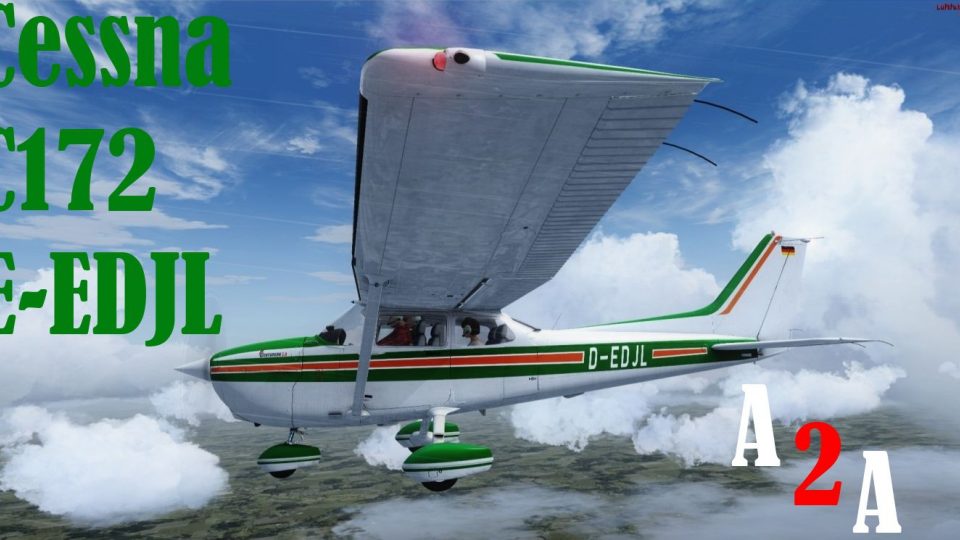
Cessna 172 D-EDJL brings a crisp, authentic German-registered look to the A2A Accu-Sim C172 trainer with detailed exterior textures that suit ramp shots and training flights alike in FSX. It requires the payware A2A C172 and adds a clean, well-balanced livery finish that complements the aircraft’s classic lines.
 Rate
Rate
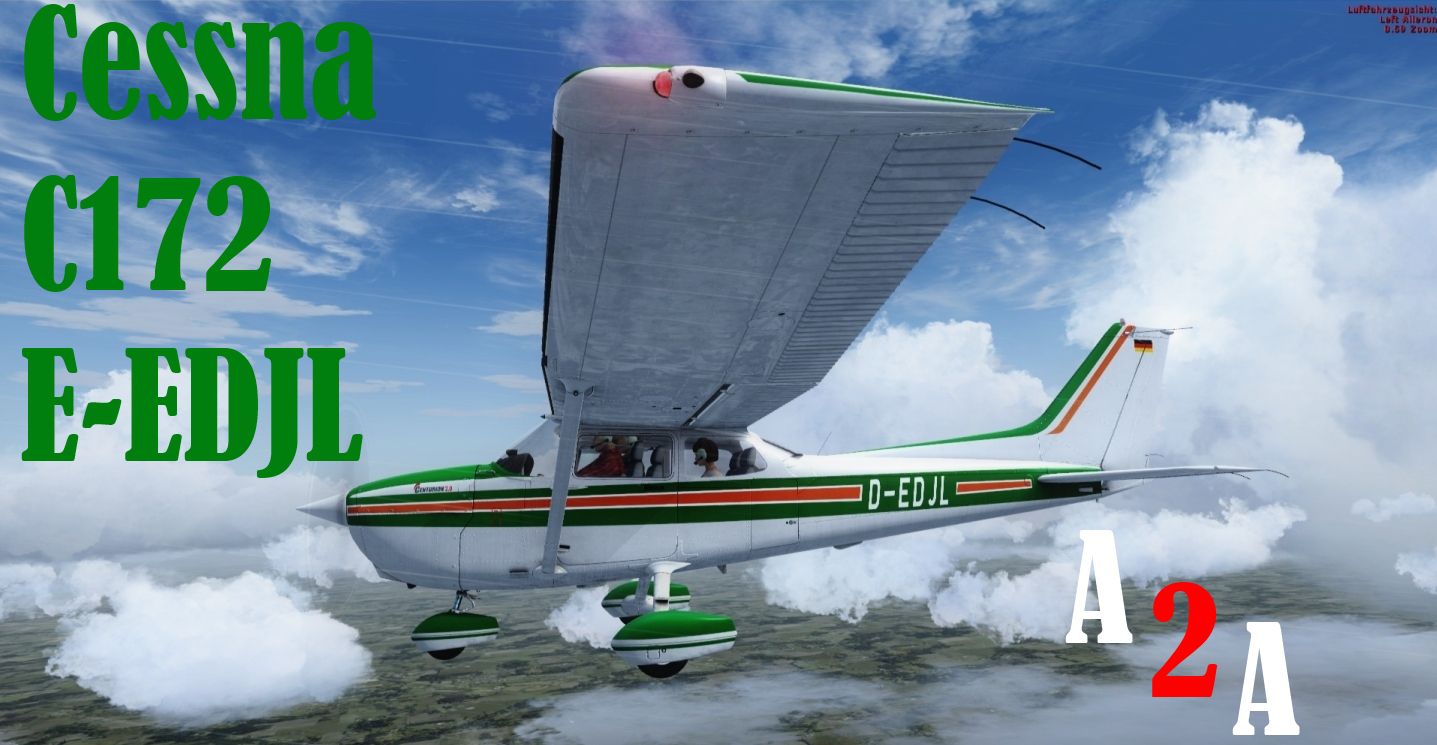
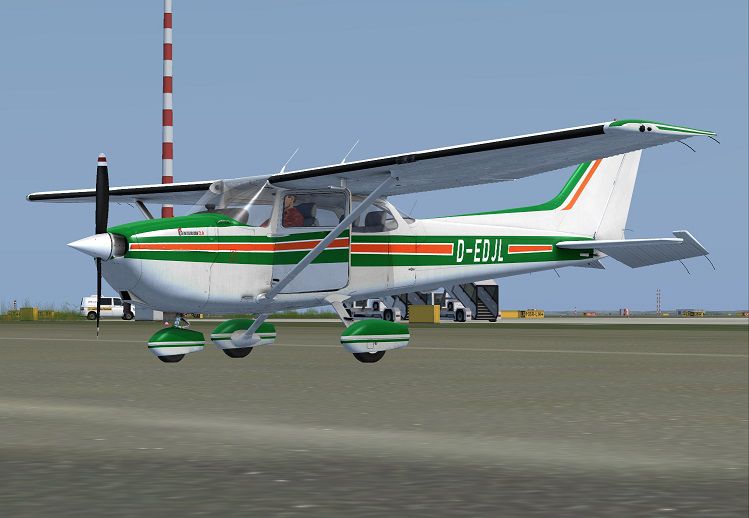
A repaint for the payware A2A Accu-Sim C172 trainer; textures only. By Corina Meyer.
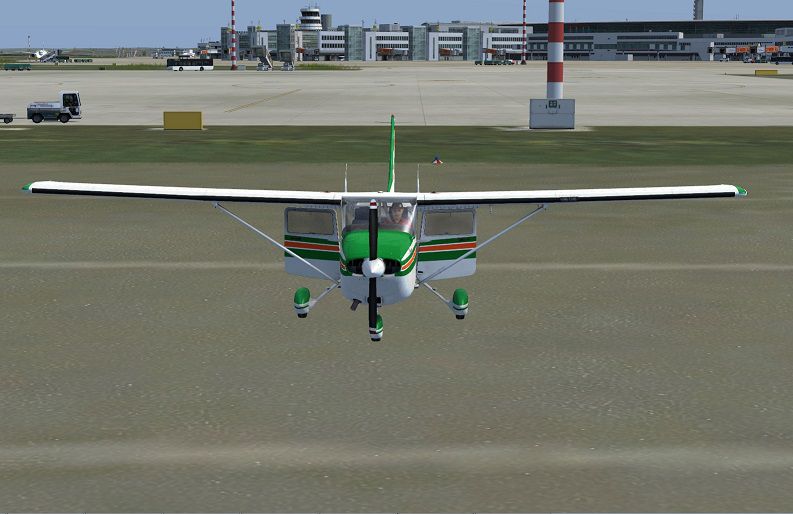
Screenshot of Cessna C172 D-EDJL on the ground.
[fltsim.XX]

title=C172R D-EDJL

sim=C172

model=

panel=

sound=

texture=D-EDJL

kb_checklists=C172_check

kb_reference=C172_ref

atc_id=N990CP

ui_manufacturer=A2A Cessna

ui_type="C172R Skyhawk"

ui_variation="D-EDJL"

ui_typerole=C172

ui_createdby="A2A Simulations Inc."

description="C.Meyer"
The payware A2A C172 is needed to operate this paint.
Enjoy!
Free for all simmers · 21.43 MB · Scanned clean Oct 2026
Download speed: Free tier is capped at 0.5 Mbps (this file takes approximately 6 mins at the cap). PRO members download at full line speed.
texture.{airline}) inside FSX\SimObjects\Airplanes\{base-aircraft}\.aircraft.cfg in Notepad. Add a new [fltsim.X] section per the readme.readme.txt or README file. It tells you exactly where files go, what dependencies are needed, and any quirks specific to this add-on.The archive a2a_cessna_c172_trainer_d-edjl.zip has 13 files and directories contained within it.
This list displays the first 500 files in the package. If the package has more, you will need to download it to view them.
| Filename/Directory | File Date | File Size |
|---|---|---|
| How to install.txt | 09.08.13 | 727 B |
| C172 2.jpg | 09.08.13 | 110.84 kB |
| C172 1.jpg | 09.08.13 | 85.02 kB |
| 1.gif | 09.08.13 | 7.60 kB |
| texture.D-EDJL | 09.08.13 | 0 B |
| c172_c1.dds | 09.04.13 | 4.00 MB |
| c172_c8.dds | 09.05.13 | 1.00 MB |
| c172_spec.dds | 09.04.13 | 16.00 MB |
| c172_t.dds | 09.08.13 | 16.00 MB |
| texture.cfg | 08.21.13 | 137 B |
| thumbnail.jpg | 09.08.13 | 617.58 kB |
| flyawaysimulation.txt | 10.29.13 | 959 B |
| Go to Fly Away Simulation.url | 01.22.16 | 52 B |
Only PRO members can place votes.
More FSX & P3D add-ons hand-picked based on this download.
FSX General Aviation Aircraft
Enhance visual fidelity by applying this refined texture package specifically…
 FSX General Aviation Aircraft
Default Cessna 172 repaint textures green and white 4-pack. Contains four rep…
 FSX General Aviation Aircraft
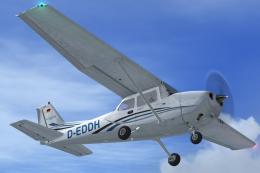
White With Blue Lines Cessna C172. This is a fictional repaint of the default…
 FSX General Aviation Aircraft
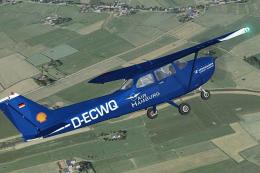
Immerse yourself in a vibrant depiction of Air Hamburg’s Cessna 172, identifi…
 FSX General Aviation Aircraft
Air Hamburg Cessna C172, registration D-ECWQ. This is a repaint for the FSX d…
 FSX General Aviation Aircraft
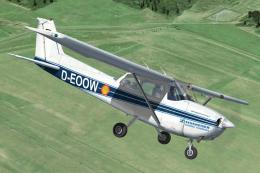
Bring a new layer of authenticity to your virtual hangar with this carefully …
 FSX General Aviation Aircraft
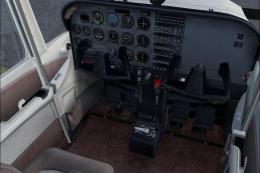
Cessna C172 N800JP. Textures only for the default Cessna 172. Includes brown …
 FSX General Aviation Aircraft
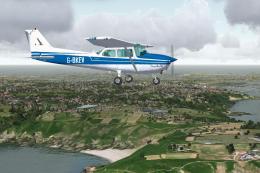
This repaint delivers a historically accurate rendition of Guernsey Aero Club…
Be the first to leave a comment on this download.
Be the first to share your thoughts on this download.