

 FSX Military Aircraft
RAF Armstrong Whitworth Meteor NF14 'WS744 2.ANS'
Repaint for the Meteor NF14 by Rob Richardson. It is painted as Meteor NF14 "…
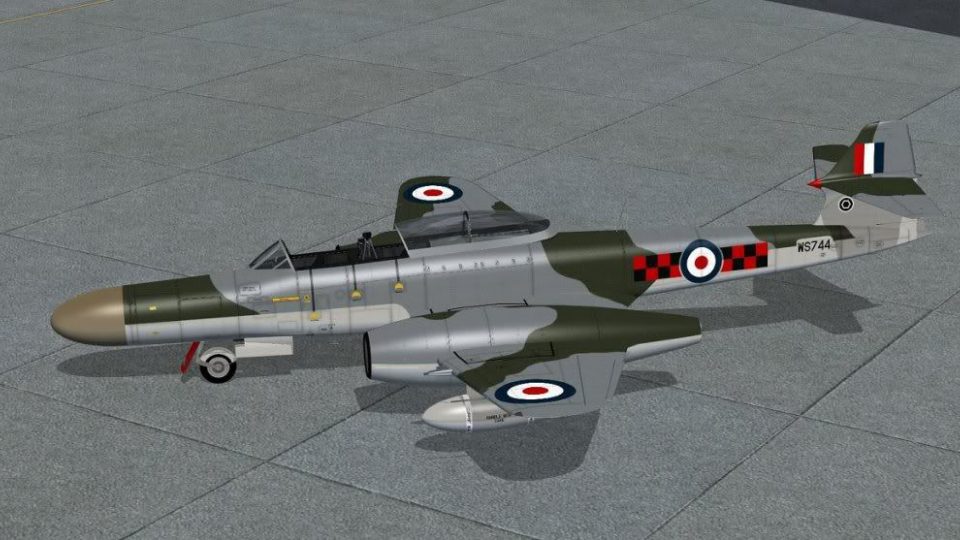
RAF Armstrong Whitworth Meteor NF14 “WS744” brings No. 85 Squadron markings from RAF West Malling in the late 1950s to FSX, with crisp reworked panel lines and refined surface details for a convincing night-fighter look in the virtual cockpit. Textures-only livery requires Rob Richardson’s freeware Meteor NF14 base aircraft.
 Rate
Rate

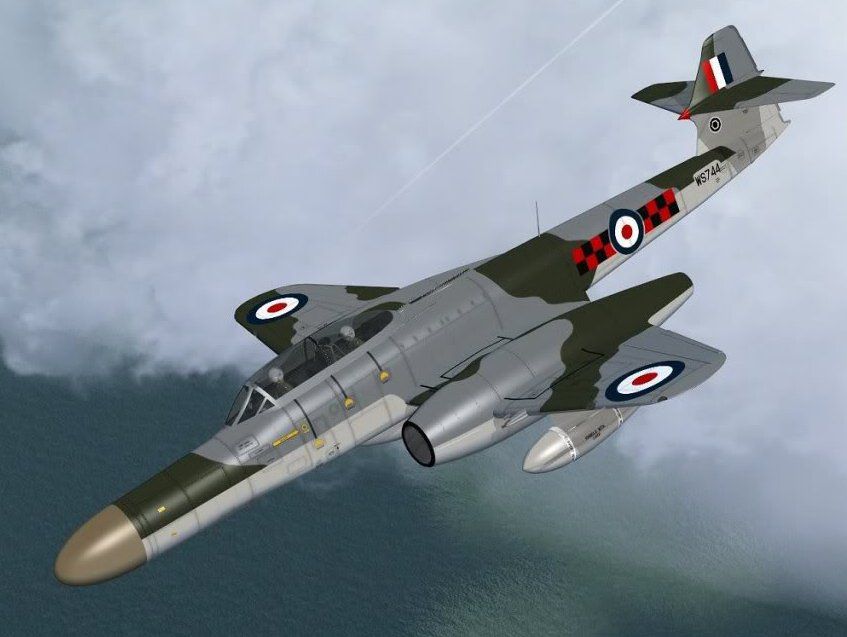
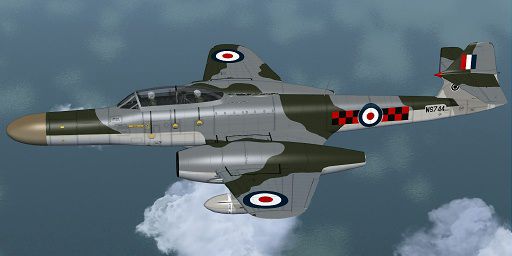
Repaint for the Meteor NF14 by Rob Richardson. It is painted as Meteor NF14 "WS744" of No 85 Sqn, RAF, based at RAF West Malling in the late 1950's. The repaint includes new reworked panel lines and details. Repaint by Jens-Ole Kjolberg.
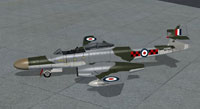
Screenshot of RAF Meteor NF14 on the ground.
This zip file contains only the textures. You will also need to download the freeware Meteor NF14 by Rob Richardson. The intended method for installation is as optional sets of markings.
Installation:
[fltsim.xx]

title=Armstrong Whitworth Meteor NF14 WS744

sim=Armstrong Whitworth Meteor NF14

model=

panel=

sound=

texture=WS744

kb_checklists=AW_Meteor_NF14_check

kb_reference=AW_Meteor_NF14_ref

ui_manufacturer=Armstrong Whitworth

ui_type=Meteor NF14

ui_variation=WS744

ui_typerole="Twin engine jet night fighter"

ui_createdby="RJR"

atc_id=WS830

atc_airline=Air Force

atc_flight_number=009

description=Meteor NF14 "WS744" of No 85 Sqn based at RAF West Malling in the late 1950's.
Free for all simmers · 1.24 MB · Scanned clean Oct 2026
Download speed: Free tier is capped at 0.5 Mbps. PRO members download at full line speed.
texture.{airline}) inside FSX\SimObjects\Airplanes\{base-aircraft}\.aircraft.cfg in Notepad. Add a new [fltsim.X] section per the readme.readme.txt or README file. It tells you exactly where files go, what dependencies are needed, and any quirks specific to this add-on.The archive meteor_nf14_ws744_85sqn.zip has 17 files and directories contained within it.
This list displays the first 500 files in the package. If the package has more, you will need to download it to view them.
| Filename/Directory | File Date | File Size |
|---|---|---|
| meteor_nf14_ws744_85sqn | 02.07.14 | 0 B |
| file_id.diz | 02.04.14 | 330 B |
| meteor_nf14_ws744_85sqn.jpg | 02.04.14 | 64.29 kB |
| meteor_nf14_ws744_85sqn2.jpg | 02.04.14 | 91.98 kB |
| Readme.txt | 02.04.14 | 1.67 kB |
| Texture.WS744 | 02.07.14 | 0 B |
| lenses.dds | 04.03.11 | 256.12 kB |
| meteor 1 bump.dds | 02.08.14 | 4.00 MB |
| meteor 1.dds | 02.08.14 | 4.00 MB |
| meteor 2 bump.dds | 04.03.11 | 4.00 MB |
| meteor 2.dds | 01.31.14 | 4.00 MB |
| texture.cfg | 04.03.11 | 35 B |
| thumbnail.jpg | 04.24.11 | 41.21 kB |
| Thumbs.db | 02.04.14 | 58.50 kB |
| Thumbs.db | 02.04.14 | 33.50 kB |
| flyawaysimulation.txt | 10.29.13 | 959 B |
| Go to Fly Away Simulation.url | 01.22.16 | 52 B |
Only PRO members can place votes.
More FSX & P3D add-ons hand-picked based on this download.
FSX Military Aircraft
Repaint for the Meteor NF14 by Rob Richardson. It is painted as Meteor NF14 "…
 FSX Military Aircraft
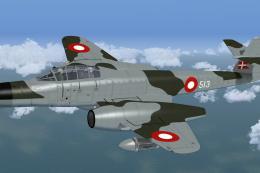
Repaint for the Meteor NF14 by Rob Richardson. It is painted as Meteor NF.11 …
 FSX Military Aircraft
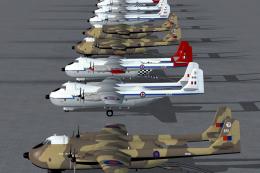
Sixteen individual aircraft with a choice of animated or non-animated rear do…
 FSX Military Aircraft
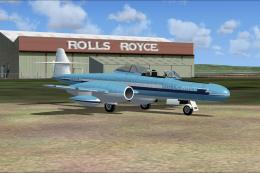
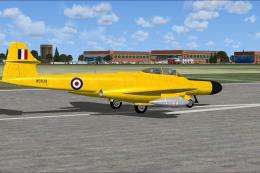
A repaint for the Armstrong-Whitworth Meteor NF14 by Rob Richardson. G-ASLW s…
 FSX Military Aircraft
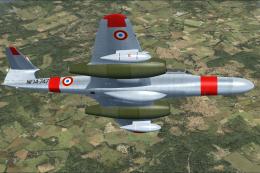
A repaint for the Armstrong-Whitworth Meteor NF14 by Rob Richardson. This is …
 FSX Military Aircraft
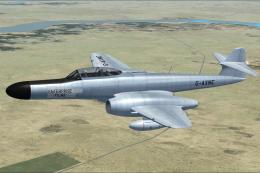
A repaint for the Armstrong-Whitworth Meteor NF14 by Rob Richardson. NF14-747…
 FSX Military Aircraft
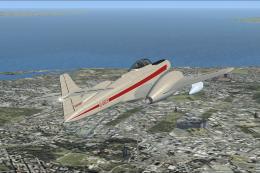
A repaint for the Armstrong-Whitworth Meteor NF14 by Rob Richardson. G-AXNE s…
 FSX Military Aircraft
A repaint for the Armstrong-Whitworth Meteor NF14 by Rob Richardson. This is …
Be the first to leave a comment on this download.
Be the first to share your thoughts on this download.