

 FSX Military Aircraft
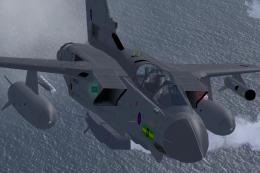
RAF Panavia Tornado GR1 (GR4) 12Sq ZA395
A repaint of the payware Just Flight Tornado GR1 in 12 squadron GR4 colors. T…
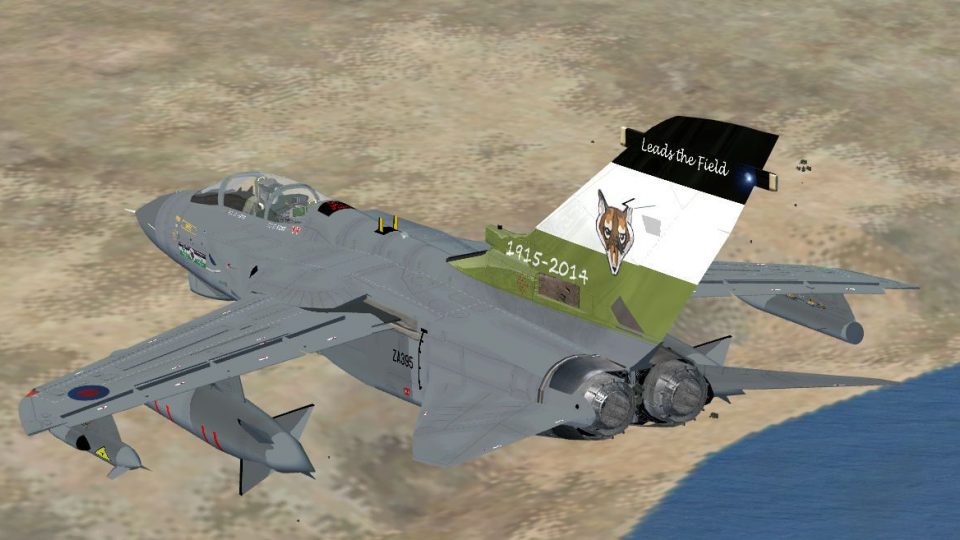
Royal Air Force Panavia Tornado GR4 ZA395 is recreated with 12 Squadron disbandment markings from RAF Lossiemouth, delivering an authentic modern strike-jet look for ramp and low-level sorties in FSX. The pack focuses on crisp external textures and accurate unit identity, and requires the UKMIL freeware Tornado GR4 base model.
 Rate
Rate
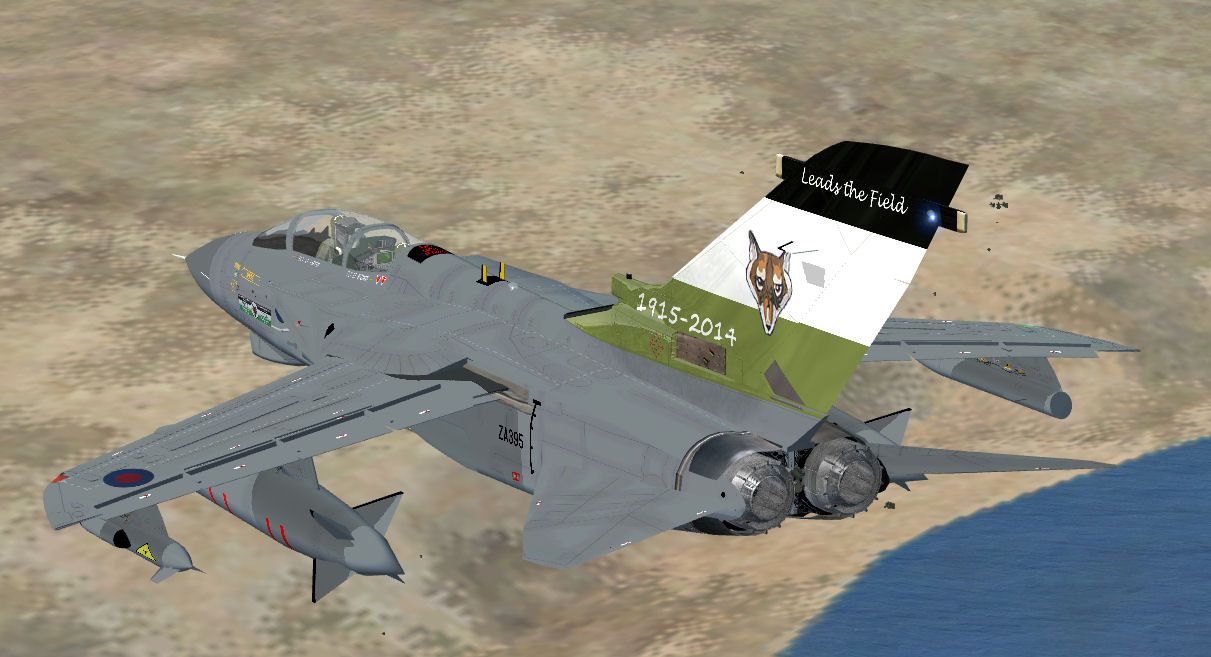
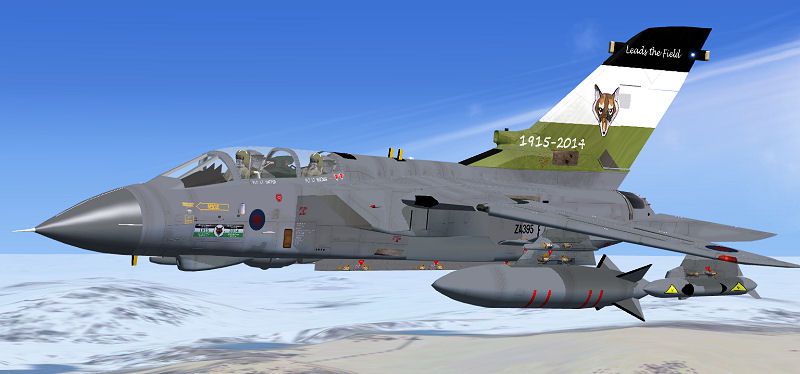
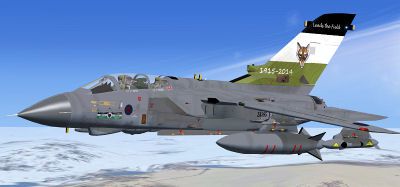
Royal Air Force Tornado GR4, 12 Sqn disbandment textures. This pack includes textures for ZA395 of 12 SQN RAF Lossiemouth. Aircraft is the freeware Tornado by UKMIL. By UKMIL.
Screenshot of Royal Air Force Tornado GR4 in flight.
Installation:
[fltsim.x]

title=gr4_12disA

sim=UKMIL_GR4

model=GR4A

panel=

sound=

texture=12dis

kb_checklists=

kb_reference=

ui_typerole="Military"

ui_manufacturer=UKMIL

ui_createdby="UKMIL"

ui_type=Panavia Tornado GR4

ui_variation=12 Sqn Disbandment

ui_typerole="Twin Engine Jet"

atc_id=ZA395

atc_heavy=0

atc_airline=RAF

atc_flight_number=ZA395

description=Model and textures by UKMIL
Free for all simmers · 770.2 KB · Scanned clean Oct 2026
Download speed: Free tier is capped at 0.5 Mbps. PRO members download at full line speed.
texture.{airline}) inside FSX\SimObjects\Airplanes\{base-aircraft}\.aircraft.cfg in Notepad. Add a new [fltsim.X] section per the readme.readme.txt or README file. It tells you exactly where files go, what dependencies are needed, and any quirks specific to this add-on.The archive 12dis.zip has 13 files and directories contained within it.
This list displays the first 500 files in the package. If the package has more, you will need to download it to view them.
| Filename/Directory | File Date | File Size |
|---|---|---|
| 12dis.jpg | 03.20.14 | 55.58 kB |
| 12disthm.jpg | 03.20.14 | 23.04 kB |
| README.txt | 03.20.14 | 1.08 kB |
| texture.12dis | 03.20.14 | 0 B |
| texture.cfg | 11.30.10 | 151 B |
| thumbnail.jpg | 03.20.14 | 128.29 kB |
| Thumbs.db | 11.08.10 | 72.50 kB |
| ukmil fus front base raf texture.dds | 03.20.14 | 4.00 MB |
| ukmil rear fus base texture.dds | 03.20.14 | 4.00 MB |
| ukmil_tail_texture.dds | 03.15.14 | 4.00 MB |
| 12dis | 03.20.14 | 0 B |
| flyawaysimulation.txt | 10.29.13 | 959 B |
| Go to Fly Away Simulation.url | 01.22.16 | 52 B |
Only PRO members can place votes.
More FSX & P3D add-ons hand-picked based on this download.
FSX Military Aircraft
A repaint of the payware Just Flight Tornado GR1 in 12 squadron GR4 colors. T…
 FSX Military Aircraft
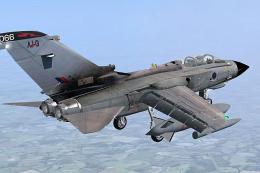
This freeware repaint package recreates the Royal Air Force Tornado GR4 of 61…
 FSX Military Aircraft
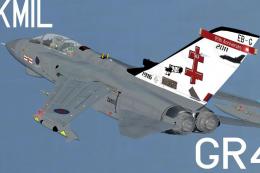
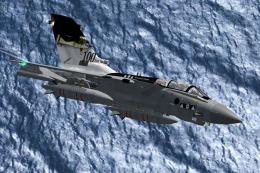
Tornado GR4, 41 Sqn, Olympics 2012 textures. This pack includes textures for …
 FSX Military Aircraft
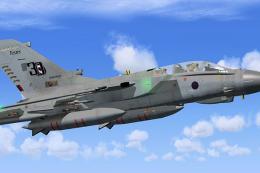
Tornado GR4, 2 Sqn, 2012 textures. This pack includes textures for ZA398 of 2…
 FSX Military Aircraft
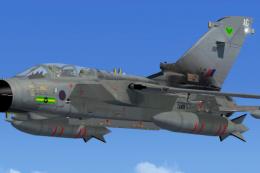
This repaint package features a Royal Air Force Tornado GR4 from No. 2 Squadr…
 FSX Military Aircraft
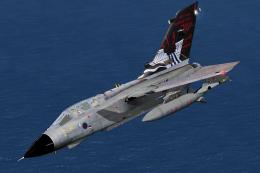
This custom repaint offers highly detailed markings of a Panavia Tornado GR4 …
 FSX Military Aircraft
This pack includes textures for ZA412 of 617 Sqn, RAF Lossiemouth. Aircraft i…
 FSX Military Aircraft
This package supplies a refined Panavia Tornado GR4 and F-3 set for use in Mi…
Be the first to leave a comment on this download.
Be the first to share your thoughts on this download.