

 FSX Military Aircraft
RAF Panavia Tornado GR1 (GR4) 15Sq ZD848
Experience an expertly rendered Panavia Tornado repaint showcasing the distin…
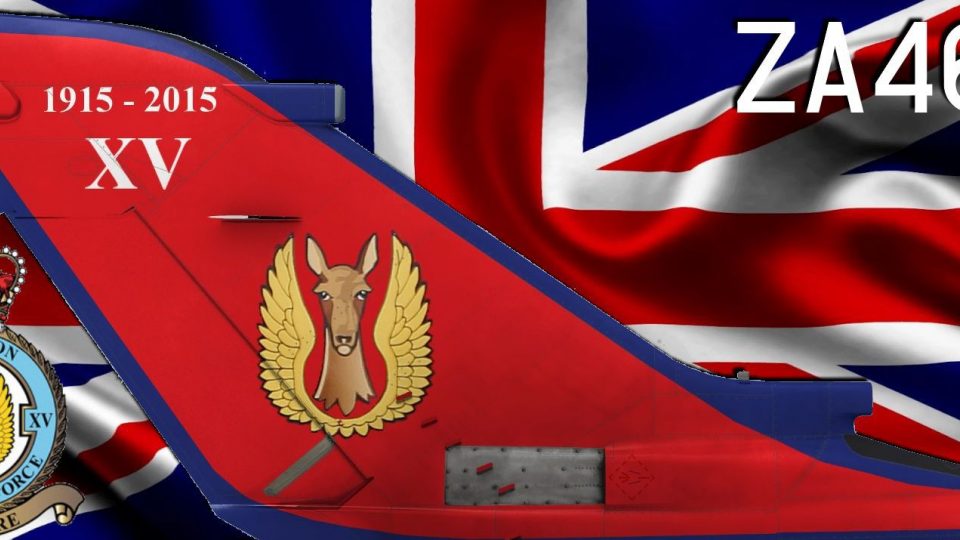
RAF Panavia Tornado ZA461 wears 15 Squadron’s high-visibility 100th Anniversary scheme with crisp GR4-era markings, subtle operational weathering, and accurate placement across the swept-wing airframe and virtual cockpit views in Microsoft Flight Simulator X. It requires the Just Flight Tornado GR1 base model, while preserving wing-sweep animations and strike-jet detailing.
 Rate
Rate
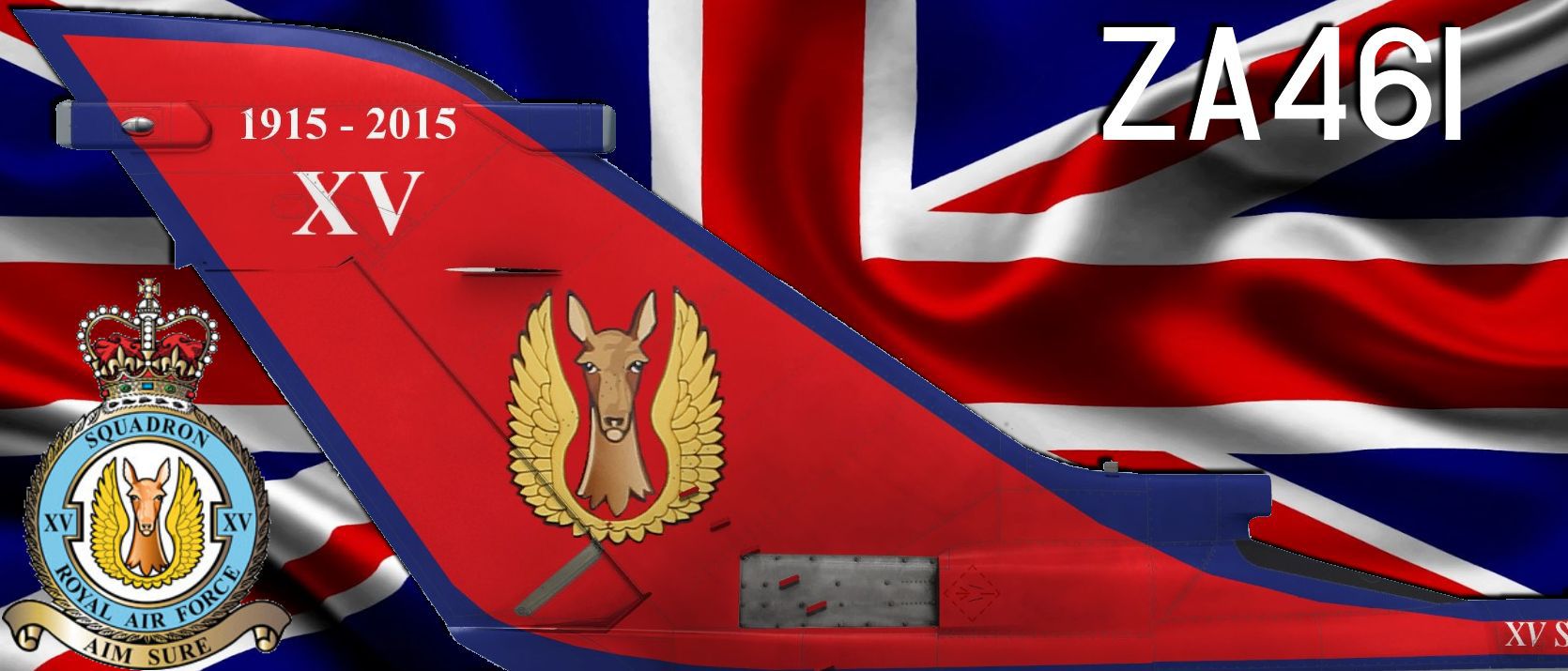

This freeware repaint brings the RAF Panavia Tornado ZA461 into Microsoft Flight Simulator X with vivid 15 Squadron GR4 colors, celebrating the squadron’s 100th anniversary. Created by Dale Ashcroft, it requires the payware Just Flight Tornado GR1 model (available for separate purchase) to function correctly.
The real-world ZA461 was adorned with commemorative artwork recognizing a century of service by 15 Squadron. This unit has operated various iterations of the Tornado, including the advanced GR4 variant, typically tasked with ground-attack and interdiction missions. The livery captures the squadron's signature markings and integrates them with the modernized GR4 details. Aircraft aficionados will appreciate how the high-visibility paintwork honors the RAF’s storied history while enhancing the aerodynamic lines of this twin-engine jet.
The repaint showcases the Tornado’s distinctive swept-wing architecture, emphasizing the fuselage contour and variable-geometry wings. For enthusiasts familiar with the Panavia Tornado, the extended nose and FLIR housings are treated to authentic coloration. Subtle weathering effects are added to reflect operational wear, yet the primary focus remains on the anniversary insignia. Since it is a repaint, the original payware Tornado from Just Flight is an essential component; you will need that add-on beforehand.
In-sim view of the Tornado capturing the special paint scheme.
[fltsim.xx]

	title=JF Tornado GR4 ZA461

	sim=TornadoGR1

	model=

	panel=

	sound=

	texture=GR4ZA461

	kb_checklists=Eurofighter_check

	atc_id=0

	ui_manufacturer=Panavia

	ui_type=Tornado

	ui_variation=GR4 ZA461

	ui_typerole="Twin Engine Jet"

	ui_createdby="Just Flight Development"

	description=

	atc_id_font=Verdana,-11,1,600,0

	atc_id_color=0x00000000

	atc_heavy=0

	visual_damage=0
The creator, Dale Ashcroft, carefully reproduced the emblematic paint patterns, making sure the canopy frames and distinct squadron markings align with known reference materials. The Tornado’s wing sweep animations and loading configurations remain functional, preserving the core features of this strike aircraft. All visual elements were refined to enhance the realism within Microsoft Flight Simulator X.
This FSX repaint stands as a tribute to the RAF’s Panavia Tornado legacy and the squadron’s century-long milestone. Although it doesn't include the base payware jet, it complements the Just Flight Tornado GR1 release, expanding your simulated inventory with an authentic and celebratory livery that parallels its real-world counterpart.
Free for all simmers · 40.34 MB · Scanned clean Oct 2026
Download speed: Free tier is capped at 0.5 Mbps (this file takes approximately 11 mins at the cap). PRO members download at full line speed.
texture.{airline}) inside FSX\SimObjects\Airplanes\{base-aircraft}\.aircraft.cfg in Notepad. Add a new [fltsim.X] section per the readme.readme.txt or README file. It tells you exactly where files go, what dependencies are needed, and any quirks specific to this add-on.The archive jfgr415sq100.zip has 37 files and directories contained within it.
This list displays the first 500 files in the package. If the package has more, you will need to download it to view them.
| Filename/Directory | File Date | File Size |
|---|---|---|
| cfg.txt | 06.25.15 | 381 B |
| Contact.txt | 12.21.14 | 82 B |
| Cover Image.jpg | 06.25.15 | 120.10 kB |
| Texture.GR4ZA461 | 06.25.15 | 0 B |
| GR1_tex01_T.dds | 05.22.15 | 4.00 MB |
| GR1_tex01_T_Bump.dds | 01.16.15 | 4.00 MB |
| GR1_tex01_T_Specular.dds | 03.17.15 | 4.00 MB |
| GR1_tex02_T.dds | 05.22.15 | 4.00 MB |
| GR1_tex02_T_Bump.dds | 01.16.15 | 4.00 MB |
| GR1_tex02_T_Specular.dds | 03.17.15 | 4.00 MB |
| GR1_tex03_T.dds | 05.22.15 | 4.00 MB |
| GR1_tex03_T_Bump.dds | 01.16.15 | 4.00 MB |
| GR1_tex03_T_Specular.dds | 03.17.15 | 4.00 MB |
| GR1_tex04_T.dds | 05.22.15 | 4.00 MB |
| GR1_tex04_T_Bump.dds | 01.16.15 | 4.00 MB |
| GR1_tex04_T_Specular.dds | 03.17.15 | 4.00 MB |
| GR1_tex05_T.dds | 05.22.15 | 4.00 MB |
| GR1_tex05_T_Bump.dds | 01.16.15 | 4.00 MB |
| GR1_tex05_T_Specular.dds | 03.17.15 | 4.00 MB |
| GR1_tex06_T.dds | 05.22.15 | 4.00 MB |
| GR1_tex06_T_Bump.dds | 01.16.15 | 4.00 MB |
| GR1_tex06_T_Specular.dds | 03.17.15 | 4.00 MB |
| GR1_tex07_T.dds | 05.22.15 | 4.00 MB |
| GR1_tex07_T_Bump.dds | 01.16.15 | 4.00 MB |
| GR1_tex07_T_Specular.dds | 03.17.15 | 4.00 MB |
| GR1_tex08_T.dds | 05.20.15 | 4.00 MB |
| GR1_tex08_T_Bump.dds | 01.16.15 | 4.00 MB |
| GR1_tex08_T_Specular.dds | 03.17.15 | 4.00 MB |
| GR1_tex09_T.dds | 05.22.15 | 4.00 MB |
| GR1_tex09_T_Bump.dds | 01.16.15 | 4.00 MB |
| GR1_tex09_T_Specular.dds | 05.22.15 | 4.00 MB |
| GR1_tex14_T.dds | 05.20.15 | 4.00 MB |
| GR1_tex15_T.dds | 05.20.15 | 4.00 MB |
| texture.cfg | 11.09.14 | 159 B |
| Thumbnail.jpg | 05.23.15 | 159.15 kB |
| flyawaysimulation.txt | 10.29.13 | 959 B |
| Go to Fly Away Simulation.url | 01.22.16 | 52 B |
Only PRO members can place votes.
More FSX & P3D add-ons hand-picked based on this download.
FSX Military Aircraft
Experience an expertly rendered Panavia Tornado repaint showcasing the distin…
 FSX Military Aircraft
This repaint provides a striking 9 Squadron GR4 scheme, showcasing the specia…
 FSX Military Aircraft
Experience a distinctive Royal Air Force repaint reflecting the iconic 9 Squa…
 FSX Military Aircraft
This repaint showcases a Panavia Tornado GR1 enhanced to resemble the 41 Squa…
 FSX Military Aircraft
This freeware repaint package depicts the Panavia Tornado GR1 modified as a G…
 FSX Military Aircraft
This freeware update brings a custom texture set to your copy of the payware …
 FSX Military Aircraft
A repaint of the payware Just Flight Tornado GR1 in 12 squadron GR4 colors. T…
 FSX Military Aircraft
A repaint pack for the payware Just Flight Tornado GR1 in RAF Gulf War markin…
Be the first to leave a comment on this download.
Be the first to share your thoughts on this download.