
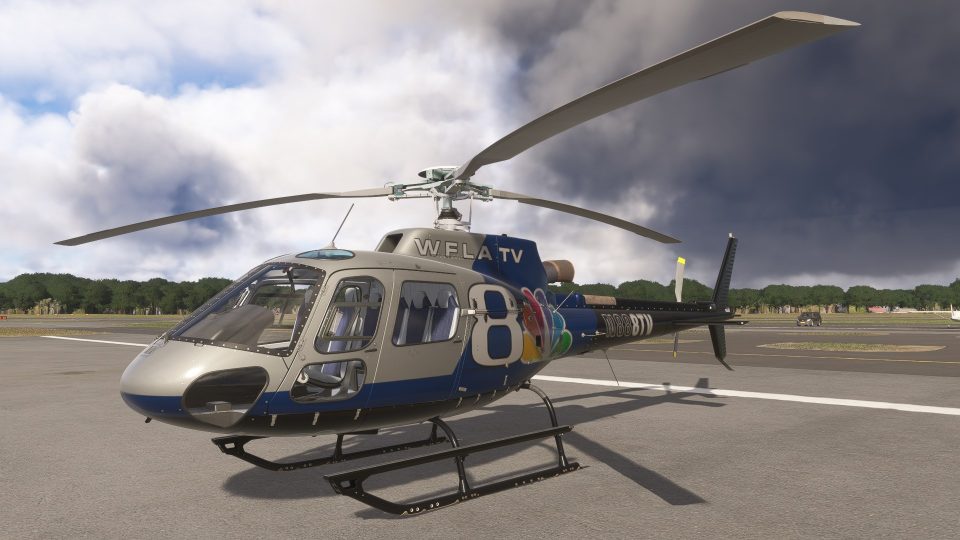

 FSX Helicopters
Eurocopter AS350 Ecureuil
Eurocopter AS350 Ecureuil helicopter. The AS350 by Nemeth brothers updated fo…
The Airbus H125 Ecureuil takes on WFLA-TV Eagle 8’s circa-1997 colors, bringing the identity of Tampa’s NBC-affiliated news helicopter to Microsoft Flight Simulator 2024. This single-livery texture package requires the simulator’s built-in Asobo helicopter and recreates the station’s period paint scheme for a distinctive local television-news appearance.
 Rate
 By euroastar350
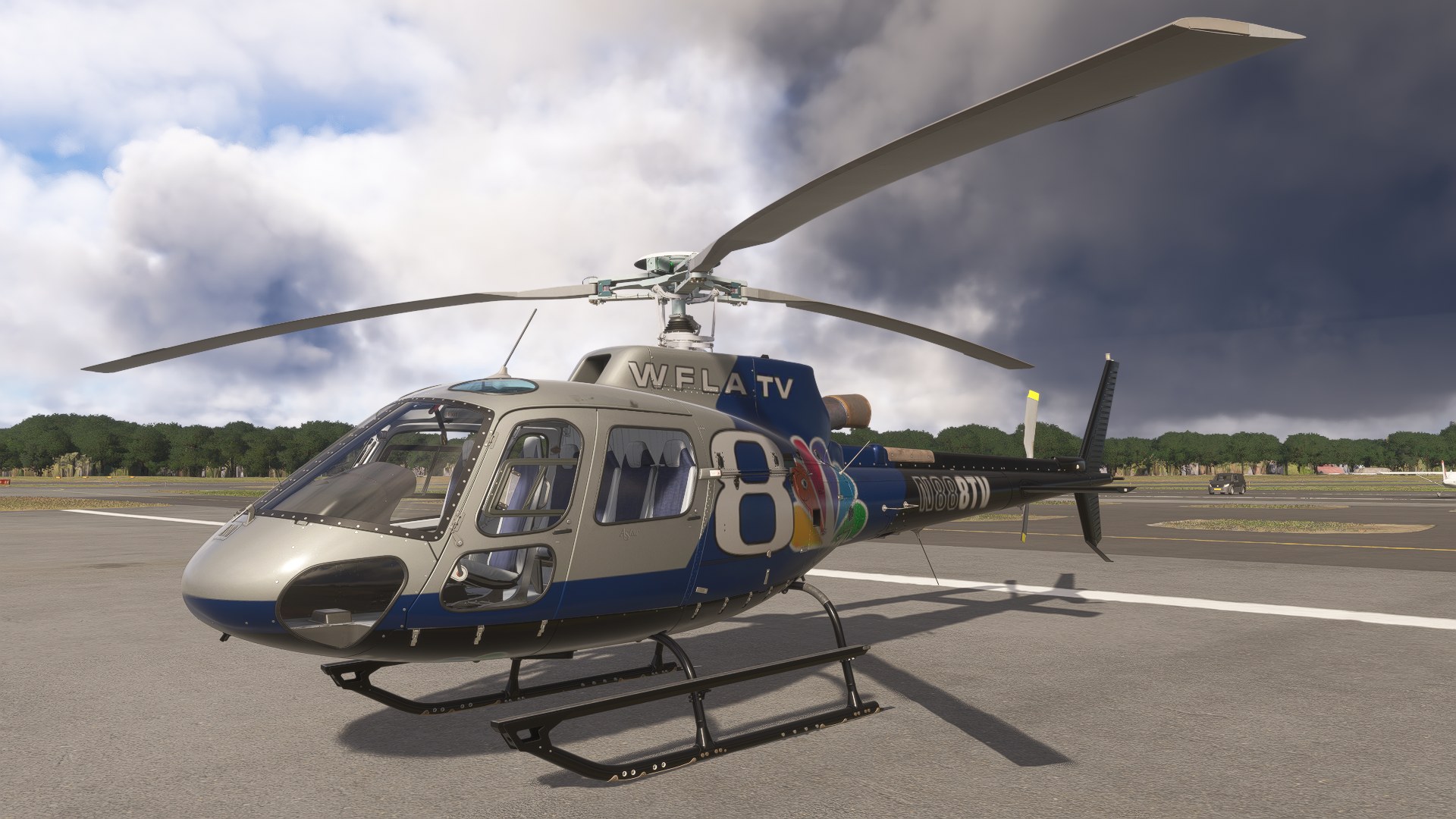
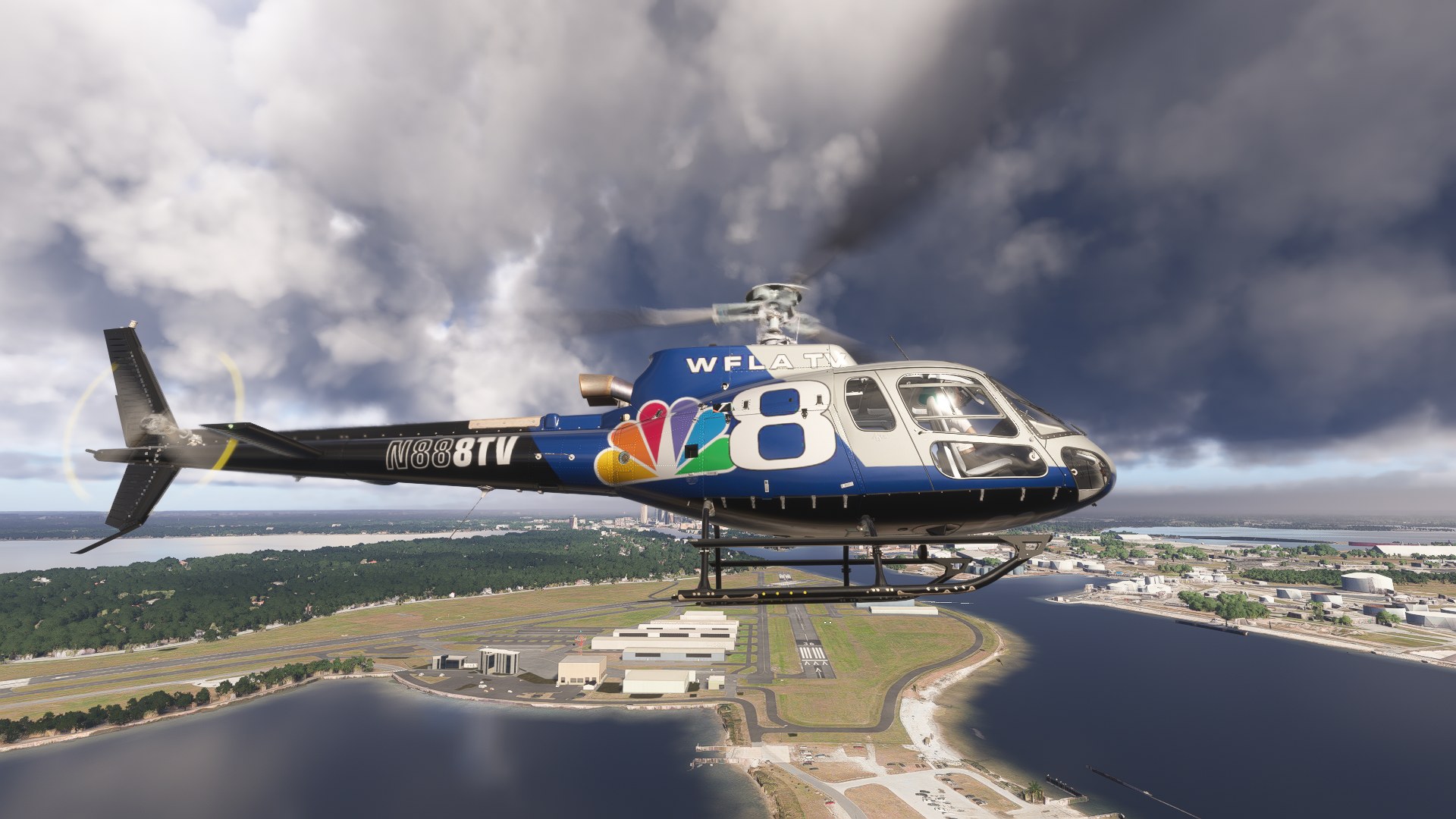
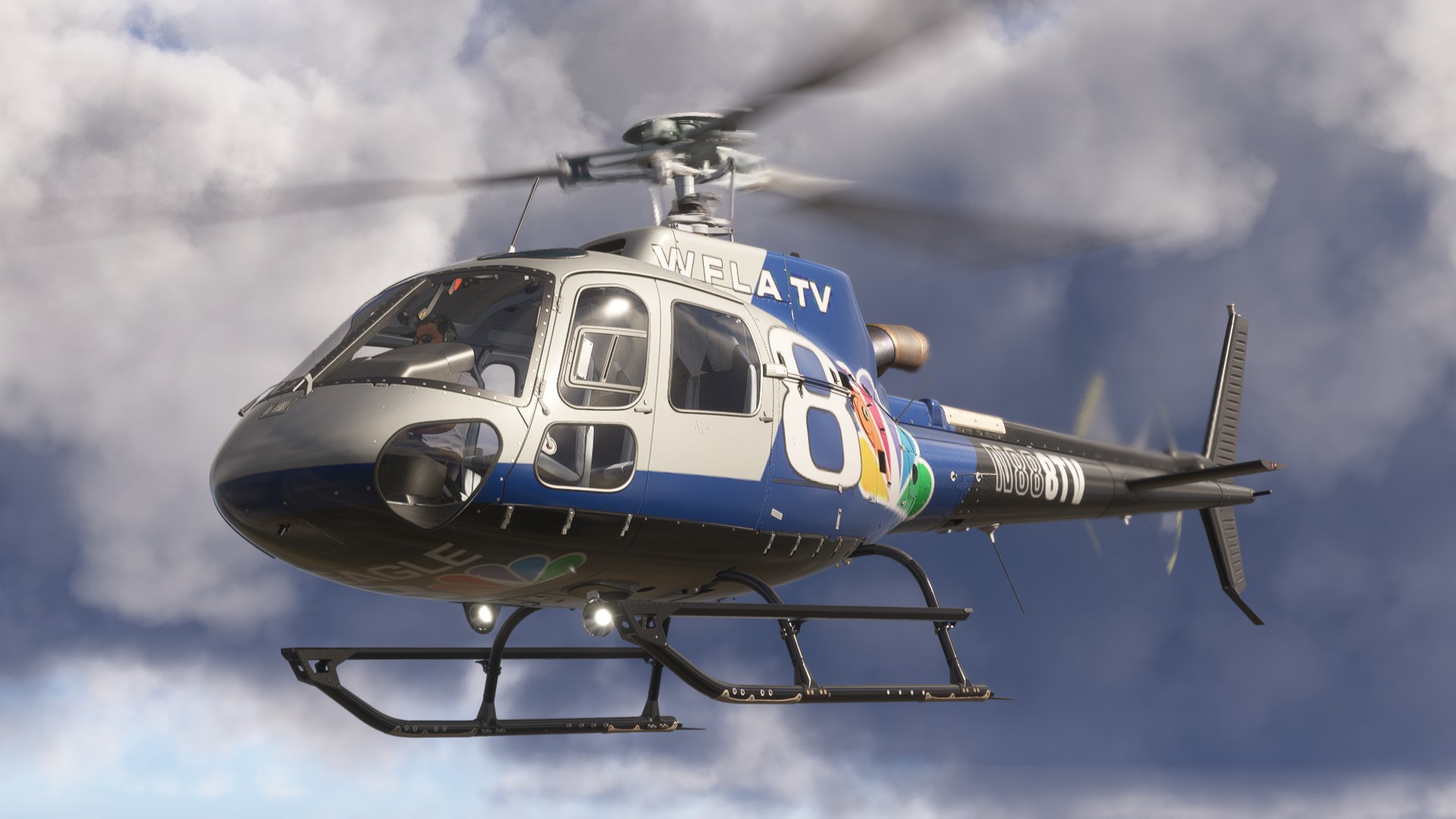

With the H125 airborne, I pulled the camera out broadside and the oversized white 8 caught my eye immediately. The NBC peacock beside it makes the station identity unmistakable. I like that boldness on a news helicopter; discreet branding would miss the point.
The choice of a specific period in Eagle 8’s history gives this repaint its appeal for me. I’d use it for an imagined local-news assignment, with the station identity supplying a reason for the flight rather than just a different paint job. That’s enough of a hook to bring me back to the H125. I wouldn’t treat the livery alone as evidence of an exact historical aircraft recreation, but I like the subject euroastar350 chose.
euroastar350 paints the Asobo Airbus H125 Ecureuil in WFLA-TV Eagle 8 colors from circa 1997 for Microsoft Flight Simulator 2024 only. Credited to Eagle Rotorcraft Simulations, this single-livery package contains textures only and uses the helicopter already built into the simulator.
The livery installs over that stock Asobo aircraft, so nothing else needs to be downloaded. No aircraft model is included in the package.
WFLA-TV is Tampa’s NBC affiliate. The Eagle 8 scheme gives the H125 a local television-news identity, with a period paint job from the station’s helicopter operations.
Free for all simmers · 49.02 MB · Scanned clean Nov 2026
Download speed: Free tier is capped at 2 Mbps (this file takes approximately 3 mins at the cap). PRO members download at full line speed.
Initial release.
%LOCALAPPDATA%\Packages\Microsoft.FlightSimulator_8wekyb3d8bbwe\LocalCache\Packages\Community\. Steam version: %APPDATA%\Microsoft Flight Simulator\Packages\Community\. Tip: enable Developer Mode in MSFS to see your exact Community folder path.readme.txt or README file. It tells you exactly where files go, what dependencies are needed, and any quirks specific to this add-on.I create custom models and liveries based on aircraft used by TV and radio stations. I also create other liveries for fixed and rotor wing. No commercial aircraft, military or fictional. Currently not taking requests at the moment.
Are you euroastar350? Sign in to Fly Away Creators for download stats, comment replies and updates. Make add-ons? Publish them here.
Only PRO members can place votes.
More MSFS add-ons hand-picked based on this download.
FSX Helicopters
Eurocopter AS350 Ecureuil helicopter. The AS350 by Nemeth brothers updated fo…
 FSX Helicopters
The AS.350 was developed by Aerospatiale in the early 1970s, an Avco Lycoming…
 FSX Helicopters
FSX Ecureuil AS350B3 Package. Tested with SP2. A helicopter made with Gmax. M…
 FSX Helicopters
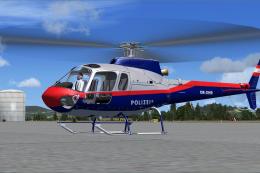
Austrian Police Aerospatiale AS350 Ecureuil. A repaint of the Austrian Police…
 FSX Helicopters
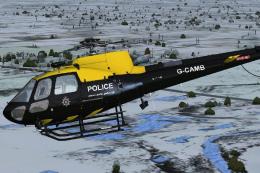
This is a repaint of the Nemeth Designs Aerospatiale AS350 Ecureuil in Cambri…
 FSX Helicopters
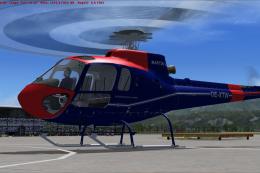
Austria Flugpolizei Ecureuil Helicopter. A repaint of the freeware Ecureuil f…
 FSX Helicopters
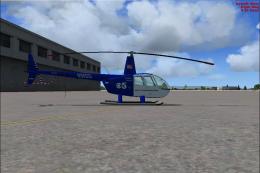
FSX KPIX TV Chopper Robinson R44. Textures only for use with Just Flight Flyi…
 FS2004 Military Aircraft
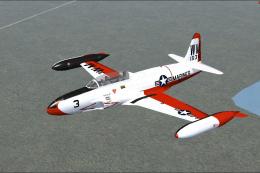
This freeware repaint package showcases a distinguished US Marine Corps TV-2 …
Be the first to leave a comment on this download.
Be the first to share your thoughts on this download.