

 FSX Scenery
CYGR - Ile de la Madeleine
CYGR - Ile de la Madeleine. Iles-de-la-Madeleine Airport is located on the is…
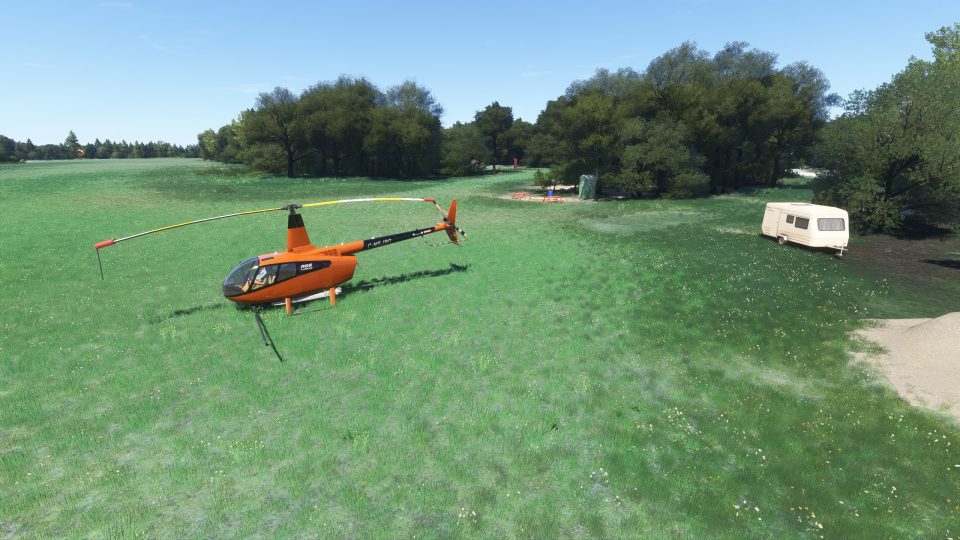
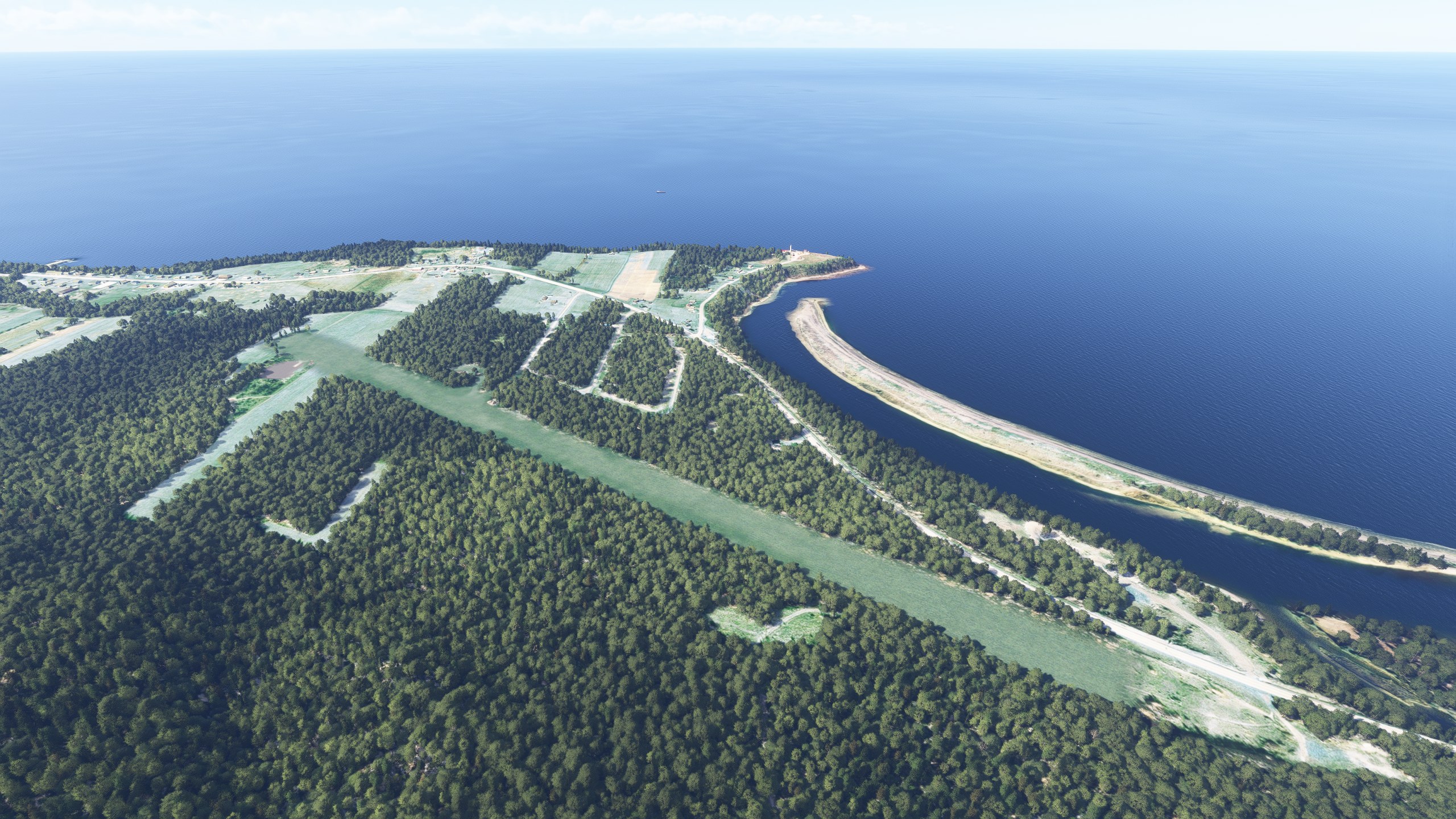
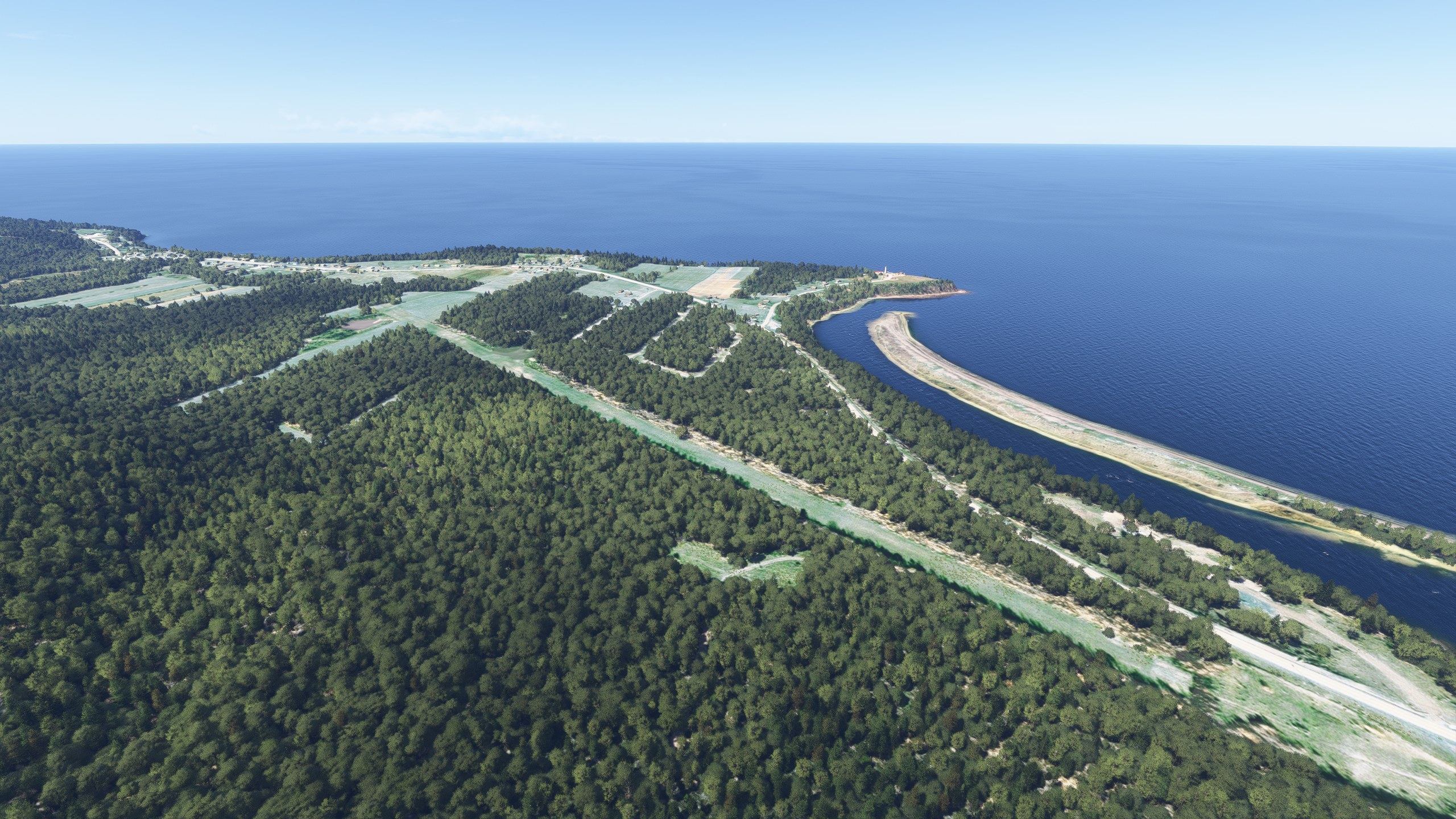
Sainte-Madeleine’s former grass airstrip, CTJ3, returns to Quebec’s Gaspé Peninsula in Microsoft Flight Simulator 2024 as an interpretive recreation with imagined airport infrastructure. The scenery adds detail around the field, places a lighthouse and buildings at the nearby lookout, and refines the sand bar terrain along the south shore of the St. Lawrence estuary.
 Rate
 By NonSmallJohn
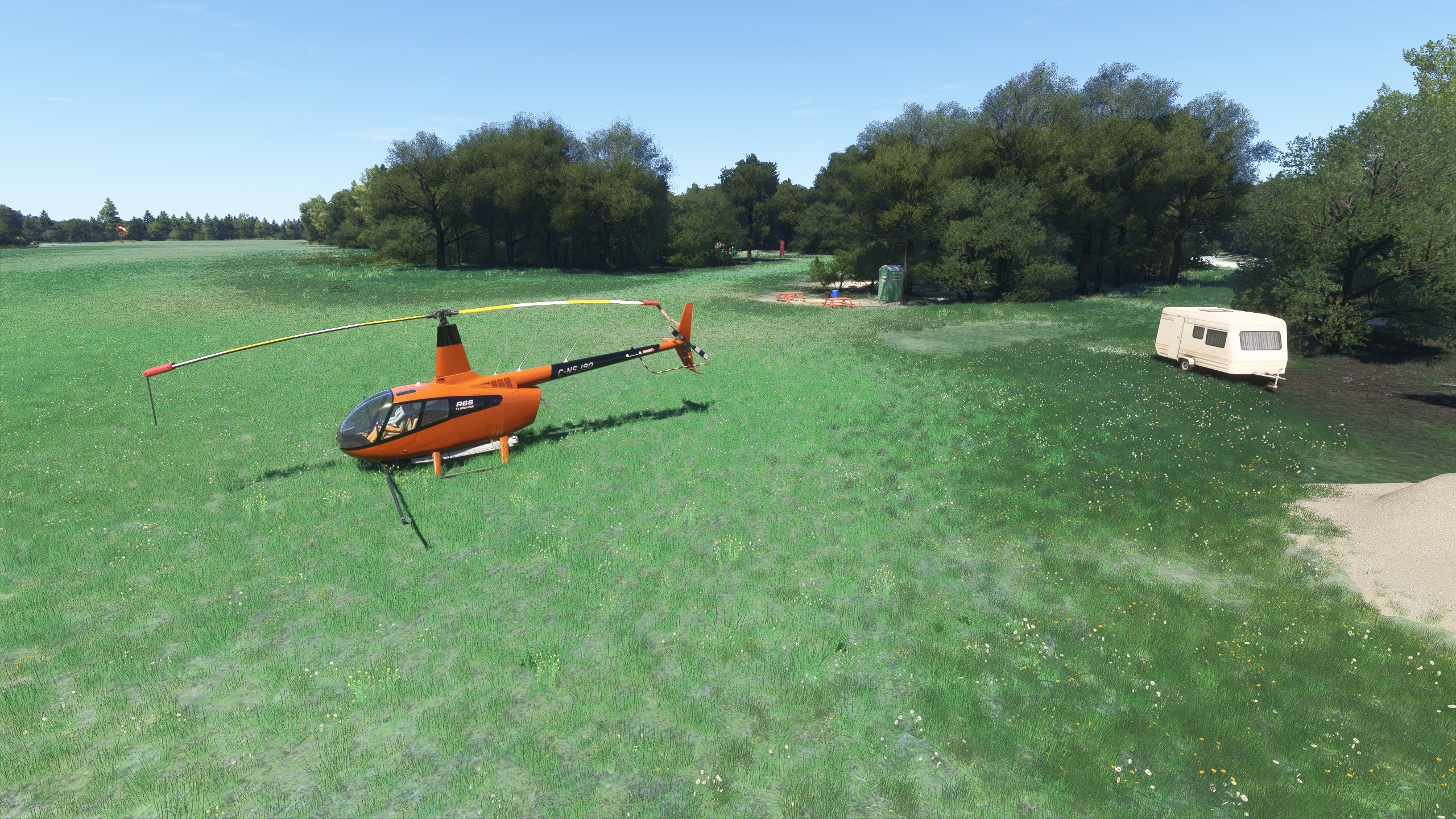
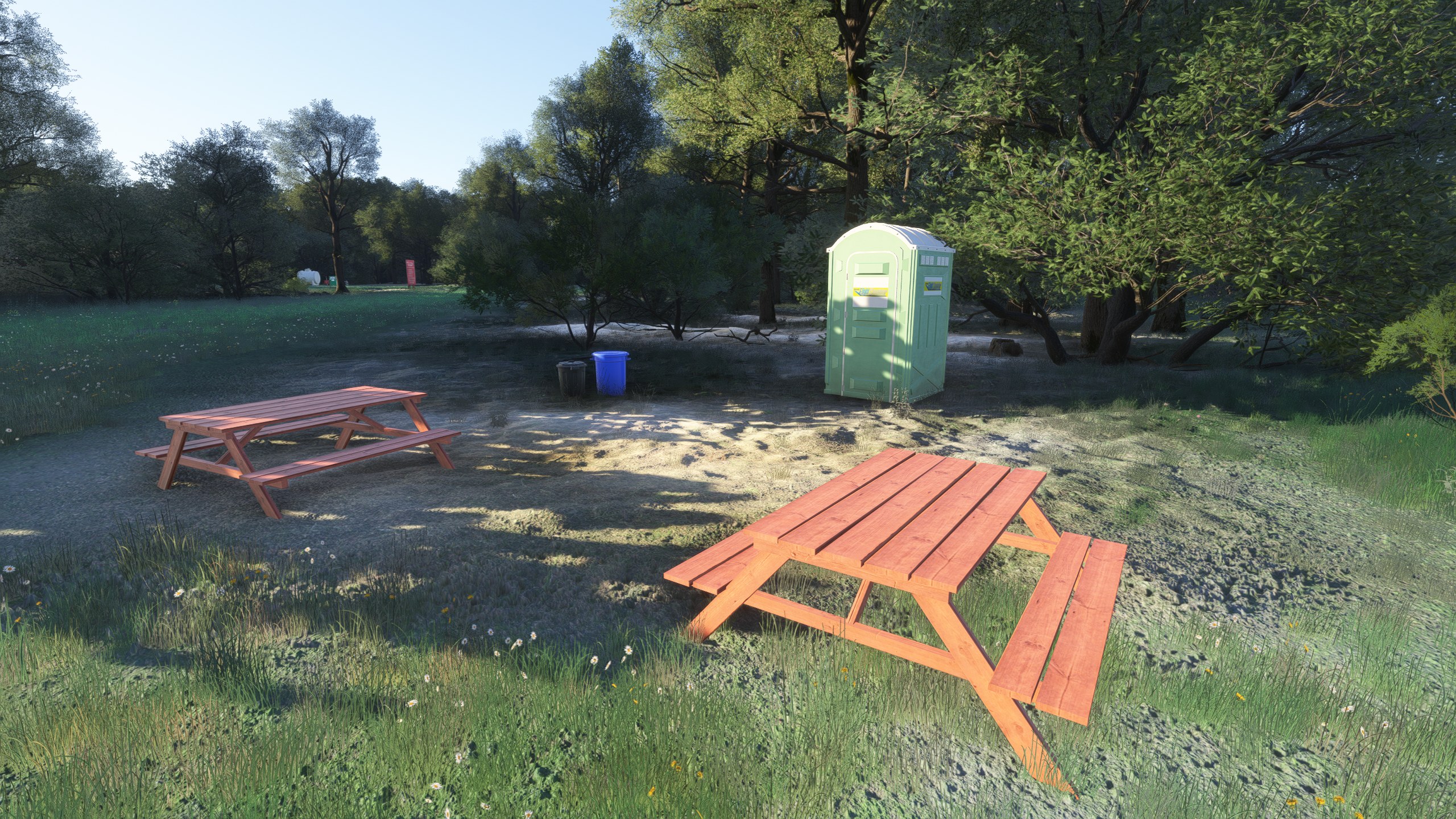
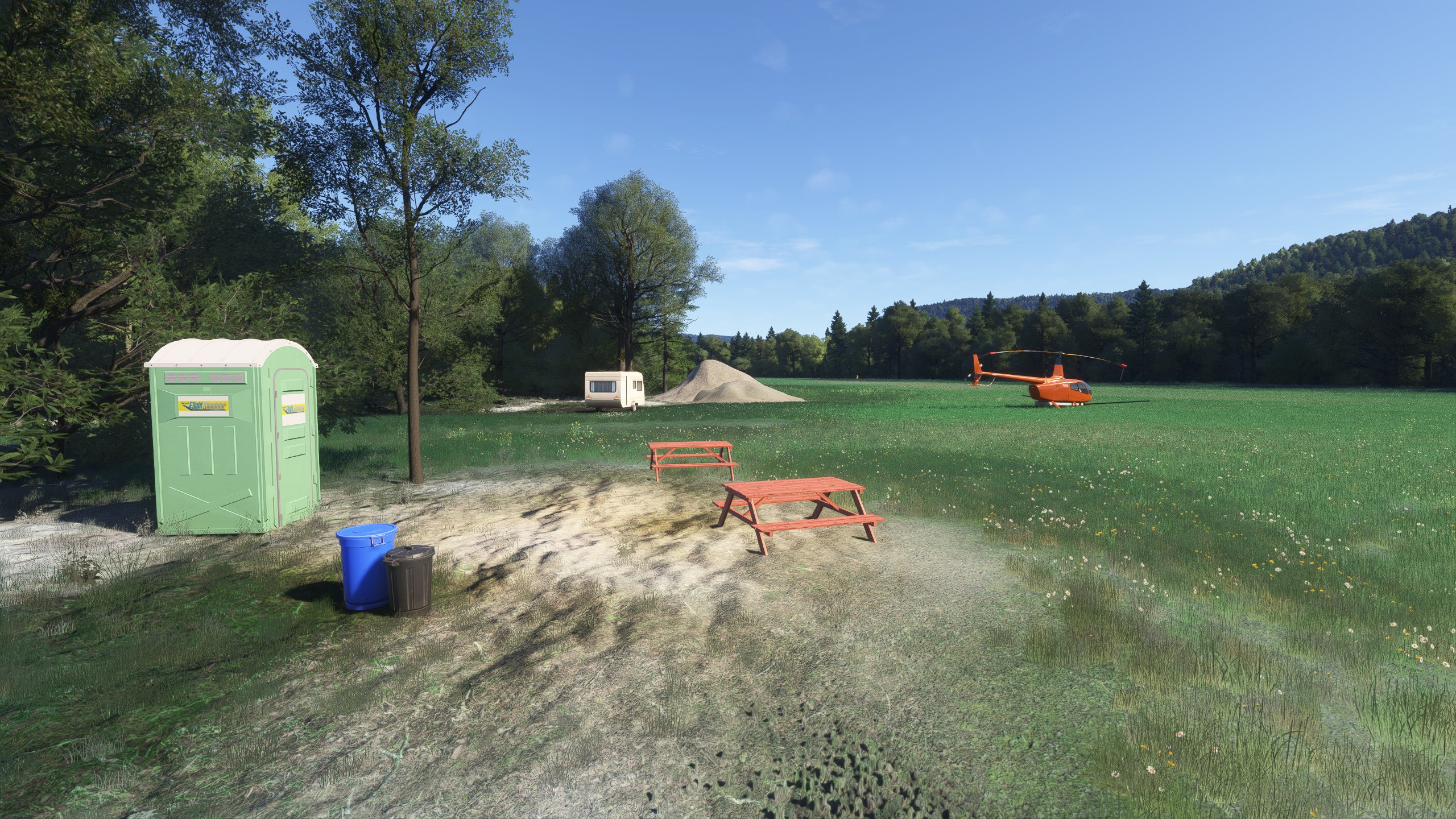
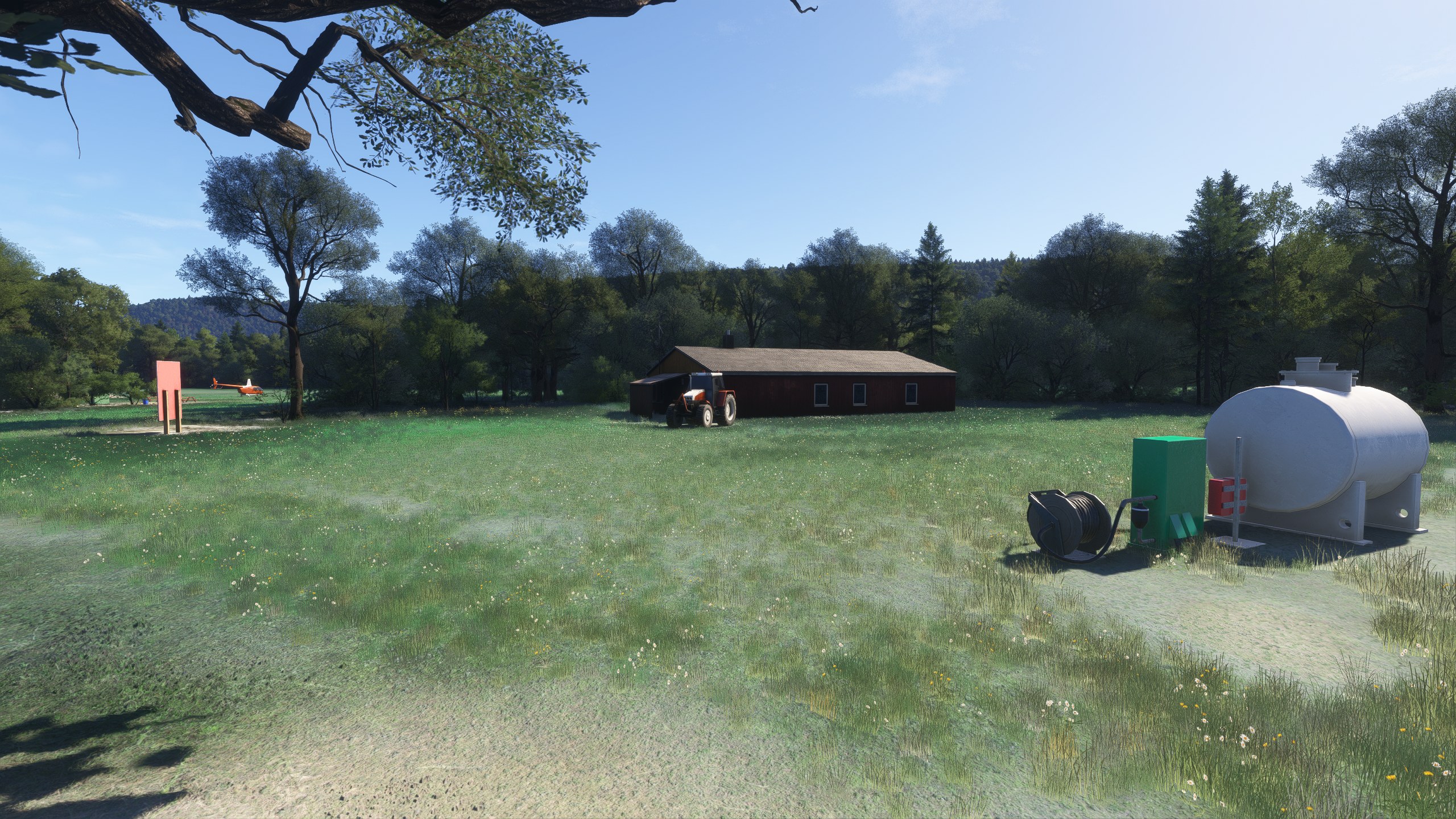
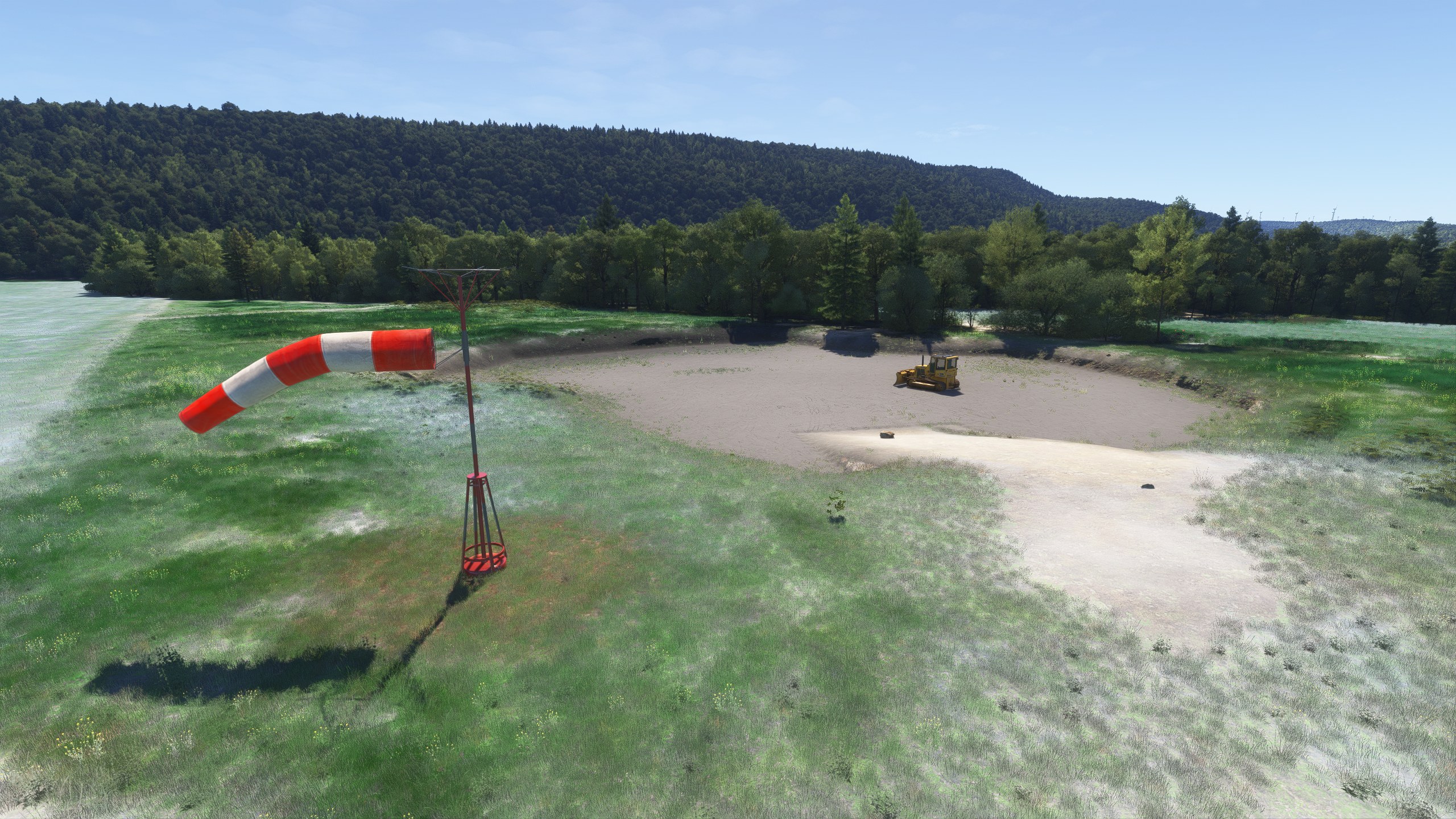
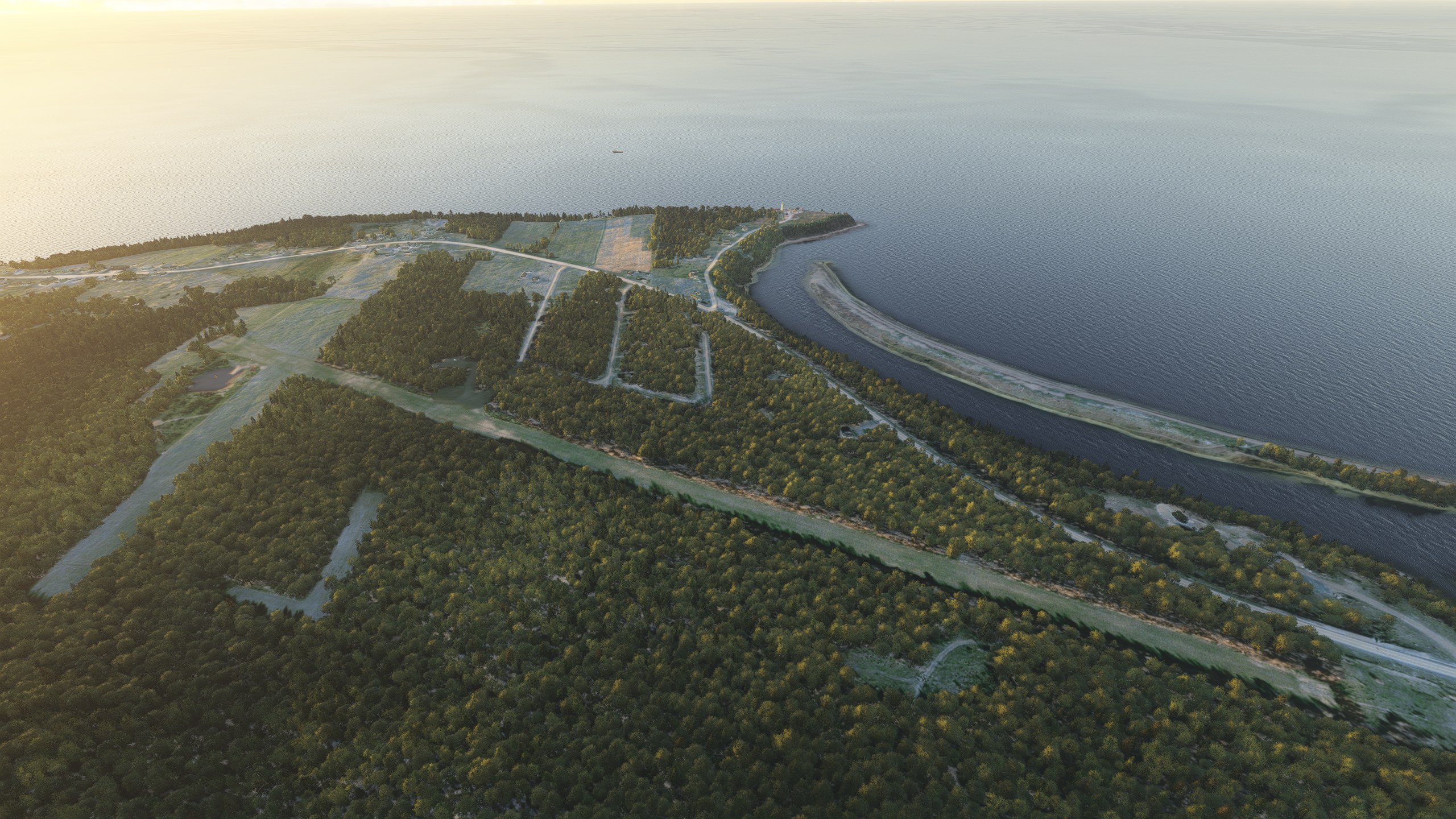
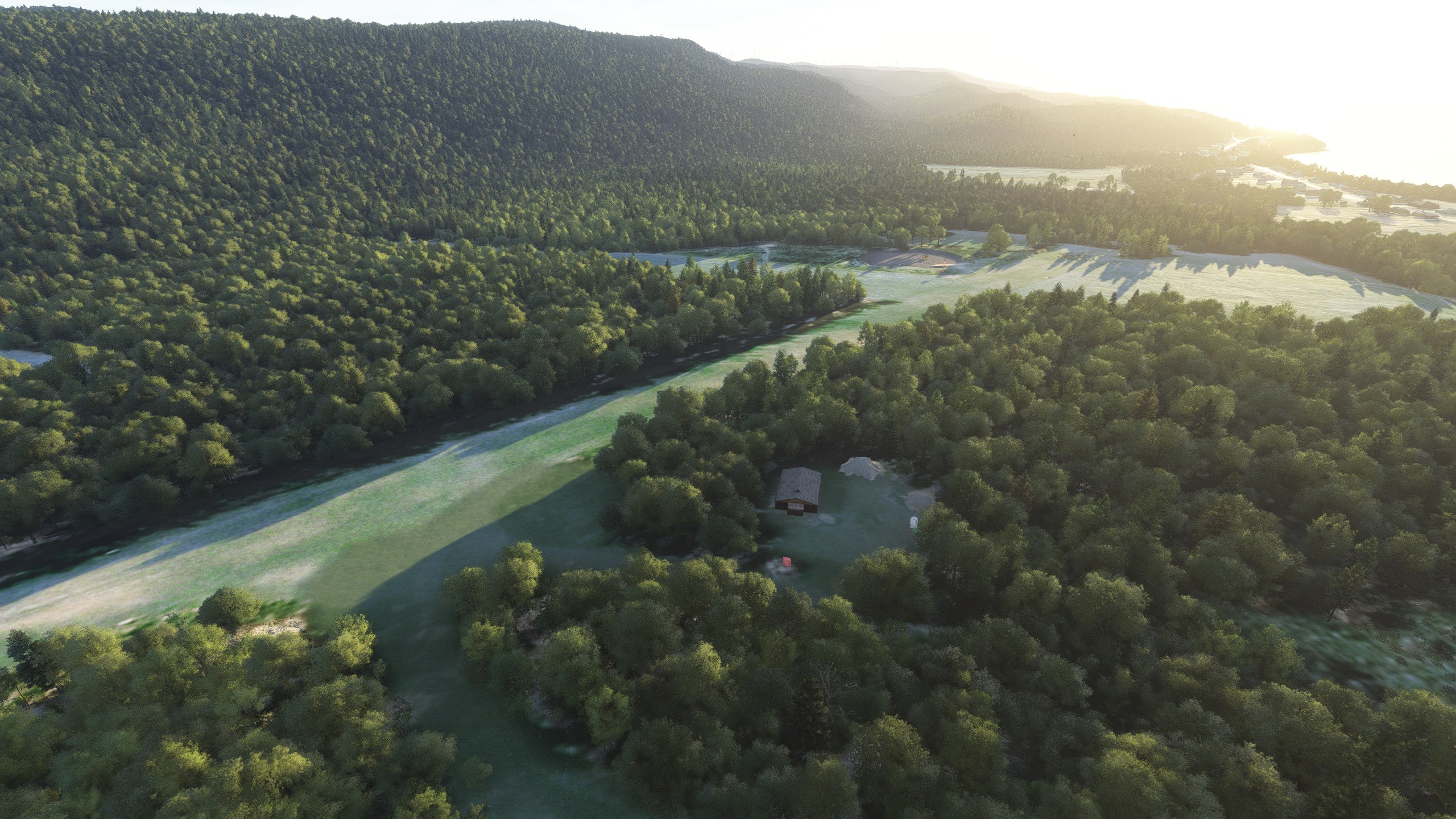
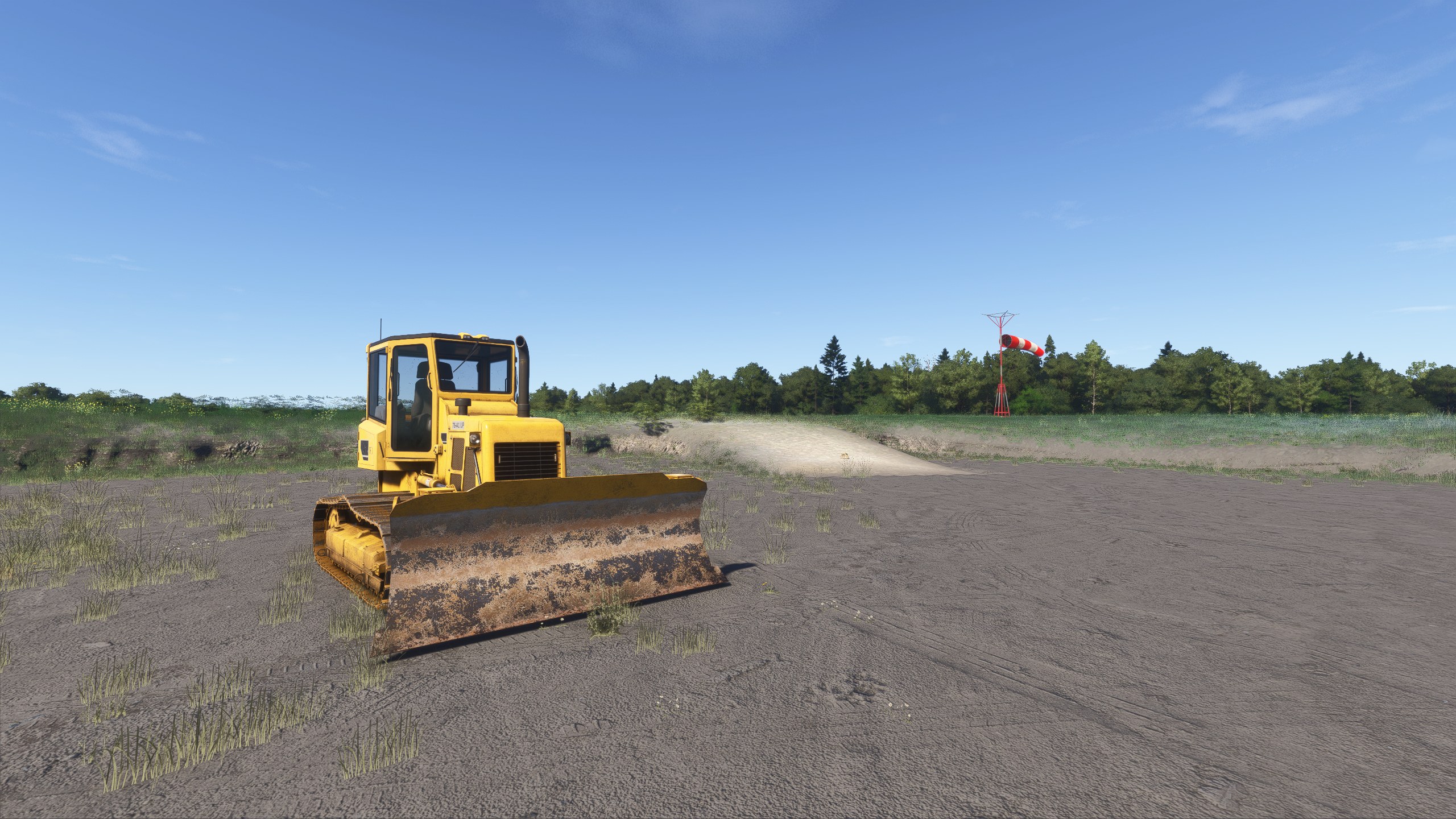
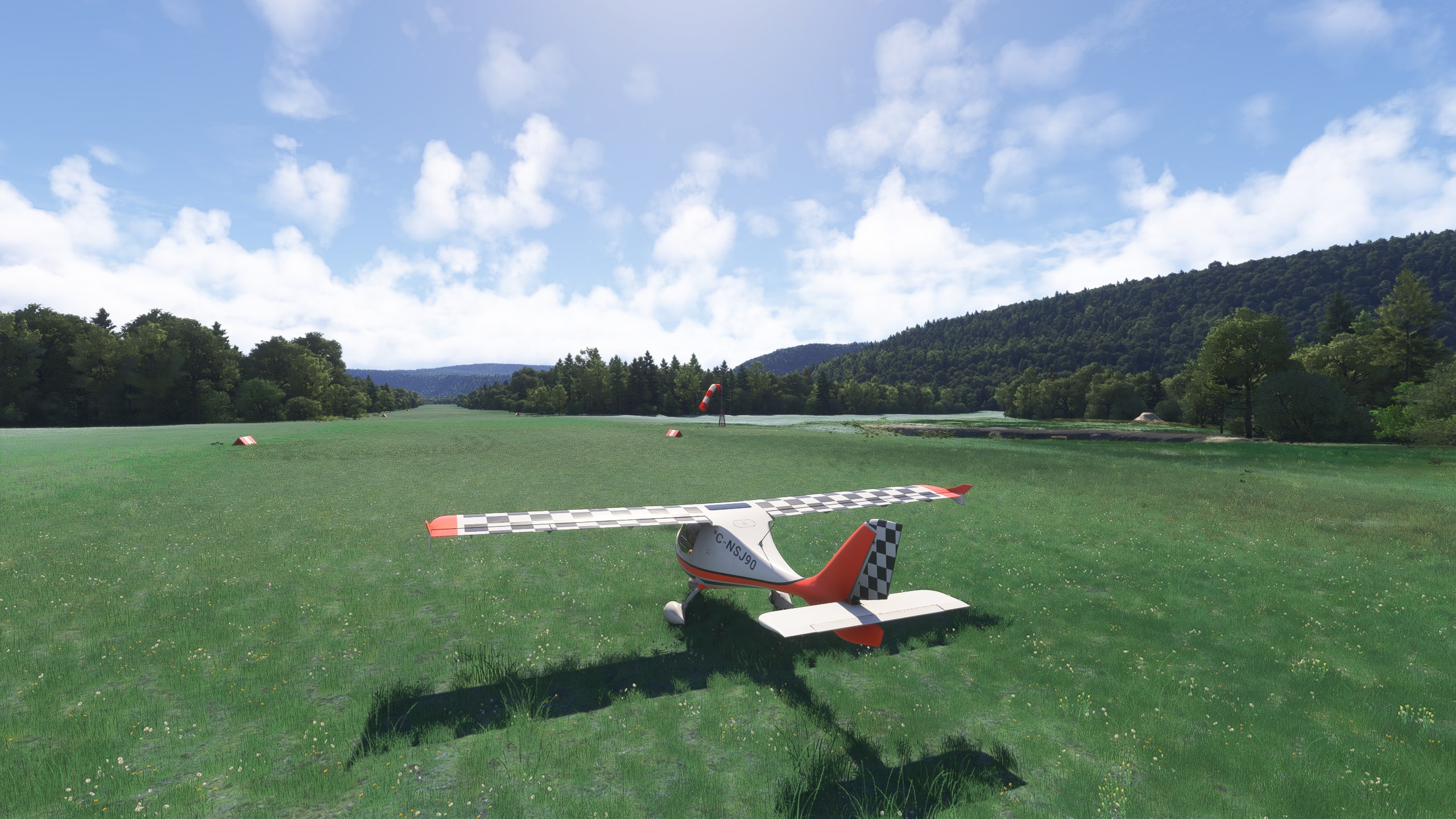
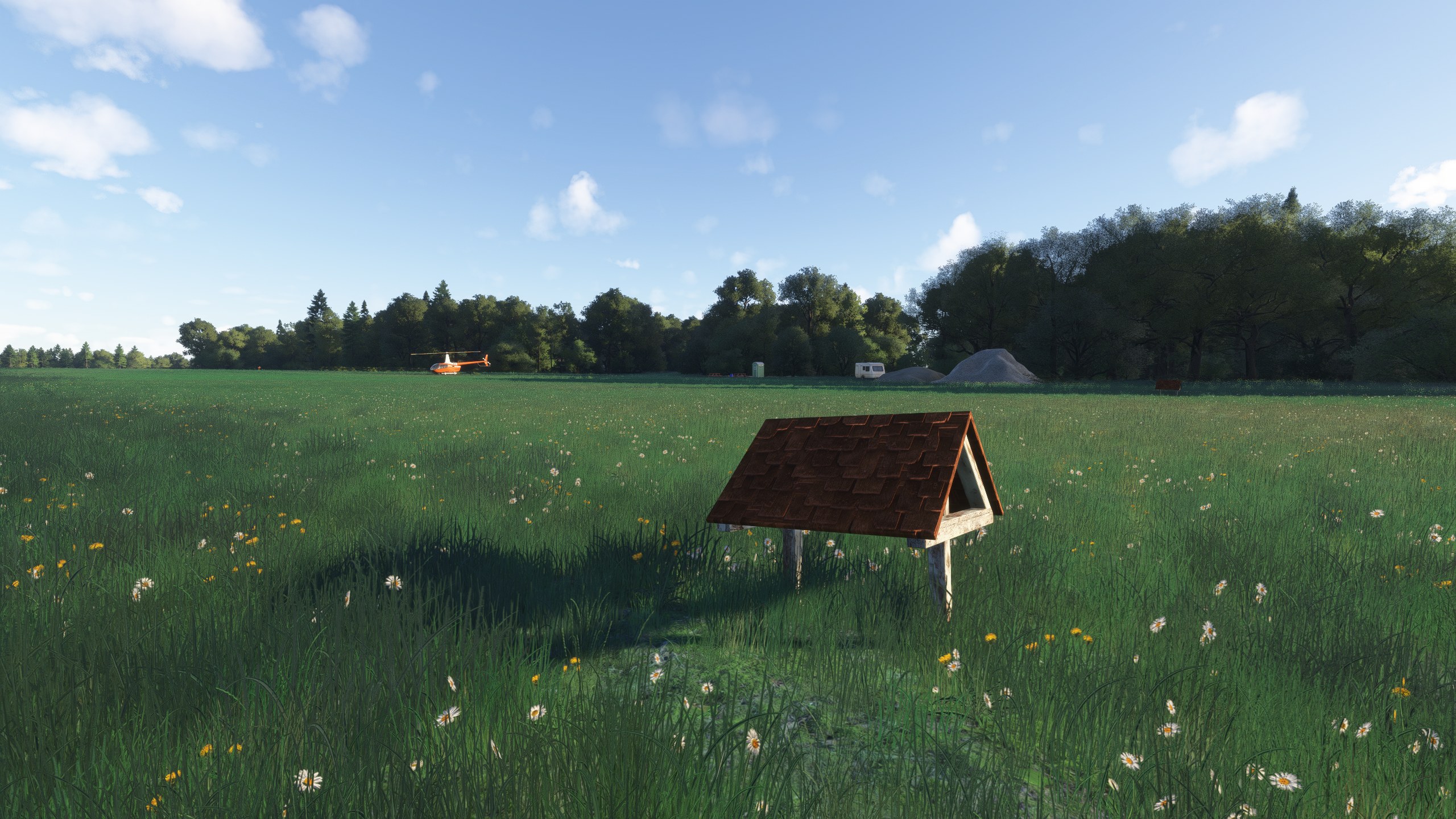
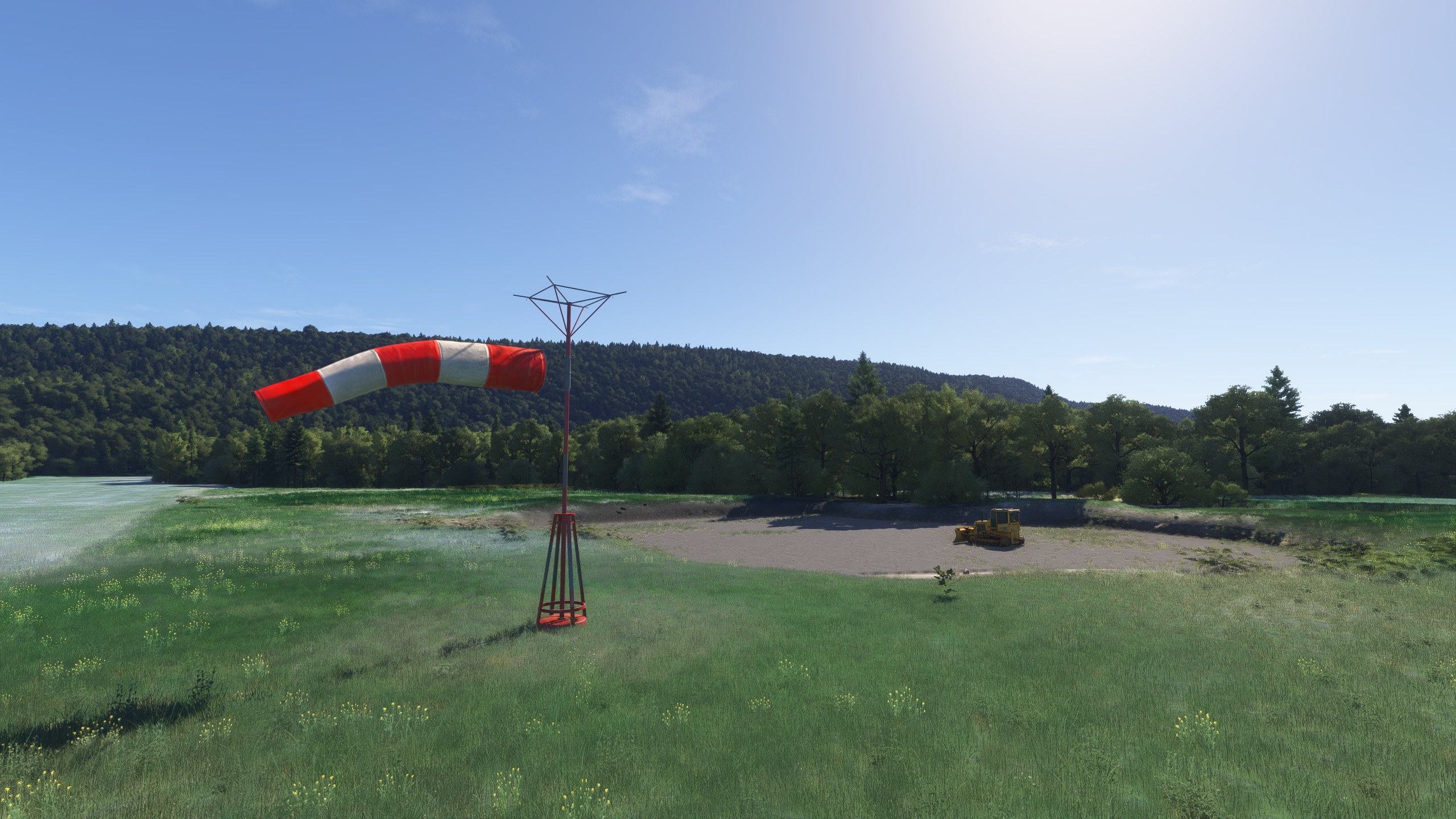
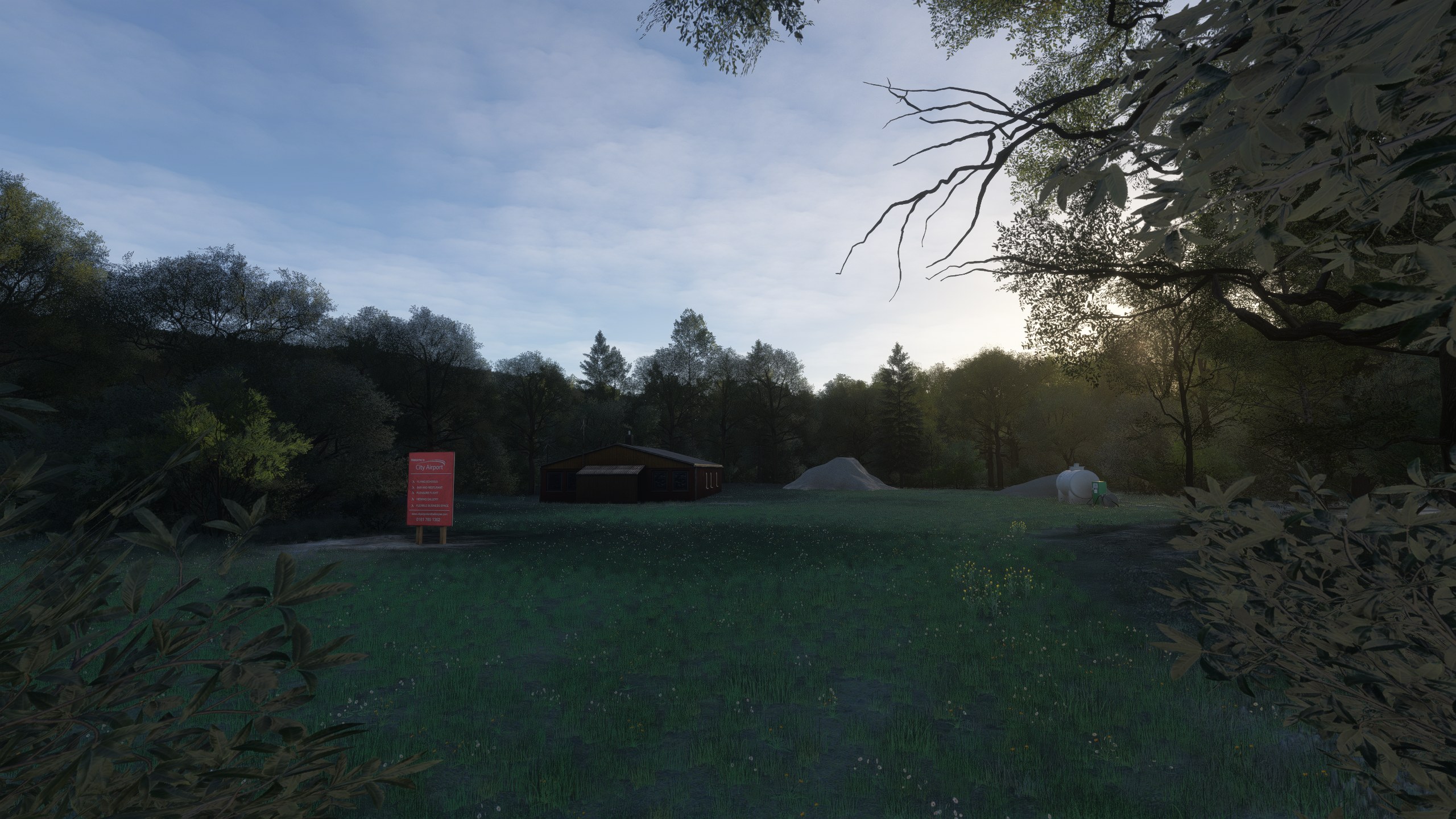
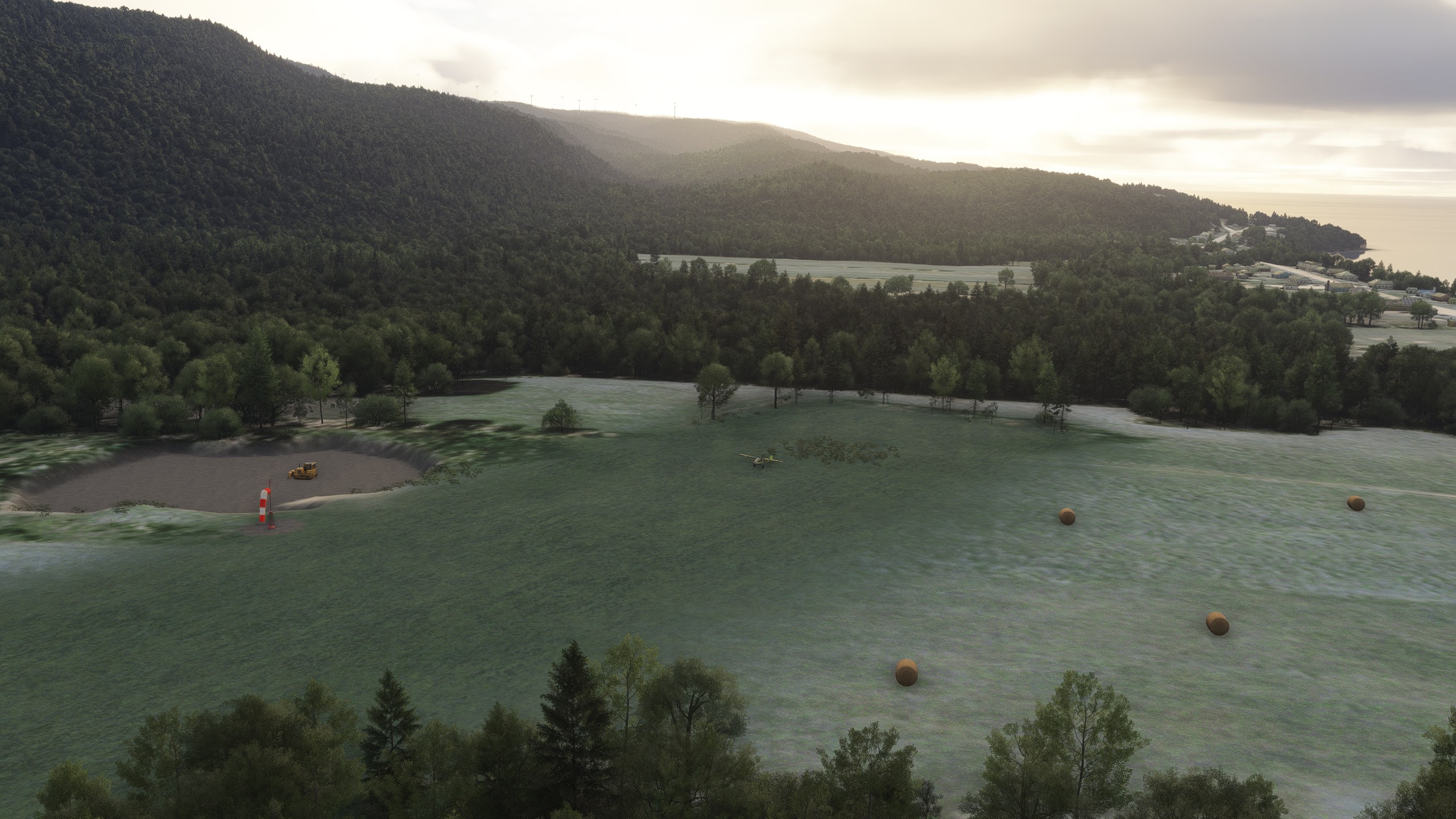
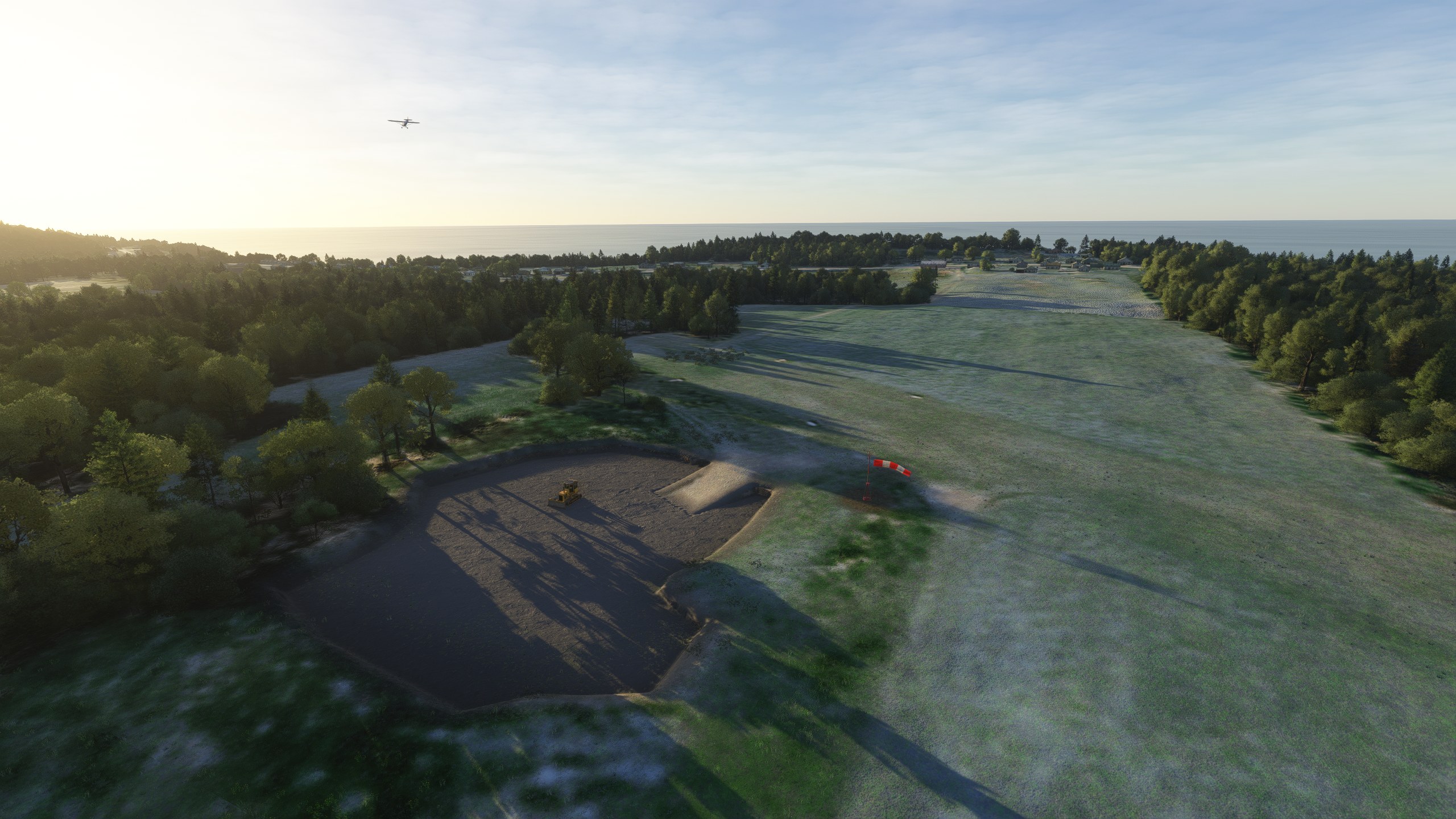
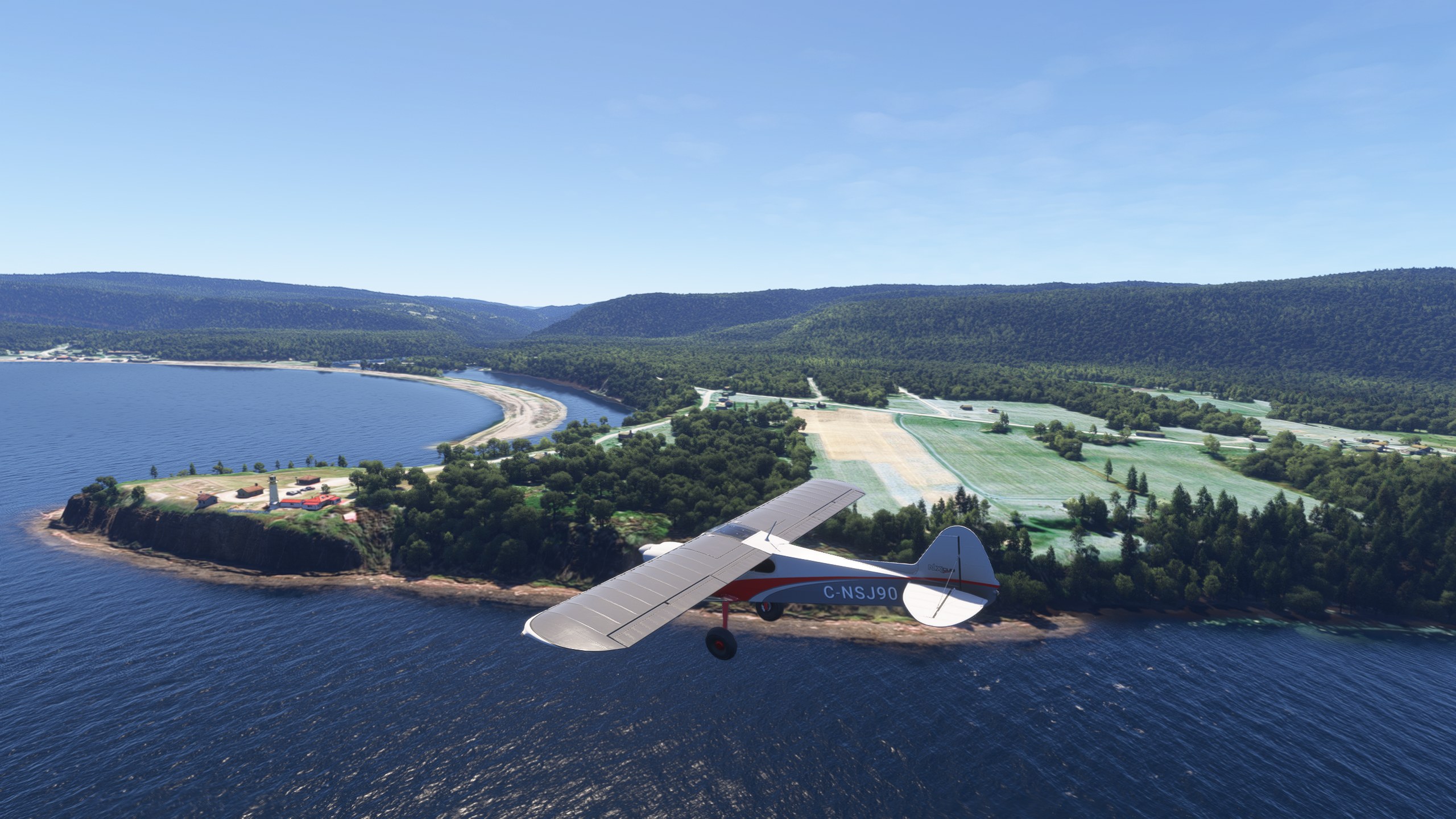
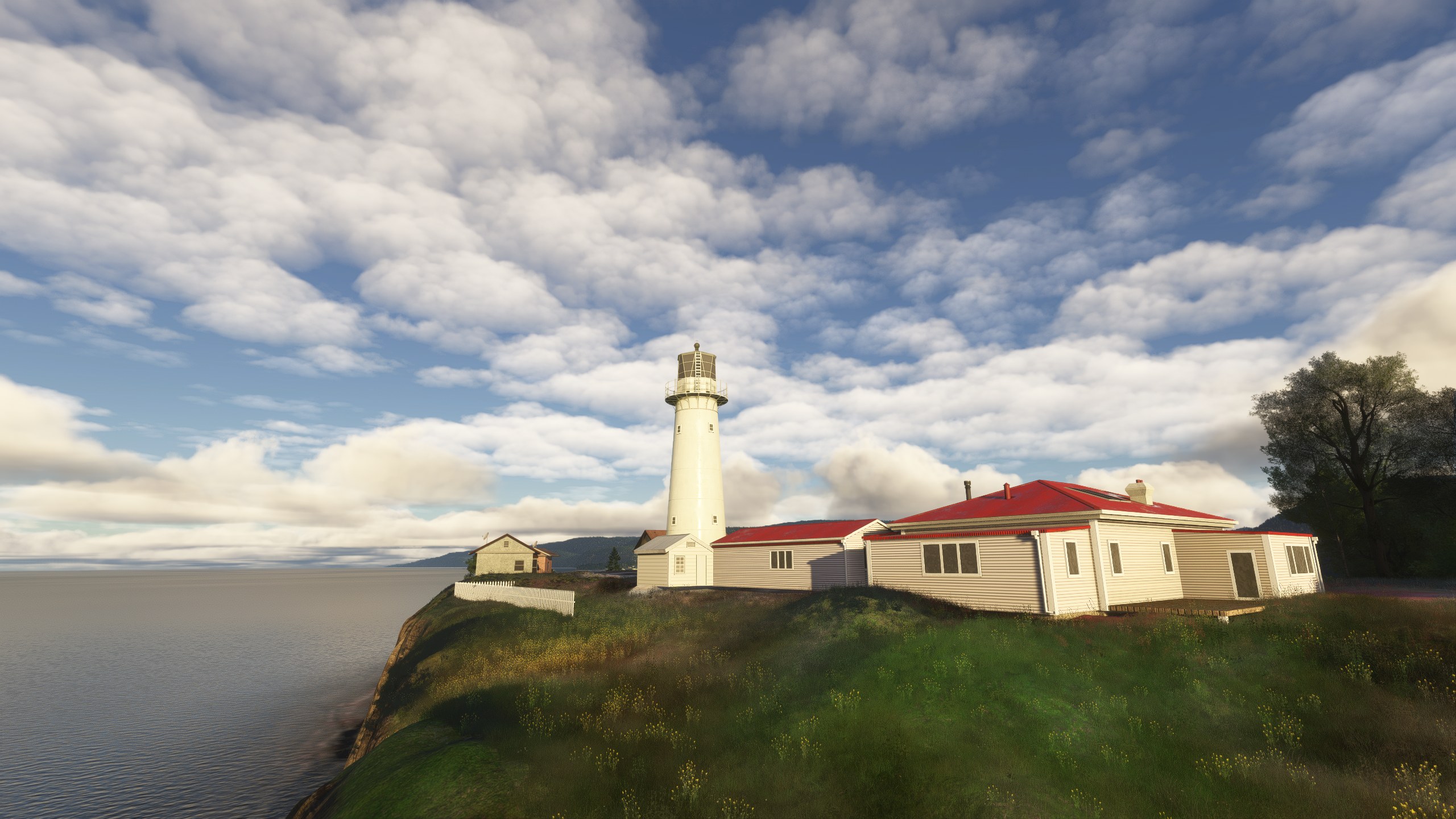
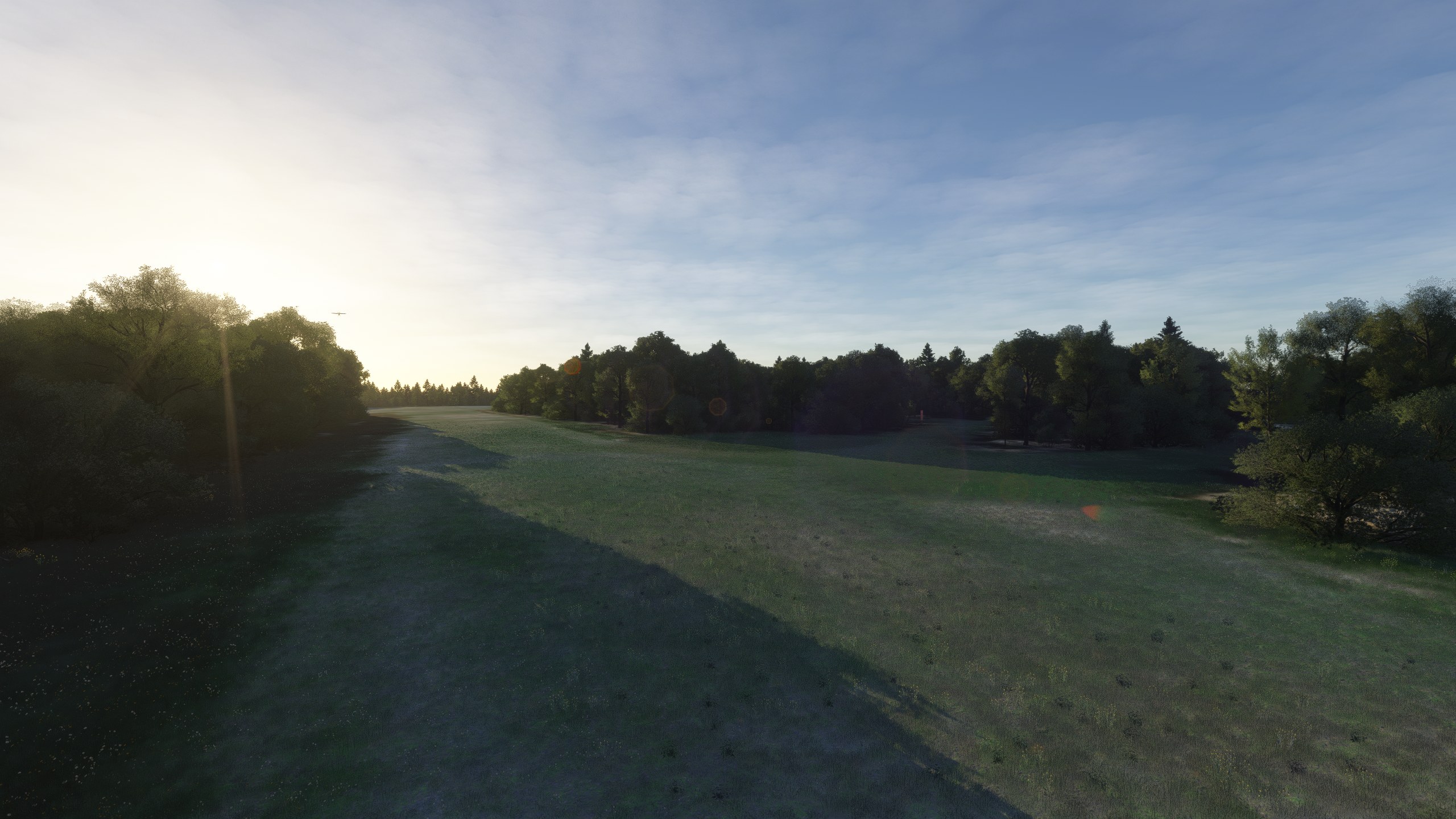
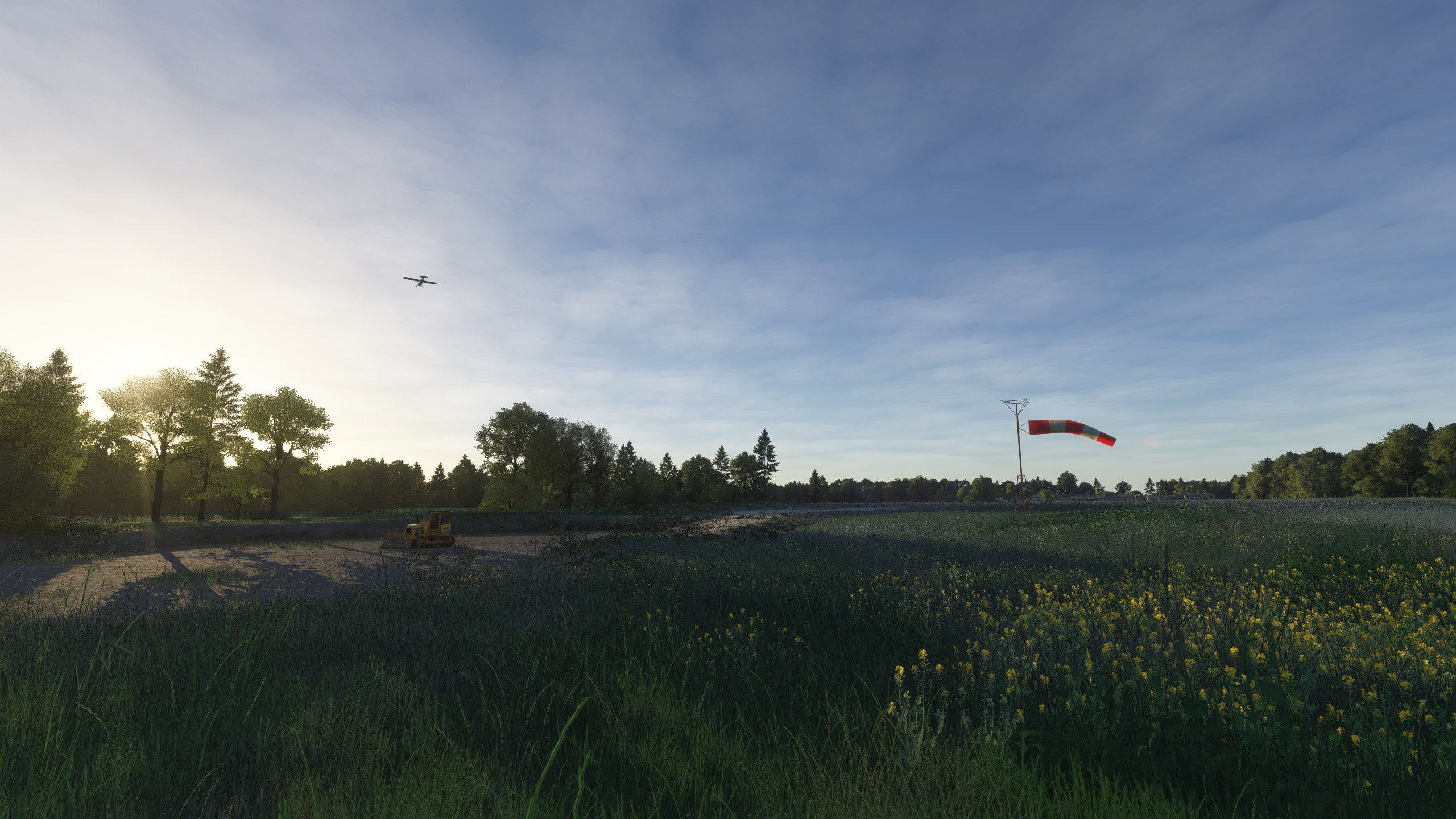
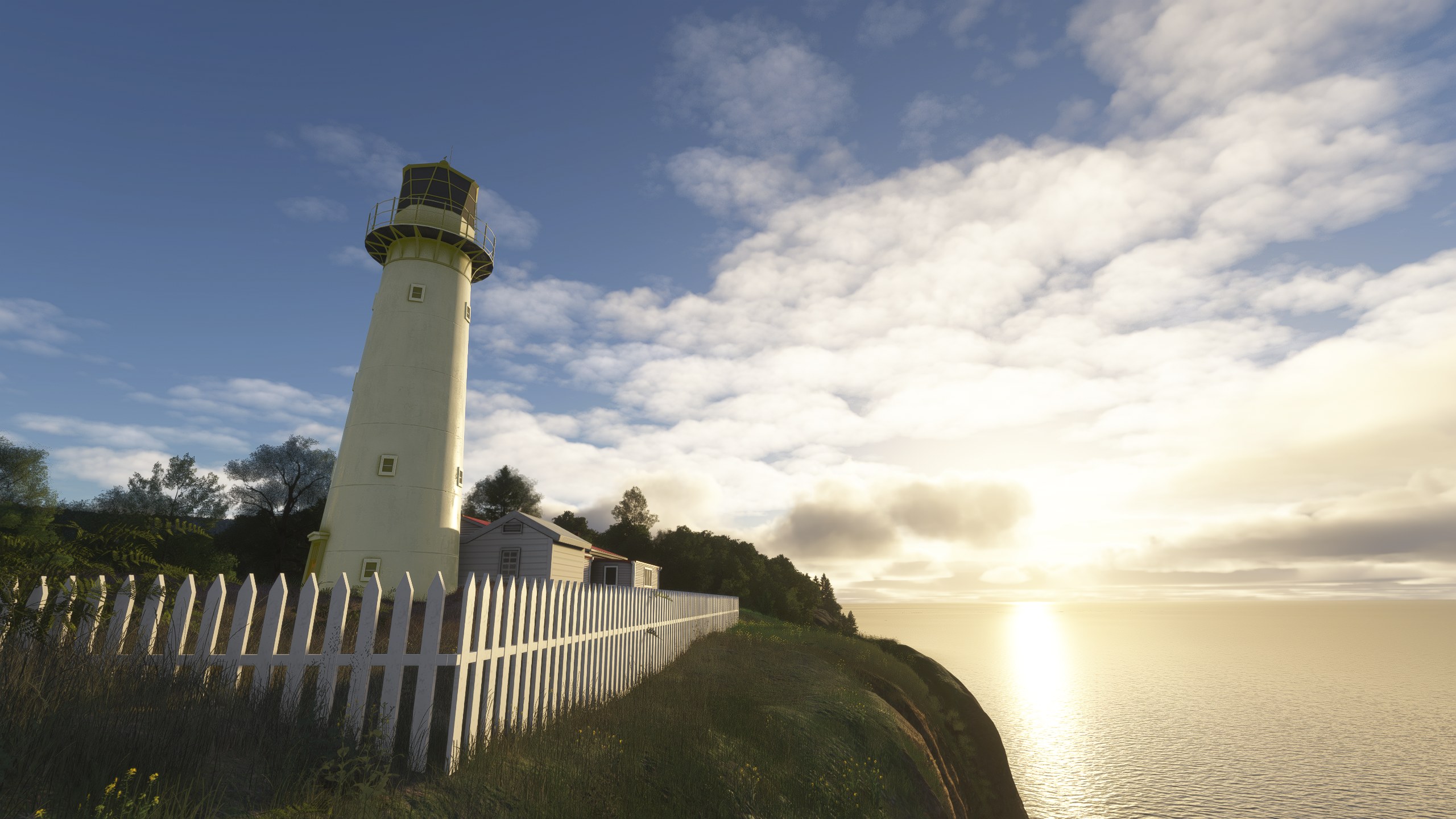

At small strips I generally spend more time checking the runway than looking around the parking area. CTJ3 gave me a reason to linger after landing: the picnic tables tucked against the trees make the field feel like somewhere to stop for lunch. I like that modest scale. The airport detail suits an afternoon outing rather than a busy flying operation.
The work beyond the runway matters to me, too. On departure, I made a detour past the lookout before following the sand bar; that gave the flight a little more purpose than simply logging another grass-strip landing. Extending the scenery to those nearby features was a good choice. I’d use this for casual exploring, not as a reference for how the airport once looked.
NonSmallJohn recreates the long-closed grass airstrip at Sainte-Madeleine-de-la-Rivière-Madeleine, Quebec, in this CTJ3 scenery for Microsoft Flight Simulator 2024 only. The work extends to the nearby lookout and sand bar, but most airport infrastructure is imagined because reference material was scarce. Treat it as an interpretation of the former field, not a documented historical reconstruction.
The airport has been out of use for many years. Its listed address is 151 Rte Principale, Madeleine-Centre, QC G0E 1P0, on Quebec’s Gaspé Peninsula along the south shore of the St. Lawrence estuary.
This is NonSmallJohn’s first custom airport project. The developer welcomes information about the former airstrip or reference photographs that could help refine the scenery.
Known issue: the custom wooden runway markers do not display or build correctly during export. Temporary markers are in place.
The supplied description gives no installation instructions.
Free for all simmers · 571.85 KB · Scanned clean Nov 2026
Download speed: Free tier is capped at 2 Mbps. PRO members download at full line speed.
%LOCALAPPDATA%\Packages\Microsoft.FlightSimulator_8wekyb3d8bbwe\LocalCache\Packages\Community\. Steam version: %APPDATA%\Microsoft Flight Simulator\Packages\Community\. Tip: enable Developer Mode in MSFS to see your exact Community folder path.readme.txt or README file. It tells you exactly where files go, what dependencies are needed, and any quirks specific to this add-on.I am Michael, I primarily produce scenery mods for Microsoft Flight Simulator 2024 and 2020. I stive to improve the local scenery and keep it up to date with reality.
Are you NonSmallJohn? Sign in to Fly Away Creators for download stats, comment replies and updates. Make add-ons? Publish them here.
Only PRO members can place votes.
More MSFS add-ons hand-picked based on this download.
FSX Scenery
CYGR - Ile de la Madeleine. Iles-de-la-Madeleine Airport is located on the is…
 FSX Scenery
(Caraibes). Saint Lucia Island scenery including the correct redefinition of …
 FSX Scenery
Sainte Leocadie (LFYS), France. Airport combines an aero club for GA with a m…
 FSX Scenery
Quebec Jean Lesage International Airport (CYQB), Canada, v3.0. Includes termi…
 FS2004 Scenery
Made only for FS2004 and will not work in previous versions. These files add …
 FSX Scenery
Quebec City 2.0, Canada. Quebec City (Ville de Quebec in French) is the capit…
 FSX Scenery
Lakes, shorelines and rivers of the province of Quebec, Canada (for FSX only)…
 FS2004 Scenery
Saint-Michel-des-Saints is situated in the Laurentian mountains in Québec. Th…
Be the first to leave a comment on this download.
Be the first to share your thoughts on this download.