


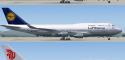
FS2004 iFly Boeing 747-400
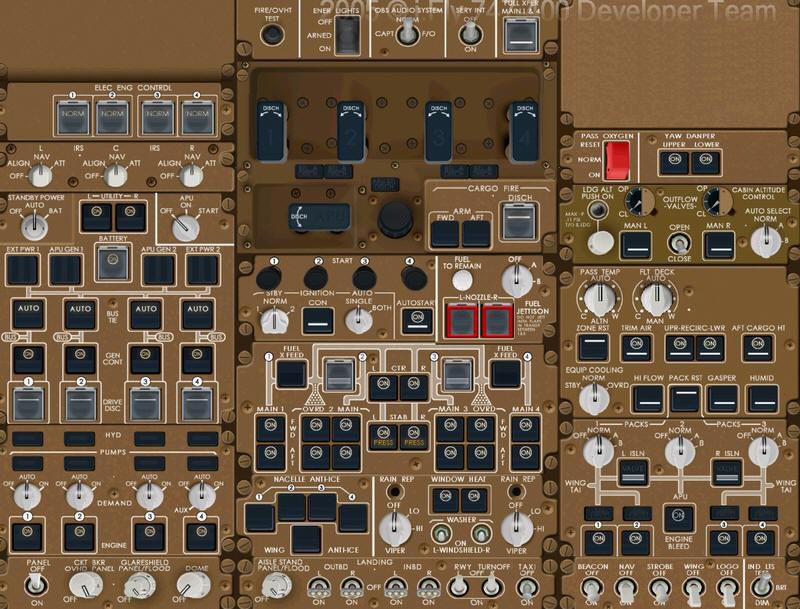
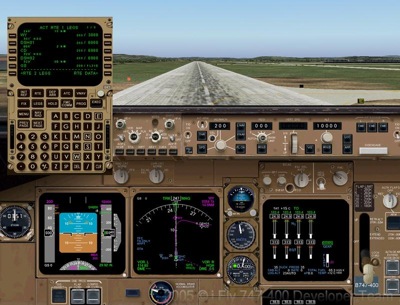
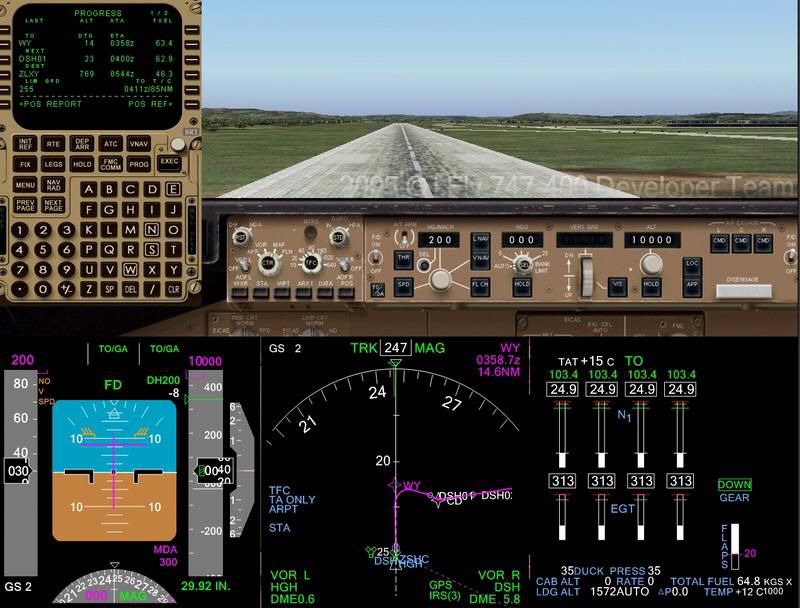
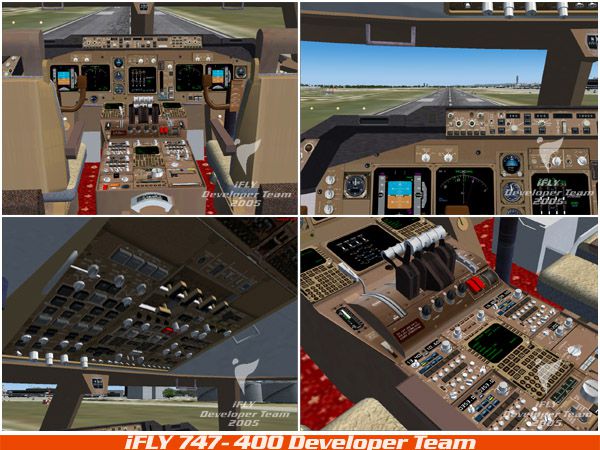
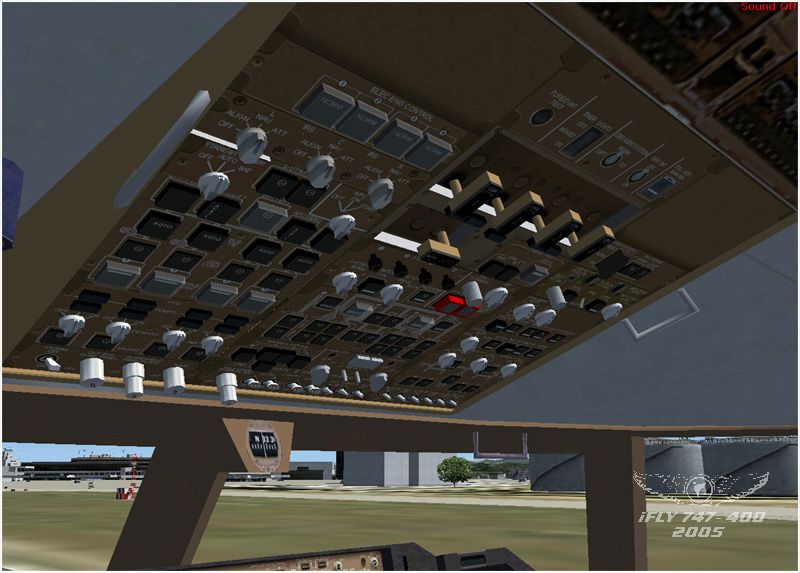
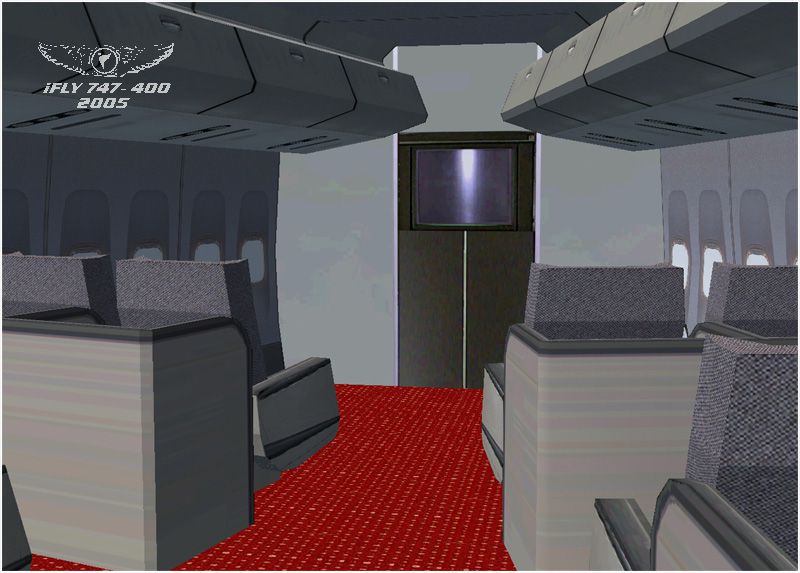
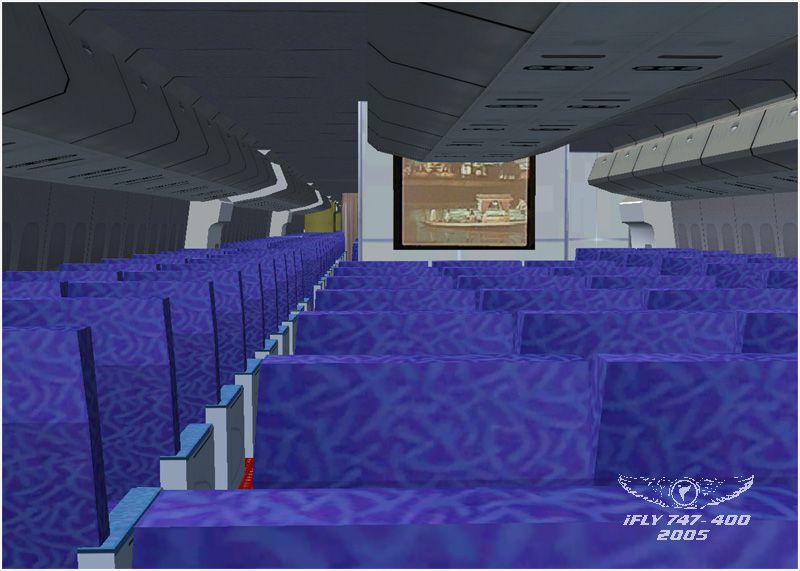
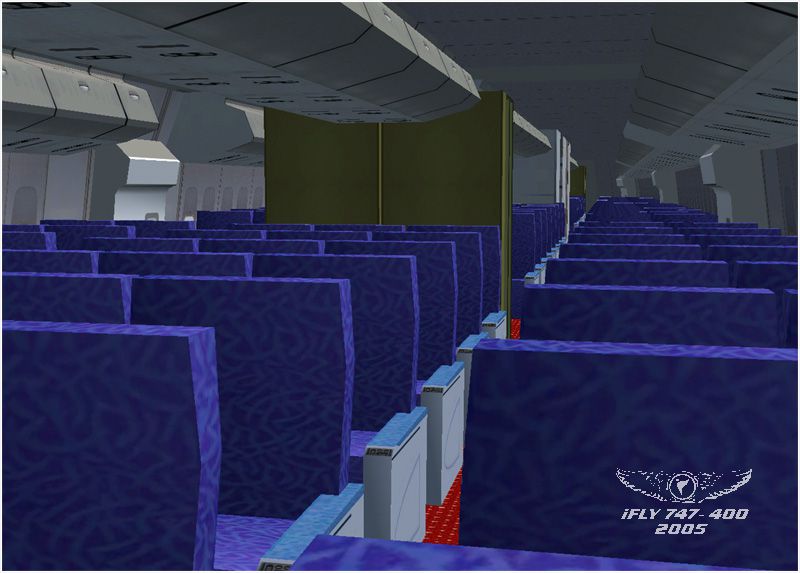
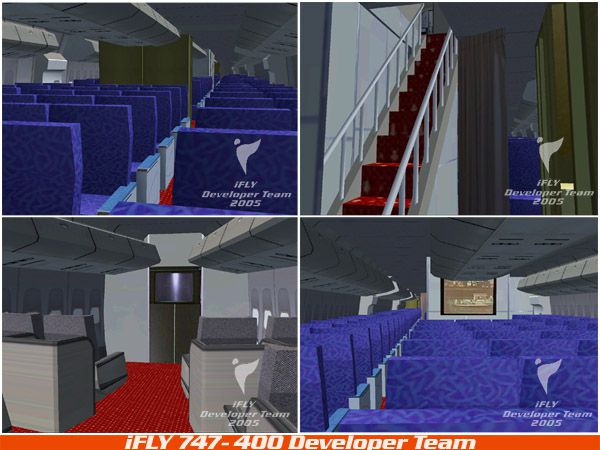
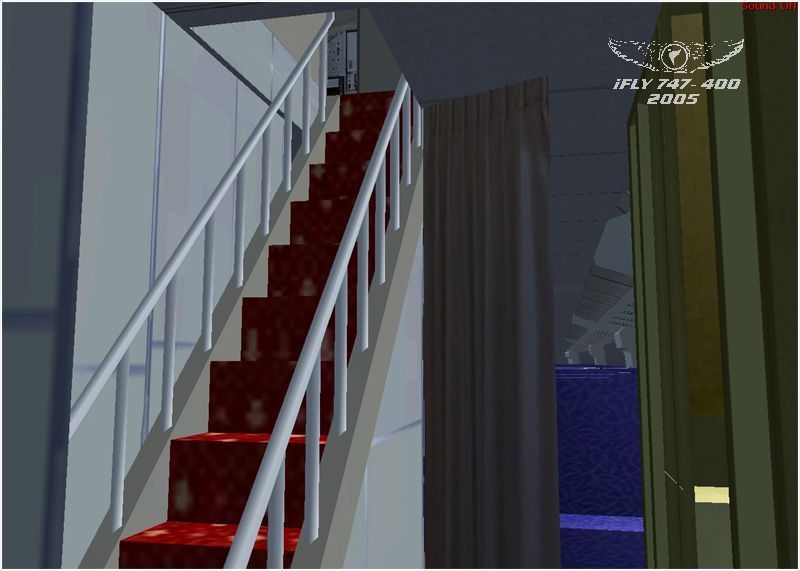
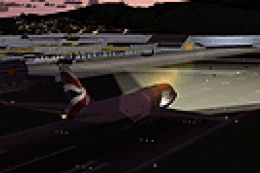
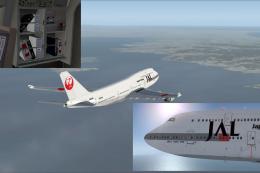
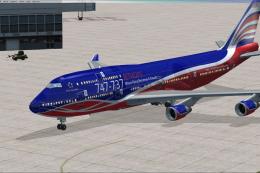
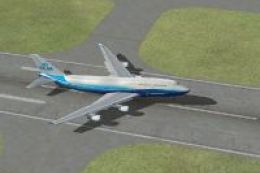
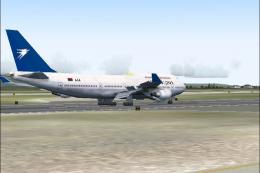
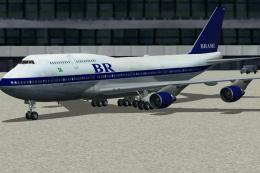
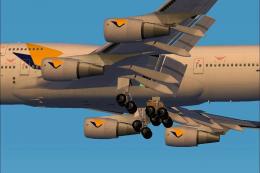
iFly’s Boeing 747-400 for FS2004 delivers a richly modeled airliner with an extreme-detail virtual cockpit, a fully simulated FMC, and TCAS featuring audio and visual TA/RA alerts. A realistic Inertial Reference System, mostly operational 3D cockpit buttons, three performance-friendly model options, and seven included liveries round out the package.



 5/5
(1)
15.7K downloads 🔥
FS2004
5/5
(1)
15.7K downloads 🔥
FS2004
- File: fly74710.zip
- Size:63.33 MB
- Scan:
Clean (21d)

- Access:Freeware
- Content:Everyone

 Description
 5 comments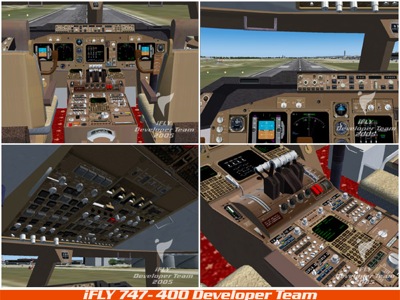
Images & Screenshots



The archive fly74710.zip has 22 files and directories contained within it.
File Contents
This list displays the first 500 files in the package. If the package has more, you will need to download it to view them.
| Filename/Directory | File Date | File Size |
|---|---|---|
| iFly744_02.jpg | 12.19.05 | 92.73 kB |
| Fly74710.gif | 12.18.05 | 23.96 kB |
| iFly 747-400.exe | 12.19.05 | 62.16 MB |
| iFly744_01.jpg | 12.19.05 | 83.70 kB |
| FILE_ID.DIZ | 12.20.05 | 351 B |
| iFly744_03.jpg | 12.19.05 | 108.93 kB |
| iFly744_04.jpg | 12.18.05 | 181.41 kB |
| iFly744_05.jpg | 12.18.05 | 100.97 kB |
| iFly744_06.jpg | 12.18.05 | 138.59 kB |
| iFly744_07.jpg | 12.18.05 | 167.83 kB |
| iFly744_08.jpg | 12.18.05 | 267.05 kB |
| iFly744_09.jpg | 12.18.05 | 212.79 kB |
| iFly744_10.jpg | 12.18.05 | 180.11 kB |
| iFly744_11.jpg | 12.18.05 | 152.87 kB |
| iFly744_12.jpg | 12.18.05 | 141.41 kB |
| iFly744_13.jpg | 12.18.05 | 119.63 kB |
| iFly744_14.jpg | 12.18.05 | 153.06 kB |
| logo_iFly_744_01.jpg | 12.18.05 | 24.71 kB |
| logo_iFly_744_02.jpg | 12.18.05 | 31.09 kB |
| readme.txt | 12.19.05 | 3.64 kB |
| flyawaysimulation.txt | 10.29.13 | 959 B |
| Go to Fly Away Simulation.url | 01.22.16 | 52 B |

Installation Instructions
Most of the freeware add-on aircraft and scenery packages in our file library come with easy installation instructions which you can read above in the file description. For further installation help, please see our Flight School for our full range of tutorials or view the README file contained within the download. If in doubt, you may also ask a question or view existing answers in our dedicated Q&A forum.





5 comments
Leave a ResponseThe content of the comments below are entirely the opinions of the individual posting the comment and do not always reflect the views of Fly Away Simulation. We moderate all comments manually before they are approved.
When programming the FMC, after pressing the
ARR/DEPkey to look for the active runways, it shows NONE. As a result, I can’t continue with the programming.I love this aircraft, but the lnav and the vnav aren't turning on. Any idea how to fix that?
In having some problems while trying to start a flight with this aircraft. I'm running windows 10 64bit with Flight Simulator 2004 and all the aircraft I have, they all load. But this one crashes the game. I used the installer as it says in the "readme" paper. The aircraft shows up in the game. It just crashes when I press the "FLY" button
Love this aircraft!!!!!!!!!!!!!!!!!!!!!!!
very good, nice cockpit