

 MSFS Civil Jet Aircraft
iniBuilds Airbus A340-300 Lufthansa D-AIGT Livery (With Cabin)
dmeh_liveries painted Lufthansa’s D-AIGT for the iniBuilds Airbus A340-300 in…
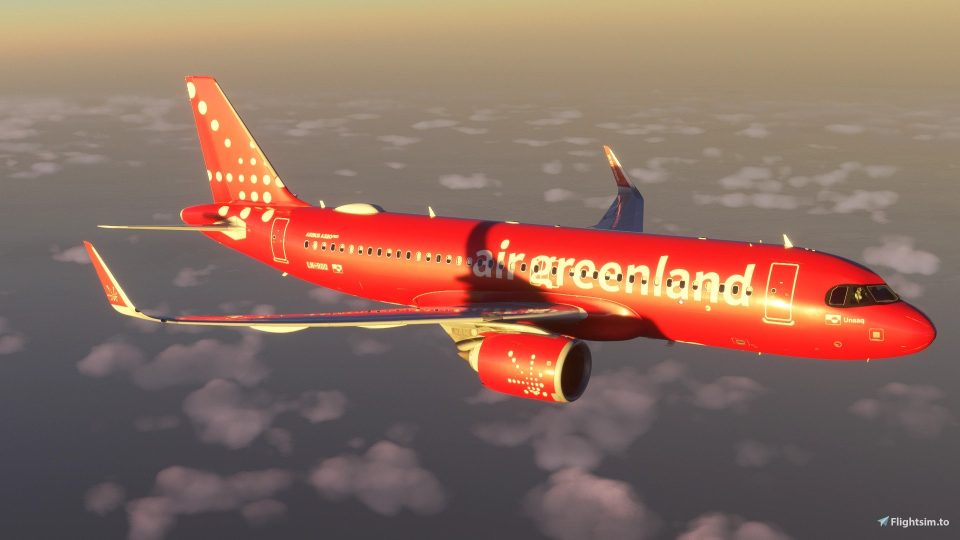
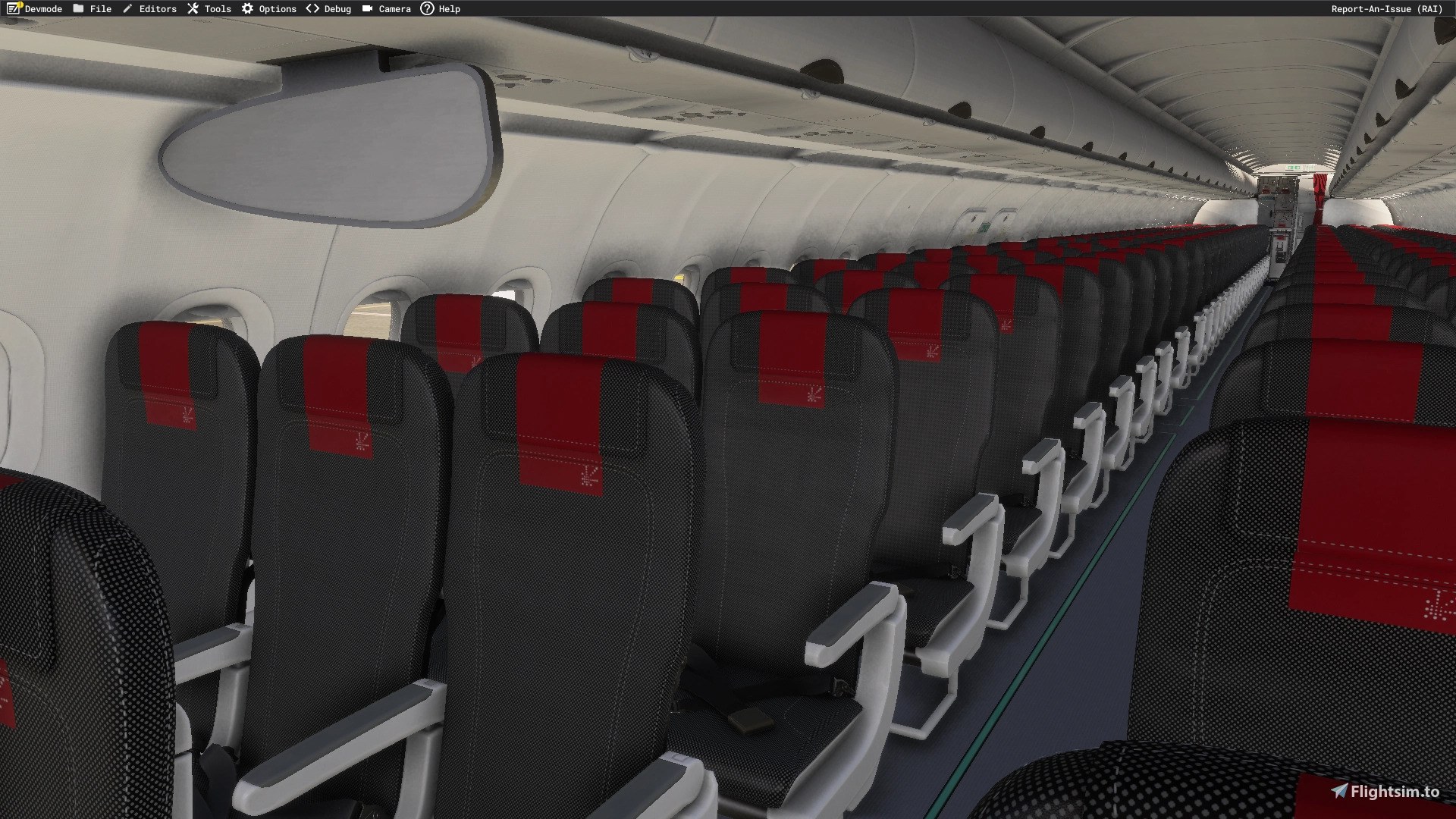
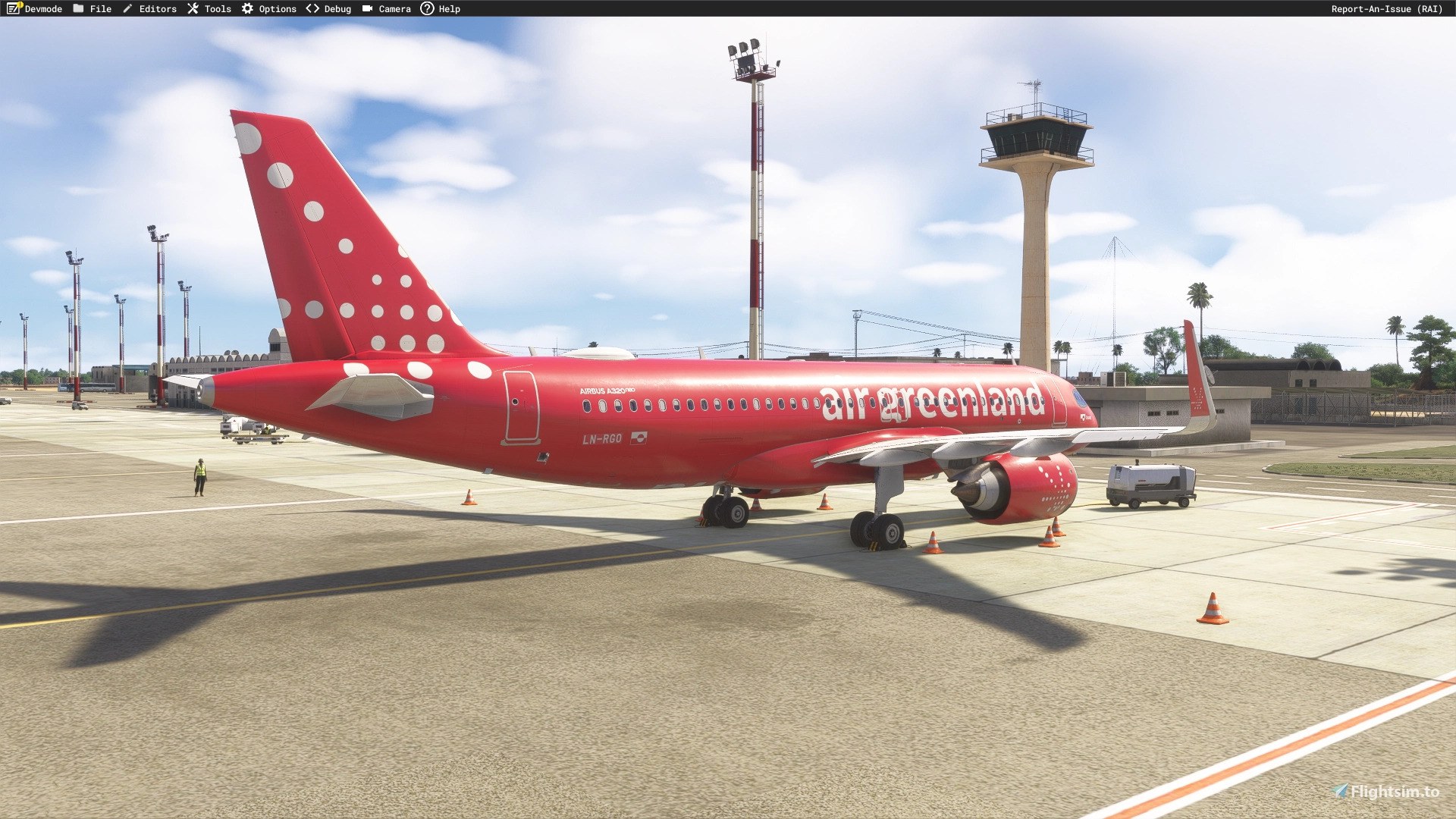
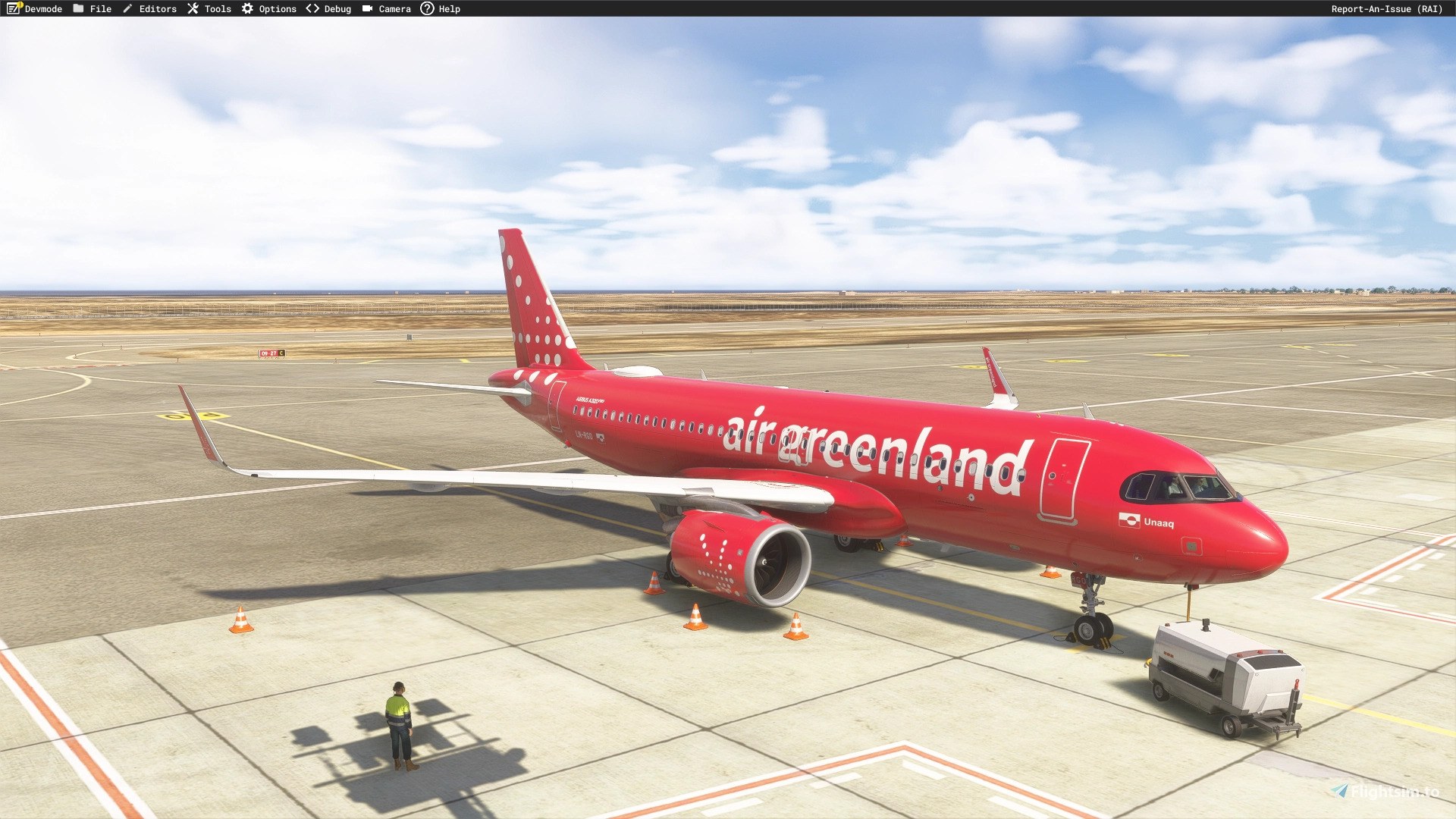
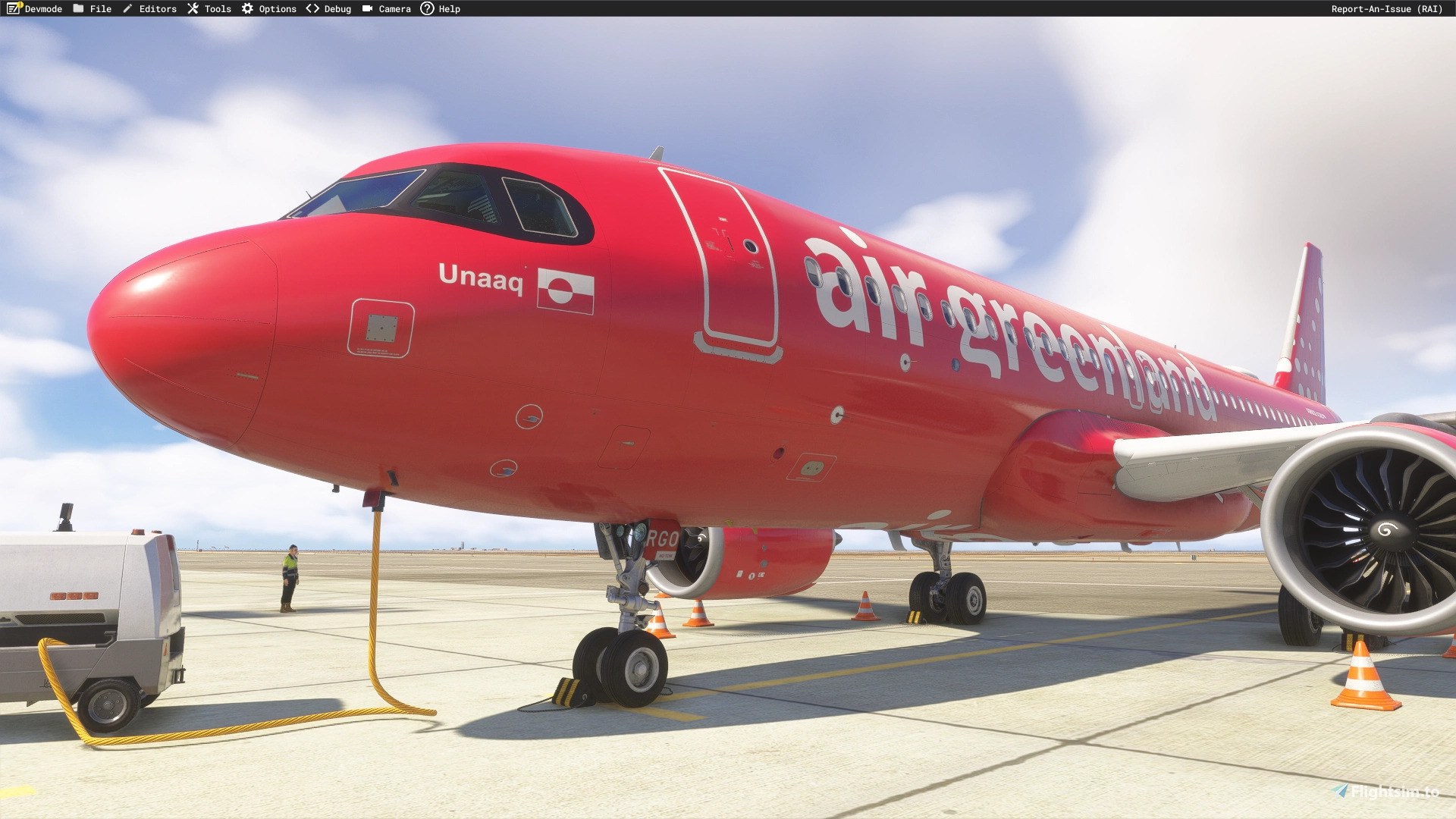
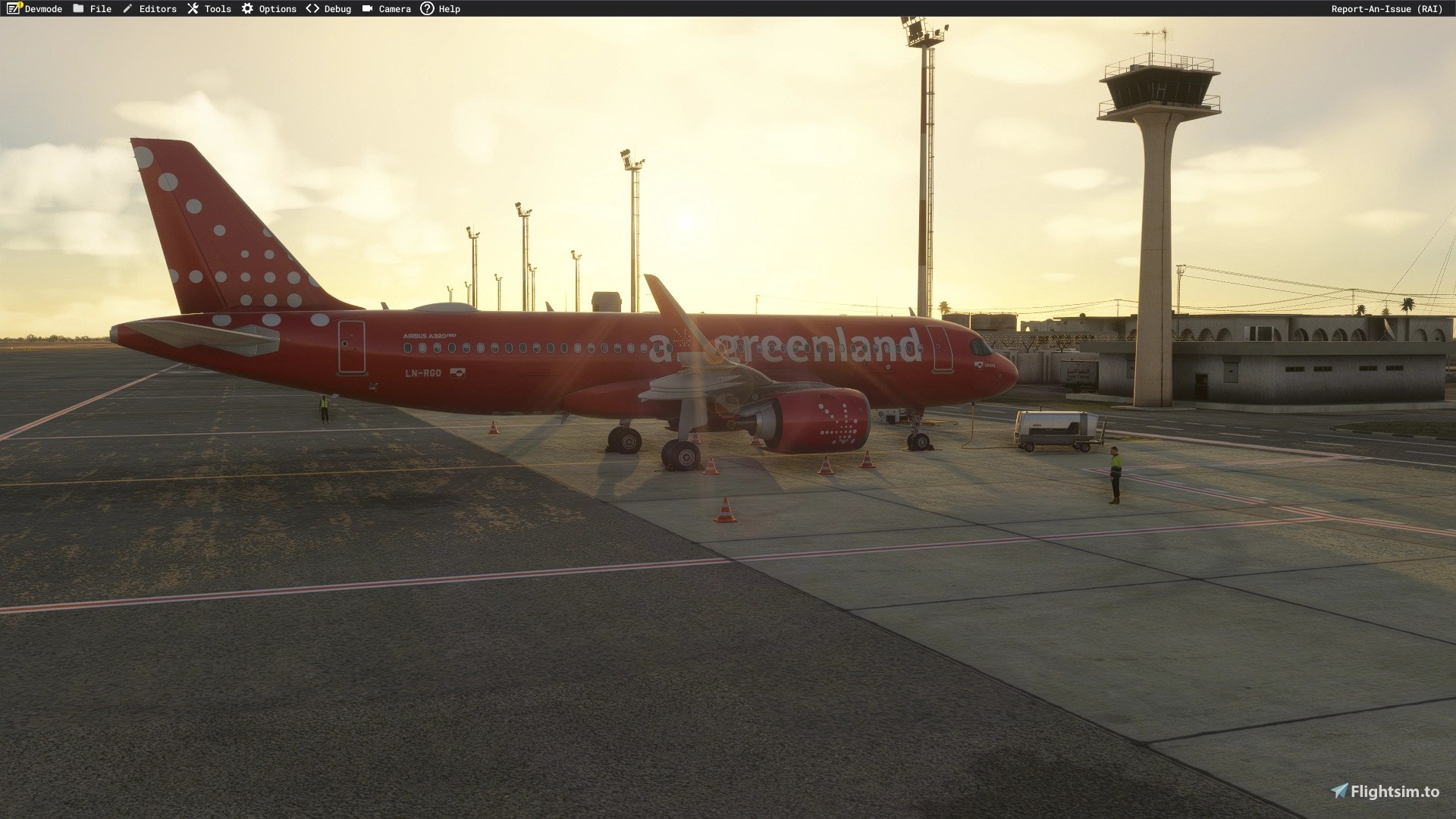
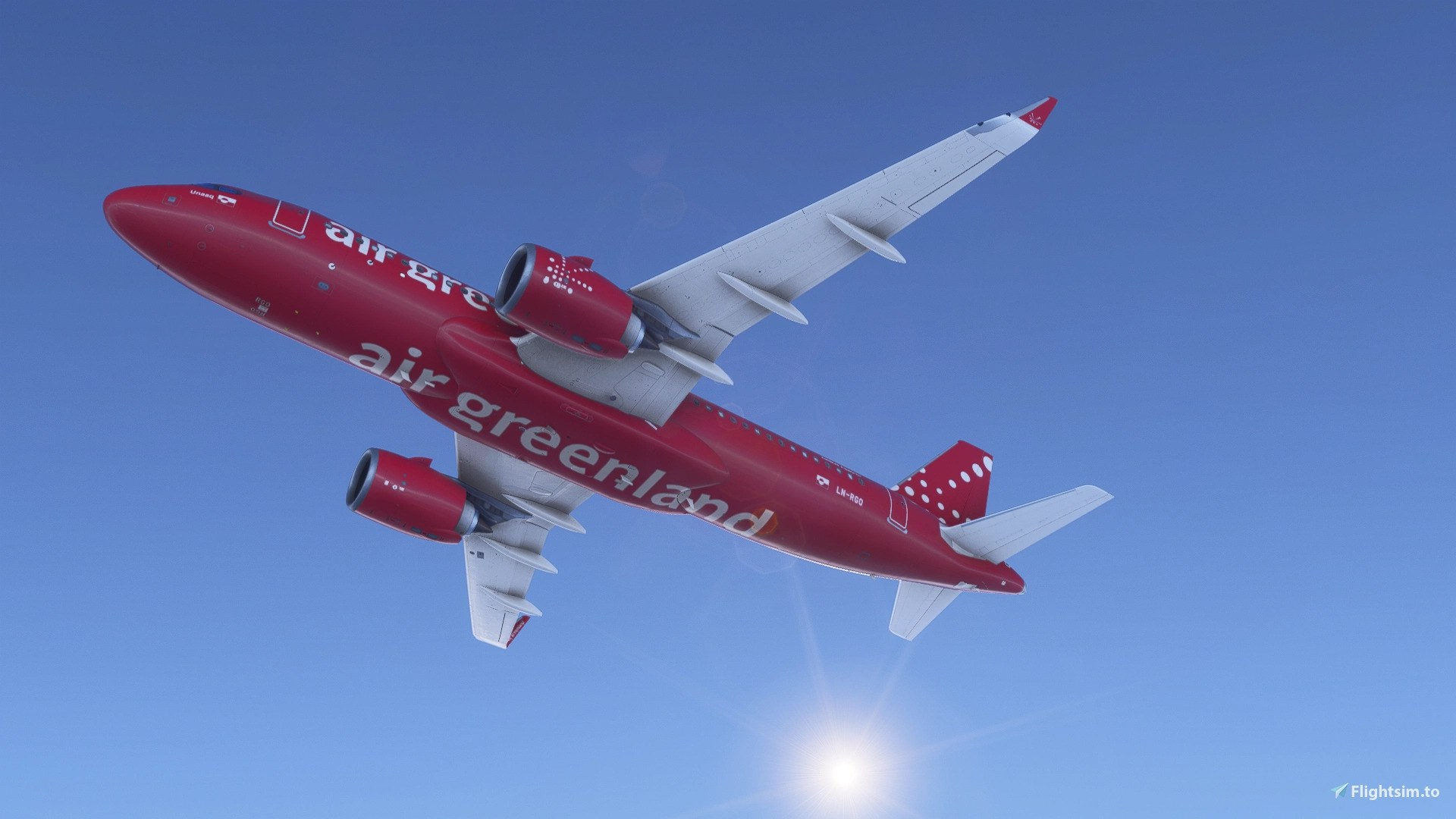
Air Greenland’s temporary LN-RGO scheme brings distinctive exterior paintwork and cabin textures to the iniBuilds Airbus A320neo in Microsoft Flight Simulator 2024. Designed for the simulator’s built-in aircraft, the repaint depicts the former SAS A320-251N during its planned transition to Greenland’s flag carrier, which intends to name the aircraft “Unaaq.”.
 Rate
 By dmeh_liveries
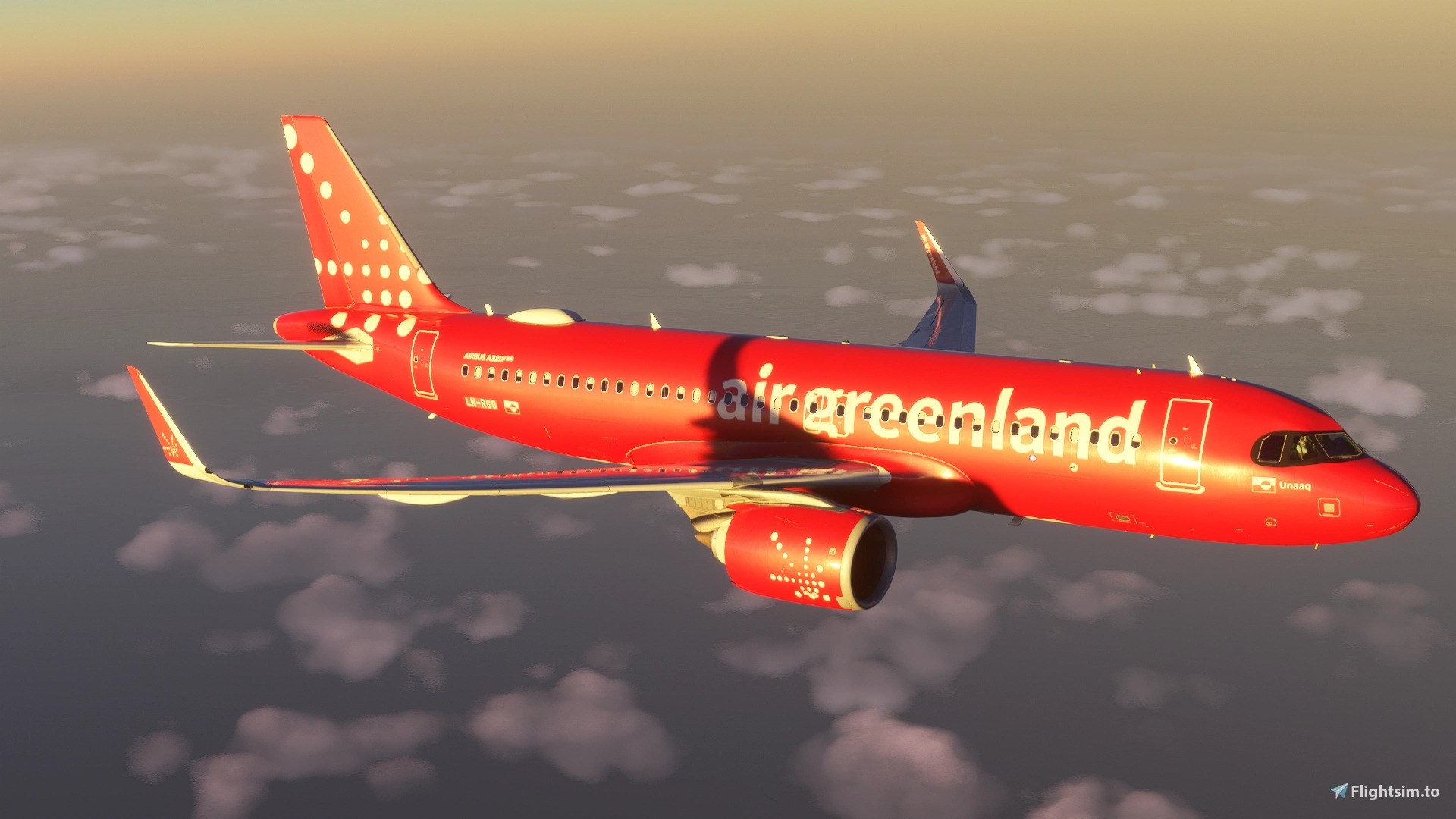

I like this as a snapshot of the handover, not a definitive fleet reference. With only a few reference photos available to the developer, I wouldn't treat every detail as settled.
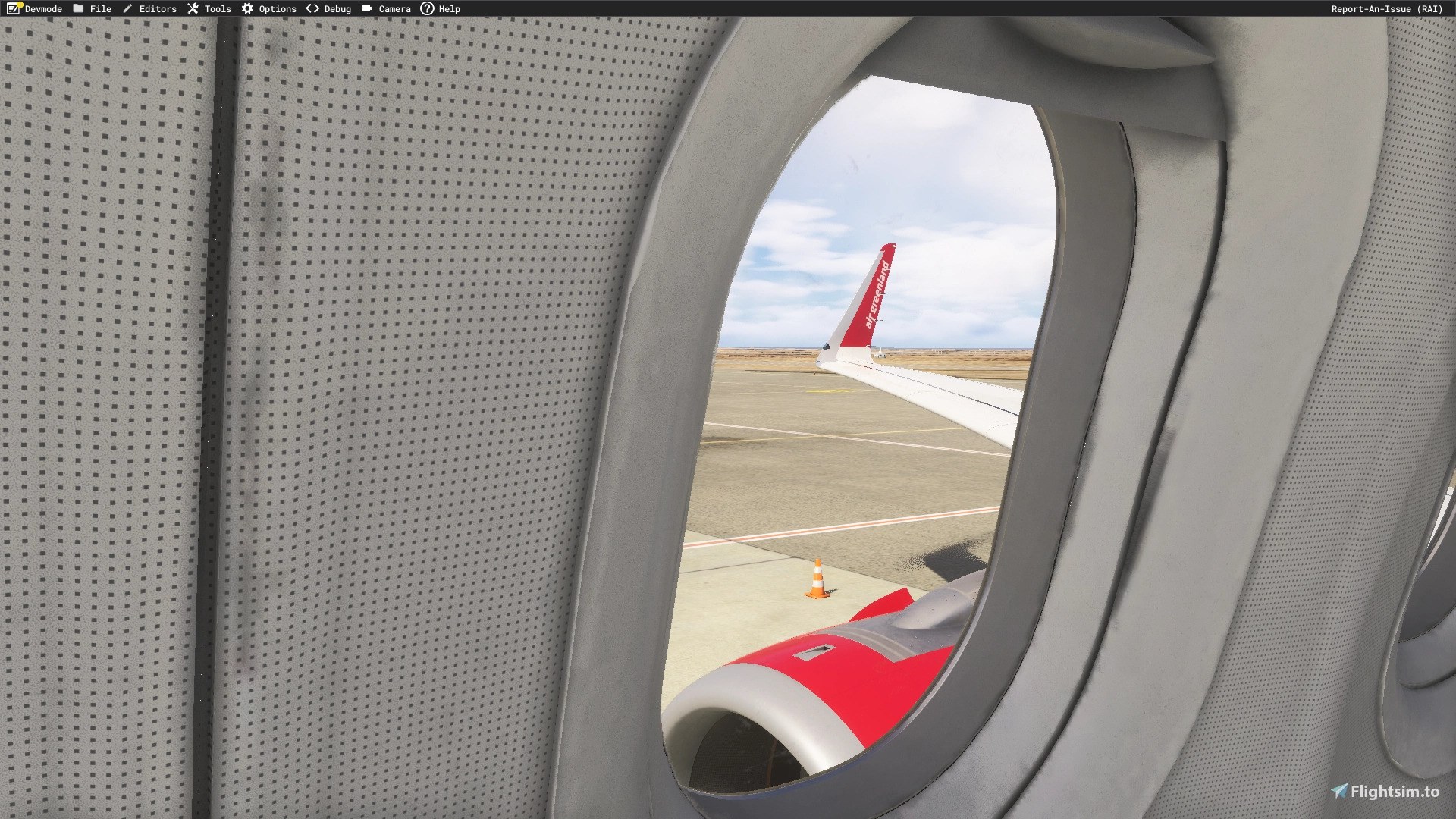
Looking out from a passenger window, I liked seeing the red nacelle below and the Air Greenland title on the winglet. The paint works from inside, too.
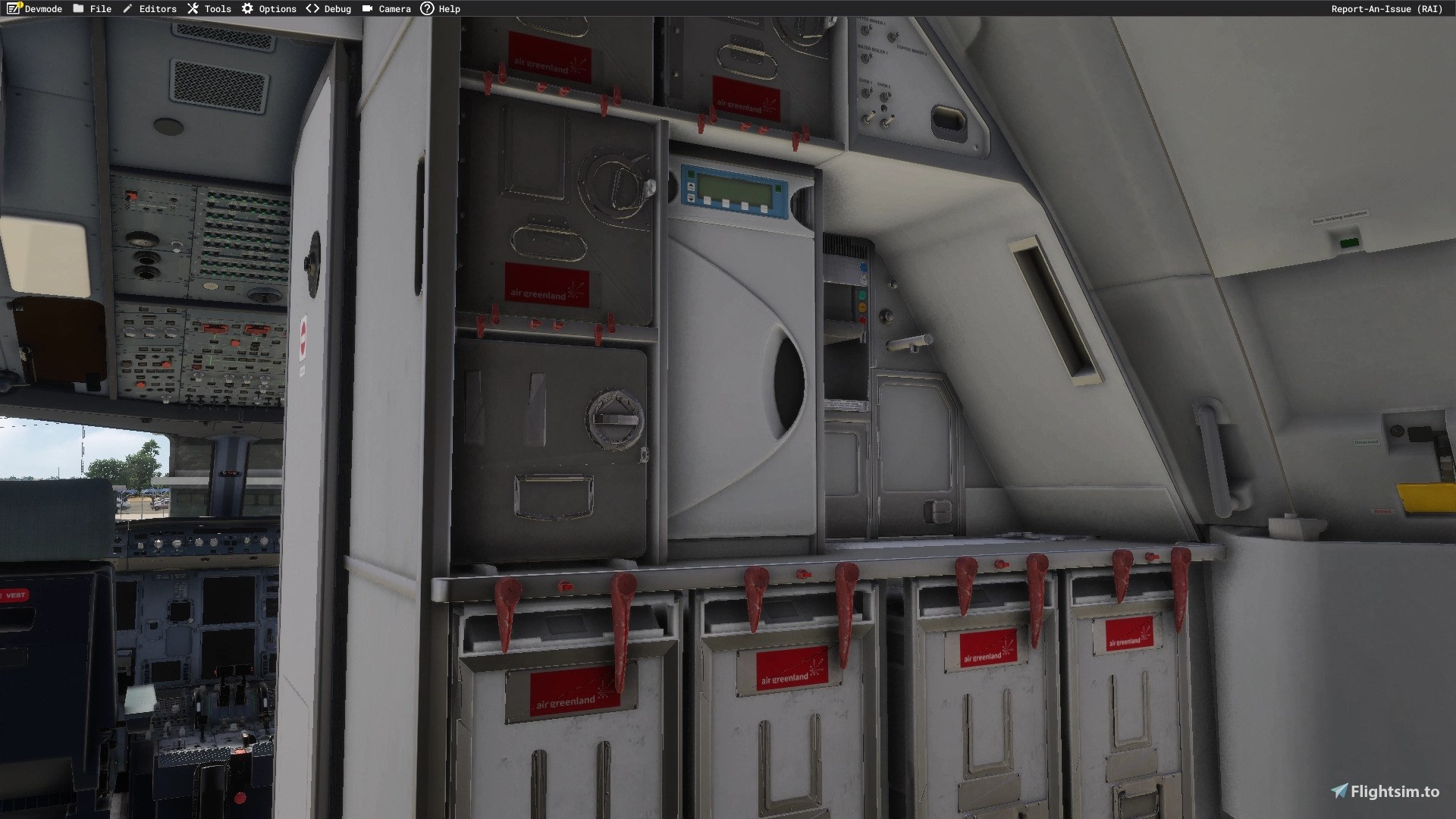
dmeh_liveries paints Air Greenland's LN-RGO for the iniBuilds Airbus A320neo, with cabin textures included, exclusively for Microsoft Flight Simulator 2024. Produced by request, the package covers one aircraft and installs over the simulator's own built-in A320neo; there's no separate base aircraft to download.
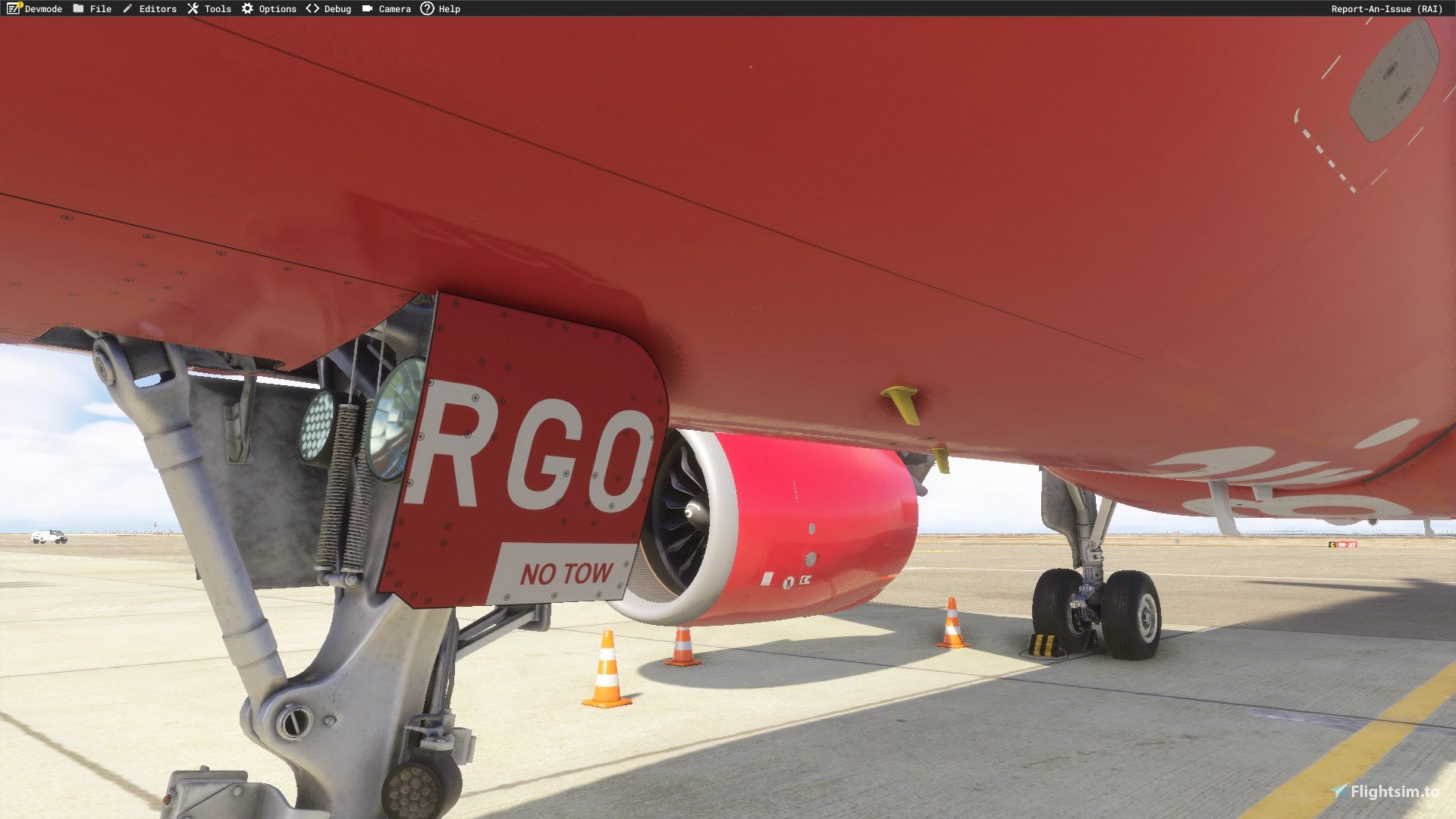
The paint represents a temporary scheme. The aircraft has yet to receive its final registration, and only a few reference photos were available to the developer. An update is planned once the final registration is assigned, so LN-RGO is the identity represented here for now.
The airframe is an Airbus A320-251N, manufacturer serial number (MSN) 7352, delivered to SAS Scandinavian Airlines in December 2016. It previously flew as “Brage Viking” under registration LN-RGO and is powered by two CFM International LEAP-1A26 engines. The repaint depicts its planned move to Air Greenland.
Air Greenland plans to name the aircraft “Unaaq” and operate it alongside its Airbus A330-800neo, “Tuukkaq.” Its intended work includes supporting the airline's growing network, particularly the planned Copenhagen–Ilulissat route. The real aircraft's refurbished cabin is planned to have 168 seats, including 18 Premium seats; that seating specification should not be read as a claim about the cabin layout modeled in this texture package.
The developer cites Air Greenland's published schedule of delivery in December 2026 and entry into service in spring 2027. Both the transfer and service debut remain subject to the airline's preparation schedule.
CC NC-BY-SA 4.0
Free for all simmers · 97.71 MB · Scanned clean Nov 2026
Download speed: Free tier is capped at 2 Mbps (this file takes approximately 7 mins at the cap). PRO members download at full line speed.
NONE / Initial Version
%LOCALAPPDATA%\Packages\Microsoft.FlightSimulator_8wekyb3d8bbwe\LocalCache\Packages\Community\. Steam version: %APPDATA%\Microsoft Flight Simulator\Packages\Community\. Tip: enable Developer Mode in MSFS to see your exact Community folder path.readme.txt or README file. It tells you exactly where files go, what dependencies are needed, and any quirks specific to this add-on.Currently an engineering student in France from Tunisia. / Started publishing liveries for FSX on the Aerosoft forum. Also publishing liveries for MSFS2024 on flightsim.to.Making liveries for MSFS2024 (NOT for MSFS2020)
Are you dmeh_liveries? Sign in to Fly Away Creators for download stats, comment replies and updates. Make add-ons? Publish them here.
Only PRO members can place votes.
More MSFS add-ons hand-picked based on this download.
MSFS Civil Jet Aircraft
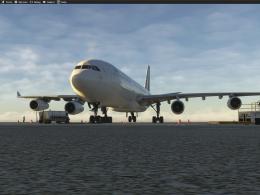
dmeh_liveries painted Lufthansa’s D-AIGT for the iniBuilds Airbus A340-300 in…
 MSFS Civil Jet Aircraft
dmeh_liveries has painted Lufthansa’s D-AIFC, D-AIGX, and D-AIGW for the iniB…
 MSFS Civil Jet Aircraft
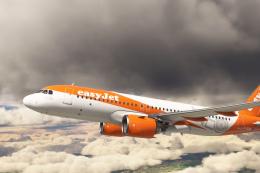
An add-on for MSFS 2020 brings the easyJet A320neo registration G-UZHA livery…
 MSFS Civil Jet Aircraft
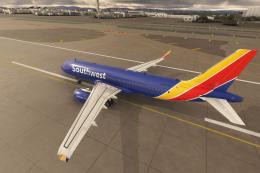
A high-definition Southwest Airlines livery/repaint for the default Microsoft…
 MSFS Civil Jet Aircraft
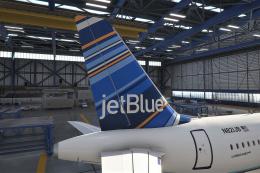
A freeware livery for the default MSFS 2020 A320neo bringing the JetBlue 'Bar…
MSFS Civil Jet Aircraft
dmeh_liveries has painted Tunisair’s TS-IMS for the Fenix Airbus A320-214 CFM…
 MSFS Civil Jet Aircraft
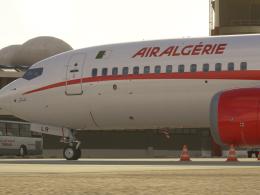
dmeh_liveries painted Air Algérie’s 7T-VLR for the iFly Boeing 737 MAX 8 in M…
MSFS Civil Jet Aircraft
dmeh_liveries has painted TUI Airways’ G-TUPD for the iFly Boeing 737 MAX 8 i…
Be the first to leave a comment on this download.
Be the first to share your thoughts on this download.