

 FSX Civil Aircraft
DHL (DHL Air) Boeing 767-3JHF
Complete package for FSX only of the Skyspirit2010 B767-300F in DHL (DHL Air)…
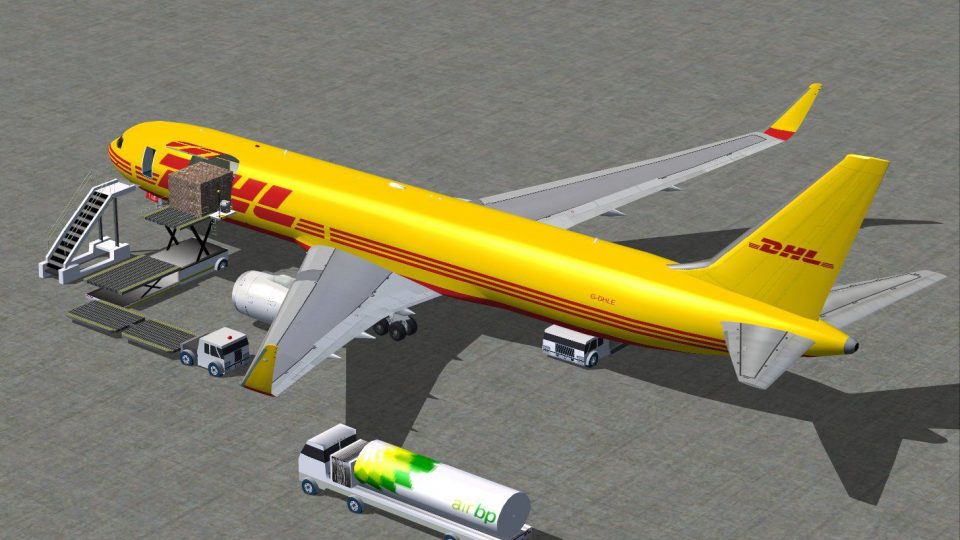
DHL Cargo Boeing 767-300ER for FSX brings blended winglets, Animated Ground Servicing, and a polished exterior with dynamic shine and reflective textures. Expect animated control surfaces, flaps and flaperons, plus extra touches like an opening cargo door and exit, a flight attendant, and a modern digital flight deck feel.
 Rate
Rate
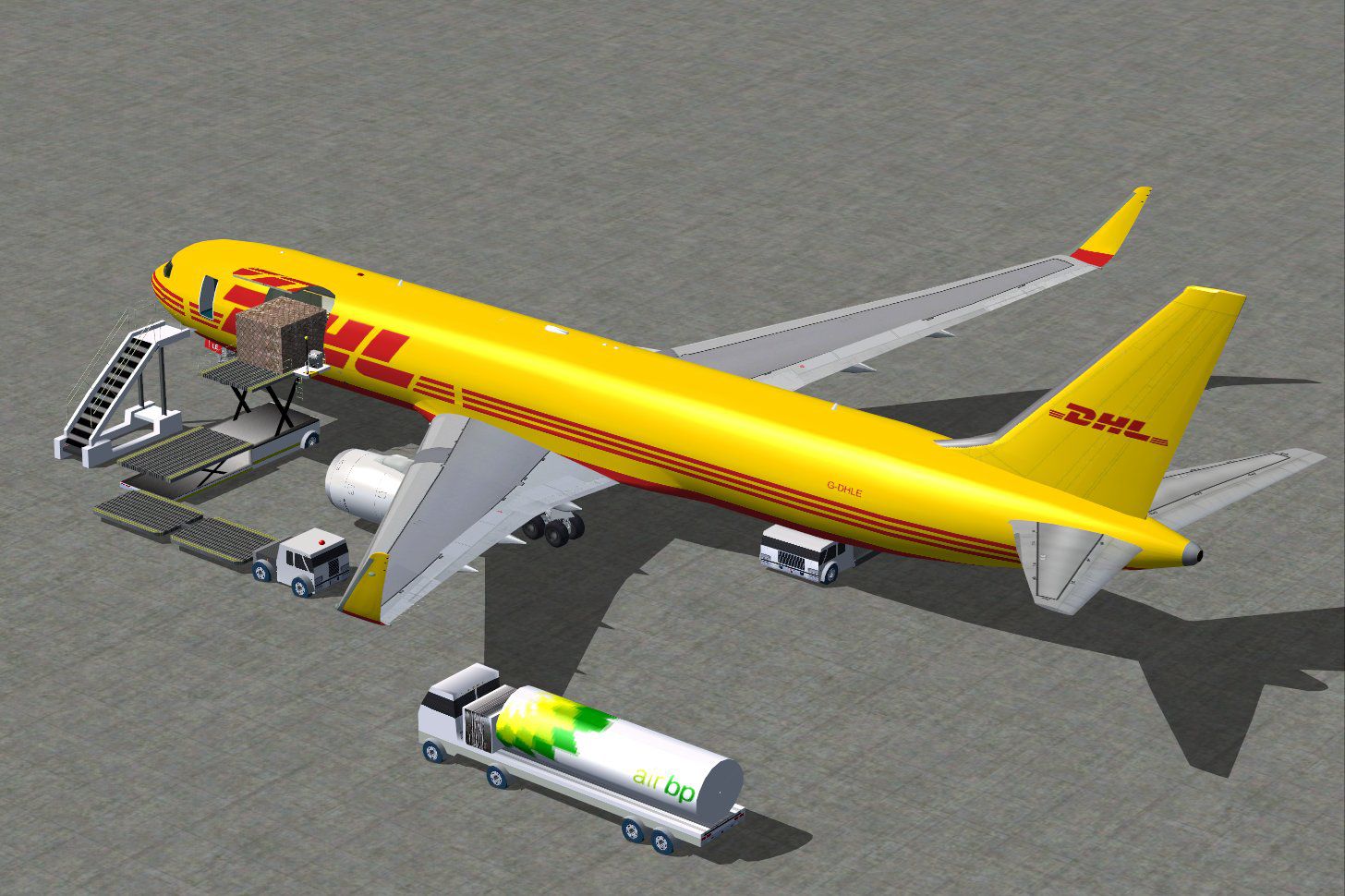

DHL Cargo Boeing 767-300 ER with blended winglets and Animated Ground Servicing (AGS). Model design and paint by iFDG / CamSim.
iFDG is proud to present the Boeing 767-300. The aircraft model includes
most of the standard features including animated control surfaces, flaps,
flaperons, and highly detailed, reflective textures and Dynamic shine. Extra
details such as an opening exit, cargo door and flight attendant are included!.
The Boeing 767 family is a complete family of airplanes providing maximum
market versatility in the 200- to 300-seat market. The Boeing 767 family
includes three passenger models - the 767-200ER, 767-300ER and 767-400ER -
and a freighter, which is based on the 767-300ER fuselage.
The twin-engine 767 - sized between the single-aisle 757 and the larger,
twin-aisle 777 - has built a reputation among airlines for its profitability
and comfort. More..
The 767 Freighter is a derivative of the popular 767-300ER (extended range)
passenger twinjet. All the advancements in avionics, aerodynamics, materials
and propulsion that were developed for passenger versions of the 767 are
incorporated in the freighter. Its design provides excellent fuel efficiency,
operational flexibility, low-noise levels and an all-digital flight deck.
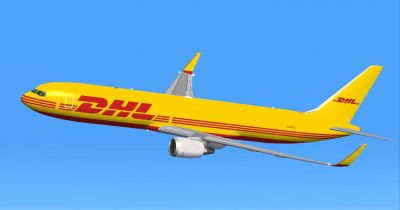
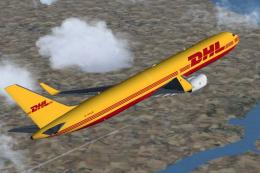
DHL Cargo Boeing 767-300 ER against a blue sky.
Free for all simmers · 2.62 MB · Scanned clean Oct 2026
Download speed: Free tier is capped at 0.5 Mbps. PRO members download at full line speed.
FSX\SimObjects\Airplanes\. The folder must contain an aircraft.cfg file. Effects go into FSX\Effects\; gauges go into FSX\Gauges\.readme.txt or README file. It tells you exactly where files go, what dependencies are needed, and any quirks specific to this add-on.The archive 763wdhlx.zip has 51 files and directories contained within it.
This list displays the first 500 files in the package. If the package has more, you will need to download it to view them.
| Filename/Directory | File Date | File Size |
|---|---|---|
| iFDG-CamSim Cargo DHL 763 | 09.12.09 | 0 B |
| 763geER.air | 03.24.09 | 8.26 kB |
| 763geER_notes.txt | 01.31.03 | 0 B |
| 763wdhl4.jpg | 09.12.09 | 72.06 kB |
| 763wdhl4_2.jpg | 09.12.09 | 233.77 kB |
| Aircraft.cfg | 09.12.09 | 11.86 kB |
| Effects-767.zip | 08.13.08 | 2.40 kB |
| file_id.diz | 09.12.09 | 184 B |
| iFDG 767 README.txt | 07.04.03 | 4.41 kB |
| model | 09.12.09 | 0 B |
| 767ge.mdl | 04.13.09 | 1.90 MB |
| Model.cfg | 06.12.03 | 24 B |
| PANEL | 09.12.09 | 0 B |
| panel.cfg | 02.12.07 | 40 B |
| Read Me IFDG-Camsim 767.txt | 09.12.09 | 1.49 kB |
| SOUND | 09.12.09 | 0 B |
| Sound.cfg | 02.12.07 | 42 B |
| texture.dhl | 09.12.09 | 0 B |
| 763fuse_t.bmp | 09.11.09 | 1.00 MB |
| 767cargobay_t.bmp | 04.13.09 | 256.07 kB |
| 767cargo_t.bmp | 04.13.09 | 256.07 kB |
| 767enginecone_t.bmp | 08.13.08 | 64.07 kB |
| 767enginefanfast_t.bmp | 08.13.08 | 64.07 kB |
| 767enginefan_t.bmp | 08.11.08 | 64.07 kB |
| 767gearbay_t.bmp | 08.13.08 | 64.07 kB |
| 767geardoors_t.bmp | 09.11.09 | 64.07 kB |
| 767gear_t.bmp | 08.13.08 | 64.07 kB |
| 767ge_l.bmp | 07.11.03 | 1.00 MB |
| 767ge_t.bmp | 09.12.09 | 1.00 MB |
| 767lwing_t.bmp | 04.05.09 | 1.00 MB |
| 767rwing_t.bmp | 04.05.09 | 1.00 MB |
| 767wheelfast_t.bmp | 08.13.08 | 16.07 kB |
| 767wheelslow_t.bmp | 08.13.08 | 16.07 kB |
| 767windowframe_t.bmp | 09.12.09 | 64.07 kB |
| 767window_t.bmp | 08.13.08 | 16.07 kB |
| 767wings_t.bmp | 04.05.09 | 256.07 kB |
| 767_enginefan_t.bmp | 08.13.08 | 256.07 kB |
| 767_enginefast_t.bmp | 08.13.08 | 64.07 kB |
| 767_ht_t.bmp | 08.07.08 | 256.07 kB |
| 767_landinglight_t.bmp | 08.13.08 | 16.07 kB |
| 767_tails_t.bmp | 09.12.09 | 256.07 kB |
| 767_winglets_t.bmp | 09.11.09 | 256.07 kB |
| 787ext_L.bmp | 01.25.07 | 4.00 MB |
| 787ext_t.bmp | 09.12.09 | 1.00 MB |
| Antennes_t.bmp | 09.12.09 | 256.07 kB |
| apu intake_t.bmp | 08.13.08 | 16.07 kB |
| interior2_t.bmp | 08.13.08 | 256.07 kB |
| interior_t.bmp | 08.13.08 | 256.07 kB |
| thumbnail.jpg | 09.12.09 | 9.12 kB |
| flyawaysimulation.txt | 10.29.13 | 959 B |
| Go to Fly Away Simulation.url | 01.22.16 | 52 B |
Only PRO members can place votes.
More FSX & P3D add-ons hand-picked based on this download.
FSX Civil Aircraft
Complete package for FSX only of the Skyspirit2010 B767-300F in DHL (DHL Air)…
 FSX Civil Aircraft
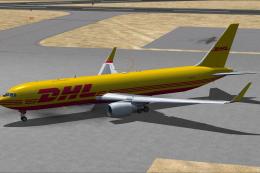
DHL Boeing 767-300ER, registration G-DHLE . Repaint of iFDG / CamSim design. …
 FSX Civil Aircraft
DHL Air Boeing 767-300F with winglets. FSX version of the original DHL v2 win…
 FSX Civil Aircraft
FSX American Airlines Boeing 767-300 ER with blended winglets and Animated Gr…
 FSX Civil Aircraft
This freeware release features an American Airlines Boeing 767-300 ER equippe…
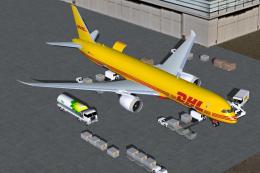 FSX Civil Aircraft
This specialized DHL Boeing 787-9 cargo rendition is offered as a freeware pa…
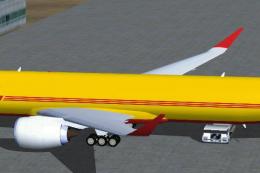 FSX Civil Aircraft
FSX DHL Airbus A350-900F Cargo with six wheel landing gear, a la 777, includi…
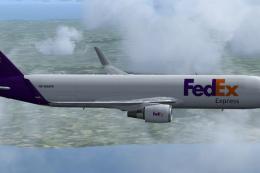 FSX Civil Aircraft
Complete package for FSX only of the Skyspirit2010 B767-300F in FedEx livery.…
Read what other simmers think, or add your own.


Please, find and download an aircraft "Concorde", but does not install, can not run on windows 7. alguej can help me? How to install this aircraft. respond to this address: donemaktub@hotmail.com<br /> grateful